Mac

Stay up-to-date on the latest Mac news, and tutorials. Get expert tips and tricks to optimize your Mac’s performance and learn about the latest Apple products and software updates. Discover the best Mac apps and accessories to enhance your user experience.

Apple updates Mac iWork apps with support for real-time collaboration

In addition to macOS Sierra, Apple on Tuesday also released updates for its Mac iWork apps to support real-time collaboration. The feature was announced at the iPhone 7 event earlier this month, and was added to iOS apps last week.

Real-time collaboration is exactly what it sounds like. With it, users can work simultaneously in any iWork app regardless of device. A list is displayed of all current document editors, and users see the others' cursor activity in real time.

How to invoke Siri with a keyboard shortcut on Mac

Your favorite assistant finally made its way to the Mac, starting with the macOS Sierra software update.

If you have used Siri on your iPhone or iPad before, then you'll probably feel right at home with the assistant on your Mac since it works in a similar way. However, unlike your iPhone, you don't have the ability to invoke Siri on your Mac by saying "Hey, Siri." Instead, you will have to click on the Siri icon in the Menu Bar, or in the Dock.

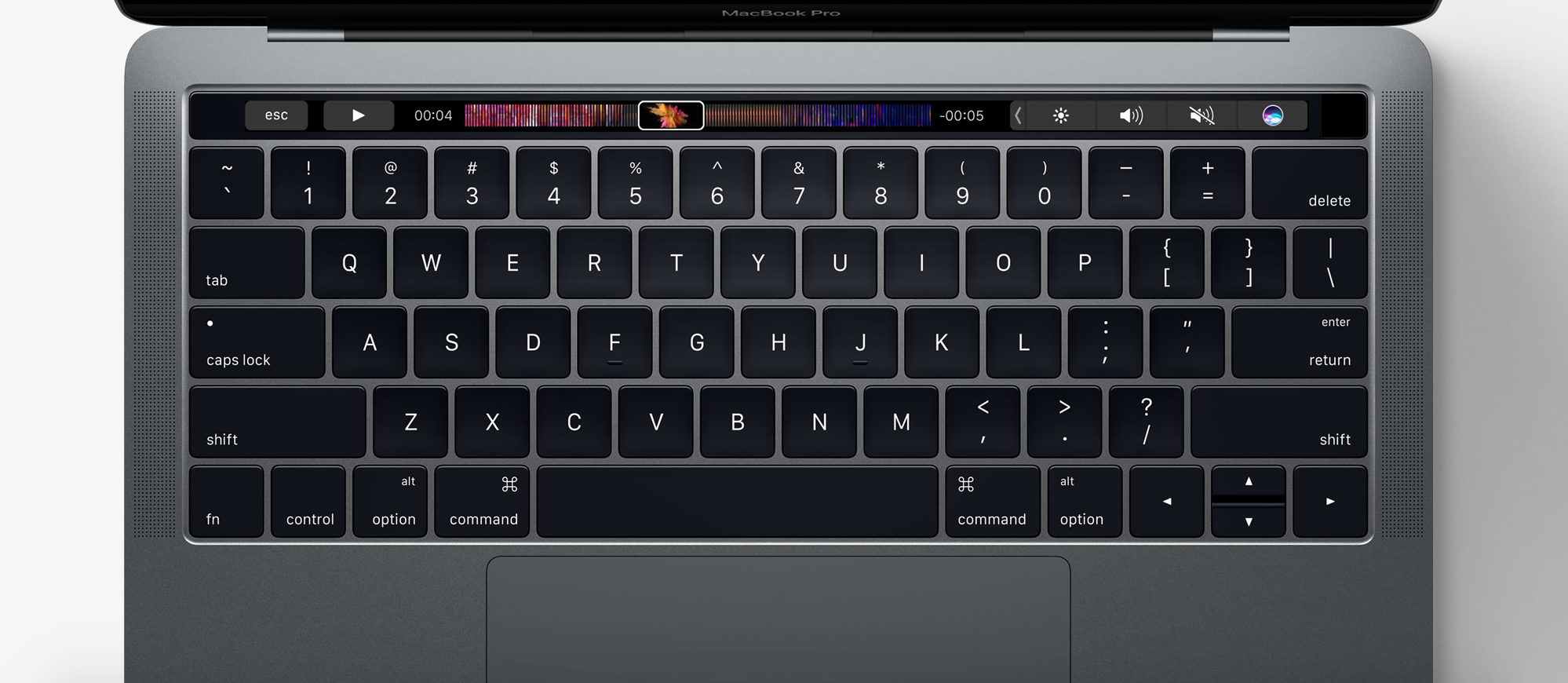
Another way to invoke Siri is by using a keyboard shortcut. Admittedly, this is my preferred way of activating the assistant as it feels faster and more efficient than reaching for the mouse or trackpad and clicking on the Siri icon.

Tweetbot for Mac updated with support for macOS Sierra, extended Tweets and more

Tweetbot users will be happy to hear that the Tapbots have updated their popular Twitter client today to support the just-released macOS Sierra software. The release brings the app to version 2.4.2, and it includes several improvements.

Among these improvements is support for extended Tweets—a change Twitter made to its service this week that prevents media URLs and Quote Tweets from counting against your 140 character limit. It also now supports extended videos.

macOS Sierra software update is now available

Apple on Tuesday released macOS Sierra for its laptop and desktop computers. The software update is free, and compatible with iMacs and MacBooks from 2009 or later, as well as MacBook Airs, MacBook Pros, Mac Minis and Mac Pros from 2010 or later.

If you own any of the above hardware, you can update to macOS Sierra by navigating to the Mac App Store and locating the macOS Sierra page (or you can just search the App Store for macOS Sierra). Click on 'Download' and follow the on-screen instructions.

New Surface ad wants you to think that your Mac “ain’t fast enough”

It's been only three days since Microsoft's advertising department unleashed a new ad salvo at Apple's direction in the form of a commercial for its Surface Pro 4 tablet/laptop hybrid and now it's posted yet another video to conveniently reiterate its message ahead of iPhone 7's launch tomorrow. Titled “Power of Touch”, the 30-second commercial doubles down on the ”the Mac lacks a touchscreen” theme.

Not only does Microsoft poke fun of the fact that Macs are long overdue for a refresh (yours supposedly “ain't fast enough” lately), but also disses the Mac for not shipping with a detachable keyboard or a stylus.

New Surface Pro 4 ad pokes fun of the Mac because it doesn’t have a touchscreen

Microsoft over the weekend fired another ad salvo at Apple's tablet/computer strategy with a new (somewhat) amusing commercial. Simple titled “Get the Surface Pro,” the 30-second ad highlights Microsoft's Surface Pro 4 hybrid device which includes a stylus and comes with a detachable keyboard and an Intel chip allowing it to be transformed into a computer that runs Windows, Office and other real desktop applications.

Using the same singer from the previous commercial, the new video informs us that “If you try to write on a plain old Mac, the difference can be seen. It doesn't work.”

How to disable the startup tone on your Mac

Whenever you turn on your Mac, you typically hear a startup tone just before your computer boots up. The tone is there to let you know your computer has passed a pre-boot test and its hardware is working properly.

Some people, however, prefer to boot up their computers in silence. If you're one of those people, we'll show you in this tutorial how you can disable the start-up tone on your Mac.

How to live stream the iPhone 7 event

It's that time of the year again and Apple's September 7th keynote will be kicking off tomorrow in what is expected to bring the unveiling of the next-generation iPhone and some other exciting surprises.

If you're ready to tune in and see what Apple has to offer, we'll be showing you in this piece how you can live-stream the event on various devices.