Mac

Stay up-to-date on the latest Mac news, and tutorials. Get expert tips and tricks to optimize your Mac’s performance and learn about the latest Apple products and software updates. Discover the best Mac apps and accessories to enhance your user experience.

How to test your RAM’s integrity with MemTest86

If you've been experiencing strange behaviour from your computer, or have recently upgraded or replaced your RAM, it might be a good idea to test its integrity. This ensures that it is installed correctly, that no part of it has failed, and that it has no intermittent problems.

More macOS High Sierra features that slipped under the radar

Although Apple announced a host of new features for its upcoming macOS High Sierra operating system for Mac computers at WWDC 2017 on Monday, they didn’t quite have time to cover everything.

In this piece, we’ll outline a number of new features that are coming in macOS High Sierra that Apple didn’t demonstrate at the keynote.

Can your Mac run macOS High Sierra?

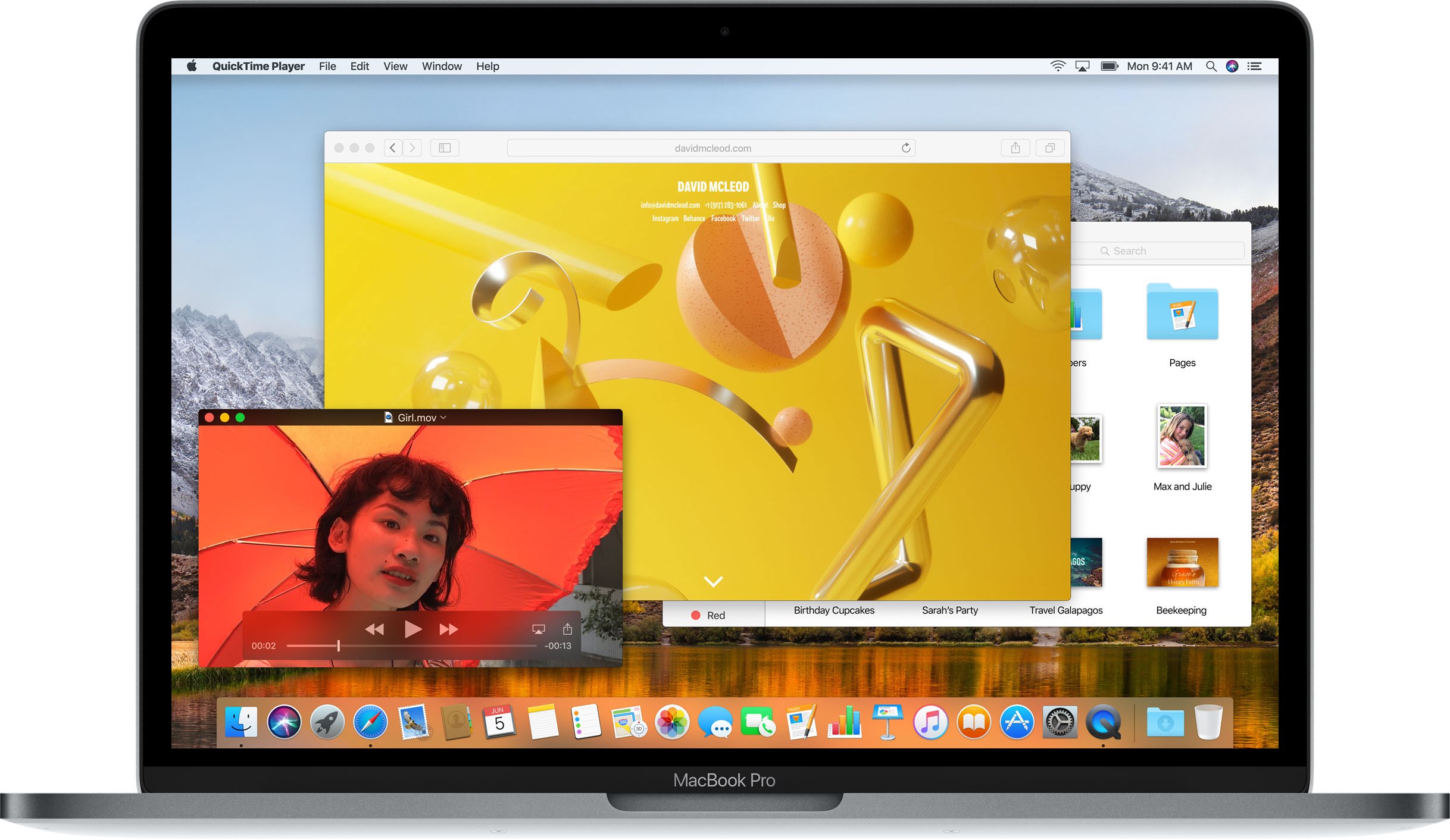
During yesterday's keynote talk at the Worldwide Developers Conference in San Jose, Apple announced macOS High Sierra, the next major version of the desktop operating system powering Mac desktops and notebooks. It packs in a number of new and updated core technologies to help apps get the most out of your Mac's CPU and GPU.

macOS High Sierra sets the stage for more powerful hardware down the road, such as the upcoming iMac Pro. Thanks to the technologies like Metal 2, enhanced GPU support and other core OS improvements, it should let you do things Macs traditionally were not very good at, like AR and VR content creation, high-end gaming and so forth.

But is your rusty old Mac able to run macOS High Sierra?

According to Apple itself, the supported configurations for macOS High Sierra are the same as those for its predecessor, macOS Sierra.

The following Mac models are compatible with macOS High Sierra.

Late 2009 or newer MacBook or iMac 2010 or newer MacBook Air, MacBook Pro, Mac mini or Mac Pro

Bottom line: if your Mac runs macOS Sierra, it's able to run macOS High Sierra as well.

Some features in macOS High Sierra require more modern hardware: a more powerful Mac will deliver better HEVC (H.265) performance, as an example. Speaking of which, playback of 4K HEVC content requires a Mac with a sixth‑generation Intel Core chip or newer.

To see your Mac's model year and other stats, choose About This Mac from the Apple menu.

And now, check if your iPhone, iPad or iPod touch is supported by iOS 11.

Will you be updating to macOS High Sierra when it comes out this fall?

Video: Top 6 WWDC 2017 announcements

Apple had a pretty big day at yesterday's Worldwide Developers Conference in San Jose, revealing a bunch of new or updated products and technologies that have set the stage for other important hardware announcements this fall.

If you didn't have the time to sit through the entire keynote talk and are wondering about the big takeaways, our video editor Andrew O'Hara has put together a short five-minute video highlighting the top six announcements Apple made during the WWDC 2017 keynote.

Andrew's main topics of interest include:

tvOS 11 with Amazon's Prime video-streaming app coming to Apple TV watchOS 11 with all the major improvements for workouts, notifications and more macOS High Sierra and core technologies aimed at AR/VR content creation iOS 11 with all of the improvements for your iPhone and iPad iPad Pro and iMac Pro changes and enhancements HomePod, Apple's high-end Siri-enabled speaker with hi-fi sound

And here's the video:

https://www.youtube.com/watch?v=QQBulSRR9Fc

Subscribe to iDownloadBlog on YouTube

What's your favorite WWDC 2017 announcement so far?

Post a comment below to let us know!

MacBook Pro gets faster CPU/GPU/SSDs, non-Touch Bar model now $200 cheaper

Apple has refreshed its notebook lineup during this morning's keynote presentation at the Worldwide Developers Conference in San Jose. Like its updated 12-inch MacBook, the refreshed MacBook Pro lineup now provides Intel's latest seventh-generation processors, code-named “Kaby Lake”, that were announced in March.

All MacBook Pro models now include enhanced SSDs, up to 50 percent faster than before.

The 13-inch MacBook Pro with Touch Bar starts at $1,799. If you need a notebook with a 15-inch display and Touch Bar, that'll be a cool $2,399, at least.

The 13-inchers have Intel CPUs up to 3.5 GHz Core i7 with Turbo Boost up to 4.0 GHz while their 15-inch counterparts include up to 3.1 GHz Core i7 chips with Turbo Boost up to 4.1 GHz.

In terms of graphics, the baseline non-Touch Bar model uses Intel's Iris Plus Graphics 640. The more powerful Intel Iris Plus Graphics 650 is powering other 13-inchers without Touch Bar.

All models of the 15-inch MacBook Pro have been upgraded to Radeon Pro 555 discrete graphics with 2GB video memory. A Radeon Pro 560 GPU with 4GB memory is available as a build-to-order option on Apple's web store.

Here are the stock MacBook Pro configurations:

$1,299 13-inch MaBook Pro

13.3-inch LED-backlit 2560-by-1600 display with IPS technology at 227PPI, with 200 nits of brightness and wide color (P3) support 2.3GHz dual-core Intel Core i5 processor with Turbo Boost up to 3.6GHz 8GB 2133MHz LPDDR3 memory 128GB SSD storage Integrated Intel Iris Plus Graphics 640 2x USB-C/Thunderbolt 3 ports

$1,499 13-inch MaBook Pro

13.3-inch LED-backlit 2560-by-1600 display with IPS technology at 227PPI, with 200 nits of brightness and wide color (P3) support 2.3GHz dual-core Intel Core i5 processor with Turbo Boost up to 3.6GHz 8GB 2133MHz LPDDR3 memory 256GB SSD storage Integrated Intel Iris Plus Graphics 640 2x USB-C/Thunderbolt 3 ports

$1,799 13-inch MaBook Pro

13.3-inch LED-backlit 2560-by-1600 display with IPS technology at 227PPI, with 200 nits of brightness and wide color (P3) support 3.1GHz dual-core Intel Core i5 processor with Turbo Boost up to 3.5GHz 8GB 2133MHz LPDDR3 memory 256GB SSD storage Integrated Intel Iris Plus Graphics 650 4x USB-C/Thunderbolt 3 ports Touch Bar and Touch ID

$1,999 13-inch MaBook Pro

13.3-inch LED-backlit 2560-by-1600 display with IPS technology at 227PPI, with 200 nits of brightness and wide color (P3) support 3.1GHz dual-core Intel Core i5 processor with Turbo Boost up to 3.5GHz 8GB 2133MHz LPDDR3 memory 512GB SSD storage Integrated Intel Iris Plus Graphics 650 4x USB-C/Thunderbolt 3 ports Touch Bar and Touch ID

$2,399 13-inch MaBook Pro

15-inch LED-backlit 2880-by-1800 display with IPS technology at 220PPI, with 200 nits of brightness and wide color (P3) support 2.8GHz quad-core Intel Core i7 processor with Turbo Boost up to 3.8GHz 16GB 2133MHz LPDDR3 memory 256GB SSD storage Discrete Radeon Pro 555 graphics with 2GB video memory 4x USB-C/Thunderbolt 3 ports Touch Bar and Touch ID

$2,799 13-inch MaBook Pro

15-inch LED-backlit 2880-by-1800 display with IPS technology at 220PPI, with 200 nits of brightness and wide color (P3) support 2.9GHz quad-core Intel Core i7 processor with Turbo Boost up to 3.9GHz 16GB 2133MHz LPDDR3 memory 512GB SSD storage Discrete Radeon Pro 560 graphics with 4GB video memory 4x USB-C/Thunderbolt 3 ports Touch Bar and Touch ID

The updated machines are available with 1-day shipping, in Silver or Space Gray.

It's worth reiterating that the entry-level 13-inch MacBook Pro model without Touch Bar now costs $1,299 instead of $1,499. Being a cool $200 cheaper actually makes in comparison MacBook Air a tougher sell as it's only gotten a faster 1.8GHz Intel chip today.

Apple also continues to offer the previous-generation MacBook Pro with a 15-inch screen, Intel's 2.2GHz quad-core Core i7 processor with Turbo Boost up to 3.4GHz, 16GB 1600MHz memory, 256GB SSD storage, Intel Iris Pro Graphics and two Thunderbolt 2 ports.

It's available in Silver finish only and costs $1,999 a pop.

These updated MacBook Pro models, plus improved iMacs and the 13-inch MacBook Air models with a faster 1.8GHz CPU, are all available to order today on Apple.com.

You can buy them in Apple Stores starting on Wednesday, June 7.

Apple just increased CPU and SSD speed on 12″ MacBook

During the keynote address earlier this morning at the Worldwide Developers Conference in San Jose, Apple announced that its twelve-inch MacBook models are getting faster Intel chips and speedier flash storage. MacBooks now ship with Intel's seventh-generation Intel Core CPU platform, code-named “Kaby Lake”, that was unveiled in March.

The clock frequency has been increased to 1.3 GHz, but Intel's Turbo Boost technology can temporarily increase the CPU clock speed to up to 3.6 GHz during heavy workloads. Flash storage is now up to fifty percent faster and the notebooks now support up to twice the RAM than before, for up to 16GB of RAM.

Configure-to-order options available via Apple's online store allow you to outfit your new 12-inch MacBook with up to a 1.4 GHz Core i7 processor with Turbo Boost up to 3.6 GHz.

The following stock configurations are available:

$1,299 MacBook

12-inch 2304-by-1440 LED-backlit display with IPS technology and 16:10 aspect ratio 1.2GHz dual-core Intel Core m3 processor with Turbo Boost up to 3.0GHz 8GB 1866MHz LPDDR3 memory 256GB SSD storage Intel HD Graphics 615 Built-in keyboard with second-generation butterfly mechanism

$1,599 MacBook

12-inch 2304-by-1440 LED-backlit display with IPS technology and 16:10 aspect ratio 1.3GHz dual-core Intel Core i5 processor with Turbo Boost up to 3.2GHz 8GB 1866MHz LPDDR3 memory 512GB SSD storage Intel HD Graphics 615 Built-in keyboard with second-generation butterfly mechanism

“Weighing just two pounds and measuring 13.1mm thin, MacBook is our thinnest and lightest notebook for all-day, on-the-go computing,” says the company. The refreshed MacBooks continue to be available in Apple's standard Gold, Rose Gold, Silver and Space Gray color finishes.

The updated MacBook models—along with improved iMacs, specc'd up MacBook Pros and a slightly updated 13-inch MacBook Air with a faster 1.8GHz processor—are available to order today on Apple.com. You can buy them in Apple Stores starting on Wednesday, June 7.

For other tech specs, configure-to-order options and accessories, visit apple.com/mac.

iMac Pro tech specs

Apple discontinued the Mac Pro to work on a completely new kind of all-in-one computer that has comparable specs. They're going ahead and calling it the iMac Pro, and behind that super sexy space gray finish is a ton of computing power that appeals to professionals who need the extra processing power.

In this piece, we'll talk about the tech specs of the iMac Pro, which was just announced by Apple at WWDC 2017.

MacBook Air now comes with a faster Intel chip, but that’s about it

It is now definitely clear that MacBook Air is, sadly, on its way out. First and foremost, Apple hasn't really updated its design following the 2010 debut. And while Apple continues to update MacBook Air with faster Intel chips and graphics, the latest hardware refresh to the popular notebook leaves a a lot to be desired.

The notebook now ships with a faster 1.8 GHz Intel Core i5 processor from Intel—a step up from the previous 1.3 GHz one—but that's about it in terms of hardware upgrades.

It didn't even get Intel's Kaby Lake chips, introduced in March.

The tech giant briefly mentioned the update during the keynote and made only a passing one-sentence mention in the press released announcing other Mac updates. “Apple today also updated the 13-inch MacBook Air with a 1.8 GHz processor,” reads the release.

Here's the updated MacBook Air lineup.

$999 MacBook Air

13-inch non-IPS LCD 1,440-by-900 display 1.8GHz dual-core Intel Core i5 processor with Turbo Boost up to 2.9GHz 8GB 1600MHz LPDDR3 memory 128GB SSD storage Intel HD Graphics 6000

$1,199 MacBook Air

13-inch non-IPS LCD 1,440-by-900 display 1.8GHz dual-core Intel Core i5 processor with Turbo Boost up to 2.9GHz 8GB 1600MHz LPDDR3 memory 256GB SSD storage Intel HD Graphics 6000

Apple hasn't given the notebook faster SSD storage, nor has it updated built-in graphics, like with today's updates to other Mac notebooks. It still ships with the pixelated non-Retina display and does not include support for the USB-C/Thunderbolt 3 standard.

The 11-inch MacBook Air models were discontinued last October.

I love all Mac notebooks, but that MacBook Air has a special place in my heart and I'm saddened that Apple has decided to phase it out, slowly but surely. Until that slim 12-inch MacBook Air gets a decent CPU, I'll be sticking with my Air.

How about you?

Apple brings APFS to macOS High Sierra

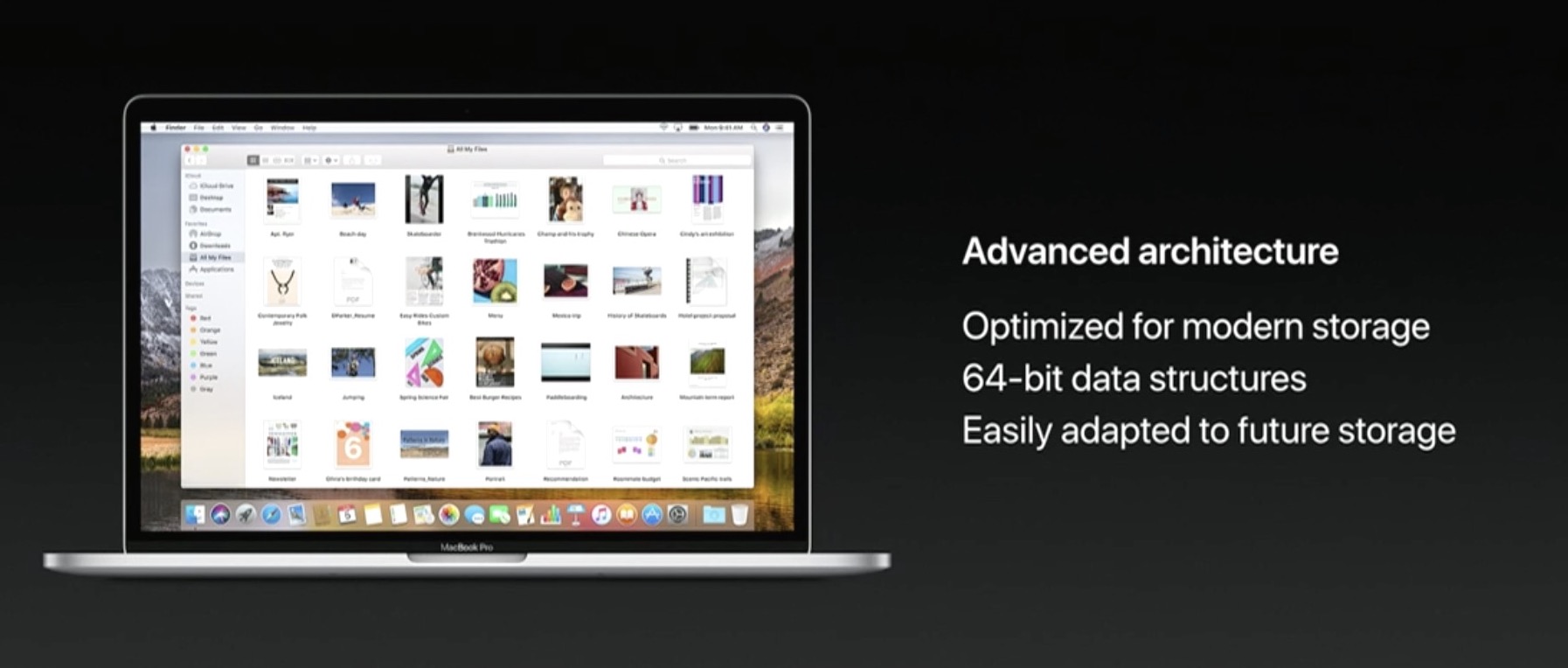
Apple is bringing its renowned Apple Filesystem (APFS) to the macOS platform for the first time with the newly-announced macOS High Sierra operating system for Macs.

APFS first debuted in iOS 10.3 to replace the dated HFS, and the speed improvements were quickly noticed by users.

How to live stream WWDC 2017 on iPhone, iPad, Apple TV, Mac, Windows and Android

Apple will be live-streaming its WWDC 2017 event, just as they have for the last several years, so the world can tune in and see what’s new in the world of iOS, macOS, tvOS, watchOS, and more.

No matter what type of device you’re using the day of the event, you can live-stream the keynote. In this piece, we'll go over all the methods on how for every operating system and platform.

How to always open Safari in a private window

With privacy becoming a hotter topic these days, web users are becoming more and more wary about what they share online. While there are many different steps that can be taken to increase your online privacy, a very simple way to get started is to use a web browser in Private mode.

In this post, you will learn about what Private mode means in Safari, and you will find out how to always open Safari in a private window to make this simple precaution an automatic way of accessing the web on your Mac, your iPhone, or your iPad.

Regulatory filing points towards new Mac, iPad and Magic Keyboard models launching at WWDC

With less than a week until Apple's Worldwide Developers Conference, French outlet Consomac has discovered (Google Translate) a Russian-language regulatory filing in the Eurasian Economic Commission database which identifies five unreleased Mac computers by their model number: A1289, A1347, A1418, A1419 and A1481.

As noted by MacRumors, these numbers differ from the AXX prefixes attributed to current MacBook models. The new model numbers are probably related to the upcoming 13 and 15-inch MacBook Pro updates. According to Bloomberg, Apple will refresh its Mac notebooks at WWDC next week with faster Intel chips and updated internal architecture.

Among the Mac notebooks said to be up for a refresh could be Apple's popular MacBook Air, which hasn't seen a major design change since its 2010 introduction.

The filing also identifies some spare parts for the Macs along with a next-generation Apple wireless keyboard (model number A1843) and four numbers classified under iOS 10 (A1671, A1709, A1670 and A1701) that probably refer to the Wi-Fi and cellular editions of the upcoming iPad Pro models, including the rumored new 10.5-inch model.