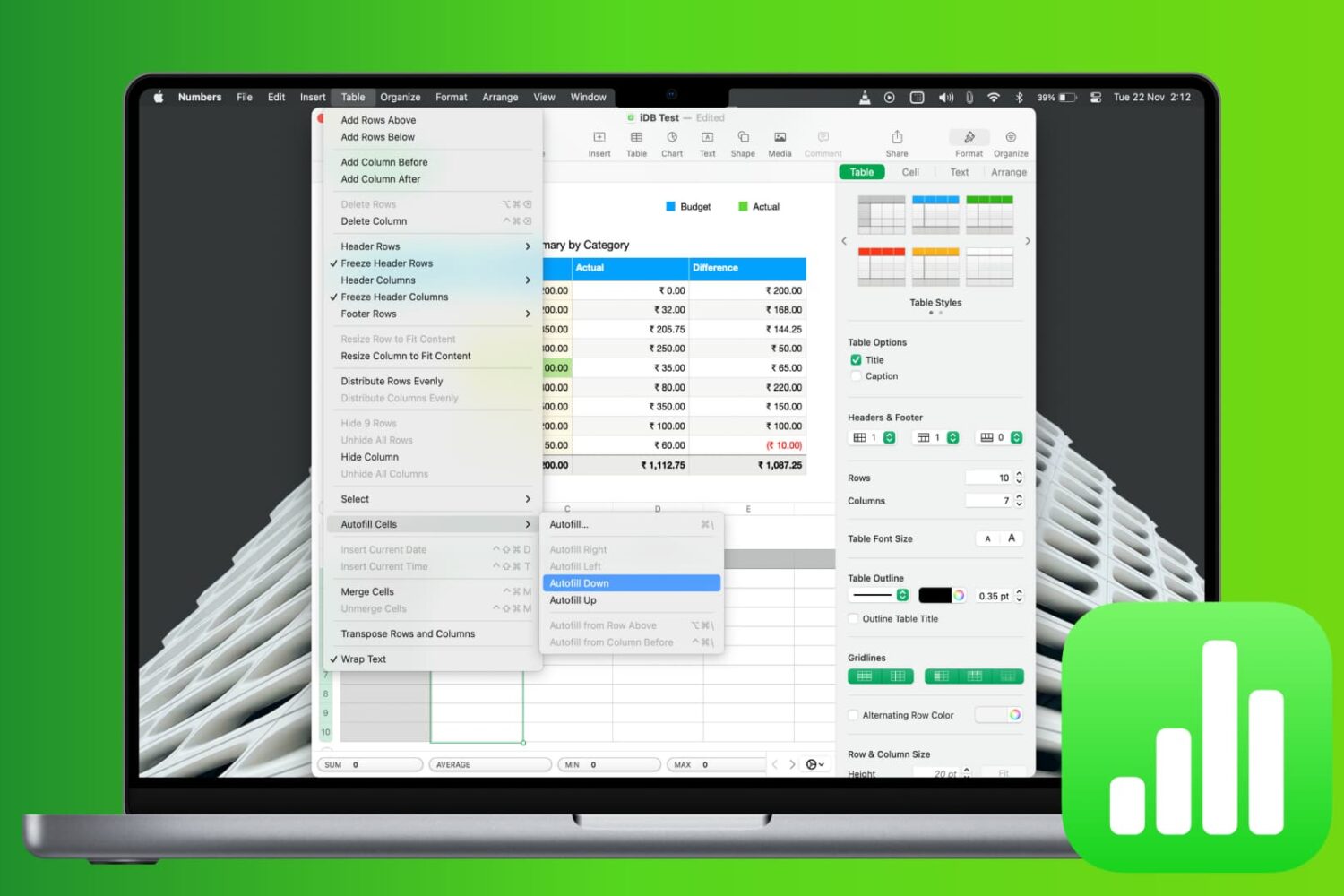
Learn how to work with common functions and formulas in Apple Numbers spreadsheets on your iPhone, iPad and Mac, saving time and reducing errors.
How to use common functions and formulas in Numbers on Mac and iOS
Stay up-to-date on the latest Mac news, and tutorials. Get expert tips and tricks to optimize your Mac’s performance and learn about the latest Apple products and software updates. Discover the best Mac apps and accessories to enhance your user experience.
Learn how to work with common functions and formulas in Apple Numbers spreadsheets on your iPhone, iPad and Mac, saving time and reducing errors.
Learn how to use headers and footers when working with a document in the Apple Pages app to add page numbers, date, your name, and other helpful information on all pages.
Apple is reportedly considering previewing its upcoming, high-throughput modular Mac Pro architecture at the annual Worldwide Developers Conference, which is thought to take place this year from June 3-7 at San Jose’s McEnery Convention Center.
Software developers will soon be able to design universal iOS/macOS apps that work with a touchscreen or a mouse/trackpad, depending on whether they're running on the iPhone and iPad hardware or on a Mac. The app merger initiative, dubbed Project Marzipan, comes as Apple is reportedly planning replacing Intel chips with its own Mac processors.
A research note from trusted Apple analyst Ming-Chi Kuo, issued to clients last Sunday, claims that Apple's external monitor featuring 6K resolution is slated to arrive this year.
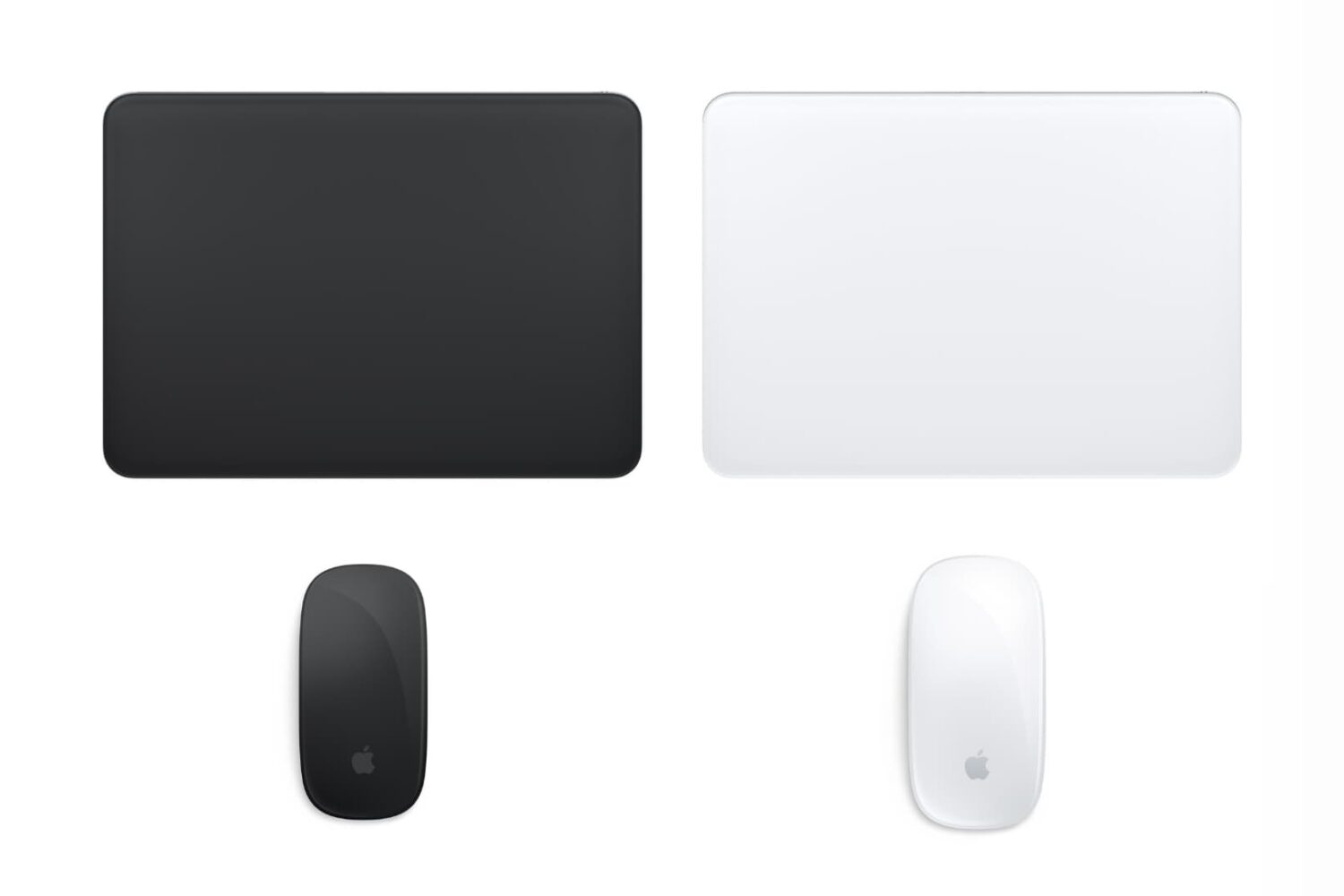
Check out various ways to see and keep track of the battery percentage of your wireless keyboard, trackpad, mouse, AirPods, and other Bluetooth devices on your Mac.
A new model of MacBook Pro with a larger 16 to 16.5-inch display and an "all-new design" has been tipped for launch, according to TF International Securities analyst Ming-Chi Kuo.
If you're Apple's registered developer or member of the Apple Developer Program, you can now take beta 3 of the upcoming macOS Mojave 10.14.4 software update for a spin.
Bookmarking your favorite websites in Safari on your iPhone, iPad, and/or Mac is handy for accessing the pages you need with a tap. But bookmarks can also quickly get out of control. So for the best experience, you can organize your bookmarks in folders, rearrange them, edit them, and of course, delete those you end up never using.
To help you get control of your saved pages, here's how to manage bookmarks in Safari on iOS and Mac.
Learn how to set the Finder on your Mac to always open a specific folder in your favorite view, with the files sorted and grouped in the order of your choosing.