Learn how to name people that Photos for Mac has recognized in your images to quickly identify your favorite people and organize your media library.
How to manually identify and name people in Photos on Mac

Stay up-to-date on the latest Mac news, and tutorials. Get expert tips and tricks to optimize your Mac’s performance and learn about the latest Apple products and software updates. Discover the best Mac apps and accessories to enhance your user experience.
Learn how to name people that Photos for Mac has recognized in your images to quickly identify your favorite people and organize your media library.
Depending on the type of slideshow you create in Keynote, you may want to print copies. Maybe it’s a new product presentation, step-by-step tutorial, or business proposal where a physical copy is necessary.
You have four different options for how to print your Keynote slideshows on Mac so that they turn out perfectly, and we’ll walk you through them.
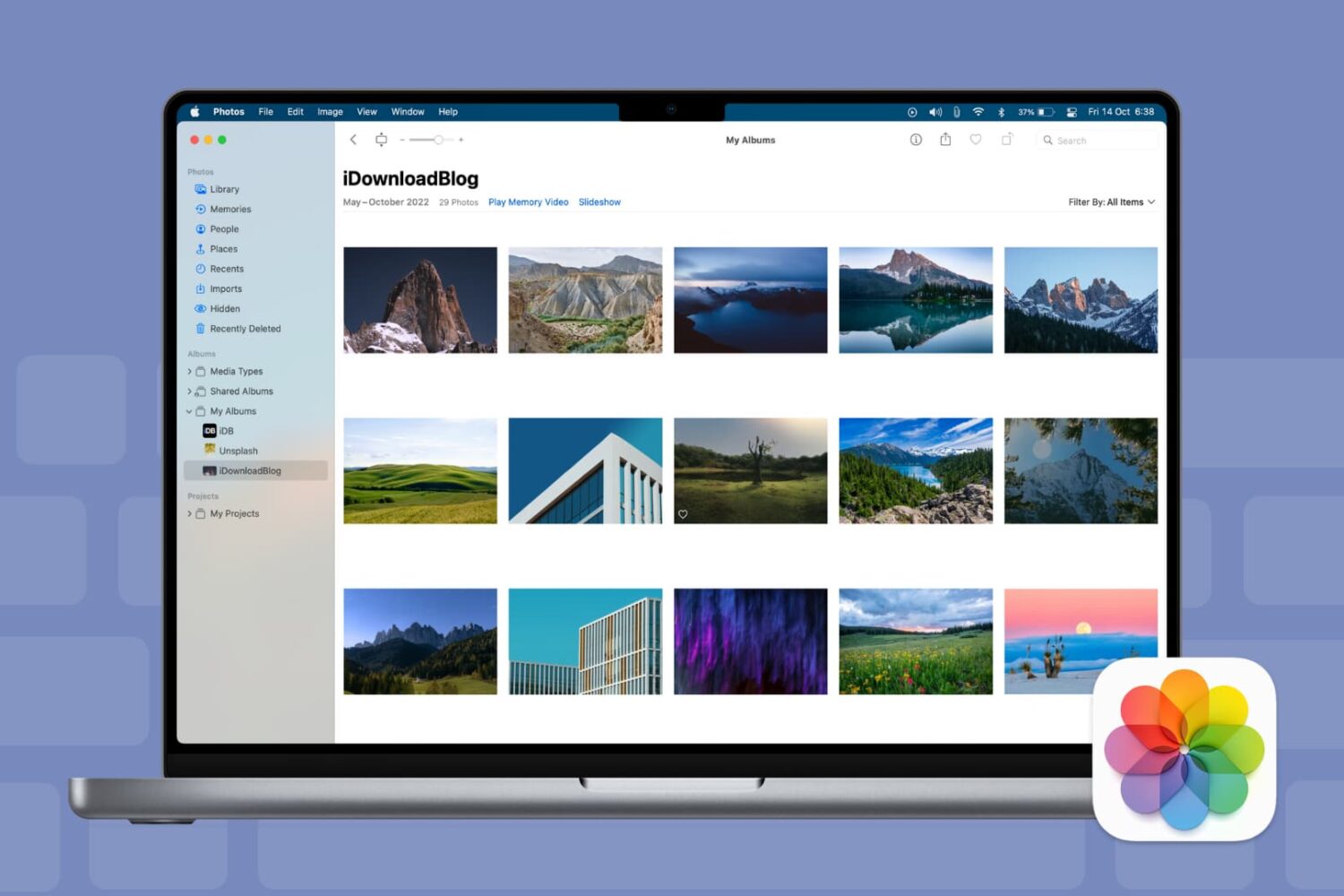
Keyboard shortcuts give you quick and easy ways to navigate your Mac and apps. And for those who use the Photos app on Mac, there are plenty of shortcuts that help you accomplish many tasks. From viewing photos and albums to cropping and rotating pictures, here are some helpful keyboard shortcuts for Photos on Mac.
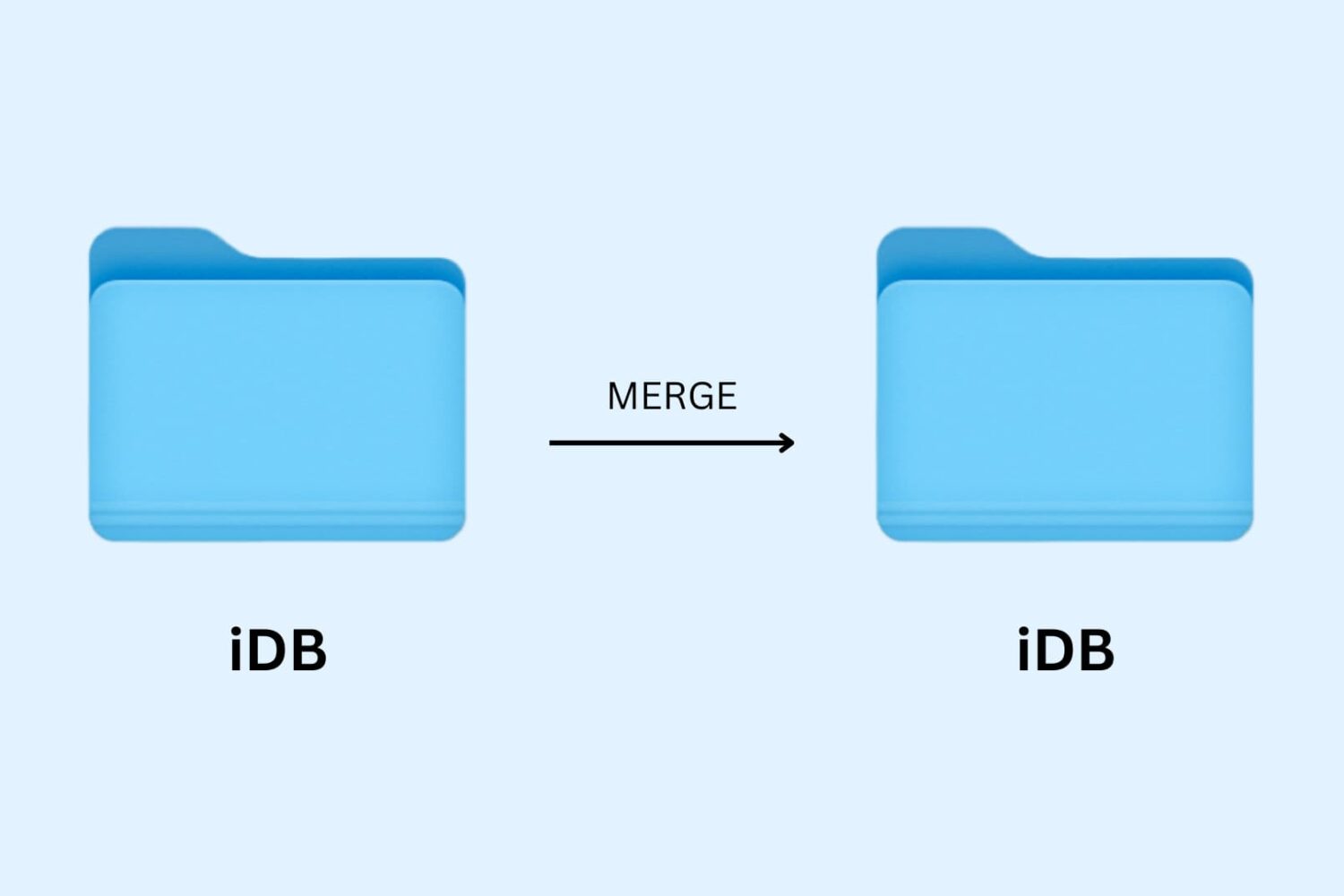
Learn how to merge macOS folders to clean up duplicate folders on your Mac that may or may not have the same names.
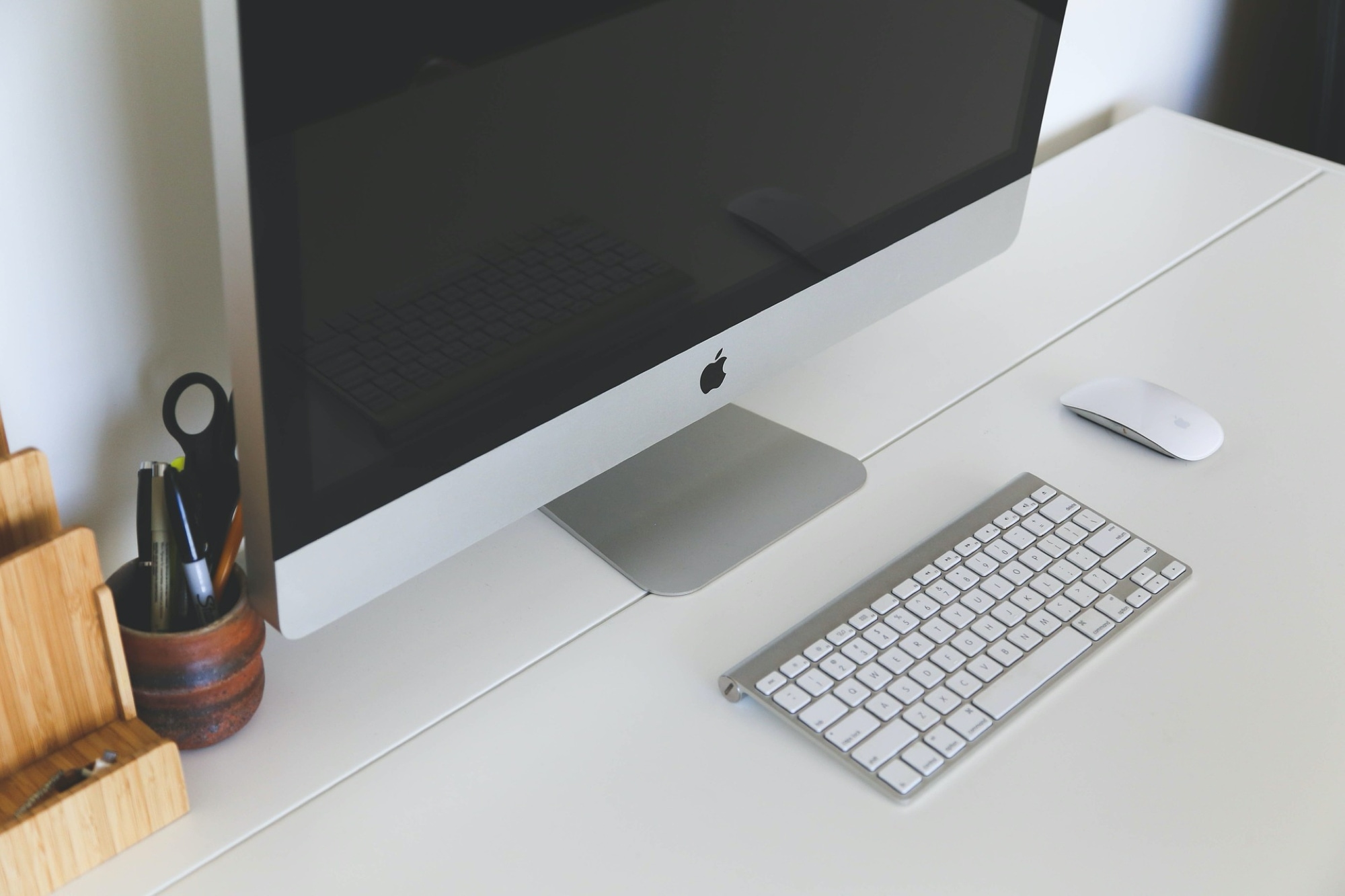
For all of you note-takers, we’ve compiled a list of keyboard shortcuts for the built-in Notes app on your Mac so you can format text, use tables and more like a pro.
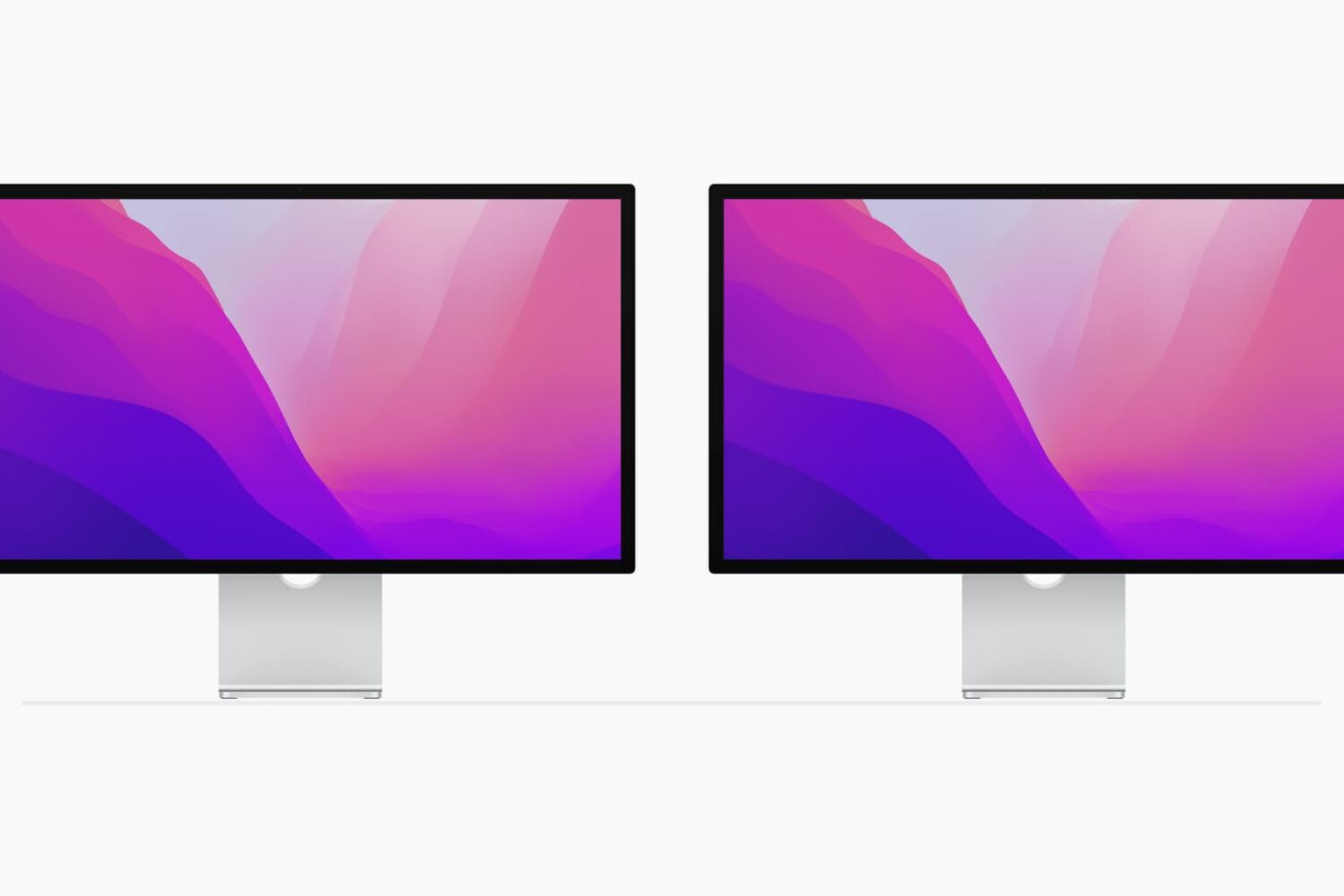
Using multiple monitors with your computer can increase your workspace and your productivity. Although you can easily use the Split View on your MacBook, you can actually quadruple that view with a second monitor.
If you’ve invested in a second display and have it connected and ready to go, here are some tips for managing your external displays on Mac.

Learn how to use the Finder’s file inspector to get a summary of multiple Mac items in a single floating window on macOS that dynamically refreshes as your selection changes.
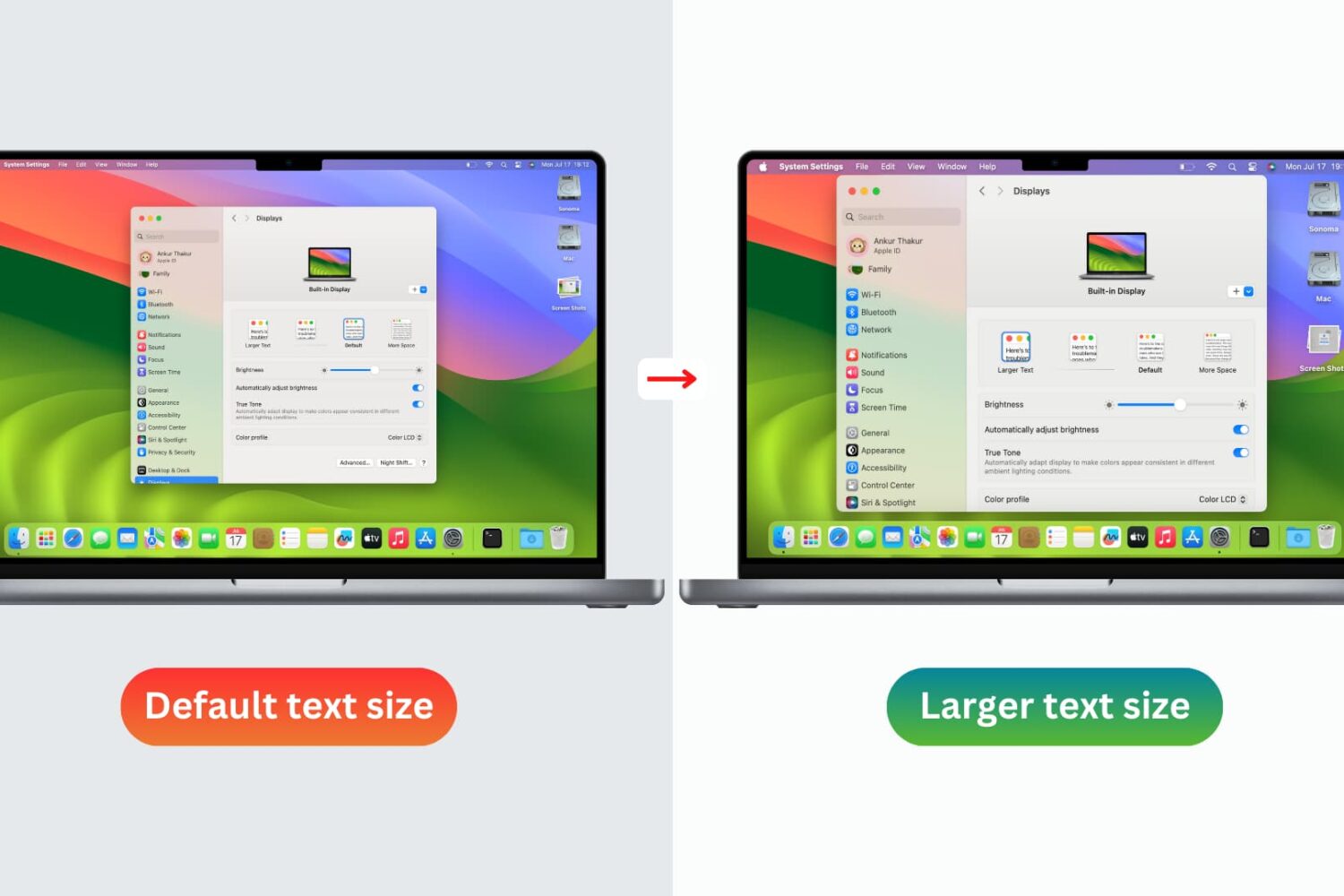
You don’t need to strain your eyes or grab your reading glasses to see items on your screen more clearly. Use these built-in options to increase the font size on your Mac and enjoy a more comfortable computing experience.
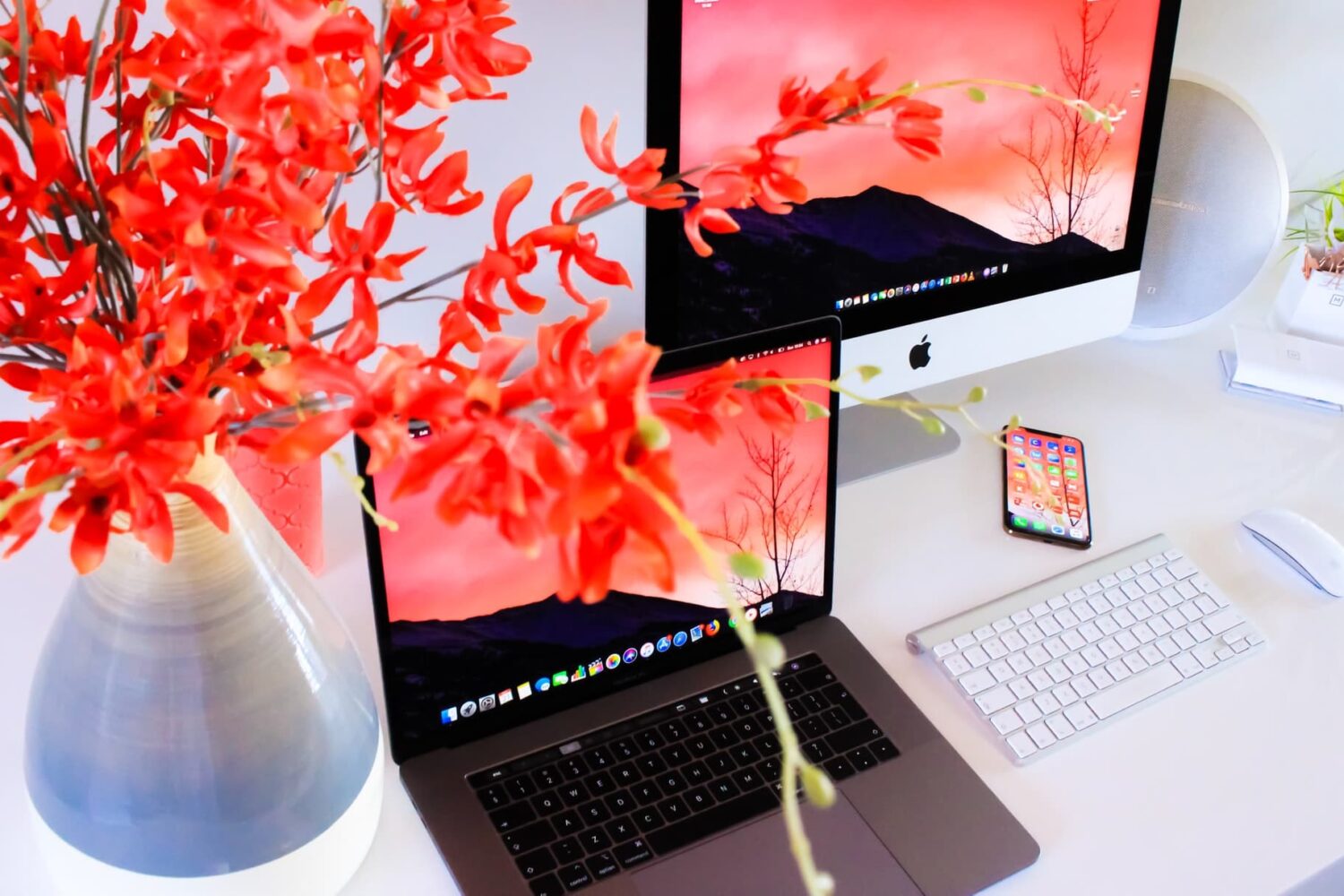
Check out these three quick ways to get rid of image metadata on your Mac to boost your privacy.
The iconic Mac startup chime played when you power up your computer had been around since 1998, but Apple disabled it in 2016 beginning with that year's MacBook Pro refresh. Thanks to a newly discovered Terminal command, you can re-enable the Mac startup chord sound on macOS Catalina and earlier, and our step-by-step tutorial shows you how.
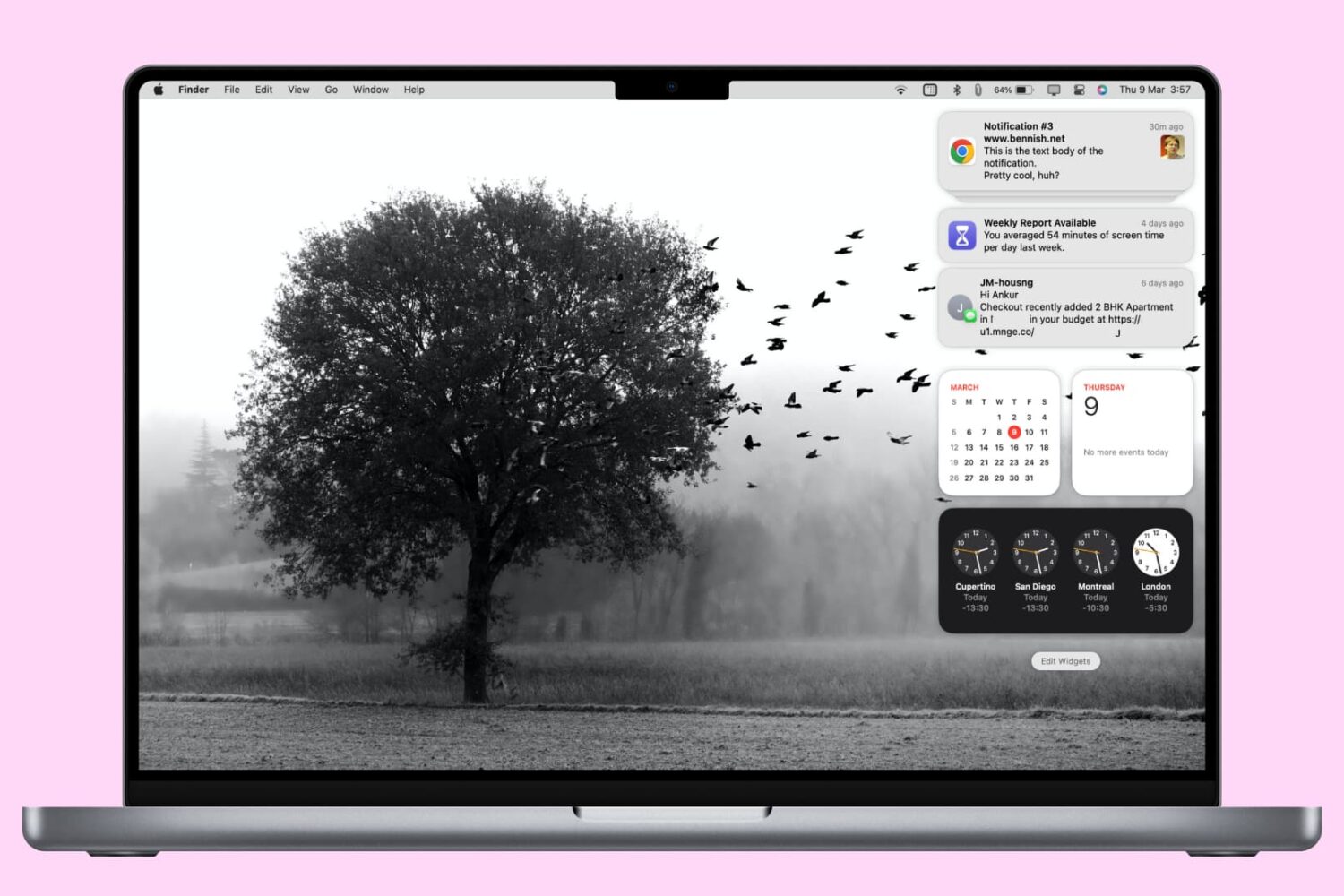
In this tutorial, we'll show you how to access and manage notifications on your Mac. We'll also provide quick steps to disable or temporarily pause alerts for apps with unhelpful notifications.