Learn what to do if your iPhone, iPad, Mac, or Vision Pro automatically blurs nude photos and videos and warns you of them, even though you don’t want this friction.
How to turn off Communication Safety for Apple devices
In this quick step-by-step tutorial, we show you how to set a daily time limit for unproductive websites that you or your child visit a lot on your iPhone, iPad, or Mac.
Learn how to add your spouse, kids, and family members to your Apple’s digital Family Sharing group to share purchases, subscriptions, manage parental controls, keep track of each other’s locations, and more.
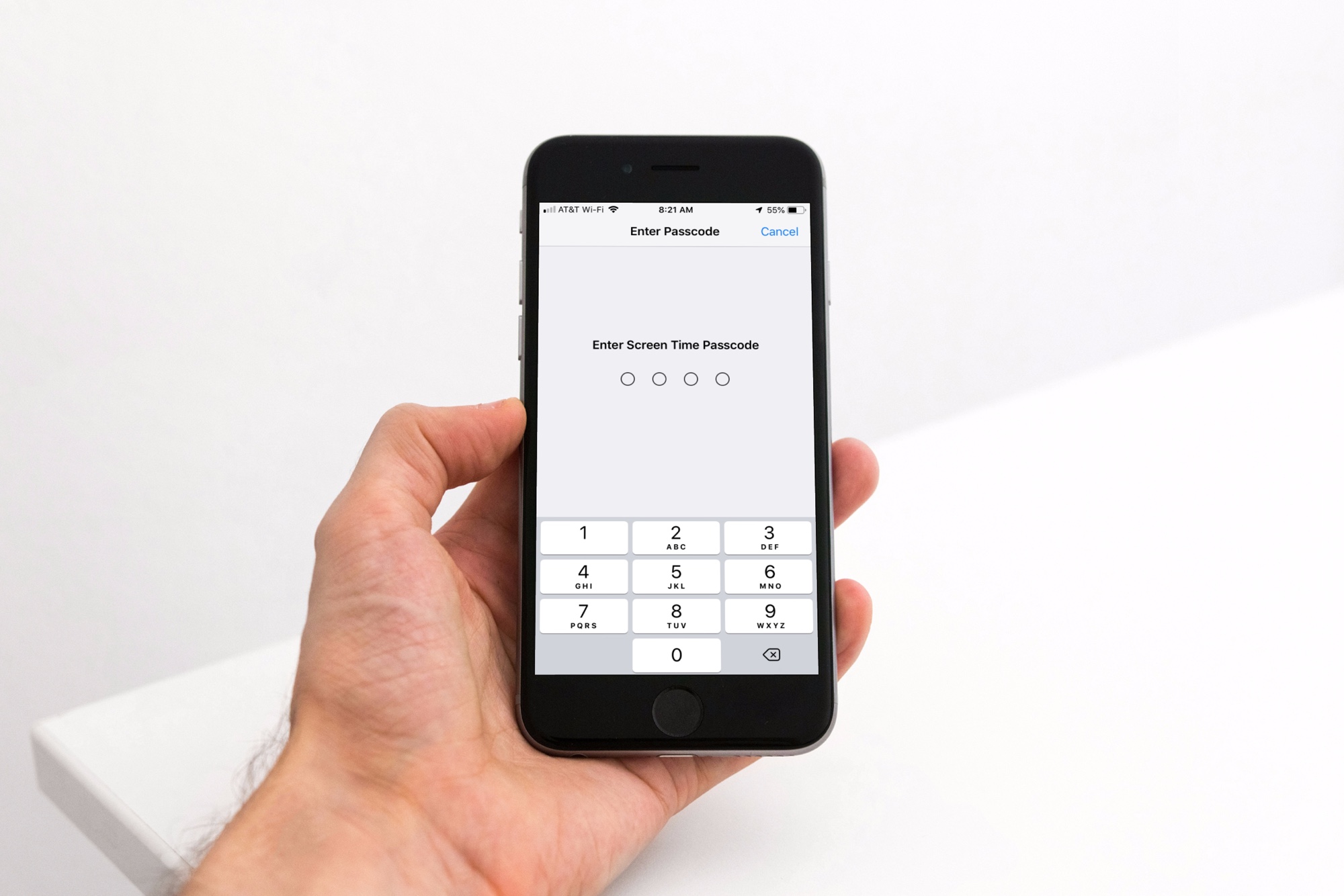
In this guide, we’ll walk you through all the steps to add a Screen Time passcode for your child’s iPhone, iPad, and Mac so you can prevent them from bypassing parental restrictions.
You have a couple of easy options to block the usage of the YouTube Kids app on your child’s iPhone or iPad if you don’t want them to view the content available there.
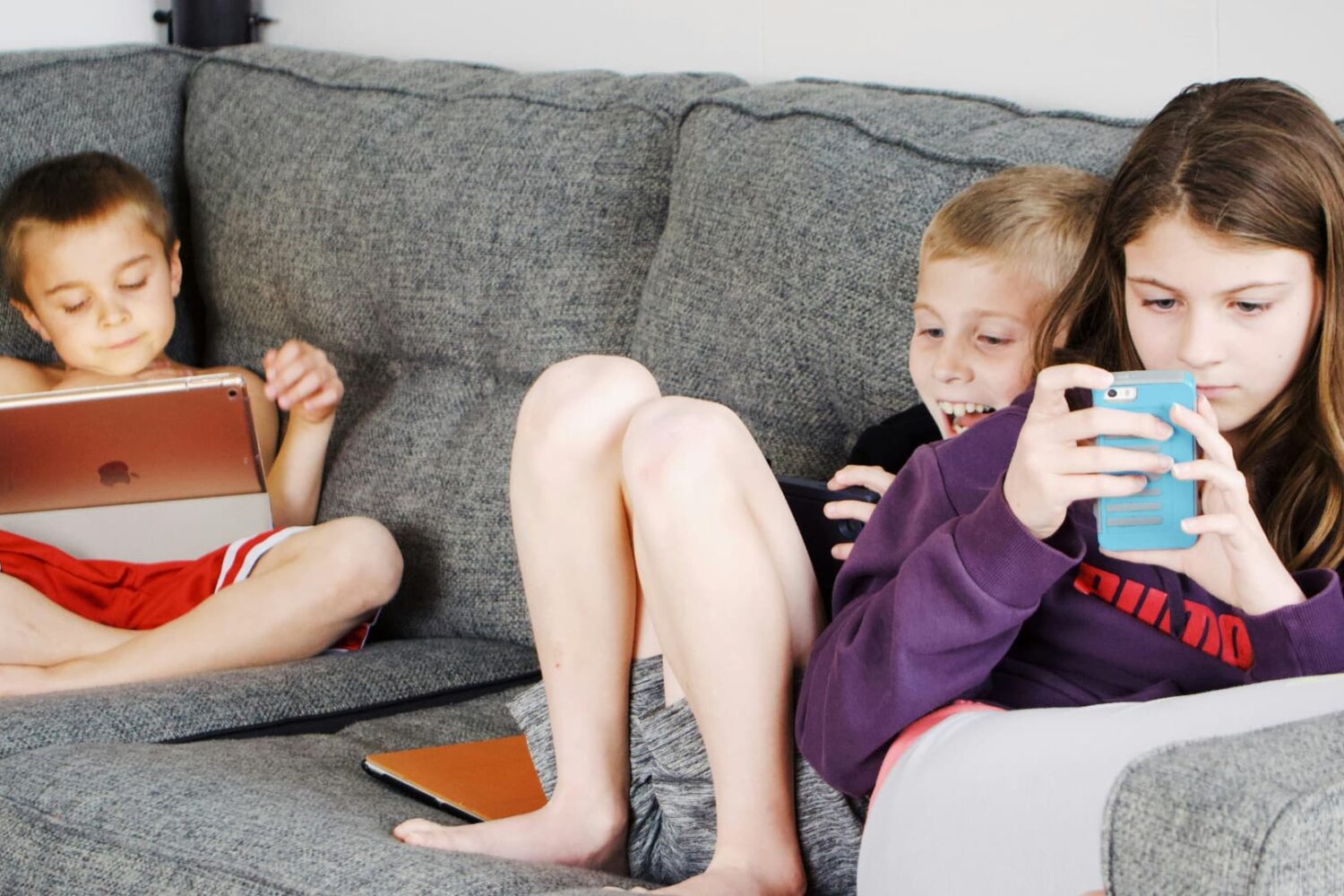
This guide brings practical tips to help you understand your child’s iPhone or iPad usage and reduce their screen time so they have time for other activities.
TikTok has launched Family Pairing, a new set of parental controls that enable parents to monitor both the consumption and uploading of videos by teens.
Apple has updated parental controls in iOS 26 and other operating systems with new child safety features, including permission to text new numbers.
Apple's iOS 18.5 sends a push notification to the parent's iPhone when their child has entered the Screen Time passcode on their device.
If the next Apple Watch SE really ditches aluminum for plastics, then it might come in much more interesting colors that would especially appeal to kids.
Explore features that promote a healthy balance of safety and parental controls on your child’s iPhone or iPad.
In this guide, we will go over some expert tips to stop popular iOS apps from showing explicit and mature content. This can be particularly helpful if you’re setting up the iPhone or iPad for your kids.