Jailbreak Apps & Tweaks

These are the latest jailbreak apps and tweaks available for your iPhone or iPad. We save you time by highlighting only the best tweaks.

Fourteen features iOS 14 and iPadOS 14 ‘borrowed’ from the jailbreak community

Apple’s WWDC presentation for 2020 brought with it the unveiling of iOS and iPadOS 14, the premier operating systems for the company’s iPhone, iPod touch, and iPad platforms. While these updates will unquestionably incorporate countless new improvements by way of new features and user-friendly interfaces, it’s worth noting that the jailbreak community provided access to many of those features before Apple.

In this piece, we’ll discuss at least fourteen new features from Apple’s upcoming iOS and iPadOS 14 software updates that jailbreakers have enjoyed access to for what feels like forever thanks to the boundless possibilities presented by jailbreak tweaks.
Colorize the page dots on your jailbroken handset with Dots color

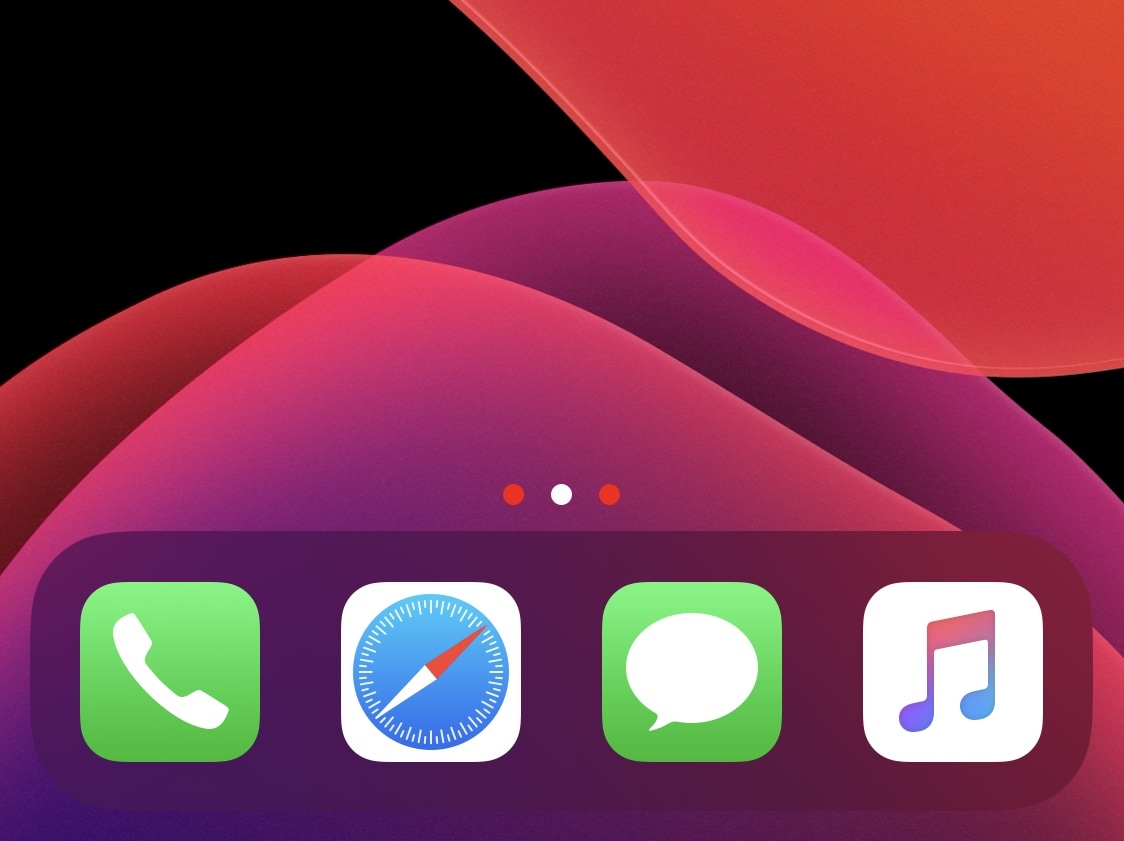
Jailbreakers can customize virtually anything they want about their iPhone or iPad’s user experience and behavior, but if you consider yourself a bit of a minimalist and prefer subtler changes over the more extravagant ones, then we think you might want to try a new and free jailbreak tweak release called Dots color by iOS developer 8a1wkar.

Just as the tweak’s name implies, Dots color lets users apply a custom color to the paging dots that typically appear on the Home Screen and Lock Screen. As you’ll see in the screenshot examples above, the selected page dot remains white, whereas the deselected page dots appear red instead of grayed out.

Get a supercharged iPadOS-like Picture-in-Picture mode for iOS with Titan

The iPad's incredible Picture-in-Picture mode is one of the core features of iPadOS that lots of iPhone owners wish Apple would bring to the iOS ecosystem. In a classic Apple move, however, it seems like that request could go unanswered indefinitely. Fortunately for the jailbreak community, however, we have ways to circumvent these restrictions.

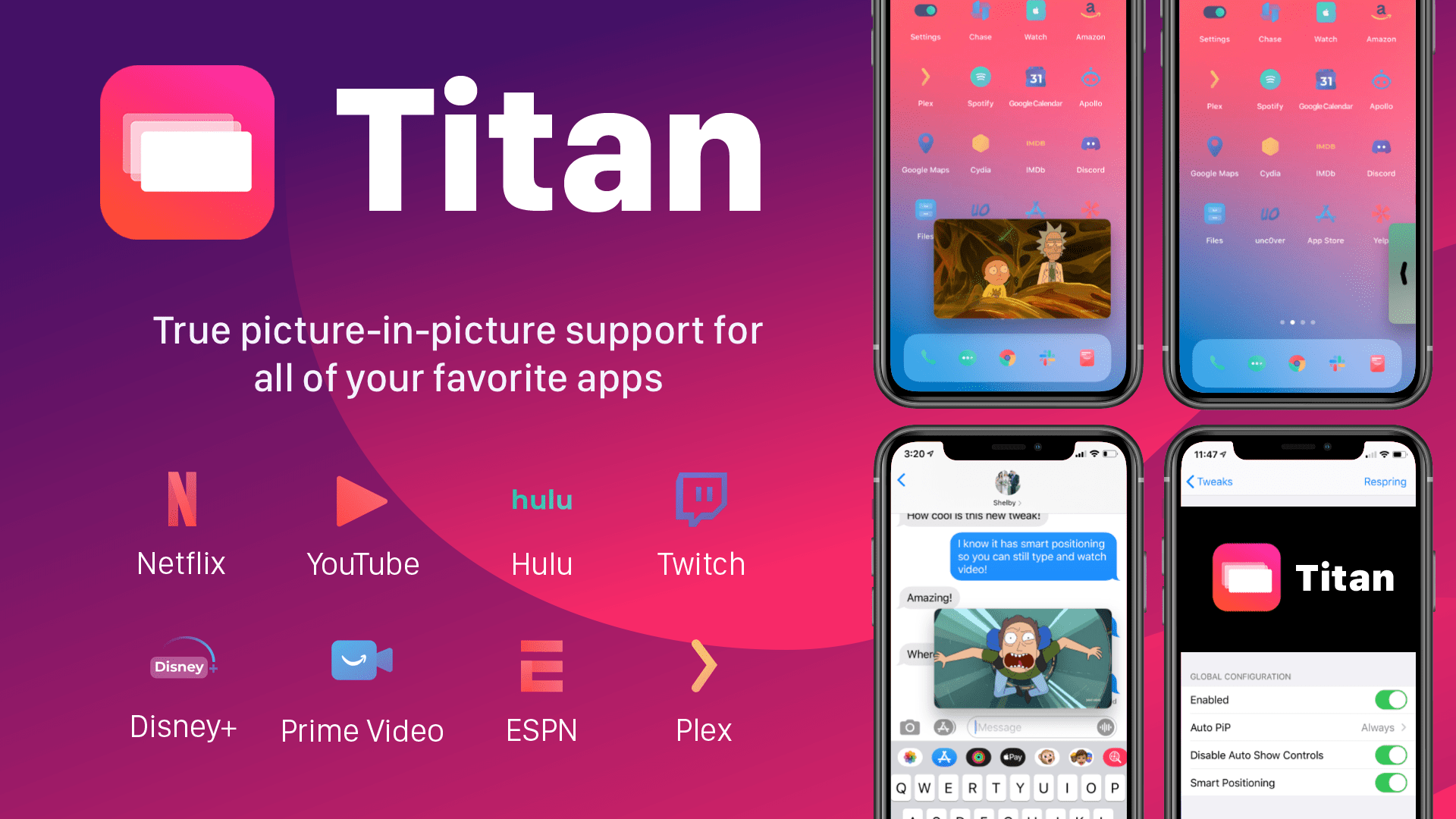
Titan is a newly released jailbreak tweak by iOS developer tcbrooks that brings true iPadOS-style Picture-in-Picture mode support to pwned iPhones and iPod touches, and in addition to that, it comes out of the box with support for a colorful variety of video-centric apps, including the following:

Treat your iPhone to the alarm and timer interface it deserves with BetterAlarm

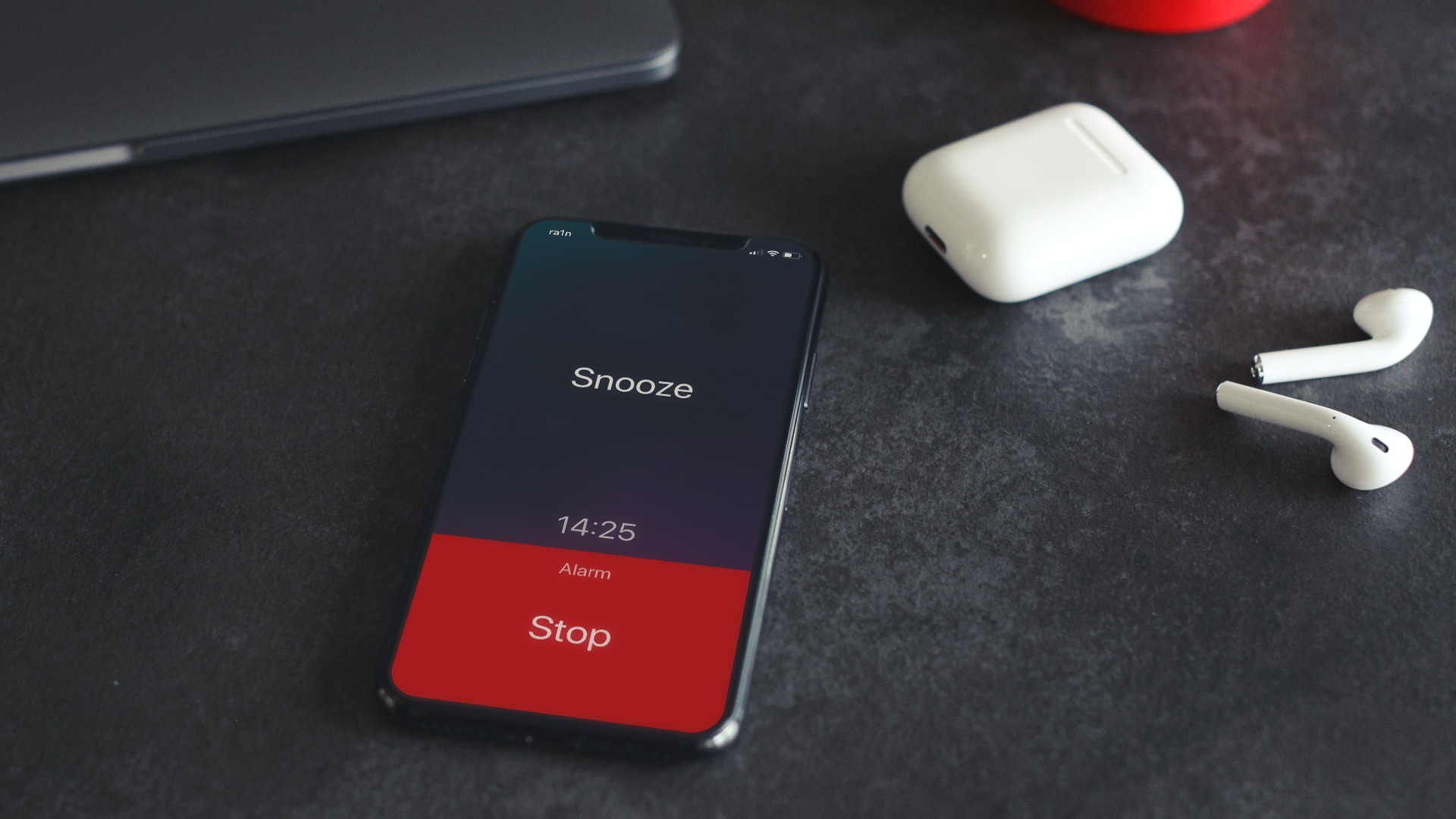
Many iPhone users rely on their handset's native alarm feature to wake them up each and every morning. Some iPhone users may even rely on the handset’s native timer feature to ensure that they don’t overcook their dinner. Whatever you use your iPhone’s alarm or timer features for, chances are that you may be able to benefit from the likes of a newly released jailbreak tweak dubbed BetterAlarm by iOS developer NoisyFlake.

Right off the bat, you’ll notice that BetterAlarm supplants iOS’ traditional alarm interface with a beautiful new full-screen experience that makes it easier to interface with a firing alarm or timer. Even so, to say that BetterAlarm stops with a full-screen alarm and timer interface replacement would be a grotesque understatement.

Jailbreak tweaks of the week: Chusma, Glow, HSWidgets, Sentinel, and more…

Another week, another jailbreak tweak-centric roundup intended to help you trick out your pwned handset to its furthest extent.

This roundup will encompass all the latest jailbreak tweaks we’ve shown you from Monday, June 15th to Sunday, June 21st. As usual, we’ll kick things off by discussing our favorite releases first and then wrap things up with an outline of the rest afterward.

Homepill puts your iPhone’s Home Bar on a diet

When Apple began doing away with the traditional Home Button starting with the iconic iPhone X in 2017, it became instantaneously evident that users would need an alternative means of getting to the Home Screen. It was from this realization that the software-based Home Bar was conceived.

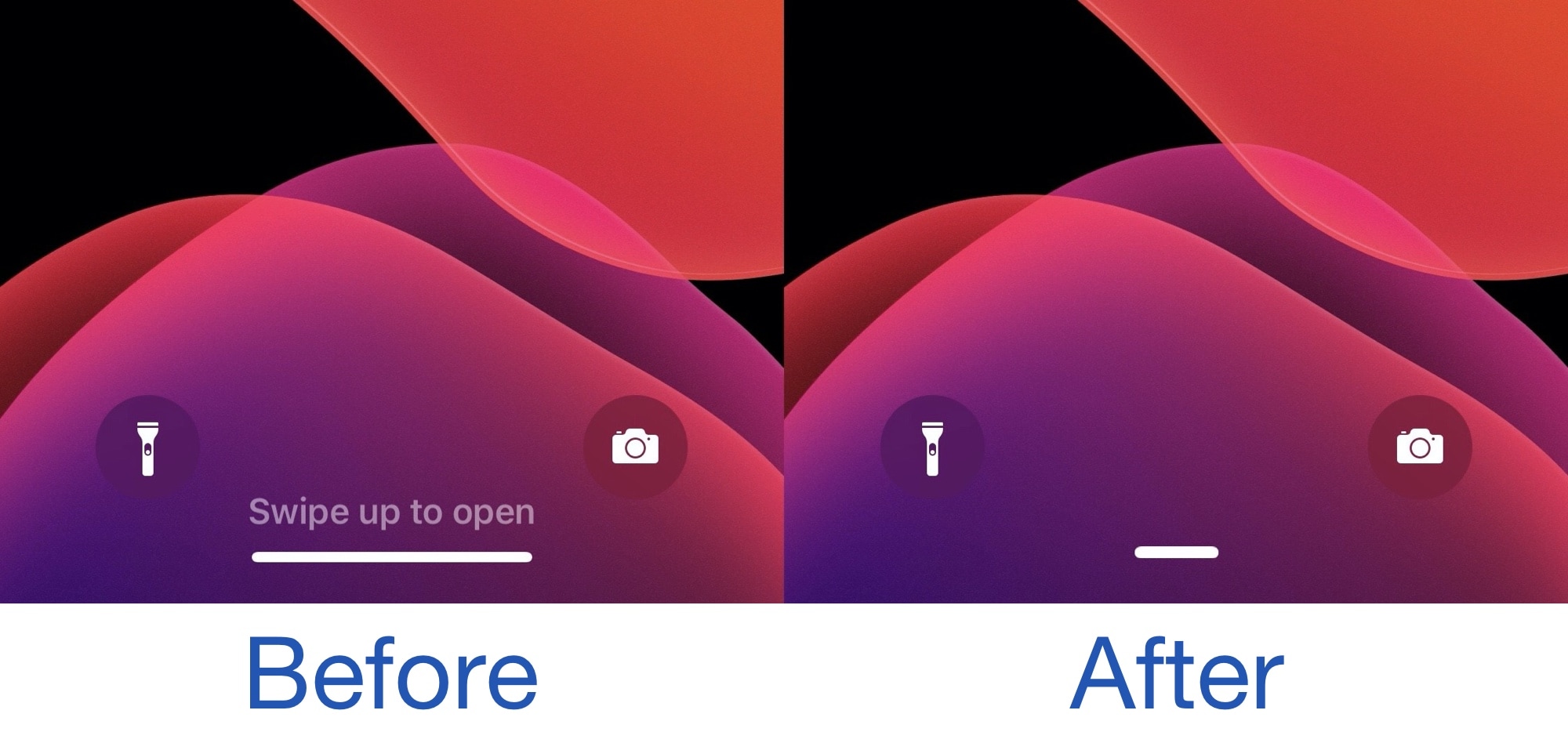
Most have adapted or even gracefully accepted the new Home Bar standard, but for the jailbreak community, is has become something of a customizable element. For those looking to put the Home Bar on a diet, a newly released and free jailbreak tweak called homepill by iOS developer zac shrinks the stock Home Bar down to a pill-shaped object that appears less intrusive to the eyes when hovering over an app’s interface.

Owl upgrades the official Twitter app on jailbroken devices at no extra charge

There are several third-party apps for accessing Twitter on the iOS platform, but there’s no question that the official Twitter app is the most popular by far. Unfortunately, it lacks a number of features that could make the user experience as good or better than many third-party alternatives, which is why they exist in the first place.

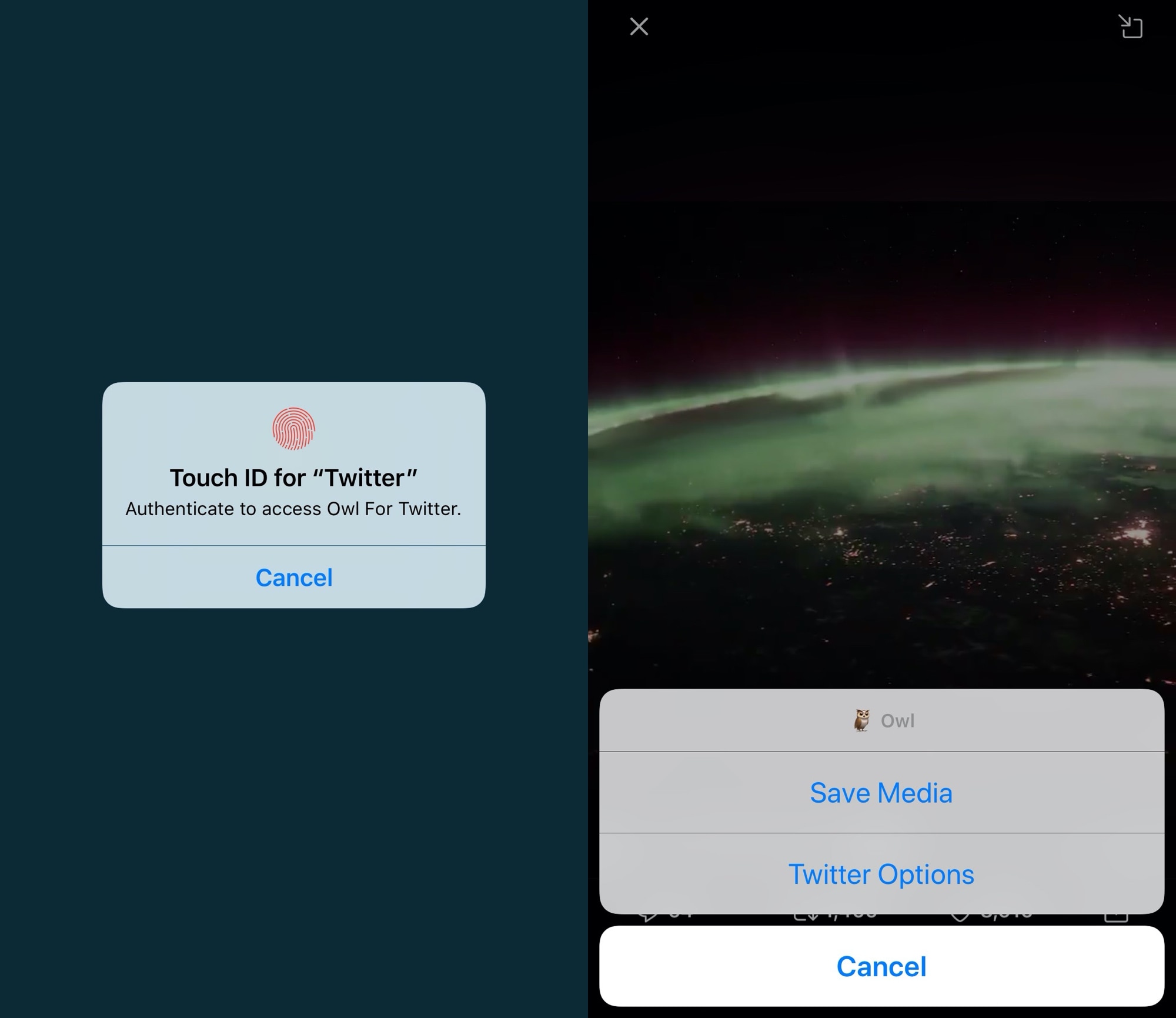
If you aren’t interested in spending money for a third-party Twitter client and you have a jailbroken handset at your disposal, then the good news is that you can take advantage of a newly released and free jailbreak tweak called Owl by iOS developer Michael Lema to breathe new life into the existing official Twitter app.

Glow is Elias Limneos’ take on an always-on display for jailbroken iPhones

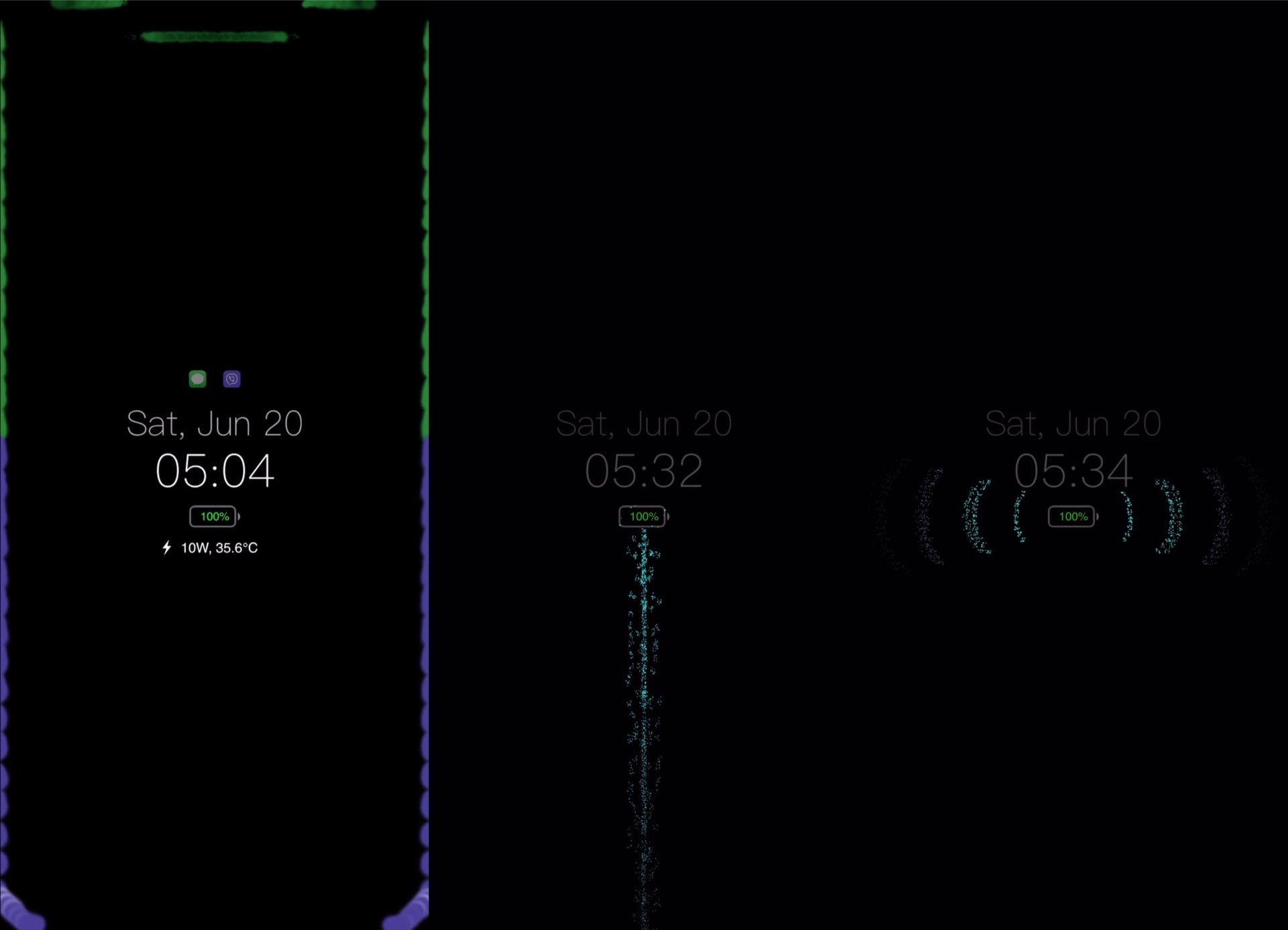
Ever since Apple first started integrating OLED display on its iPhones, starting with the iPhone X in 2017, we’ve witnessed a steady increase in the number of jailbreak tweaks attempting to bring a true always-on display experience to the platform. One of the latest attempts comes by way of respected veteran tweak developer Elias Limneos and has been aptly named Glow.

Like other always-on display tweaks before it, Glow takes full advantage of the OLED display in Apple’s high-end handsets to express true darks for the background. It simultaneously displays pertinent details such as the date, time, and battery level, along an indicator to let you know whether you’ve got any missed notifications. Best of all, it does all of this while consuming as little power as possible.

WhatsTheDate brings a smarter timer display to your iPhone’s Lock Screen

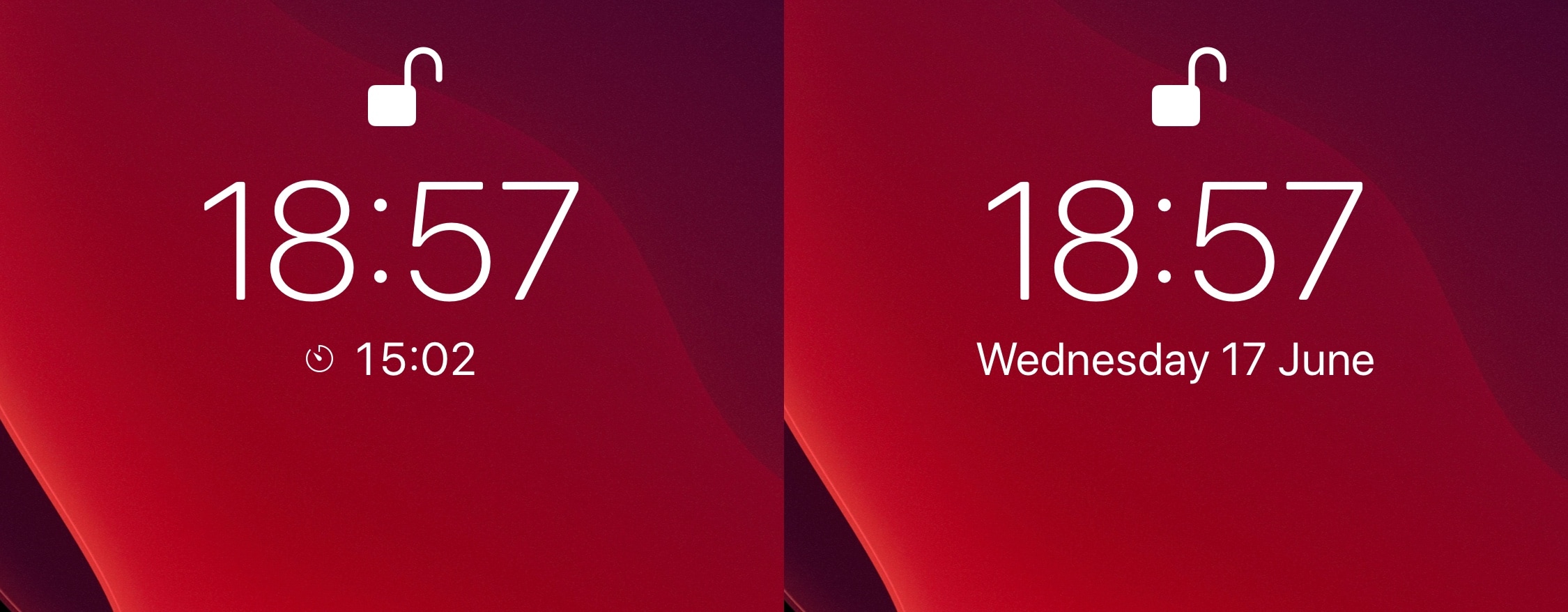
One of the things I like about iOS is how it displays any active timer on the Lock Screen, just below the time. But as much as I like having this subtle reminder when I pick up my iPhone, the implementation is somewhat imperfect. For example, it often gets in the way of viewing the Lock Screen’s native date display, which is something I find equally as useful when glancing at that particular interface.

If you’re in the same boat, then WhatsTheDate by iOS developer iCraze is a newly released and free jailbreak tweak that you won’t want to miss. It effectively solves the aforementioned problem by forcing the Lock Screen’s timer display to disappear after a few seconds, instead transitioning to the current date thereafter.

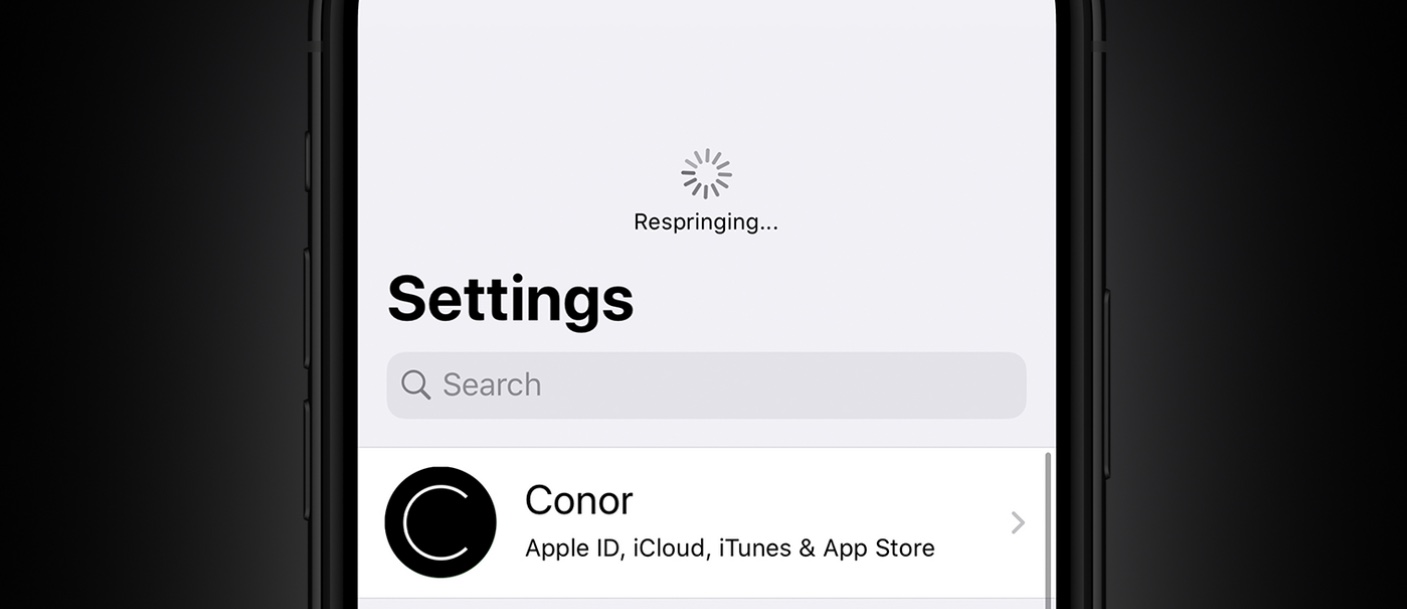
Dragspring resprings your device with a drag gesture in the settings app

One of the things you might do a lot when you have a jailbroken device is respring. In a sense, a respring could be described as a soft reboot for appending changes to the operating system by way of jailbreak tweaks. Resprings can also be useful for other things, but regardless of why you’re doing it, it can sometimes feel cumbersome hen you’re trying to find a fast and easy way to respring your device.

We’ve covered a plethora of different jailbreak tweaks in the past that allowed you respring your handset on demand, but one of the latest tweaks to join that growing list of releases is an updated tweak dubbed Dragspring by iOS developer ConorTheDev.

MyWall lets you set custom backgrounds throughout iOS

One of the things you can change on any stock iPhone or iPad is the wallpaper image that appears on both the Home Screen and Lock Screen. Unfortunately for Apple device users, that’s just about the extent of background image customization on the iPhone and iPad platforms; but it doesn’t have to be.

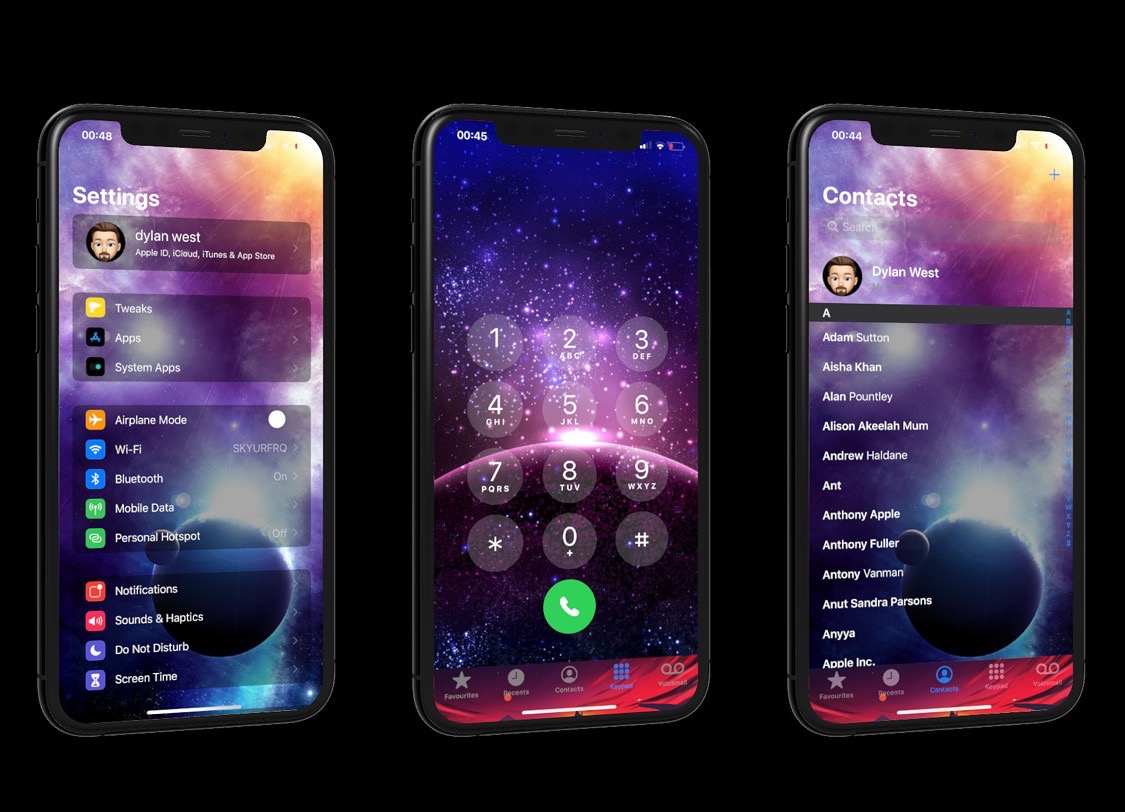
Assuming you’ve got a jailbroken handset at your disposal, then you can take advantage of a newly released jailbreak tweak called MyWall by iOS developer iOSthemem0d to customize the background of just about any iOS interface you can imagine.

Handcuff helps you catch iPhone thieves by sending selfies of the perpetrator

It’s a common worry that someone might try to unlock your iPhone without your consent if you leave it somewhere unattended, and since iOS allows several passcode attempts before it initiates a passcode lockout timer, it’s possible for someone to continue guessing your passcode time and time again. Unfortunately, iOS doesn’t provide any way to letting you know when someone does this, leaving the user completely oblivious to such attacks.

Enter Handcuff (iOS 13), a newly released jailbreak tweak by iOS developer Ahmed that alerts users to attacks of the aforementioned variety. If or when a passcode is entered incorrectly or a power down is attempted, Handcuff alerts the user to this activity via email and via text message and includes a selfie image of the offender trying to conduct said mischief.