Learn how to view real-time word count in the Apple Pages app on iPhone, iPad, and Mac for the whole document or just an arbitrary block of text.
How to display word count in Pages on iPhone, iPad, Mac

Learn how to view real-time word count in the Apple Pages app on iPhone, iPad, and Mac for the whole document or just an arbitrary block of text.
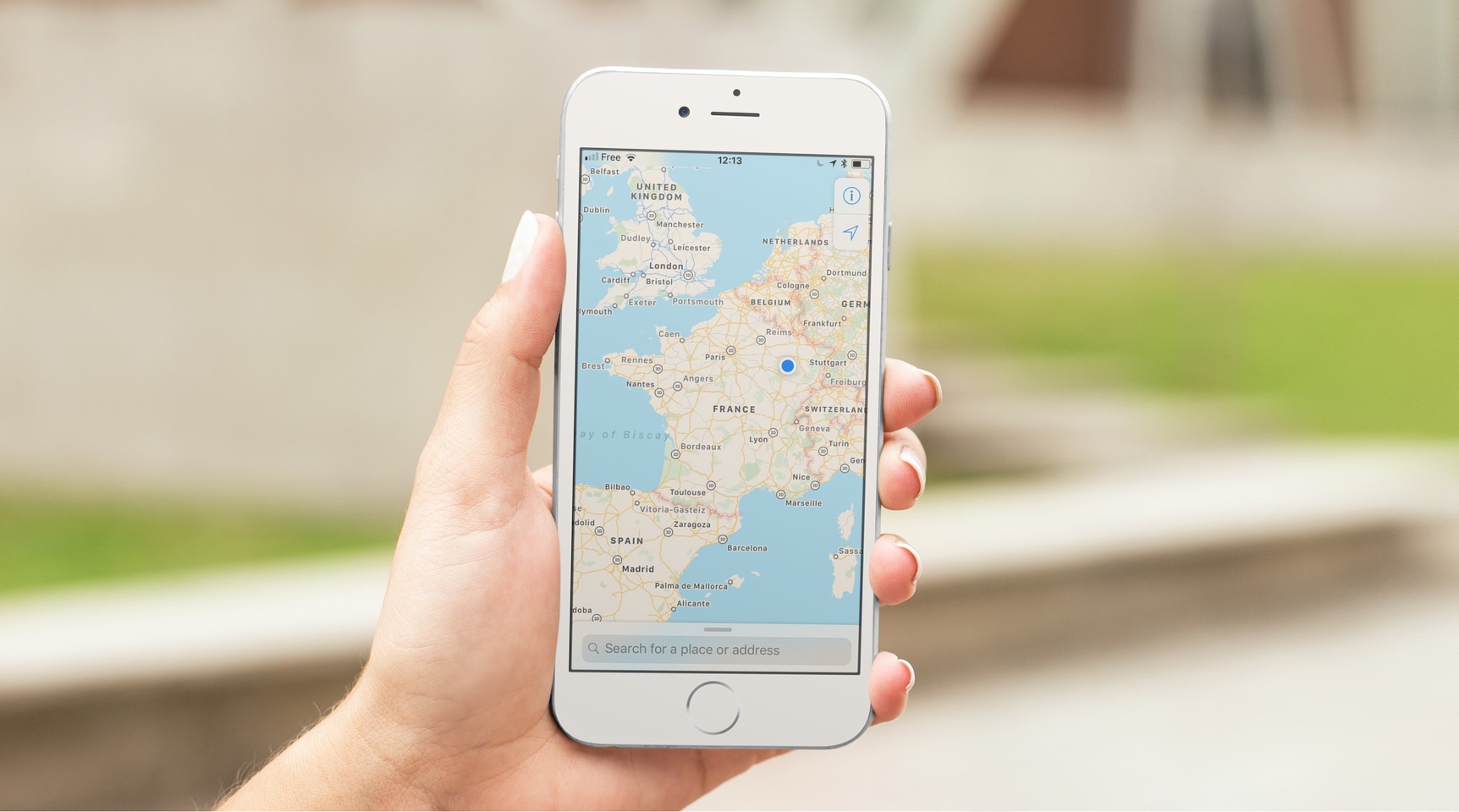
Many apps you use on your iPhone are tapping your location to provide services or data based on where you are. While everything happens in the background, all these apps are actually using your GPS coordinates on your iPhone to pinpoint your location in the most precise way.
While an average user will never have to deal with GPS coordinates, knowing how to obtain and understand them can be valuable for some. I'm thinking about outdoorsy people or those into geocaching, for instance. If you're one of these people, or if you just want to learn something new, here's how to view GPS coordinates (latitude and longitude) on iPhone.
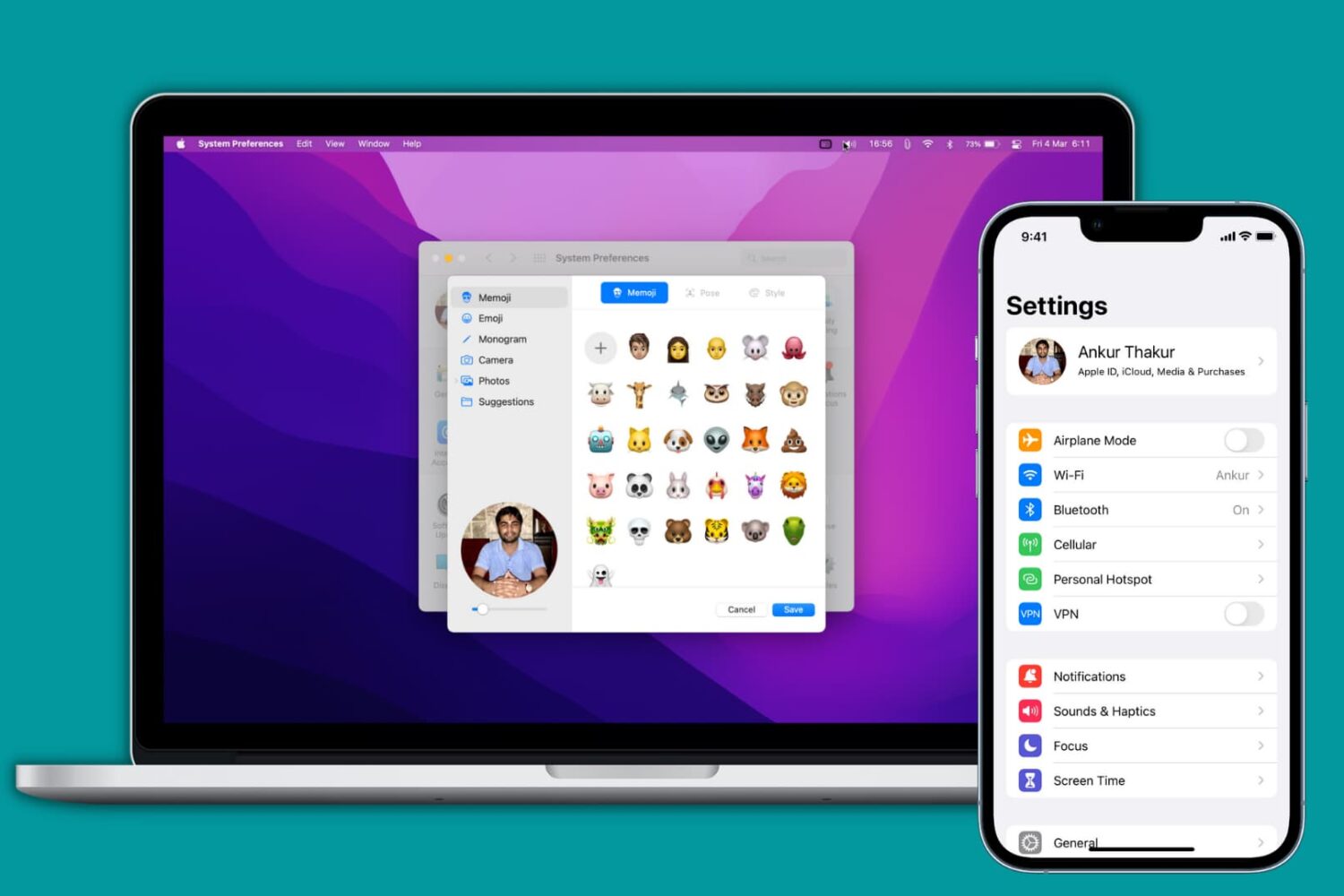
Learn how to add, change, or delete your Apple account/iCloud profile picture using your iPhone, iPad, Mac, or web browser.