iPad

From the latest news to the most comprehensive tutorials, learn how to get the most out of your iPad with our step-by-step guides and expert tips.

Bumpers, Winnie, BitCam and other apps to check out this weekend

It's going to be a long weekend for Apple fans, as we anxiously await the company's big WWDC keynote on Monday. But never fear, we've picked out some great apps and games to help you pass the time. These include a new audio recording and sharing app, an old school camera app,  and of course two great new games.

How to have iCloud sync your calendar subscriptions across Mac, iPhone, and iPad

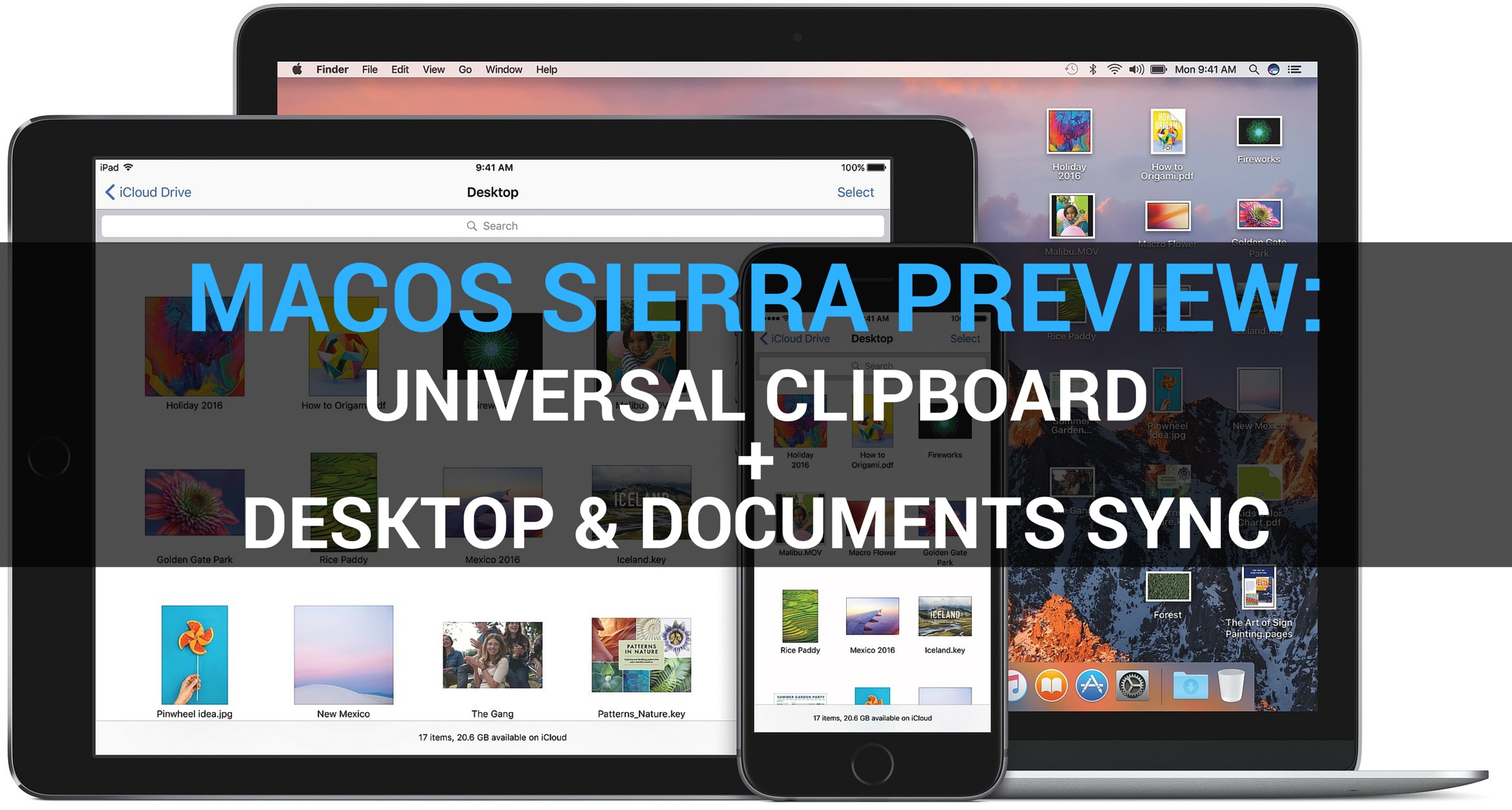
I recently wrote a post describing how to add the schedule of the Euro 2016 to your iPhone, Mac, or iPad calendar app in order to keep up with the competition. As described in my post, subscribing to this calendar (or any other calendar) directly from your iPhone or iPad, will only add the calendar locally on the device, but it won't sync across all your other devices like an iCloud calendar would.

iDB reader Kyler emailed us earlier today asking how he can subscribe to a calendar while adding it to his iCloud account to make sure the calendar events sync to his iPhone, iPad, and Mac, without having to manually subscribe to the calendar on each device. This is what we're going to do look at in this post.

Save iPhone storage space by slimming down Photos library with Avast Photo Space

iCloud Photo Library has a nifty little feature that lets you store full-resolution photos and videos to iCloud while keeping device-optimized versions on your iPhone, which can save you quite a lot of storage space.

But not everyone uses iCloud Photo Library (do you?) and pays for iCloud storage beyond Apple's measly 5GB free tier (anyone?). That's where Avast's Photo Space for iPhone jumps in. With this app, your Photos library goes on a diet.

Apple’s free app of the week: Drop Flip

Apple on Thursday updated its App of the Week promotion with the game Drop Flip. This means that for the next 7 days, you’ll be able to download the popular physics puzzler for free on both iPhone and iPad—a solid savings of $2.

For those unfamiliar with the title, Drop Flip is a delightful game chock-full of silly physics contraptions. Players must move, flip and manipulate obstacles of every shape and size to force the ball into a bucket. It's a lot harder than it sounds.

How to control Apple TV from your iPhone’s Lock screen with CiderTV widget

CiderTV, a software-based alternative for your Apple TV Remote, includes a built-in keyboard and has the ability to control linked Smart TV volume. As of recently, the app comes with a handy widget that makes it possible to control most of the functions of your Apple TV right from the Notification Center. It will save you a lot of time, here's how to get started with CiderTV and set up the widget.

Facebook starts accepting panoramic 360-degree photo uploads

Facebook today announced that it has started accepting 360-degree photo uploads. Panoramic photographs taken with your iOS device can now be uploaded to Facebook through the updated mobile app and are viewable in the web interface and on Facebook for iOS and Android.

Panoramic photos in your News Feed are marked with the compass icon. You can move your iOS device to pan around and even experience them in virtual reality with the Samsung Gear VR.

Camera+ 8: slow shutter, ultra-low ISO, new import options, action extension & more

Camera+ by oddly named developer taptaptap, one of the longest-standing camera applications (and one of the best out there, in my personal opinion), has received a major refresh on the App Store.

Camera+ 8.0 packs in a slew of improvements such as an innovative slow shutter feature, an extended range of effective ISO values, a handy extension for easier sending of photos from the share sheet of other apps and more.

How to fix boot loop on a jailbroken iPhone or iPad with ‘No Substrate Mode’

What happens when a jailbreak tweak bugs out on your device and ends up in a boot loop? Do you try to reboot the device to no avail? Do you take to the internet to ask how to fix it?

How about this: try booting into a form of booting up that Saurik calls 'No Substrate Mode,' then uninstall the faulty tweak.

In this piece, we'll talk about how you can use No Substrate Mode, an under-used feature of jailbroken iPhone or iPad that can truly save you from losing your precious jailbreak when you're unable to turn on your device.

Shazam brings back offline mode

Music and media identification service Shazam pushed a new update to its mobile application in the App Store which enables offline mode. The feature used to be present in Shazam from day one before it was temporarily removed in the overhauled app.

With it, you can still Shazam while offline and the app will name any songs you captured in offline mode when you're back online. Shazam is a free app. The paid $6.99 Shazam Encore app is available to those who want to get rid of ads and use advanced features.

New Google app turns Live Photos into animated GIFs and movies with cinematic backgrounds

Google today announced it's launching a brand new iPhone application aimed at those who wish to turn their Live Photos into animated GIFs. Aptly named Motion Stills, the app turns Live Photos into Motion Stills with Google’s stabilization technology and cinematic backgrounds.

These Motion Stills can then be shared as looping GIFs on social media. Motion Stills is available free in the App Store.

Foursquare’s Swarm app now offers real-life perks

If every day is a game, then there should be prizes, right? Foursquare's Swarm app has started offering just that, real-life perks depending on where and how often you check in. Called Swarm Challenges, this is yet another feature that Foursquare has brought back to Swarm from its main mobile application, which is now focused on places reviews while Swarm is all about the check-in game.