iOS

FlashyHUD is a minimalist volume HUD replacement for iOS with oodles of configuration

It’s no secret by now that the iPhone’s native volume HUD leaves a lot to be desired, especially in the realms of aesthetics and intrusiveness. Thankfully, there are a plethora of jailbreak tweaks in Cydia that can change how your iPhone’s volume HUD looks, and we’re here today to talk about the latest in this batch of tweaks called FlashyHUD by iOS developer Nepeta.

As shown in the screenshot example above, FlashyHUD provides a volume HUD interface that appears at the very edge of the display, hence preventing it from getting in your way and causing a ruckus. Perhaps more importantly, FlashyHUD is fully-configurable; not only can you colorize it however you want, but you can also choose where it appears on your display.

ChromaGram provides simple color customization for the Instagram app

Apart from Facebook and Twitter, Instagram is perhaps one of the most popular mobile-centric social platforms, and yet it still hasn’t adopted a native dark mode interface of any sort. With that in mind, wouldn’t it be great if you could just skip to the beat yourself?

Those in agreeance might take a liking to a new free jailbreak tweak called ChromaGram by iOS developer Revulate. As depicted in the screenshot examples above, this tweak lets you colorize the Instagram app however you’d like, whether you’re into dark mode-centric aesthetics or something else entirely.

BatteryPercent12 displays a numeric percentage inside the Status Bar’s battery icon

On modern notched handsets like the iPhone X, XR, XS, and XS Max, Apple did away with the numeric battery percentage option for the Status Bar. Instead, the numeric battery percentage remains hidden unless you open the Control Center interface.

I’ve enabled this feature on all my previous iPhones for years, and so this change has felt like a serious downgrade since I picked up my first iPhone X. On the plus side, a new free jailbreak tweak called BatteryPercent12 by iOS developer dpkg_ promises to display the numeric battery percentage in the Status Bar without hindering the battery icon itself.

Pwn20wnd says Saurik plans to update Cydia Substrate for A12(X) devices

Pwn20wnd’s unc0ver jailbreak tool supports all versions of iOS from 11.0-12.1.2, and it supports most iOS devices. The lone exception to the latter part of that statement is that A12(X) devices are only partially supported, which means Cydia and Cydia Substrate won’t be installed on those handsets (yet).

Just last week, Pwn20wnd shared what he still needed to complete the full A12(X) support for unc0ver, and while one of those components has since been completed, the community continues to wait for the other.


If you thought Sileo was fast on an iPhone 6s, then watch the latest demo on an iPhone X

Less than 24 hours ago, the Sileo Team teased the blazing speed of its Sileo app, which aims to compete with Cydia as the de facto package manager on handsets pwned by way of Electra. The device used in the recent demo video was an iPhone 6s, but with many jailbreakers waiting to pwn their latest and greatest handsets, did the video do Sileo any justice?

If you were wondering how fast Sileo would be on a more modern handset, then you’re in luck. The Sileo Team has Tweeted yet another demonstration of Sileo’s speed just this evening, this time with the app running on an iPhone X instead of an iPhone 6s.

Sileo Team teases zippy Sileo app running on Electra12

Pwn20wnd’s unc0ver jailbreak tool has enjoyed a monopoly over iOS 12.0-12.1.2 for months, albeit with limited handset support due to the lack of Cydia Substrate support for A12(X) devices. On the other hand, that could all change in the very near future.

The Sileo Team on Thursday Tweeted a teaser of what appears to be the Sileo app running on the upcoming Electra12 jailbreak, citing it to be a speed demonstration of the Cydia alternative for package management on jailbroken handsets.

Pylarm II makes you solve math problems to dismiss your iPhone’s alarm

Lots of people use their iPhone’s built-in alarm function to help them wake up in time for class or work each morning, but some people still have trouble getting up because it’s too easy to dismiss the alarm when it goes off.

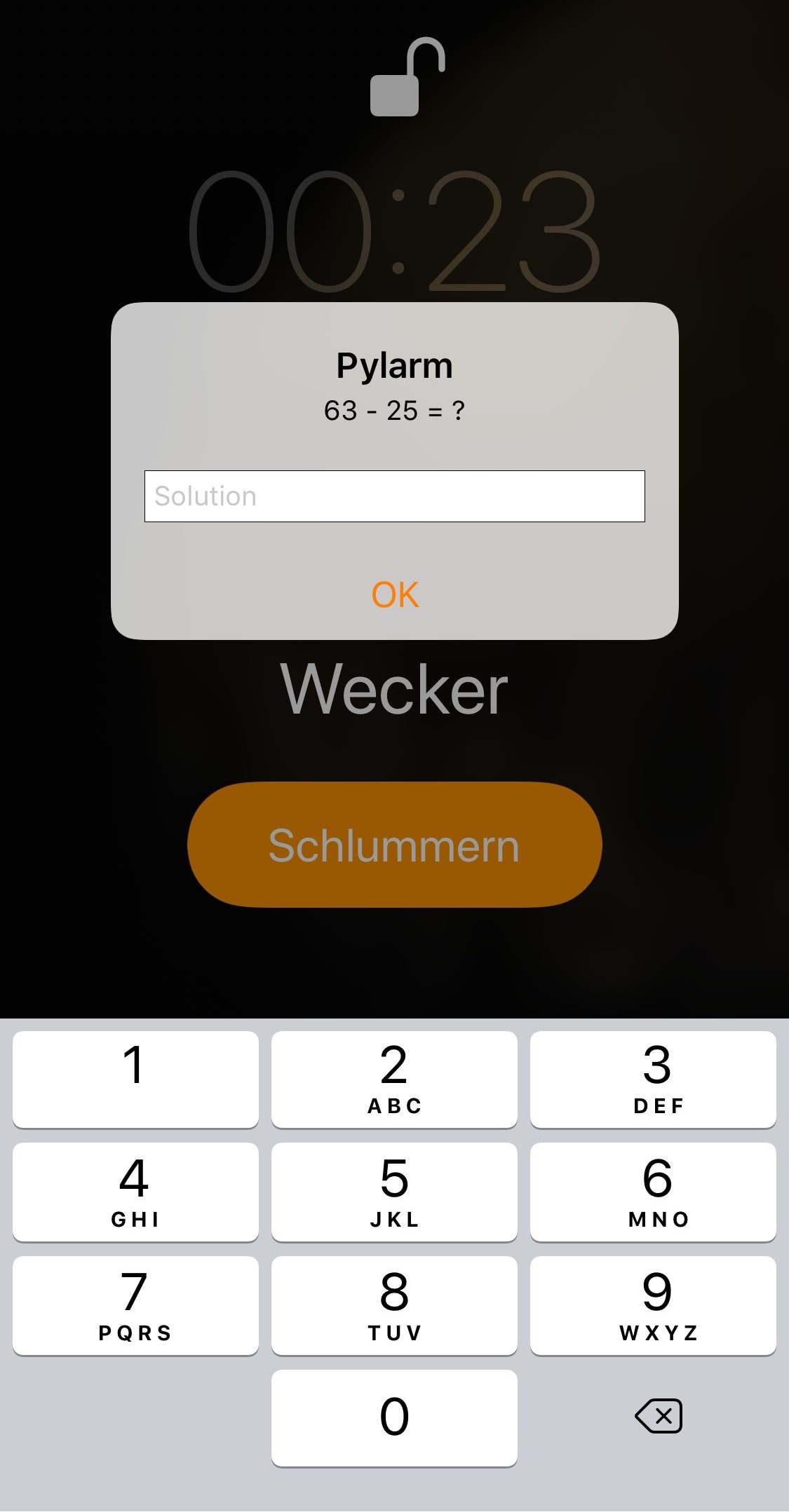
If you’re in the same boat and need a little bit of extra motivation to wake up each morning, then you might want to try a new free jailbreak tweak called Pylarm II by iOS developer R0wDrunner. This add-on forces users to solve math problems before the iPhone’s alarm can be dismissed.

Vocito is a lightweight alternative to CallBar

It’s no secret that the iPhone’s inbound call interface is an intrusive pain in the butt. Not only does it take up the entire display, but you can’t do away with it without first declining the phone call. Obvious much?

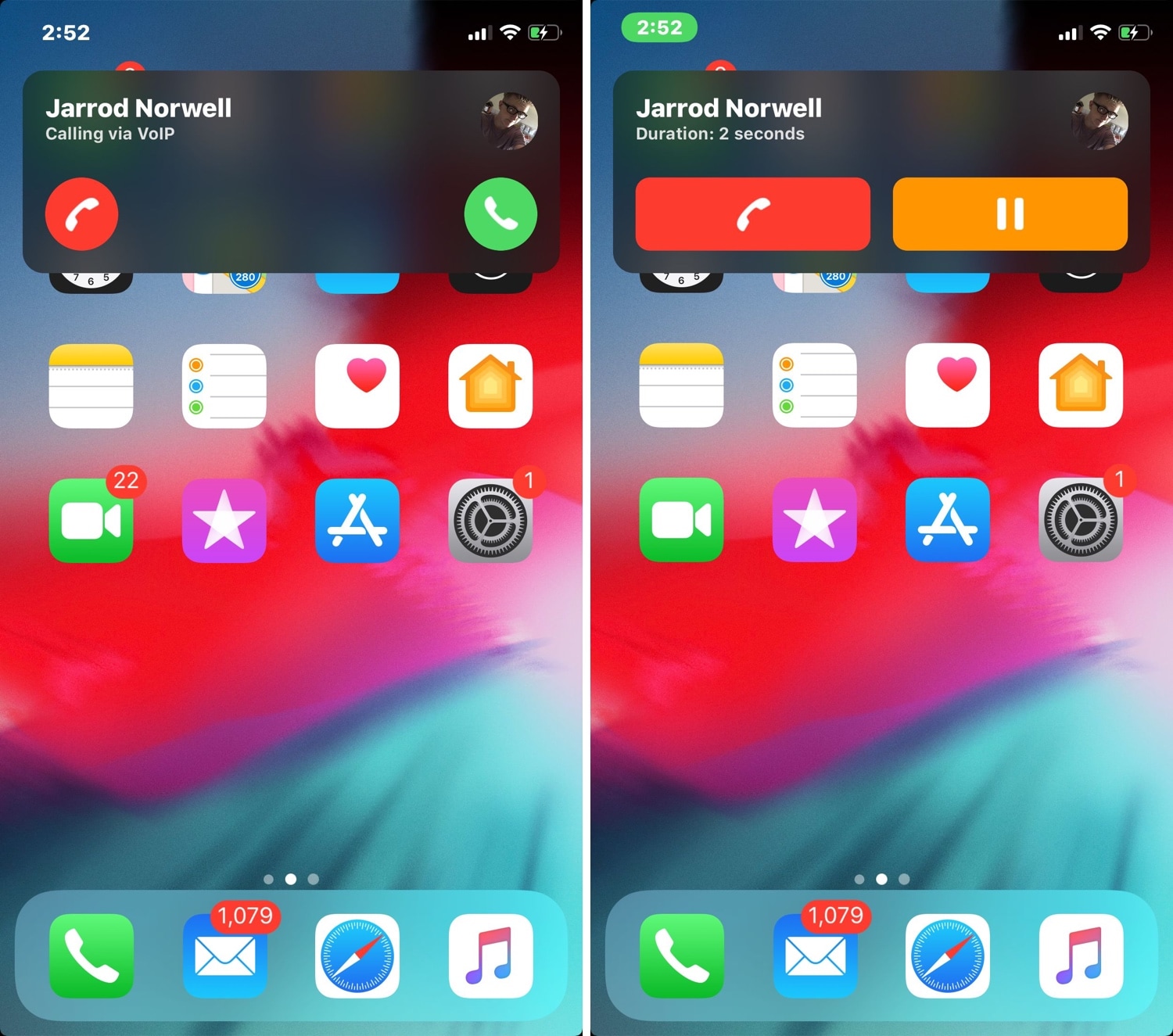
CallBar by Elias Limneos has long enjoyed being the premier solution to Apple’s horrendous inbound call interface on jailbroken handsets, but a new jailbreak tweak release dubbed Vocito by iOS developer Antique aims to increase the competition in this sector by introducing a minimalist alternative to CallBar.

ShyLabels: dynamic app icon labels for your Home screen

If you’re looking for a fun and quirky way to make your iPhone or iPad’s Home screen more interesting, then you may want to have a look at a free jailbreak tweak dubbed ShyLabels by iOS developer NoisyFlake.

ShyLabels helps your handset stand out from the crowd by making your Home screen’s app icon labels disappear until you begin scrolling from one page to another. As you swipe over to the next page, your Home screen’s app icon labels will reappear, but they’ll disappear again shortly after, as demonstrated by the animated GIF example below:

Goodges 2 replaces standard notification badges with these sexy new icon labels

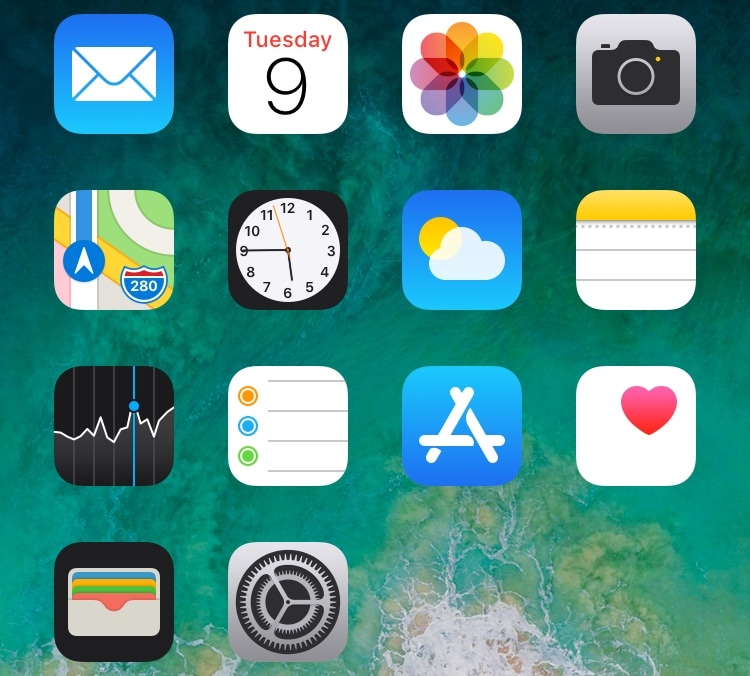
If you receive a lot of app notifications from one day to the next, then perhaps you feel like looking at something a bit more aesthetically pleasing than a plethora of red icon badges randomly dispersed across your Home screen.

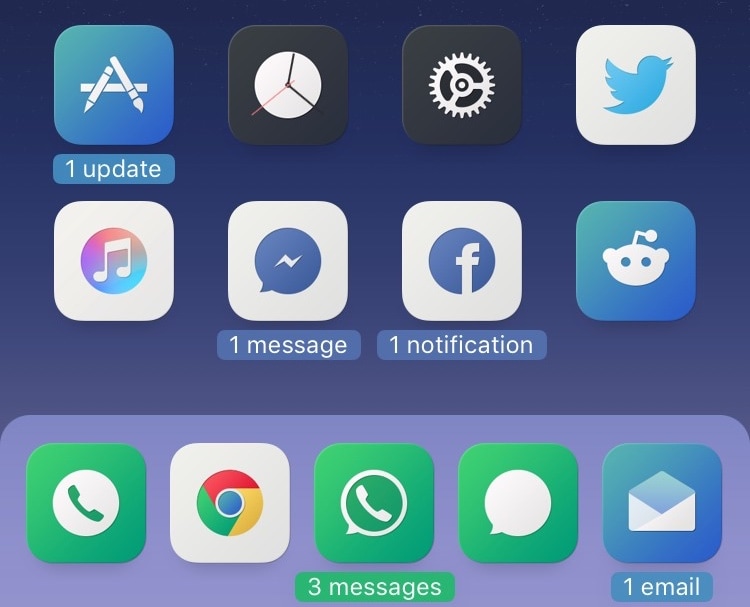
If you can relate, then you might take a liking to a free jailbreak tweak called Goodges 2 by iOS developer NoisyFlake. This tweak replaces those tiny red atrocities with dynamic app icon labels that notate precisely how many missed notifications you have for all relevant apps.

ShortcutEnabler brings iPhone X-inspired camera and flashlight shortcuts every handset’s Lock screen

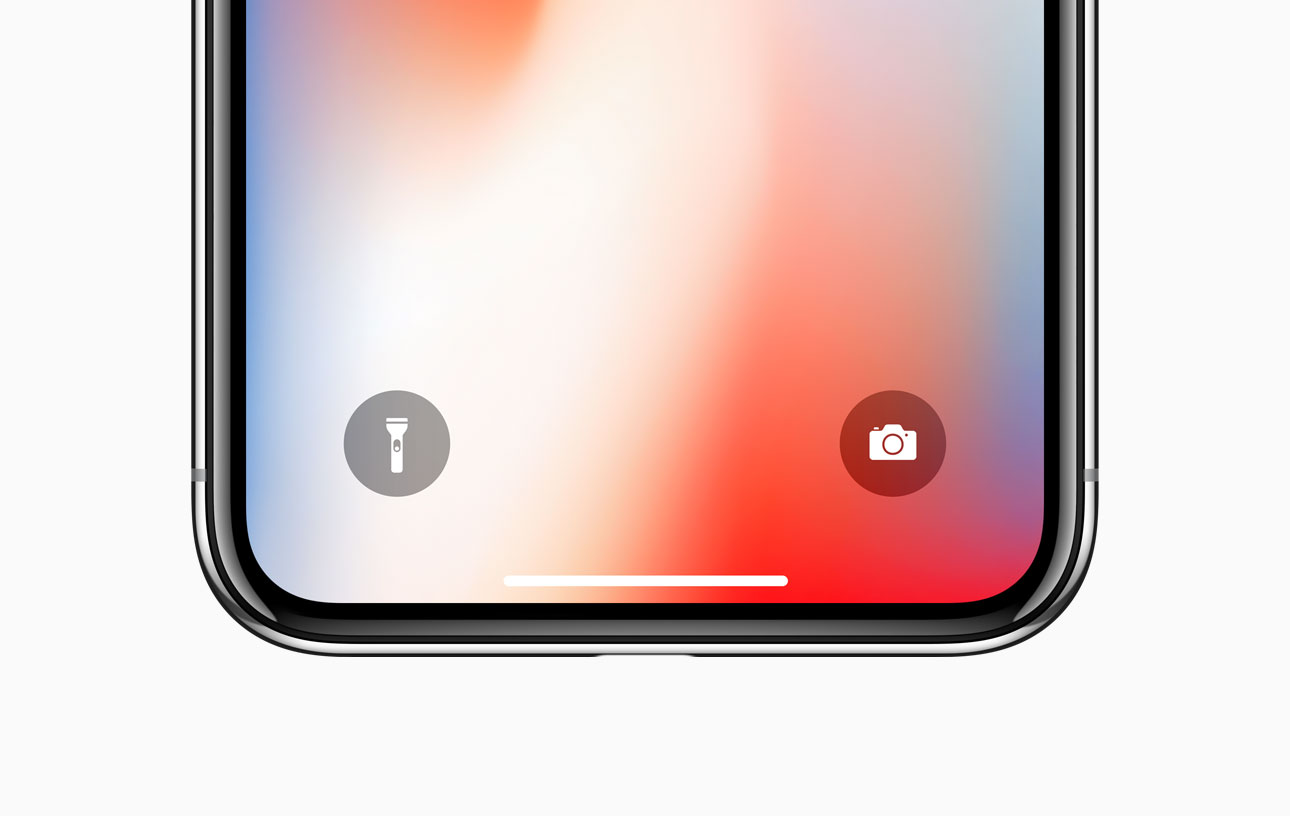
If you own any of Apple’s notched handsets, such as the iPhone X, XR, XS, or XS Max, then you’re already familiar with the two small shortcuts that appear on the bottom left and right of your Lock screen for the Flashlight and the Camera.

These shortcuts are incredibly useful in a pinch, and yet Apple never thought to provide them for users of older, non-notched handsets. Fortunately, you can now change that with the help of a free jailbreak tweak called ShortcutEnabler by iOS developer NoisyFlake.

WiFiCarrier replaces the Status Bar’s carrier text with the Wi-Fi network name when connected to Wi-Fi

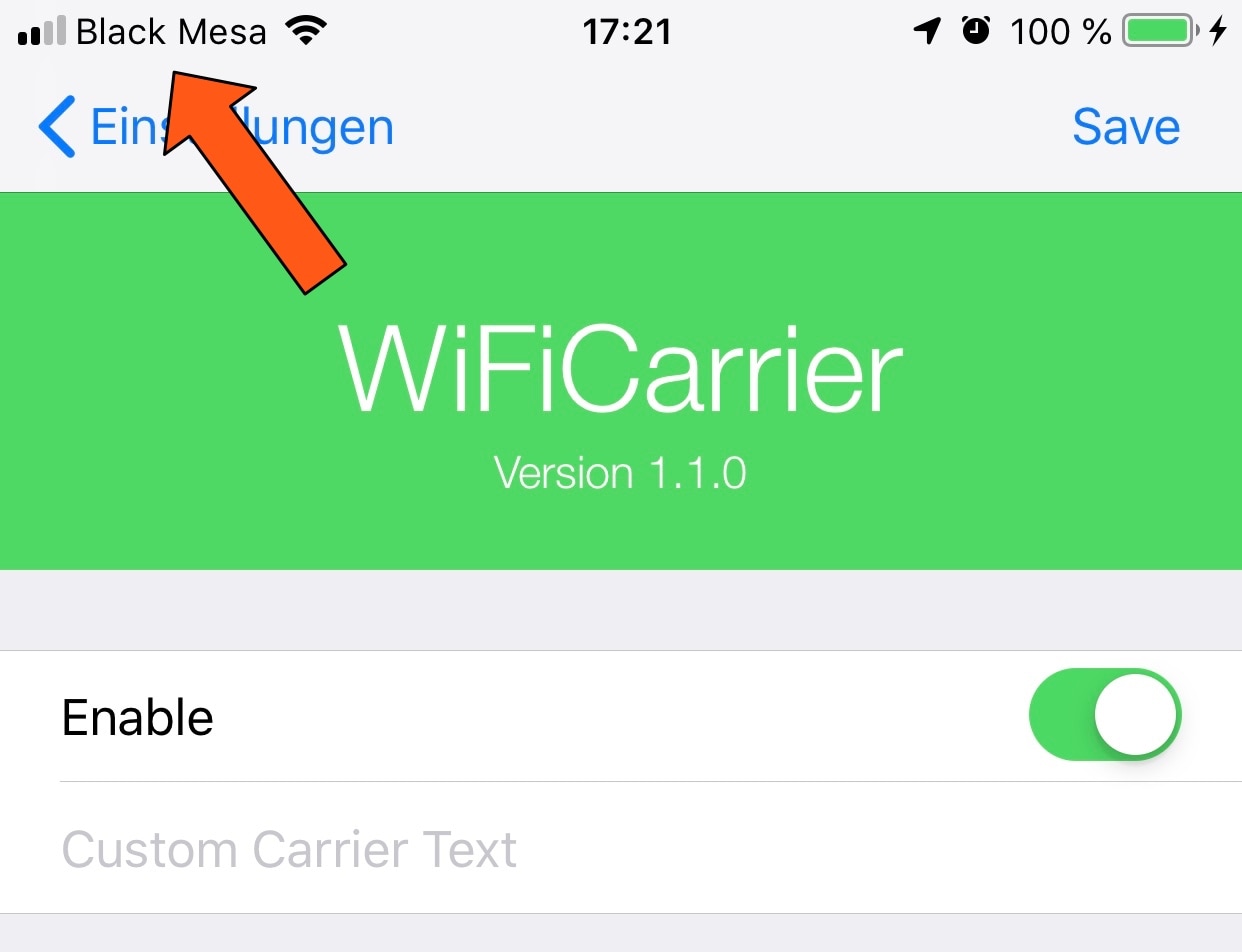
Your cellular carrier’s name appears in between the cellular signal strength indicator and Wi-Fi signal strength indicator in your iPhone’s Status Bar from the moment you activate your handset, but doesn’t it seem a bit weird to you that your Status Bar still displays the carrier’s name when you connect to a Wi-Fi network?

If you’re in agreeance, then you might enjoy a free jailbreak tweak called WiFiCarrier by iOS developer NoisyFlake, as it replaces the carrier’s name in your iPhone’s Status Bar with the SSID (network name) of your current Wi-Fi network whenever you’re connected to one.