iOS

Make iOS 13’s new volume HUD even better with Sonus13

For the first time in years, iOS 13 introduced an overhauled volume HUD to the iOS platform. While the redesign finally did away with the intrusive volume HUD monstrosity iPhone users have lived with for so long, that doesn’t mean everyone likes how the new interface looks.

If you’re jailbroken and looking for an augmented volume HUD experience that incorporates gorgeous athletics and endless customization in one package, then you won’t want to miss a newly released jailbreak tweak dubbed Sonus13 by iOS developer ubik.

New tfp0 POC encompasses iOS 12.4.1 & 12.4.2 on ‘all iOS devices since A12’

Matrix code hacked iPhone.

Good news for jailbreak hopefuls who aren’t presently able to take advantage of the brand-new checkra1n tool due to having too new of a device: there’s a new tfp0 proof-of-concept in town.

Citing a blog post first shared by Twitter user @ZecOps this Thanksgiving, the new tfp0 POC affects iOS 12.4.1 and 12.4.2, and this potentially opens the door for existing semi-untethered jailbreaks like Chimera and unc0ver to implement support for two new versions of iOS on all iOS devices since the A12(X) variety:

Gump keeps backgrounded apps running amid device resprings

Respring screen.

Perhaps one of the most bothersome parts about respringing your jailbroken handset is that when you have music playing in the background, the respring interrupts it, forcing you to manually tap on the ‘Play’ button to continue music playback.

Those who’ve been plagued by this nuisance for as long as I have will be thrilled to learn about the launch of a new jailbreak tweak called Gump by iOS developer Kurrt, as it effectively keeps backgrounded apps and music running even throughout the course of a standard respring.

Little11 augments older iPhones with modern gestures and features

Now that we live in a day and age in which notched, edge-to-edge displays are the norm for Apple-branded smartphones, those sporting traditional rectangular displays are beginning to show their age both in terms of appearance and functionality.

Despite the massive bummer this seems to entail at first glance, those who’ve taken the steps to jailbreak their aging iPhone can now call upon the help of a newly released and free jailbreak tweak called Little11 by iOS developer Ryan Nair to port many of the of the latest gestures and user interface elements that we’ve come to enjoy on the iPhone X and later to older handsets with traditional rectangular displays


Jailbreak tweaks of the week: AdaptiveDarkMode, Continuity, ipadify, and more

The jailbreak community is bustling with new activity this holiday season, and much of the newfangled excitement comes by way of the checkra1n team’s unpatchable checkra1n jailbreak, which leverages @axi0mX’s checkm8 bootrom exploit to liberate almost any A7-A10 device from the iPhone 5s to the iPhone X. Best of all, all of this works on iOS 13 – Apple’s latest and greatest mobile operating system.

If you’re in the market for jailbreak tweaks and add-ons that will make your jailbroken handset more exciting, then you’ve come to the right place. This roundup will encompass all the latest jailbreak tweaks from Monday, November 18th to the Sunday, November 24th. As always, we’ll kick things off by discussing our favorite releases and then wrap things up with a brief outline of the rest.

Understanding untethered, semi-untethered, semi-tethered, and tethered jailbreaks

If you’ve been poking around in the jailbreak community for as long as I have, then you’ve undoubtedly witnessed a plethora of different jailbreak types. Among the most popular in this community are untethered, semi-untethered, semi-tethered, and tethered, each of which exhibit different attributes that every jailbreaker should be aware of.

We understand that some are new to jailbreaking, but even those who’ve been around as long as I have might have some confusion between the different types. For this reason, we’ve compiled a quick guide to help everyone understand what each of these different jailbreaks are and how they behave.

Pin any Today widget on the Lock screen with LockWidgets

Have a favorite iOS widget, but wish you could see it directly from the Lock screen without needing to swipe over to the Today page? There’s a jailbreak tweak for that!

If you answered ‘yes’ to the question above, then we’d like to introduce you to LockWidgets, a newly released add-on by iOS developer ConorTheDev that lets you pin your favorite Today widget to the primary Lock screen page so you can view it at a glance:

Bring useful iPad features to the iPhone with ipadify

If you’ve ever used an iPad before, then you should already know that it sports handy capabilities that can’t be had on the iPhone or iPod touch — at least not on a stock device, that is.

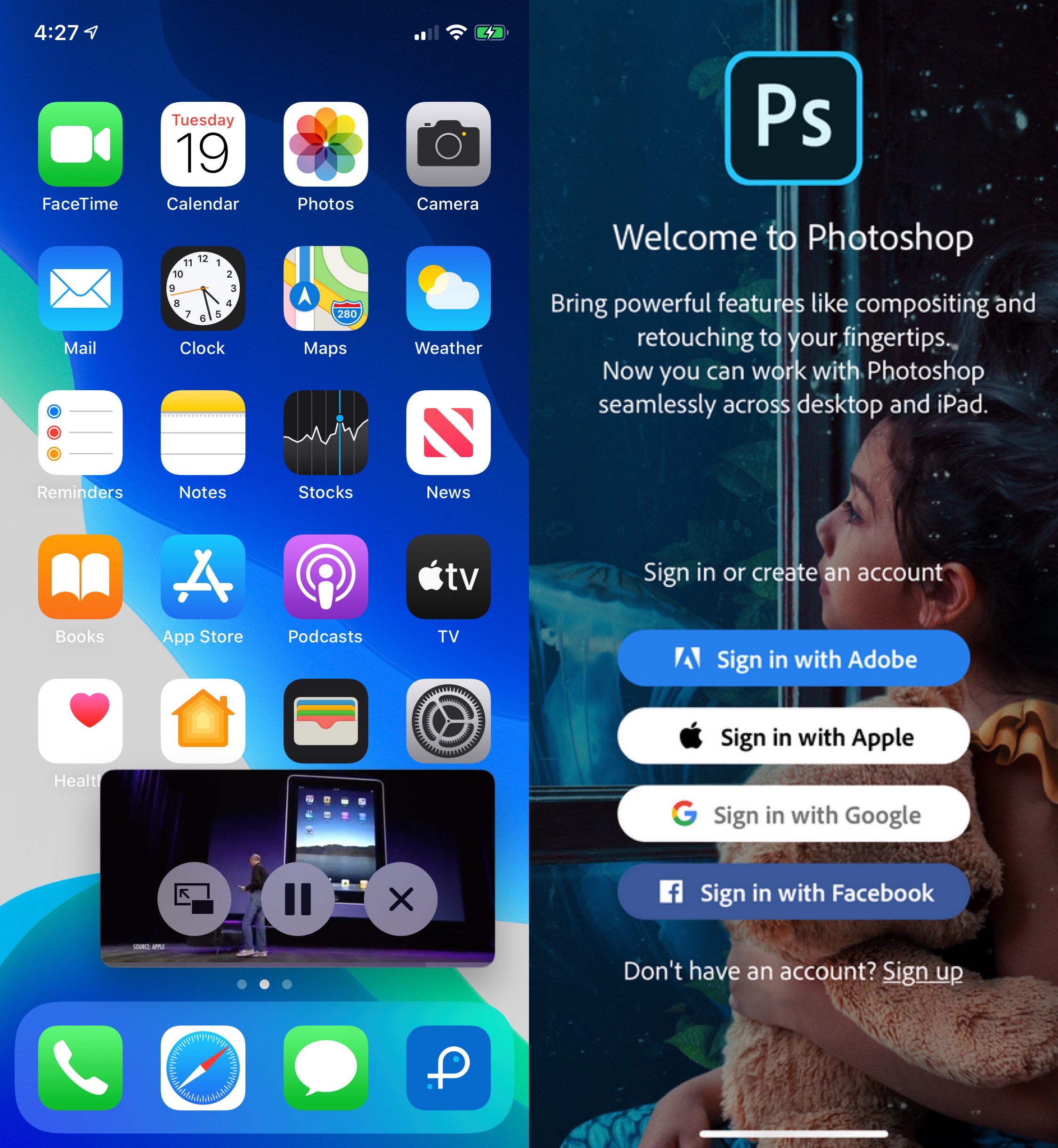
With the help of a newly released and free jailbreak tweak called ipadify by iOS developer Guilherme Rambo, you can port several of the iPad’s premier features to smaller handsets, including native picture-in-picture video viewing and the ability to side-load iPad-only applications like Photoshop.

Noire toggles iOS 13’s dark mode with a pull-down gesture in Settings

Apple integrates several ways into its mobile operating system to toggle iOS 13’s new dark mode feature on or off on demand, but perhaps you aren’t satisfied with them or you’d prefer to use a different method?

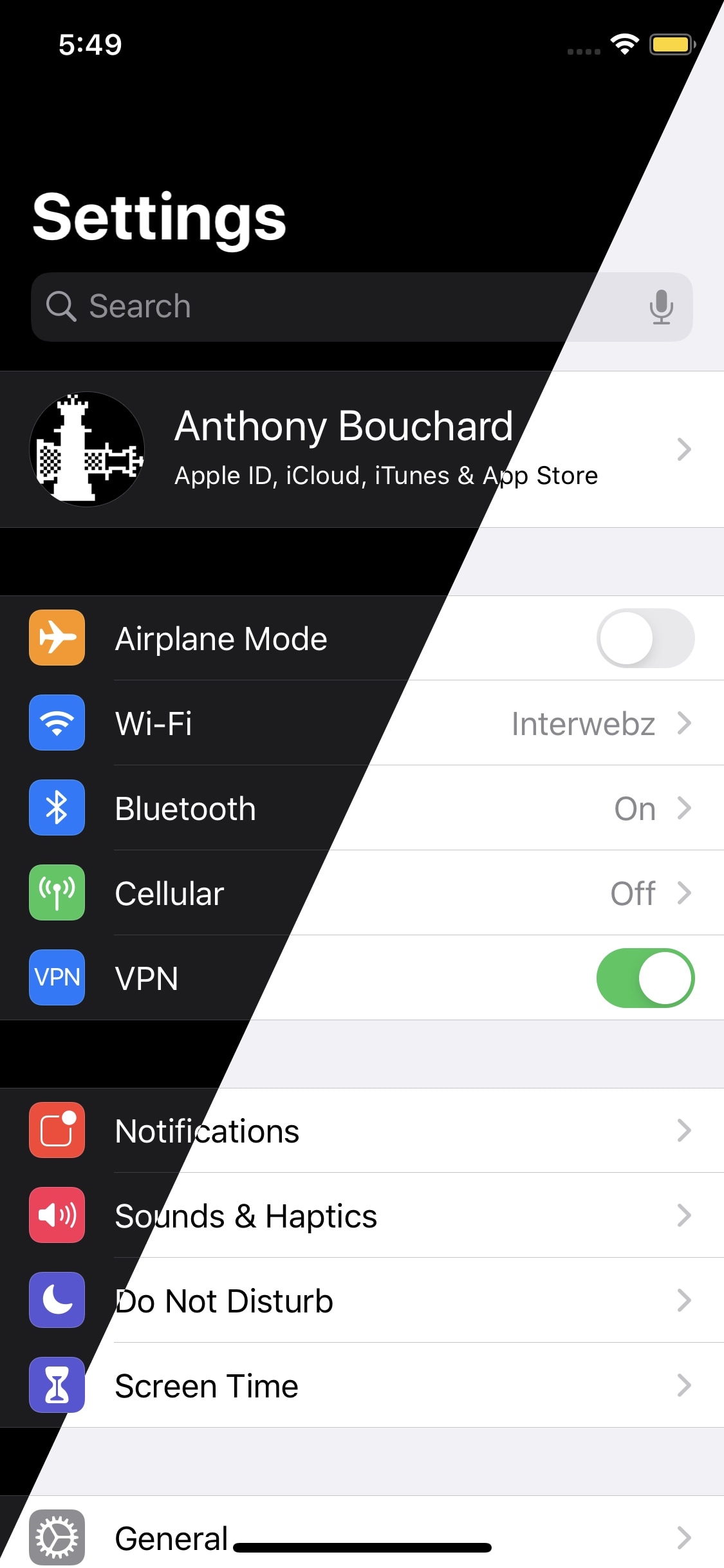
Enter Noire, a new and free jailbreak tweak by iOS developer MTAC that lets you turn dark mode on or off with a simple swipe-down gesture in the first page of the Settings app.

Saurik says Cydia Impactor “Xcode 7.3” error fix could come mid-December

Saurik made a rare public appearance on Twitter Tuesday afternoon to discuss the future of Cydia Impactor and a particularly frustrating error that users have been experiencing since Apple pushed some of its latest software updates for Mac and iOS.

More specifically, Saurik talked about an error in which Cydia Impactor would tell users that they needed to upgrade to Xcode 7.3 when they were trying to side-load a pertinent jailbreak app, such as Chimera, Electra, or unc0ver. That message looked something like this:

CozyBadges: A subtle upgrade for iOS’ native notification badges

Apart from a few tiny revisions in iOS 7 and later, iOS’ notification badge system has appeared mostly unchanged since its conception. Jailbreakers seeking a fresher take on notification badges would do good to check out a newly released jailbreak tweak called CozyBadges by iOS developer NoisyFlake.

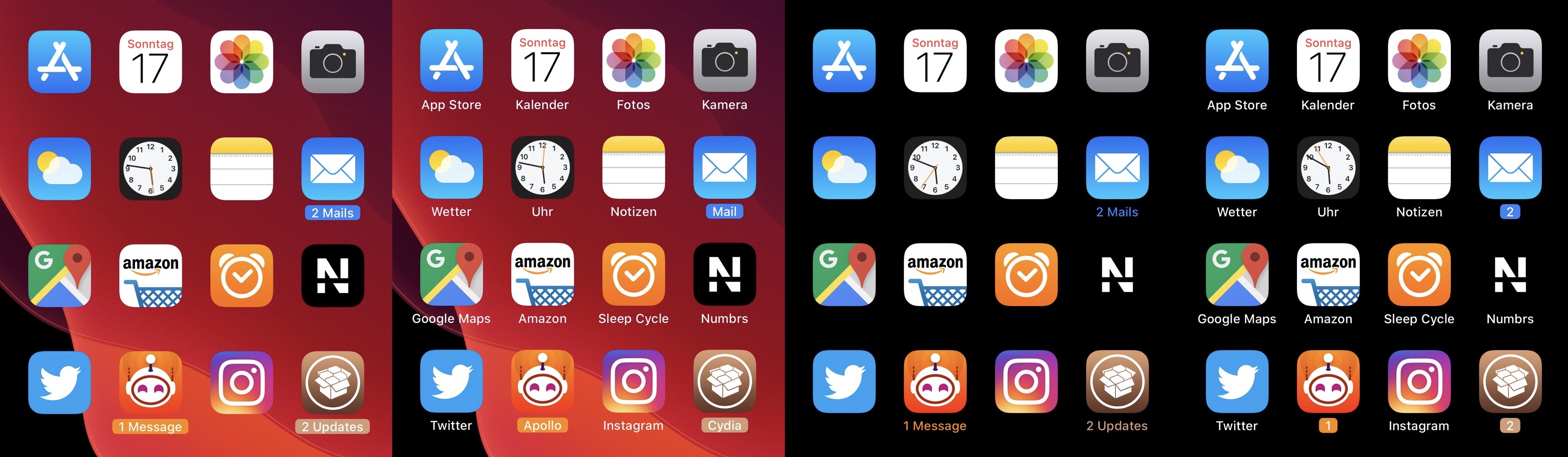
As depicted in the multitude of screenshot examples above, CozyBadges replaces the traditional red circular notification badge with something much more subtle — an updated icon label that appears highlighted or colorized when there are missed notifications. Moreover, the label can be configured to display alternative text, assuming the user wants this.

Command what appears in your Status Bar with HideStatusBarItemsPro

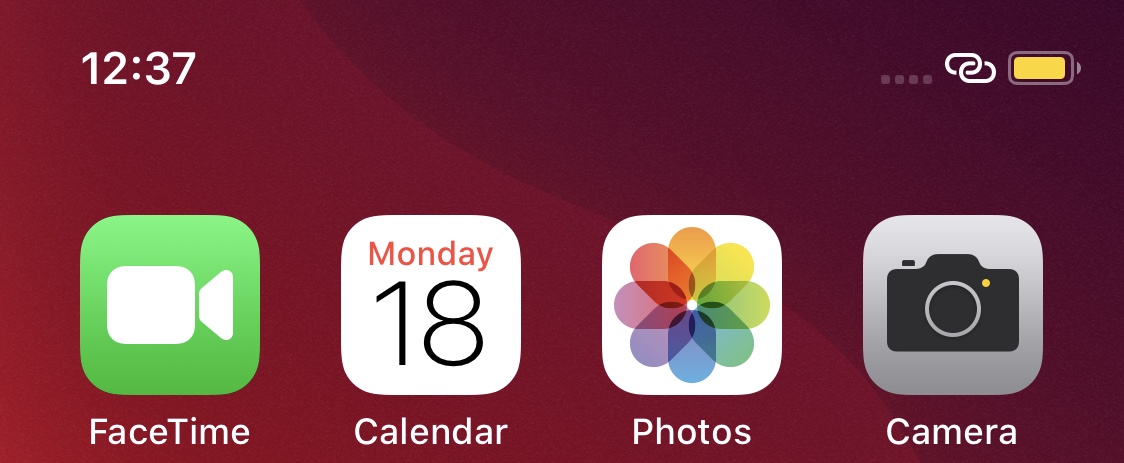
Your handset’s Status Bar displays pertinent information about current events, including the time, battery percentage, internet connection source, VPN connection, and even the date if you happen to be using using an iPad. But it also displays various icons and indicators depending on what your device is doing, such as location usage, personal hotspot usage, web loading activity, and more.

Those who’d like a greater command over what appears in the Status Bar may want to try using a jailbreak tweak called HideStatusBarItemsPro by iOS developer Chashmeet Singh. Just as the name denotes, this add-on lets users choose what does and doesn’t appear in their pwned handset’s Status Bar.