iOS

This tweak prevents photos taken in the Messages app from saving to the Camera Roll

It’s easy to send someone a freshly-captured photograph via the iPhone’s Messages app all thanks to a dedicated button located just to the left of the text input field. Upon capturing a photograph this way and sending it, iOS automatically saves a copy of that photograph to the Camera Roll so that the user can reference it later on.

Apple had good intentions here no doubt, but in many cases, we find ourselves navigating to the Photos app after capturing and sending a photograph in the Messages app to delete it from our Camera Roll afterward. I can personally relate to this particular dilemma, and that’s one reason why I’m excited to share the likes of a newly released and free jailbreak tweak dubbed Don’tSaveMessagePhotos by iOS developer lint.

Power users with jailbroken iPhones will love the new AppData tweak

Depending on how advanced of an iPhone or iPad user you are, you might find yourself wanting to do more than simply launch and use your apps. Maybe you have a curious mind and you fancy tinkering with stuff related to those apps, or perhaps you just desire an easier way to clear your apps’ caches on a regular basis.

Whatever you’re looking for in the world of advanced iPhone and iPad usage, chances are a newly released and free jailbreak tweak dubbed AppData by iOS developer Fouad Raheb can help you get more out of using your handset’s Home Screen.

Astrid brings a snazzy new multitasking experience to jailbroken handsets

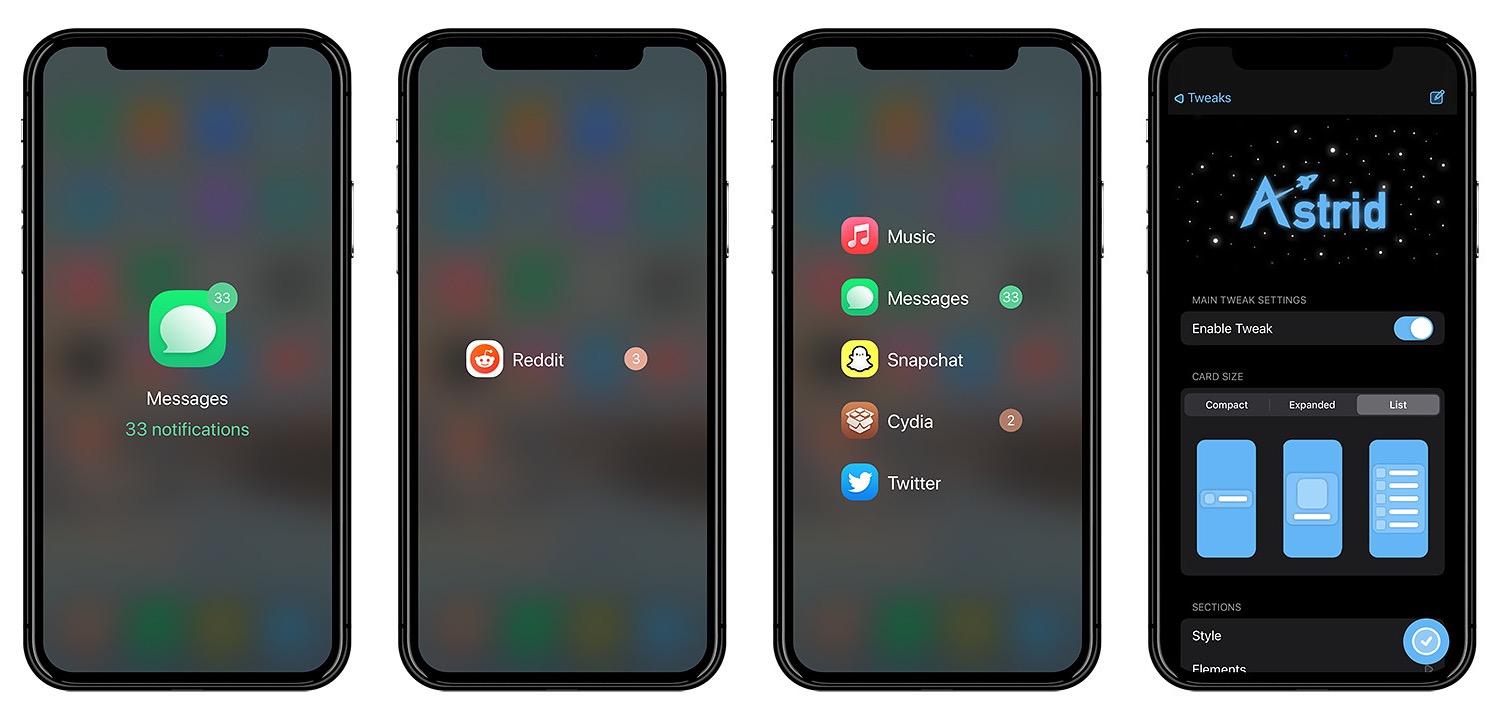
Multitasking is an important feature on modern smartphones and tablets, not only because we demand more and more out of our apps at any one given time, but also because we want to be able to do more than one thing at once to save time. Multitasking has come a long way on the iOS platform over the years, but one fact remains true: the jailbreak community continues to have of the best multitasking concepts that Apple still has yet to incorporate out of the box.

Astrid by iOS developer MTAC is the latest of such multitasking concepts to come to fruition in the form of a jailbreak tweak as of late. Astrid aims to be a no-BS interface for simply accessing your most recently-used apps in a jiffy. Best of all, it includes creature comfort features that the standard App Switcher doesn’t.
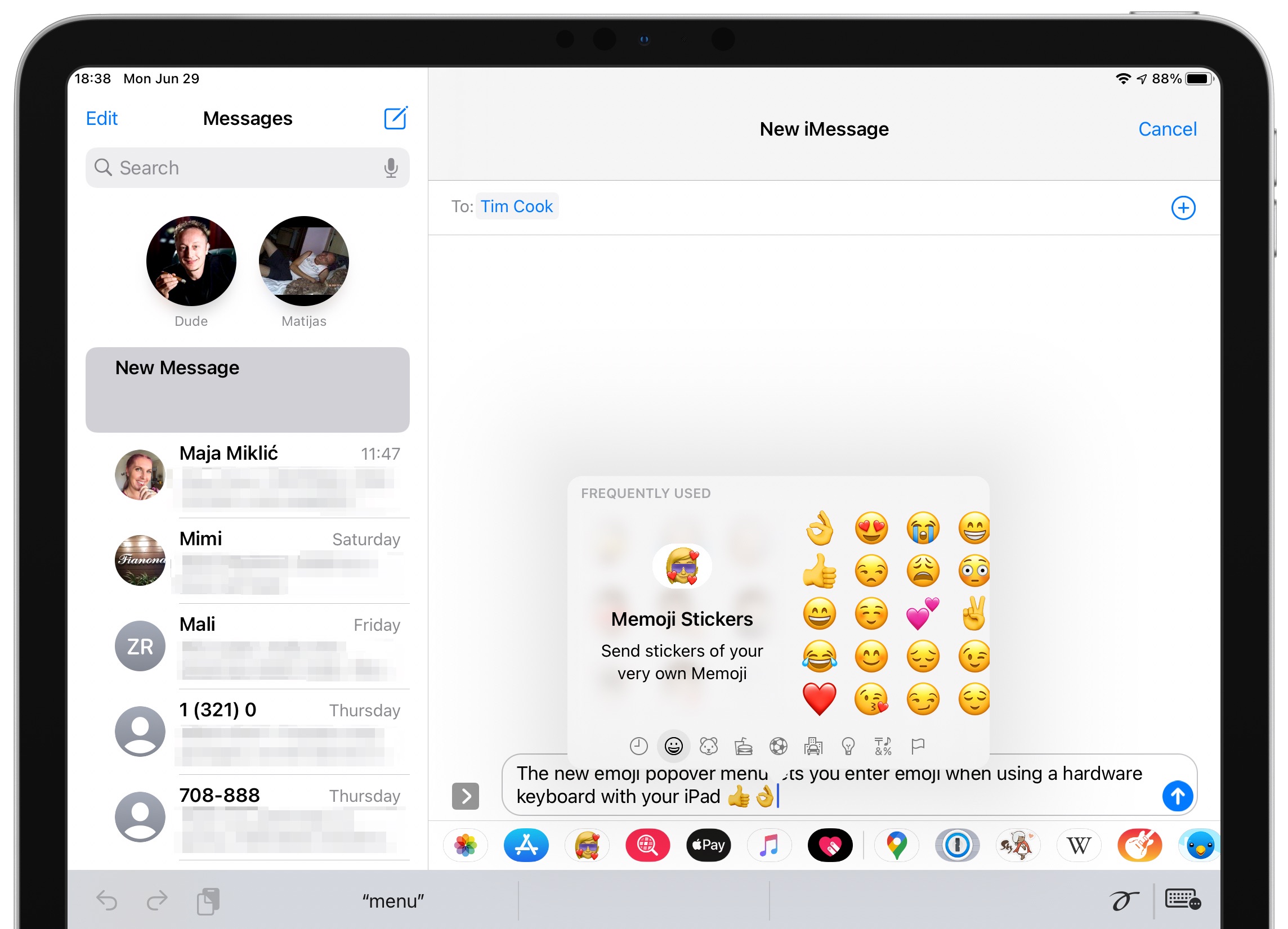
This tweak brings iOS 14’s conversation pinning to pwned iOS 13 devices

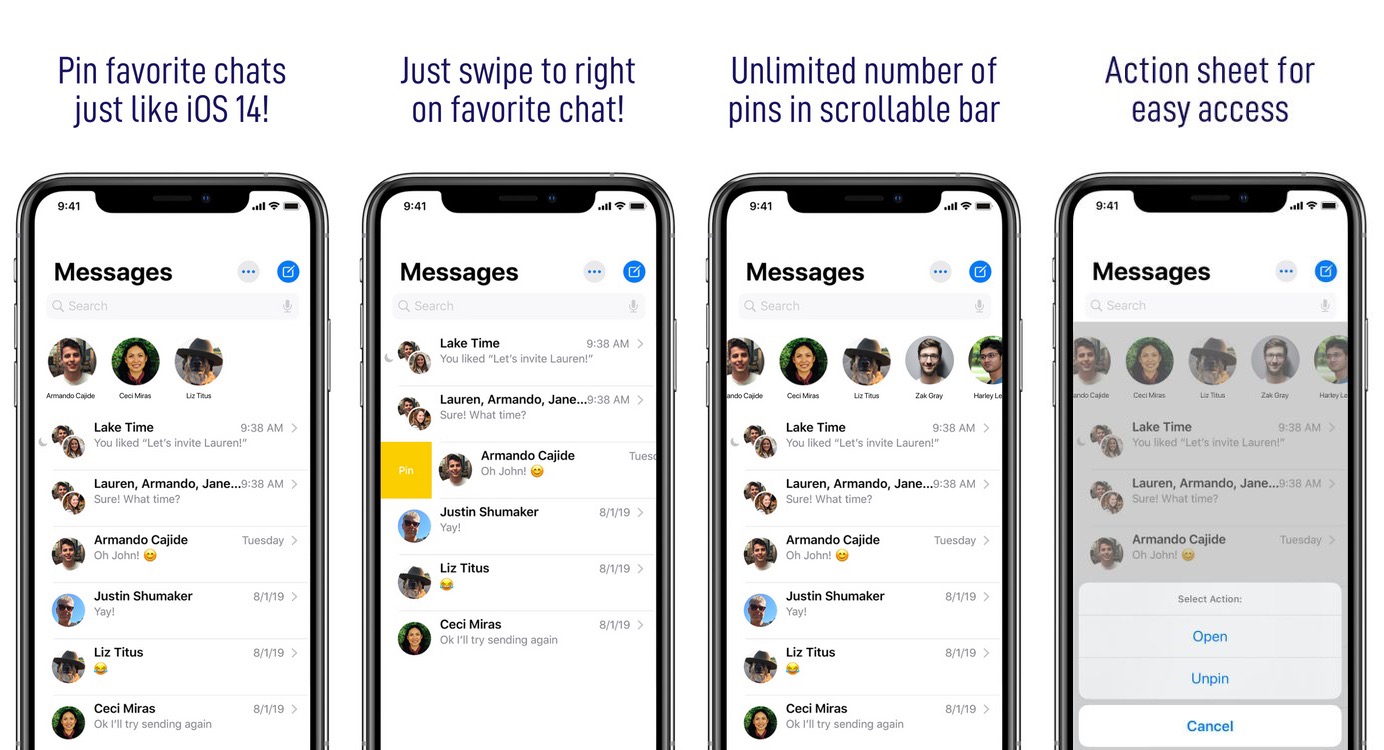
One of my favorite new features that will ship with the upcoming iOS 14 update is the ability to pin favorite conversations to the top of the Messages app for quicker reference. But if you’re jailbroken on iOS 13, then you might feel reluctant to upgrade for this new feature alone.

Fortunately, jailbreakers won’t be left in the dust when iOS 14 launches because a newly released jailbreak tweak called PinHeads (iOS 13) by iOS developer Ahmad brings iOS 14-style conversation pinning to the Messages app on pwned iOS 13 devices.

This tweak gives the iPhone’s Phone app a pleasant facelift

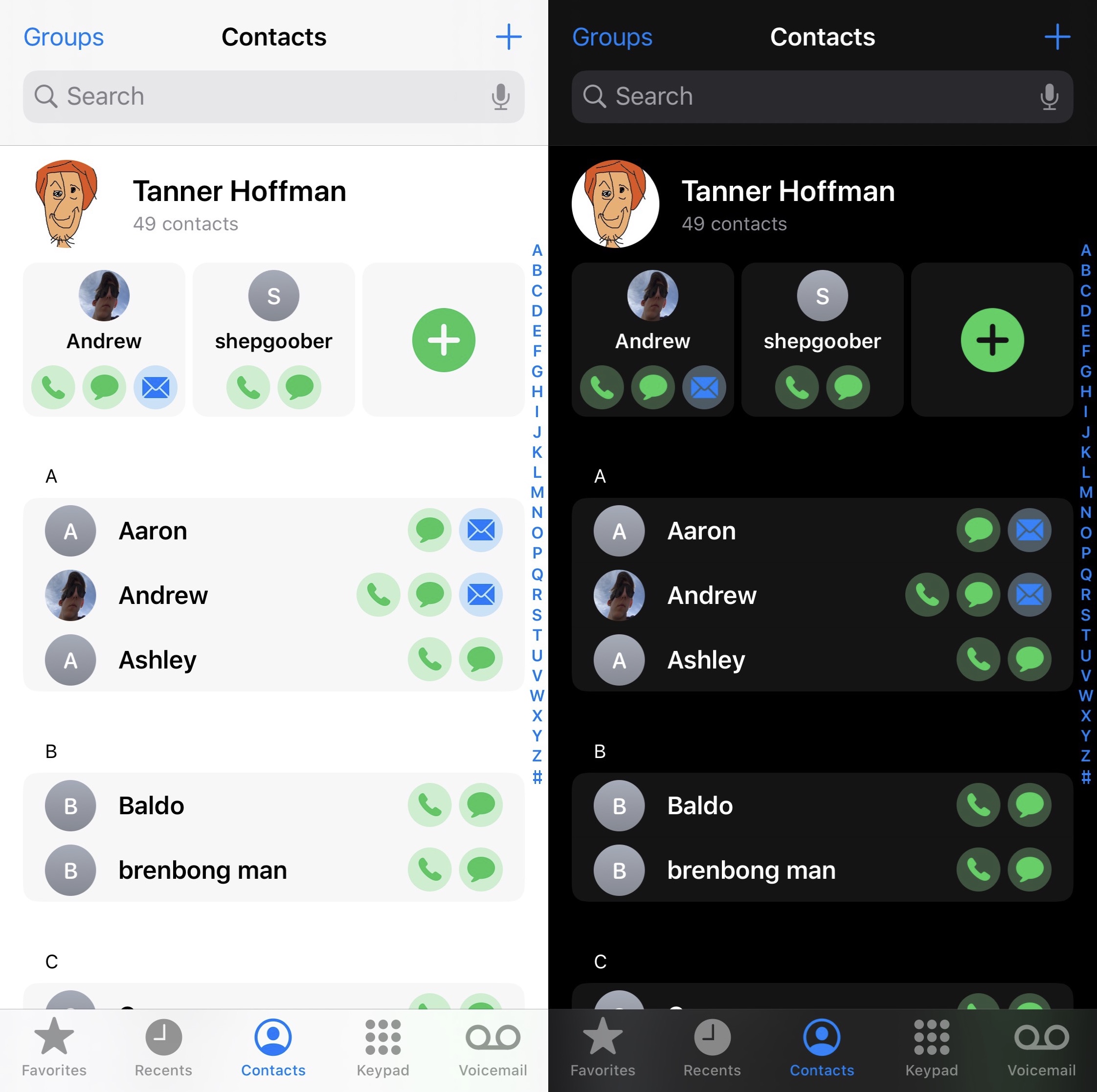
The Phone app that comes pre-installed on every iPhone from the factory sports a barebones and simplistic design that just works. Given its tried and true reputation, the Phone app hasn’t seen many changes over the years, and some might even argue that it’s getting a bit stale.

If you’re jailbroken, then the good news is that you don’t have to settle for a boring Phone app anymore. A newly released and free jailbreak tweak dubbed Bongwater by iOS developer qwertyuiop1379 breathes new life into the Phone app by bringing a highly requested Phone app redesign concept to life.

Pigment offers quick and convenient colorization options banners & widgets

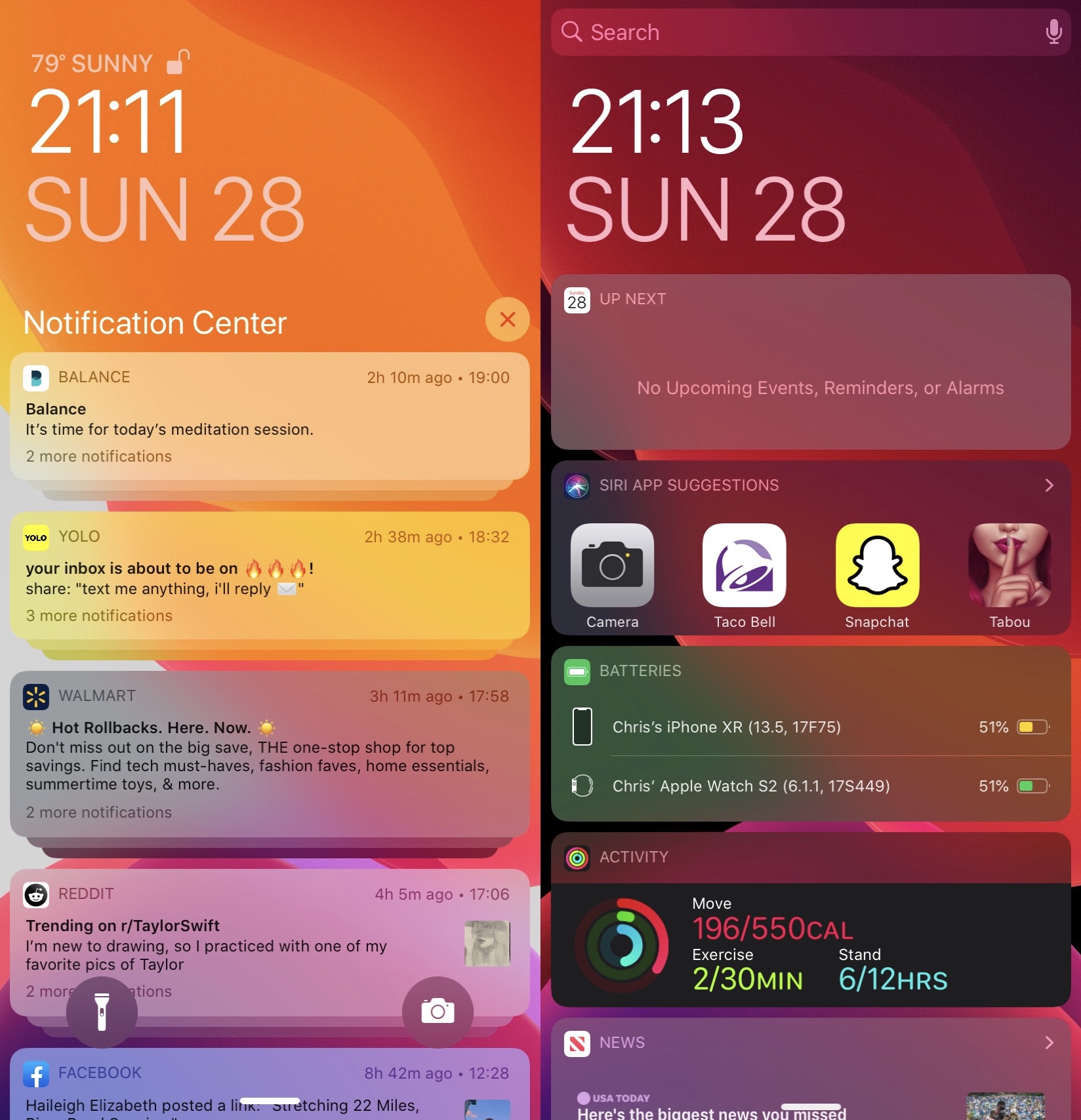
If you’re in the market for a jailbreak tweak that can change the aesthetics of your iPhone or iPad in a pleasant way without drastically altering the way iOS or iPadOS was designed to look, then we think you’re going to appreciate a newly released and free jailbreak tweak dubbed Pigment by iOS developer Simalary (Chris).

In brief, Pigment lets users colorize notification banners, widgets, and the Lock Screen’s Now Playing interface with easy-to-configure settings that have a minimalistic impact on the device’s overall appearance. In the screenshot examples above, you’ll notice that many of the notification banners are tinted to match the app icon they represent.

Identify apps you never use on your jailbroken iPhone with Ash

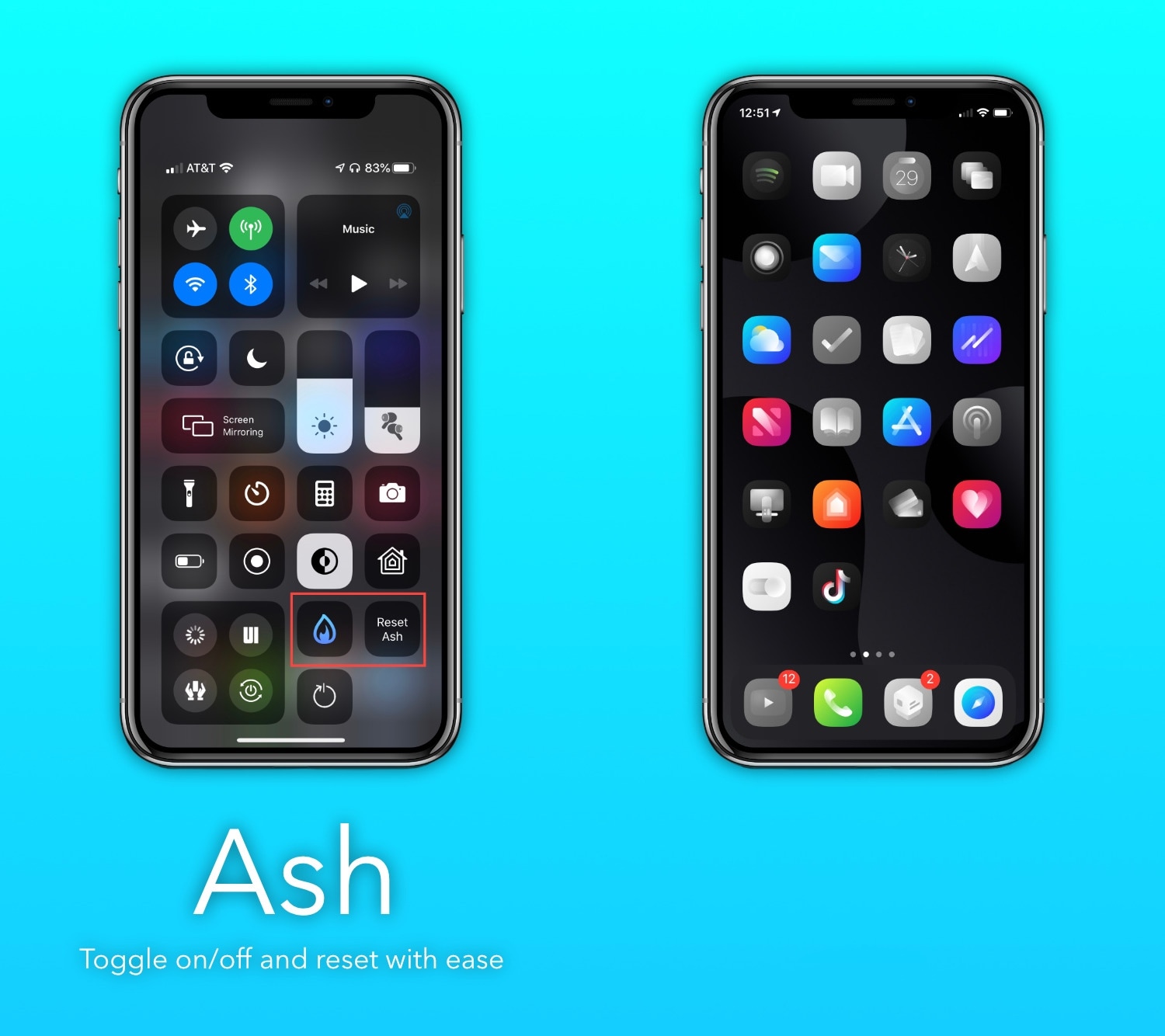
If you’re the type of person who installs tons of apps from the App Store and then only uses a small number of those after installing them, then you just might enjoy a newly released and free jailbreak tweak called Ash by iOS developer burrit0z.

Ash implements an intelligent app icon dimming effect to help jailbreakers keep better track of the apps they use and the apps they don’t use. Never-used app icons appear gray in color when being displayed on the Home Screen, whereas used app icons retain their original color, as depicted in the screenshot examples above.

QuickMarkup makes it easier to access Markup in the Photos app

Markup is an incredibly useful feature supported by Apple’s Photos app, empowering users with the ability to annotate or draw on images before sharing them with others. There’s just one problem however: the default method of accessing Markup on a stock device is both convoluted and cumbersome, and it shouldn’t be.

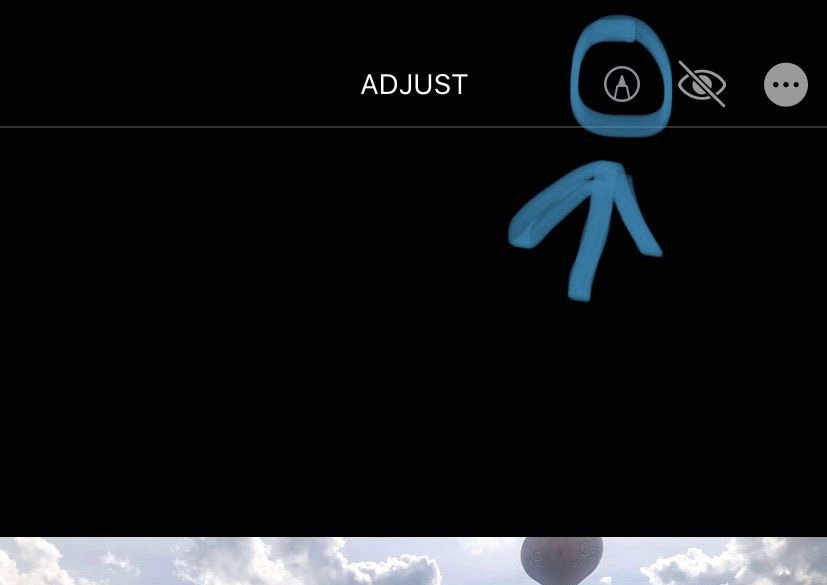
QuickMarkup is a newly released and free jailbreak tweak by iOS developer Simalary (Chris) that effectively fixes this problem by placing a dedicated Markup button in the photo editing toolbar, as depicted in the screenshot example above.

ForwardNotifier sends your iPhone’s push notifications to your Mac or PC

Many of us take for granted the the ability to send and receive text messages and phone calls across our iOS and macOS devices, but this level of continuity tends to be limited to certain applications. That said, wouldn’t it be nice if your Mac or PC could receive and display all the push notifications that naturally come to your iPhone?

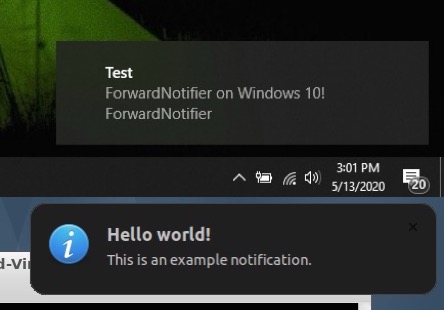
If you answered yes to that question, then we think you’re going to love a newly released and free jailbreak tweak called ForwardNotifier by iOS developer Greg0109. This tweak sets up a communication line between your iOS handset and your Linux, Mac, or Windows PC so that notifications appear directly on your desktop.