Apple last week released iOS & iPadOS 16.6.1 to the general public with a patch addressing some serious security concerns on iPhones and iPads.
Apple stops signing iOS 16.6 after releasing newer iOS 16.6.1, halting downgrades
Apple last week released iOS & iPadOS 16.6.1 to the general public with a patch addressing some serious security concerns on iPhones and iPads.
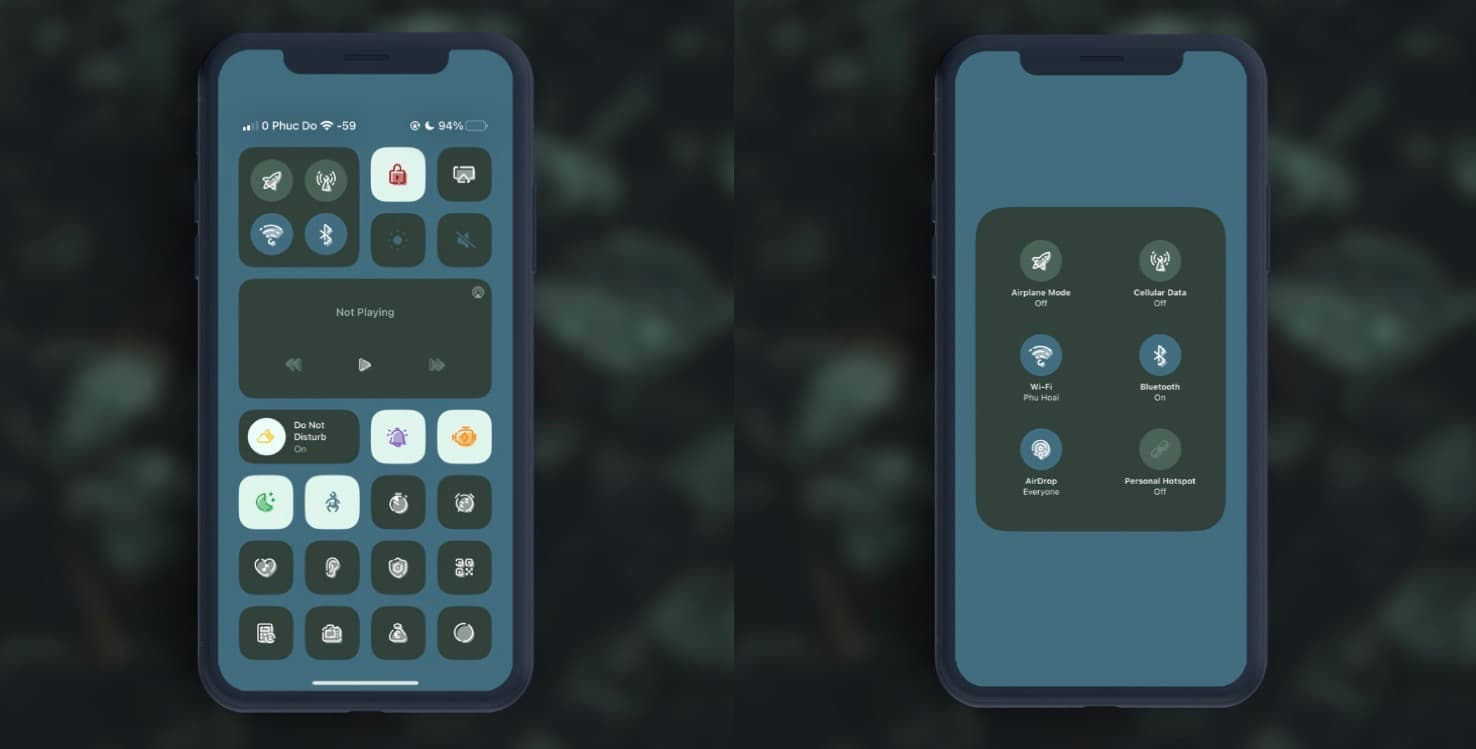
Anyone who might be looking for a meaningful aesthetic upgrade for their Control Center interface may want to check out a new add-on called Pulsar Control Center UI by Phuc Do for the MacDirtyCow & kfd exploits.
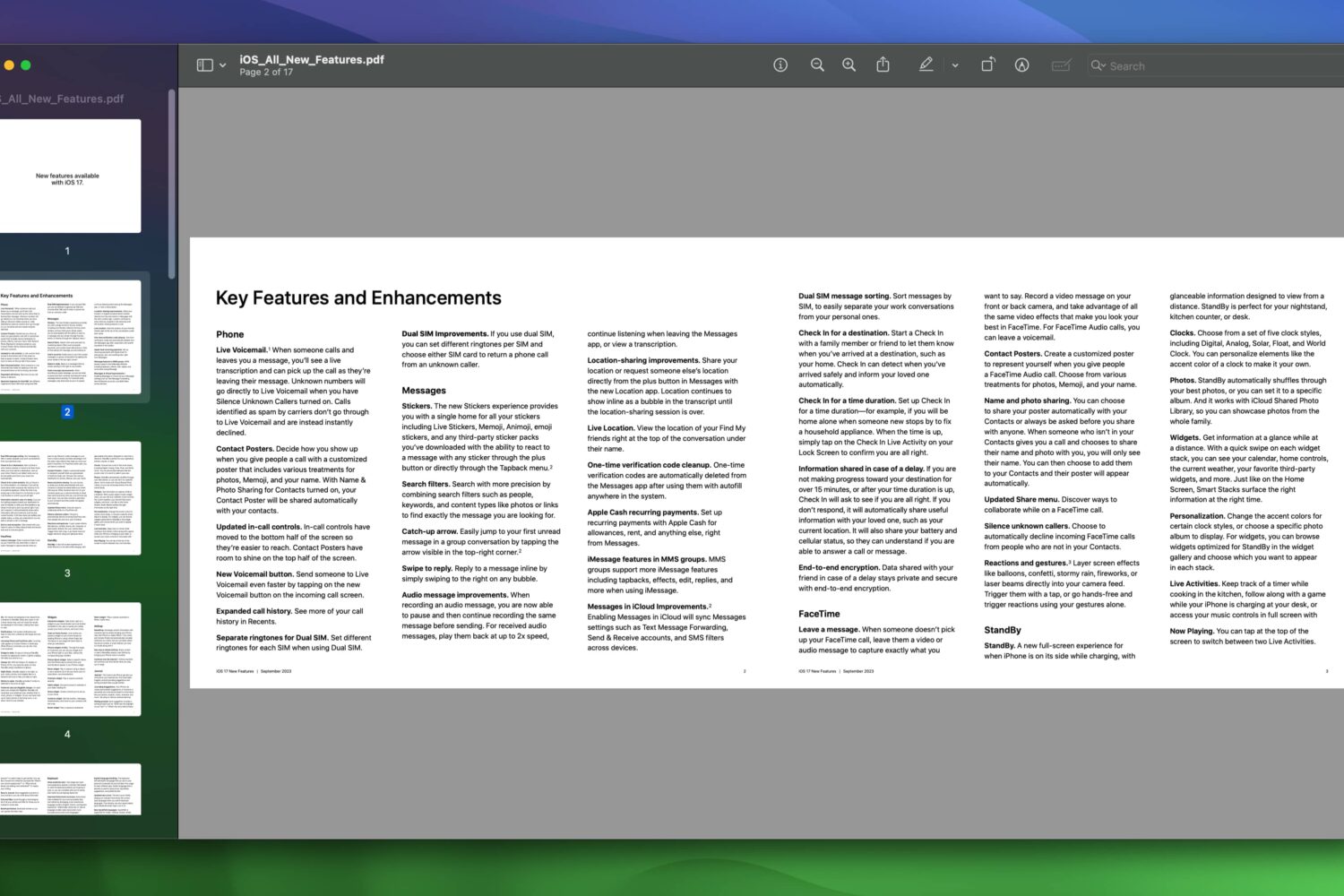
Apple wants you to know the iOS 17, iPadOS 17, and macOS Sonoma updates bring way more new features to its iPhone, iPad, and Mac than meets the eye.

For those extended moments when it seems like there’s no jailbreak in sight, most iPhone and iPad tinkerers can get a quick fix from package manager apps that host add-ons for the MacDirtyCow and kfd exploits instead.
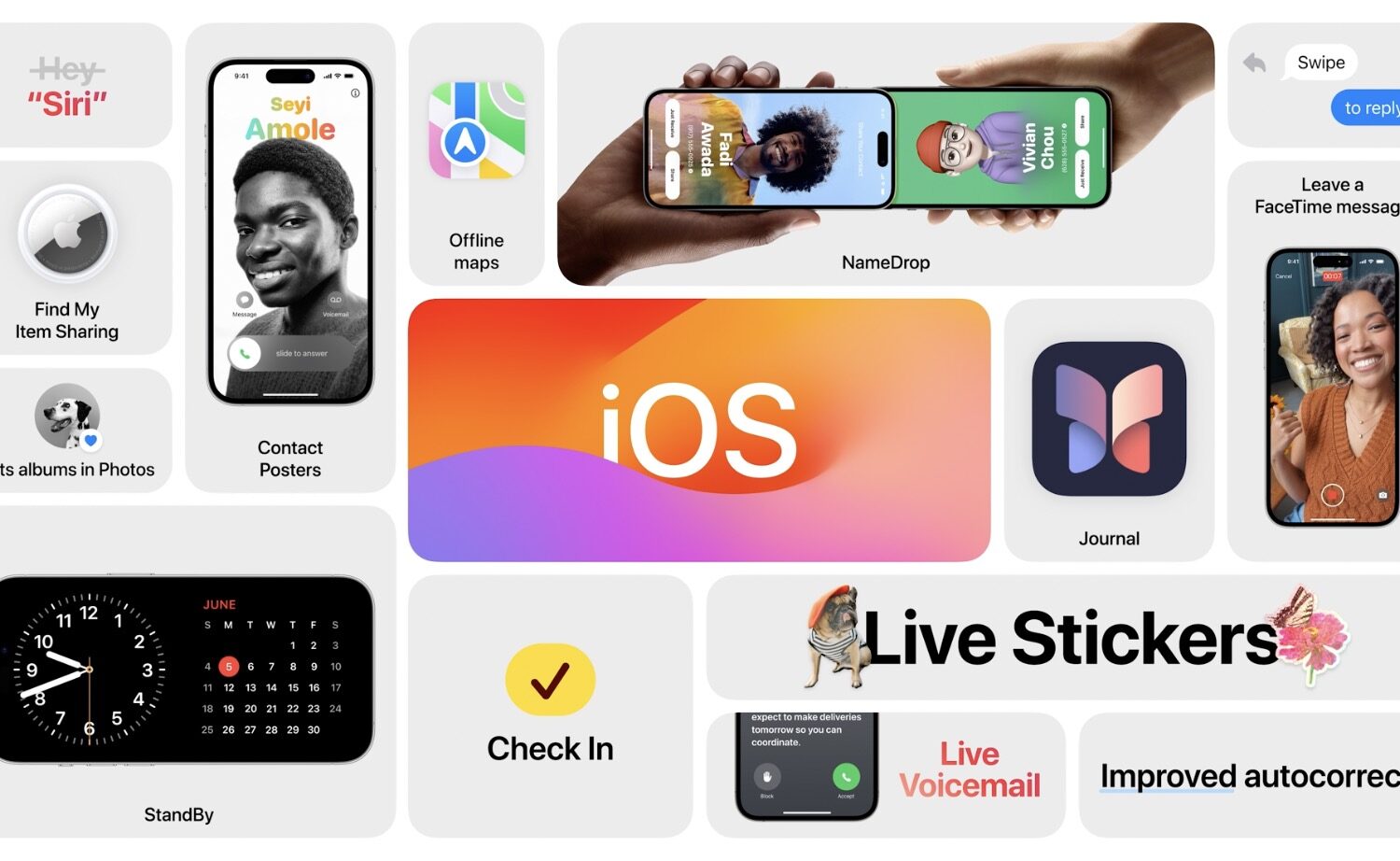
Apple will publicly release the new iOS 17, iPadOS 17 and watchOS 10 software updates for the iPhone, iPad and Apple Watch the following Monday, September 18.

The Zebra package manager app received a small update early Monday morning to version 1.1.36, and if you’re an existing user, then we would recommend that you grab it.
Dopamine jailbreak lead developer Lars Fröder, also known as @opa334dev, released an updated build of the iOS 15-centric jailbreak tool for arm64e devices Sunday afternoon.
Everyone who follows the iPhone jailbreak community, and all the other cool ways that we can use exploits to modify our devices outside of Apple’s stock parameters, have a home here at iDB.
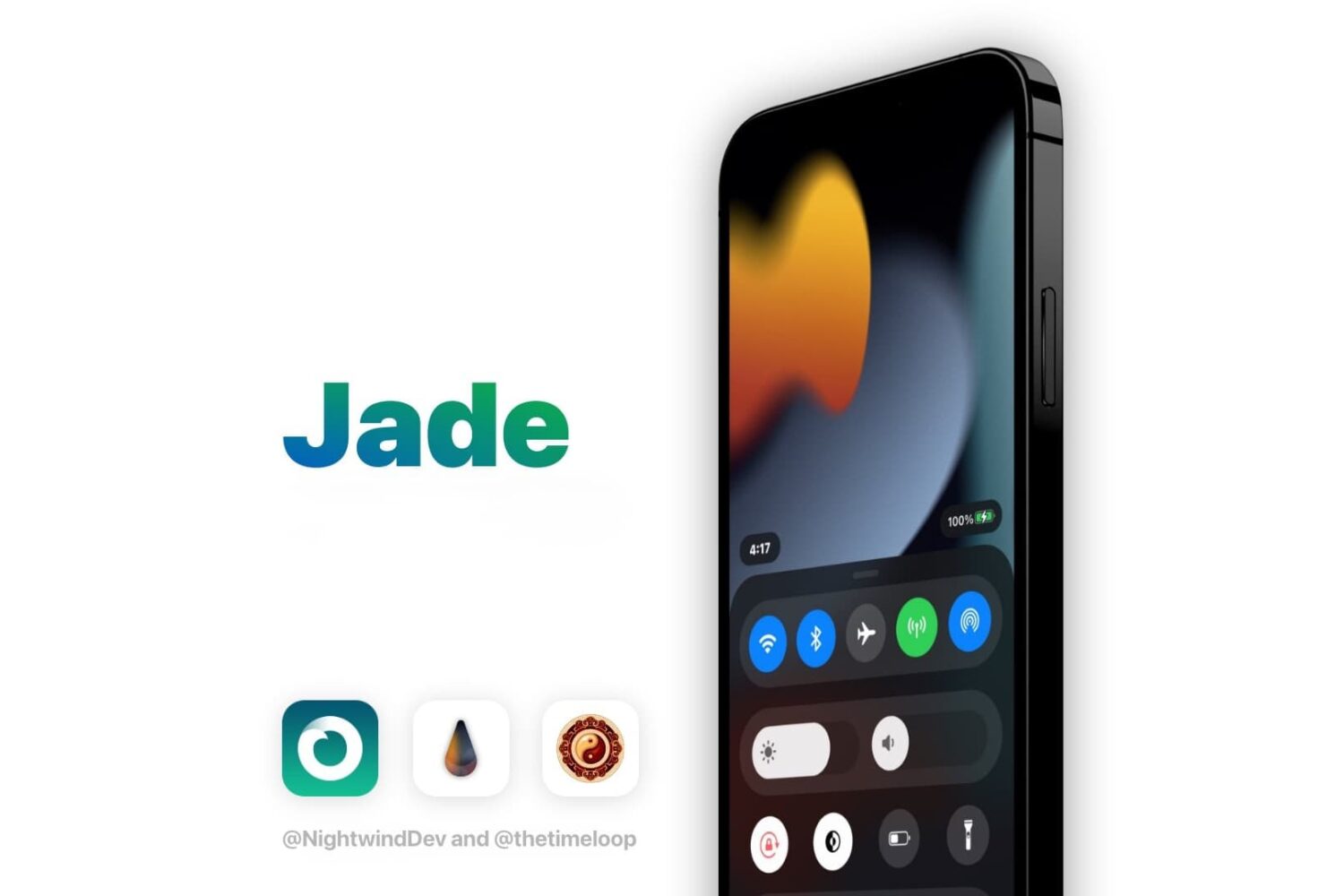
Getting tired of how unchanging the Control Center user interface is after so many new iterations of iOS recently? If so, then you’re not alone; in fact, jailbreak developers are happy to give you new Control Center aesthetics if that’s your wish.

Just last month, we showed you a sideloadable add-on called Cluckabunga for kfd exploit-vulnerbale devices running iOS or iPadOS 16.0-16.6 beta 1 that allowed for system-wide personalization of various sorts.
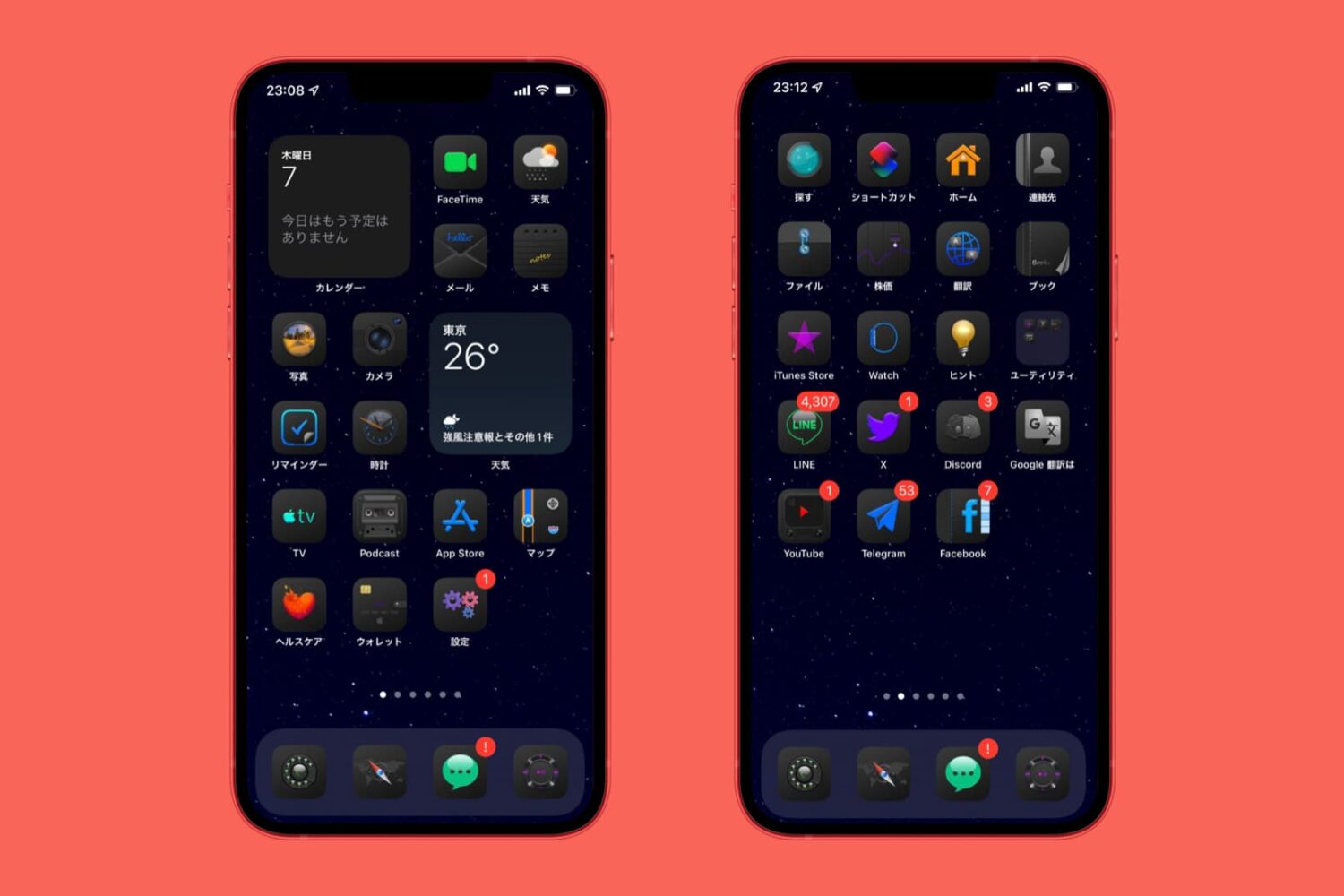
Ever since the introduction of native Dark Mode on iPhones and iPads, there has been no shortage of icon themes that try to make the most out of darker pixel aesthetics.
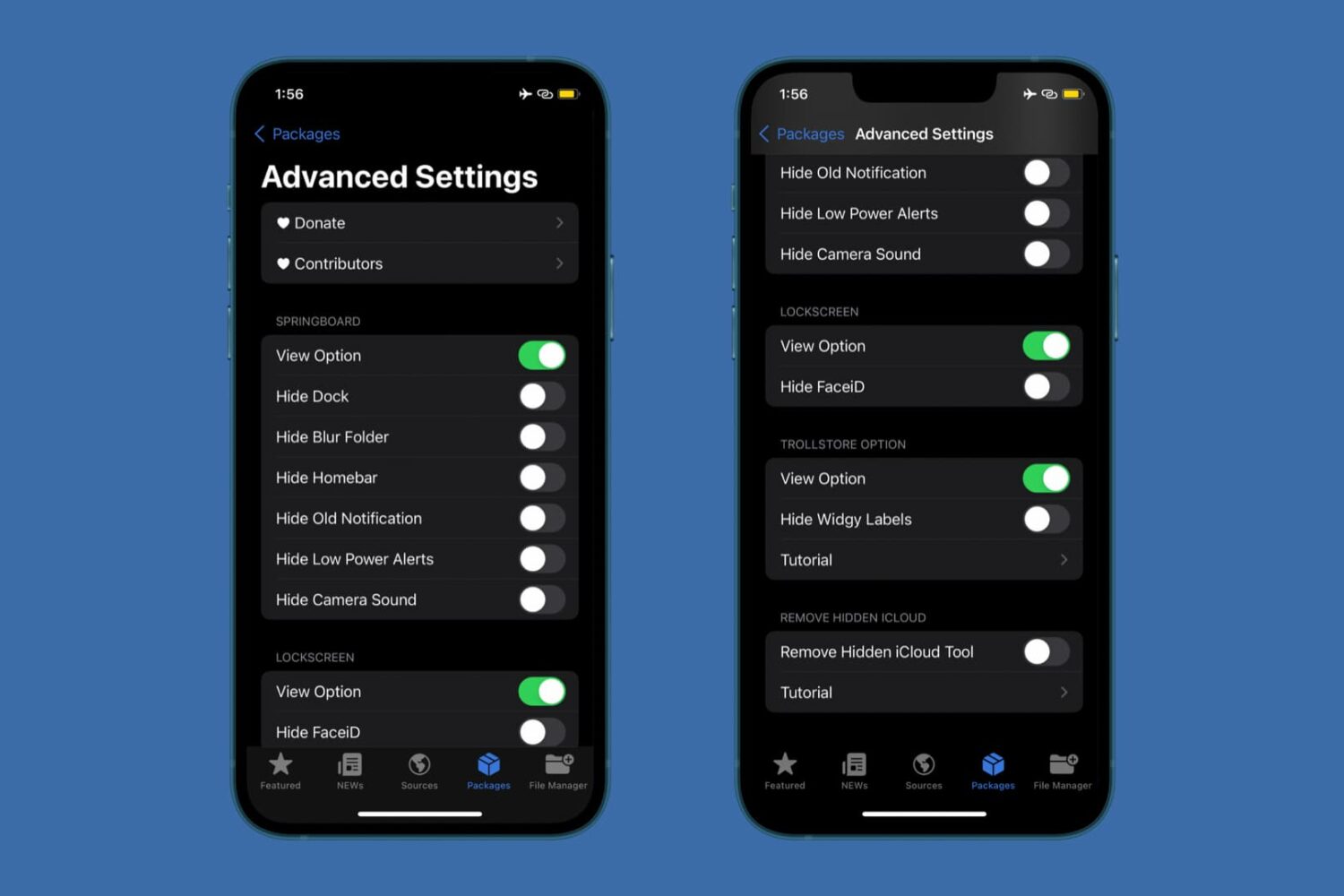
It’s always nice when you can hide things you don’t want to look at, especially when it comes to things that ordinarily populate on your iPhone’s limited screen real estate.