iOS 6

iOS 6: Maps video demonstration

[tube]http://www.youtube.com/watch?v=IgLDkHJduRg[/tube]

The new Maps app is the premier new feature in iOS 6. Although I was a bit skeptical at first after seeing some early screenshots, I'm a definite believer after giving it some hands-on time. It is rightfully so that the new Maps app is Apple's most compelling upgrade to iOS.

Maps is leaps and bounds above anything offered in the previous Google powered Maps app. With 3D views, turn by turn navigation, and full integration with Siri, Maps is a truly amazing package. What do you think about it?

iOS 6: Siri video demonstration

[tube]http://www.youtube.com/watch?v=7h5KtC3m3YY[/tube]

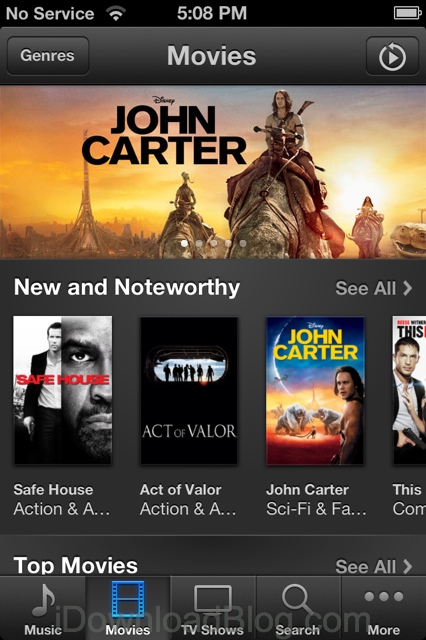
Here is our first video demonstration showcasing some of the new Siri features included in iOS 6. As we previously reported, new features include sports scores, Movie info, including showtimes, trailers, reviews, and actor information, the ability to launch apps, and much more.

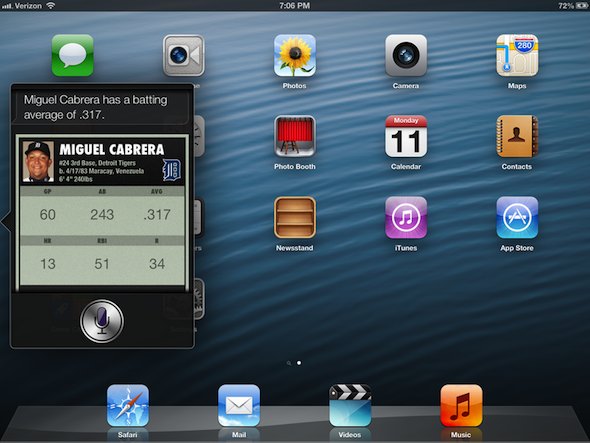
The new Siri is also iPad compatible, and we provide you with a sneak peak of the virtual assistant running on the iPad near the tail end of the video as well. Be sure to let us know what you think about Siri's new and improved features and iPad compatibility in the comments below.

New in iOS 6: Do Not Disturb

We touched on this feature a bit earlier, and now we're getting the chance to check it out for ourselves. Here it is, the new Do Not Disturb option in iOS 6.

As the name implies, the Do Not Disturb feature will silence all incoming phone calls and other alerts from pretty much anyone, or app, you tell it to...

New in iOS 6: new Photos app sharing menu

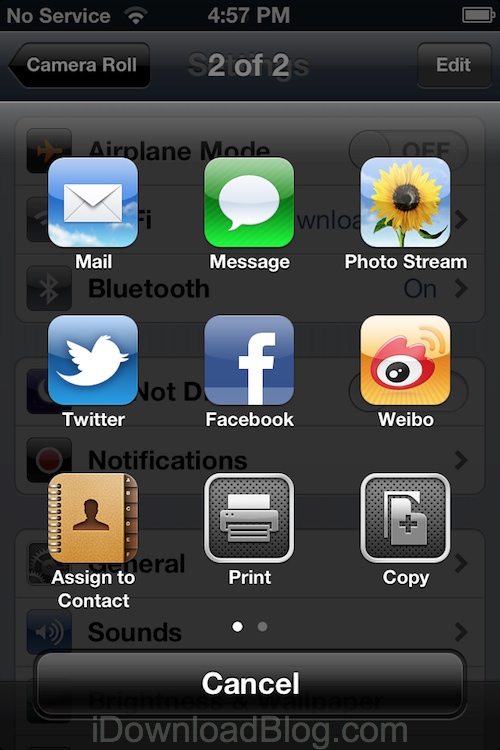
One of the more notable changes we've come across in iOS 6 is a new sharing menu screen offered up in the Photos app.

Not only has Apple switched from text to icons here, but there are a few new choices to pick from as well...

New in iOS 6: update Twitter and Facebook from Notification Center

Along with adding deep Facebook integration into iOS 6, Apple has also implemented a new Update bar in Notification Center. The bar allows users to quickly compose a new tweet or status update.

While this may not be the third-party widgets we were all hoping for, it will certainly prove useful. Now you'll be able to post to both Twitter and Facebook, without ever having to open their respective apps...

New in iOS 6: a new Clock app for the iPad

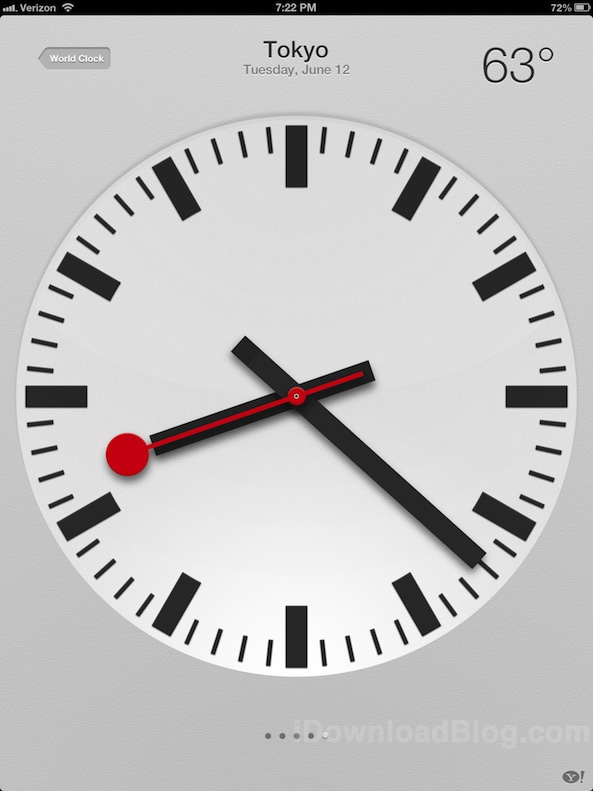
Finally. There is now a Clock app included with iOS 6 on the iPad. I guess having Siri on the iPad forced Apple's hand. But this isn't just any old ordinary Clock app, Apple went the extra mile and created a downright beautiful interface that puts the iPhone Clock app to shame.

Even the icon on the iPad version of the Clock app looks much better. Check inside for a handful of new images showcasing the Clock app and all of its various features...

This is what Siri looks like on the new iPad

Since Apple introduced Siri last fall, folks have been going through great lengths to install it on other devices. But Apple has continued to keep the feature exclusive to the iPhone 4S. Until now, that is.

Along with a number of other Siri-related announcements this morning, Apple announced that iOS 6 would be bringing the digital assistant to the latest iPad. So you know iDB had to go hands-on...

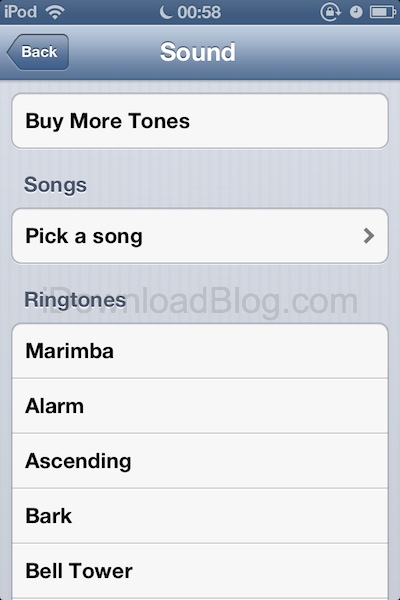
New in iOS 6: set a song as your alarm

iOS 6 beta dropped a few hours ago, and while some of us – including me – are struggling to get it installed, others like iDB reader @aligee97 are busy digging into the beta firmware.

And some little gems have already been uncovered. New in iOS 6 is the ability to set a song as your alarm...

This is what the new Music app looks like in iOS 6

The iTunes and App Store apps aren't the only one to get a make over with the introduction of iOS 6. Next on the list is the Music app, which was in serious need of a redesign as well. Not that it was bad, but after 5 years, it just gets old.

The Music app now has a slick grey skin and the music player a black skin that could make jailbreak themers jealous. More screenshots below...

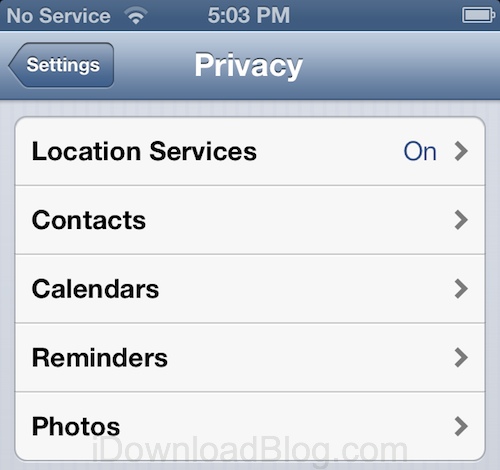
iOS 6 brings brand new privacy settings you can’t miss

You might remember the privacy fiasco that started earlier this year when it was discovered that Path was uploading your whole address book to its servers. Of course, Path wasn't the only app to do that, but it was the first to get the backlash that followed, forcing Apple to slightly change what the company requires app developer to do with your data and how they notify you.

Because privacy is such a hot topic these days, Apple has gone the extra mile in the beta release of iOS 6, giving "privacy" its very own tab inside the Settings app...