iOS 11

SmartRotate: a video-friendly Rotation Lock for your iPhone

While iOS’ built-in Rotation Lock feature can be an asset at times, there are also instances where it tends to be a real pain in the fanny. Case in point: when you begin watching a video and your handset won’t rotate into landscape mode until you manually turn Rotation Lock off.

iOS developer LaughingQuoll understood the problem with this implementation by Apple and set out to come up with a better solution. The result? – A new jailbreak tweak called SmartRotate has now been released.
Meteoroid automatically sets your wallpaper from various NASA image sources

One of the most personal aspects of any iPhone or iPad is the wallpaper we choose to decorate our Lock screen and/or Home screen, but sometimes choosing the ideal image for the job can be a grueling challenge.

A new free jailbreak tweak called Meteoroid by iOS developer Jeff Rescignano attempts to make this much easier for the end user by automatically selecting and applying high-quality wallpapers for you.

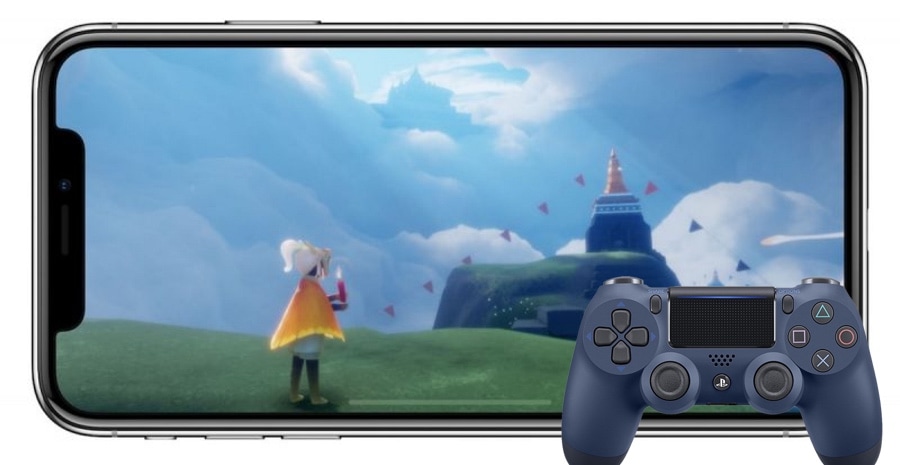
nControl lets you use console controllers with your jailbroken iPhone or iPad

Many agree that console-based gaming is significantly more immersive than mobile gaming on an iPhone or iPad, and one of the primary factors to be considered in that is having access to a gaming controller that feels good in your hand.

A limited number of MFI (made for iPhone) controllers reside on the market today, but they often fall short of the classics. That’s why iOS developer Kevin Bradley created a new jailbreak tweak called nControl, which adds support for a bevy of popular game console controllers to a subset of iOS games.

Jailbreak tweaks of the week: FloatingDockPlus, ModernAlerts, NewGridSwitcher, and more

With all the latest advancements made on the iOS 12-centric jailbreak as of late, it’s impossible to ignore what seems like a revitalization of the jailbreak community.

Given the circumstances, we’re sure many are curious about what they should install on their jailbroken iOS 12 handset, and to help with that, we’ve comprised this roundup of the jailbreak tweaks released throughout this past week. As always, we’ll start with our favorites and then outline the rest afterward.

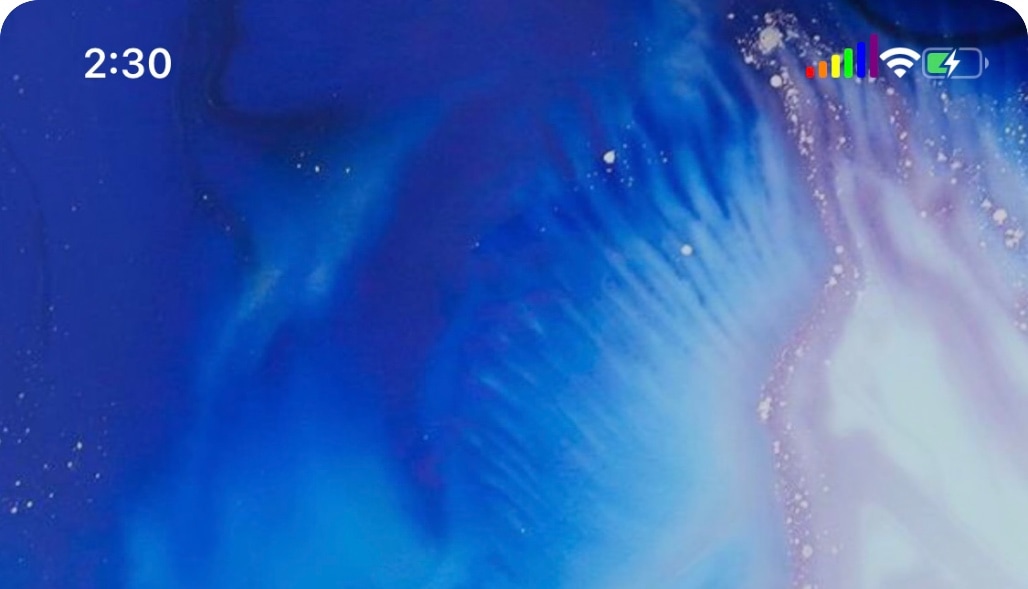
Give your Status Bar’s cellular strength indicator a rainbow makeover with PrideBars

The cellular signal strength indicator is perhaps one of the most pertinent displays in your iOS device’s Status Bar, so why not go the extra mile to help it stand out from the crowd?

If you’re onboard with the idea, then you just might take a liking to a new free jailbreak tweak called PrideBars by iOS developer Blake Boxberger. Once installed, this tweak gives your cellular signal strength indicator a multi-colored makeover in the form of a rainbow.

Pwn20wnd says machswap2 exploit is coming to unc0ver with support for A7-A12(X) devices

It was only two weeks ago that security research @iBSparkes shared an iOS 11.0-12.1.2 exploit dubbed machswap with the general public, and just a few days later, hacker and unc0ver lead developer Pwn20wnd integrated the new exploit into his unc0ver jailbreak tool for A7-A9(X) devices running iOS 11.0-12.1.2. Fortunately, the fun isn’t stopping there.

As it would seem, @iBSparkes has been working on a newer exploit dubbed machswap2, which works in similar ways and supports A7-A12(X) devices running iOS 11.0-12.1.2. Perhaps more importantly, Pwn20wnd got it working with unc0ver, which means the jailbreak tool will soon support both the machswap or machswap2 exploits:

Sileo will soon stop ‘featuring’ packages from the BigBoss repository

In an unfortunate turn of events Friday morning, the Sileo Team announced via Twitter that it would no longer accept applications from jailbreak tweak developers to feature packages on the front page that are being hosted on the official BigBoss repository.

Instead, the Sileo Team alluded that only packages being mirrored by the Essentialis Repository and the those hosted by the third-party Chariz and Dynastic Repo repositories would be eligible for being featured on Sileo’s front page. Consequently, the Sileo Team adds that developers should host in those repositories instead of BigBoss.

Move the Dock to the top of your iPhone’s Home screen with stratosphere

Most iPhone and iPad users are accustomed to having their application Dock at the bottom of their Home screen, but if you’re feeling courageous enough to change things up, then you might take a liking to a new free jailbreak tweak called stratosphere by iOS developer Sam Gardner (A.K.A. Samg_is_a_Ninja).

As shown in the screenshot example above, stratosphere moves the application Dock from the bottom of the Home screen to the top, delivering an entirely different aesthetic and user experience.

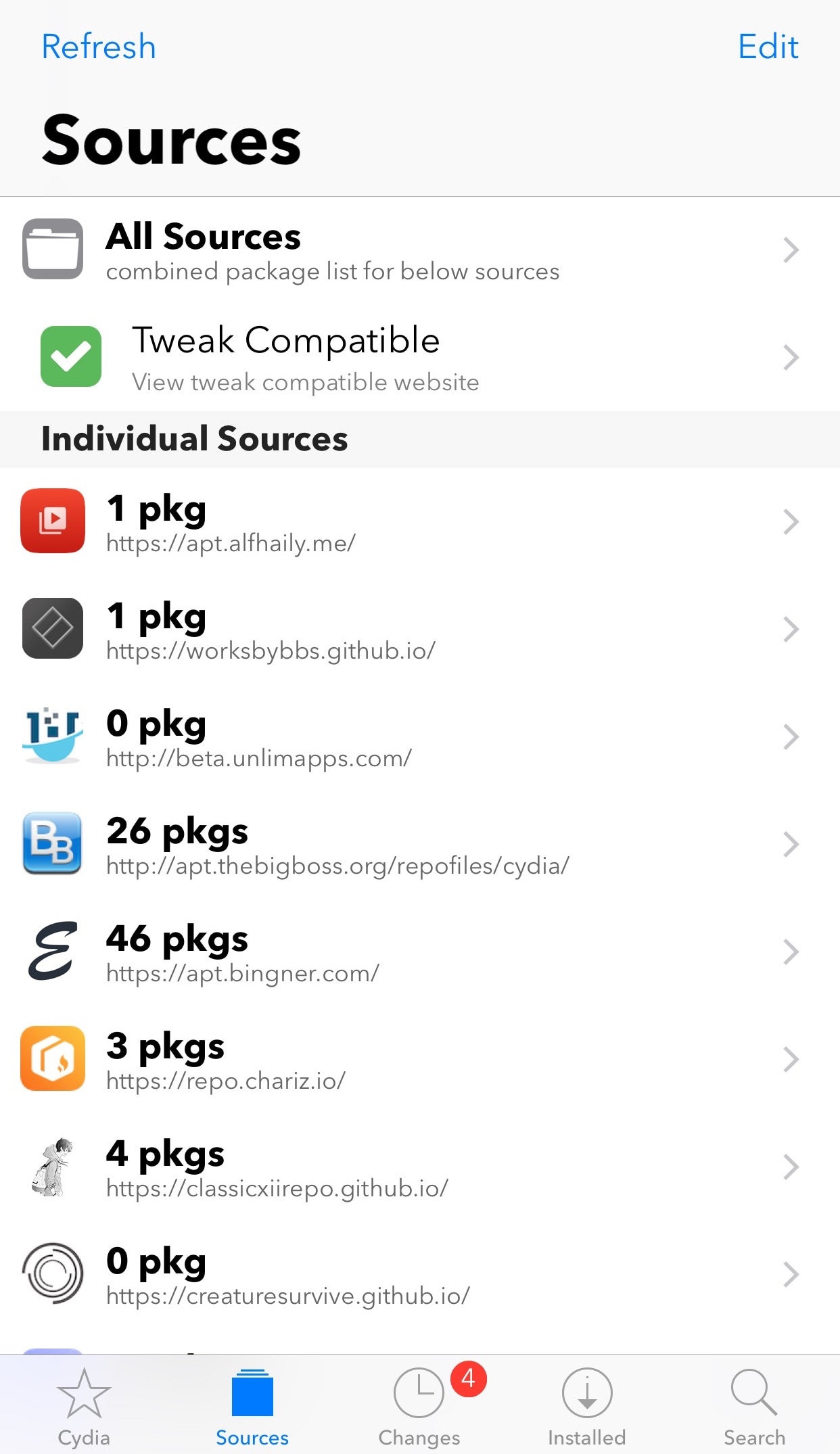
This tweak displays the number of tweaks you’ve installed from each Cydia repository

As a minimalist, I tend not to overload my jailbroken handset with a lot of tweaks; on the other hand, I know lots of people that do just the opposite, modifying their iPhone’s operating system almost beyond recognition.

Depending on the number of packages you have installed, you might find a new free jailbreak tweak called Package Count by iOS developer Oliver Boudet to be a useful addition to your handset.

Improve the multitasking experience on the iPhone with FloatingDockPlus

Every iOS device sports a Dock at the bottom of its Home screen, but not every Dock is created equally. Case in point, anyone who has used an iPad before has likely taken notice of unique behavior that isn’t necessarily present on iPhones and iPod touches; more specifically, the iPad’s Dock shows recently-used apps in a separate section just right of the usually docked icons.

This is just one of several ways that the iPad makes multitasking easier, and with that in mind, iOS developer Kiran Patil set out to port many of these features to other iOS devices. The end result? – a jailbreak tweak dubbed FloatingDockPlus is now available to download from Cydia.

ModernAlerts gives your iPhone tvOS-inspired notifications and alerts

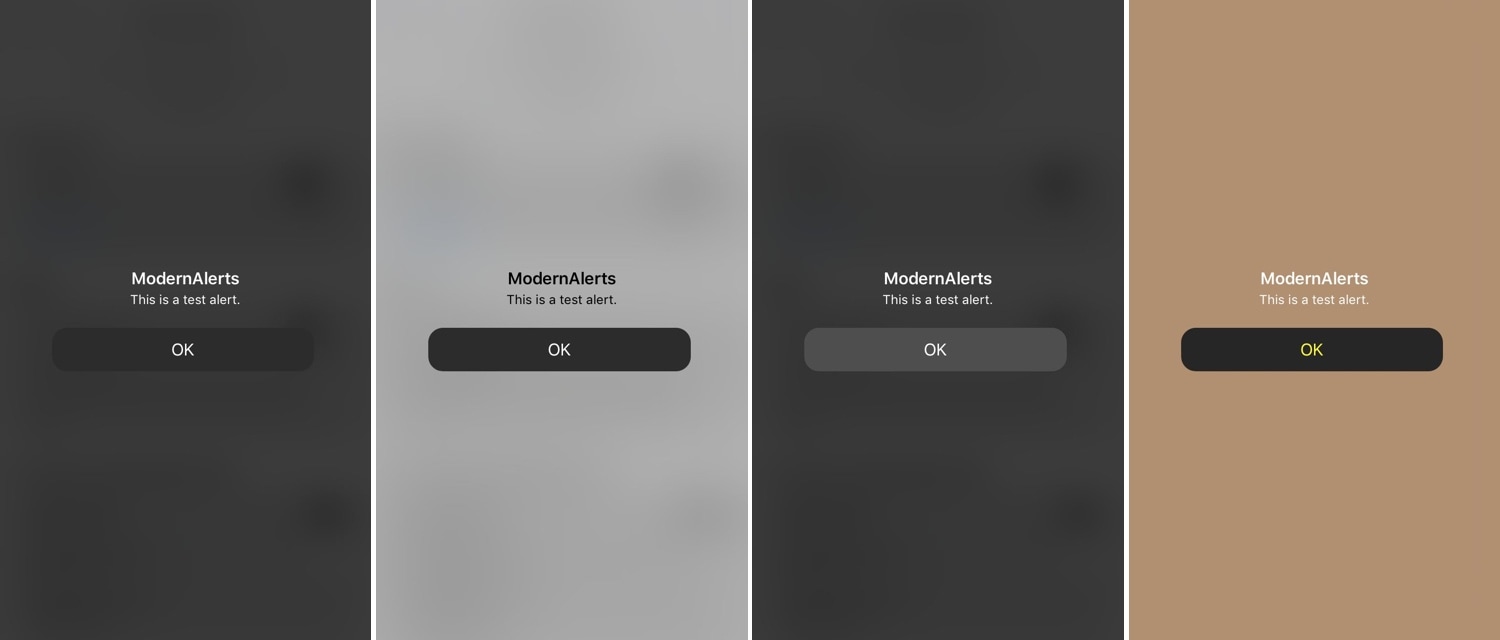
While I enjoy the seamless software experience that the iPhone brings to the table, I still must admit that the mobile platform’s notification system leaves a lot to be desired. As it would seem, iOS developers Luke Muris and Geometric Software felt the same way, and so a new jailbreak tweak called ModernAlerts was born.

As it would seem, ModernAlerts draws most of its inspiration from the tvOS platform; as such, it themes your incoming notifications to look more like what you’d expect to see on your Apple TV. But the tweak doesn’t stop there… it takes things a step further by providing users with a full range of theming options.

Customize the YouTube app’s native dark mode color scheme with GrooveTube

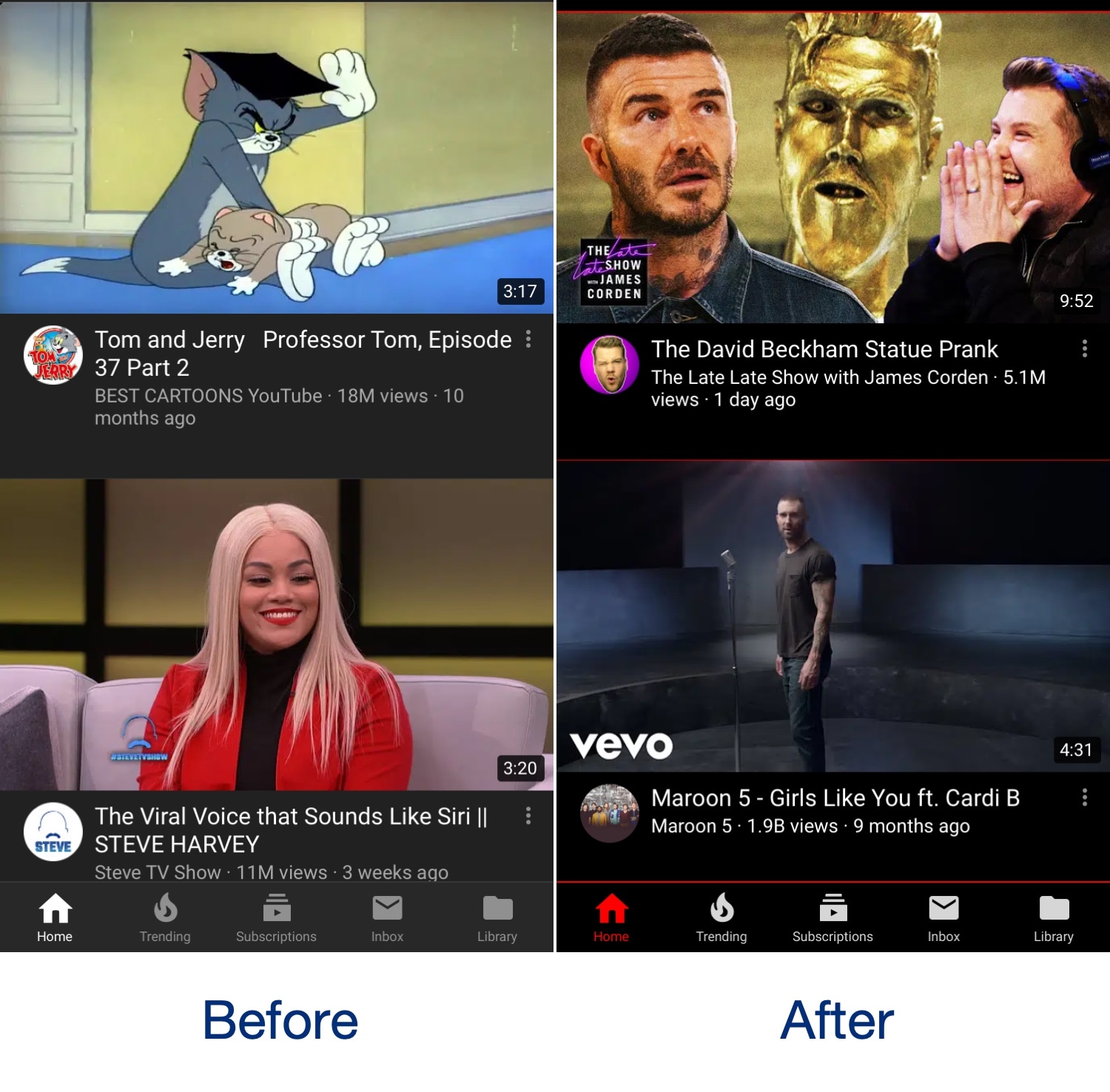
The official YouTube app incorporates a native dark mode that can help ease the stress on your eyes when using the app in a dark environment, and while it’s great, it’s also far from customizable. With that shortcoming in mind, iOS developer Revulate has just released a new free jailbreak tweak called GrooveTube.

After installing GrooveTube, you can manually configure the color scheme of the YouTube app’s dark mode to your liking. In the before and after screenshot examples above, you’ll observe how we’ve re-colored the YouTube app background to be darker and altered the tab bar tint color to be red.