iOS 10

Maps app gets smarter in iOS 10 with improved search, Quick Controls and more

Eddy Cue is on stage right now, at Apple's WWDC keynote, talking about the new Maps app in iOS 10. The stock mapping application gets a lot smarter in the upcoming update, with improved search, en route traffic information and a new feature called Quick Controls.

"We're making Maps do more for you in advance," says Eddy Cue. The new Maps app can proactively deliver directions to where you most likely want to go next, based on your routine or appointments on your calendar. Once a route is planned, Maps can search along the route for gas stations, restaurants, coffee shops and more and provides an estimate of how the stop impacts the length of your trip.
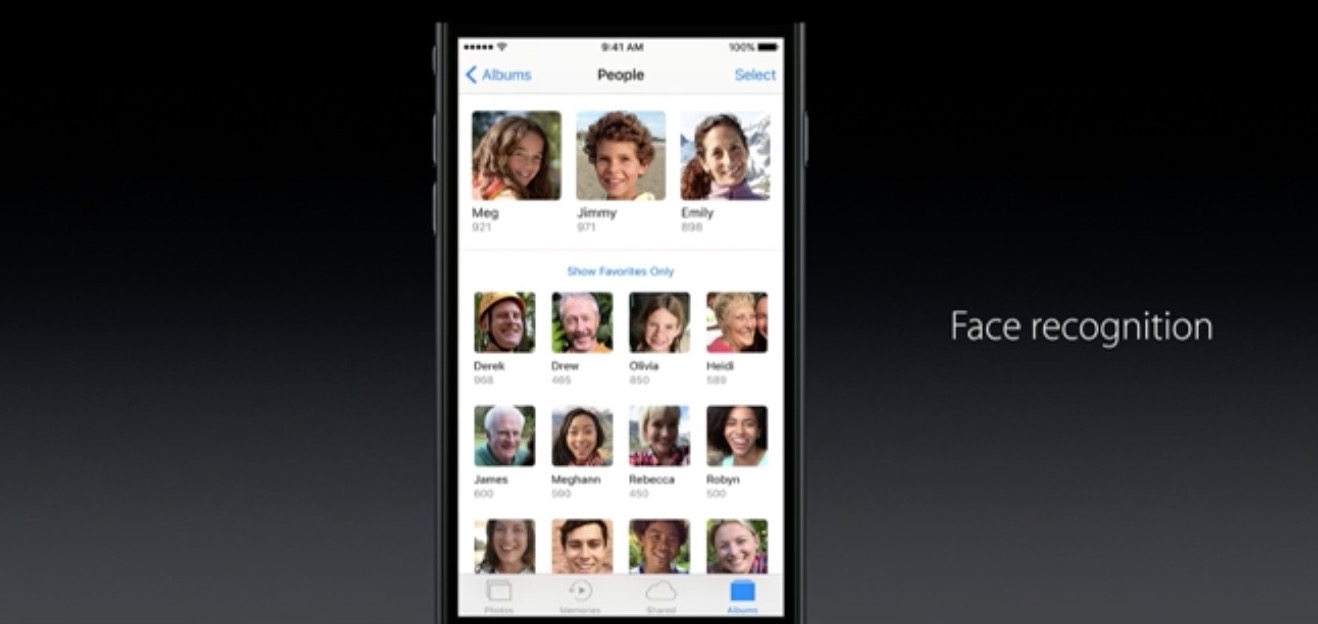

New in iOS 10’s Photos: Maps view, Memories, facial recognition and more

Photos in iOS 10 is receiving a major upgrade with several major new features and a few noteworthy improvements. For starters, Photos in iOS 10 has a dedicated Maps view similar to iPhoto for Mac which lets you browse your photos on a world map, based on where you took them.

More importantly, Photos now features facial, object and scene recognition that uses advanced computer vision and deep learning techniques to recognize objects on photos locally on the device, taking advantage of the power of Apple's A-series of processors.

Here’s iOS 10’s revamped Lock screen with widgets, Raise to Wake, rich notifications and more

Apple is holding its anticipated keynote presentation at the Bill Graham Civic Auditorium in San Francisco this morning, which has kicked off the five-day WWDC 2016 developers conference, and they just announced iOS 10, the tenth major version of the mobile operation system powering the iPhone, iPod touch and iPad.

For iOS 10, there's a completely redesigned Lock screen that now makes it easy to respond to notifications with a lot richer 3D Touch support, the ability to enjoy widgets full screen, a time-saving feature called Raise to Wake and more.

Siri is trolling us ahead of WWDC keynote with vague hints of dark mode in iOS 10

Go ahead, pull an iPhone out of your pocket right now, press and hold the Home button and tell Siri to please “turn on dark mode”.

Much to your surprise, instead of responding with a “I didn't quite get that”, “I don't understand” or some such, she'll inform you that “I'm not able to change that setting”.

As noted by AppleInsider, the wording is unusual given that iOS currently contains no reference to any kind of dark mode. Is Apple trolling us ahead of the keynote?

If Apple brought dark mode and Split View multitasking to iPhone 7

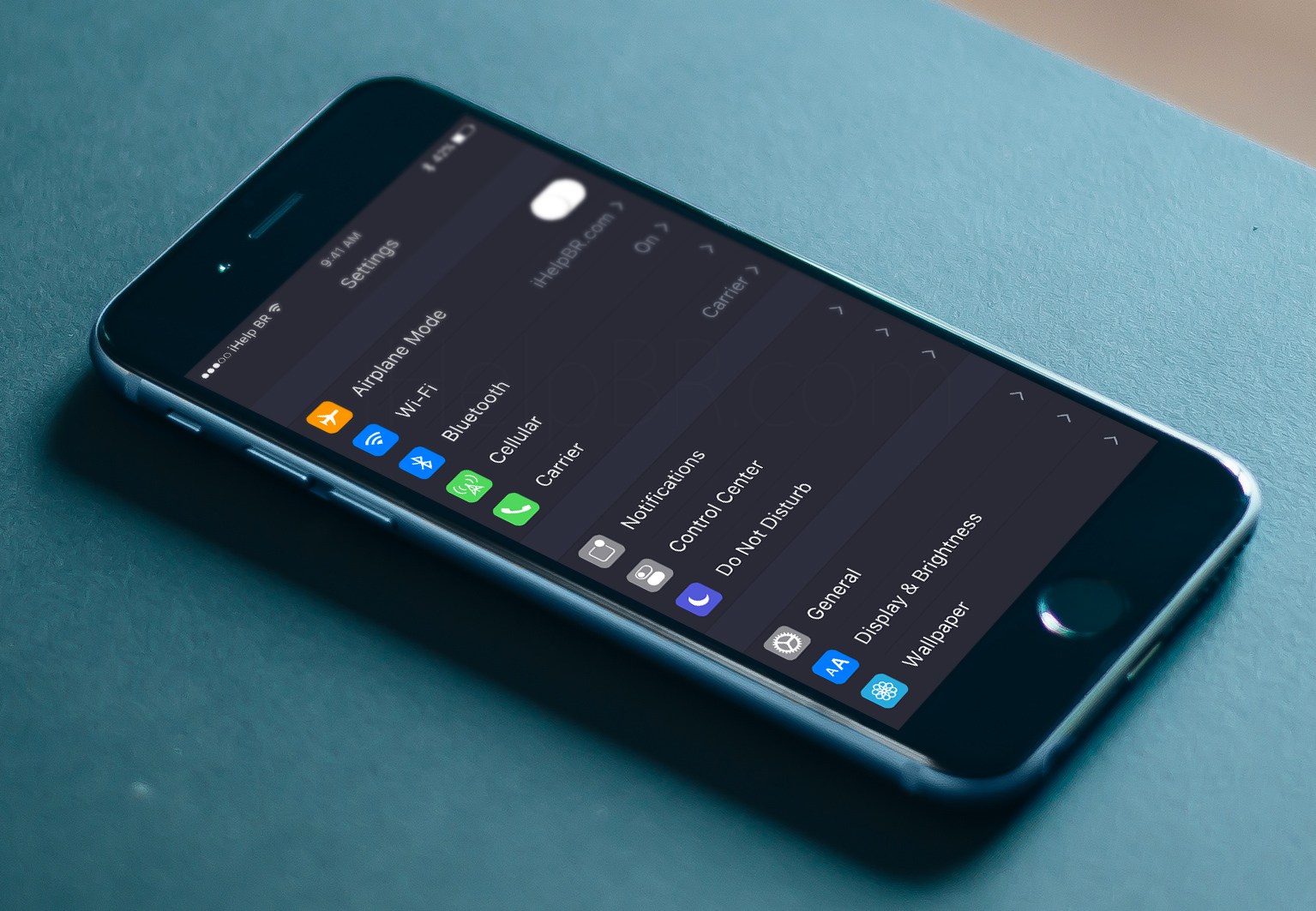
I've been a huge fan of OS X's dark theme which debuted with the release of OS X Yosemite back in October 2014. I also like to multitask on my iPad using OS 9's new Split View and Slide Over modes because they definitely increase productivity for me. But how cool would it be if Apple brought Split View to the iPhone 7 and OS X's dark mode to iOS 10?

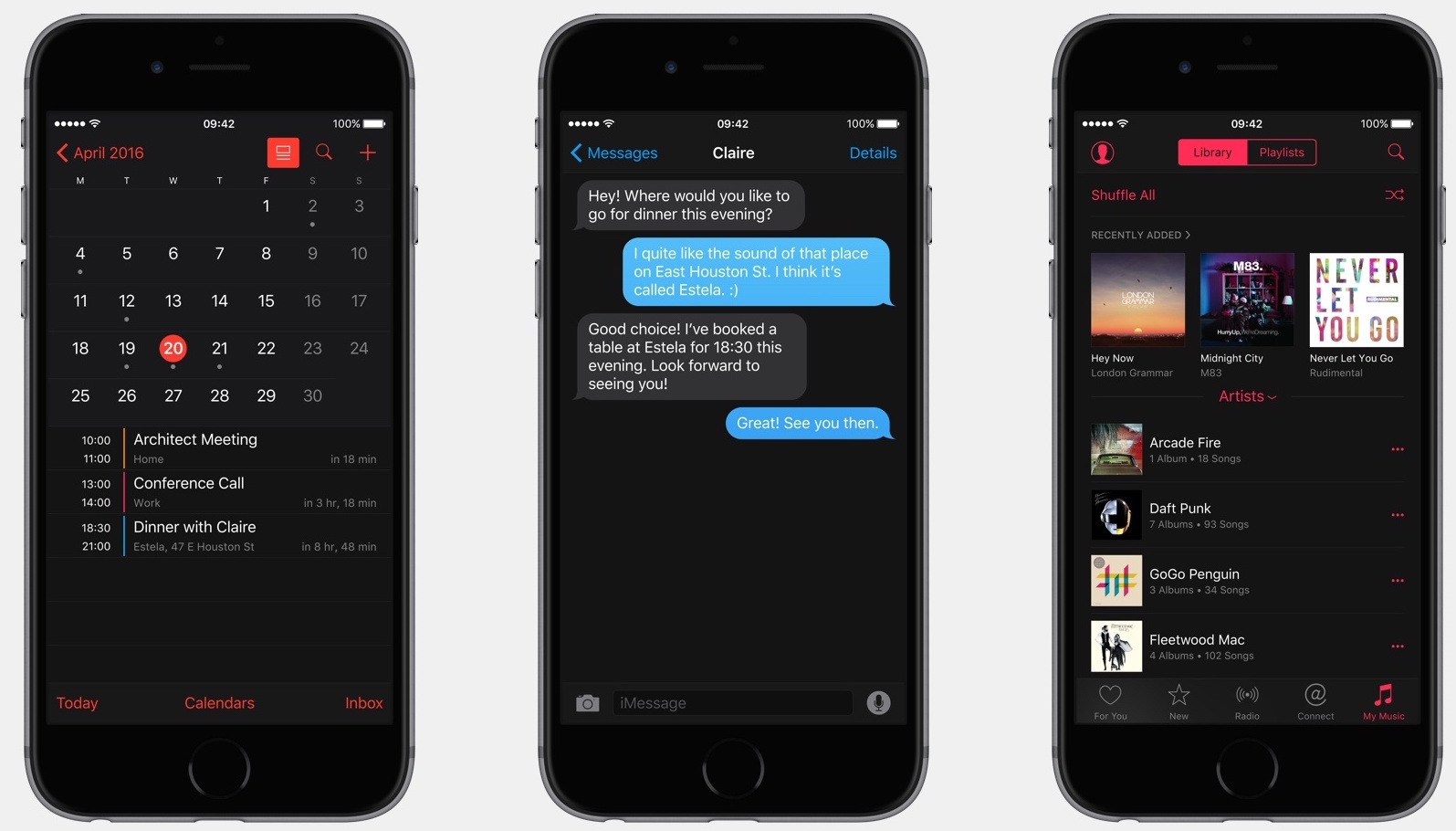
A detailed conceptual renderings, created by Brazilian magazine iHelpBR imagine precisely this future playing out.

Stunning iOS 10 concept imagines dark mode, customizable Control Center, Siri in apps and more

MacStories founder and editor Federico Viticci has joined forces with user interface designer Sam Beckett on giving us their take on some of the features that Apple may or may not implement in iOS 10, the next major revision of the mobile operating system powering the iPhone, iPad and iPod touch.

The stunning renderings and an accompanying video imagine many features that Apple fans have been craving for, such as a brand new dark mode for iOS 10, an updated Control Center which lets you move around and customize the icons, an official Siri app for implementing voice-activated features in third-party apps and more.

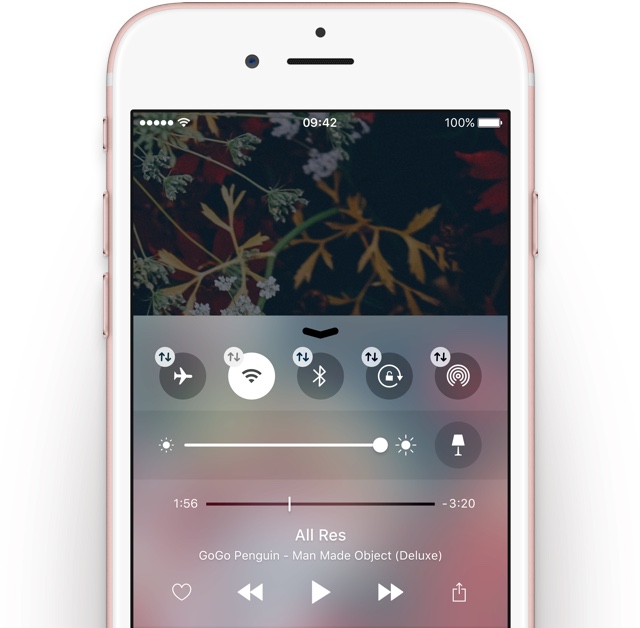
iOS 10 concept imagines a customizable Control Center with 3D Touch support, dark mode and more

How will Apple improve upon Control Center in the next major iteration of iOS? Sam Beckett has attempted to imagine tight 3D Touch integration for Control Center in iOS 10, and his concept video does a very fine job at that. It shows off some ideas that Apple could take advantage of in order to allow for greater customization of hardware toggles and app shortcuts in Control Center.

A user could press on toggles to enter the edit mode to rearrange the icons, turn off the toggles they use rarely, add new switches for things such as Low Power Mode and Cellular Data and so forth. In addition, Control Center could benefit from 3D Touch by allowing users to quickly access additional options from the contextual menu for a specific toggle.

Rumor: Photos app in iOS 10 and OS X 10.12 should be on par in terms of features with iPhoto

A report yesterday by the fairly accurate Japanese blog Mac Otakara claims insider knowledge of an improved Photos app in Apple's upcoming iOS 10 and OS X 10.12 operating system refreshes that, as per sources, should gain new features putting it on par with the discontinued iPhoto app.

Apple was somewhat criticized for its decision to discontinue Aperture and iPhoto in favor of the new Photos app, which took almost a year to gain support for third-party image editing filter and effects on the Mac.