With Instagram drafts, you can save any half-finished photo edits and work on them later, which is handy for those times you get too busy to post right away. And if you run an Instagram account for your business, letting your social media manager save a post as a draft makes it easy for you to review it in advance of publishing.
How to filter comments in Instagram based on keywords
Instagram rolled out an anti-harassment update for its mobile app on Monday that now enables users to filter comments from their photos and videos based on specific keywords.
In this tutorial, we'll show you how you can use it.
Instagram rolls out keyword-based comment filtering
Instagram today announced it has rolled out a new anti-harrasment comment moderation tool in its refreshed mobile app for iOS and Android. This feature requires Instagram 9.3 for iOS, available at no charge from the App Store. In addition to comment moderation, Instagram 9.3 includes an enhancement for Stories where you can add color to your text by swiping the colors above the keyboard to revel more. Or, simply tap and hold a circle to select a custom color.
Instagram is removing GPS-aggregating Photo Maps from user profiles
Mashable is reporting that photo-sharing service Instagram has begun taking away Photo Maps from user profiles, a feature that renders photos on a world map based on where you took them as determined by the embedded GPS data. An Instagram spokesperson said they've begun ditching Photo Maps because they didn't prove popular with users (your individual Instagram posts remain geotagged). Photo Maps will remain on your profile tab for now though Instagram plans to remove them from there, too.
Instagram gains pinch-zoom on photos and videos, a new button to improve low-light shots
Instagram today announced that users of its free of charge iPhone app can now use the familiar pinch-zoom gesture to zoom in on photos—and videos—found in their feed and elsewhere in the app. I've long craved for this feature: in fact, I've been using iOS's system-wide Zoom feature to get a closer look at photos in the Instagram app that interest me. Just yesterday, Instagram pushed another update which brings out a new low-light button for its built-in camera.
Instagram’s popular Explore tab now recommends Stories from people you could follow
Today, Instagram's Explore tab will start showing some users a bar of Stories from accounts they could follow, TechCrunch reported yesterday, saying these algorithmically personalized suggestions will roll out to everyone soon. Stories recommendations are based on who you follow and the topics you care about, making it easy to add someone new to your Home feed’s Stories section.
Instagram gains Events channel highlighting media posted during specific events
Instagram yesterday announced a new Events channel in the Explore section of its free of charge iPhone app. Currently limited to users within the United States and resembling Snapchat's Discover channel with Live Stories, it brings in one place all of the photos and videos posted on the service during specific events, such as concerts, sports games and more. Like the rest of Explore, the new Events channel is personalized for you and highlights events you might like.
Instagram update brings camera improvements to Stories feature
Instagram's new Stories feature caused quite a stir as some users took issue with the fact that the Facebook-owned photo sharing service basically ripped off Snapchat Stories. Be that as it may, Instagram's iPhone application, which is available at no charge on the App Store, has just received a nice update which packs in a few useful camera-related improvements to the Stories feature.
How to upload photos older than 24 hours to your Instagram Story
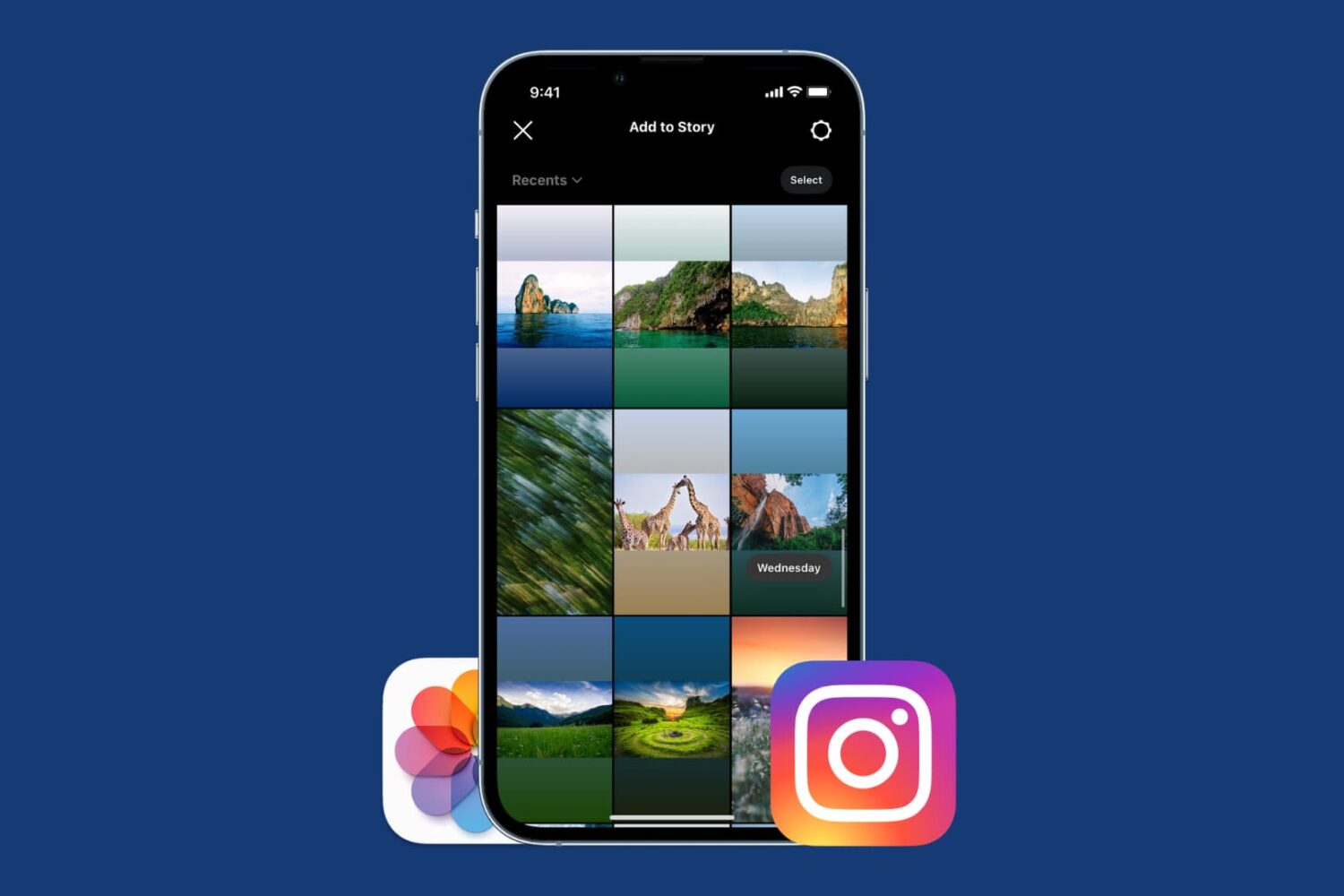
We've already learned how to upload pictures from your library to your Instagram Story, but as you may know, there is one big limitation when doing this: you can only upload photos or videos that have been shot in the last 24 hours. Anything older than 24 hours will not be eligible for upload to your Story.
Thankfully, there are several ways to get around this limitation, and we'll show you exactly how.
How to post from your camera roll to your Instagram story
When first playing with Instagram Stories, I couldn't figure out how to upload pictures or videos that I had already taken. Instead, it seemed I was forced to first shoot using the Instagram app and upload from there.
Quickly, I finally figured it out, and because it's not that obvious, I thought I should post about it as it may help a few readers wondering the same thing - how do you post from your Camera Roll to an Instagram story?
At long last, Instagram is adding much-needed Drafts to save unfinished posts for later
You cannot find it mentioned in release notes accompanying the most recent Instagram update which brought out a new Snapchat-like Stories feature, but either that or an earlier update has quietly added a much-needed Drafts feature to the popular mobile photography app.
Called by some fans the best feature that has happened to Instagram in quite a while, Drafts lets you save the photo you're currently editing as a draft.
This is quite useful, if not essential, in case you just spent your time making detailed edits to a photo, but ultimately decided not to post it until later.
Instagram is rolling out Stories—Snapchat-like auto-dissapearing slideshows
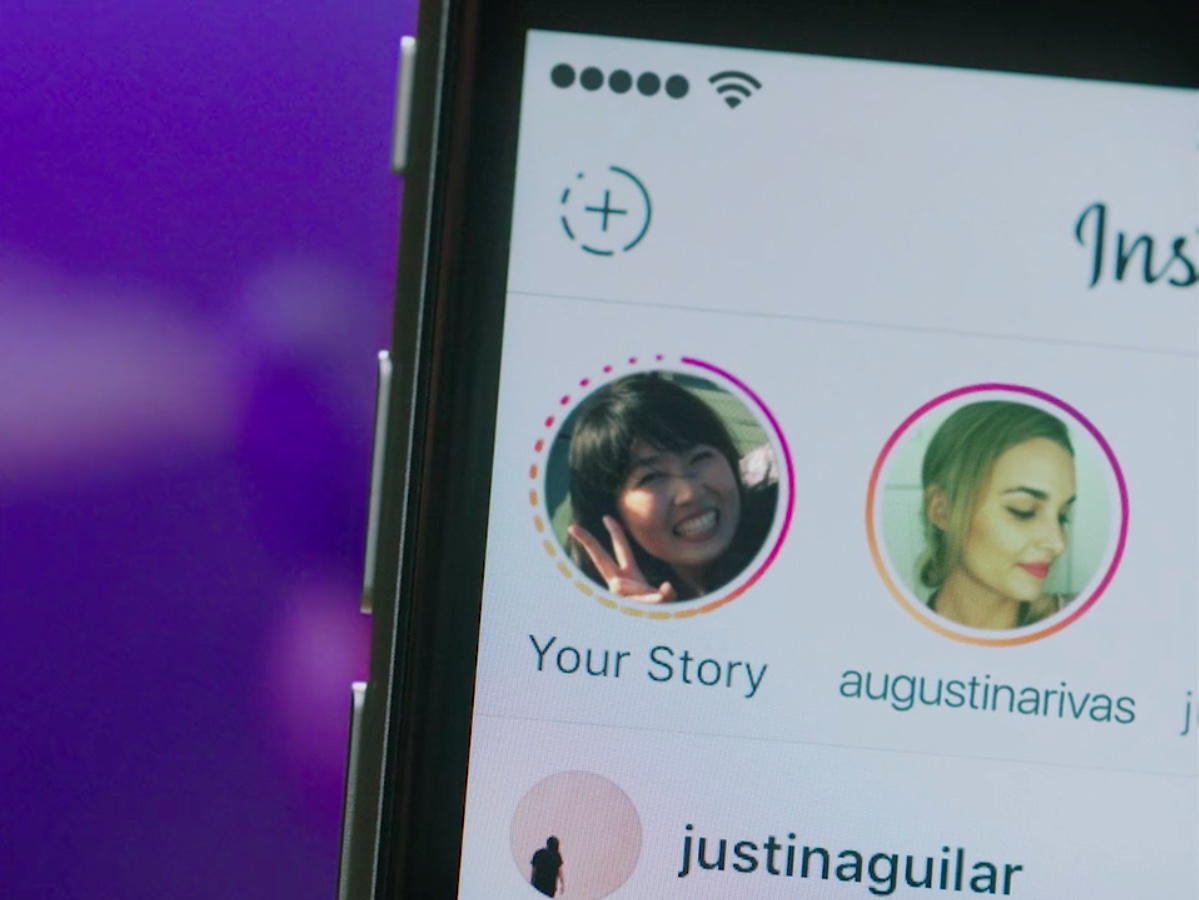
Snapchat has Stories and now Instagram announced a similar feature of its own, called—wait for it—Stories. Basically a slideshow format designed for sharing multiple photos and videos, Stories appear on user profiles and, similar to ephemeral messaging services, automatically disappear 24 hours after being posted on the service.
This cool new feature will be rolling out globally over the next few weeks on the mobile Instagram app for iOS and Android.