iPhone

Stay up-to-date on the latest iPhone news and learn new tips and tricks with our comprehensive tutorials. From software updates to new features, we’ve got you covered.

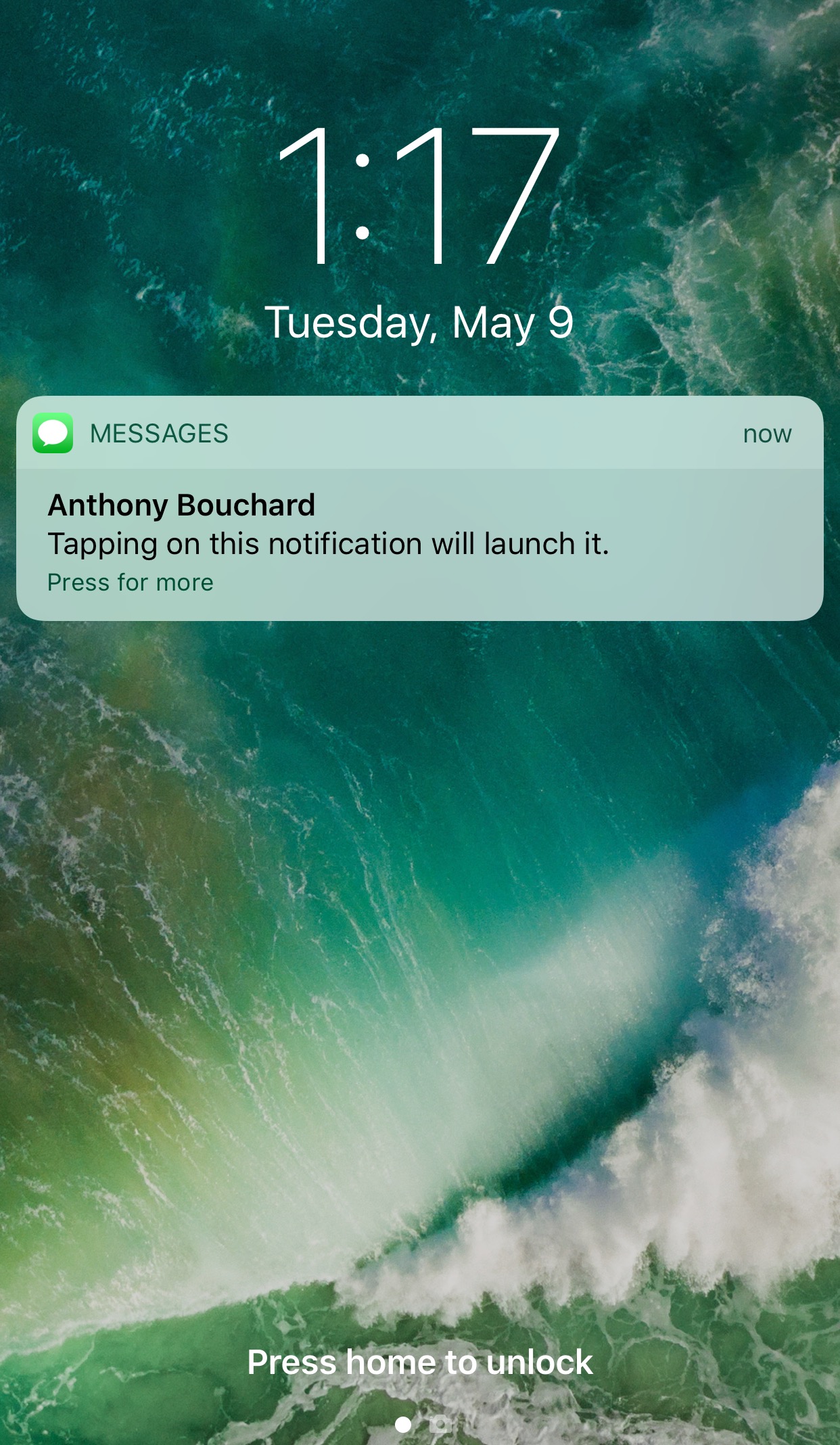
TapToOpen lets you interact with your Lock screen notifications with a tap

You can either swipe on or use a 3D touch gesture to interact with with notifications on your Lock screen. The swipe reveals options for clearing or replying to the notification, while the 3D Touch gesture opens a quick reply interface instead.

A new free jailbreak tweak called TapToOpen by iOS developer gilshahar7 adds a new way to interact with your notifications by letting you tap on them to interact with them.

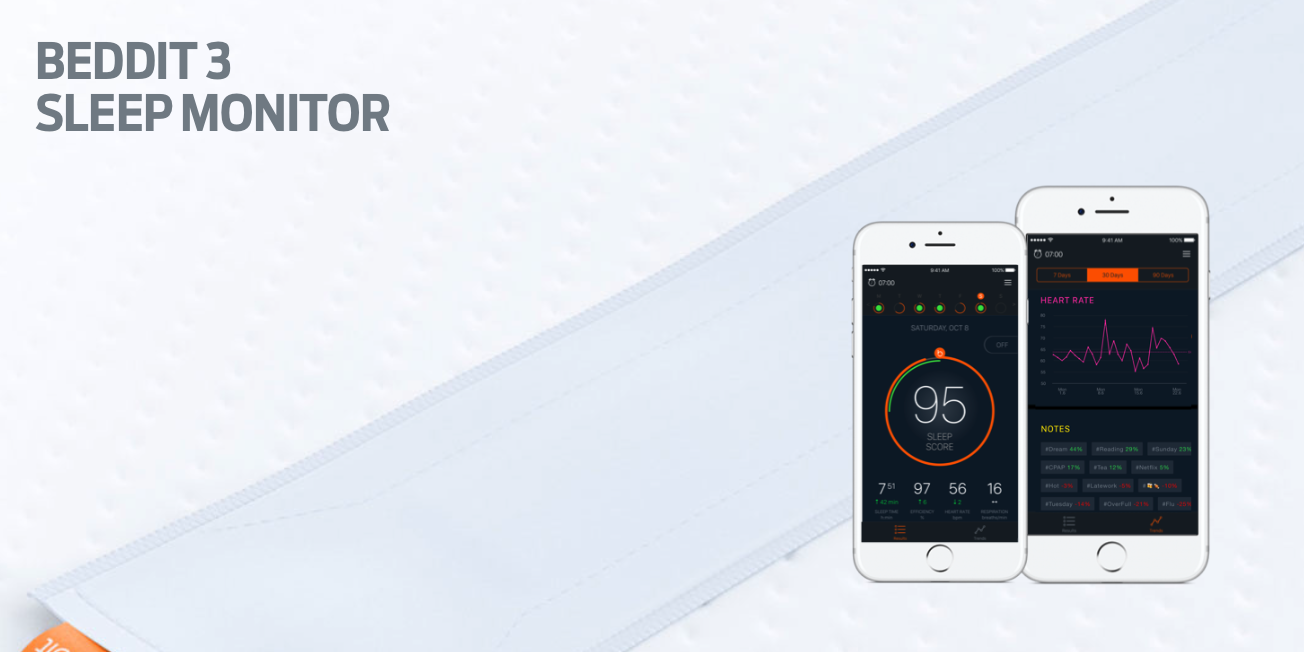
Apple acquires sleep tracking app Beddit

Apple has acquired sleep tracking startup Beddit. The company updated its privacy policy on its website Tuesday to announce the acquisition, saying "your personal data will be collected, used and disclosed in accordance with the Apple Privacy Policy."

WhatsApp quietly added encryption to iCloud backups in late 2016

WhatsApp last year closed an important security loophole by adding encryption to users' chat backups stored in iCloud. Before the change, hackers could theoretically gain access to WhatsApp chat archives in iCloud using third-party forensic tools to access underlying messages in a readable form.

Rather than rely on iCloud Drive to protect customer data, the Facebook-owned company has added a unique encryption key created by the WhatsApp app.

A spokesperson confirmed iCloud backups are now being encrypted, telling Forbes: “When a user backs up their chats through WhatsApp to iCloud, the backup files are sent encrypted.”

Although Apple holds the encryption keys for iCloud, it's up to app makers to use encryption when sending user data to iCloud. According to TechCrunch, a Russian company called Oxygen Forensics, which supplies mobile and cloud hacking tools, was able to generate encryption keys for WhatsApp's iCloud backups.

The workaround requires that an attacker have access to a SIM card with the same mobile number that the app uses to send a verification code to generate the encryption key for the iCloud backup. Of course, Oxygen still needs a user's Apple ID and password to gain access to their iCloud user space in the first place.

“Then, using the associated SIM, Oxygen said it can generate the encryption key for decrypting the data by passing the verification process again,” explains TechCrunch. Forbes suggests the method could be used by police in possession of a device where the WhatsApp account has been deleted but iCloud backups have not been wiped.

https://twitter.com/FiloSottile/status/861569977681412096

In other words, after realizing that forensic tools could be used to download encrypted WhatsApp data from iCloud backups in a readable form, WhatsApp has beefed up security and quietly rolled out encryption for iCloud backups last year.

You can backup your entire WhatsApp chat archive to iCloud by tapping the Settings tab in the lower-right corner of the app. Now tap Chats, then Chat Backup and finally hit Back Up Now.

By the way, WhatsApp should update the wording of the Chat Backup screen because it states, somewhat confusingly, that “media and message you back up are not protected by WhatsApp end-to-end encryption while in iCloud.”
See more at a glance in the Music app with MusicMoreColumns

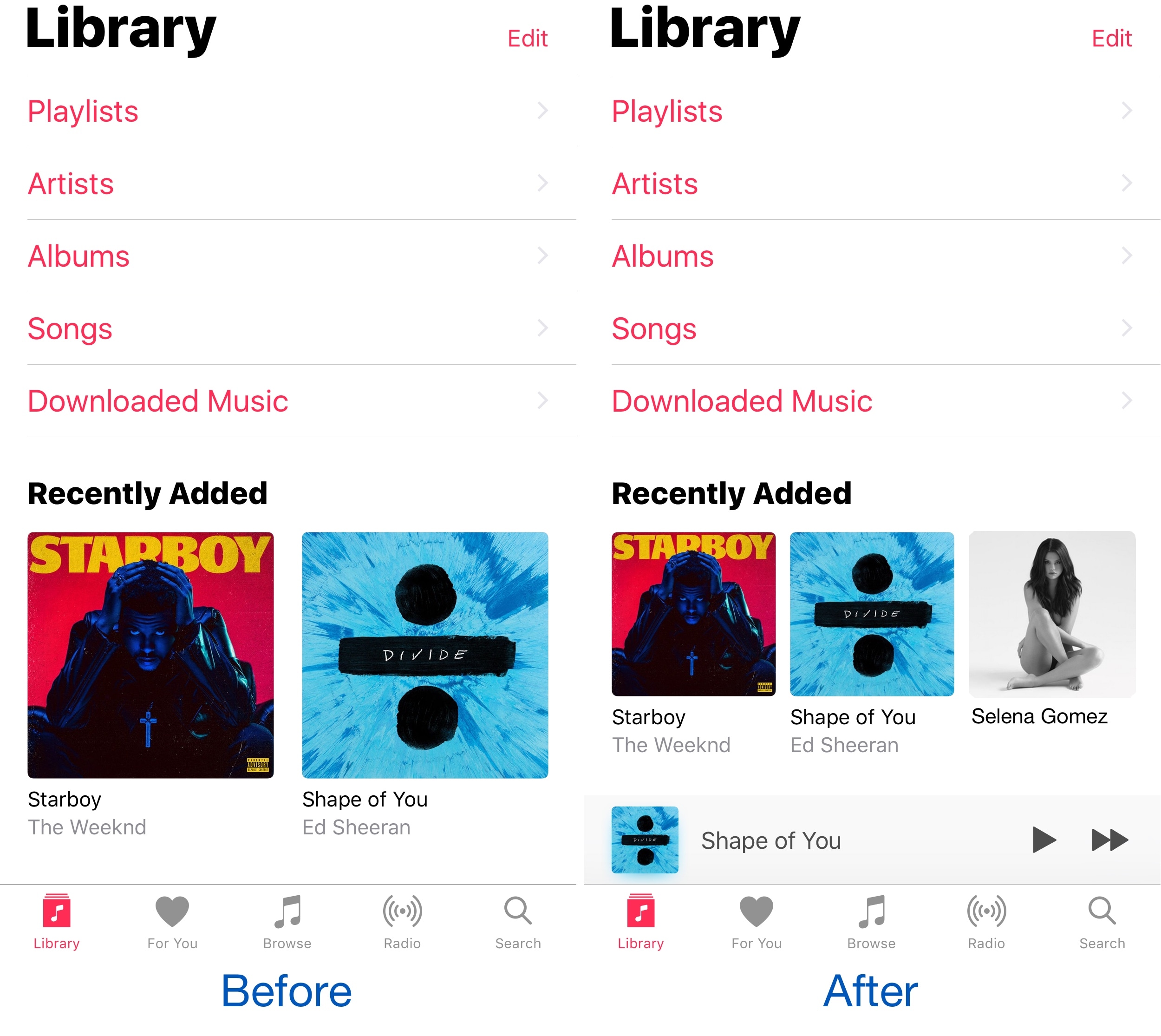
Apple’s own Music app underwent several major UI changes since the debut of Apple Music, and one part of the latest redesign is how the app displays two columns of your music on the screen at once.

Because two columns can be limiting, and because modern iPhones have larger displays, a new free jailbreak tweak called MusicMoreColumns by iOS developer HiDan enables three columns in the Music app so you can see more at a glance.

This tweak makes your iPhone animations bouncier

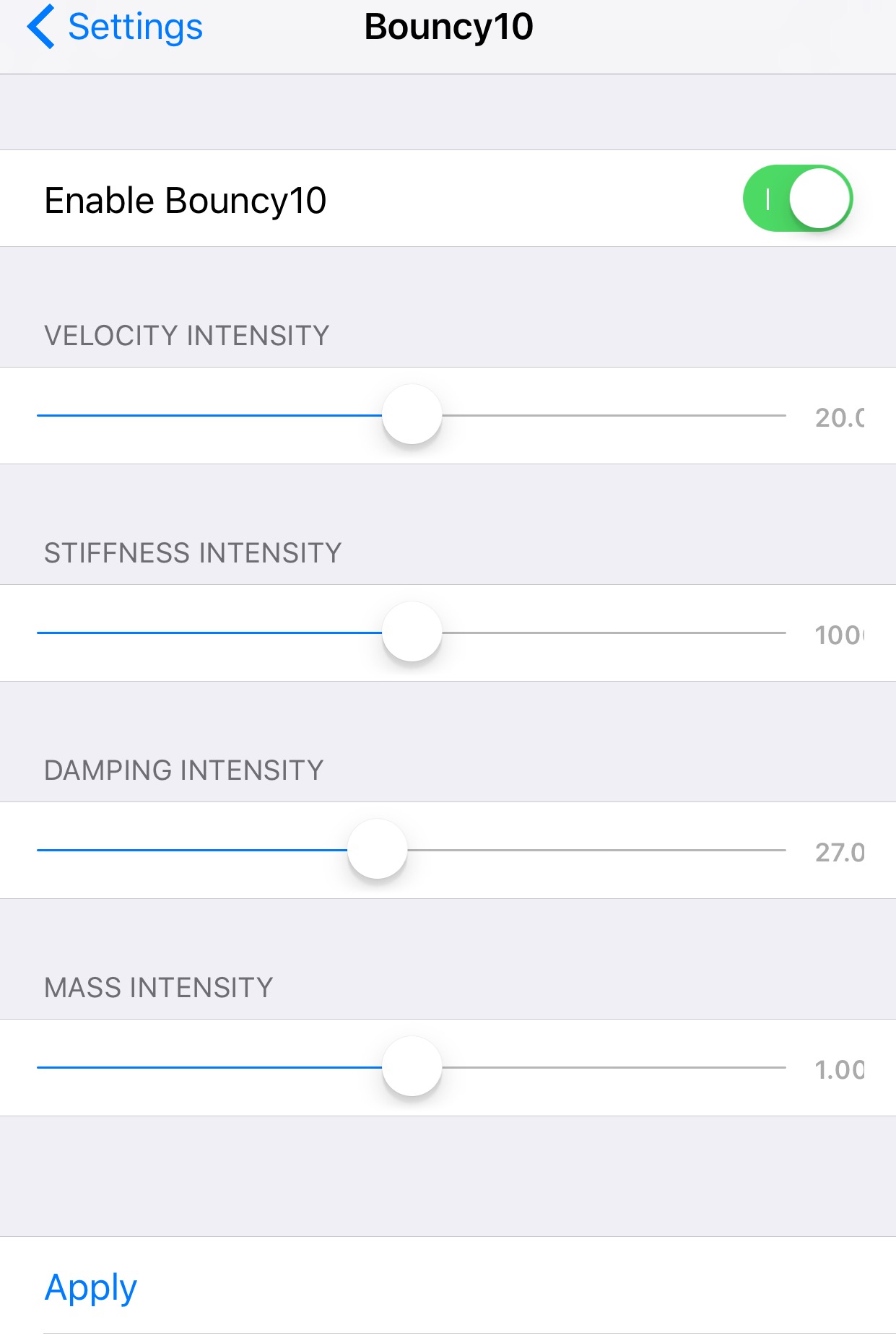
Bouncy10 is a new free jailbreak tweak by iOS developer Rishanan that gives iOS a system-wide fun and quirky animation makeover rather than the smooth and boring animations you've become to used to.

It takes a bouncier approach to iOS animations, and more importantly, they're fully adjustable, allowing you to have a different animation effect than other Bouncy10 users.

QuickFlash puts a flashlight button on your Lock screen

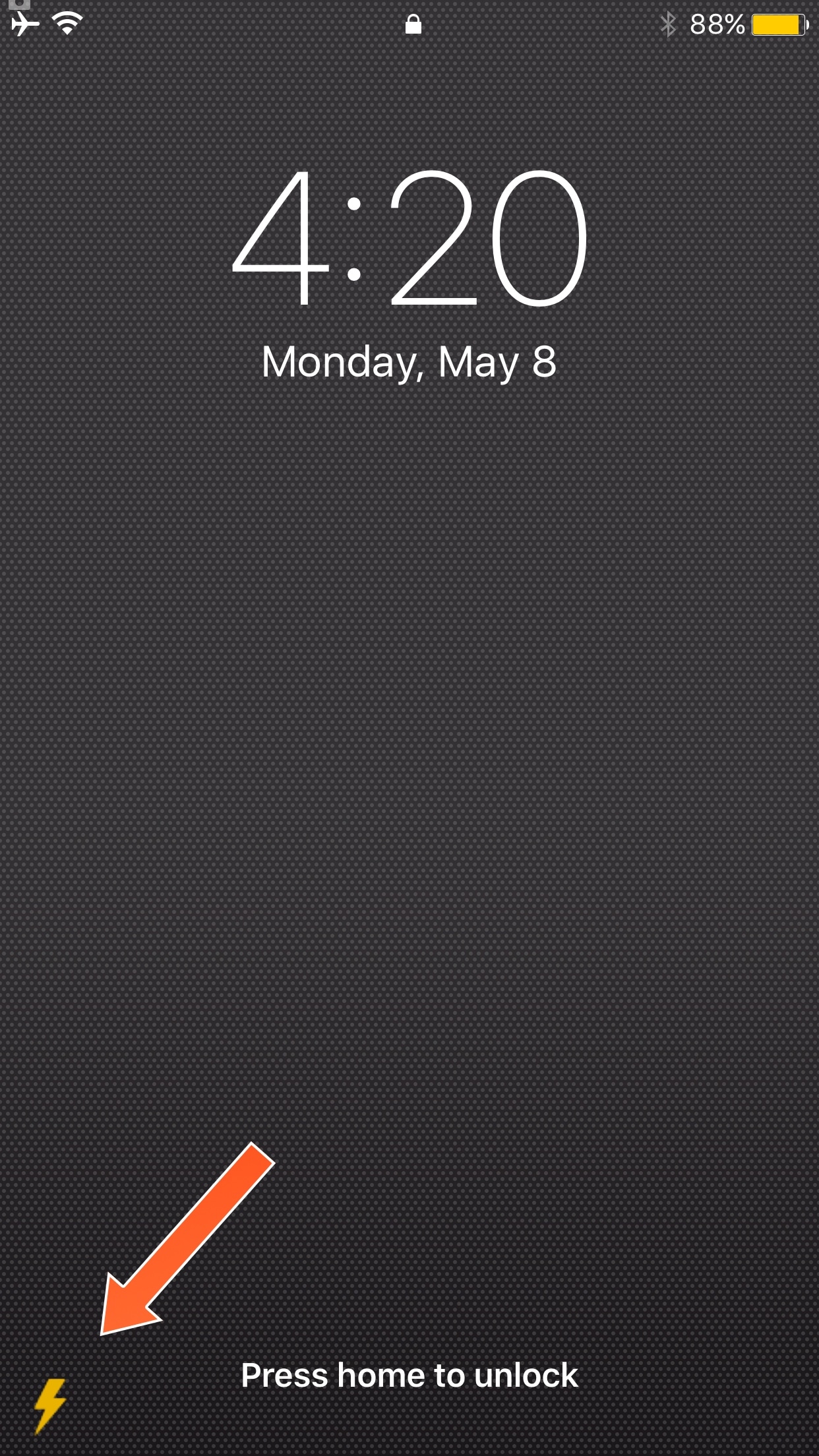
Having quick access to your iPhone's LED flash is always convenient, and that’s why Apple built their own Flashlight toggle into iOS when they introduced Control Center with iOS 7. But now, you can make accessing the flashlight even easier.

A new free jailbreak tweak called QuickFlash by iOS developer Ziph0n adds a flashlight button to the bottom right of your Lock screen, allowing you to turn on the flashlight with just a tap.

Apple’s Workflow app gains new Apple Music actions, brings back Chrome and Pocket integrations

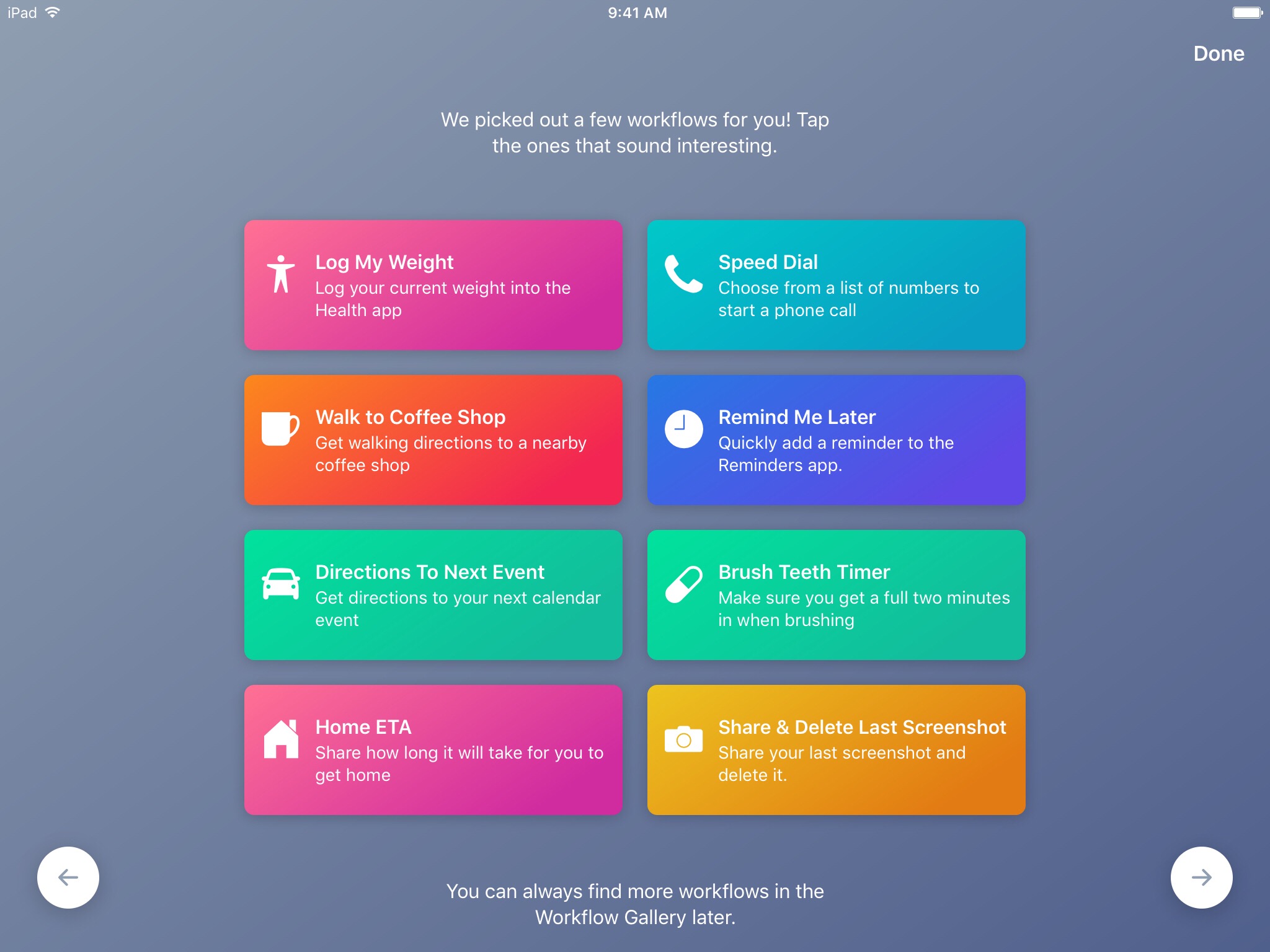
Workflow, the powerful iOS automation app that Apple acquired in March, has brought back a few features that were originally removed from the software following the Apple deal while adding updated Apple Music actions.

In Workflow 1.7.4 for iPhone and iPad, users can now create workflows using actions specifically designed for Google's Chrome browser and the read-later app Pocket, which browser vendor Mozilla acquired in February.

With the updated Apple Music actions, Workflow fans can now add songs to their Up Next queue in the Music app. Another new action lets you clear the songs in the Up Next queue.

Additionally, Workflow's Get Distance actions has been updated with support for getting the distance from a specified location while the order of items passed from a Dictionary action to Choose from List is now preserved.

Here's everything new and fixed in Workflow 1.7.4:

Bug fixes and improvements Restored the Google Chrome and Pocket actions Add music to your Up Next queue with the Add Music to Up Next and Clear Up Next actions Get Distance now supports getting the distance from a specified location The order of items passed from a Dictionary action to Choose from List is now preserved Fixed getting prices for books in Search iTunes Store Fixed making archives with special characters in the filename on iOS 10.3 and later Fixed an issue where workflow glyphs in the Today Widget may be stretched and cut off Fixed an issue where latitude and longitude may be formatted incorrectly in international locales Fixed an issue where .wflow files may fail to open on iOS 10.3 and later Fixed an issue where improperly formatted URLs from Pinboard could cause Workflow to crash Fixed an issue where booleans may not update when their value is changed inside dictionary fields Fixed an issue where handing off clipboard content from the Today Widget or Action Extension may throw a “The file Clipboard could not be opened” error Fixed an issue that could cause Workflow to crash on launch Other bug fixes and minor additions

Apple has said that it will continue to push maintenance updates to Workflow, but no new user features will be added to the software. Today's update makes good on that promise.

https://www.youtube.com/watch?v=7rJXJcn93jU

Subscribe to iDownloadBlog on YouTube

Apple's plans for Workflow are unclear at the moment. For what it's worth, any new features or major changes that could be in the works for the app should be formally announced at the company's annual conference for developers next month.

Workflow is available at no charge via App Store.

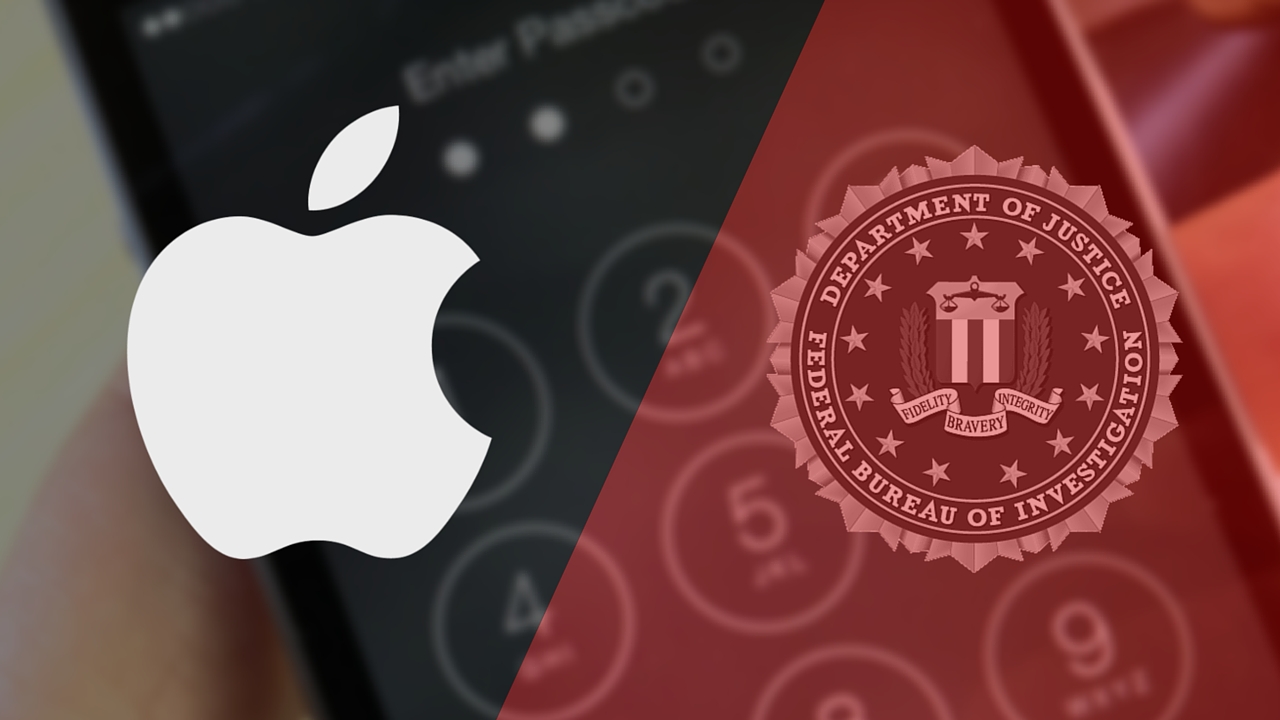
FBI paid $900,000 for the tool to break into San Bernardino shooter’s iPhone 5c

FBI and Apple logos

Just how much did the tool to break into the San Bernardino gunman's locked iPhone 5c cost US taxpayers? According to senator Dianne Feinstein, the Federal Bureau of Investigation coughed up a cool $900,000 to purchase the tool from a third-party.

The Associated Press said Monday that the classified information was revealed during a Senate Judiciary Committee oversight hearing, where senator Feinstein was questioning FBI director James Comey.

“I was so struck when San Bernardino happened and you made overtures to allow that device to be opened, and then the FBI had to spend $900,000 to hack it open,” said Feinstein, D-Calif. “And as I subsequently learned of some of the reason for it, there were good reasons to get into that device.”

While the tool's vendor wasn't named, it's been speculated that the FBI bought the software from Israeli digital forensics firm Cellebrite.

Comey called the sum “worth it” even though the FBI itself said it found “nothing of real significance” after gaining access to the device.

https://www.youtube.com/watch?v=PM7X-EUTowY

Subscribe to iDownloadBlog on YouTube

The FBI sought to protect the identity of the vendor it paid to do the work.

The organization considers the exact sum paid for the tool to be classified information, prompting The Associated Press and a few other news organizations to file a public records lawsuit seeking to force the government to publicly reveal both pieces of information.

Taiwanese outlet claims there will be no delay for iPhone 8 launch

We still don't know by how long Apple's OLED-based iPhone 8 might be delayed. Be that as it may, a Taiwanese outlet is saying that the flagship handset is on schedule for an announcement in September alongside the iterative LCD-based iPhone 7s and iPhone 7s Plus updates. Apple should begin selling the new iPhone range in October, the Chinese-language Economic Daily News repoted Monday.

An excerpt from the report:

The report defied previous speculations that volume production of new iPhone devices would be delayed to the fourth quarter of 2017 instead of the original schedule in August-September due to yield rate issues on production of some parts.

Contract manufacturers Foxconn Electronics, Winstron and Pegatron are allegedly hiring and training new workers in China in preparation of mass production of 2017 iPhones.

Suppliers should start ramping up production of new iPhone parts in June.

https://www.youtube.com/watch?v=SKqCKdEGEPk

Subscribe to iDownloadBlog on YouTube

Some of the suppliers mentioned in the report include semiconductor maker TSMC, substrate-like printed circuit board makers Zhen Ding Technology and Kinsus Interconnect Technology, as well as battery vendor Simplo Technology.

TSMC is thought to begin producing wafers for Apple-designed A11 chips on June 10 ahead of volume production in the second half of July. Zhen Ding and Kinsus should kick off volume production of related iPhone 8 components in June, added the report.

Older reports have said that the Tenth Anniversary iPhone, as it has been affectionally dubbed by the media, would be delayed because of manufacturing issues related to new components.

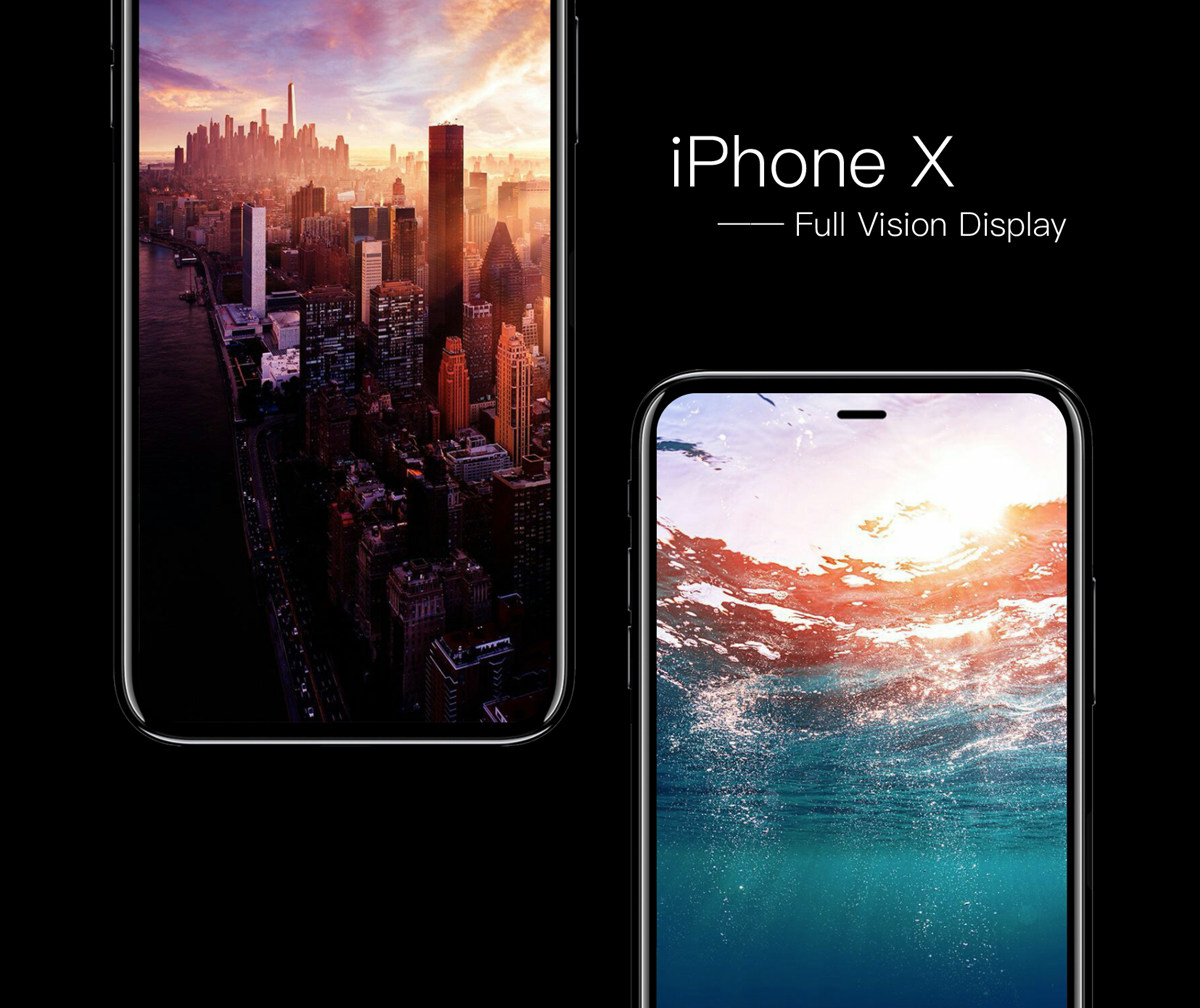
Concept image: iPhone X with Full Vision Display via iFanr

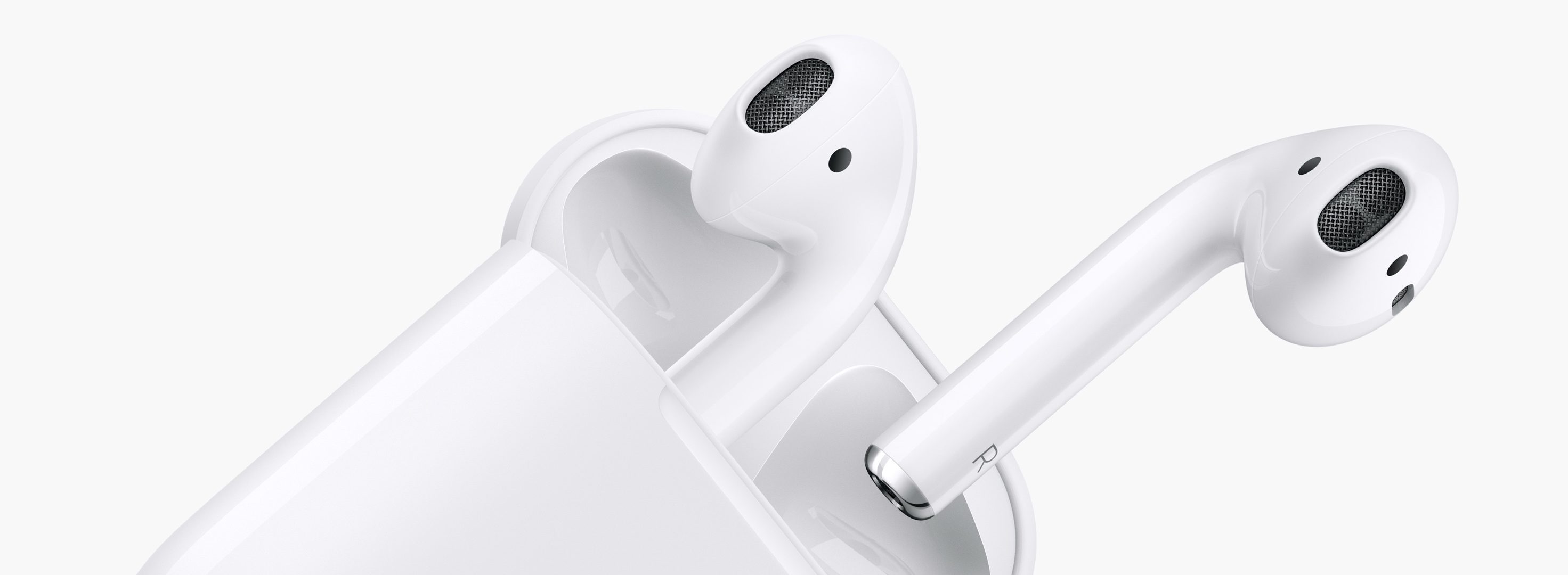
Hey Apple, we need to talk about AirPods (again)!

AirPods teaser

On the back of their latest earnings call, a fair bit of renewed attention has been paid to Apple’s prodigious AirPods. In it, we got confirmation of what owners of the cordless headphones likely already knew, and what analysts were anticipating: AirPods crush customer satisfaction surveys and the sales are, to quote Tim Cook, a runaway success. As such, surely the Cupertino head office must feel in a party mood with regard to their EarPods successor?

Put it this way, something tells me the sound and sight of popping bottles and Eddy Cue flailing his arms to the sound of Pharrell’s Happy will have to wait - because for all their success, almost half a year into their lifecycle AirPods remain a problem child. It only takes one metric and four words to back up that not so outlandish case: ships in six weeks.

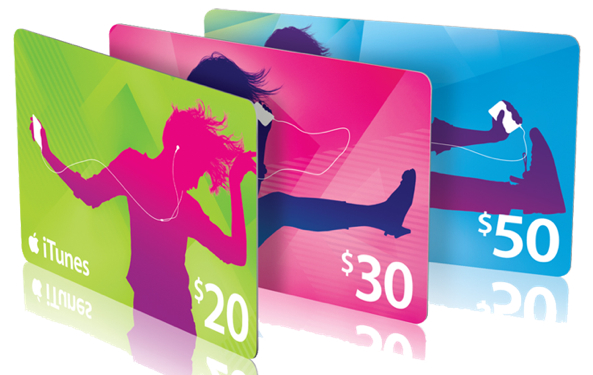
How to gift iTunes credit on iPhone and iPad

A particularly cruel proverb says there's more than one way to skin a cat. True or not for cats, its intended meaning certainly applies to sending iTunes gifts and gift cards to your loved ones. For years, Apple has done their homework to make sure we can easily swoop up gift cards for iTunes at most retailers, online through services such as PayPal and also directly gift apps or music we come across and want to share immediately.

On top of the bevy of options available, there's another simple trick to send (any desired) iTunes credit to a fellow application user, right through iTunes or the App Store on iOS. While on no account a hidden gem, we haven't called attention to it before on iDB, so let's bring you up to speed on it if necessary.

How to switch between Celsius and Fahrenheit on your iPhone, iPad, and other Apple devices

Two screenshots from the iPhone Weather app with one showing the temperature in Fahrenheit and the other in Celsius

Your Apple devices provide a global setting for representing specific quantities of temperature in apps. You can switch between displaying the temperature in either Celsius or Fahrenheit. Apps that support this feature, including Apple's stock Weather app, honor this setting to display the temperature in your preferred unit regardless of your regional settings.

In this tutorial, you will learn how to easily switch between Celsius and Fahrenheit independently of your other regional settings on your iPhone, iPad, or iPod touch, as well as adjust this setting on other Apple devices, such as your Apple TV, Apple Watch, or Mac.