Learn how to request a refund from Apple for an app, media, subscription, or purchase using your iPhone, iPad, Mac, or Windows PC.
How to request a refund from Apple for apps, media, and subscriptions
Stay up-to-date on the latest iPhone news and learn new tips and tricks with our comprehensive tutorials. From software updates to new features, we’ve got you covered.
Learn how to request a refund from Apple for an app, media, subscription, or purchase using your iPhone, iPad, Mac, or Windows PC.
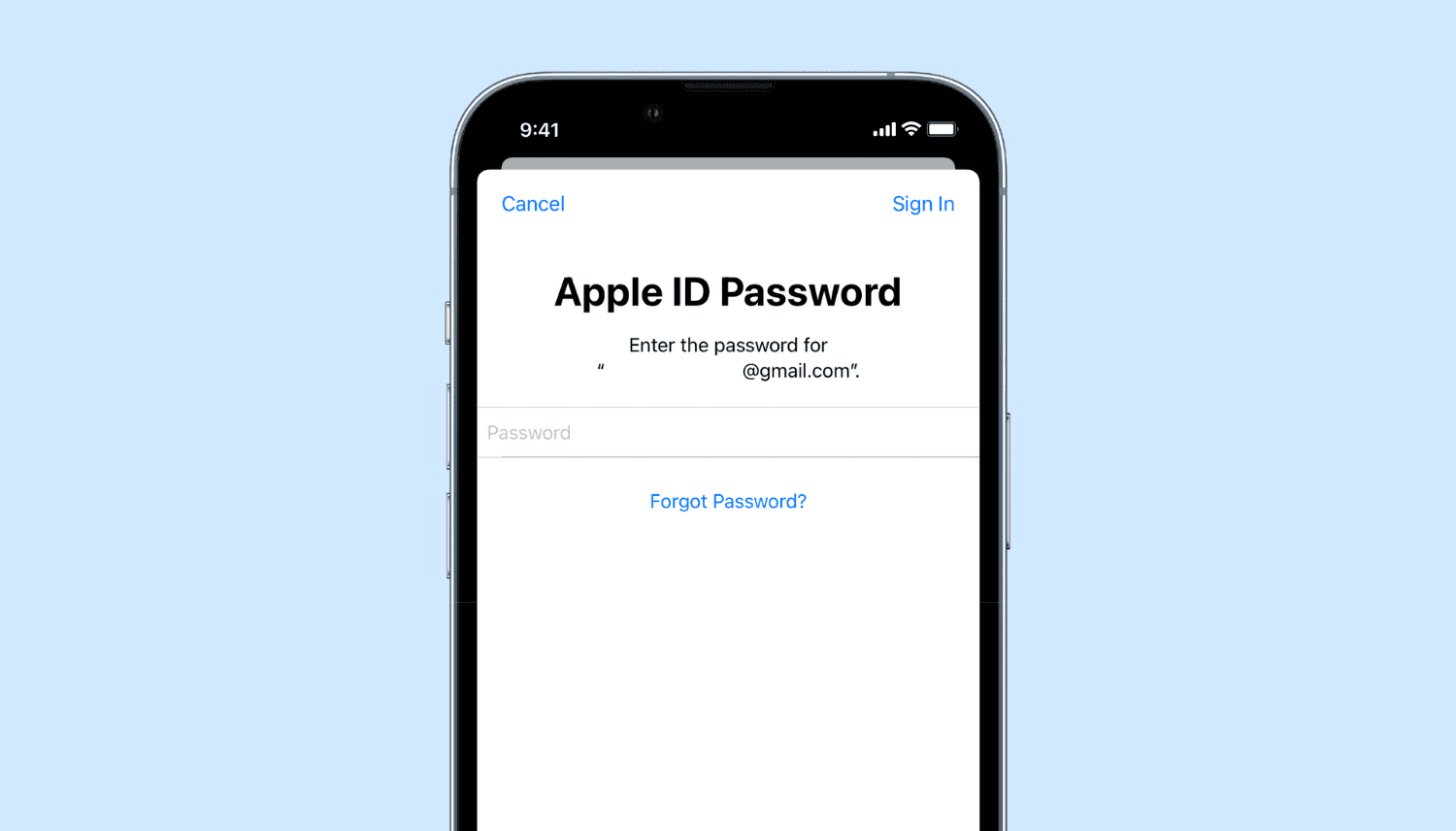
Learn how to sign out of iCloud or your Apple Account and sign in again on your iPhone, iPad, Apple Watch, and Mac, as well as the consequences and possible side effects associated with this.
One of the things that Apple appears to pride itself with in its many marketing campaigns is user privacy and security. But does the Cupertino-based company and its staff actually hold these values as dearly and close to the heart as they lead on?
The old saying that goes “out of sight, out of mind” has a lot of truth behind it, and if you border two different time zones or have friends outside of yours, then it can be easy to forget what time it is in that other place.
It’s Sunday again, and with that comes our weekly jailbreak-centric roundup encompassing all the latest jailbreak tweak releases and pwnage-oriented news.
Among several of my favorite things to do with a jailbroken iPhone or iPad, creating shortcuts to my most-used apps and features ranks high on my list.
A small number of interfaces found throughout iOS display a letter-based sidebar on the right side of the display to improve navigation through lengthy, alphabetical lists.
Anyone that does even the smallest amount of multitasking on their iPhone should be avidly familiar with the App Switcher. That’s because it’s the primary way to move from one app to another without visiting the Home Screen.
A really neat feature of iOS 15 that I like to use fairly regularly is swiping up on any photograph to view specific details about the device that captured it and when and where it was captured.
Check out the best free methods to convert HEIC photos to JPG on your iPhone, iPad, and Mac to ensure universal compatibility.
When you have a jailbroken iPhone or iPad at your disposal, the inevitable happens; you install add-ons to upgrade the user experience of your handset, whether to make it look better or to give it new functional capabilities.
Want to use a downloaded app but can't find it? In this tutorial, we go over all the ways to find, open, and unhide hidden apps on your iPhone, iPad, and Apple Watch.