Not everyone wants their data backed up in the cloud, and if you’re one of those people, we’ll show you how to keep your iPhone or iPad from automatically backing up to iCloud.
How to stop your iPhone or iPad from backing up to iCloud
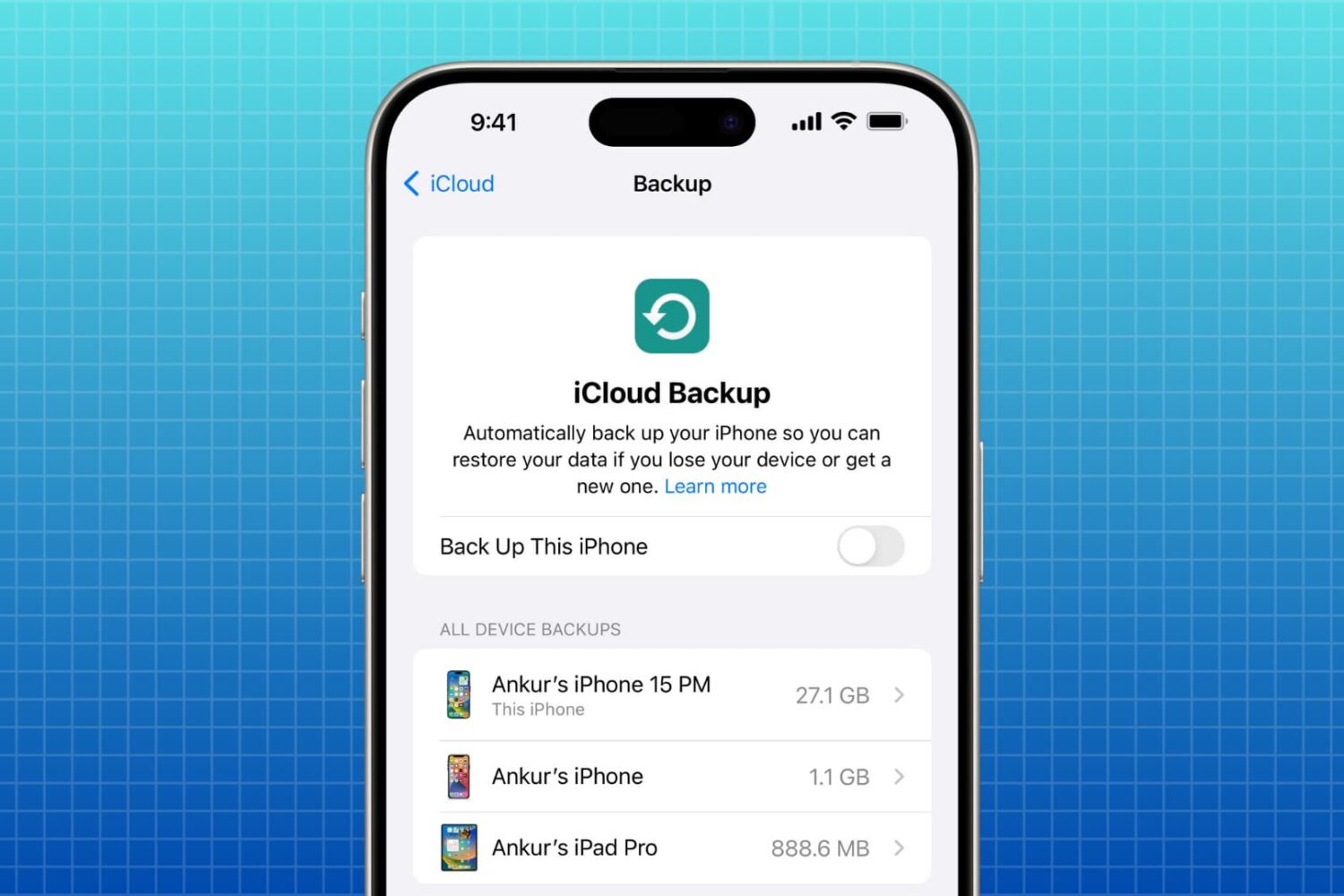
Not everyone wants their data backed up in the cloud, and if you’re one of those people, we’ll show you how to keep your iPhone or iPad from automatically backing up to iCloud.
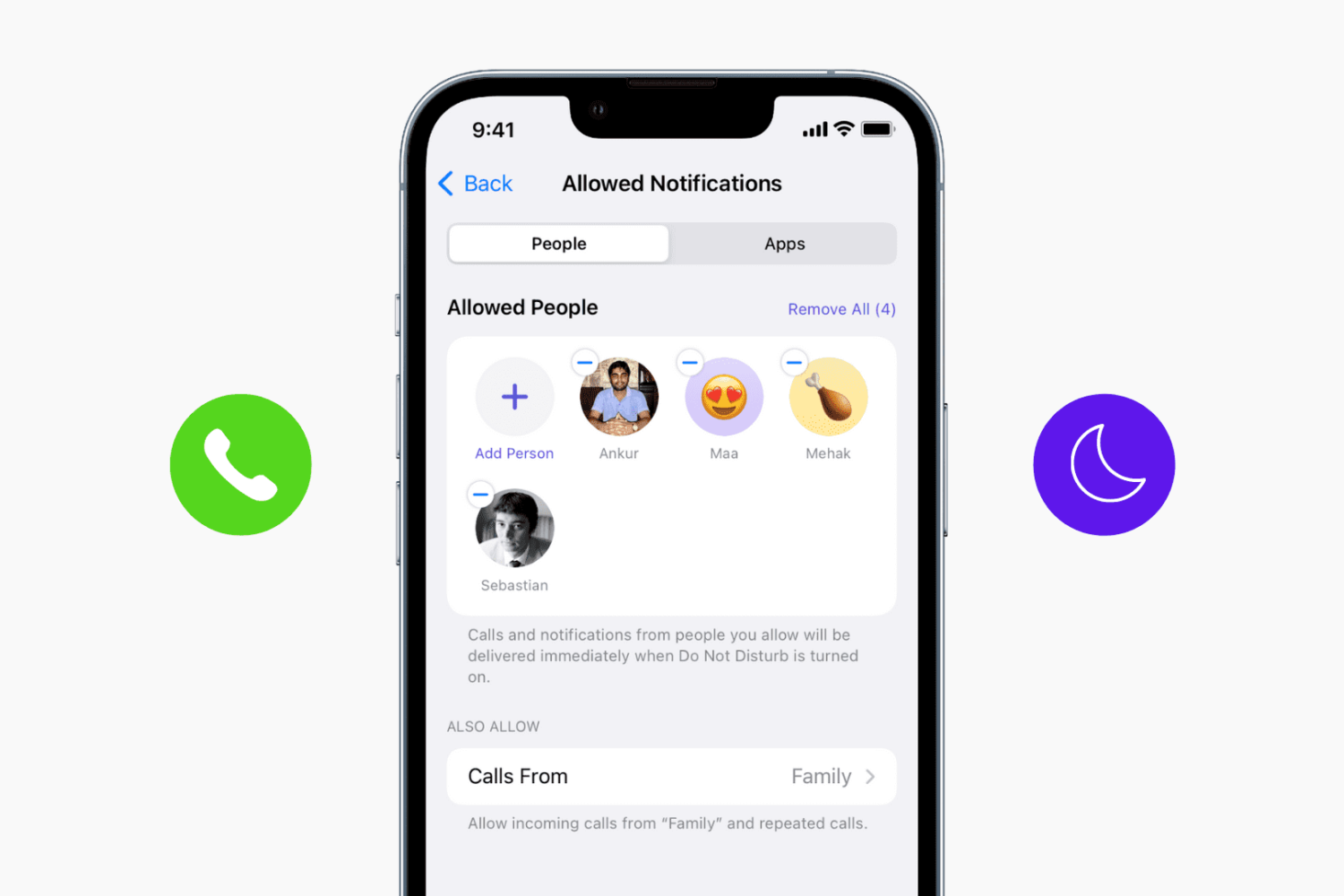
Learn how to add specific people to your DND whitelist so you can receive calls and text notifications from important contacts even when your iPhone is in Do Not Disturb mode.

Your iOS device's Mail app includes a unified mailbox feature that lets you see the content of all of your email account inboxes in a single mailbox. It's accessed by tapping on the All Inboxes cell from the Mail app on your device.
In some cases, you may want to see all of the emails from two or more of your email accounts, but not all of them, and this is where a new jailbreak tweak called AllInboxesFilter is going to come in handy for heavy email users with jailbroken devices.

Create a contact group on iCloud Web so you can bundle similar contacts in one list or use them for group messaging and email.
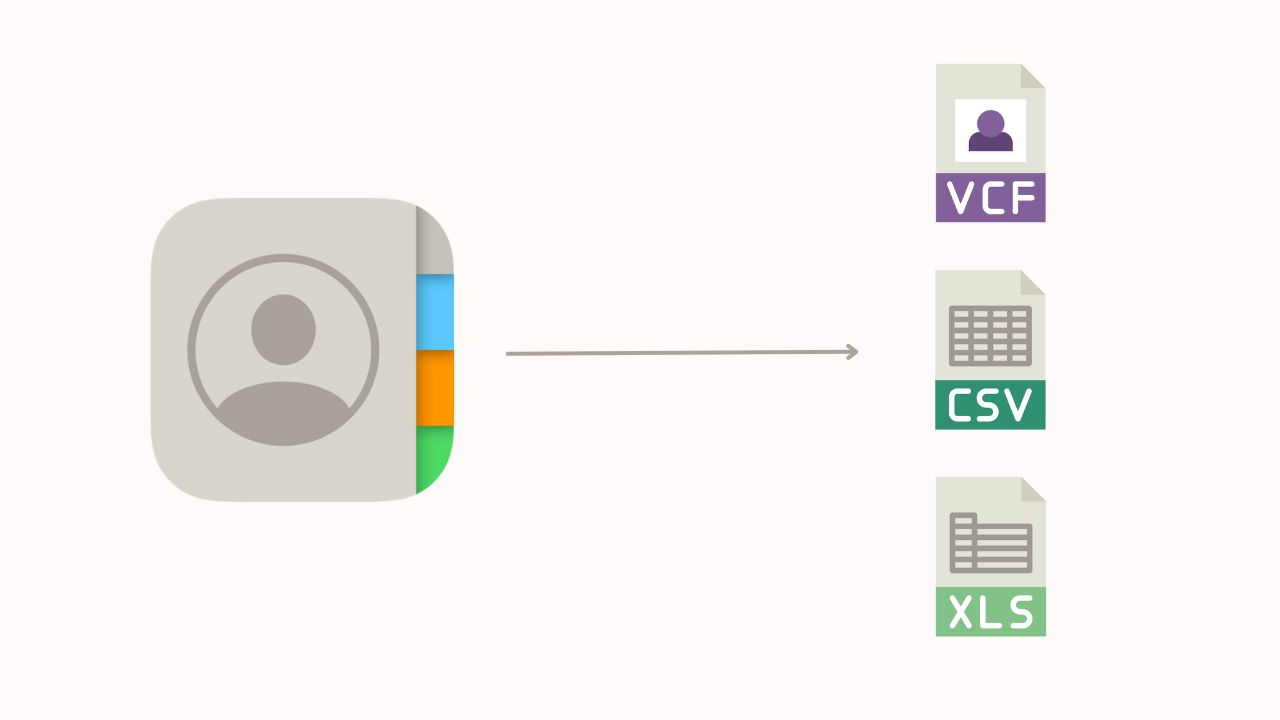
Learn how to export your iPhone contacts as an Excel, CSV, or vCard file for backup or to share with someone else.
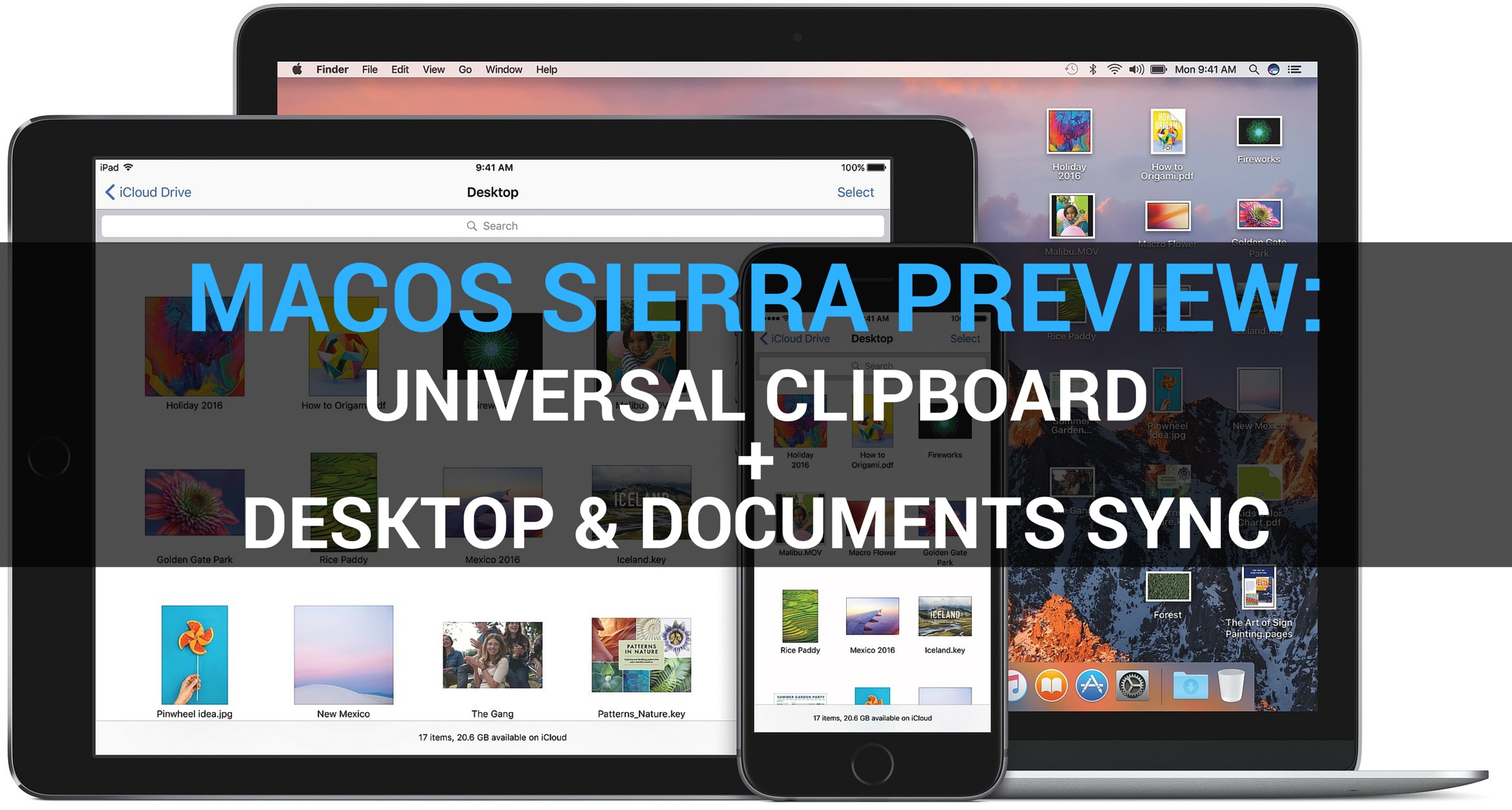
Our ongoing macOS Sierra previews continue unabated as Andrew and I take a closer look at two new useful features in Sierra: Universal Clipboard and shared Desktop. You're definitely going to use Universal Clipboard quite a bit: in addition to being a great time-saver, it “just works”.
Universal Clipboard lets you copy and paste items across your iPhone, iPad, iPod touch devices and Mac computers like a boss. Sierra also puts your iCloud storage to good use by keeping any Desktop items along with the files within the Documents folder synchronized across your other devices.

Messaging service Viber this morning pushed a new update to its App Store app, adding several new long overdue features. For starters, iPhone users can now back up and restore their chat history through iCloud, making keeping their conversations after an iOS restore possible.
The application now has a brand new native watchOS 2 app for your wrist with canned responses on your Apple Watch. Other new features in this edition of Viber include support for sending and receiving animated GIF images, sending money from within the app and low-rate Viber Out calling plans via a redesigned screen.
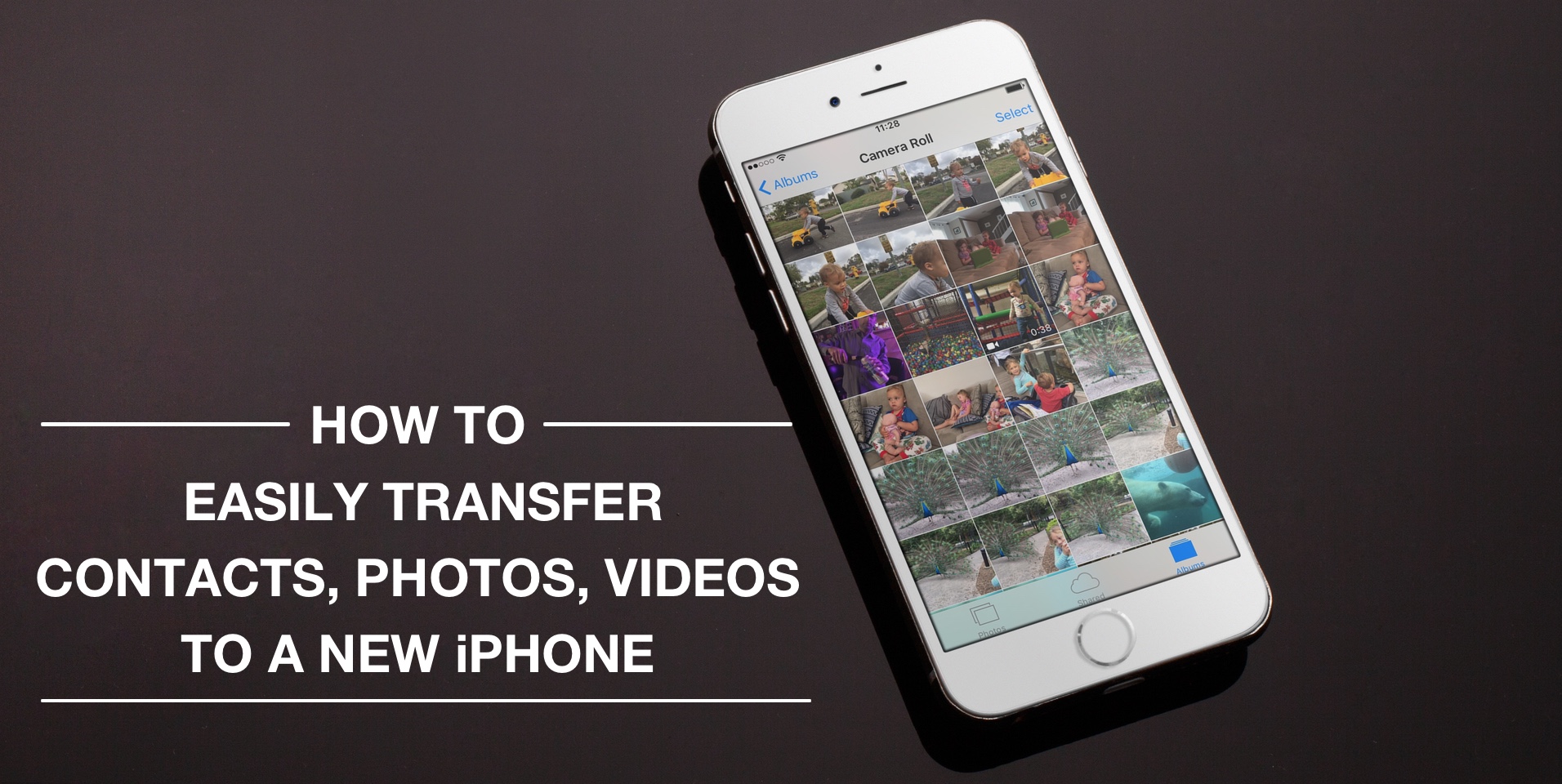
Depending on your set up, transferring contacts, photos and videos from your old iPhone to your new one can be pretty simple. You might use iCloud to store all this data, in which case, your contacts and photos/videos will automatically come back once you sign in your new device. Or maybe you back it all up in iTunes, which allows you to sync all that data from your computer to your new iPhone. Maybe you don't do any of that, and if you're looking for a relatively quick and easy way to transfer all this data from one iPhone to another, then read on.
Learn how to stop the Apple Calendar app from deleting old events and restore past appointments if they’re missing from the app.
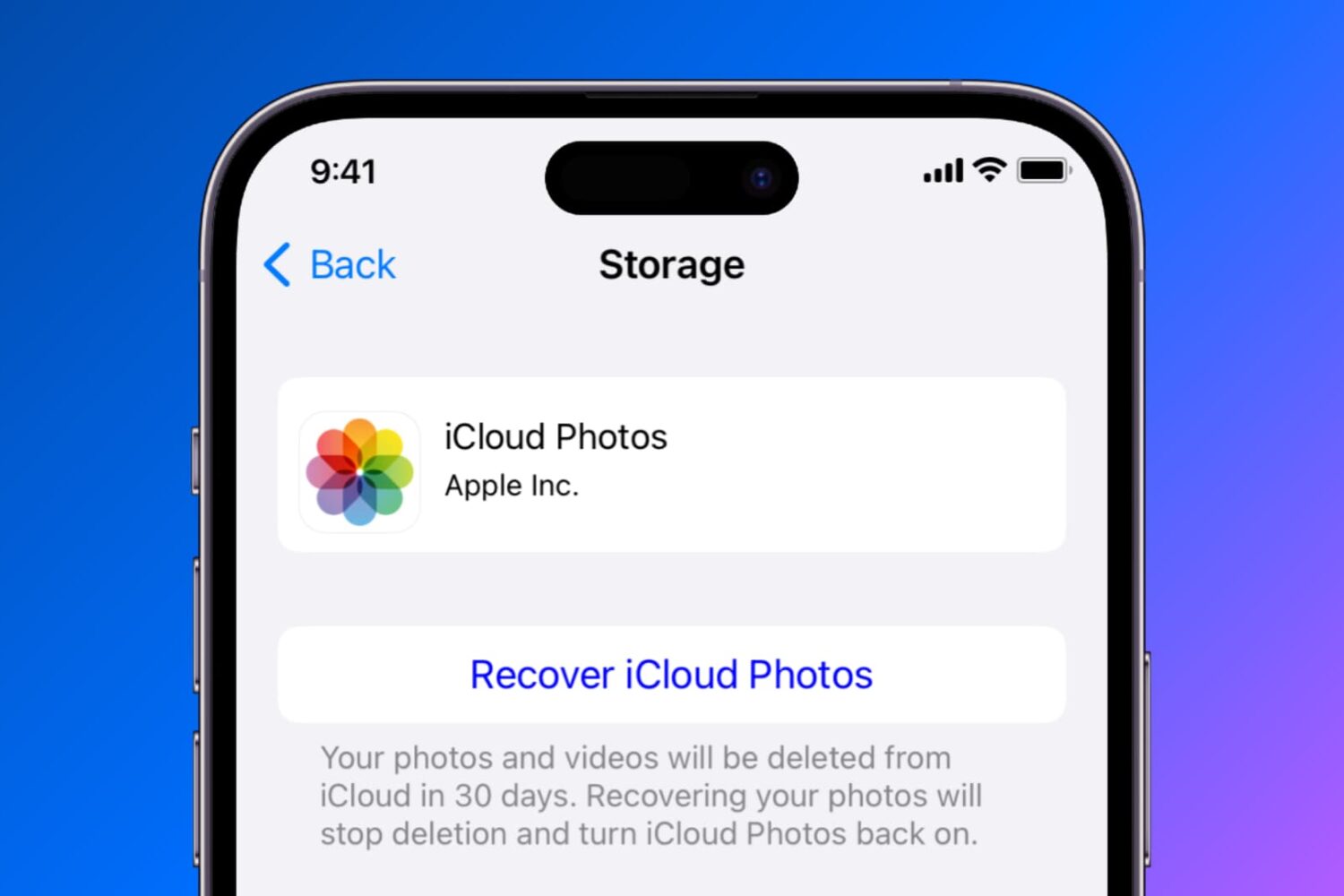
Find out how to temporarily disable or permanently delete iCloud Photos on your iPhone, iPad, Mac, Apple TV, and Windows PC if you no longer want to back up your pictures and videos to Apple’s cloud storage.
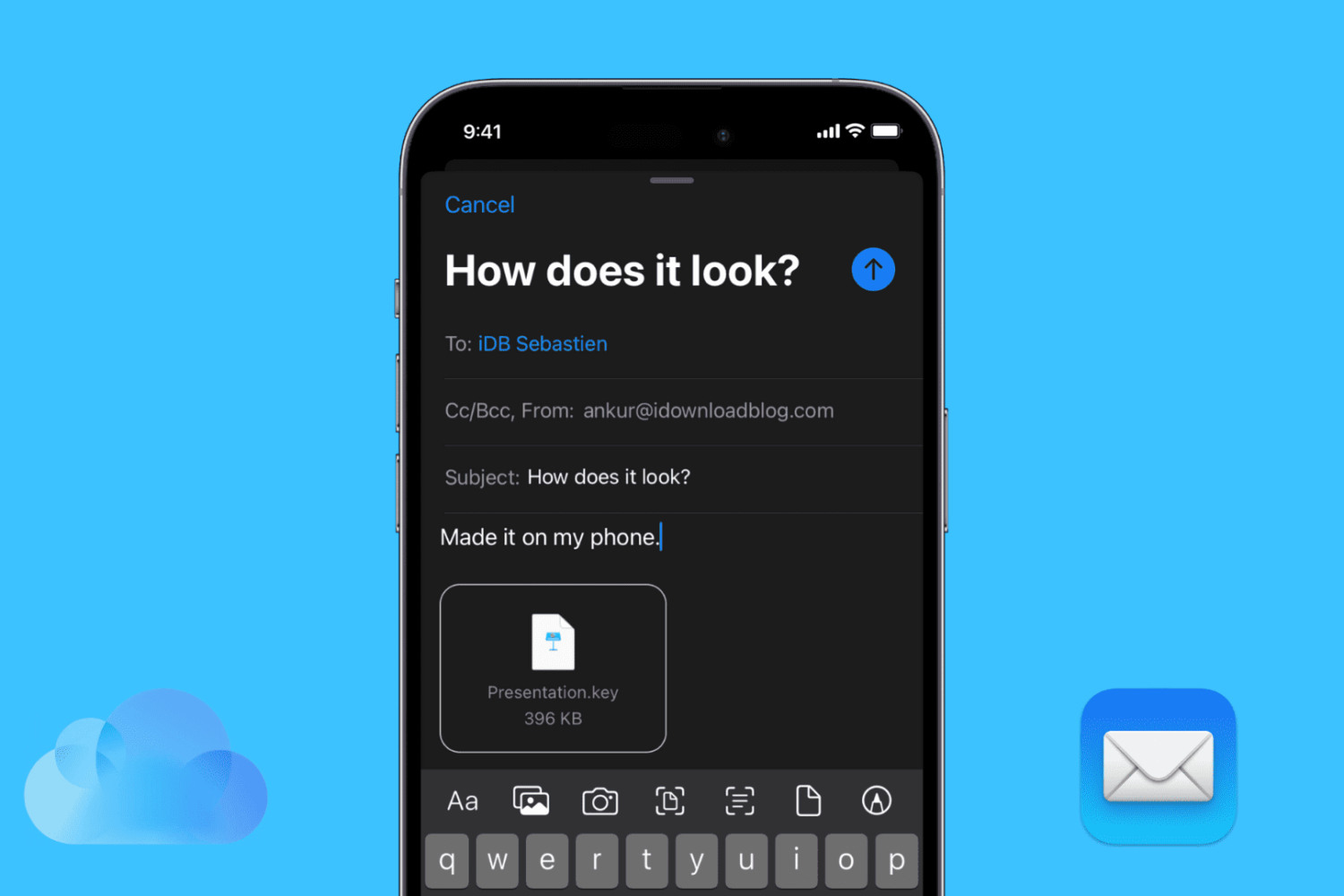
Find out how to attach a PDF, Word file, Keynote presentation, spreadsheet, image, video, or other media and document saved in the Photos app, Files app, or iCloud Drive to an email in the Apple Mail app on your iPhone or iPad.

A report Thursday published by the former Wall Street Journal reporter Jessica Lessin's outlet, The Information, paints a gloomy picture for Apple's efforts to move its cloud services 100 percent in-house. That process has been slowed by “political infighting” as the company's iCloud and Siri engineering teams are now “in open conflict”.
The infighting is so bad, according to sources with direct knowledge of the situation, that at least one key employee has already departed, “with more expected soon,” reads the full report behind a paywall.