Learn how to disable WhatsApp’s Instant Video Messages feature to stop accidentally sending personal videos in chats instead of voice notes.
How to stop mistakenly sending video on WhatsApp instead of voice messages
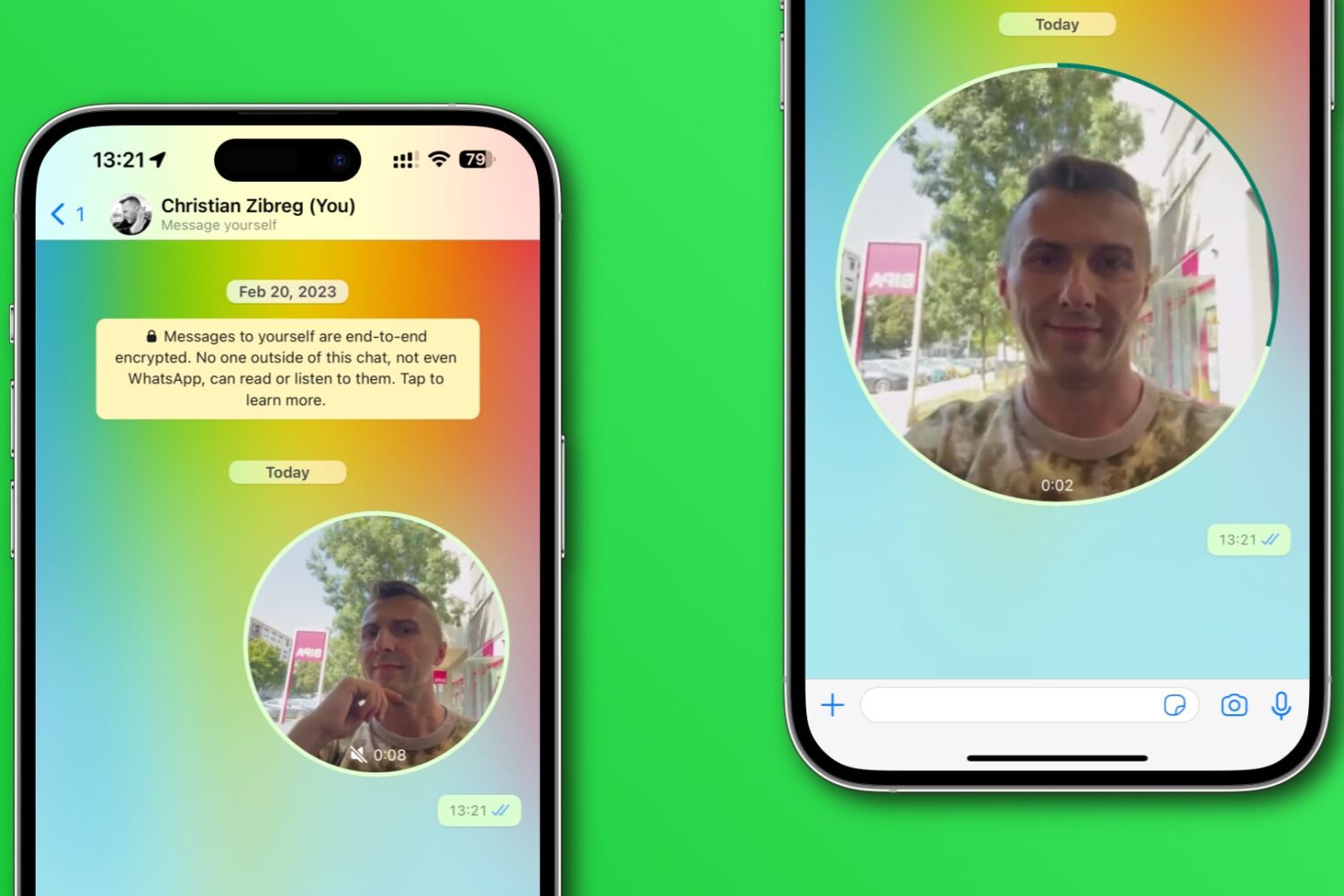
Learn how to disable WhatsApp’s Instant Video Messages feature to stop accidentally sending personal videos in chats instead of voice notes.
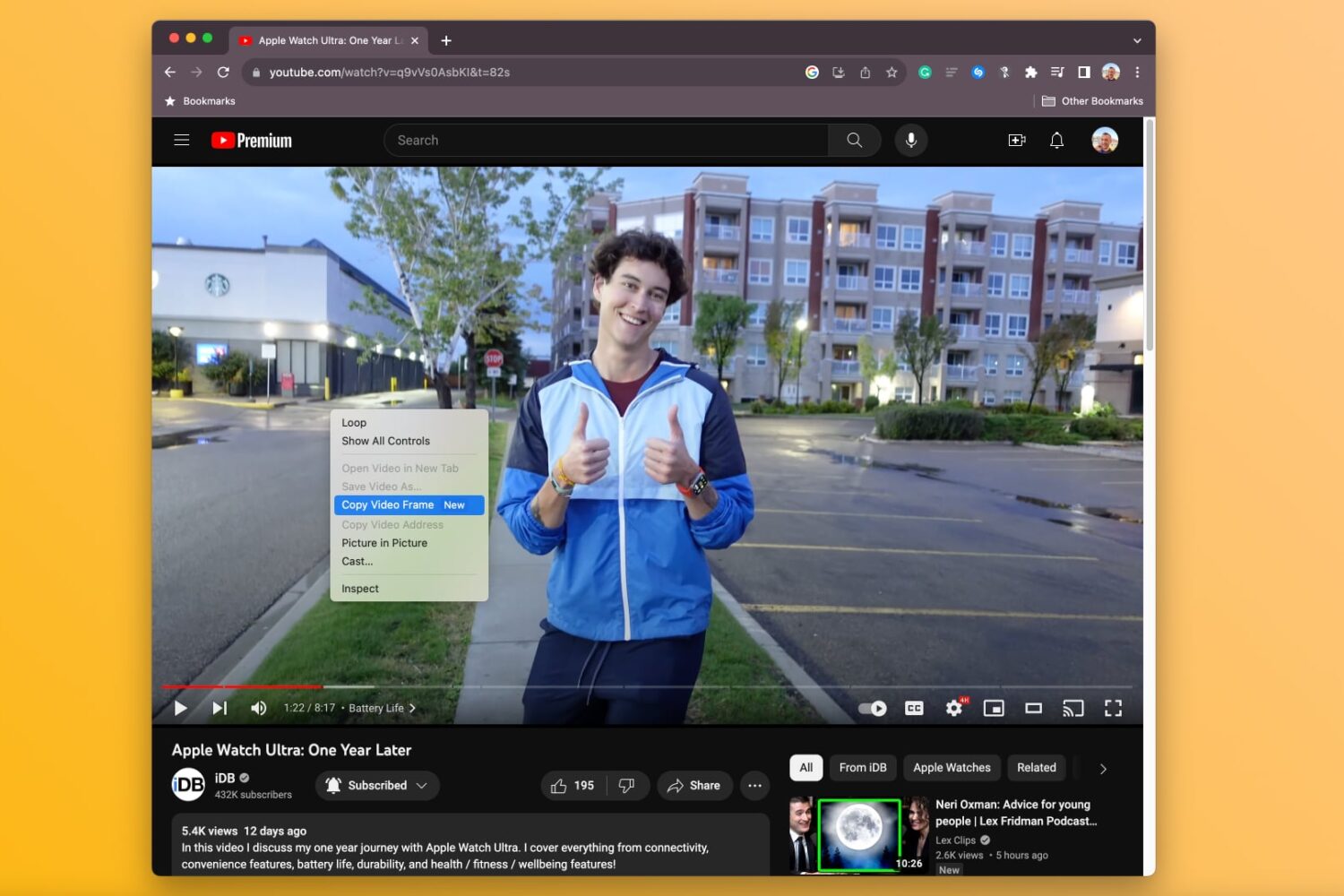
Learn how to copy a full-resolution frame of a video in Google Chrome instead of manually screenshotting it, which results in a lower-quality image.
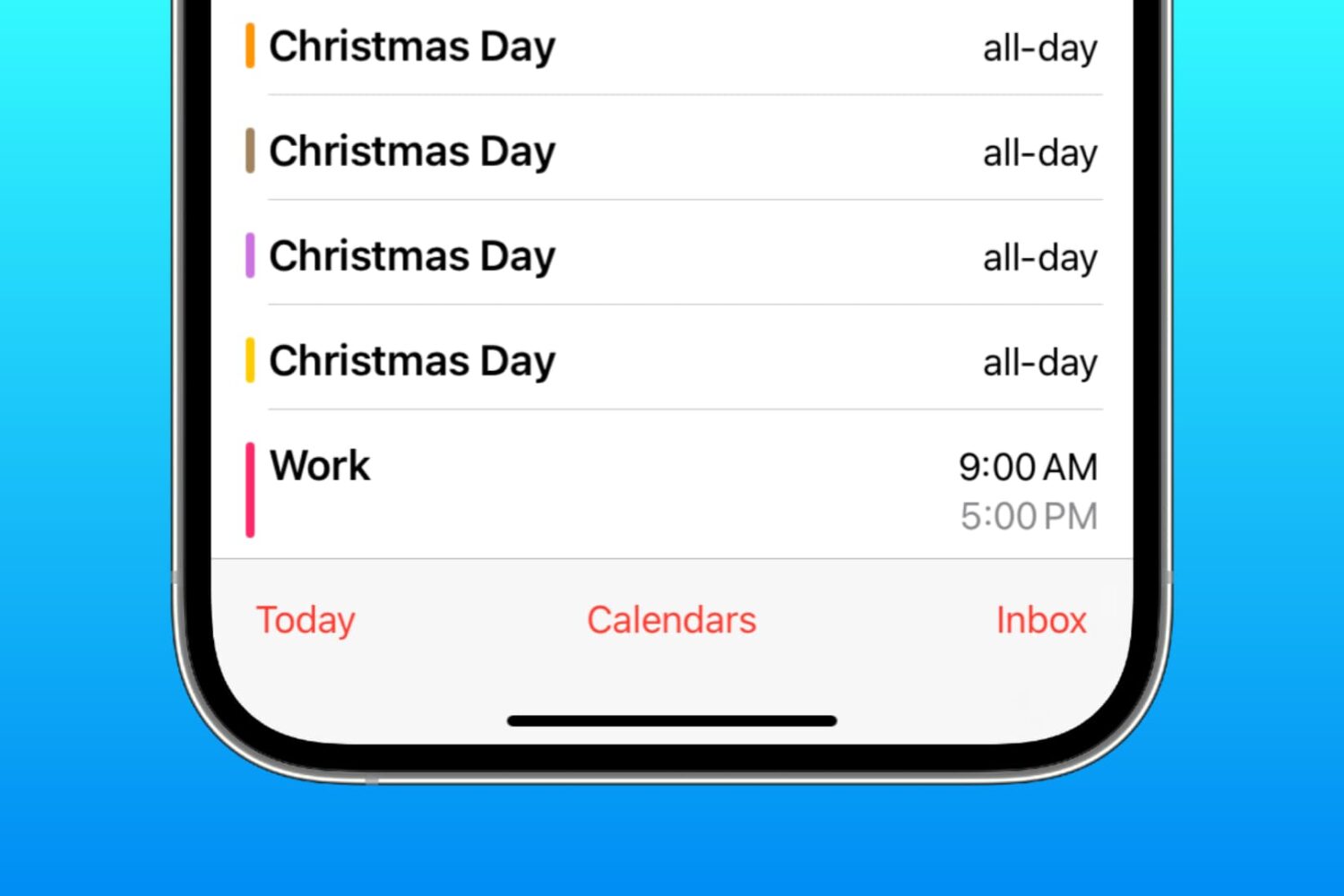
Learn how to delete duplicate events in the Apple Calendar app on your iPhone, iPad, and Mac for a clearer daily agenda without overlapping schedules.
In case you didn’t know, there’s a nifty package manager app called PureKFD for MacDirtyCow and kfd exploit-compatible add-ons that can be acquired from Misaka and Picasso-based repositories.
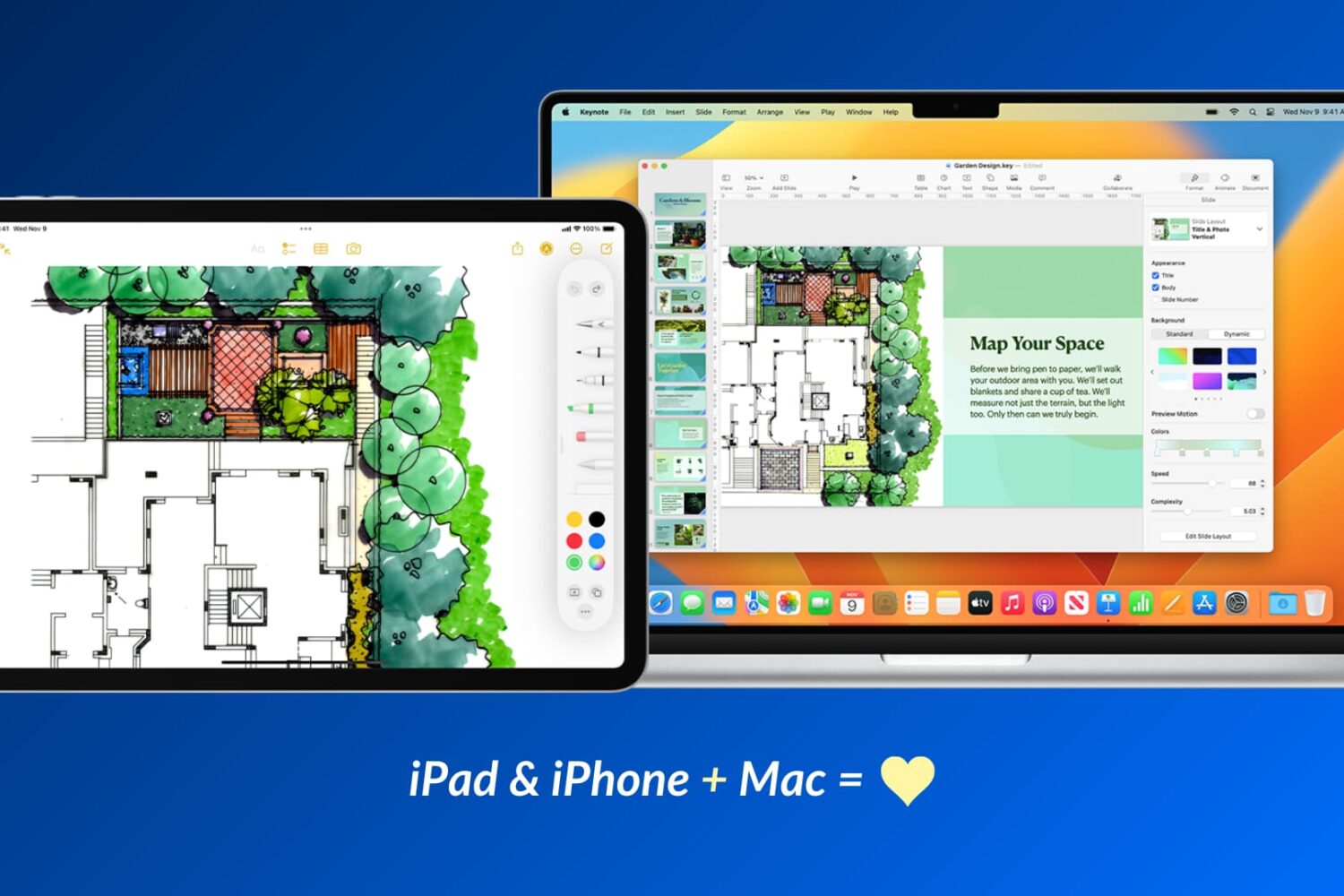
Apple devices work particularly well with one another, and in this guide, we’ll share 17 ways to use your iOS device and your Mac together for a more productive and efficient experience.
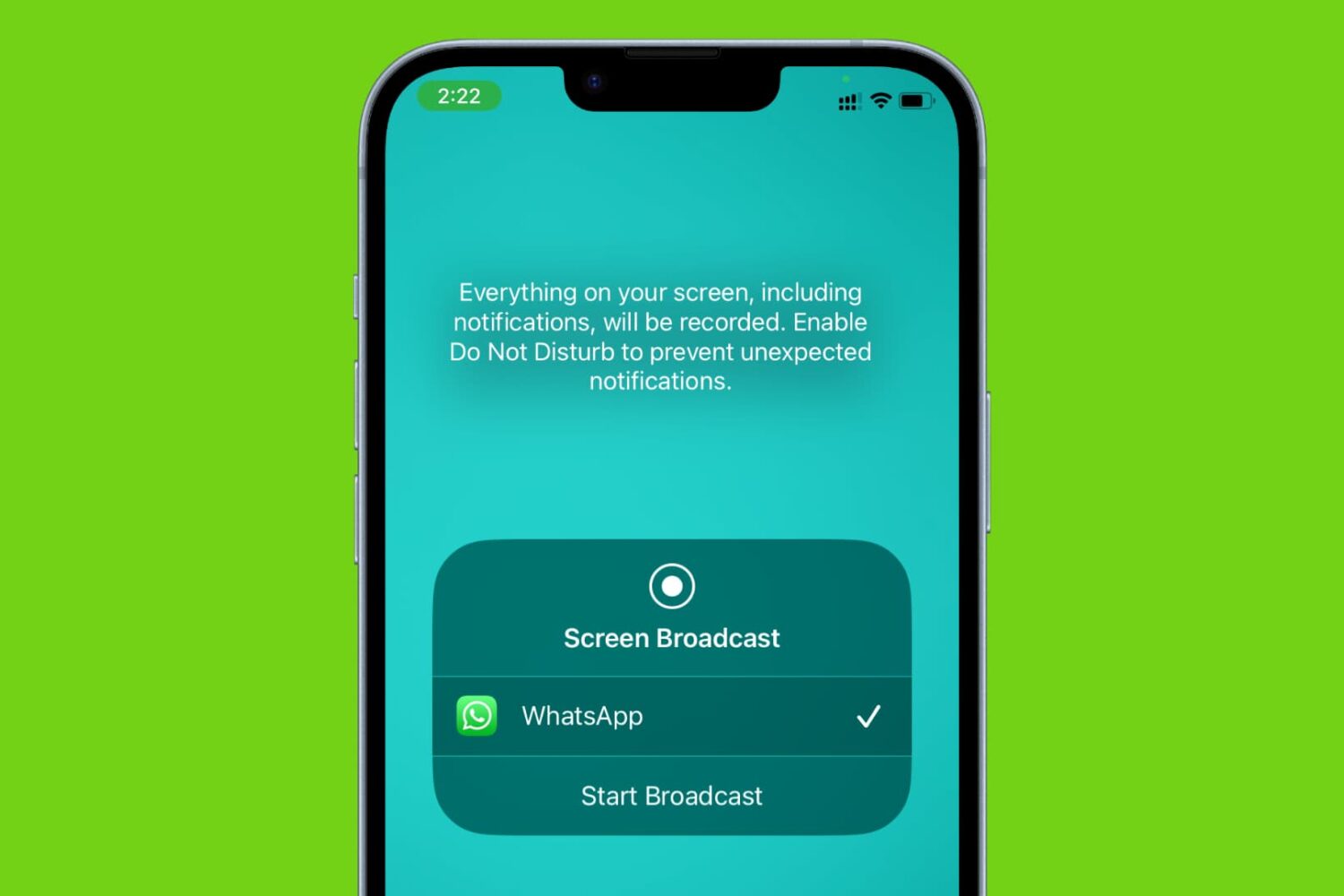
Learn how to share your iPhone’s screen over a WhatsApp video call with another iPhone or Android phone user, along with some important facts and troubleshooting tips.
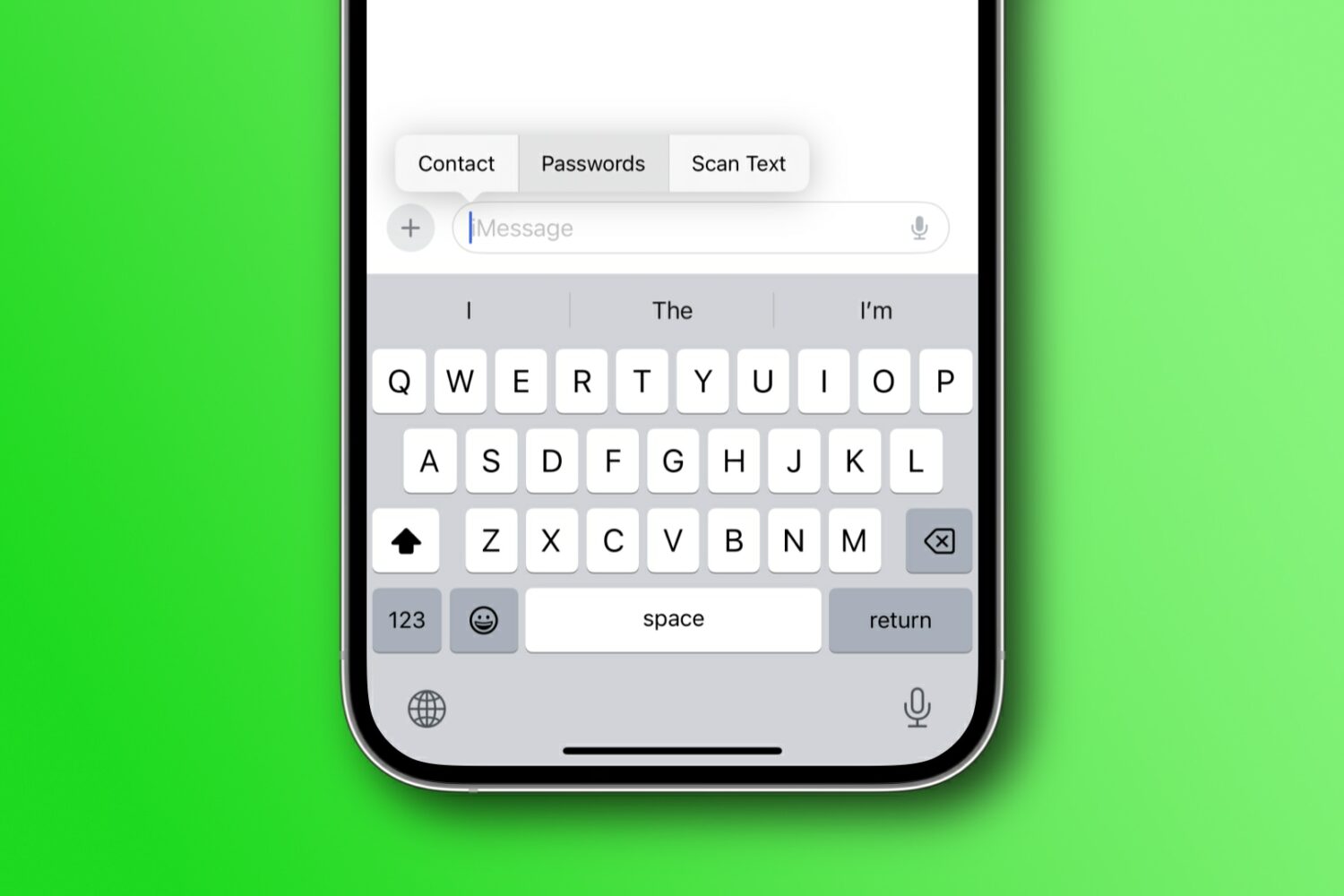
Learn how to autofill saved login passwords or contact details in your texts on an iPhone, iPad, and Mac without ever leaving the Messages app.
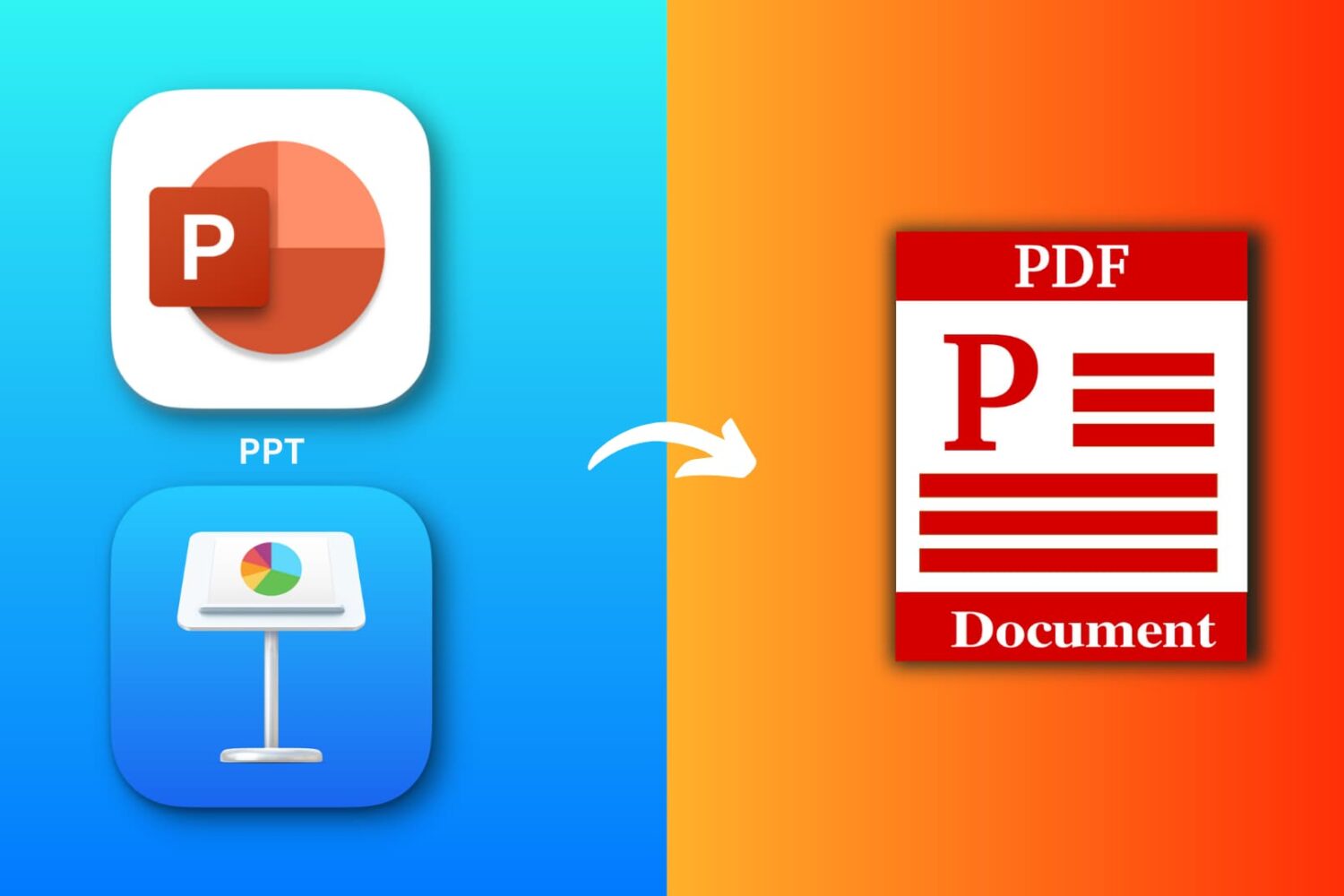
Explore six free ways to convert a PowerPoint (PPTX or PPT) or Apple Keynote file to PDF on your iPhone, iPad, or Mac.
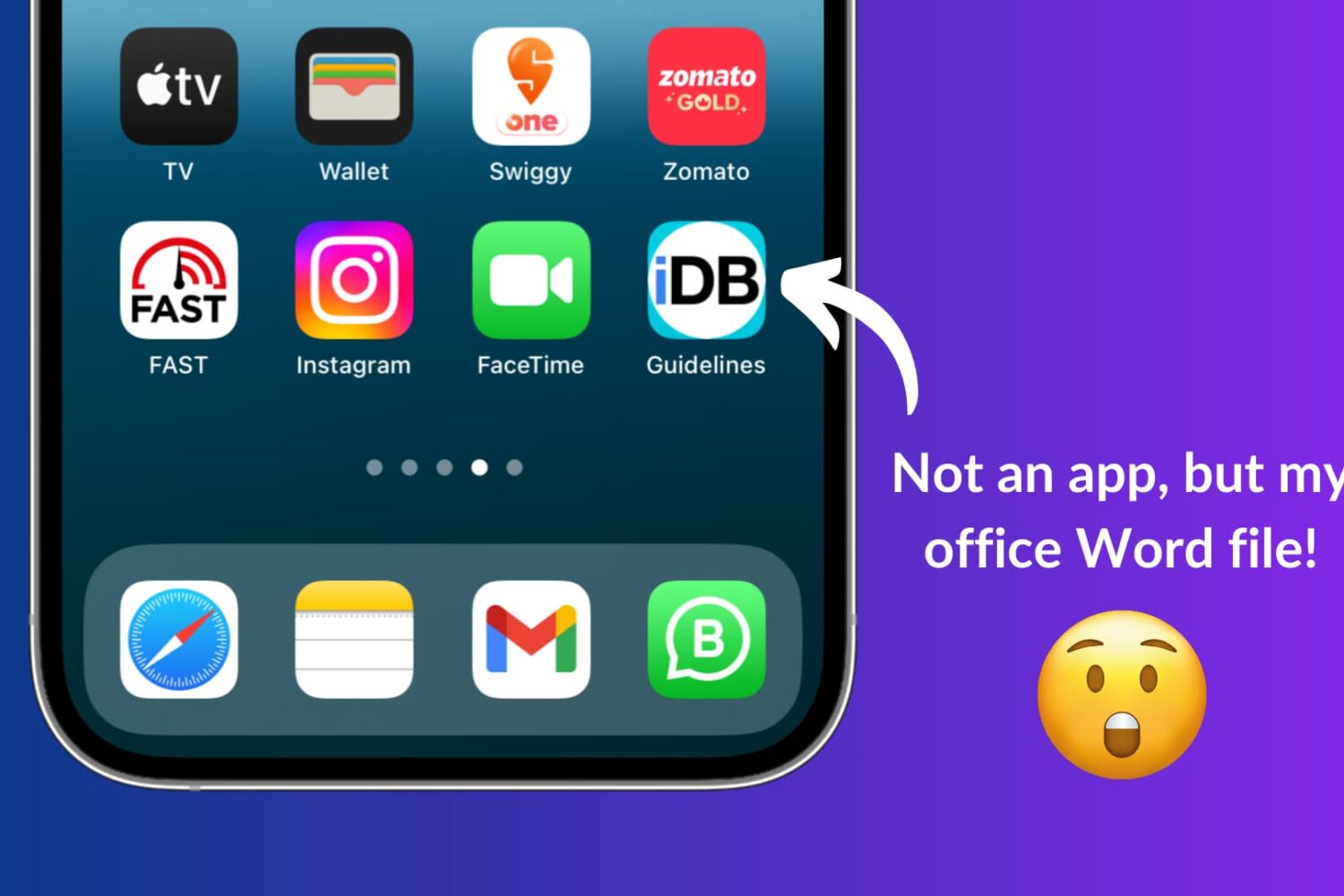
Learn how to use Apple Shortcuts to add a document like a PDF or a Word file to the Home Screen of your iPhone or iPad for quick and easy access.

Learn how to use the Google Photos Locked Folder feature to protect sensitive images and videos with Face ID, Touch ID, or device passcode on iOS and Android.
If you haven’t already heard, there’s another package manager app for the MacDirtyCow and kfd exploits in town, and it’s called PureKFD. This project allows you to browse a whole host of repositories that support Misaka and Picasso-compatible packages.
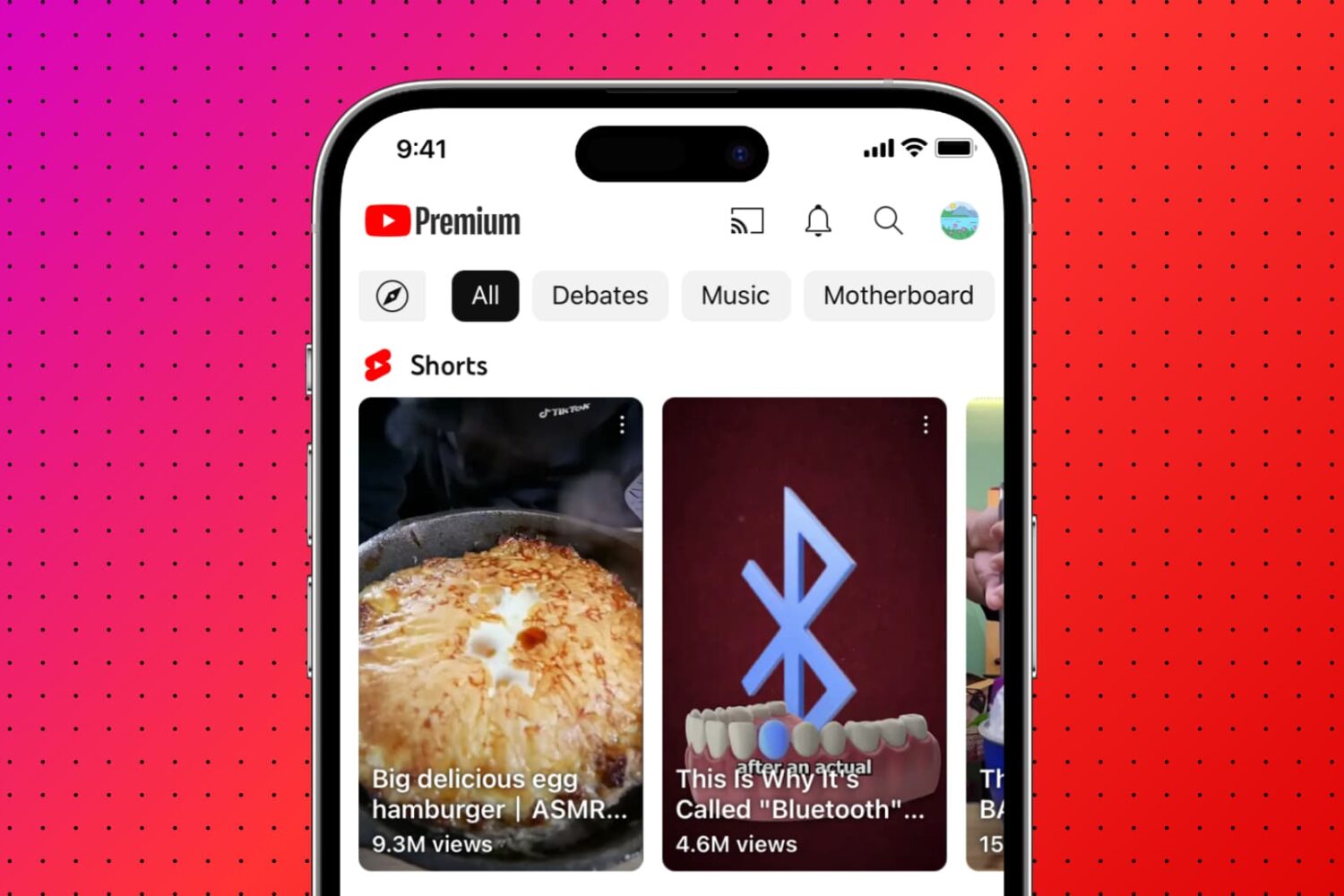
Learn how to remove Shorts from the YouTube interface if you don’t like shortform video and want more room for the content you actually enjoy.