Figure out why your iPhone or iPad is displaying an incorrect date or time, and check out the solutions to resolve this issue.
iPhone or iPad showing the wrong time? Try these 8 fixes
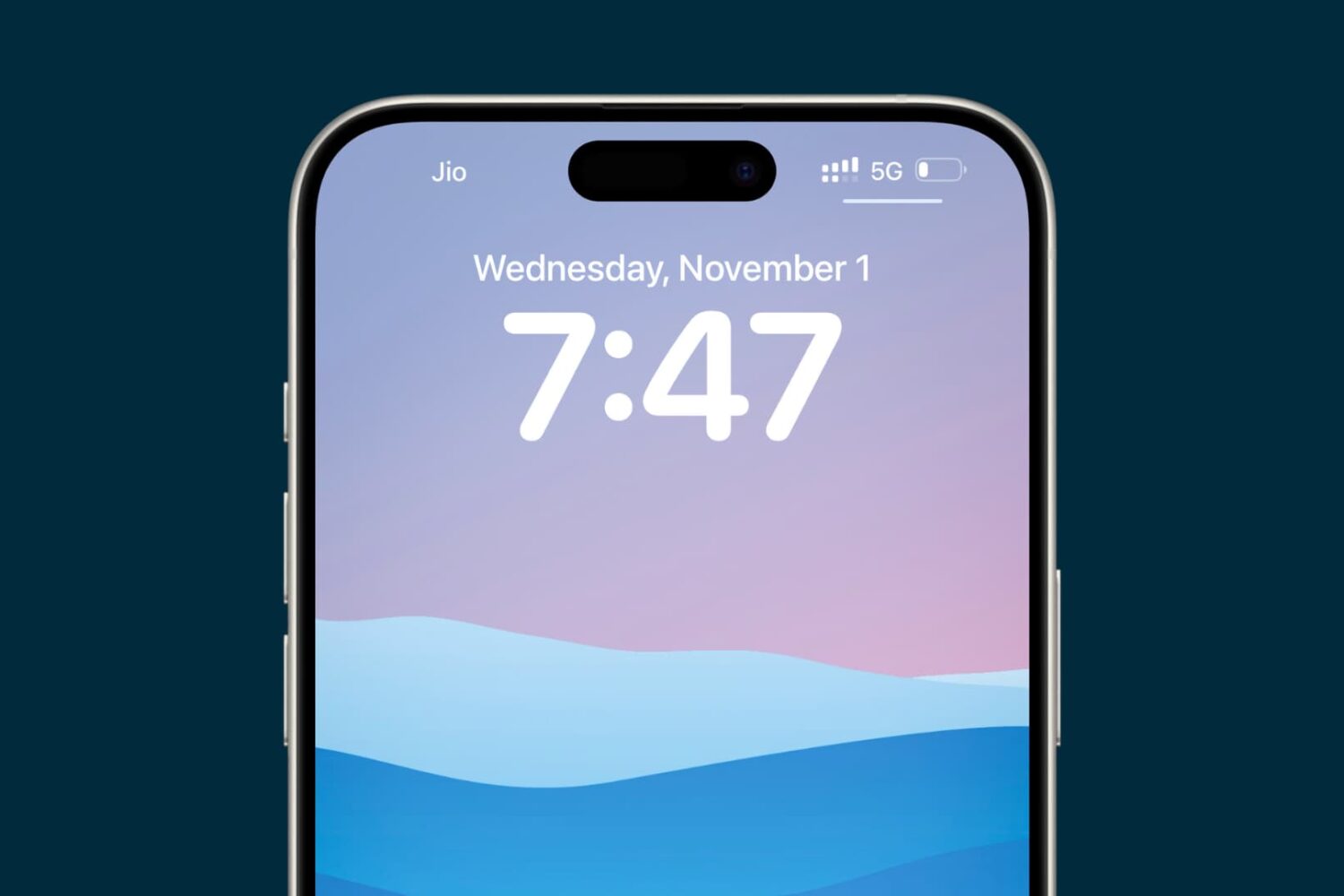
Figure out why your iPhone or iPad is displaying an incorrect date or time, and check out the solutions to resolve this issue.
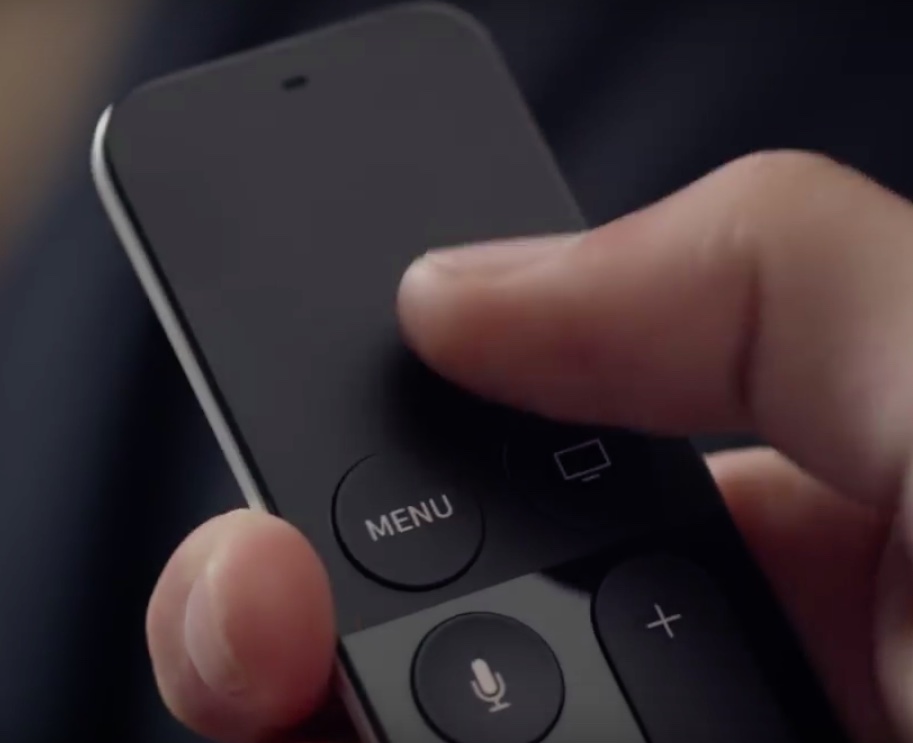
Aside from major new features in Apple's new tvOS 9.2 firmware for the fourth-generation Apple TV, which released to the public on Monday, March 21, there're plenty of under-the-hood improvements to be excited about.
Among them are handy sorting options for the movies in your Wish List and TV shows in your Favorites. In this tutorial, we'll demonstrate how you can tell your Apple TV to show recent TV episodes first and change sorting options for movies in your Wish List.
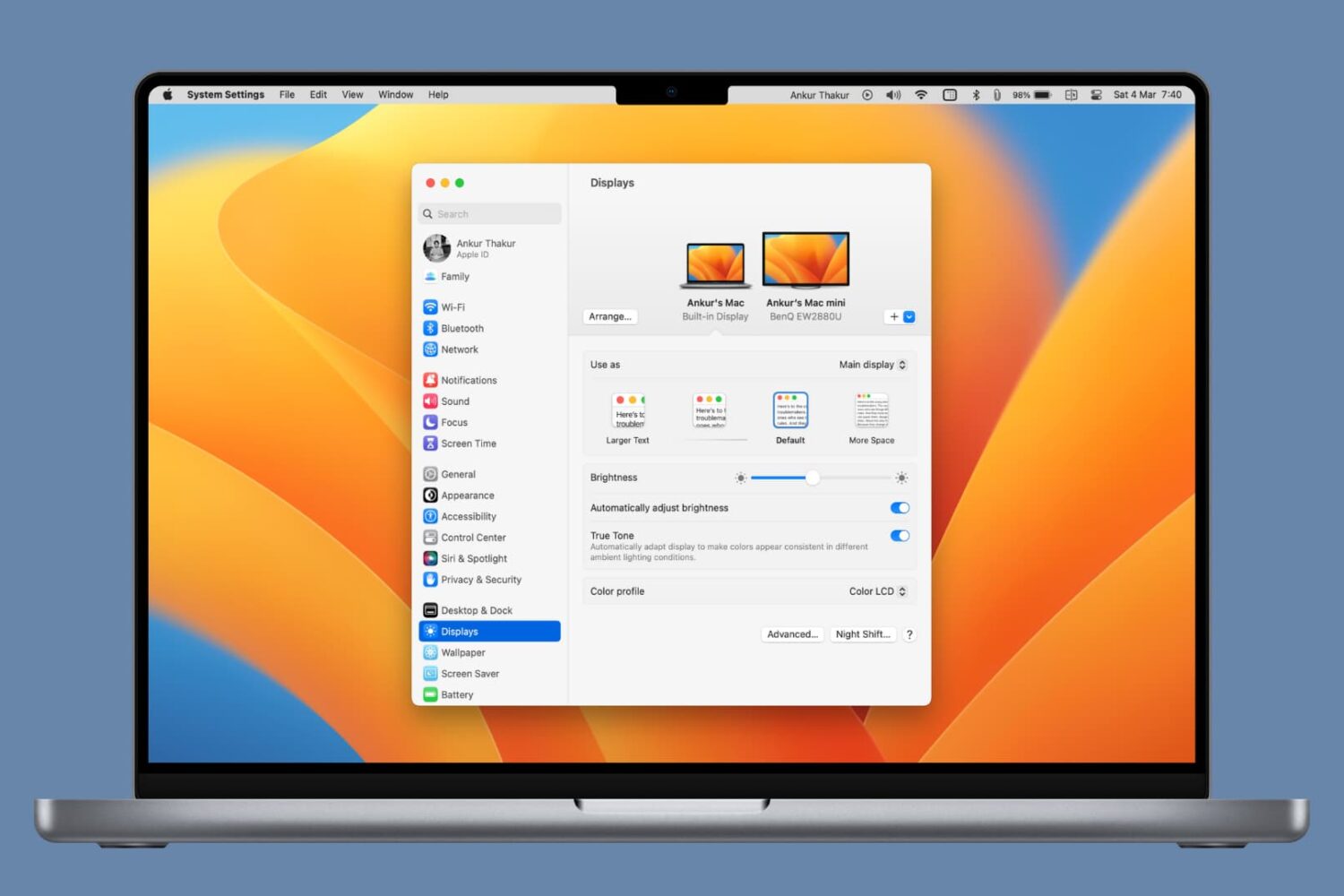
Reduce blue light emission and improve your sleep quality by learning how to use Night Shift on your iPhone, iPad, and Mac.
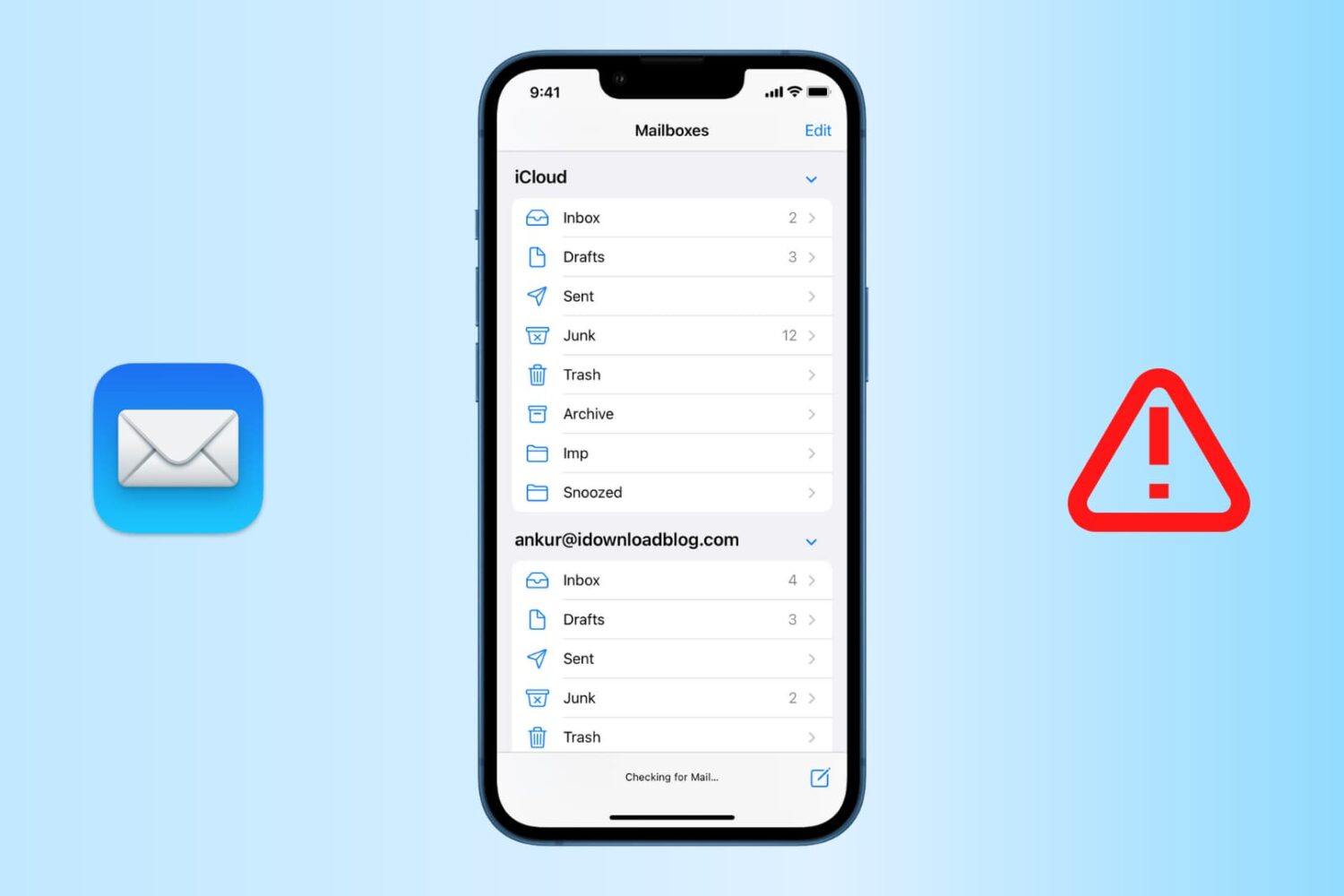
Find out how to fix the "Cannot Get Mail" errors in the Apple Mail app on your iPhone or iPad so you can get your emails loading properly again.
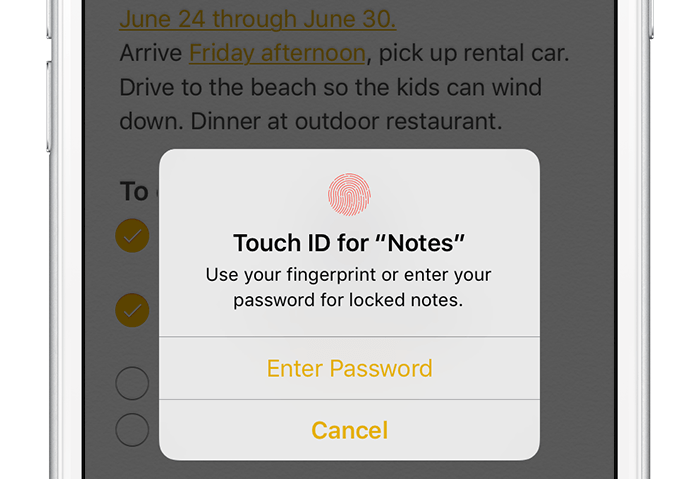
According to Apple, Notes is one of the most popular and most-frequently used stock applications on the iPhone, iPod touch and iPad.
People use Notes for everything from memorizing recipes to keeping track of errands, creating shopping lists, storing inspirational quotes and even passwords, codes and medical data.
Not all notes contain sensitive information, but many do. Beginning with iOS 9.3 and OS X El Capitan 10.11.4, you can protect your notes with a password or Touch ID.
In this tutorial, you'll learn how to set up Notes protection, secure items on a note-by-note basis so no one can view their contents and more.
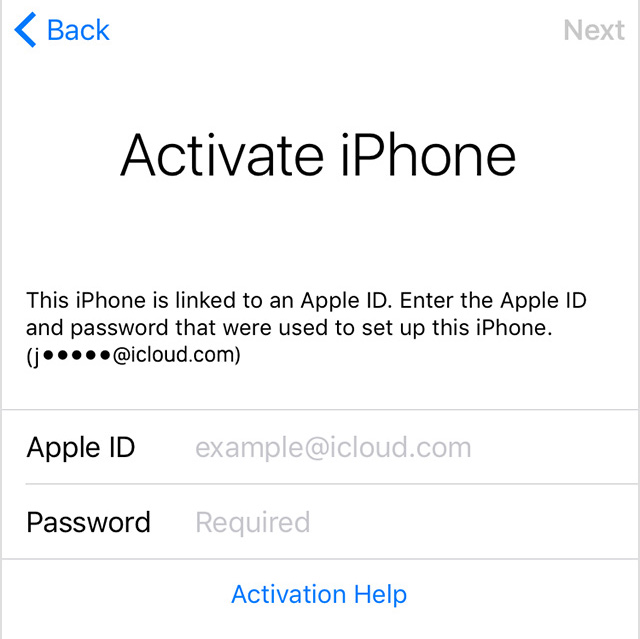
Apple has released a support document Wednesday night to address an issue where some iOS users are unable to activate their devices after updating to iOS 9.3, a software version released earlier this week.
Most reports of the issue seem to come from iPad 2 owners, although a quick search online shows that some iPhone users were also affected. In this support document, Apple offers a few options to try and remedy the problem.
Now that the Pangu Team has released their jailbreak for the new Apple TV, we have had some hands-on time with the tool and were successful in jailbreaking our own test device. In this post, we will share detailed step by step instructions on how to jailbreak the new Apple TV using Pangu. Before we get started, we must share a few words of caution.
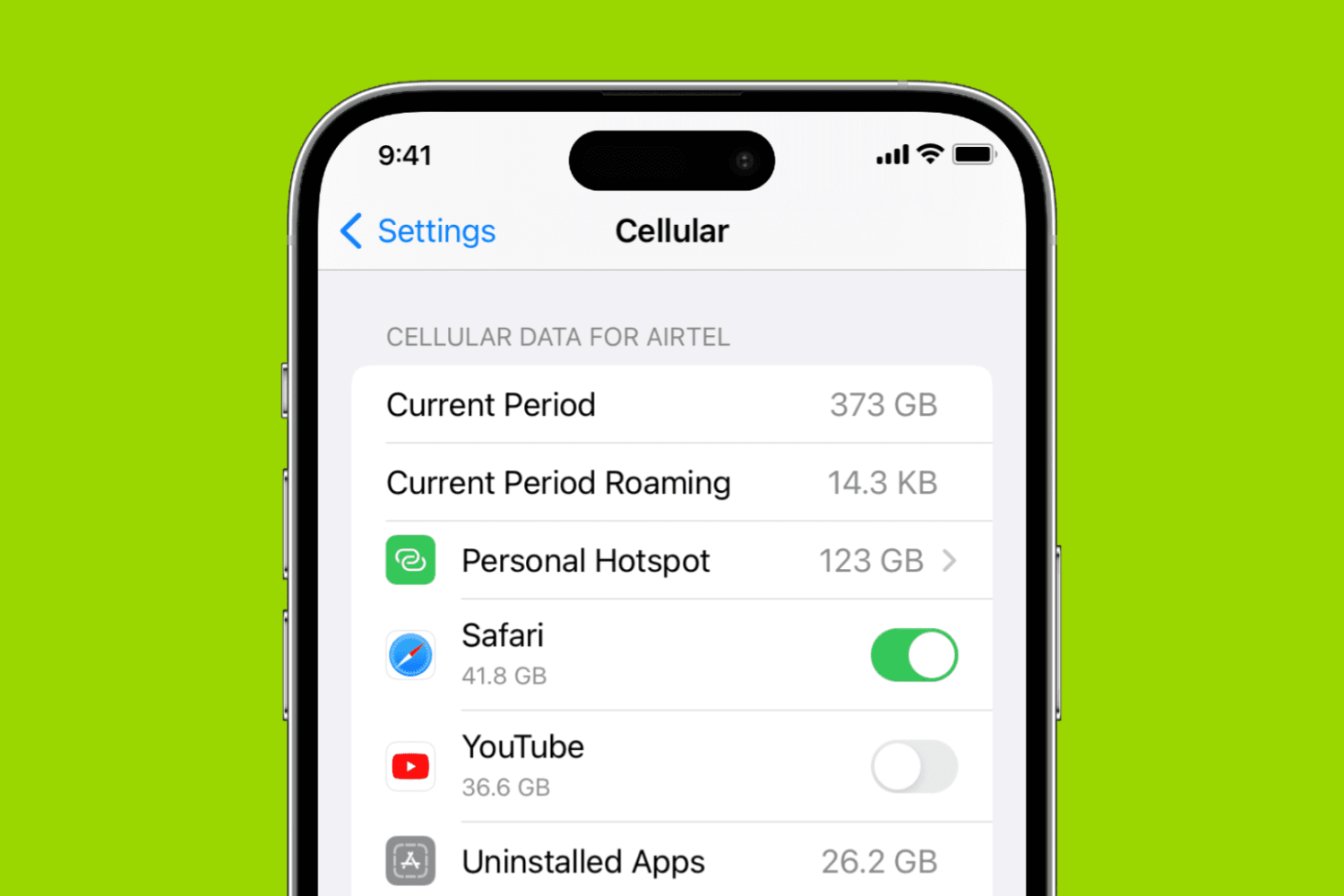
Learn how to turn off cellular data for specific apps on your iPhone or iPad to conserve bandwidth, especially if you're on a plan with a limited data allowance.
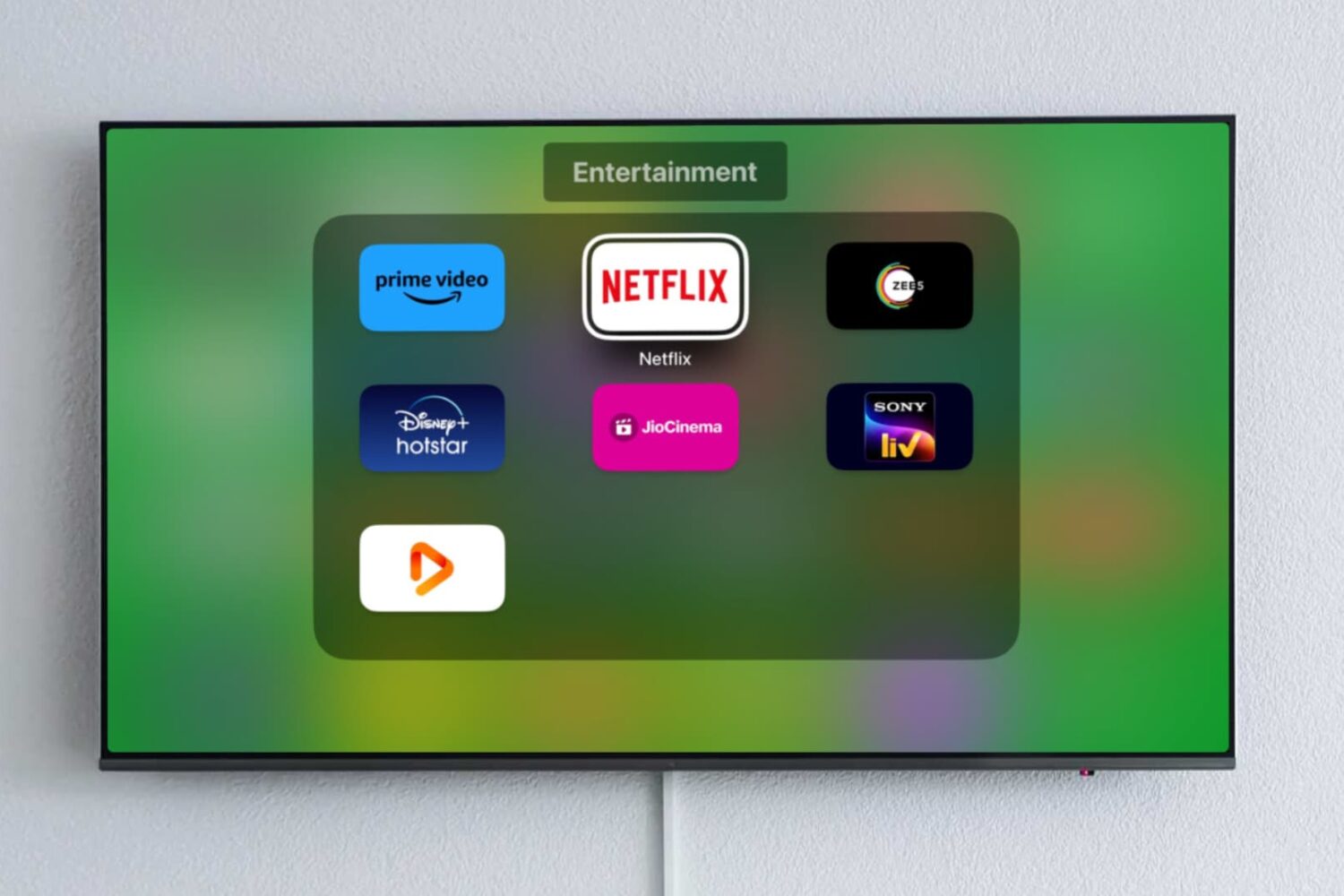
Learn how to create an app folder on your Apple TV, add apps to it, rename the folder, and move it around to organize your TV Home Screen the way you like.
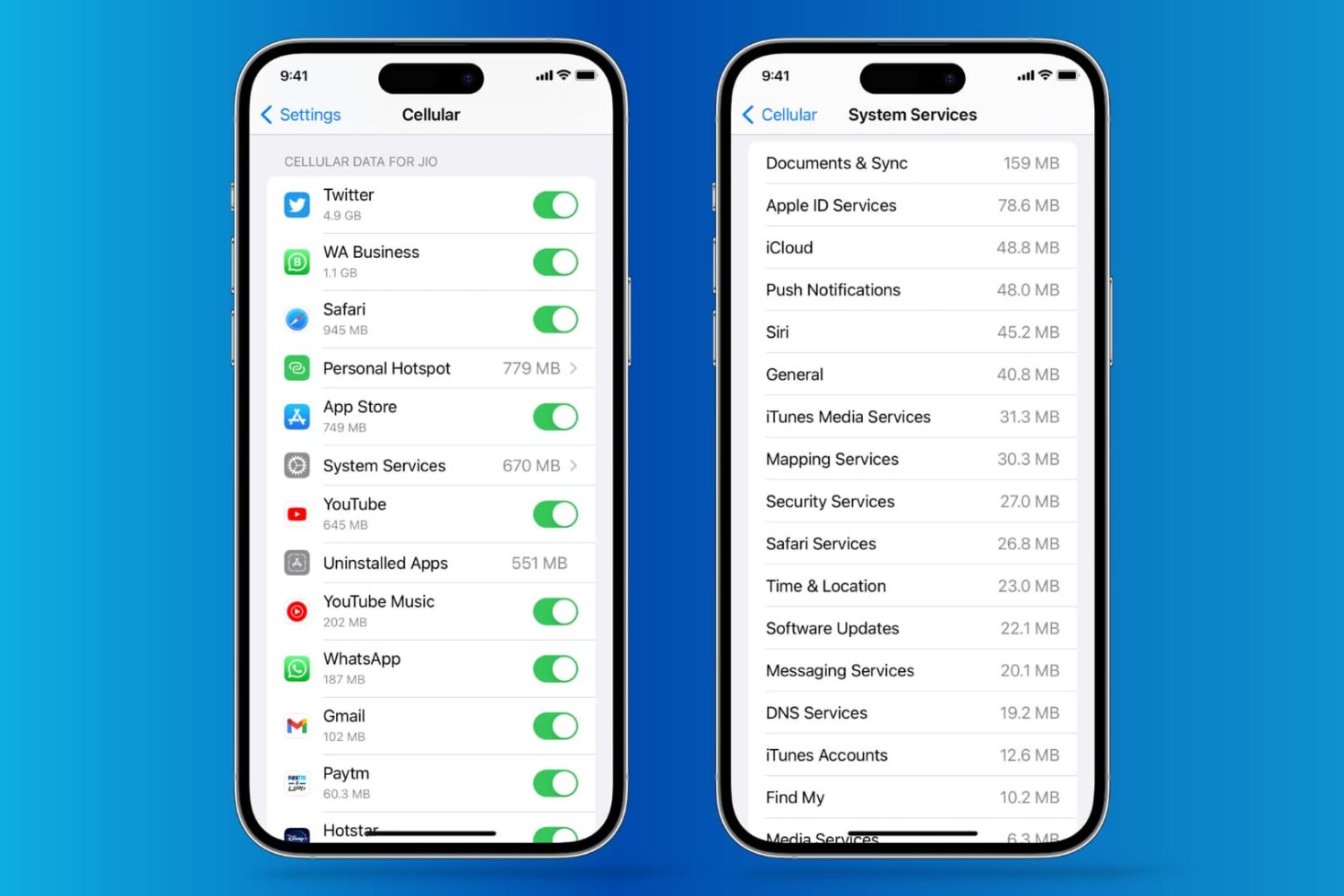
See how much cellular data each app or system service has used on your iPhone and reset these statistics to start fresh every month.
