You can easily pin important and frequently used notes to the top of the Notes app on your iPhone, iPad, and Mac. In this brief tutorial, we'll share how to do that.
How to pin notes to the top of the Notes app on iPhone, iPad, and Mac
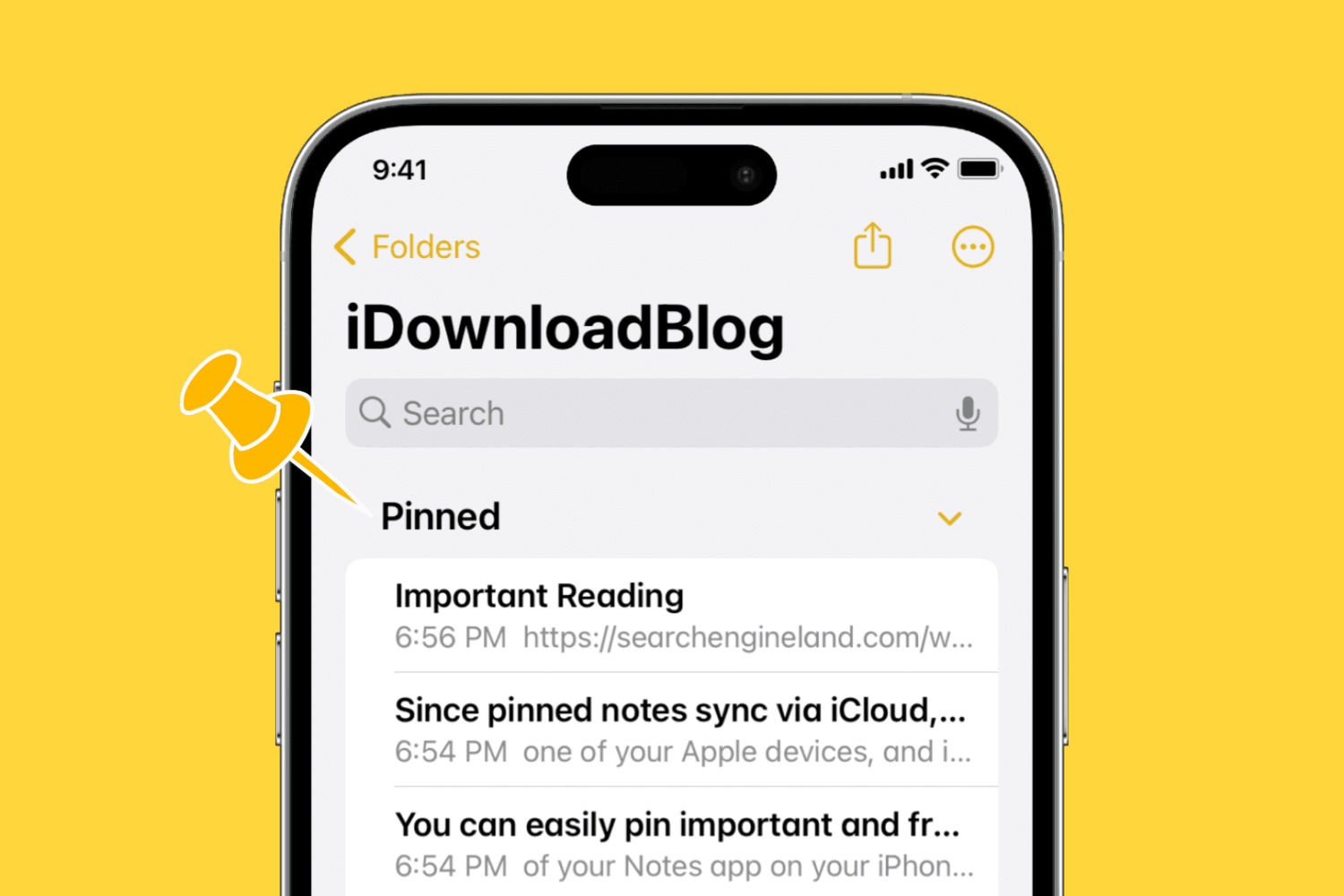
You can easily pin important and frequently used notes to the top of the Notes app on your iPhone, iPad, and Mac. In this brief tutorial, we'll share how to do that.

Find out how to disable Face ID or Touch ID on your iPhone or iPad in case someone tries to force you to unlock your device against your will.
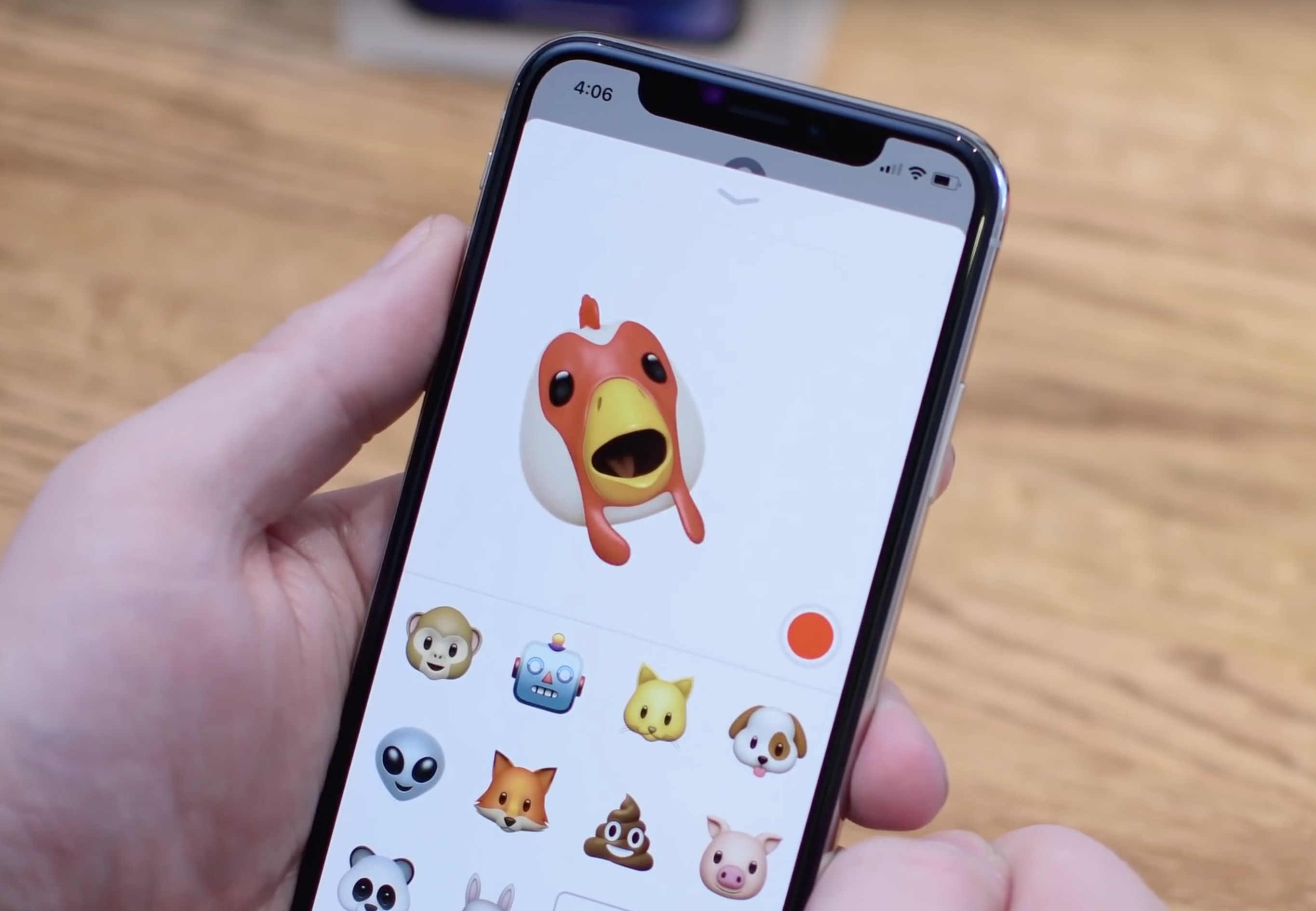
In this tutorial, we will show you how to convert a Memoji or Animoji to a GIF using free iOS shortcuts and apps on your iPhone or iPad.

Learn how to turn off the Tap to Wake feature to prevent the screen on your iPhone or iPad from waking when touched, saving the battery.
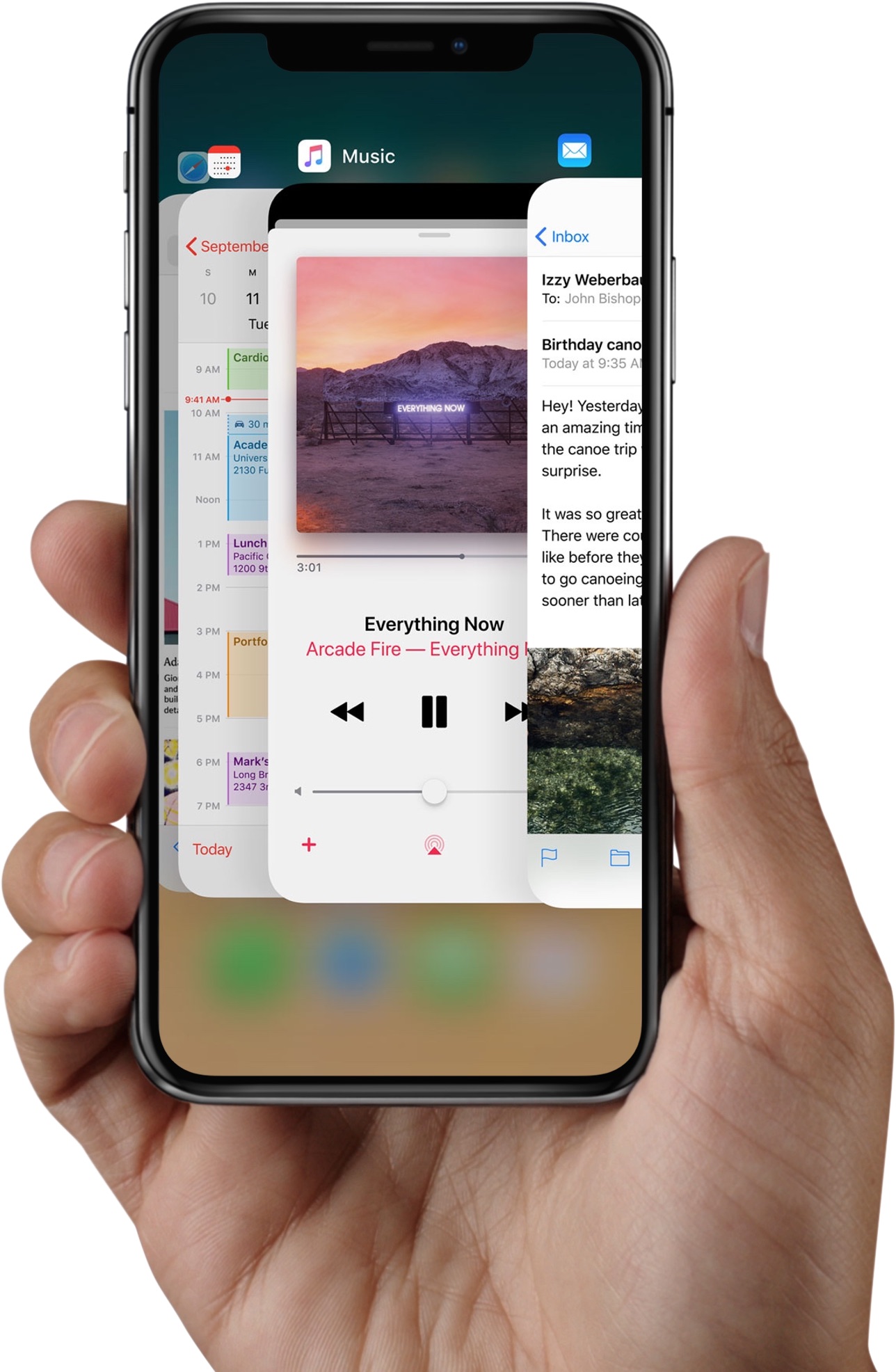
Apple instructs iPhone X owners to swipe up from the bottom edge of the display and pause in order to bring up the iOS app switcher. But there are faster, undocumented methods of opening the iPhone X app switcher which don't require performing this clunky gestural action.

Among other things, Face ID lets you authenticate any purchases made in iTunes Store, App Store or iBooks Store, which permits you to buy apps and media with a simple glance.
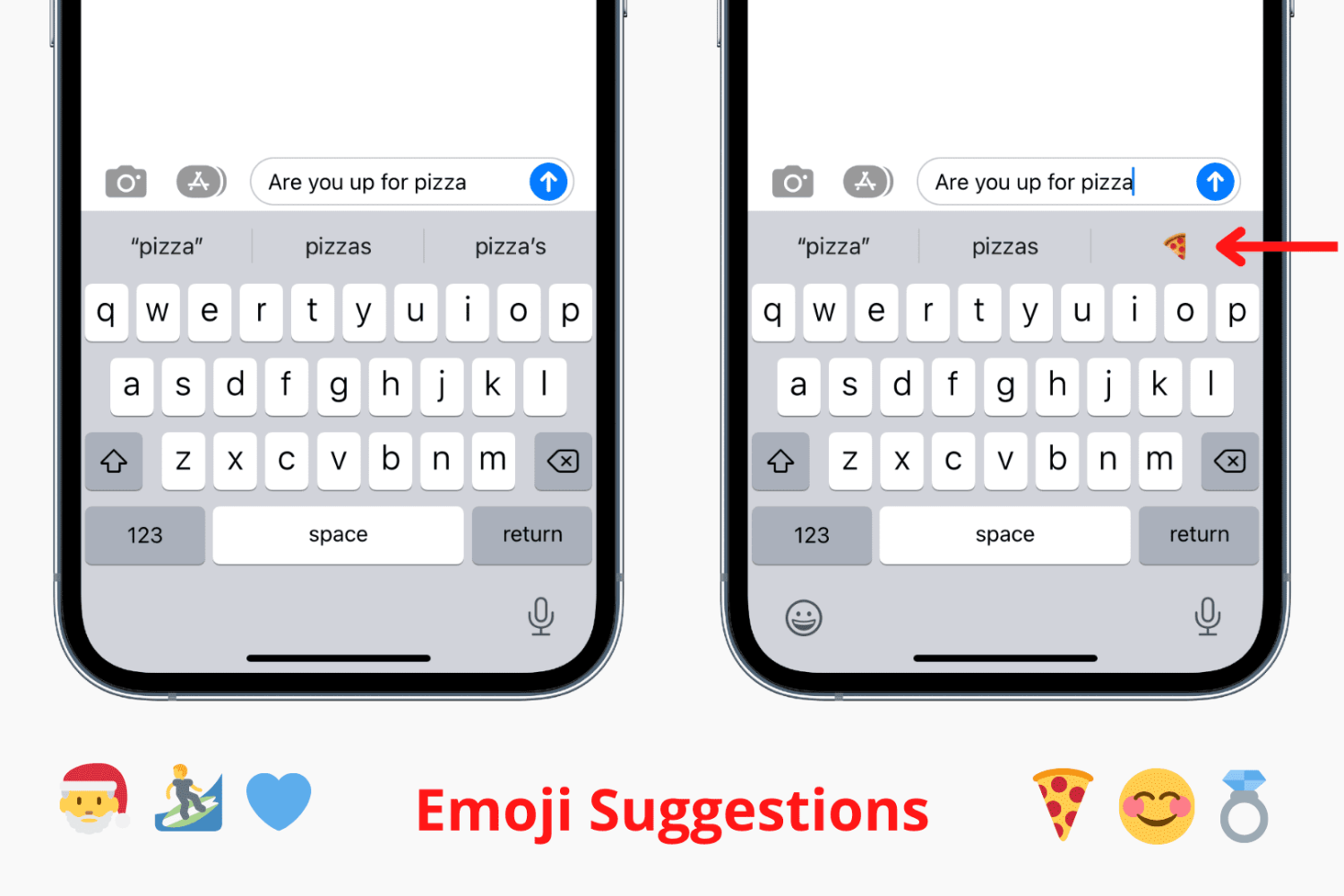
Try these troubleshooting tips to fix predictive emoji suggestions not appearing at the top of the iPhone's onscreen keyboard when typing corresponding words.
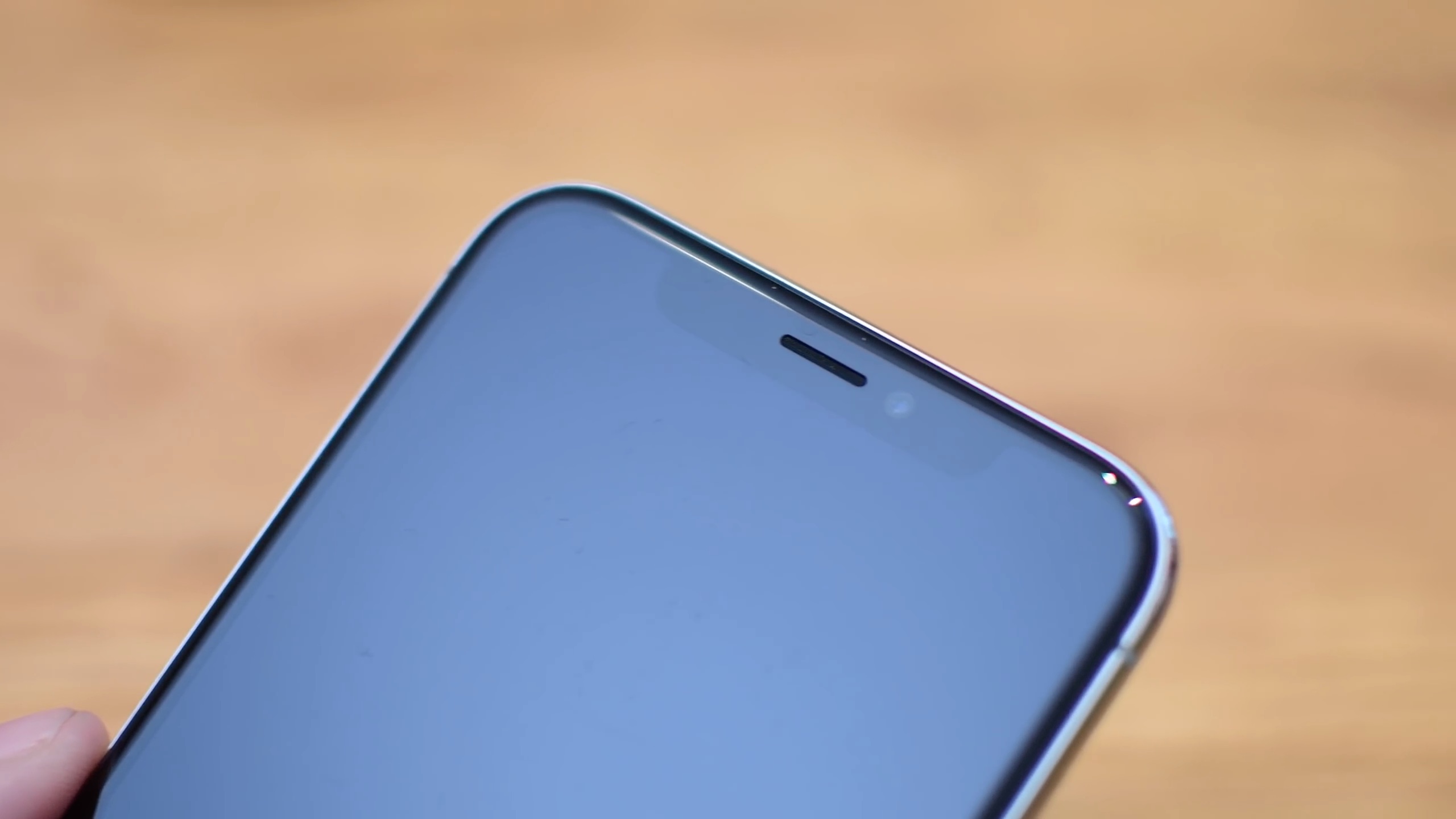
iPhone X offers a whole new way of interacting with your phone.
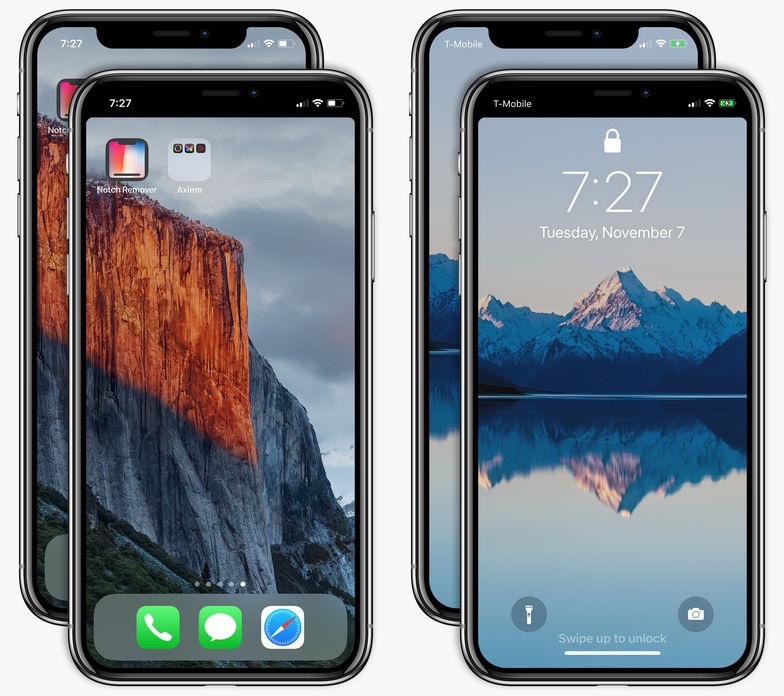
Can't stand that notch at the very top of the iPhone X display? I don't mind it at all. In fact, I find the notch to be a rather cute design element. Understandably, some folks may deem it visually distracting. If you'd like to conceal the notch, there's now an app for that, too!
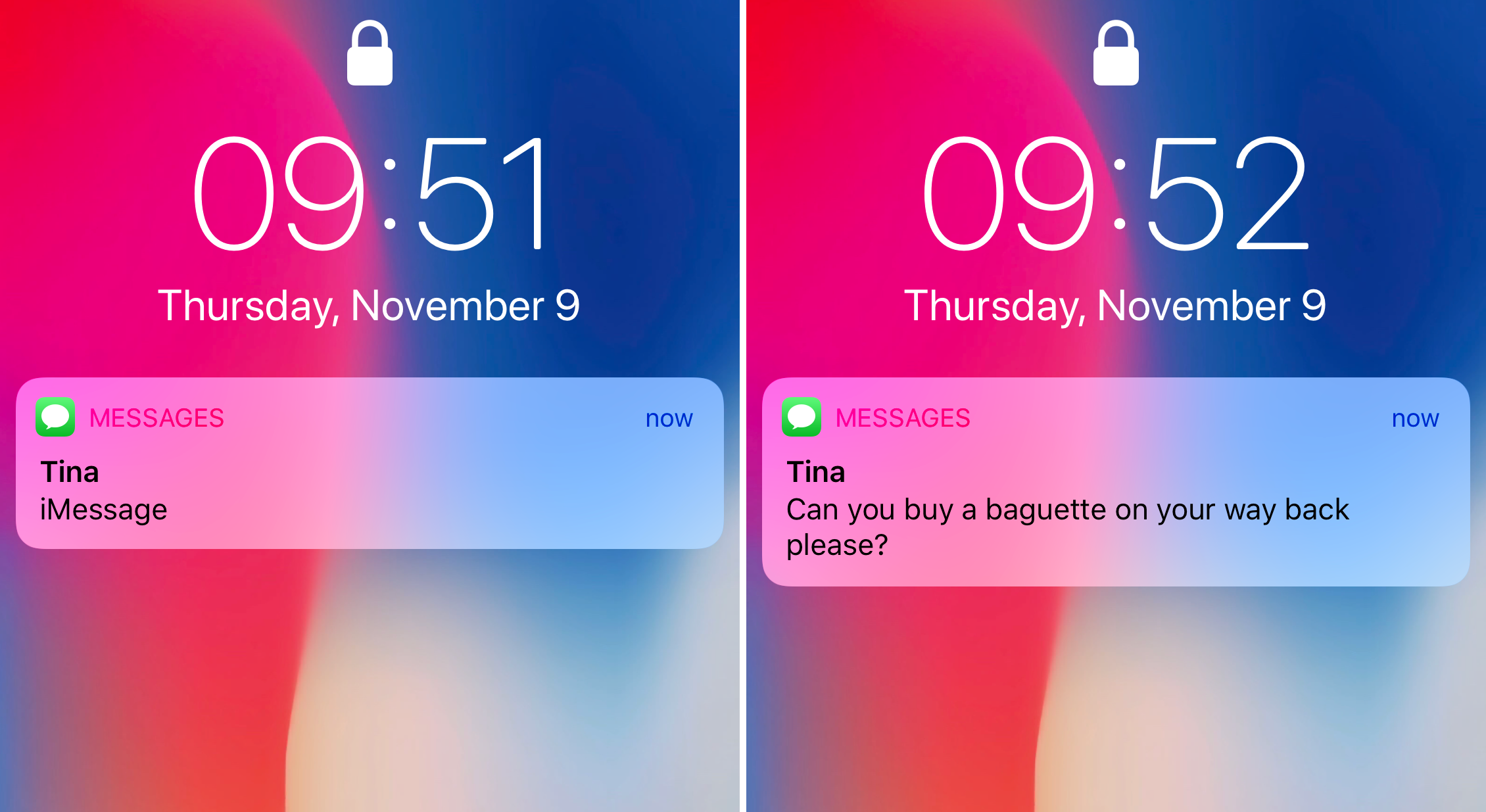
Learn how to always show previews of notifications for messages, calls and more on the Lock Screen of your iPhone without having to authenticate with Face ID.
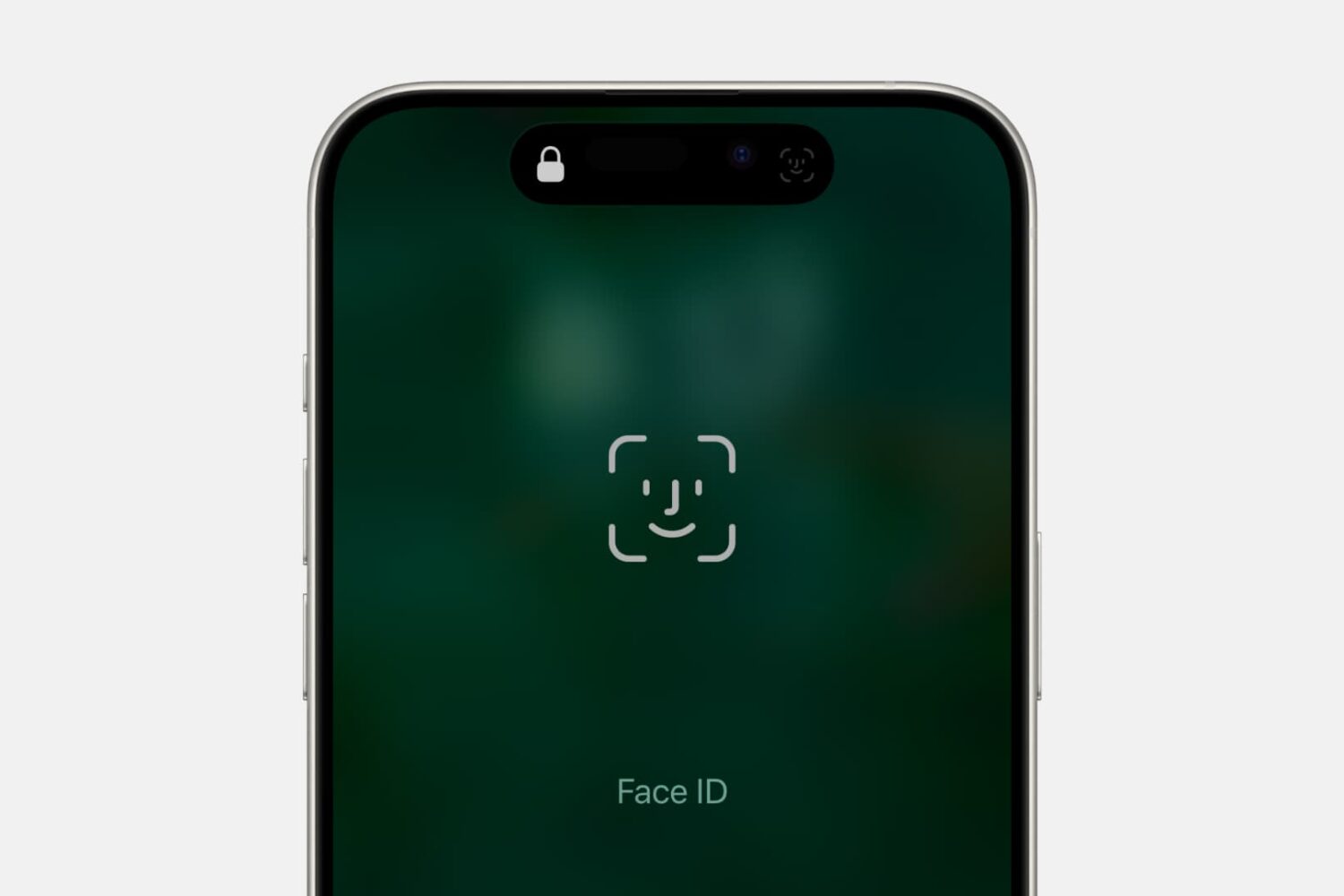
Frustrated by Face ID failing to authenticate you every once in a while? This simple setting can fix this problem on your iPhone or iPad Pro.
Follow these tips before handing over your Mac notebook or desktop to a new owner or sending it to Apple for trade-in to ensure your personal data is erased and Activation Lock is removed.