Learn how to rearrange rooms in the Home app on your iPhone, iPad, and Mac, so they appear in your preferred order.
How to rearrange the order of rooms in iPhone Home app
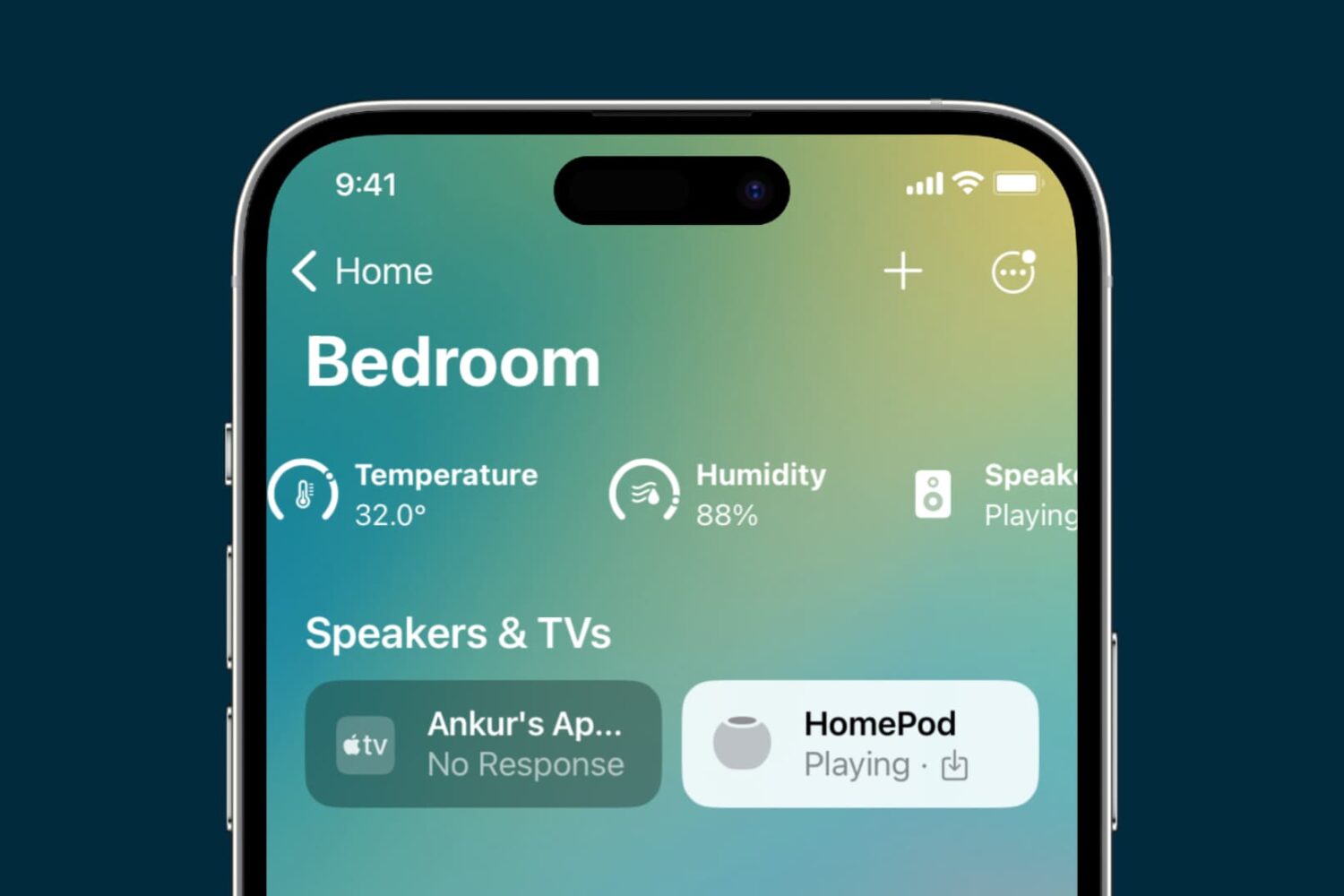
Learn how to rearrange rooms in the Home app on your iPhone, iPad, and Mac, so they appear in your preferred order.
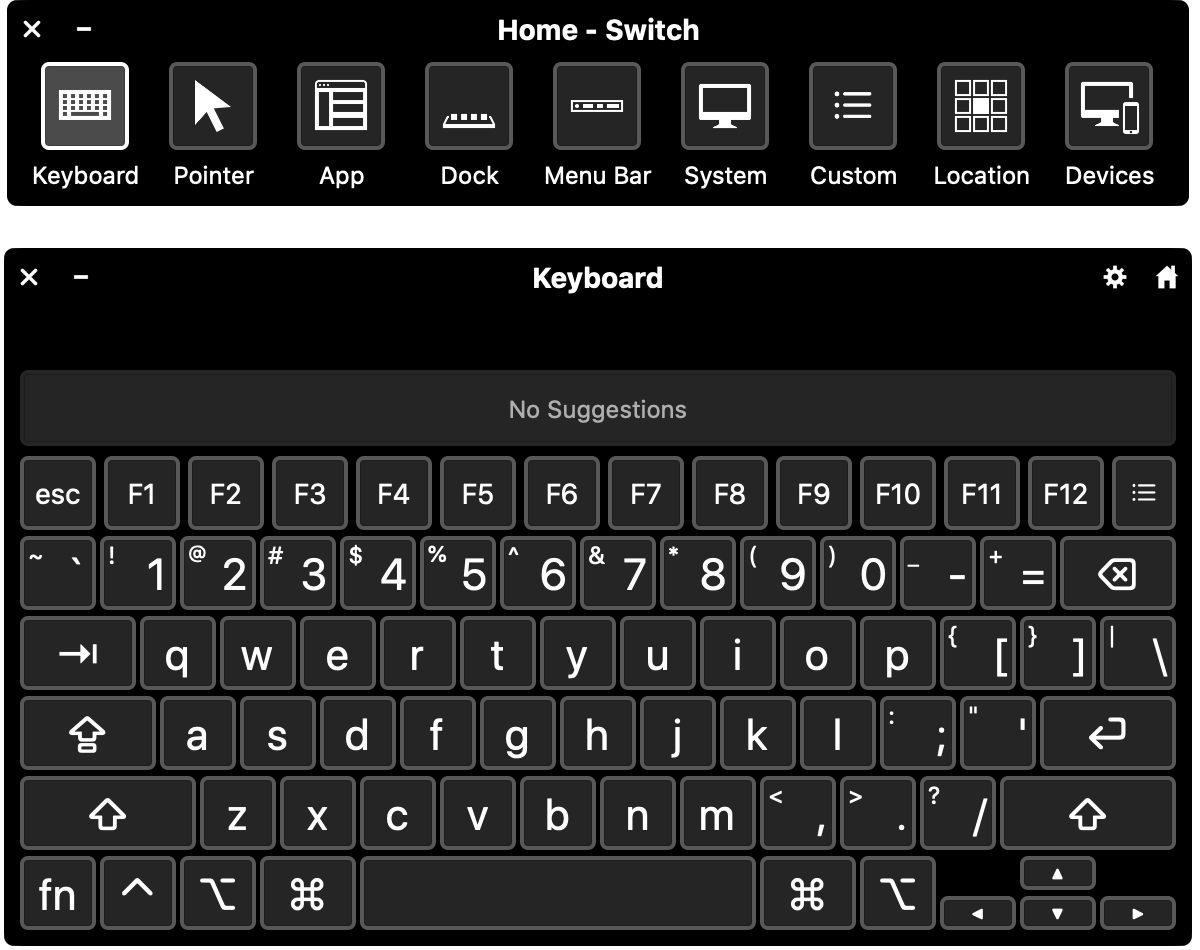
Switch Control is a helpful accessibility feature on Mac. It lets you connect an adaptive device and then interact by entering text, selecting items, and controlling your Mac.
If you want to use Switch Control for you or someone you share your computer with, this tutorial shows you how to enable and customize Switch Control on Mac.
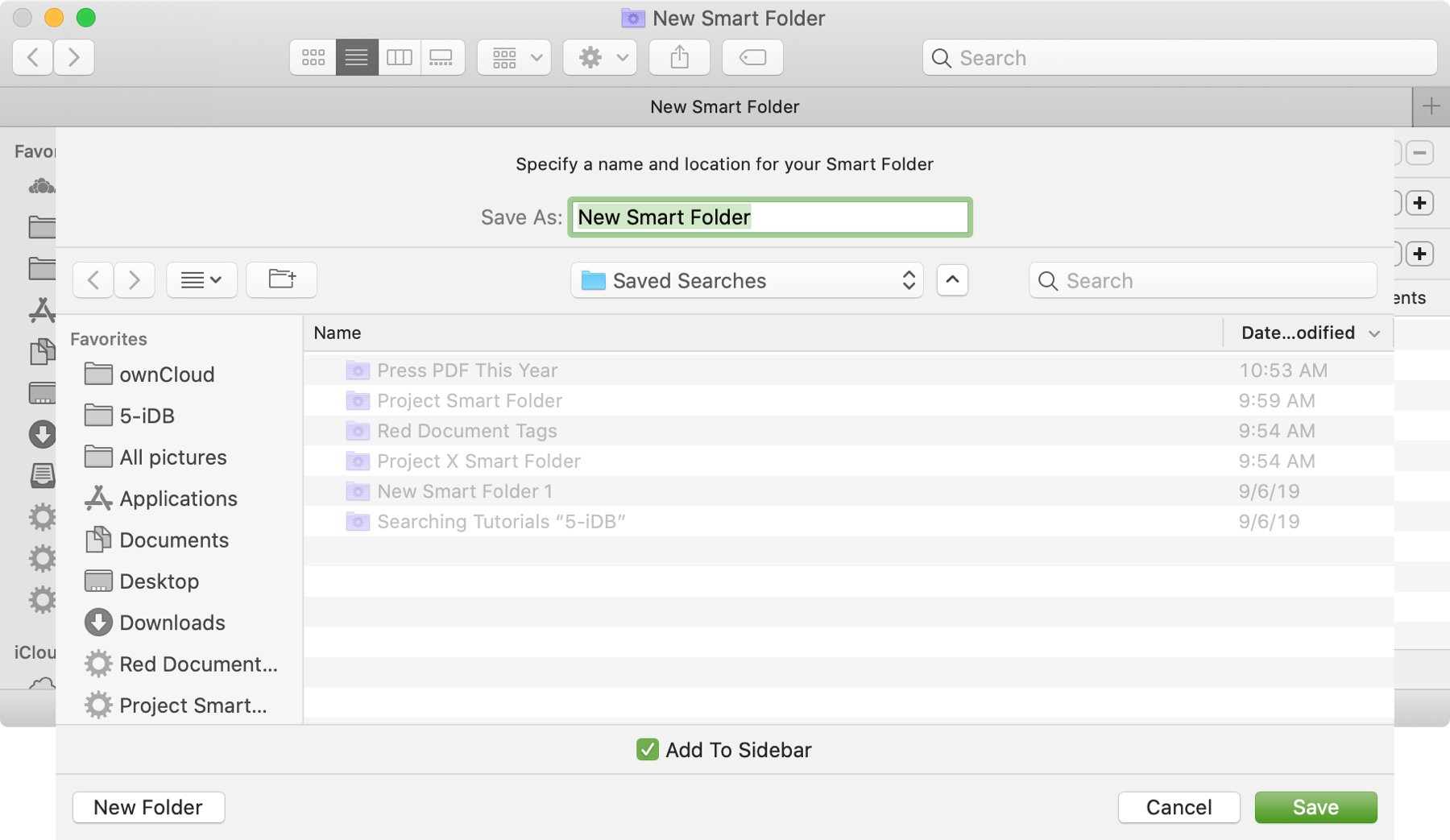
The Smart Folders feature on Mac gives you a great way to collect items that match specific criteria. You can use Smart Folders for business or pleasure and instead of searching for files, images, or documents.
We have a basic tutorial for how to use Smart Folders on Mac if you’re just getting started. But if you’ve used Smart Folders before, you might be interested in additional ways these handy folders can be even more useful.
To keep up with your work or school projects, here are several creative ways to use dates as conditions for Smart Folders on your Mac.

Learn how to organize your albums more efficiently by creating folders in the Photos app on your iPhone, iPad, or Mac.
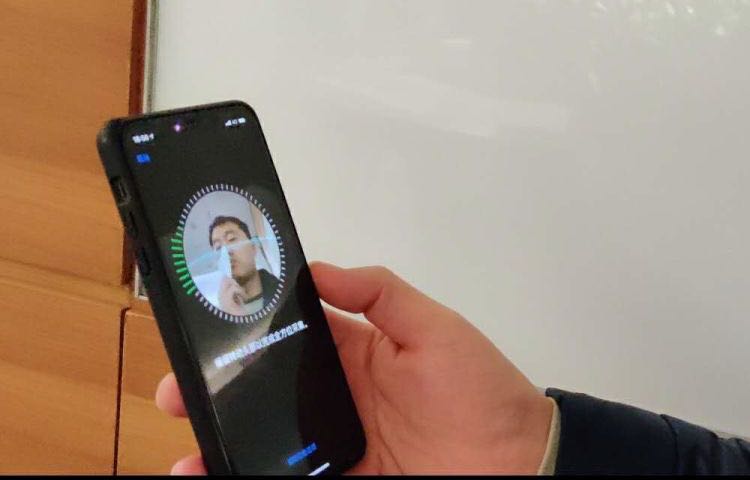
Face ID is awesome, but it only works reliably when your eyes, nose and mouth are fully visible to the TrueDepth camera, according to Apple's support document. That's hardly the case when you're wearing a mask, like those medical masks that people have been wearing during the COVID-19 crisis to protect themselves, and others, from exposure to the coronavirus. Instead of taking your mask off to unlock your iPhone, or waiting until Face ID fails, save yourself both time and frustration by skipping right to the passcode prompt with this super handy tip.

If you or someone you know is showing symptoms of coronavirus and feel a test is needed, there is a super handy way to find COVID-19 testing locations.
Using the Apple Maps app, you can find COVID-19 testing spots quickly and easily, here’s how.
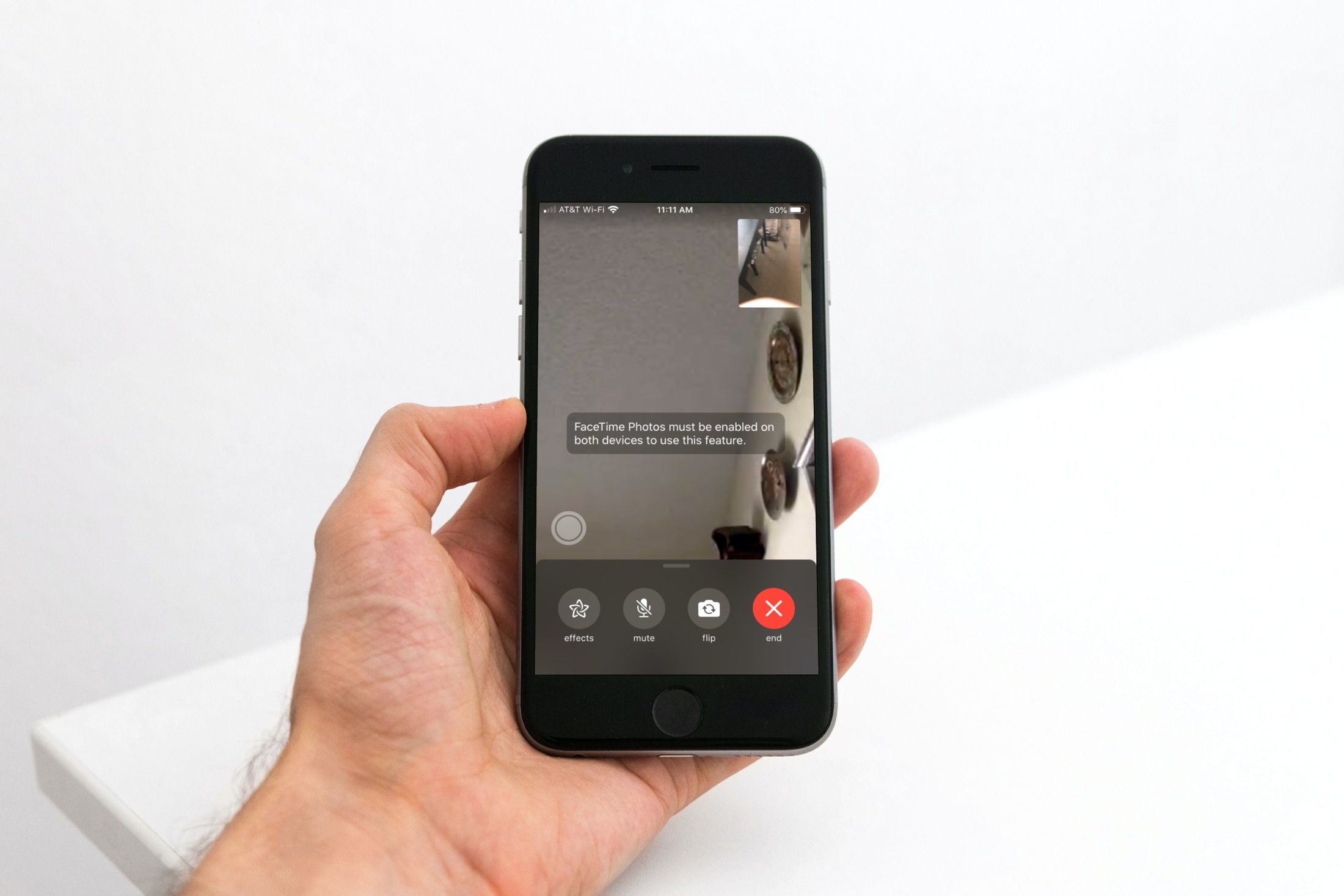
Learn how to toggle the ability to capture a special moment of your FaceTime video call as a Live Photo on your iPhone, iPad, and Mac.
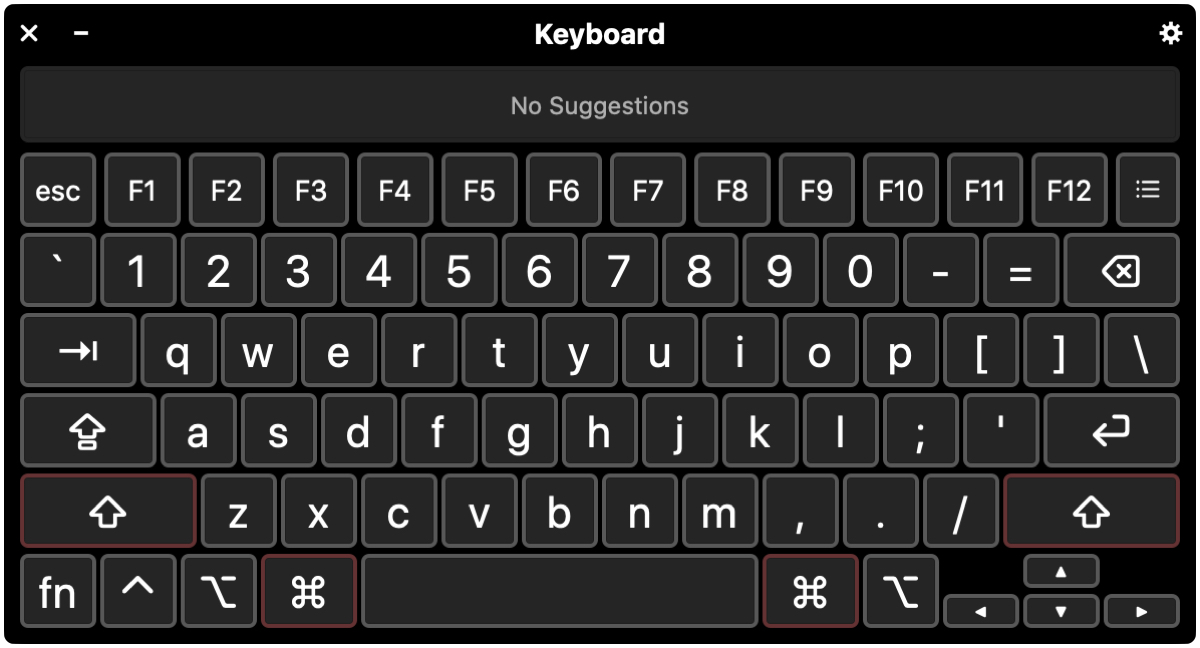
In this tutorial, we’ll walk you through four handy keyboard accessibility features to help you get the best typing experience if you have difficulty using the Mac’s keyboard in its standard configuration.
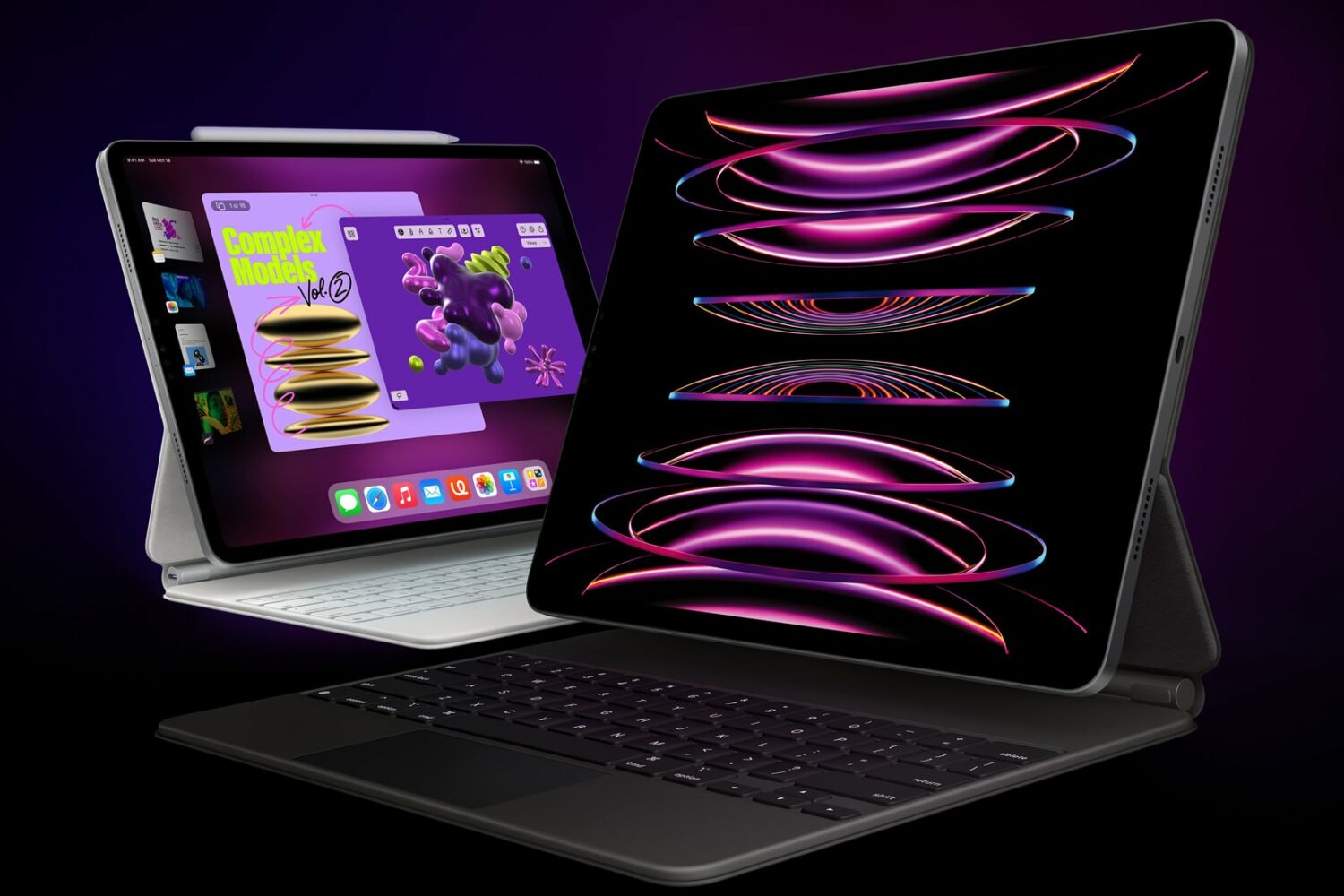
Check out these 10 simple yet powerful trackpad gestures you can use on your iPad to boost your productivity.
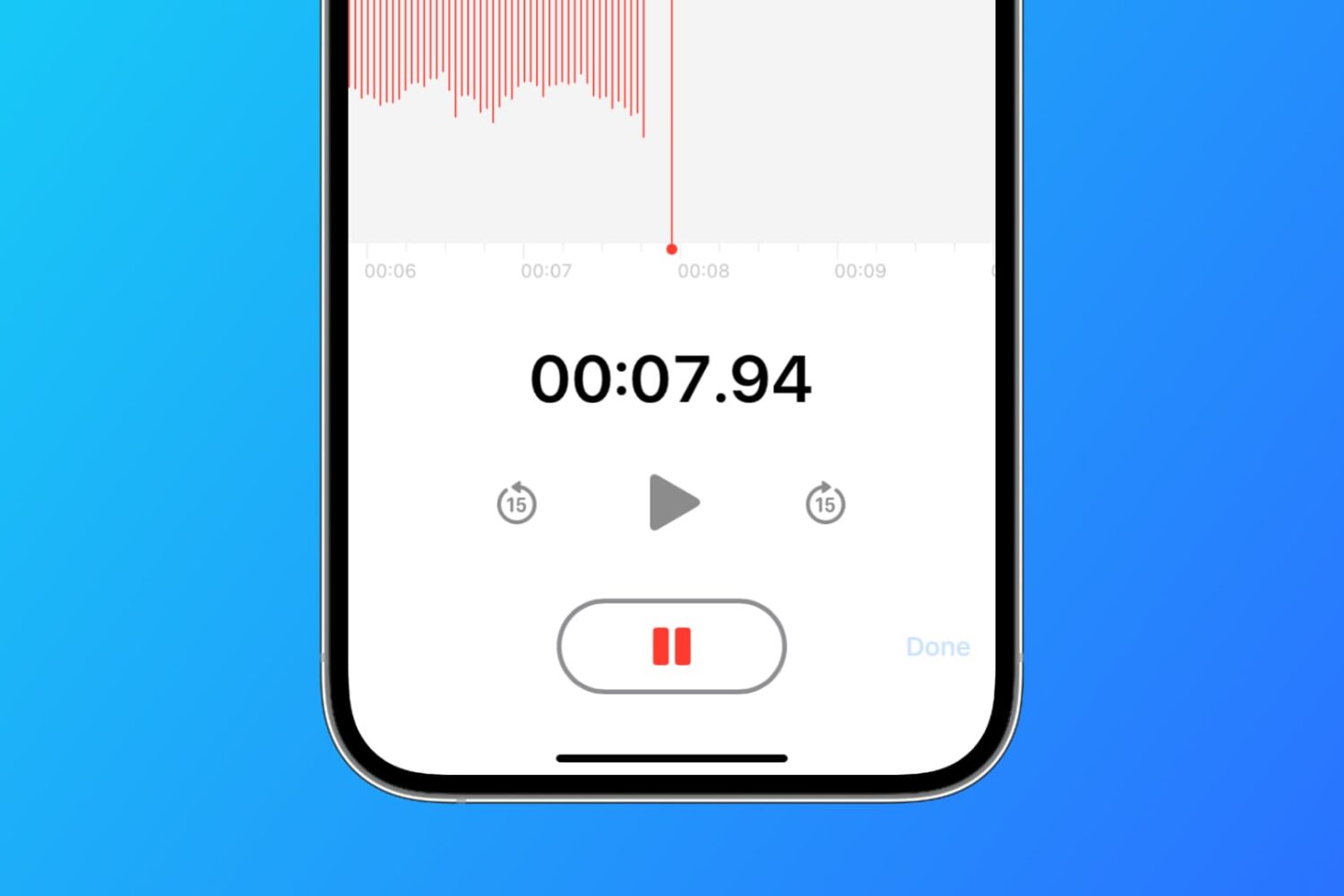
Learn how to set the Apple Voice Memos app on your iPhone, iPad, and Mac to save all your new voice recordings with the current location name.
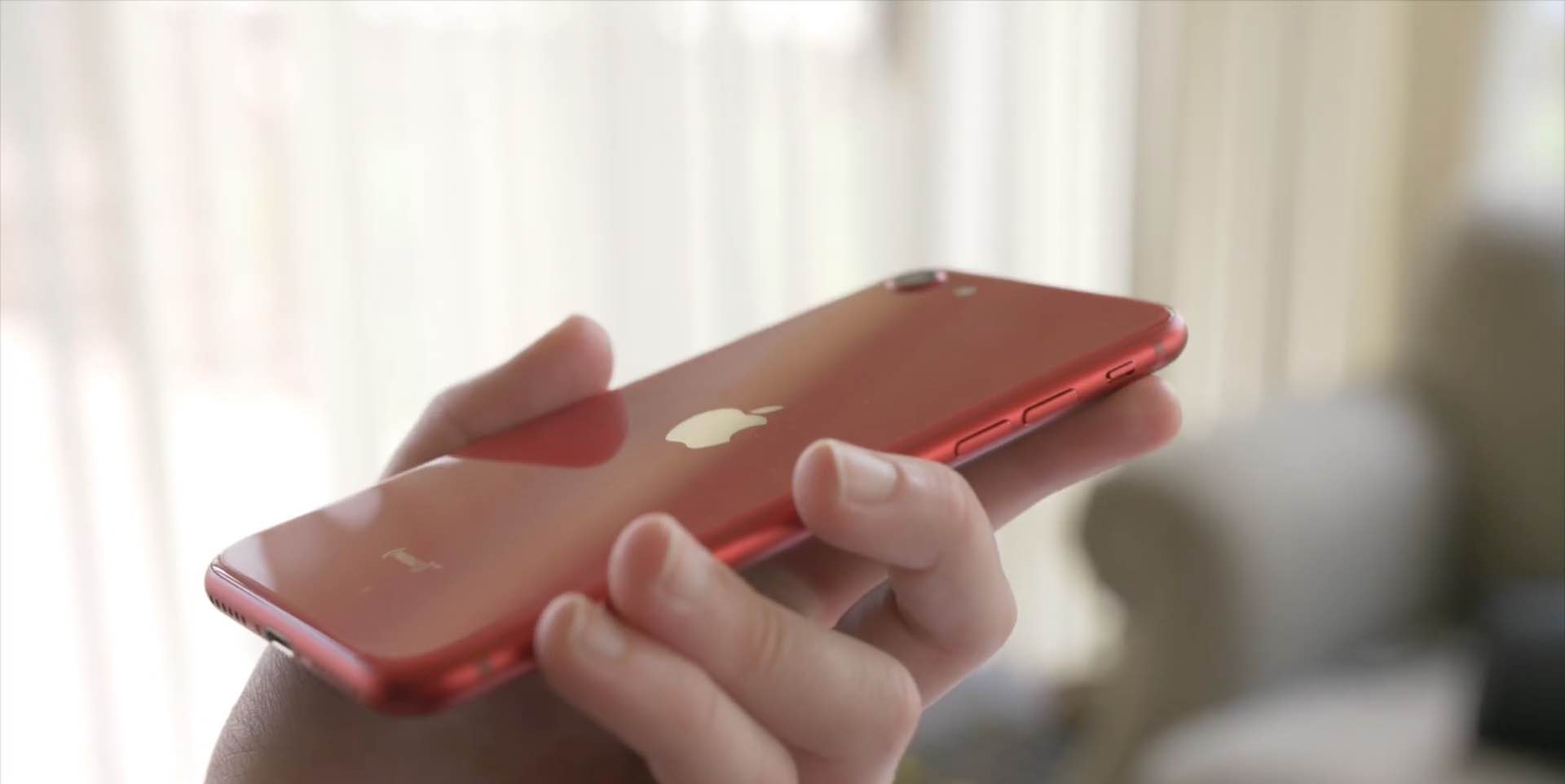
With the new iPhone SE a reality, folks who haven't owned an iPhone in years are sharing their tips for using the handset. We've rounded up a few common tips we think new iPhone SE customers will love. Watch our hands-in video walkthrough and learn something new today!

With an external (hardware) keyboard like the Magic Keyboard connected to your iPad, the onscreen (software) keyboard doesn’t appear. Apple in its wisdom does allow you to switch between the hardware and software keyboard, but it could have definitely done a better job surfacing that feature for average users who may be unaware it even exists in the firsts place. Follow along with our step-by-step tutorial to learn how to quickly switch your iPad keyboard between the stock iOS keyboard and your Magic Keyboard or any other physical iPad keyboard.