Guide

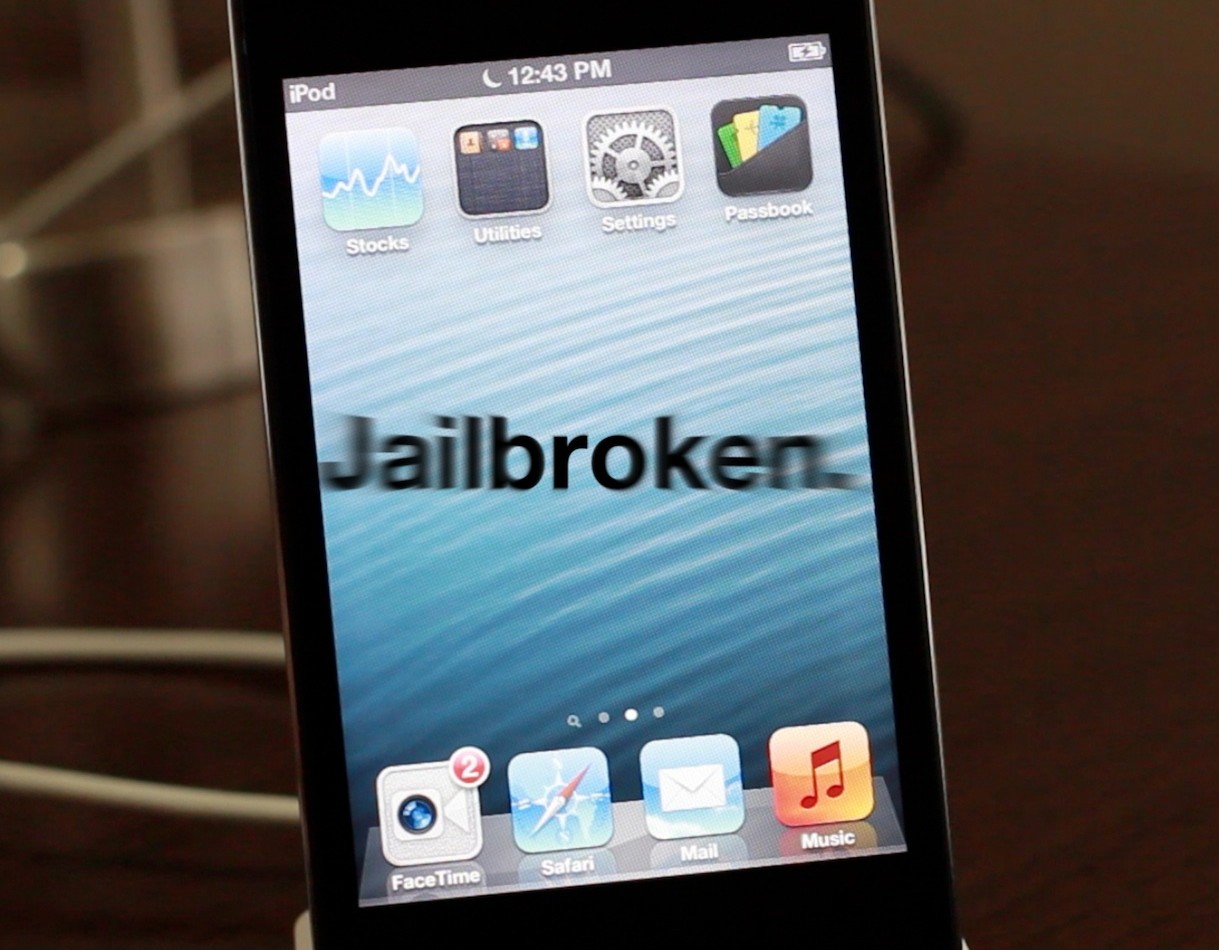
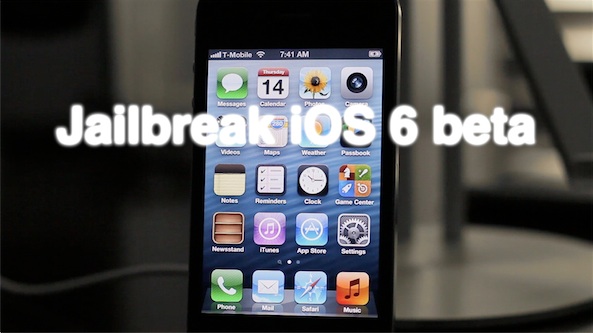
How to jailbreak iOS 7.1 and iOS 7.1.1 untethered with Pangu on Windows [video]

The Pangu.io jailbreak seemingly came out of nowhere, but we can confirm that it 100% works. We tested the jailbreak on our device running iOS 7.1.1 and it worked just as advertised, burning two exploits in the process.

Pangu will eventually come in two flavors—a Windows version and a Mac version—however, the Mac version is still in development. Inside, we'll show you how to jailbreak iOS 7.1.x on your device using Pangu for Windows. 

iOS 7: the ultimate Spotlight search guide

Spotlight is the search tool that allows you to search for local files on your iOS device quickly and efficiently. Along with local file searches, Spotlight can search web contents via your device's default search engine or via Wikipedia.

The great thing about Spotlight is that it is built right into the stock iOS 7 Home screen, and it's accessible from any Home screen page.While the Spotlight search tool isn't as robust as Spotlight on the Mac, or as robust as what you'll find on competing platforms (there is no delimiting for local content), its ease of use makes it a fairly efficient tool for locating content quickly on the iPhone. Have a look at our full Spotlight how-to post after the break.

iOS 7: the ultimate Reminders app guide

The Reminders app is a stock iOS application that allows you to establish specific reminders based on groups of reminders called lists. The app integrates with Siri and features various geo-location elements to form what is a fairly deep and significant application.

Of course, there is no shortage of apps and methodologies to help users remember various things, but, as is the norm with most of the stock applications, no other reminders app has the privilege of being so tightly integrated within iOS. Inside, we’ll take a deep look at the Reminders app. We’ll show you the basics and some of the more advanced techniques in order for you to get the most benefit from this highly useful stock app.

iOS 7: the ultimate Weather app guide

The stock Weather app is a simple pre-installed application that utilizes weather data from Yahoo. The Weather app makes it easy to quickly view weather conditions and forecasts for a variety of locations at once. It feature location awareness, meaning it can dynamically update to reflect weather conditions in your current area, even when jet-setting across the country or the world.

The Weather app isn't the most robust or feature-filled app on the block, but it's good enough to get you by in a pinch. Have a look as we walk through each of the features available in this stock application.

iOS 7: the ultimate iTunes Store guide

Interested in making a digital media purchase on your iPhone? The iTunes Store app is your primary portal for doing so. The iTunes Store app is a stock application that is installed by default on every iOS device. It allows you to make digital media purchases for a variety of media types.

The iTunes Store app works in tandem with the stock Music app and the stock Videos app to provide users with a rich digital media experience. Check inside for details covering the ins and outs of this long running stock application.

iOS 7: the ultimate App Store guide

The App Store app is the hub used to download additional apps on an iOS device. Out of the box, the iPhone only comes bundled with a handful of stock apps. The App Store app allows you to choose from hundreds of thousands of apps to download on to your device.

Apps can be anything from productivity tools, to games, to periodicals. There is a wealth of apps available to download in the App Store, and while some may come at a price, many of them are free.

It's good to become familiar with the App Store's features, because this is the only place where you can download additional software on a stock iOS device. Check inside as we journey through a detailed explanation of the App Store.

How to fix choppy video playback in Safari on OS X

Recently I ran into a problem that I found to be quite annoying. Flash video playback in Safari began suffering from major stuttering and choppiness. It was so bad that videos essentially became unwatchable while using Safari.

For someone who's constantly watching and editing video like me, this proved to be a big problem. I even pondered switching to Chrome for a bit, but quickly dismissed that thought and set out to find a solution to the problem.

Fortunately, the solution to fixing choppy video playback in Safari is an easy one. Have a look inside and we'll show you how.

iOS 7: the ultimate Clock app guide

The stock Clock app featured in iOS 7 is the central hub for managing anything that has to do with time on your iOS device. The app is basically four different applications combined into a single app interface.

You'll find tabs for the World Clock, Alarm, Stopwatch, and Timer at the bottom of the stock Clock app interface. Each tab is capable of working independently of the other tabs; for example, I can run a timer and a stopwatch simultaneously.

That at all being said, the stock Clock app is still a very basic stock application. Please check out the table of contents below for each section pertaining to the features found in iOS 7's Clock app.

iOS 7: the ultimate Mail app guide

The stock Mail app is the best way to send, receive, and manage email on iOS 7. There are, of course, alternatives to the stock Mail app such as the official Gmail app and Yahoo Mail app, but no third-party app can match the feature-set and integration of the stock Mail application.

One of the primary advantages of the stock Mail app is that it can handle multiple mail accounts from a large variety of providers. There's support for Gmail, Yahoo mail, Outlook.com, Exchange, Aol Mail, and iCloud mail. You can even configure an email account from your own server if you wish to do so.

The Mail app is an extremely versatile app with an insane amount of options, features, and idiosyncrasies. Have a look at our ultimate guide to the stock Mail app for more info on what makes it tick

iOS 7: The ultimate Music app guide

The Music app is a stock application that comes preinstalled on all iOS devices. It's the primary way for playing music on the iPhone, iPod touch, and iPad. With iOS 7.0, a new feature was baked into the stock Music app called iTunes Radio. iTunes Radio is an ad-supported service that allows users to browse more than 250 curated stations. Users can also create and build their own stations, which feature Pandora-like customization over time.

The stock Music app has endured significant changes over the past few years. The Music app was once exclusively relegated to the iPod touch, with iPhone models offering an "iPod" app as a means to play music and watch videos. Eventually, with the advent of iOS 5, the iPod app was broken-up into separate Music and Video apps for the iPhone line, unifying the stock Music app presence across all iOS hardware.

While there are many ways to play music via third-party apps on iOS, the stock Music app is the only music application that's closely integrated with iTunes and allows you to use the iTunes Match iCloud-hosting service. There may be benefits to other apps like Spotify, but no app is as tightly intertwined with the rest of iOS as the stock Music app. With that in mind, please take a look inside, as we break down the many facets of this ever-growing and ever-changing stock application.

Siri guide: everything you should know about Siri

Siri is a personal assistant feature found on the iPhone, iPad and iPod touch, that allows you to use your voice to control your device. You can use Siri to send messages, emails, tweets, and more. You can also use Siri to get movie showtimes, sports scores and times, make dinner reservations, etc.

The great thing about Siri is that it doesn't require you to look at your device's screen in order to interface with it. And Siri is smart enough to consider your location along with the context of your commands and conversations. By doing so, Siri can respond intelligently to your requests.

Inside, we'll teach you some of the history of Siri and show you some of its basic usage features. We'll then present to you with an exhaustive list of voice commands, and discuss Siri's dictation features. Check inside for all of the details...