In this tutorial, we’ll share various easy ways to find and kill apps and hidden system processes that are running in the background on your Mac.
How to clear background apps and processes on Mac
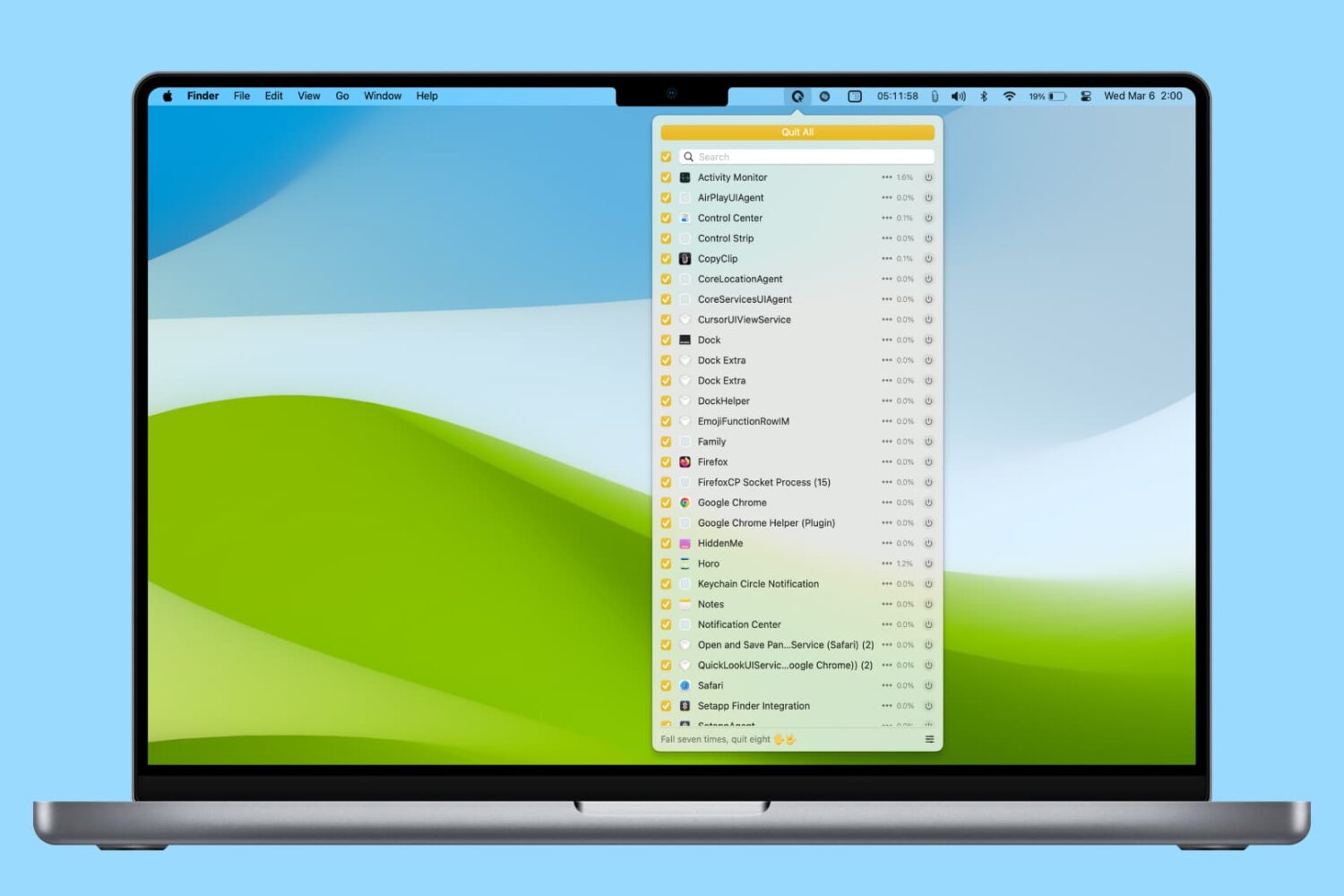
In this tutorial, we’ll share various easy ways to find and kill apps and hidden system processes that are running in the background on your Mac.
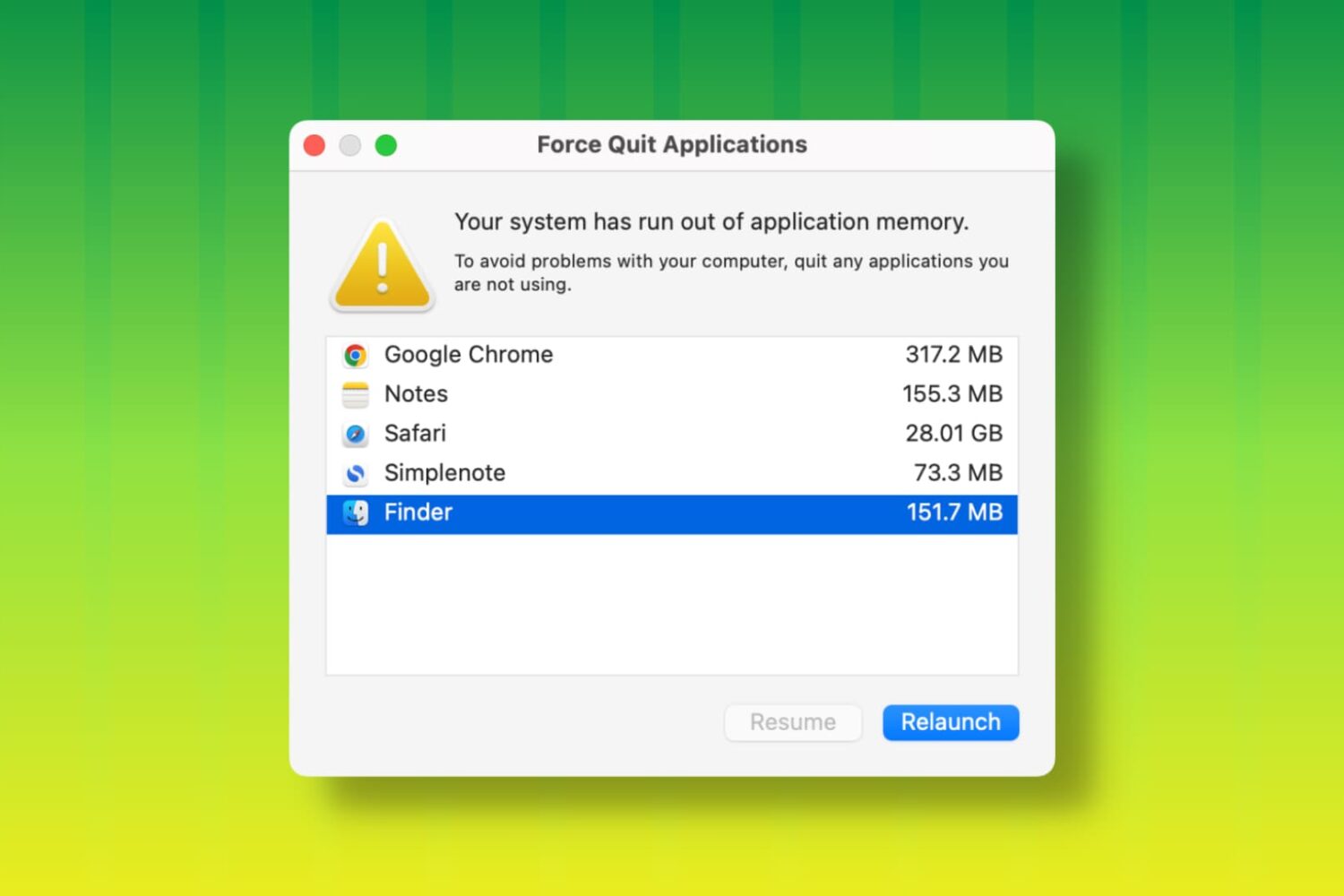
Learn how to fix the “Your system has run out of application memory” error and get back to using your Mac without the Force Quit window coming into view.

Learn how to force close apps on your Apple Watch to fix unresponsive apps and improve performance.

Check out the quick steps to force-close unresponsive apps on your iPhone, iPad, or iPod touch for smooth performance and to quickly resolve app issues.

One of my major pet peeves is seeing people double press the Home button and force quit applications thinking it will help them save battery. I spent close to 2,000 words explaining why this is a terrible idea, and Apple itself has said force quitting should only be done when an app is unresponsive, yet people keep doing it.

You think you're saving battery by force-quitting all your iPhone apps after using them? You're wrong! This is a terrible misconception that we will debunk in this article.