Fix

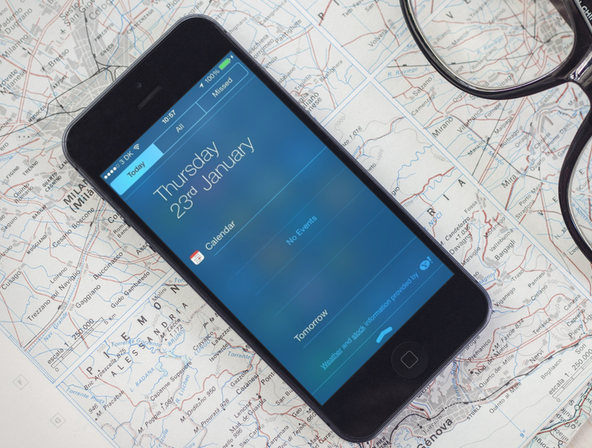
Problems with Notification Center not properly showing Today view? Try this fix

Jailbreaking has so many benefits that we often forget the drawbacks of it all. When you jailbreak your device, you basically put yourself at risk of breaking little things here and there. That's exactly what is happening with the recently released evasi0n7 jailbreak for iOS 7. On the surface, everything is ok, but when you start digging, you might notice that a few elements aren't working the way they should.

One problem that I and many others have experienced is an issue with Notification Center not showing the Today view information properly. In some cases, it won't show any weather or calendar data. If you've been affected by this issue, read on for a short tutorial on how to fix it...


How to fix the Status Bar not updating properly after applying a theme

Now that WinterBoard has been updated for iOS 7, themers are back on the wagon either updating their themes or coming up with new ones. WinterBoard is a buggy app, and even Saurik, its creator admitted so when it was updated a few weeks ago. In short WinterBoard for iOS 7 is still a work in progress.

One of the bugs that have been affecting themers is related to the Status Bar. The problem comes from a caching issue preventing the Status Bar theming of some themes such as Ayecon or Solstice to propagate correctly to the entire UI. In some cases, you might see the themed Status Bar when running certain applications, while the themed bar might be absent from the Home screen or other apps.

Fortunately, there is one simple fix for this...

Apple says it has fix coming for random crashes in iOS 7

If you've ever listened to an episode of iDB's Let's Talk iOS podcast, you know that many of us struggle with how buggy iOS 7 is. We've noted on multiple occasions that some of us see our iPhones and iPads crash more than once per day, which is pathetic.

But there may be light at the end of this dark tunnel. Mashable has received an official comment from an Apple spokesperson that Apple is aware of a problem, which the site refers to as the "white/black screen of death," and it has a fix coming a future update...

Getting stuck with Evasi0n 7 at Configuring System 2/2? Try this

I'm a bit embarrassed to admit it, but I never got around to posting a Windows jailbreak video tutorial for Evasi0n 7. Usually, I'm on such a tutorial like white on rice, and I take pride in helping our faithful readers through the entire jailbreak process, regardless of their platform of choice. This time, however, things were a bit different.

Although we were able to post our Mac video tutorial in a short turnaround time, the Windows video tutorial was nowhere to be found. Why? Well, to be frank, it's because I couldn't get it working.

I could start the jailbreak perfectly fine, and I never ran into any error messages, but I just could not for the life of me get past the Configuring System 2/2 step during Evasi0n's jailbreak process. It's like everything would just come to a screeching halt as soon as it got to this step.

As you've probably figured out by now, I was finally able to work past this issue. The headline kind of gives it away, but the solution isn't something I can take credit for at all. The solution is actually thanks, at least in part, to someone very close to Saurik. Check inside for my explanation and video walkthrough showcasing how to jailbreak iOS 7 on Windows.

Evasi0n 7 1.0.2 released, fixes iPad 2 Wi-Fi boot loop issue

Evasi0n 7 1.0.2 has just been released for OS X and Windows with a fix for the Wi-Fi reboot loop that's plagued iPad 2 Wi-Fi users. The release, which is the third release of the jailbreak tool, is available for download right now.

Many iPad 2 Wi-Fi users have complained about the endless reboot loop at the Apple logo that results after using Evasi0n 7 to jailbreak their device. The problem gained notoriety on Twitter and on the JailbreakQA website.

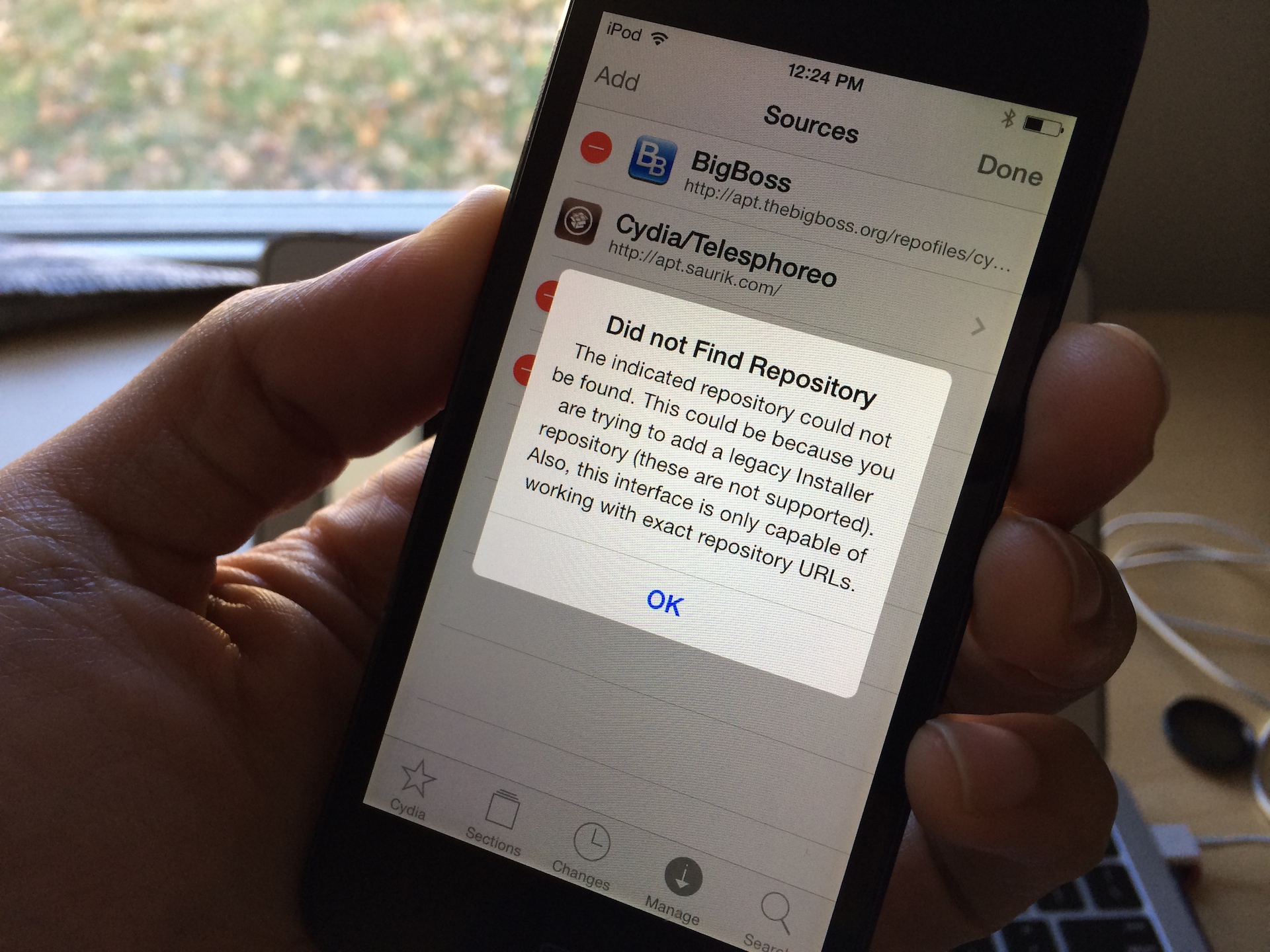
How to fix Cydia “failed to fetch” errors by removing the UltraSn0w repo

One of the more common error messages that new Cydia users will come across is the error that says Failed to fetch [...] HTTP/1.1 404 Not Found. This is a typical 404 message that you get when you visit a webpage location that no longer exists. Normally, this wouldn't be a big deal, but it causes an error message to appear in Cydia each time you refresh your list of packages and it attempts to pull data from the non-existent UltraSn0w repo.

You'll receive an error that states: Some index files failed to download, they have been ignored, or old ones used instead. Yeah, so no big deal, but it's still a huge annoyance, because this interrupts the stream of refreshing the list of Cydia packages. The fact is that you'll probably never need to use UltraSn0w, and even if you did, you can always add the repo back to Cydia manually.

Apple releases iTunes 11.1.3 with performance improvements

Apple has released an update for iTunes this afternoon, bringing the software to version 11.1.3. Don't get too excited though, it appears to just be a maintenance release with a handful of improvements.

Those improvements include a fix for a known issue where the equalizer may not work as expected, as well as enhanced performance when switching views in large iTunes libraries and other bug fixes...

Apple quietly improved Burst Mode for iPhone 5s with iOS 7.0.2

It's only been a month or so since Apple seeded iOS 7 to the public, and it's already posted 3 updates. Now, these updates haven't been very significant in terms of new features, but they have include several bug fixes and improvements.

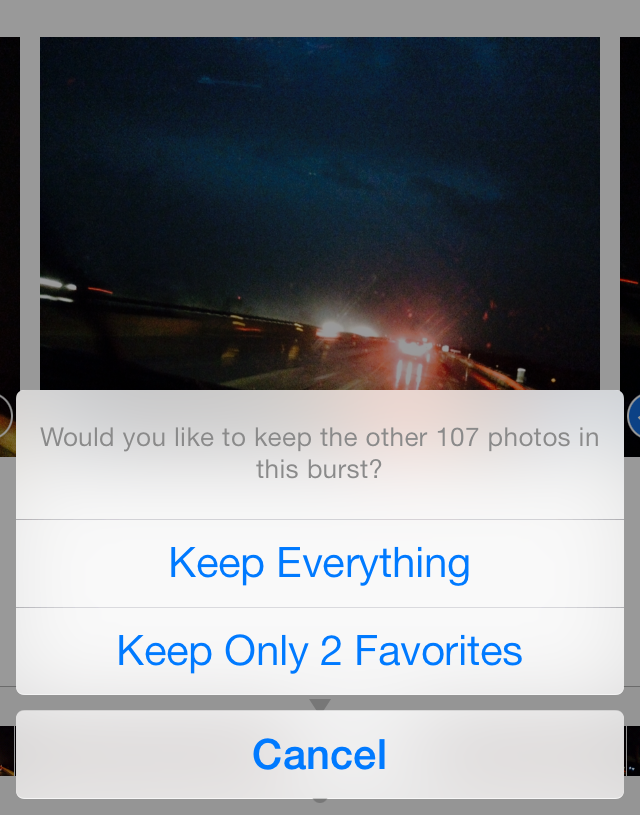
In fact, one of those improvements only just came to light. GottaBeMobile reports today that with iOS 7.0.2, Apple quietly added Burst Mode enhancements to the iPhone 5s, making the feature more useful while helping save space...

Activation Error: how running an old iOS 7 beta version will get you in trouble

This is a typical illustration of why only developers should install a beta version of a software. In this case, I'm specifically talking about iOS 7 beta, which has been wildly popular among non developers since Apple first made it available in June.

Of course, we've tried to warn everyone that unless you're a developer, you shouldn't really mess with iOS 7 beta. Since yesterday, those that didn't take this warning seriously might have gotten themselves into trouble.

iOS 7 beta 6 was set to expire on October 6, and people who haven't updated to the GM or public release by then found out the hard way that a developer release should really be only for developers.

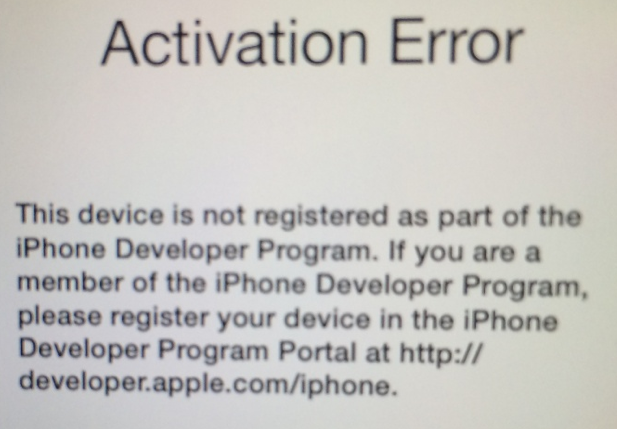
Many people were greeted today with a message on their iOS device saying "Activation Error - This device is not registered as part of the iPhone Developer Program," rendering the device unusable. Activation Required...

Apple says it’s aware of iMessage issue and is working on a fix

Since the release of iOS 7 last month, users have been complaining of issues activating iMessage. What's more, out of those who have been able to activate the service, some have been experiencing problems sending and receiving messages.

Well the good news is, Apple is aware of a glitch in the new firmware that is causing the disruption of iMessage activity and is working on it. The company tells The Wall Street Journal a fix will be available in an upcoming software update...

iTunes 11.0.5 is out with fix for iTunes in the Cloud issue

Apple has just released an update for iTunes, bringing the software to version 11.0.5. The update features a fix for a known iTunes in the Cloud issue, where some purchases would download or play unexpected media items.

Today's update comes just a little more than two months after the previous iTunes update, 11.0.4, which brought about improved syncing, and just a day after iOS 7 beta 6 landed, which fixed a similar iTunes in the Cloud issue...

Apple fixes iForgot security hole that compromised Apple ID passwords

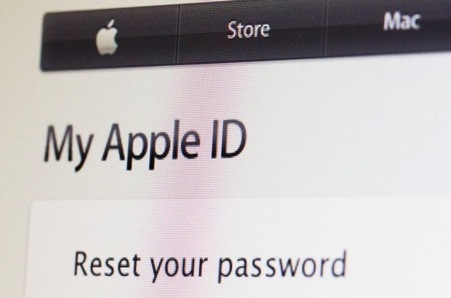
That was fast. Earlier today, Christian told you that a major security hole had been discovered involving Apple's iForgot page that allowed someone to reset your Apple ID password with just your birthdate and email address.

Unsurprisingly, Apple immediately took the password page down after getting word of the vulnerability. And after just a few hours of 'maintenance,' the page is back up and—we're happy to report—once again safe to use...