Cydia

Cydia news and information: read the latest development about Cydia, including jailbreak tweaks.

iOS 10.2.1 and jailbreaking: what are my options?

What with the release of iOS 10.2.1 and the soon-to-be-closed signing window for iOS 10.2, many people are wondering what the best strategy is for their device. Should they stick with a jailbroken firmware or jump to iOS 10? If they're already without a jailbreak, which iOS version do they need to be on to make sure they get one? What do they need to do to be able to upgrade to iOS 10.2 later, and keep their jailbreak for now?

In this article, we'll quickly go through what we consider the smartest options for each device and iOS version, so that you can (hopefully) make an informed decision.

Extensively updated to reflect beta release of Yalu for 10.2.

Jailbreak tweaks of the week: AntiTracker, Quickify, & more…

For those who still have their jailbreaks, it's been pretty slow in terms of jailbreak tweak releases recently. The lack of a recent public jailbreak for everyone paired with the loss of interest in iOS 9 is, without a shadow of doubt, making things rough for jailbreak developers.

Regardless, we put together a roundup every week to showcase everything new in Cydia, so following that tradition, we'll be doing the same this week, starting with our favorites and moving on to all the rest afterwards.

How to get the new iOS 10.2 emoji on your jailbroken iOS 9 device

With the release of iOS 10.2, Apple introduced a whole bunch of new emoji. The Unicode 9.0 collection features 72 new emoji, including such crowd-pleasers as "Nauseated face" and "Fox face".

Emoji are an extremely popular part of messaging on iOS and some people even update their devices just to get the new releases. However, you needn't choose between your jailbreak and your smileys; in this article we'll go through how to get the new iOS 10.2 emoji on your jailbroken iOS 9 device.

AntiTracker lets you know every time someone tracks you with Find My Friends [jailbreak]

Find My Friends is an app made by Apple that lets you track the location of your friends and family so you can find out their whereabouts at any time of the day, but it can also be a real privacy concern.

While some people enable this feature voluntarily so that their family members can keep tabs on them or so that friends can meet up with one another, others have the feature enabled on them behind their backs so their significant others can stalk them.

If you’re paranoid about whether or not you’re being tracked, then you need a new free jailbreak tweak called AntiTracker.

How to save jailbreak tweaks on your device with redeb

Sometimes a developer's repo goes down, they withdraw a tweak, or they update the tweak on their repo and don't leave your favoured previous version up. In these cases, you may want to save the tweak to your device so as to have it for later use.

The trouble is that Cydia removes the install files, saved in .deb format, after it has finished installing the tweak to your device. So unless you save the .deb file after you download it from Cydia, but before it installs (which is unlikely as it's cumbersome and easy to forget to do), you would seem to be out of luck. But are you? In this guide, we'll show you how to repackage already installed tweaks into .deb files for safekeeping, using redeb.

Jailbreak tweaks of the week: OnceMore, Photicon, & more…

Despite what appeared to be a couple of busy weeks previously, it seems the jailbreak tweak assembly line has slowed down slightly once more, as releases weren't as rapid this week.

Nevertheless, we wrap up with a jailbreak tweak roundup every single Sunday, so we'll be taking this opportunity to talk about all of the jailbreak tweaks that were released this week, starting with our favorites.

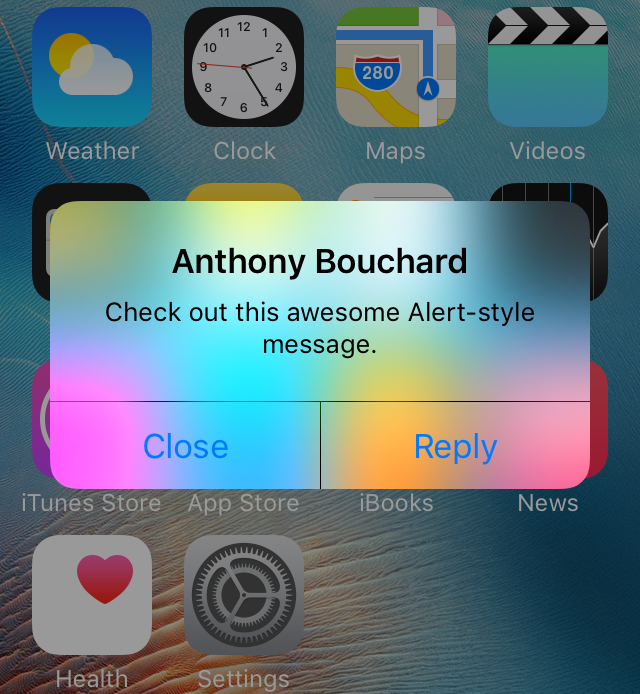
AdaptiveColorAlerts colorizes all your alert messages to match anything behind them

Most people use banner notifications for their day-to-day notifications, but some apps like Calendar and Reminders default to alert-style notifications because they require a little bit of extra attention.

For the most part, these alert messages look pretty boring on a stock iOS device, but with a new free jailbreak tweak release called AdaptiveColorAlerts, your alerts can automatically color themselves based on whatever background is residing behind them.

Why to avoid third-party Cydia Substrate “patches” for the iOS 10 beta jailbreak

Yesterday, we shared our fullest opinion of why you should avoid jailbreaking with Luca Todesco’s beta jailbreak for iOS 10 until it’s out of its beta stages, but for those who’ve went ahead with it anyway because nostalgia got the best of them, there’s another difficult choice to make…

Cydia Substrate is disabled by default, and amid the nostalgia, many are already using third-party “fixes” or “patches” to get around this. Of course, there’s a reason Cydia Substrate is disabled by default, and those who’ve gotten as far as jailbreaking also have to decide whether or not to install these patches.

In this piece, I will attempt to eliminate some of the confusion about why Cydia Substrate is disabled by default and why you should avoid installing these third-party “fixes” to get around it.

How to verify your .shsh2 blobs with img4tool

We recently reported how some of the .shsh2 blobs saved with previous versions of tihmstar’s TSSChecker were faulty. One problem affected all iPhone 7 and iPhone 7 Plus blobs, rendering them useless. This issue has now been fixed going forward, though past blobs are invalid.

The other problem was more complex and affected only certain models of certain devices. It is also fixed for blobs saved from now on, but given these occurrences, it is important to be able to check whether the blobs you saved in the past are in fact valid and fit for use with Prometheus.

In this article, we’ll go through how to use another tool from tihmstar’s Prometheus suite, img4tool, to verify that your .shsh2 files are good. This method will clarify whether you are affected by the second problem mentioned above, but will also work in general, when checking the validity of your blobs in future.