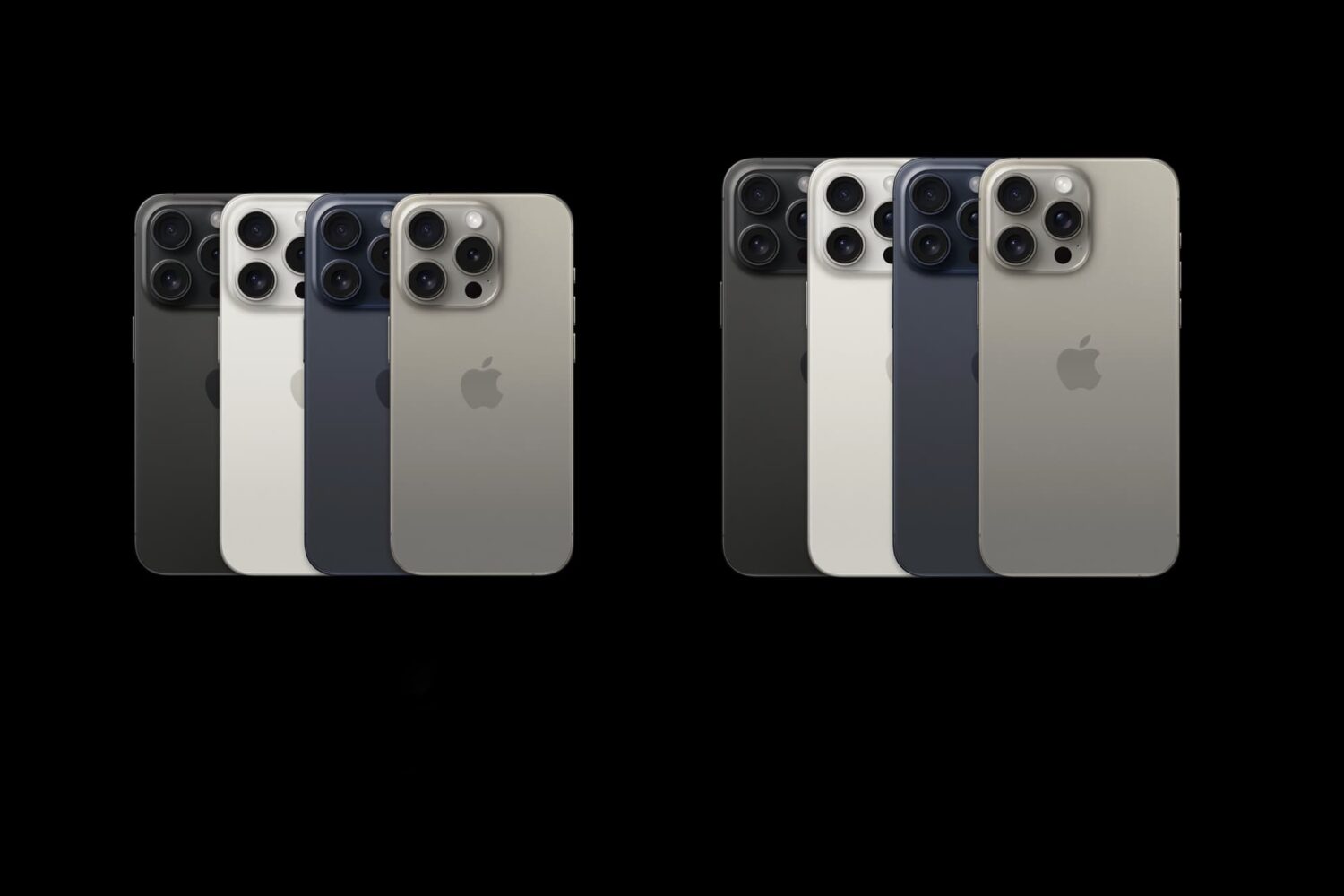
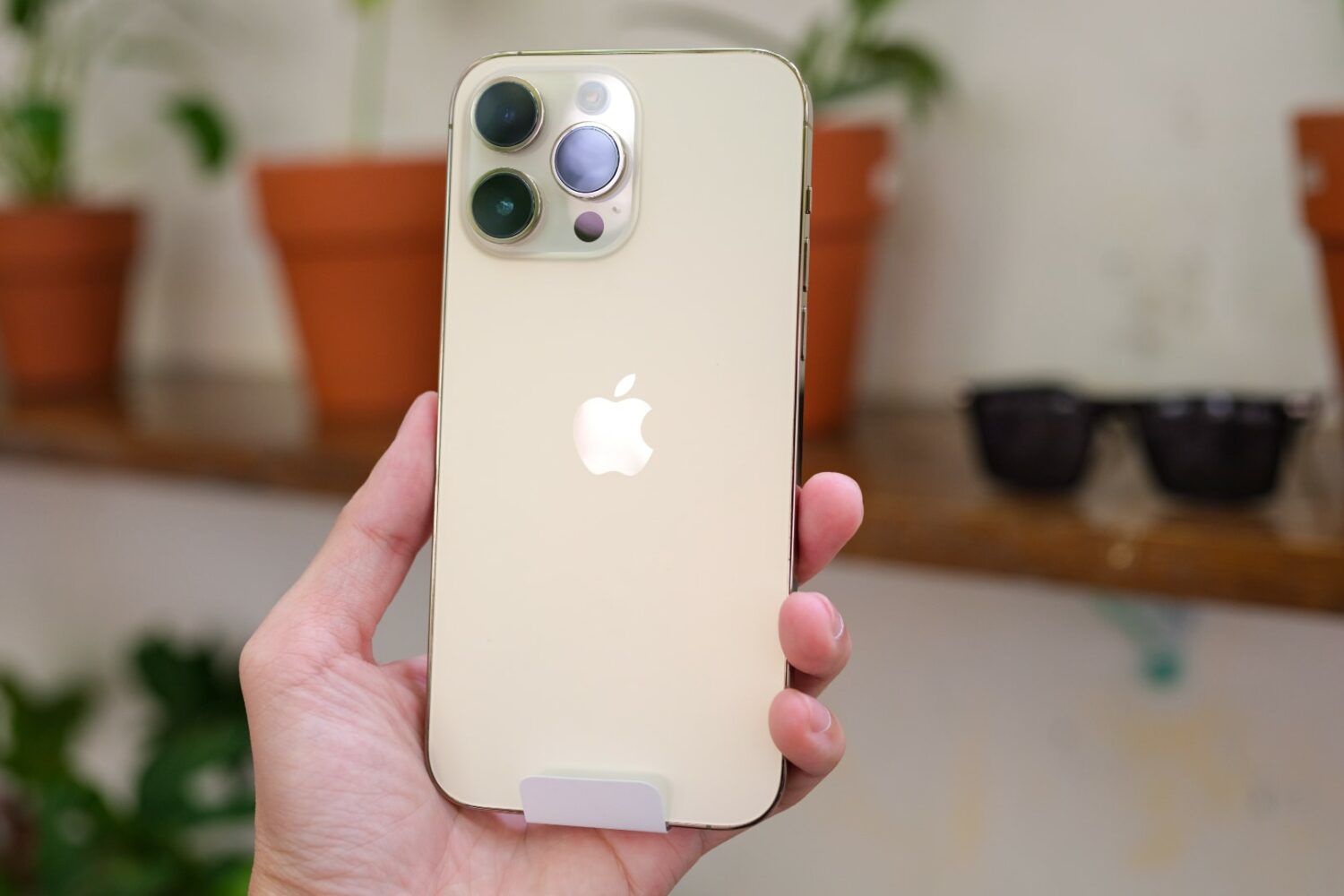
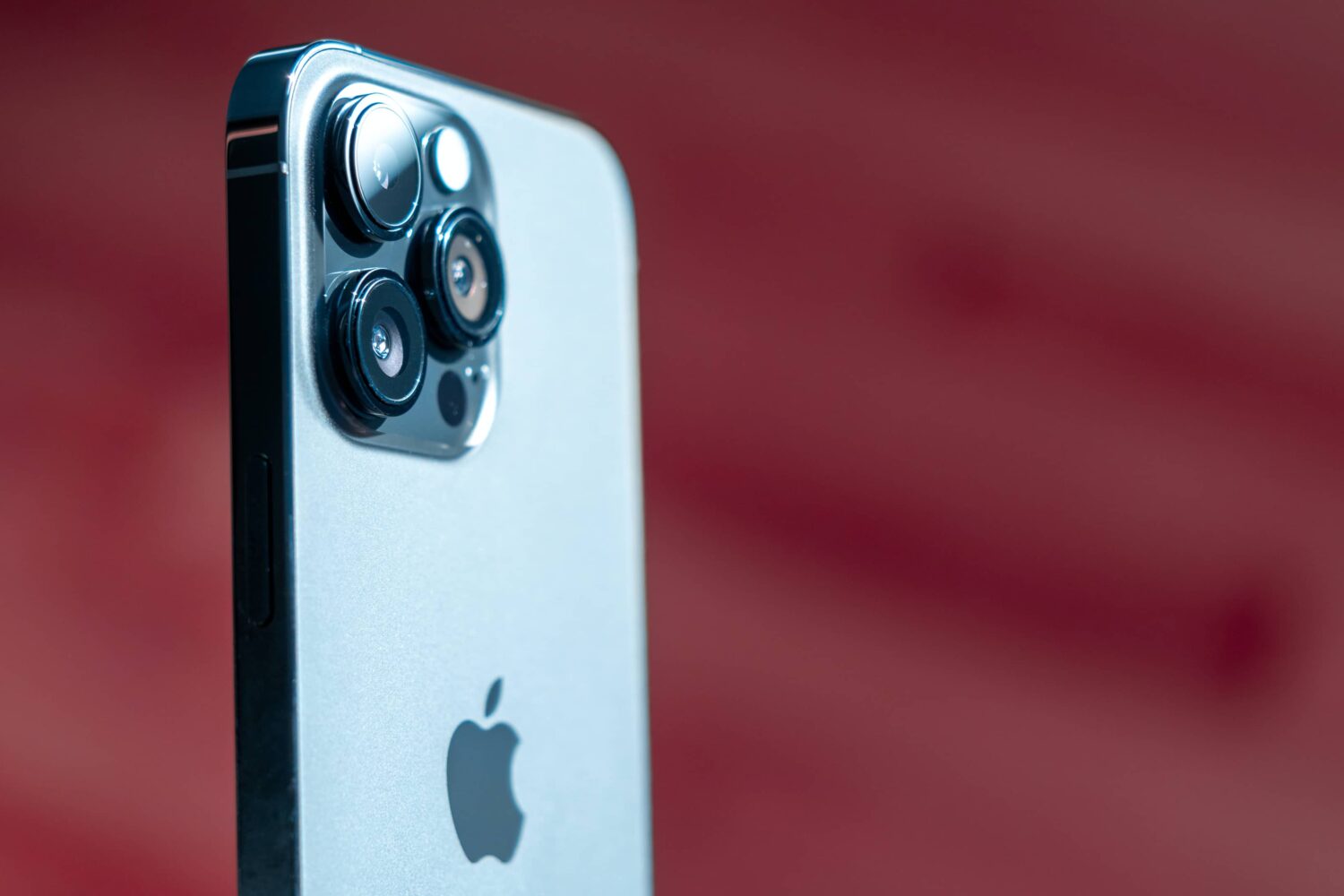
The ultra wide camera on the iPhone 16 Pros could go from twelve to 48 megapixels for even better macro shots and clearer low-light photos.
Apple’s 48-megapixel sensor could come to the iPhone 16 Pro’s ultra wide camera
The ultra wide camera on the iPhone 16 Pros could go from twelve to 48 megapixels for even better macro shots and clearer low-light photos.
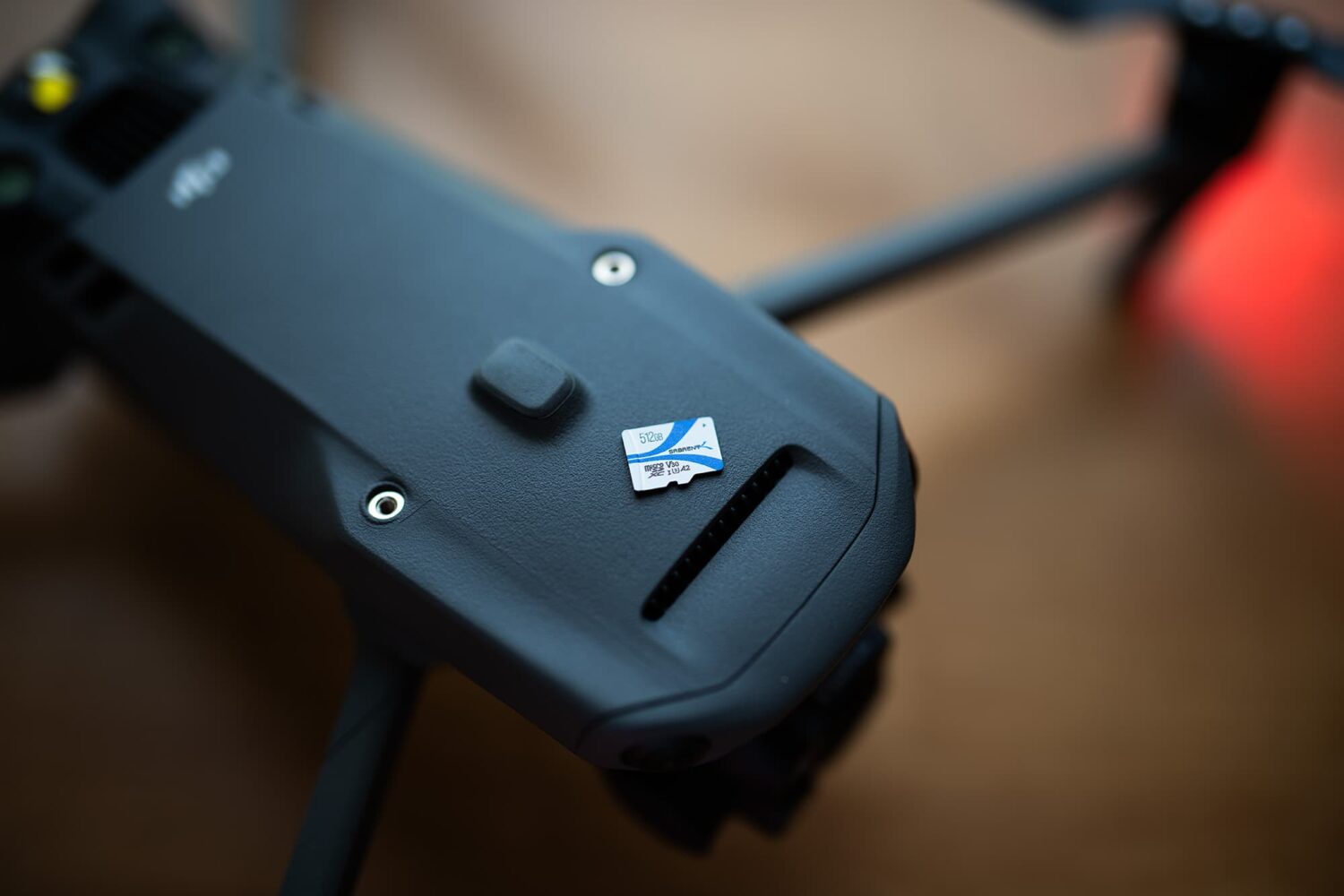
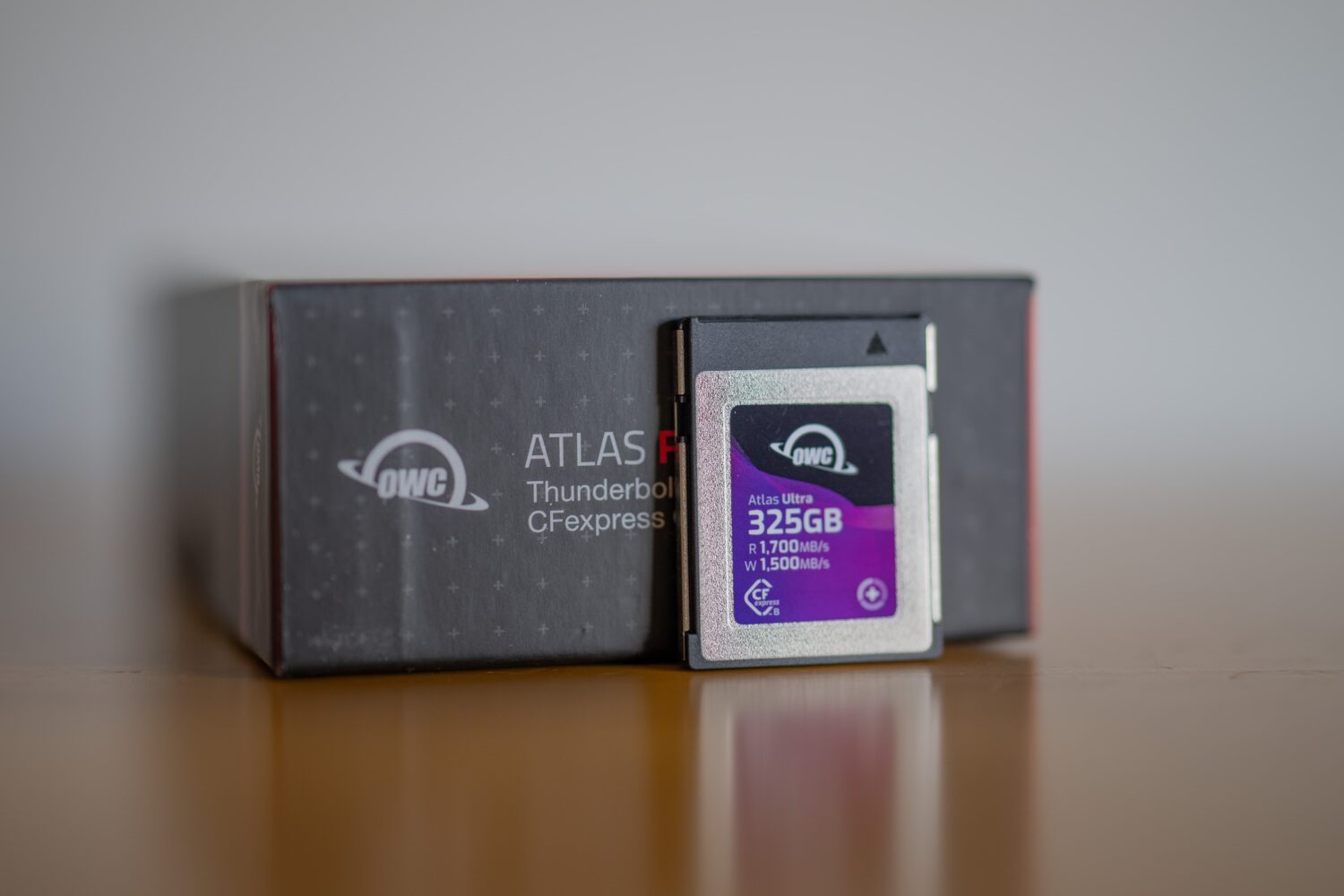
Dedicated camera body photographers can relate to wanting more storage for their photos and videos, especially with today’s cameras writing 8K resolution video and ultra-high-megapixel photograph files to limited capacity memory cards.
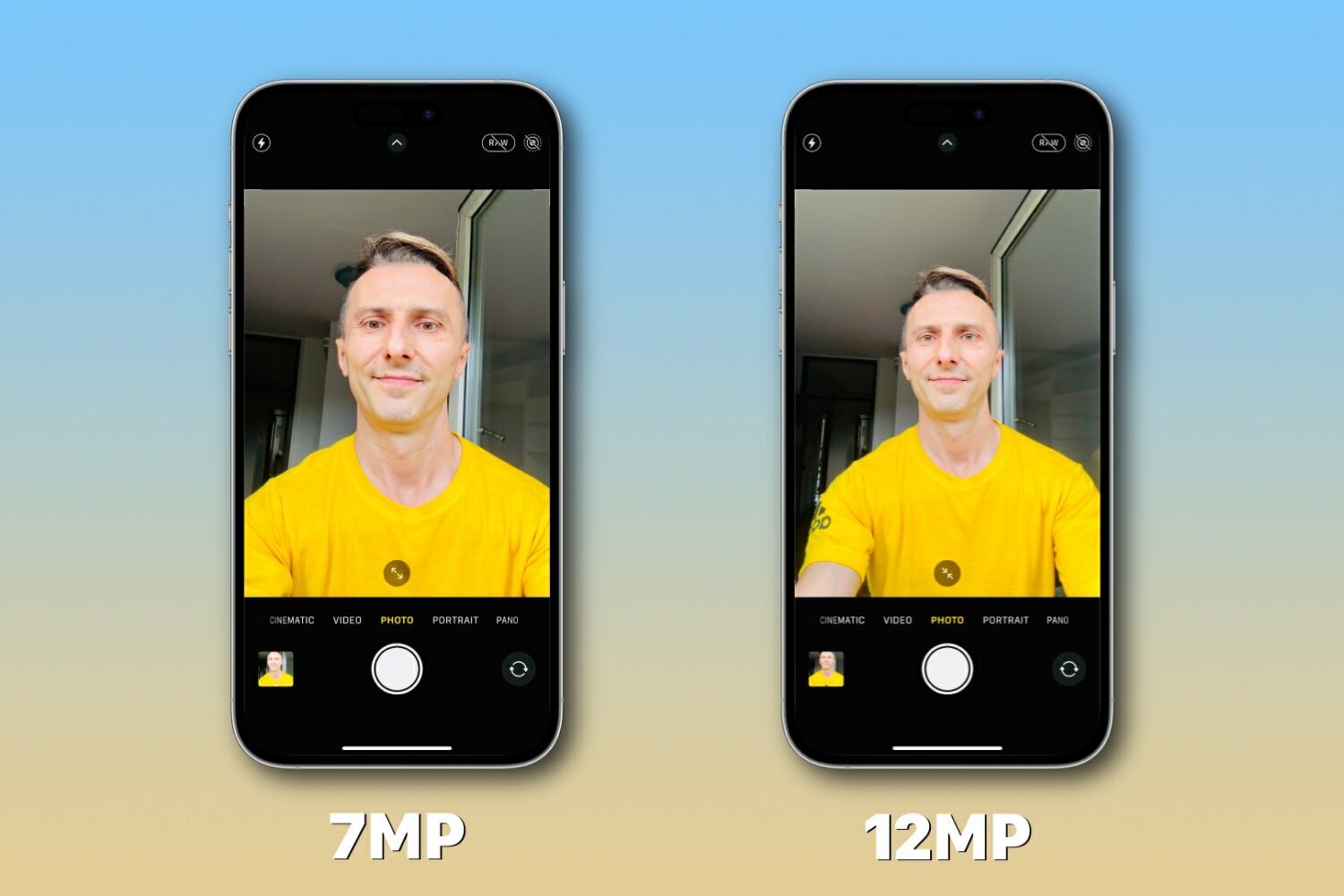
Learn what to do if the resolution of your iPhone selfies is seven megapixels (MP) although the front camera is capable of taking twelve megapixel snaps.
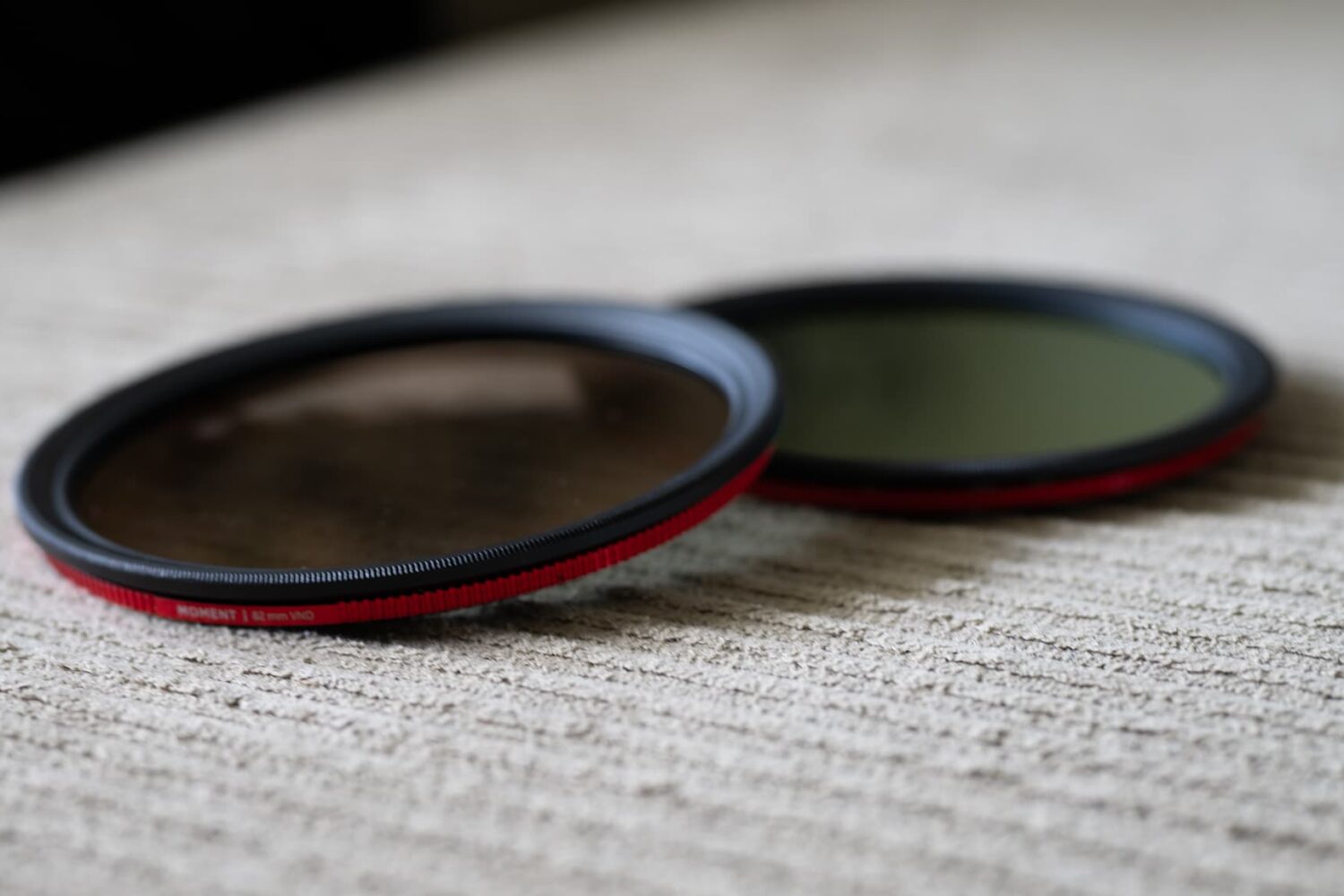
You can use inexpensive lens filters to enhance the visual appeal of landscape and portrait photographs taken with your camera.
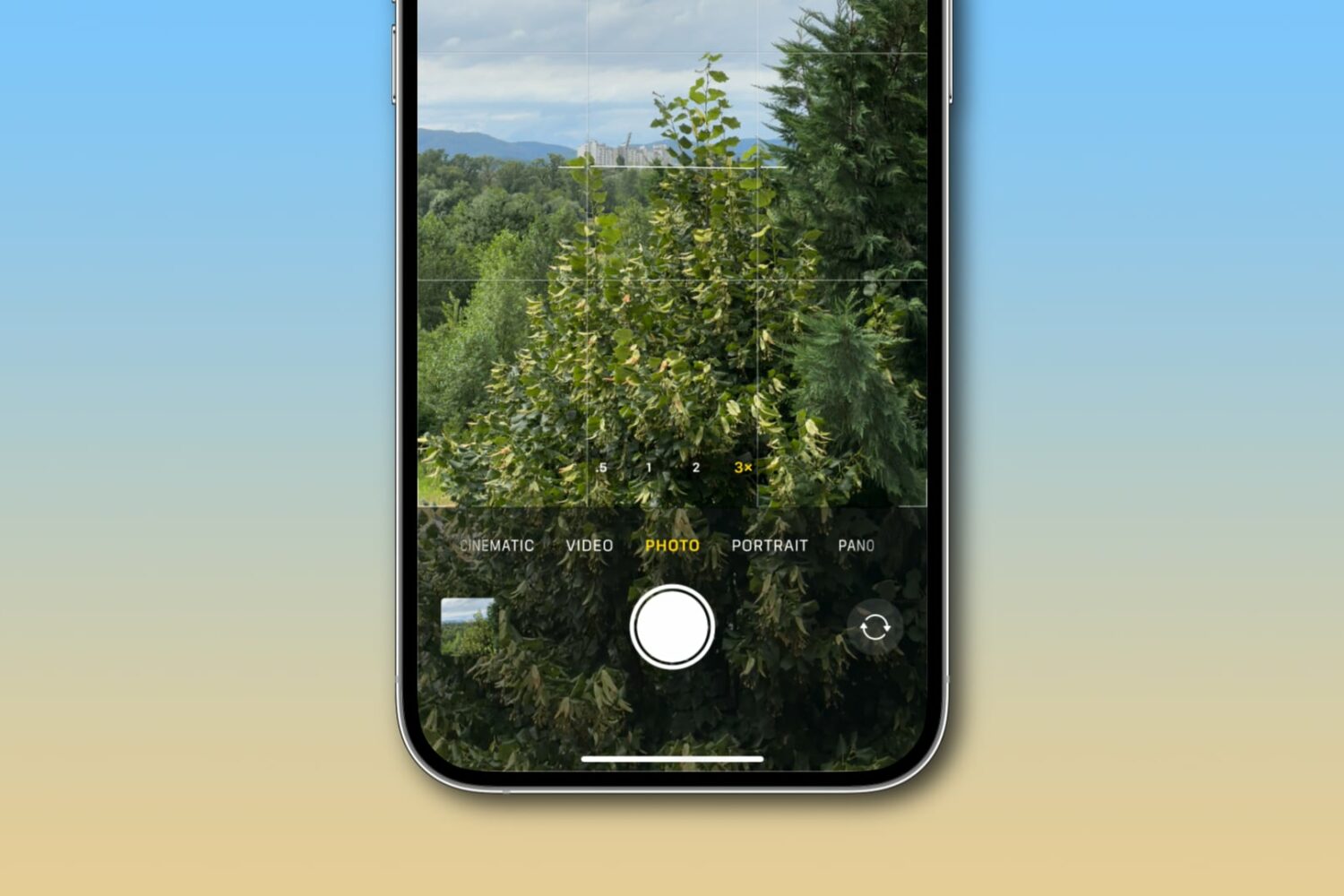
Use your iPhone’s camera level to guide horizon placement in your photographs and perfectly align overhead and top-down shots.
Topaz Labs recently released an upgraded version of its Topaz Photo AI suite, officially bringing it up to version 1.4.0 with a slew of new features and improvements that both existing and new users won’t want to miss.
Normally, the Lock Screen’s Camera-centric Quick Action button works a shortcut that brings you to your iPhone’s Camera app so that you can quickly snap a photograph or record a video, but what if the process could be just a little faster for those power-users out there?
Nailing photograph exposure is a hallmark skill of photography, and in this piece, we discuss some of the most important things to consider.
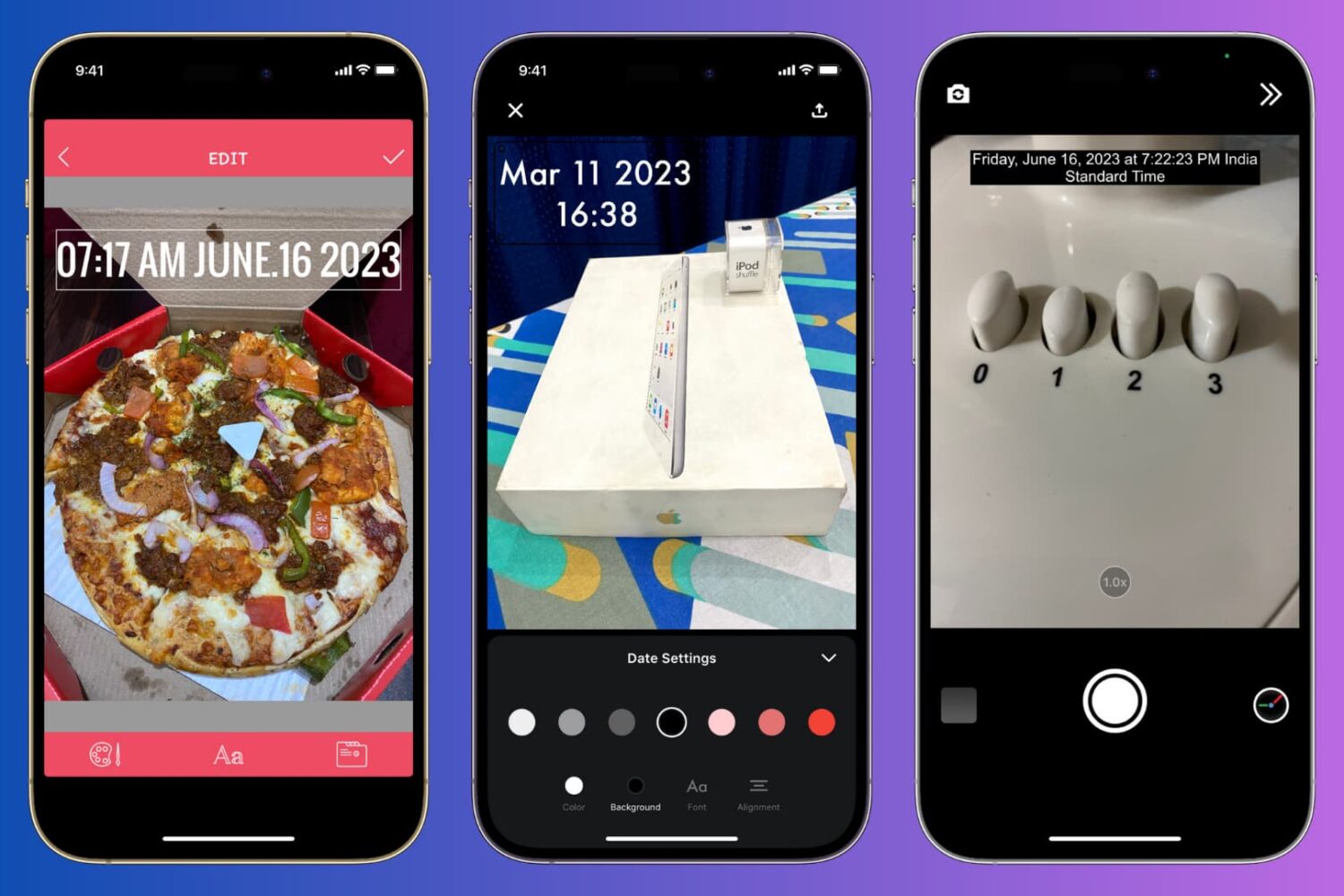
Learn how to manually add the current date and time to your iPhone photos or use a third-party app to automatically timestamp your snaps.
This year's non-Pro iPhone 15 models have been predicted to jump from 12 to 48 megapixels, quadrupling the main rear camera's resolution.
This article will guide you through the simple process of scanning a business card and seamlessly saving its information to your iPhone Contacts app, ensuring you never miss a beat in networking and professional connections.
One thing that on-the-go videographers seem to swear by is a quality gimbal. These devices keep your camera steady as you move so that video footage comes out smooth and jitter-free. While some cameras feature built-in image and video stabilization features, a physical gimbal does the job much better and yields impressive results.