Beta

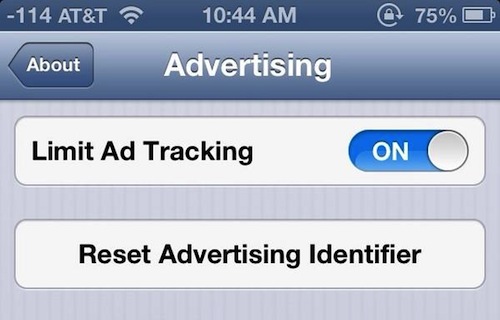
New in iOS 6.1: Reset Advertising Identifier

With the release of iOS 6, Apple replaced its controversial unique device identifier system (or UDID) with the Advertising Identifier. It's a non-permanent, non-personal, device identifier, that advertising networks use to track your behavior.

Since its introduction, users who don't like targeted advertisements have had the ability to limit ad tracking via a toggle in the Settings application. And in iOS 6.1, users will gain the ability to reset their Advertising Identifier as well...

Apple posts iOS 6.1 Beta 2, new Apple TV beta

Apple just seeded its registered developers with the second beta of iOS 6.1. The software follows November 1 release of the first iOS 6.1 beta which brought out MapsKit improvements and other tidbits.

Beta 2 has a build number of 10B5105c versus 10B5095f for Beta 1. Apple says iOS 6 Beta 2 contains bug fixes and improvements over iOS 6.0.1, in addition to tweaks like a new information card in the Passbook app.

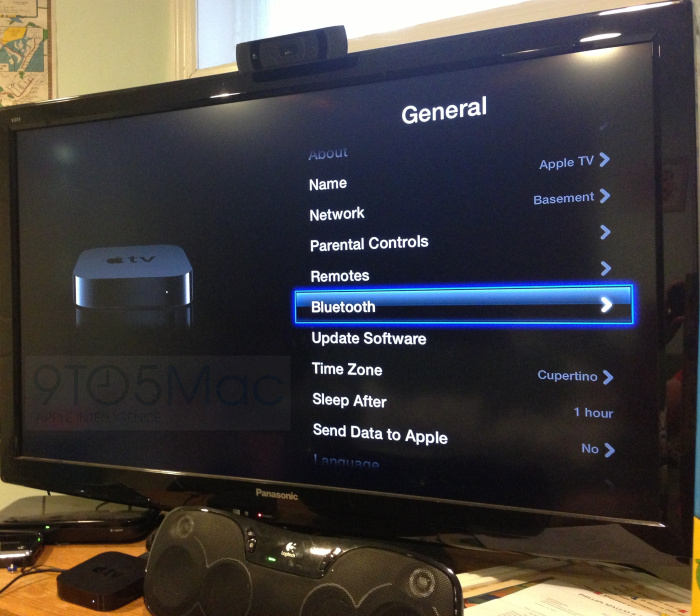
A new beta of the Apple TV software is also available. The new iOS 6.1 beta is available for the various iPhone, iPod touch, iPad and Apple TV devices. Apple's registered developers can download them via the company's developer portal.

The iPhone maker also released Xcode 4.6 Developer Preview 2 today (build 4H95e), its preferred development environment for third-parties that write Mac and iOS apps. Your release notes and additional info are right below...
Siri to gain movie ticket purchasing in iOS 6.1

Apple seeded the first beta of iOS 6.1 to developers last week. The firmware should be the next update we see for iOS, and we're expecting it to include at least a handful of new features.

In fact, we've already found a couple of new additions in the beta, including changes in the Maps app and new Lock screen music controls. And another discovery was made last night...

Apple looking to make further improvements to Maps in iOS 6.1

Apple released the first beta of iOS 6.1 to developers yesterday. It's still early, obviously, but we've already discovered a handful of changes in the new firmware, including revamped Lock screen music controls.

And, as a reader has pointed out to us, iOS 6.1 also adds a new "Report a Problem" button to the stock Maps app. It replaces a smaller bug reporter link, and signifies Apple's commitment to making Maps better...

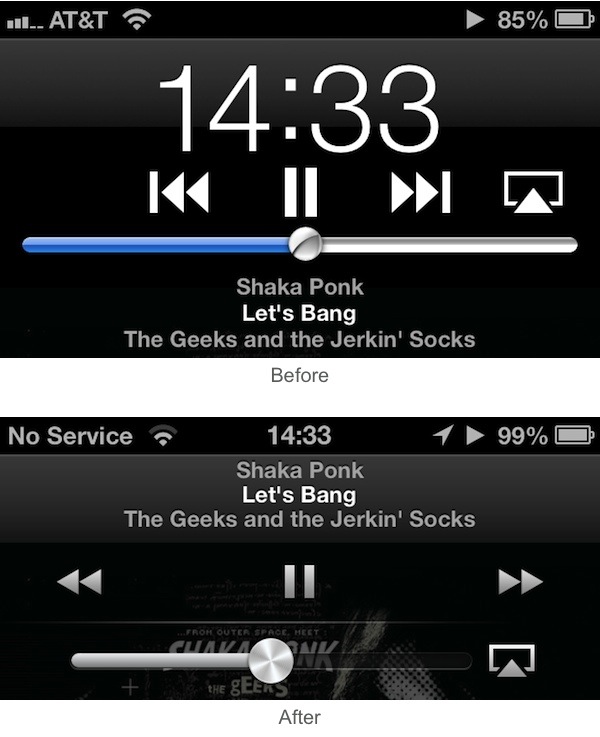
New in iOS 6.1: Lockscreen music controls

Apple released iOS 6.1 beta to developers earlier today and we've been on the hunt for new interesting features ever since. iDB reader Darryl R. sent us an interesting find that isn't life changing, but still deserves a little attention.

When playing a song from the Music app, if you are on the Lockscreen and double tap the Home button, you will notice the new music controls and layout that are now consistent with the controls you find inside the Music app itself...

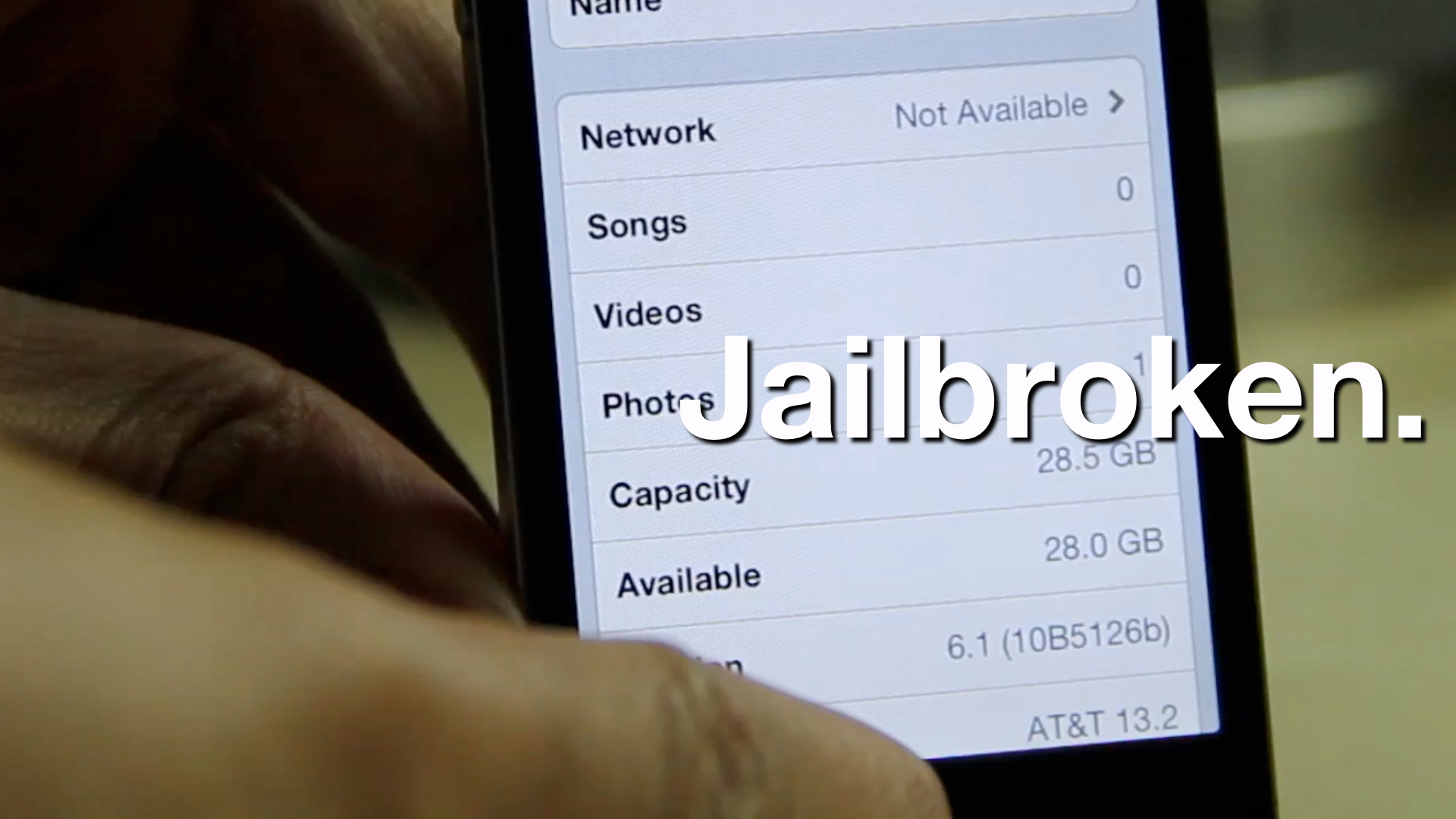
How to jailbreak iOS 6.1 beta

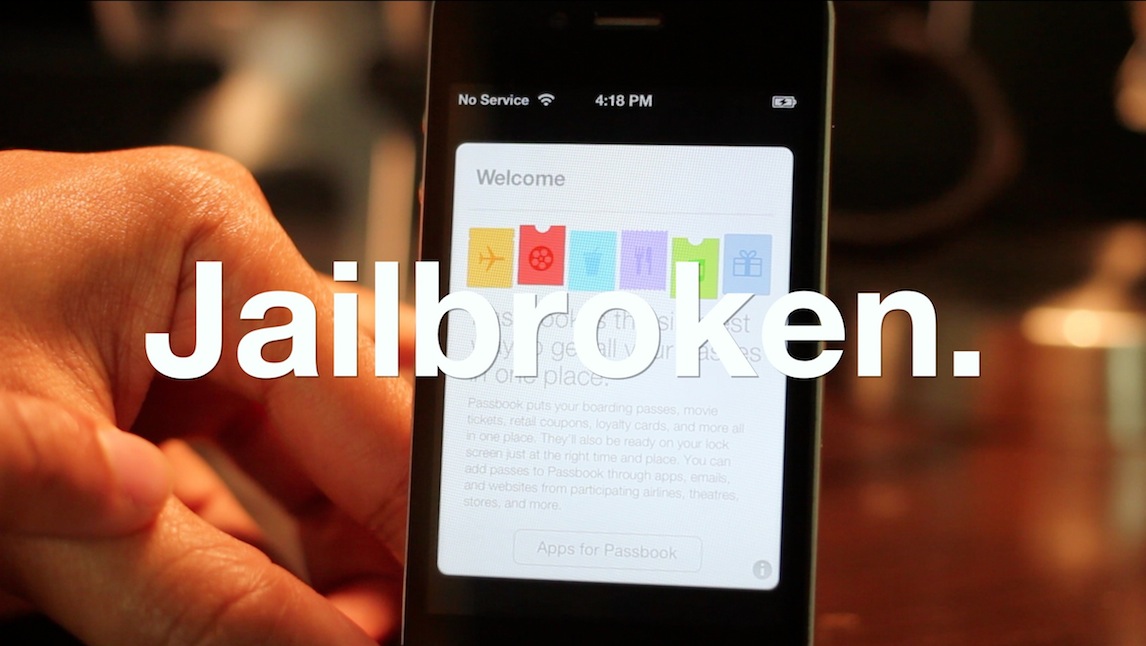
If you're a developer wishing to jailbreak your pre-A5 device running iOS 6.1 beta, then you'll be happy to know that it can be easily done using the same method we used to jailbreak the iOS 6.0.1 public release.

This is, of course, a tethered jailbreak, and it only works with pre-A5 devices like the iPhone 4, or the iPhone 3GS. For the full video tutorial, check inside...

Apple seeds iOS 6.1 Beta to developers with Maps Kit improvements

Hot on the heels of fixing numerous bugs with an incremental iOS 6.0.1 update that was released to end-users an hour ago, Apple has now seeded iOS 6.1 Beta to its registered developers. The software is provided for the iPhone, iPod touch and iPad alongside the new Xcode 4.6 Beta integrated development environment.

At first glance, it seems iOS 6.1 will allow apps to ask the operating system to programmatically search for map-based addresses and points of interest. A new Reset Advertising Identifier button has been added to Advertising Settings and the date must match for Passbook passes to be relevant ...

Where’s my iOS Wi-Fi Plus Cellular toggle?

Apple in early-August seeded iOS 6 Beta 4 to its registered developers. With it came a new feature in Settings, called Wi-Fi Plus Cellular. As Jeff explained in a lengthy post the following day, this toggle basically ensures that apps having trouble with WiFi can automatically switch over to cellular data. But why go implement and then remove this handy capability from iOS 6?

Messages for Mac is about to get a lot more useful

As 9to5Mac just pointed out, Apple has released OS X 10.8.2 build 12C50 to developers, and it packs quite a few useful features.

Most notably, in my opinion, is the new syncing ability between iMessages sent to a telephone number. Now, any iMessage can be sent and received from a Mac running OS X 10.8.2, regardless of whether or not it's a phone number or an email address.

I don't know about you, but this has always seemed like a glaring omission, and serves to make iMessage that much more of a relevant communication tool on the desktop.

A complete breakdown of iOS 6’s new Wi-Fi Plus Cellular feature

As we told you yesterday, Apple has incorporated a new Wi-Fi Plus Cellular option in iOS 6 beta 4. This new setting allows apps to use cellular data when there are issues with the Wi-Fi connection.

You can find the Wi-Fi Plus Cellular toggle in the General > Cellular panel, which is within the Settings app.

Once iOS 6 is formally released to the public, should you enable this option? Is there a risk involved when it comes to racking up extra cellular data charges with your wireless provider? We'll answer these, and other questions inside...

MuscleNerd confirms you can jailbreak iOS 6 beta 4 with RedSn0w

Earlier today, Apple released iOS 6 beta 4 to developers. We've discovered a handful of new features and other changes in the update, but there's one thing that stayed the same.

Dev Team frontman MuscleNerd has just confirmed that beta 4 is still jailbreakable with the latest version of RedSn0w (0.9.13 dev 3). There's just a few things to remember...

Apple seeds iOS 6 beta 4 to developers

Apple has seeded the fourth beta of its new iOS 6 software to developers this morning. The release comes just three weeks after the previous update.

As usual, the new beta is currently only available as an over-the-air update, but the full version should come up on the iOS developer center soon.

Update: iOS 6 beta 4 is now available in the dev center, and we have the full change log after the break...