Battery

Apple: more iPhone 6s units suffering from random shutdowns, software update may fix it

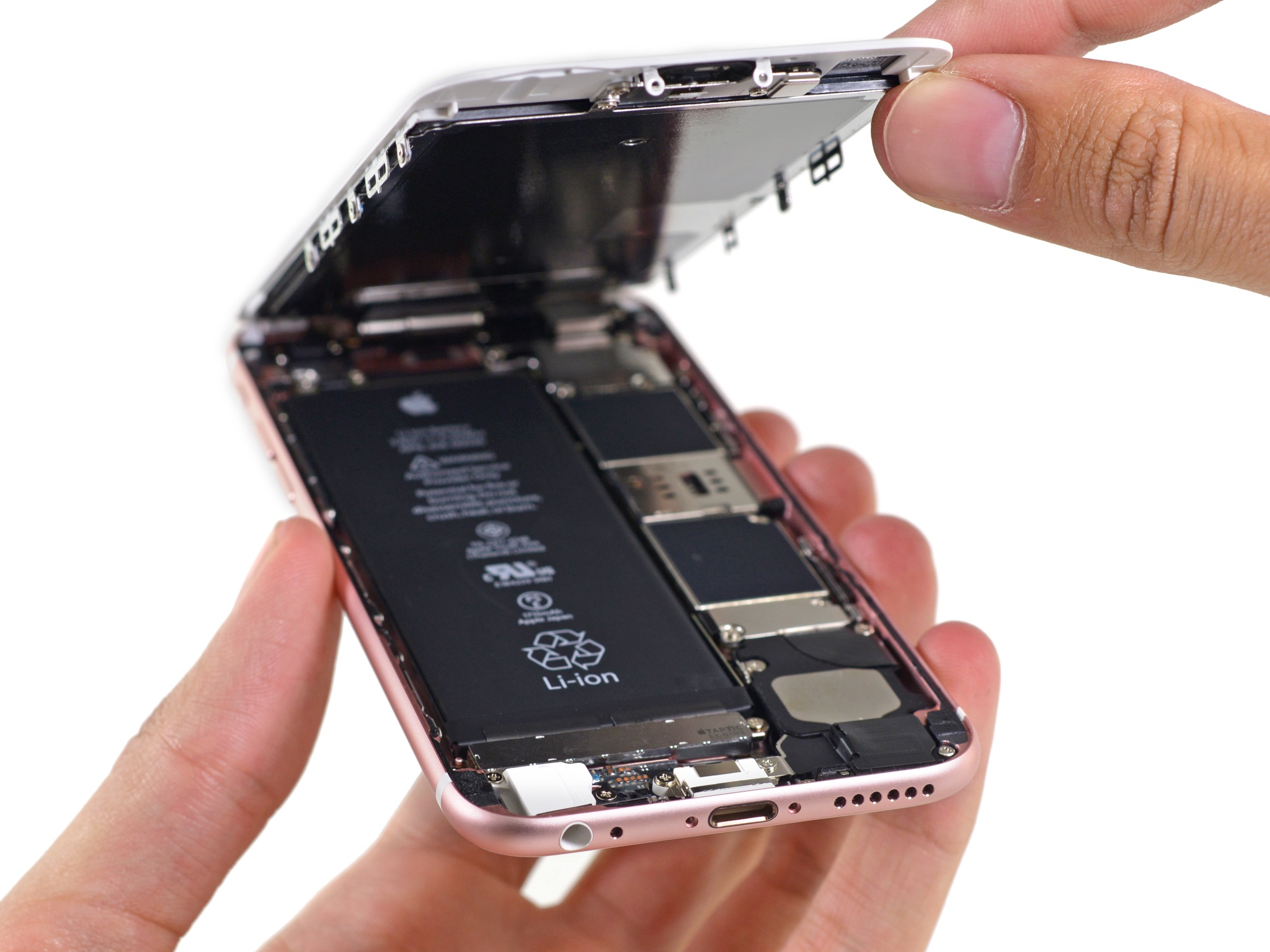
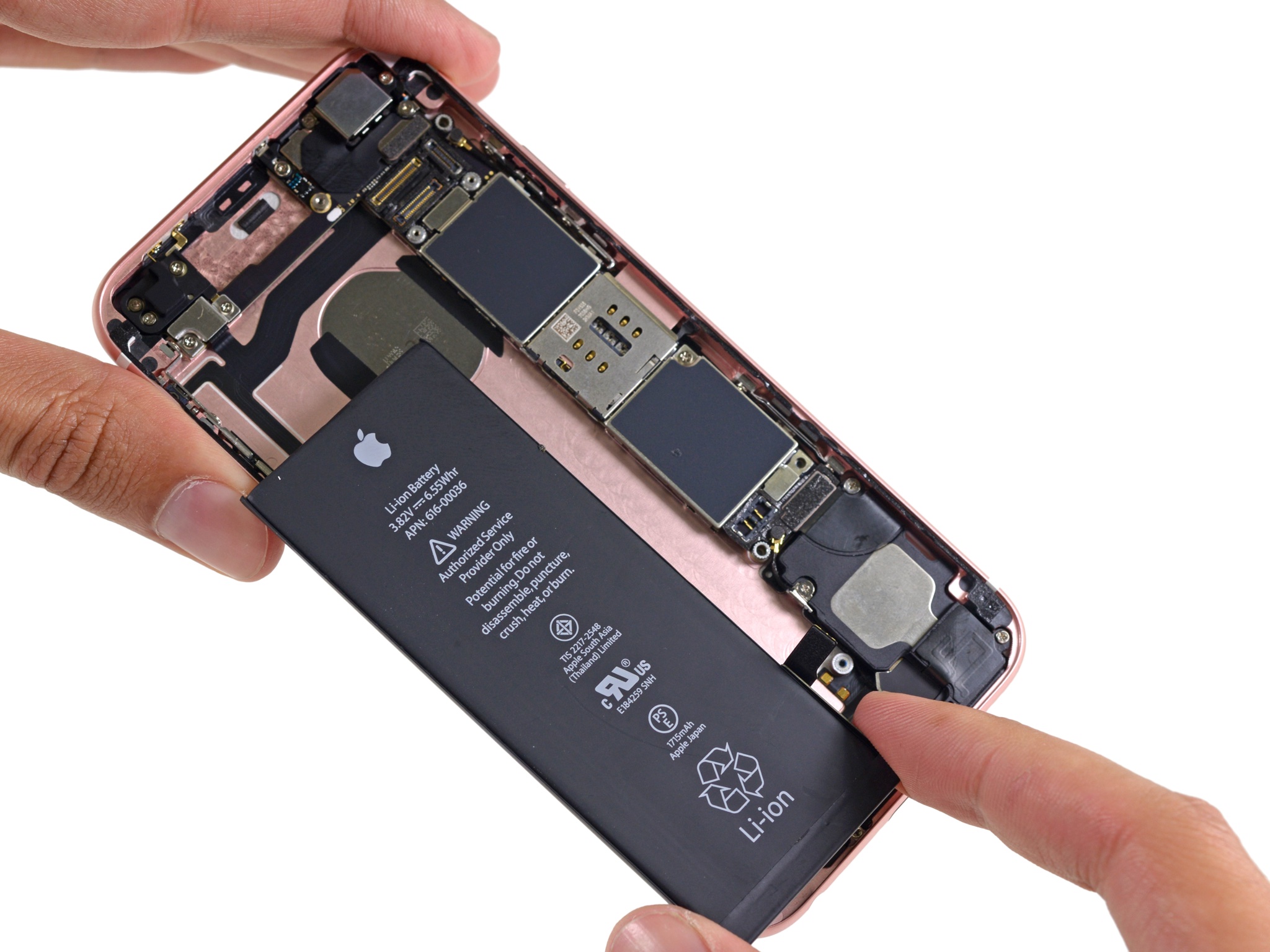
Apple has clarified in a new support document on its Chinese website that random shutdowns that have been plaguing some customers may affect more iPhone 6s models than previously thought, saying a software update may fix the issue on units outside of iPhone 6s devices which were manufactured between September and October 2015 and for which it's offering a free battery replacement program.

As first noted by Gizmodo, Apple wrote it needed additional diagnostic data to determine the exact cause of the problem.

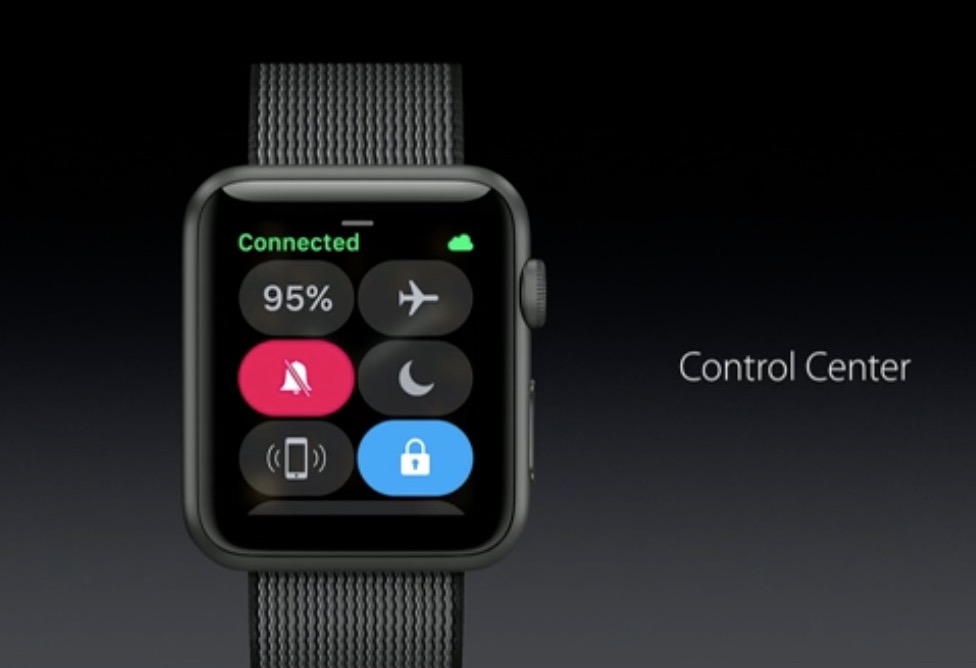
How to switch to Power Reserve mode on watchOS 3

If you are not closely tracking every subtle interface change that Apple puts into practice on iOS, macOS or watchOS, it is likely you have entirely lost sight of a smaller feature or setting before. This is because, in short, Apple likes to relocate and thereby slowly supplant features no longer withstanding the test of time. With watchOS 3, the complete renovation of the operating system and reinvention of the Side button on top of it has had a similar ripple effect for numerous older features.

Power Reserve mode has become one of such cases, a feature still of much use despite the improved battery performance on Apple Watch Series 1 and 2. It used to be as easy as holding down the Side button and swiping to activate Power Reserve, but mind you, nothing is permanent with Apple and it has been silently relocated since. In case you have been caught napping on Power Reserve, let's quickly fill you in on how to deploy the potential life saver on the latest watchOS.

Apple: unexpected iPhone 6s battery shutdowns caused by a manufacturing issue

iPhone 7 battery

Two weeks ago, Apple issued a global battery replacement program to address a problem where some iPhone 6s handsets manufactured between September and October 2015 may unexpectedly shut down (see if your phone is eligible for a free battery via Apple's web tool).

While the company originally did not say why these devices are shutting down when the battery indicator drops below the 30 percent mark, MacRumors points us to a message posted in a support document on Apple's website in China which blames the problem on a manufacturing issue.

Here is how to find out if your iPhone 6s is eligible for a free battery replacement

After launching a repair program two weeks ago for iPhone 6s devices experiencing unexpected shutdowns due to a faulty battery, Apple has now updated its support document with a web tool that lets you check if your iPhone 6s is eligible for a free battery, MacRumors reported Thursday. You only need to enter your device's serial number to see if you're eligible for a battery replacement service.

How’s your battery life after updating your iPhone to iOS 10.1.1?

iPhone 7 battery

Many people are complaining about poor battery life after deploying the latest iOS 10.1.1 software update on their iPhone, which released for public consumption on October 31 and squashed bugs where Health data couldn't be viewed for some users.

Aside from this, it seems that iOS 10.1.1 is also causing some iPhones to shut down abruptly when the battery charge falls below a certain percentage, according to a thread on Apple’s support forums that at post time had thirteen pages.

Nomad’s new Lightning cables cross durability with function

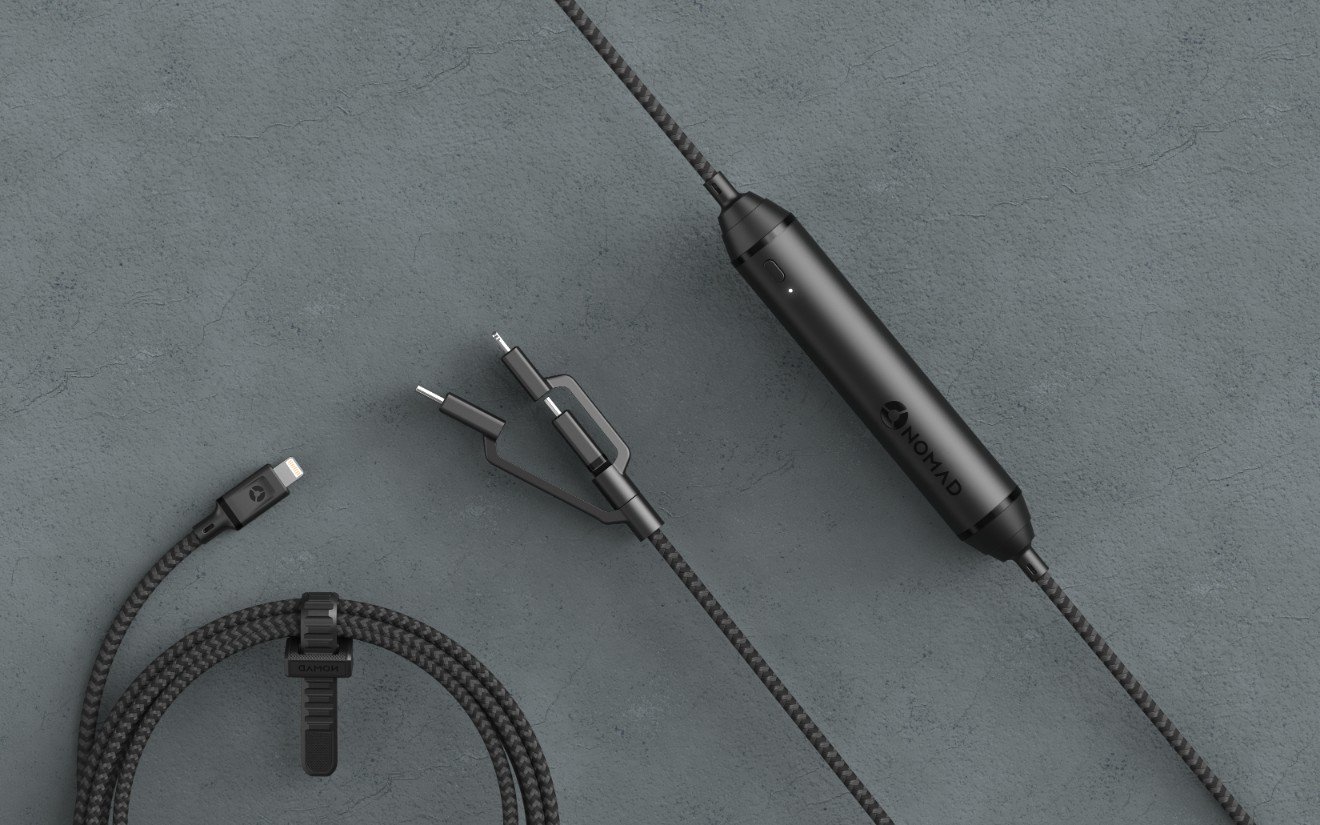
When you decide to pick up another Lightning cable for your iPhone or iPad, you could choose to go chintzy with another OEM cable that’ll just wear out again in no time at all, or you can go with a beefier option that will have a much longer operating life.

Nomad offers an awesome lineup of MFi-certified heavy duty ballistic 1,000D nylon braided lightning cables that are reinforced with K-29 Kevlar. But what makes these different from the competition?

Twelve South’s Fermata charging stand keeps your wireless headphones organized

With the removal of the 3.5mm headphone jack on the iPhone 7 & 7 Plus, it doesn’t take a rocket scientist to predict that many people will be moving to wireless Bluetooth headphones instead of wired ones.

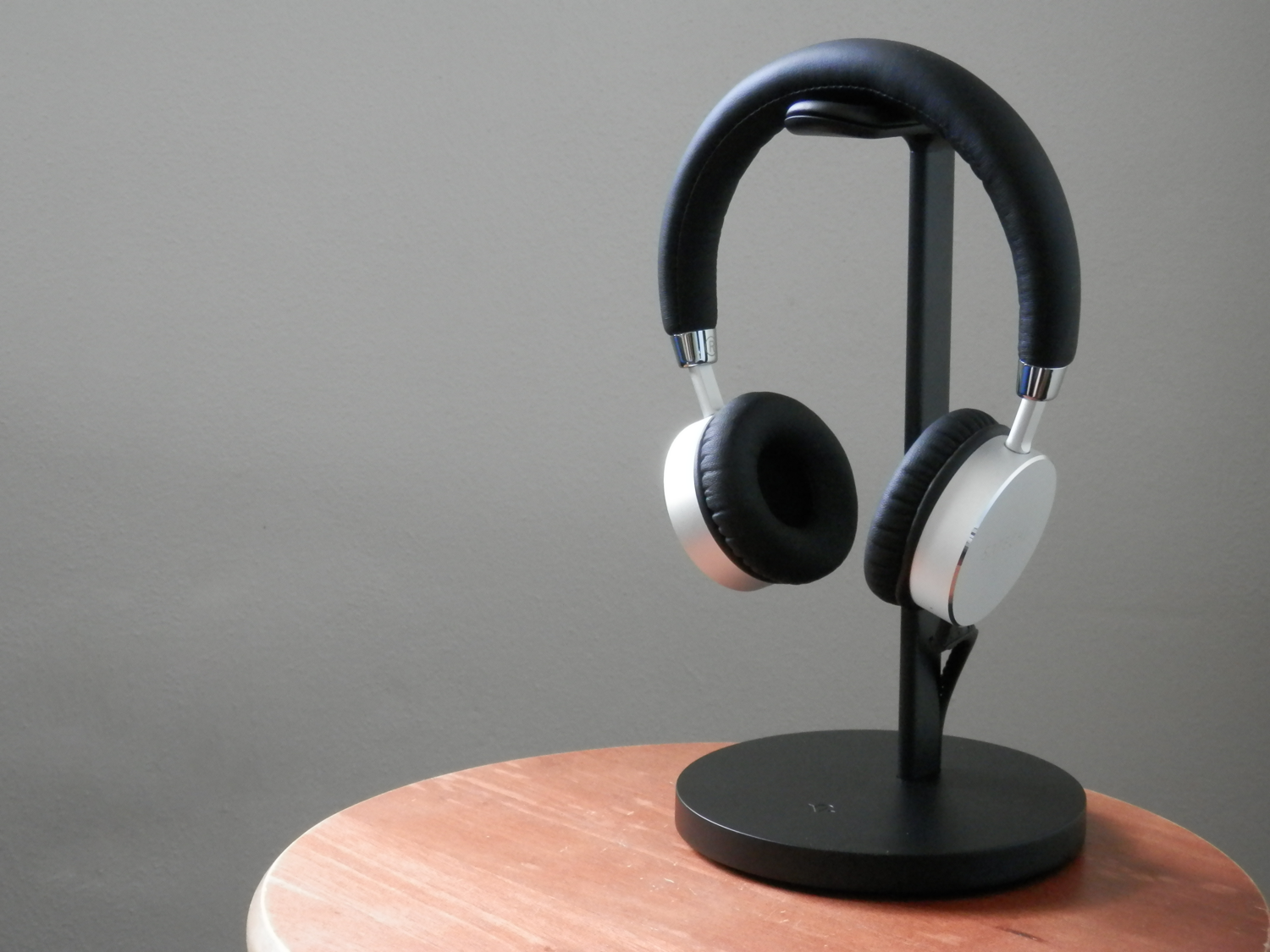
Twelve South’s new Fermata charging stand for wireless headphones is a great accessory to have if you’re one of those people. It’ll keep your headphones out of your way on your desk while they charge, and it looks great too!

Anker’s power banks and solar chargers keep your devices juiced up while on the go

If you do a lot of traveling and like to stay connected with your friends and family via your smartphone or tablet, then you probably need as much battery life as you can get. Out and about, you won’t always have access to a plug in the wall, so it’s a good idea to have a backup plan for keeping your devices charged.

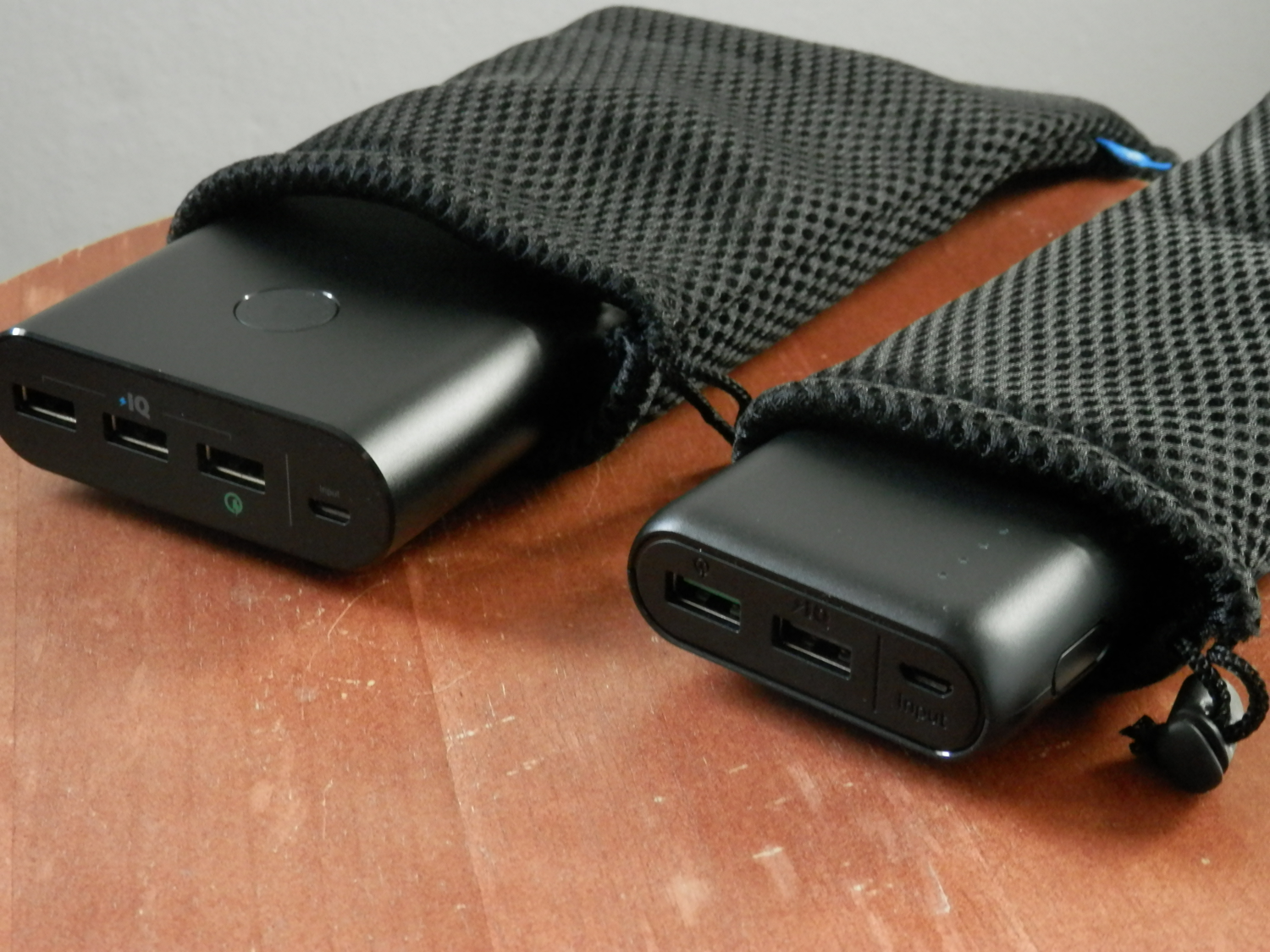
Anker makes some great solutions, including the PowerCore 20000 and PowerCore+ 26800 power banks, and a 21W PowerPort Solar charger so you can harness the power of the Sun. Any of these can help make mobile charging easier.

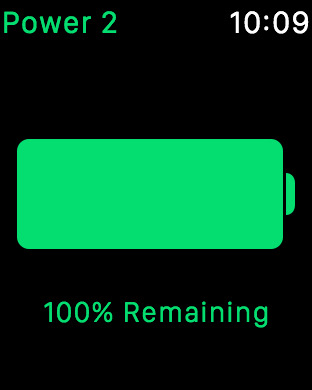
Surenix releases Power 2, an iPhone battery life companion app for Apple Watch

Thientam Bach, better known by a large amount of the jailbreak community as Surenix for his design work on high-end themes and jailbreak tweaks, released his first app in the App Store last year called Power.

It was essentially an information-based app that showed data about your iPhone's battery level on your Apple Watch at a glance. But because so much has changed in iOS 10 and watchOS 3, Bach has released Power 2 in the App Store on Thursday with new features and support for the latest operating systems.

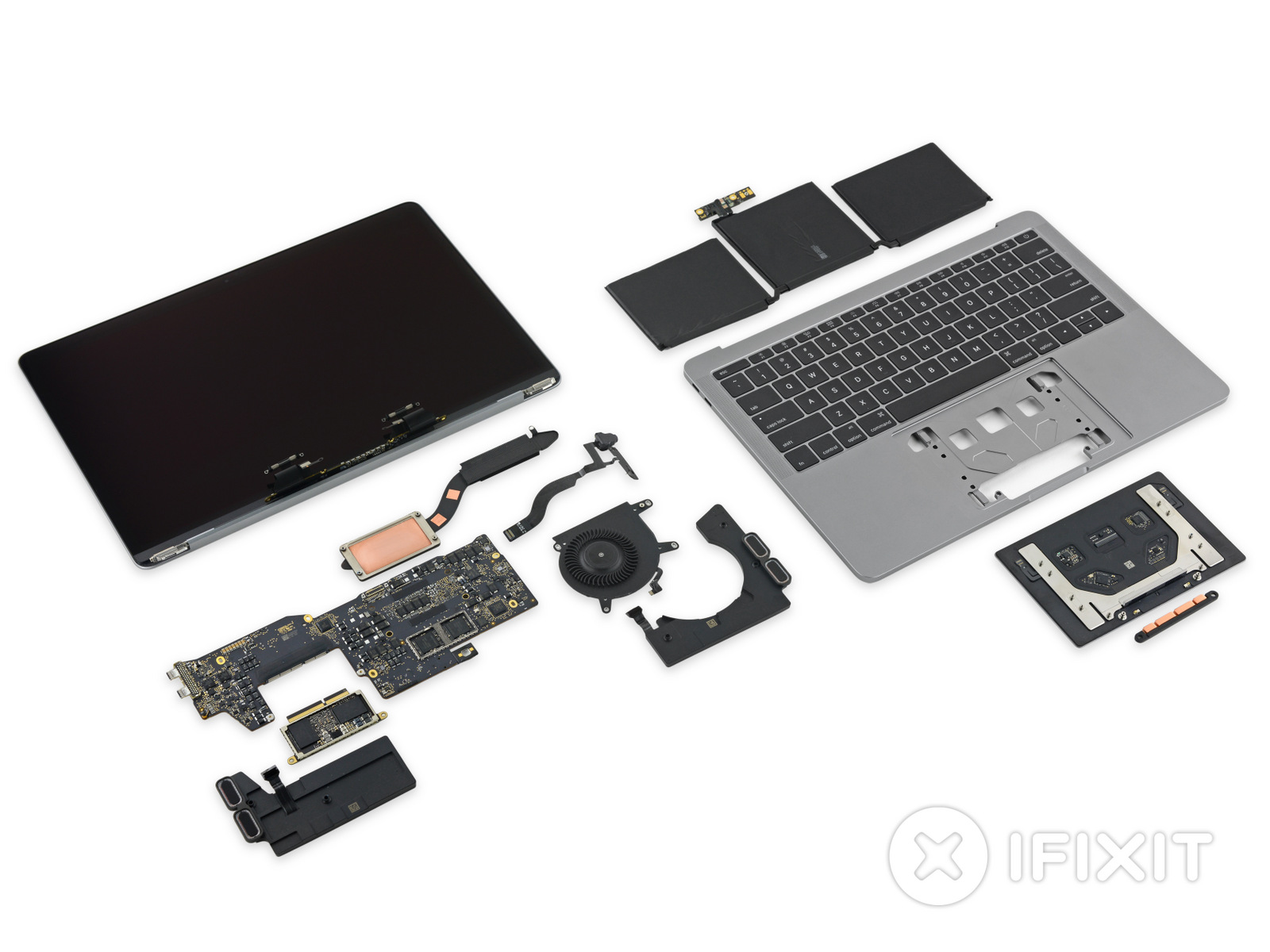
iFixit tears down the 2016 MacBook Pro base model

iFixit officially got its hands on the 2016 MacBook Pro without the Touch Bar at the top of the keyboard, and their team has already completed one of the detailed teardowns the firm is known for.

The new MacBook Pro appears to contain a lot of new tech, highlighting large advancements in Apple's pro notebook lineup.

2016 MacBook Pro tech specs

Apple's new line of MacBook Pros was finally revealed at the 'hello again' presentation on Thursday, October 27th, and the initial first impressions with smaller form factor, new Touch Bar, and upgraded specs are stunning.

Apple is sticking to its gun with both the 13-inch and 15-inch sizes in its lineup, and in this post, we'll outline the spec differences between each of them for you.

What Automatic Graphics Switching is on your MacBook Pro and how to use it

MacBook Pro graphics

Depending on the model of MacBook Pro you have, you may be able to physically choose whether your computer uses the high-power discreet graphics card for better performance or the low-power integrated graphics chip for better battery life by using an option known as Automatic Graphics Switching.

The feature is only available on MacBook Pros which have two Graphics Processing Units (GPU). The reason it only exists on certain models of the MacBook Pro is not all Macs have dual GPUs. And desktop Macs don’t need this as they don’t rely on batteries and are connected to a power source all the time.

Here's more about Automatic Graphics Switching and how to enable it on your Mac.