Apps

Skype for iPhone gains link previews, Apple Watch app adds replying with dictation and more

Microsoft-owned Skype today issued an update to its free-of-charge iPhone application in the App Store, adding a few enhancements related to chatting on both your handset and the Apple Watch.

Web link previews are now available in your chat, courtesy of Skype 5.13 for iPhone. When you paste a URL into the chat window, the mobile application will now provide a preview of the website similar to Facebook.

Previews are available when you send or receive a web link and support video content, blogs, news websites and many other types of web content.

Imgur for iOS picks up upload feature

Imgur back in March 2015 released a much improved iPhone client for browsing the fascinating world of animated GIFs, replacing its original iOS app which got removed from the App Store due to user complaints.

Tuesday, they refreshed the software with a key feature request from many users: the ability to directly upload your own images and animated GIFs to the service. Previously, you had to use a different app to send your memes to the service or resort to using the web interface.

Armadillo Gold Rush review: roll your way through a labyrinth of danger

Back in early the 2000s, Armadillo Gold Rush was a big hit on feature phones. It was fairly well made for its time and ended up being a fan favorite. The game has been updated for the smartphone market and is now available on iOS with all of its original charm, but with better graphics and smoother gameplay. We’ve got a game review of Armadillo Gold Rush on iOS for you today.

Notifications for Reddit provides message alerts in real time

I've always wondered why popular Reddit clients such as Alien Blue and Narwhal don't support push notifications for various alerts. Not being a heavy redditor myself, replies to my comments will often go unnoticed until the next time I open a Reddit client, and that might take a few days, which sometimes proves to be inconvenient. However, Notifications for Reddit is a recently-launched solution.

App Watch: power pack

I like to think of myself as a power user when it comes to my apps and devices, and although that term isn't always applicable, I’ve spent hours in Workflow trying to craft recipes that will save me precious seconds later on, and I enjoyed doing so if for nothing other than the self-satisfaction when I get to run a handmade workflow and watch it perform beautifully.

Today’s App Watch has a couple power user apps to help streamline your day (and an app to make you a powerful user), and I hope, once we're done, you’ll be as excited as I am to use these apps in the future.

Google’s new Hands Free app will let you pay in stores without even reaching for your phone

If you thought paying with Apple Pay is ridiculously easy and frictionless, think again. No, I'm not referring to Android Pay, Google's near exact replica of Apple Pay that was unveiled at Google I/O yesterday.

Quietly unveiled yesterday, Hands Free is a new Google mobile app currently unavailable to the general public that promises to let you make in-store purchases without ever reaching for that phone in your pocket.

Details are scarce at the moment but it seems that Hands Free requires you to just tell the cashier you’d like to pay with Google. It's basically Android Pay without taking your phone.
Google-owned Snapseed brings back Grunge filter, adds a couple improvements

Following a major 2.0 refresh in April of this year, Google on Friday issued a minor update to Snapseed, its mobile photo editing app popular amongst iPhone photographers.

Available free of charge in the App Store, Snapseed 2.0.2 features half a dozen improvements, among them the popular Grunge filter which has made an unexpected comeback following its mysterious removal.

“After releasing Snapseed 2, we’ve heard a lot of excited voices, but also listened to your constructive feedback,” Sven Tiffe, Snapseed's technical program manager wrote in a blog post. “You told us and we heard you, Grunge is back!”

Arcade puzzler ‘Hyper Square’ goes free as Apple’s App of the Week

Apple has just named “Hyper Square” its App of the Week for this week. This means that from now through next Thursday, you’ll be able to download the popular arcade puzzler for both iPhone and iPad for free—a solid savings of $1.99.

For those who haven't played Hyper Square before, it's premise is fairly simple: place all squares in their respective targets as fast as possible. As the difficulty increases, watch the amount of time you have get reduced to fractions of a second.

Google announces new ‘Photos’ cloud service with free unlimited storage

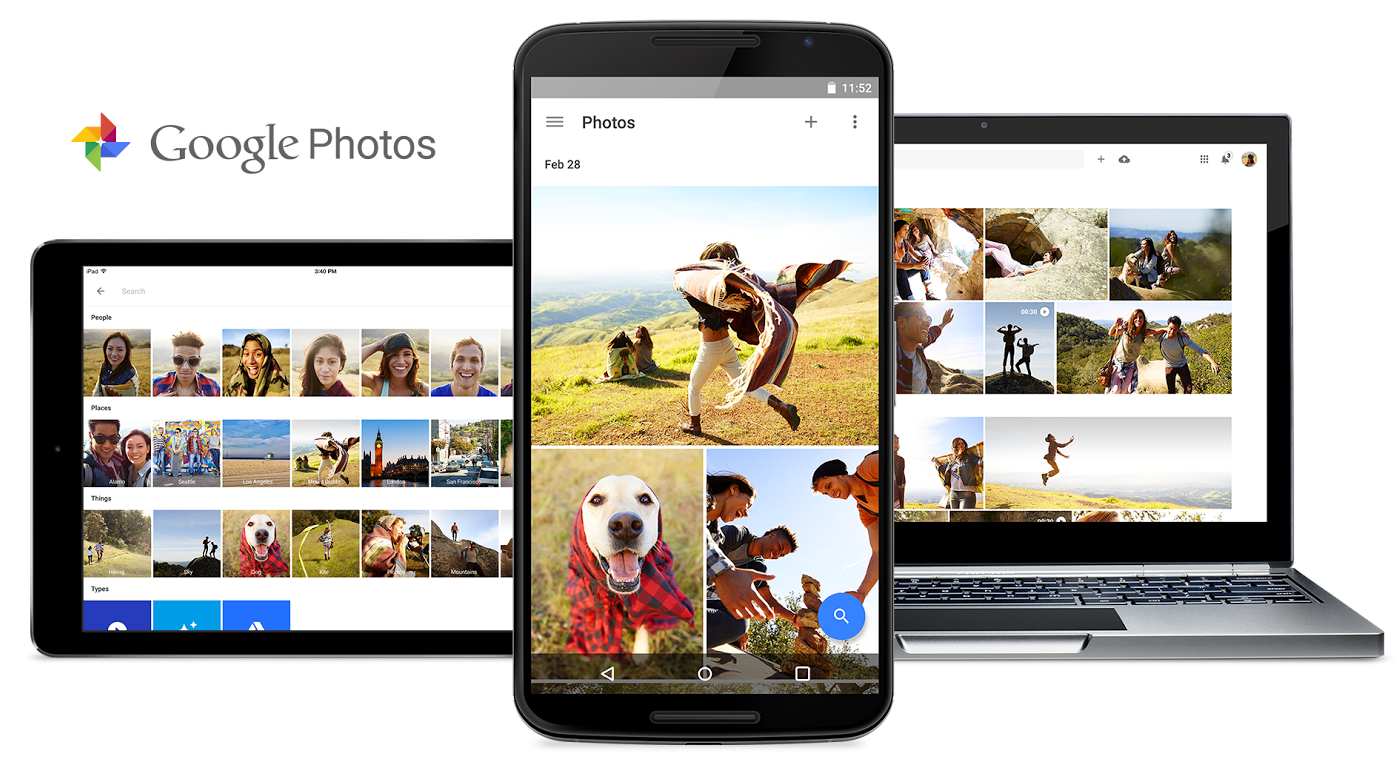
Google hosted its annual developer conference this morning where it talked about Android M, Android Pay and other initiatives. It also announced a new cloud-based storage service for your photos and videos called Google Photos, and it's available on iOS today.

At first, Google Photos sounds a lot like iCloud Photo Library and other storage services: automatic back ups, integration with compatible apps, quick editing and sharing tools, and the ability to sort by various metrics. But there a few features that set Photos apart.

Google opens Inbox app to everyone: updated with Undo Send, Trip Bundles, new gesture options and more

Inbox, a gesture driven email application from the Gmail team built on Google-acquired Sparrow technology, got refreshed with new features this morning starting with Undo Send. Now, Undo Send has been available for quite some time through Gmail's web interface.

Now for the first time on your iPhone, Undo Send lets you take back an email right after sending in case you spotted a mistake, or have second thoughts. Also important, Inbox is now open to everyone so all Gmail fans can get in on the action right away.

Todoist launches Apple Watch app with Inbox, Today view, Projects, Filters and Labels

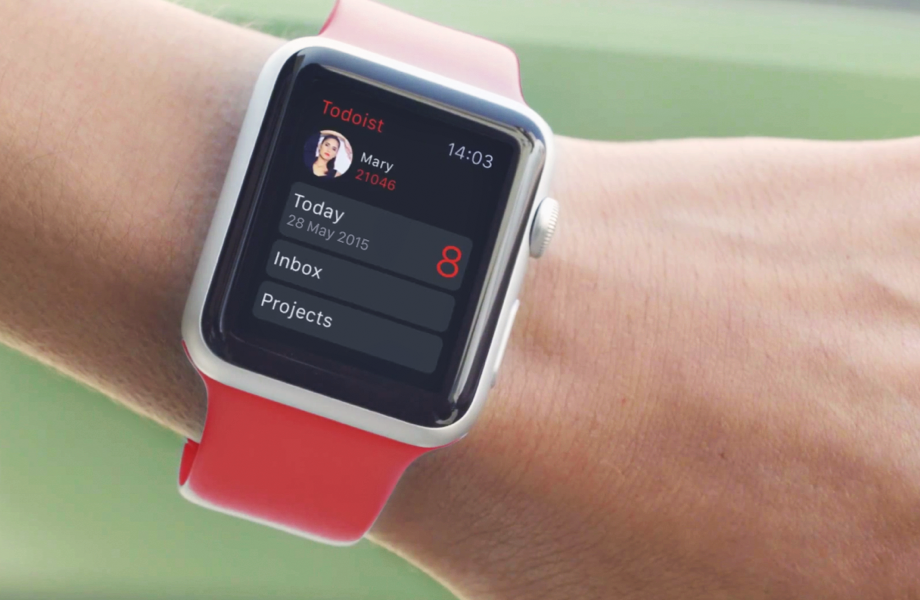
Todoist, the advanced to-do list and task manager for iOS and OS X, is now available for the Apple Watch. The app delivers a number of powerful features for managing tasks to your wrist, including Inbox, Today view, Projects, Filters and Labels. A Glance view gives you a quick overview of your upcoming tasks.

You can also respond to rich notifications with natural language processing. The main app provides more details related to your tasks and projects, allowing you to review tasks and projects, create new ones using dictation and much more.