Apps

New Google app turns Live Photos into animated GIFs and movies with cinematic backgrounds

Google today announced it's launching a brand new iPhone application aimed at those who wish to turn their Live Photos into animated GIFs. Aptly named Motion Stills, the app turns Live Photos into Motion Stills with Google’s stabilization technology and cinematic backgrounds.

These Motion Stills can then be shared as looping GIFs on social media. Motion Stills is available free in the App Store.

Foursquare’s Swarm app now offers real-life perks

If every day is a game, then there should be prizes, right? Foursquare's Swarm app has started offering just that, real-life perks depending on where and how often you check in. Called Swarm Challenges, this is yet another feature that Foursquare has brought back to Swarm from its main mobile application, which is now focused on places reviews while Swarm is all about the check-in game.

Math students: how to use your Mac as a graphing calculator

Although your Mac comes with a Calculator app, you will find that it only supports basic, scientific, and programmer modes.

Unfortunately for those who are in advanced math courses in school, be it grade school or college, or for those that just need a hand in tutoring their children, the Calculator app doesn't come with graphing functionality and it leaves you to fend for yourself.

A little known feature of your Mac, directly out of the box, is that it does have graphing functionality built into its default software, and in this tutorial, we'll show you how to unleash it.

Instagram’s new iOS extension finally lets you share without needing to launch the app

It's hard to tell from release notes alone, which only mention bug fixes and performance improvements, but Instagram's version 8.2 update that went live this morning on the App Store packs in a much improved Share sheet extension.

Long overdue, the new extension finally lets you upload photos and videos directly to the service, without needing to open the app at all.

15 Instagram hacks, tips and tricks you should know about
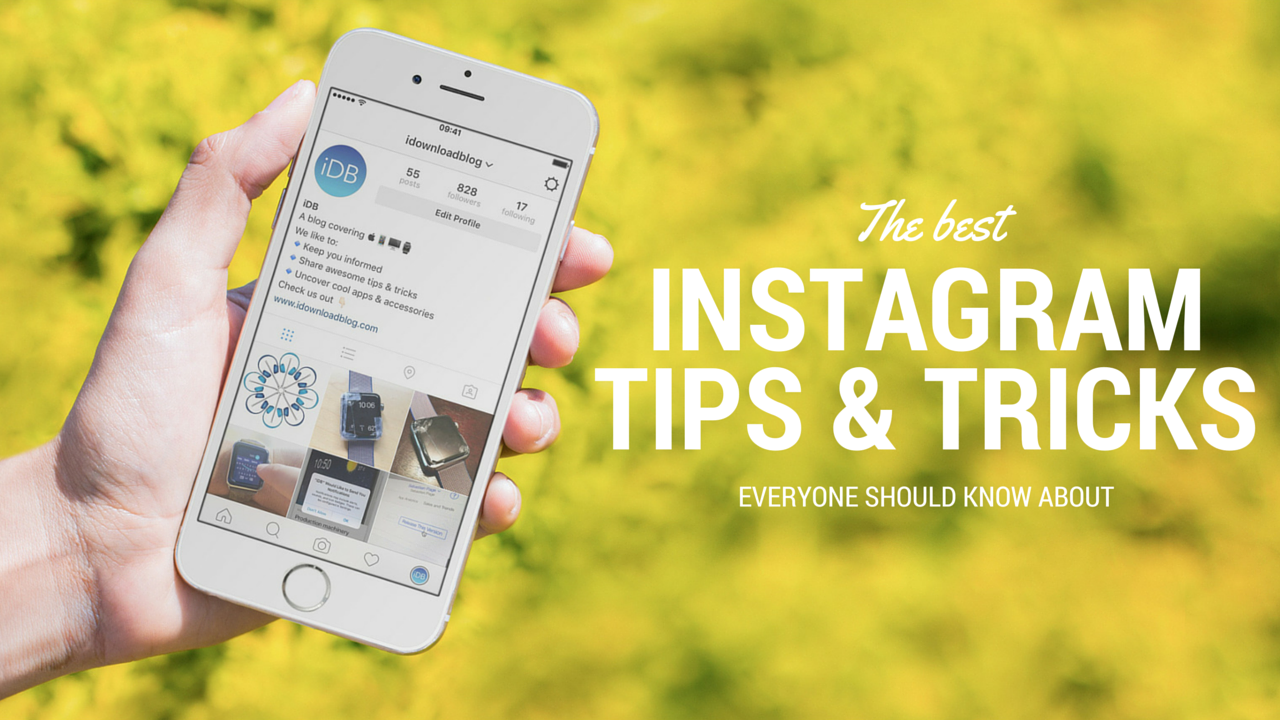
Over the years, I've learned or picked up a few Instagram hacks and tricks that I'm going to share with you. They aren't life changing by any means, but they can be helpful, fun, or just make your Instagram usage more enjoyable. Chances are, you already know some of these tips, but I'm hoping you will still learn a thing or two along the way.

Microsoft rolls out Planner to all eligible Office 365 customers worldwide

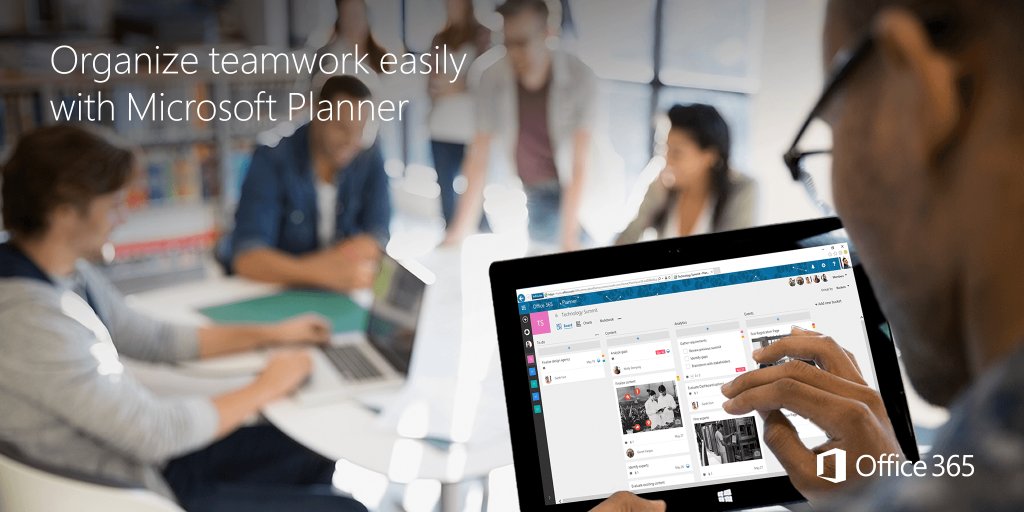
Microsoft today said that its new productivity and teamwork app, called Planner, is now rolling out to all eligible Office 365 customers worldwide. “Beginning today, Planner will start rolling out to all eligible tenants,” said the Windows giant.

“We expect the rollout to be complete in the next several weeks.” Companion Planner apps for iOS, Android and Windows are currently being worked on and should release later this year.

Checking out Focus, a minimalist task manager for iPhone

Focus for iPhone, a new task manager by Oslo, Norway-headquartered digital marketing agency Dots Design, is a beautifully conceived application with a minimalist user interface which makes creating lists built around your lifestyle a breeze.

Available at no charge on the App Store, Focus, as the name suggests, is all about focusing on the task at hand. The minimal user interface lends itself nicely to keeping the app very easy to use, with gestures-driven actions and a single screen on which everything takes place.

Viber gains iCloud backup, support for sending money, animated GIFs and more

Messaging service Viber this morning pushed a new update to its App Store app, adding several new long overdue features. For starters, iPhone users can now back up and restore their chat history through iCloud, making keeping their conversations after an iOS restore possible.

The application now has a brand new native watchOS 2 app for your wrist with canned responses on your Apple Watch. Other new features in this edition of Viber include support for sending and receiving animated GIF images, sending money from within the app and low-rate Viber Out calling plans via a redesigned screen.

The best RSS Readers for iPhone and iPad

Of all the different ways for one to get their fix of news, RSS has persisted. RSS, for the uninitiated, stands for Rich Site Summary. It is a way to deliver content that is constantly changing, which is why it is perfect for news sites and blogs. It packages all their content into easily digestible feeds, that can be easily organized and read through any number of apps. We will help you search through the best RSS readers available on the App Store.

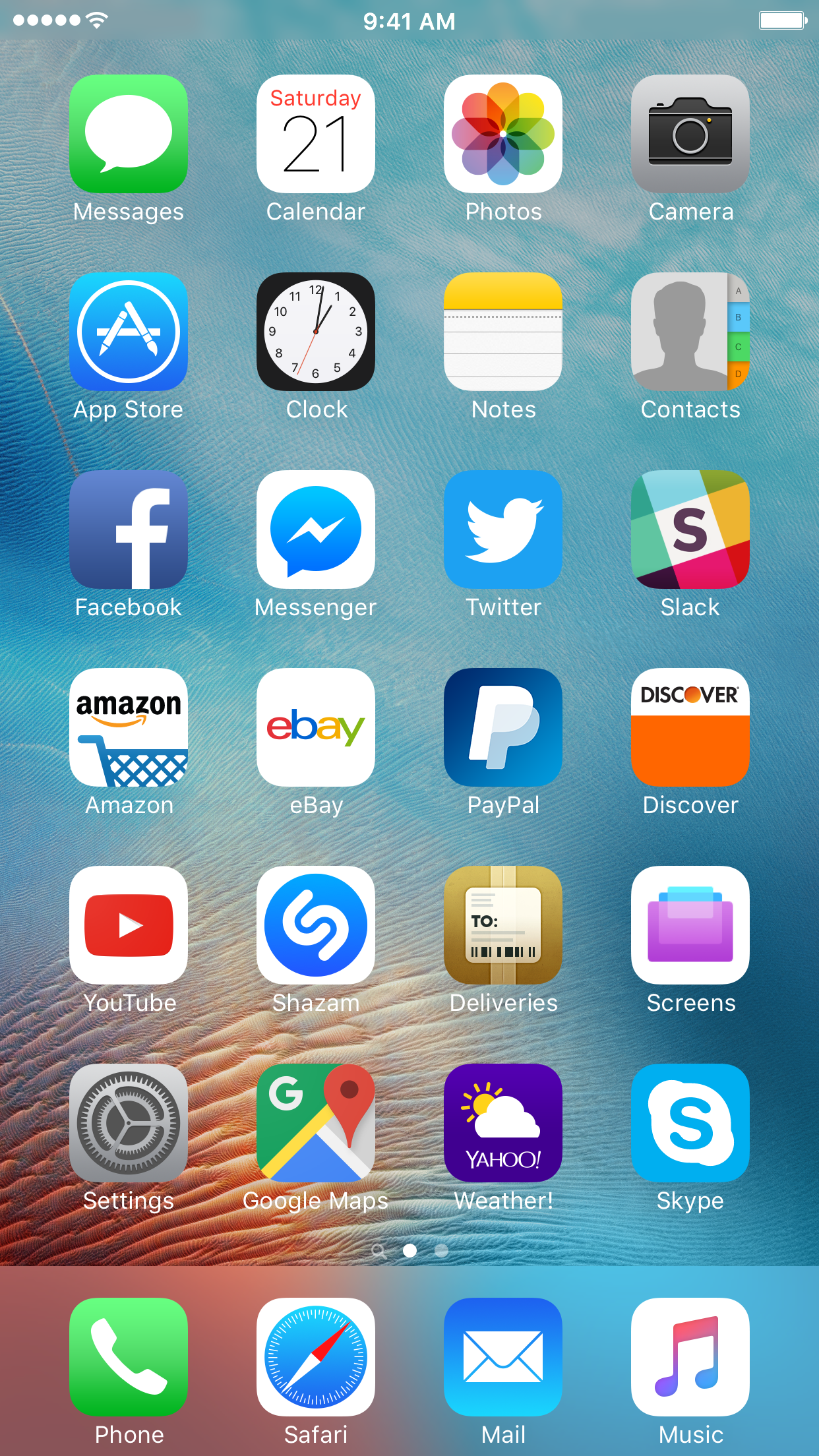
What’s on your Home screen: Anthony Bouchard

Opinions are like Home screens; everyone has one.

Because the Home screen is one of the most-used parts of any iPhone, and because people are always in search of cool new apps to download, it seemed appropriate for me to share what I have on the first page of my Home screen and talk about why I use what I use.

Following suit with my other colleagues here at iDB, I'll be sharing mine as well.