Apple TV

Stay up-to-date on the latest Apple TV news and learn how to get the most out of your device with our comprehensive tutorials and guides. Discover new features, troubleshoot issues, and explore the best apps and games for your Apple TV.

Second public beta of tvOS 11 now available for Apple TV

Members of Apple's free Public Beta Software Program can now download and install a second public beta of tvOS 11 on their fourth-generation Apple TV. tvOS 11 public beta 2 has the same features as tvOS 11 beta 3 that was seeded to developers two days ago.

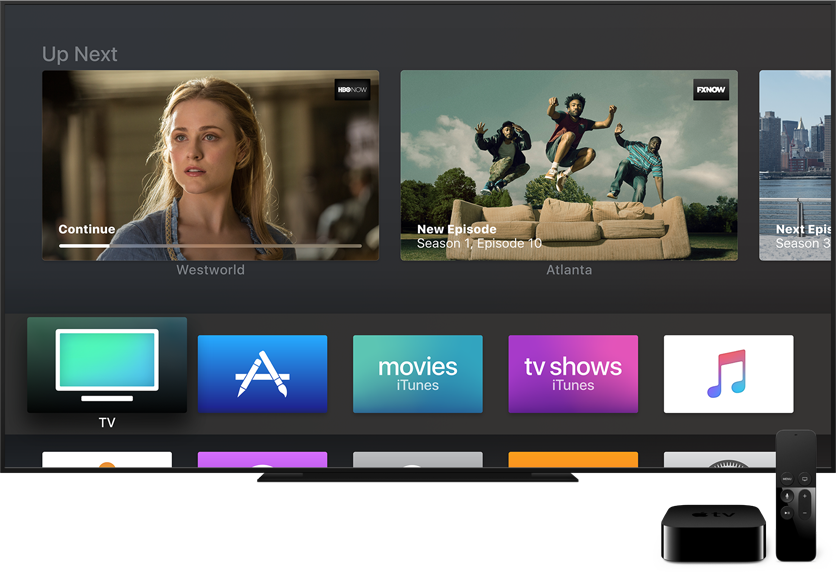
tvOS 11 includes minor improvements such as the ability to synchronize your Home screen layout across multiple Apple TVs via iCloud, automatic switching between Light and Dark mode based on local time, new background multitasking modes, notification support, custom sound support, layered image improvements, right-to-left language support and other tidbits.

To enroll in Apple's public beta program, sign in with your Apple ID in Safari on your computer at beta.apple.com. Now click the link “Enroll Your Devices” to get started.

Next, go to Settings → Accounts on your Apple TV and sign in with the same Apple ID that you used to register for the public beta program into at least one of the account options (iCloud, iTunes and App Store or Game Center).

Now go to Settings → System → Software Update and turn on the option labeled Get Public Beta Updates, then follow the onscreen instructions to complete enrollment.

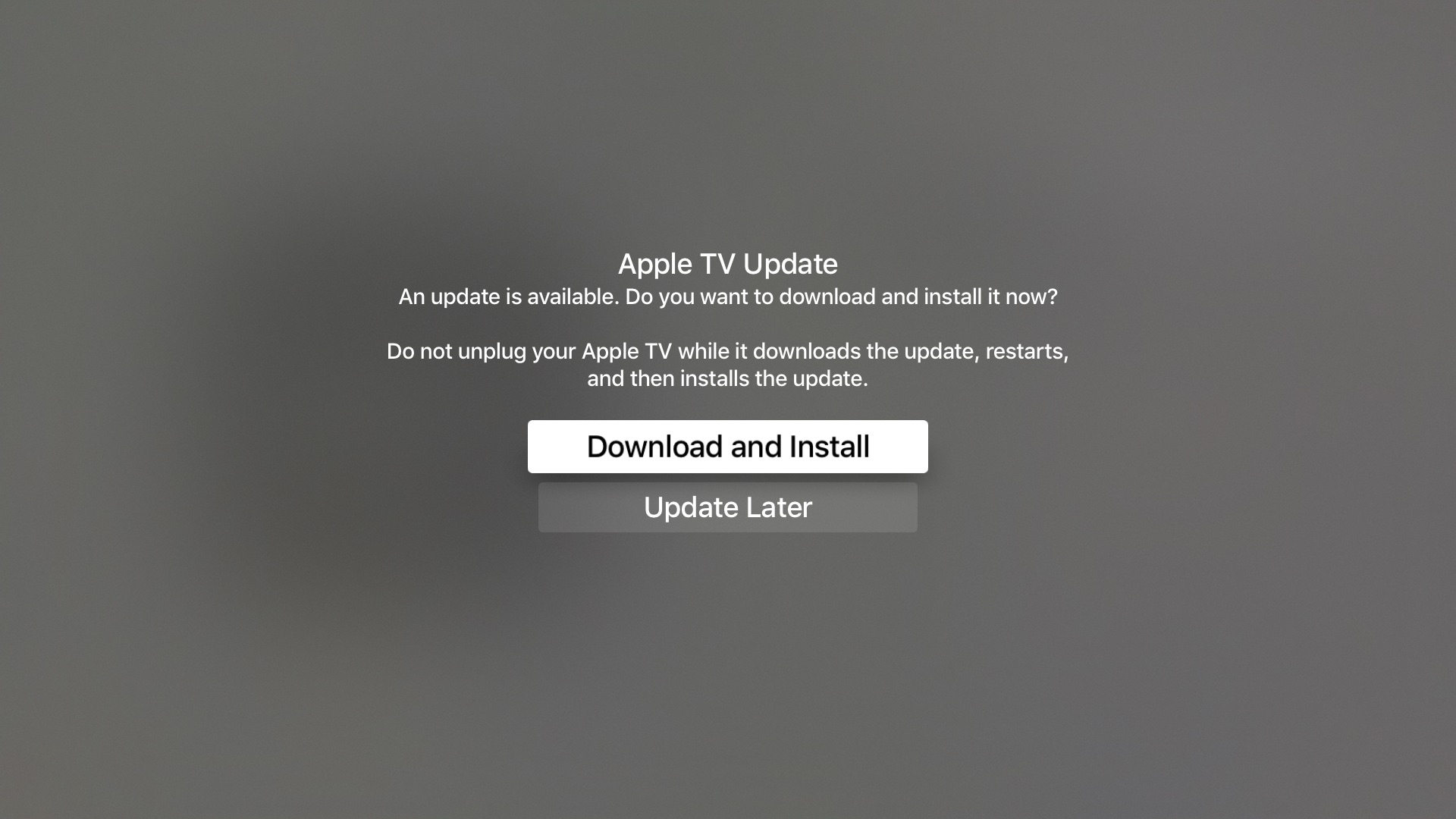
The Software Update mechanism on your Apple TV will put up a prompt when a new tvOS 11 public beta is available for download. To manually check for tvOS public beta updates, go to Settings → System → Software Updates → Update Software.

To submit feedback and report bugs to Apple, use the Feedback Assistant app on your iPhone, iPad or iPod touch with the iOS 11 public beta.

tvOS 11 will release for public consumption this fall.

Apple also released this morning second public betas for iOS 11 and macOS High Sierra. watchOS betas are currently unavailable for public beta-testing.

PayPal for Apple ID expands to 11 markets, now with support for Apple TV & Apple Watch

PayPal announced today that it's expanding support for App Store and other purchases made with Apple ID across Apple devices to eleven new markets, including the United Kingdom, Germany, France, Italy, Austria, Spain, Canada, Mexico, Israel and Australia.

The roll out began today in Canada and Mexico, with other markets including the US due soon.

Before today, the PayPal option was limited to customers in the United States with limited integration requiring a credit card on file with PayPal as a linked method of payment.

As part of an expanded partnership with Apple, your App Store purchases can be now deducted directly from your PayPal account. The new system provides a “secure and versatile payment method to meet the growing demand for digital entertainment,” in PayPal's own words.

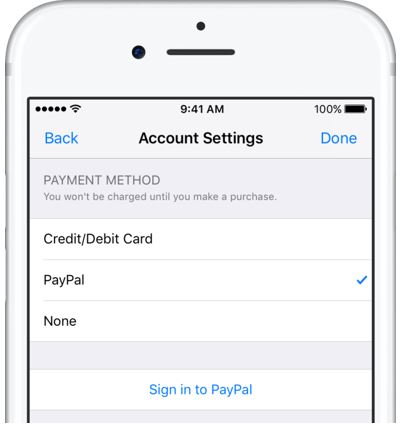
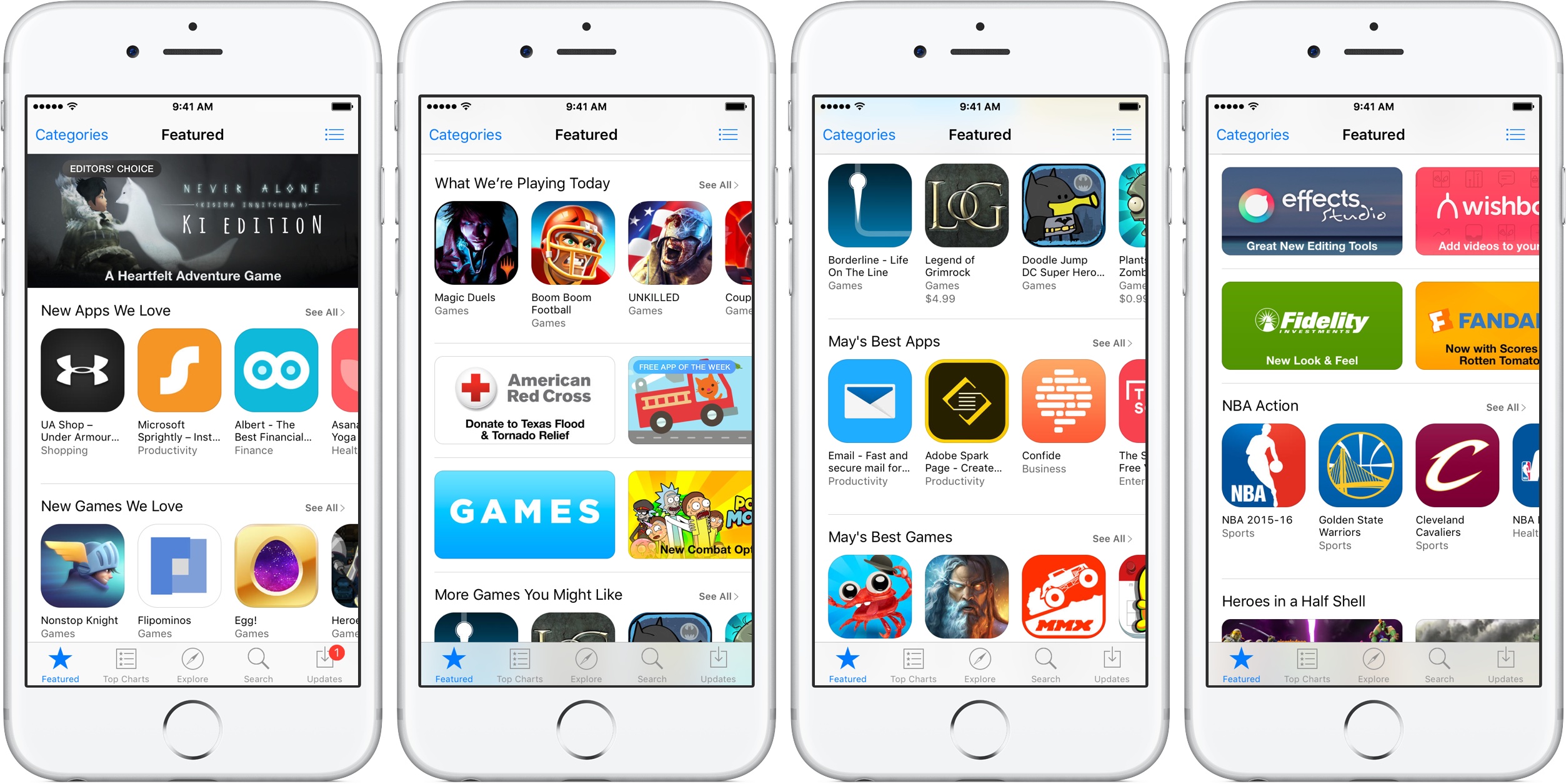
Adding PayPal as a payment method now works in the App Store, iTunes Store and iBooks Store apps for iPhone, iPad and iPod touch: just go to Settings → iTunes & App Stores, tap your Apple ID in the list and choose payment information to link PayPal with your Apple ID.

Previously, customers had to go through iTunes for Mac and Windows PCs to configure their Apple account for PayPal integration. Once PayPal has been selected, all future purchases with the customer's Apple ID will be automatically charged to their PayPal account, including:

Apps on App Store and Mac App Store Apple Music subscriptions Music, movies, TV shows, ringtones and more on iTunes Store Books on iBooks Store iCloud storage upgrades

As a bonus, the feature now supports PayPal's One Touch technology,

One Touch skips the PayPal login screen at checkout after the first use as long as you’re in the same device or browser. In other words, after buying something using your Apple ID from App Store and other stores, One Touch will skip the password field that PayPal normally requires.

More importantly, One Touch allows for simple purchasing from all Apple devices—including your Apple TV and Apple Watch for the first time—since you no longer need to provide your PayPal credentials for every purchase.

Both new and existing customers will be able to switch their account to use PayPal as the default method when the feature goes live in their market.

For more information on how to set up PayPal with your Apple ID account on your iOS device, visit paypal.com/ituneslaunch.

The best thing about using PayPal as a payment method on App Store and elsewhere is the fact that you can add credit cards to your PayPal account to use with your Apple ID without having to enter any financial details into your Apple ID account.

tvOS 11 beta 3 seeded to developers

Aside from releasing third betas of iOS 11 and macOS High Sierra, Apple today also seeded tvOS 11 beta 3 (build number 15J5324f) for the fourth-generation Apple TV to its registered developers and members of the paid Apple Developer Program.

No new outward-facing user features have been added in beta 3.

Non-developers can test tvOS 11 betas by signing up for Apple's Beta Software Program at beta.apple.com. Be sure to sign up through your computer using the same Apple ID you use for iCloud services on your devices, then go to Settings → System → Software Updates on your Apple TV and enable the feature labeled Get Beta Updates.

The Software Update mechanism on your Apple TV will now put up a prompt when a new tvOS 11 beta is available for download.

tvOS 11 includes minor features like the ability to synchronize your Home screen layout across multiple Apple TVs via iCloud, automatic switching between Light and Dark mode based on local time, new background multitasking modes, notification support, custom sound support, layered image improvements, right-to-left language support and other tidbits.

Apple seeds tvOS 10.2.2 beta 5 to developers

Apple on Thursday seeded the fifth beta of tvOS 10.2.2 to developers. The update comes just a little over two weeks after beta 4, and registered developers with the appropriate profile installed on their fourth-gen Apple TV can apply it via the over-the air mechanism.

From what we've seen in the betas thus far, tvOS 10.2.2 doesn't include many significant user-facing changes. Instead, as with iOS 10.3.3 and macOS Sierra 10.12.6, the update appears to be more focused on under-the-hood performance improvements and bug fixes.

tvOS 10.2.2 is expected to be released to the public within the next few weeks, and it should be one of the final tvOS 10.x.x releases as Apple has already begun seeing betas of tvOS 11, the next major revision of its set-top box operating system.

Apple TV universal search adds support for kids app Holster in US

Apple TV's universal search function, which lets you use Siri to find content across supported video apps, has gained support for the kids app Holster in the United States.

Apple's support document was updated Friday to reflect the addition. Before, it was supported by the universal search feature for users in Australia and the United Kingdom only.

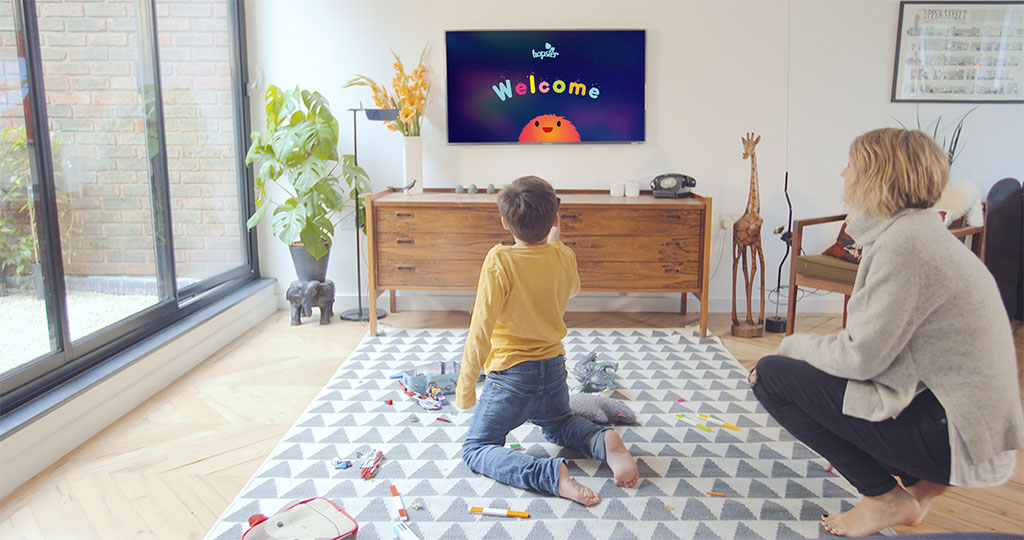
Aimed at kids aged five and under and billed as the app that lets kids learn through the shows they love, Holster is available on iPhone, iPad and Apple TV with 800+ kids TV episodes, 100+ songs and nursery rhymes, curriculum-based learning games and more.

The app requires a subscription fee of $5 per month.

https://vimeo.com/185792548

A 7-day free trial is available.

The following third-party content providers and apps are currently supported by tvOS's universal search on the fourth-generation Apple TV:

United States: Movies and TV shows in iTunes, A&E, ABC, AMC,  Animal Planet GO, Apple Music, BET, Bravo, CBS, Comedy Central, Cooking Channel, Crunchyroll, CuriosityStream, CW Seed, Discover GO, Disney Channel, Disney Jr, Disney XD, DIY, E!, Food Network, FOXNOW, FXNOW, FYI, Hallmark Channel, HBO GO, HBO NOW, HGTV, History, Hopster, Hulu, Investigation Discovery GO, Lifetime, MTV, MUBI, Nat Geo TV, NBC, Netflix, Nick Jr, Nickelodeon, PBS, PBS Kids, Science Channel GO, SHOWTIME, SHOWTIME Anytime, Spike, Starz, Syfy, TBS, Telemundo, The CW, TLC GO, TNT, Travel Channel, Tribeca Shortlist, USA and VH1. Australia: Movies and TV Shows in iTunes, ABC iview, CuriosityStream, Hopster, MUBI, Netflix, Plus7 and Stan. Canada and United Kingdom: Movies and TV shows in iTunes, CuriosityStream, Hopster, MUBI and Netlix France: Movies and TV shows in iTunes, CANAL+, Netflix Germany: Movies and TV shows in iTunes, Galileo, Netflix Japan, Mexico, Netherlands and Spain: Movies in iTunes, Netflix Norway: Movies in iTunes, MUBI, Netflix, NRK TV, TV 2 Sumo Sweden: Movies in iTunes, MUBI, Netflix, SVT Play Other countries: Movies in iTunes

YouTube search is supported across all regions. To search for YouTube content, simply use Siri and include the word "YouTube" in your search (i.e. “Search UFO sightings on YouTube”).

The full list of providers for tvOS's universal search function is on Apple’s website.
Classic cartoon streaming service Boomerang hits Apple TV

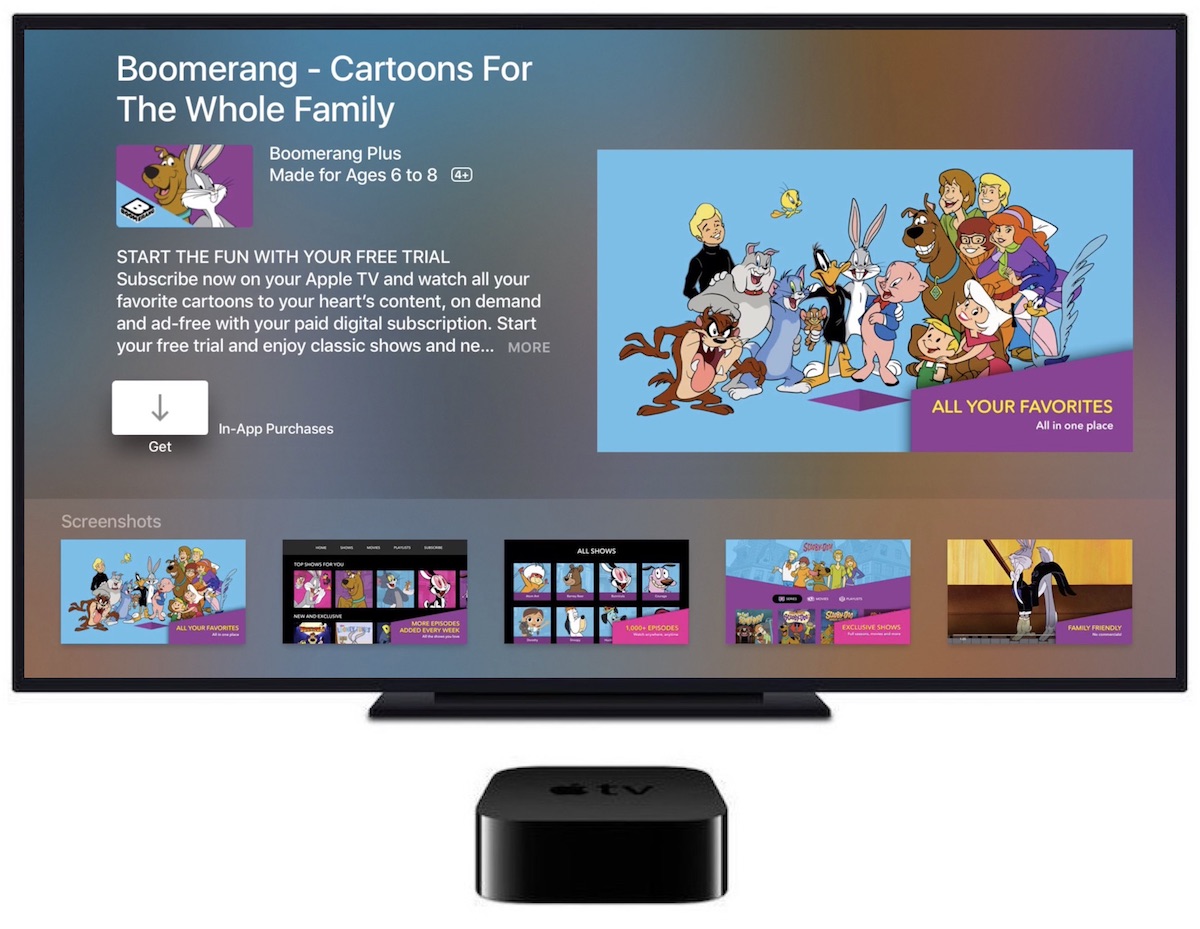
The cartoon service Boomerang on Thursday announced the release of a streaming app for the fourth-generation Apple TV, bringing classic cartoons like Wacky Races, Yogi Bear, Scooby-Doo and many others to Apple's set-top box.

The service is also adding support for Google's Chromecast and Amazon's Fire TV HDMI dongles. Roku devices will be added in the coming weeks.

Boomerang originally launched its premium video subscription service in April.

You can subscribe to Boomerang for $5 per month, or $40 per year, to access exclusive shows and new episodes of cartoons, as well as enjoy Boomerang's on-demand archive of 5,000+ movies and TV shows from Hanna-Barbera, Looney Tunes and MGM animation catalogs.

A 7-day free trial of Boomerang is available.

Boomerang also launched the new original series “Dorothy and the Wizard of Oz from” Warner Bros. Animation, with the first thirteen episodes now available for streaming via their service.

The app's App Store description notes that Boomerang is only accessible in the United States “where a high-speed broadband connection is available” (well, I live in Croatia and we have a very high-speed broadband over here as well).

Download Boomerang for iPhone, iPad and Apple TV from App Store.

Apple launches public betas of iOS 11 and tvOS 11

Following the June 5 release of developer-only previews of Apple's four main software platforms at the Worldwide Developers Conference, the Cupertino giant today released first public betas of iOS 11 and tvOS 11.

You must enroll in the official Apple Public Beta Software Program (available at no charge) and download a special configuration profile via the website beta.apple.com to your iPhone, iPad, or the fourth-generation Apple TV.

Sign in with your Apple ID through the website to get started. iOS 11 public beta has the same features as iOS 11 beta 2. The same goes for the tvOS 11 public betas.

After installing a configuration profile (click “Enroll Your Devices”), restart your iPhone, iPad, iPod touch or the fourth-generation Apple TV, then and use the built-in Software Update mechanism in the Settings app to download and install the public beta.

watchOS betas are not available to the general public.

https://www.youtube.com/watch?v=TZ5pwZMPRxI

Subscribe to iDownloadBlog on YouTube.

“If you were testing a prior operating system, please re-enroll your device to start testing the next release,” the company notes.

TUTORIAL: How to unenroll from Apple Beta Software Program

Be sure the check out the official system requirements for iOS 11 before installing their public betas. tvOS 11 requires a fourth-generation Apple TV.

Will you be taking iOS 11 and tvOS 11 for a spin, do you think? If so, what features are you looking forward to the most, and why?

Tell us in comments!

Updated builds of iOS 11 and tvOS 11 betas now available

Apple on Monday issued a slightly revised build of iOS 11 beta 2 for iPhone, iPad and iPod touch, as well as an updated build of tvOS 11 beta 2 for the fourth-generation Apple TV.

The new builds appear on select devices only.

iOS 11 Developer Beta 2 Update 1, as it's called, has the build number of 15A5304j, up from the build number of 15A5304i in iOS 11 beta 2 which was seeded to developers five days ago.

According to the official release notes on Apple's Dev Center portal, iOS 11 Developer Beta 2 Update 2 resolves an issue preventing reverting to iOS 10 from iOS 11 beta.

To revert to an earlier version of iOS, follow the instructions shown in Apple's support doc.

As for the updated tvOS 11 beta, the new version has a higher build number of 15J5310h versus build number of 15J5310e for the original tvOS 11 beta 2.

https://www.youtube.com/watch?v=TZ5pwZMPRxI

Subscribe to iDownloadBlog on YouTube.

The revised beta builds may also patch dangerous exploits while addressing performance issues on older hardware like iPhone 6.

iOS 11 cuts off 32-bit devices like the iPhone 4s/5/5c handsets.

The new builds are available over the air via the Software Update mechanism in Settings on iPhone, iPad, iPod touch and Apple TV. As mentioned before, they appear on select devices.

Build numbers for beta 2 of macOS High Sierra 10.13 and watchOS 4 have stayed intact. Public betas of iOS 11, macOS High Sierra 10.13 and tvOS 11 are coming later this month.

watchOS betas are currently unavailable for public beta-testing.

Apple seeds fourth beta of iOS 10.3.3 and tvOS 10.2.2 to developers

Apple on Thursday released a fourth beta of iOS 10.3 for iPhone, iPad and iPod touch, as well as tvOS 10.2 for Apple TV. iOS 10.3.3 beta 4 (build number 14G5053a) and tvOS 10.2.2 beta 4 (build number 14W5751b) are now available to Apple's registered developers and members of the Apple Developer Program through Dev Center.

To deploy them over the air, use the Software Update mechanism in the Settings app. Your iPhone, iPad, iPod touch or Apple TV must have an Apple beta configuration profile installed.

Both iOS 10.3.3 and tvOS 10.2.2 are bug-fix releases with no new user-facing features. They're probably the last point updates as Apple is currently beta-testing the next major versions of its platforms: iOS 11, watchOS 4, macOS High Sierra and tvOS 11.

Apple now allows public testing of tvOS betas on Apple TV

For the first time ever, Apple will now allow non-developers to install and test tvOS betas on their fourth-generation Apple TVs, starting with the first public beta of tvOS 11 to be issued later this month. Before this change, public beta testers could only install iOS and macOS betas.

To take advantage of the upcoming tvOS 11 public beta, you should enroll in Apple's Beta Software Program by visiting beta.apple.com.

It's unclear how public beta testers will install a tvOS 11 beta on their Apple TV.

Currently, developers must download the tvOS 11 beta installer and connect their fourth-generation Apple TV to a computer running iTunes using a USB-C cable. The tvOS software is initially side-loaded on the device through iTunes.

Subsequent updates are then available over-the-air.

“The iOS 11, macOS High Sierra and tvOS 11 public betas are coming soon,” reads a notice on the webpage. “As a member of the Apple Beta Software Program, you can help shape Apple software by test-driving pre-release versions and letting us know what you think.”

You can provide feedback directly to Apple using the built-in Feedback Assistant app.

Apple opened macOS and iOS betas to the general public back in 2014, with the releases of major visual makeovers in iOS 7 and macOS Yosemite.

Video: Top 6 WWDC 2017 announcements

Apple had a pretty big day at yesterday's Worldwide Developers Conference in San Jose, revealing a bunch of new or updated products and technologies that have set the stage for other important hardware announcements this fall.

If you didn't have the time to sit through the entire keynote talk and are wondering about the big takeaways, our video editor Andrew O'Hara has put together a short five-minute video highlighting the top six announcements Apple made during the WWDC 2017 keynote.

Andrew's main topics of interest include:

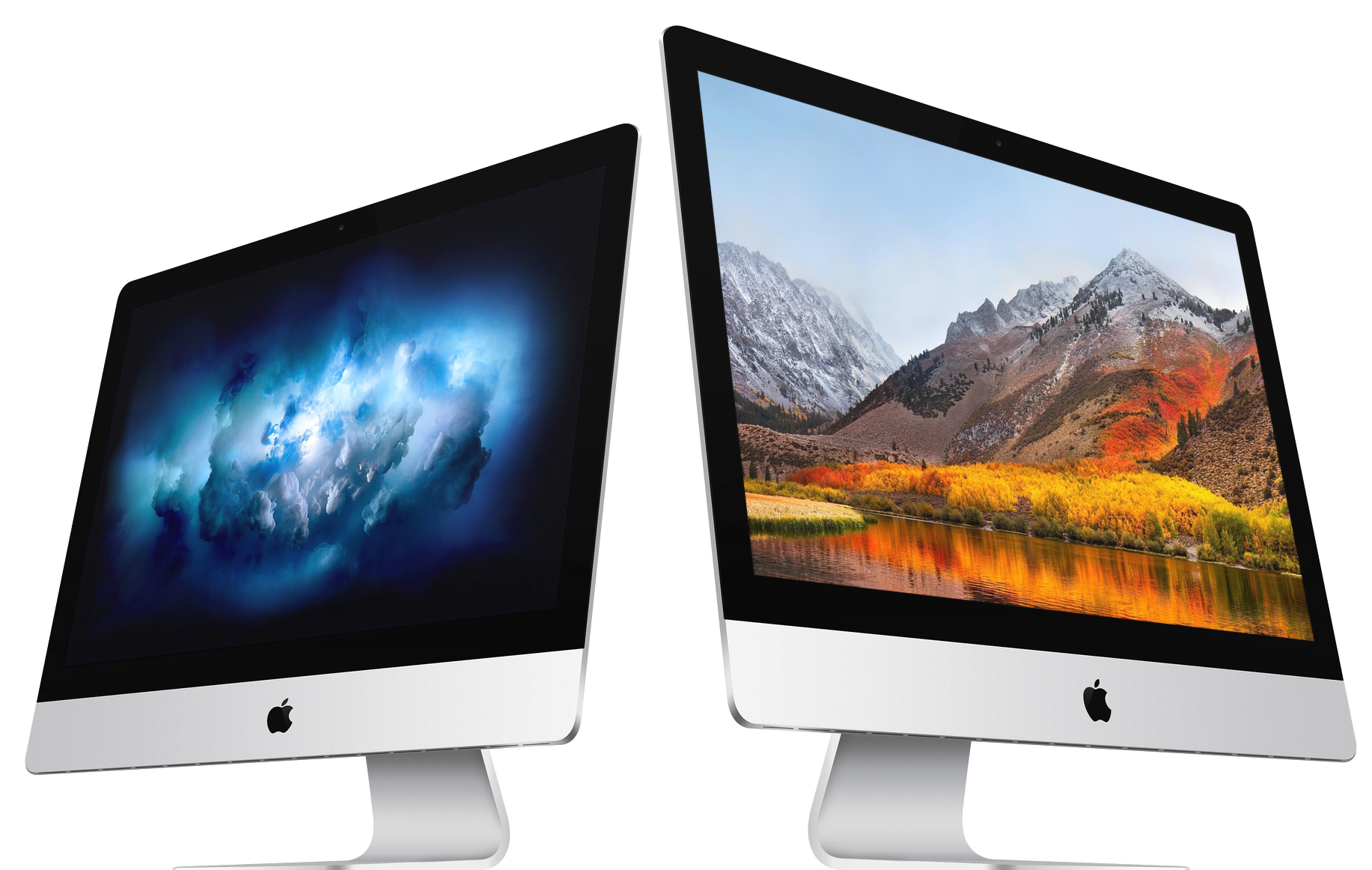
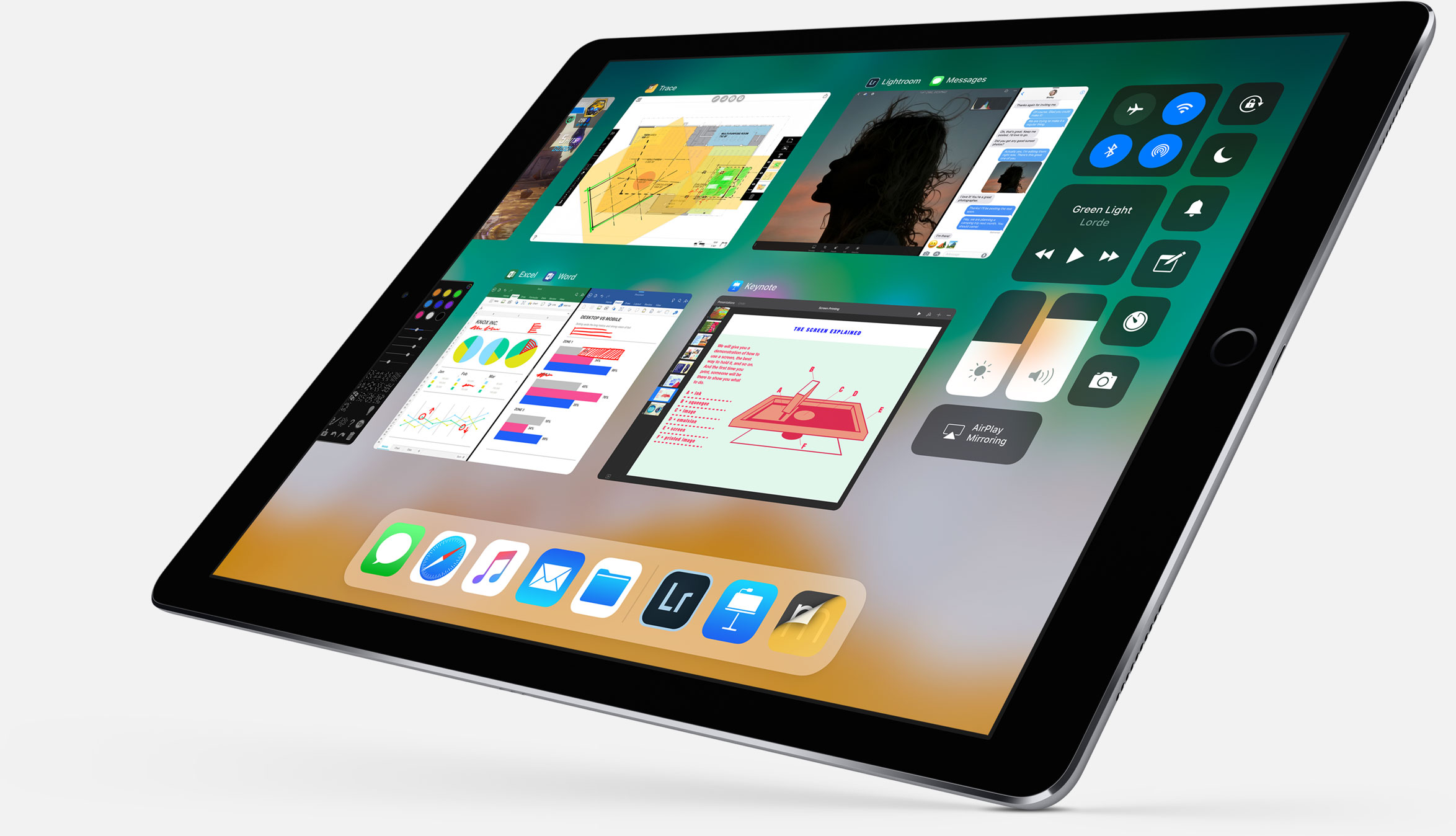
tvOS 11 with Amazon's Prime video-streaming app coming to Apple TV watchOS 11 with all the major improvements for workouts, notifications and more macOS High Sierra and core technologies aimed at AR/VR content creation iOS 11 with all of the improvements for your iPhone and iPad iPad Pro and iMac Pro changes and enhancements HomePod, Apple's high-end Siri-enabled speaker with hi-fi sound

And here's the video:

https://www.youtube.com/watch?v=QQBulSRR9Fc

Subscribe to iDownloadBlog on YouTube

What's your favorite WWDC 2017 announcement so far?

Post a comment below to let us know!