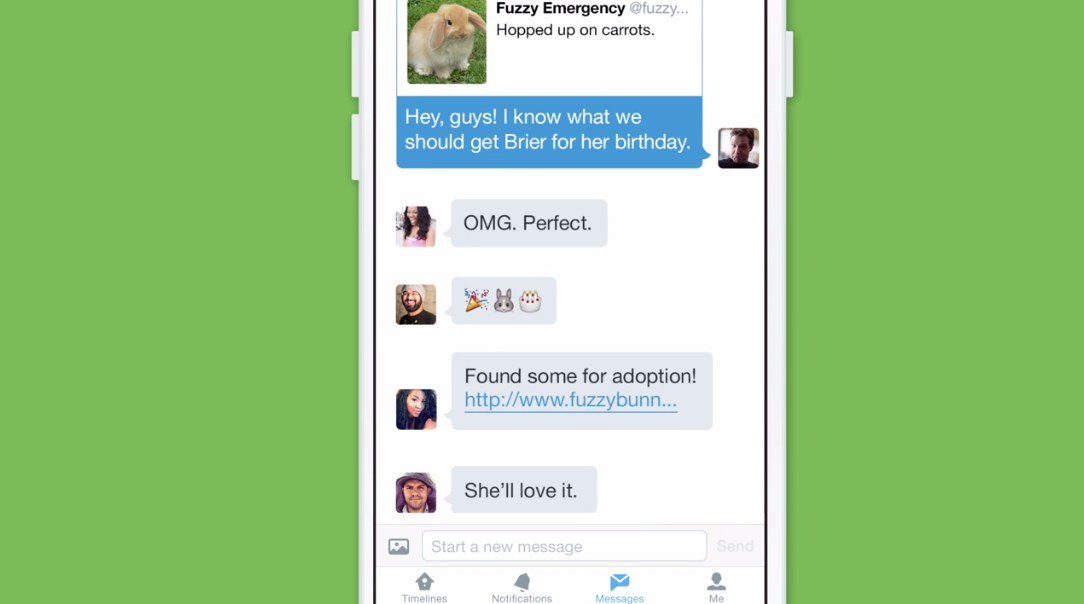
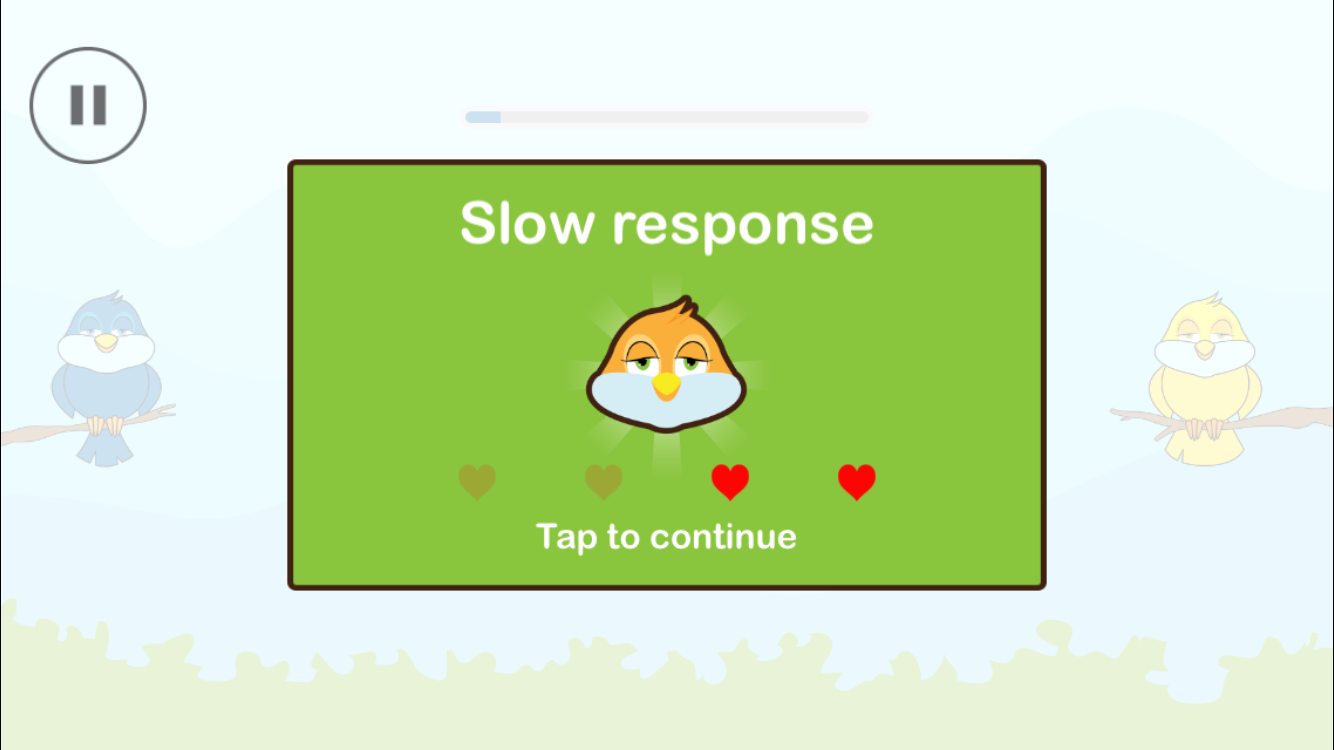
I don't think anyone takes more screenshots than an Apple blogger. They're particularly convenient when doing an app review where you want to illustrate the post with proper screenshots showing the app in action. Oftentimes, we like to put screenshots side by side to give an even better overview of the app, which isn't always a straightforward task.
Up until now, my workflow consisted of AirDropping screenshots to my iMac, and using a combination of Keyboard Maestro shortcuts and Pixelmator stitching. Painful! But thanks to a new app called LongScreen, this workflow is now considerably streamlined.