App Store Apps

How to upload photos older than 24 hours to your Instagram Story

Marketing image with a tagline "Everyone has a story" in white font printed on top of a colorful Instagram gradient background

We've already learned how to upload pictures from your library to your Instagram Story, but as you may know, there is one big limitation when doing this: you can only upload photos or videos that have been shot in the last 24 hours. Anything older than 24 hours will not be eligible for upload to your Story.

Thankfully, there are several ways to get around this limitation, and we'll show you exactly how.

Tip: quickly measure your Netflix streaming speed with this iPhone app

Netflix yesterday announced a brand new iPhone app on the App Store which it designed to let you quickly measure how fast your broadband downlink is by testing the connection to Netflix’s servers. The goal of the free app, aptly named Fast, is to give Netflix subscribers a better understanding of the streaming quality they can expect from the service on their Internet connection. It's not a replacement for SpeedTest or similar software and does not measure the uplink speed because it has little effect on streaming quality.

How to watch the 2016 Summer Olympics on your iPhone, iPad and Apple TV

The 2016 Summer Olympics (officially known as Games of the XXXI Olympiad) are finally upon us. For the next two weeks, Rio de Janeiro, Brazil will play host to a number of thrilling sporting events featuring some of the best athletes from around the world.

Despite the various health and social issues going on in Rio, millions are expected to tune-in to watch the Olympic Games. With that in mind, we thought it'd be helpful to put together a quick guide on how you can join them on your iPhone, iPad and Apple TV.
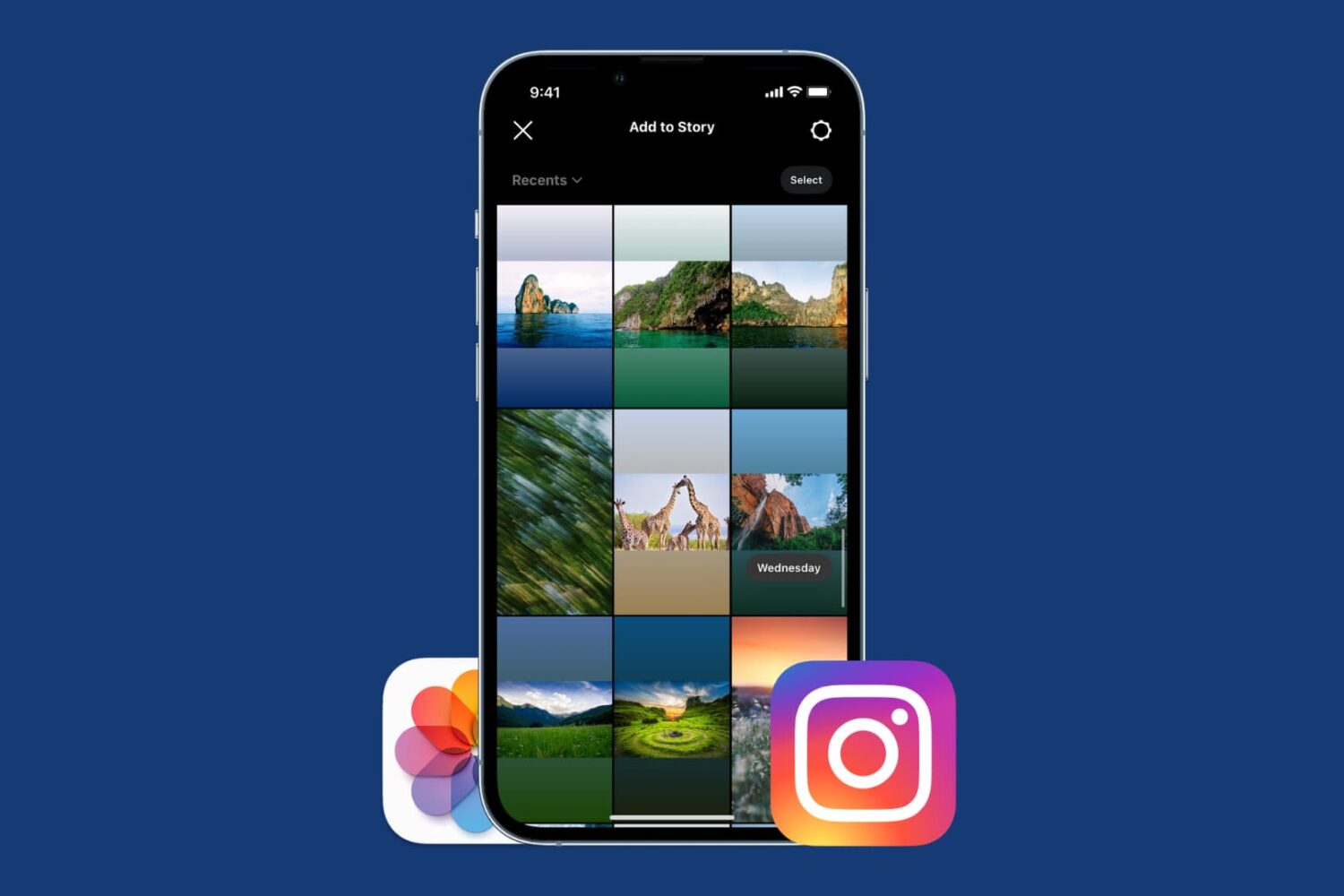
How to post from your camera roll to your Instagram story

Post iPhone Photos as Instagram Story

When first playing with Instagram Stories, I couldn't figure out how to upload pictures or videos that I had already taken. Instead, it seemed I was forced to first shoot using the Instagram app and upload from there.

Quickly, I finally figured it out, and because it's not that obvious, I thought I should post about it as it may help a few readers wondering the same thing - how do you post from your Camera Roll to an Instagram story?

At long last, Instagram is adding much-needed Drafts to save unfinished posts for later

You cannot find it mentioned in release notes accompanying the most recent Instagram update which brought out a new Snapchat-like Stories feature, but either that or an earlier update has quietly added a much-needed Drafts feature to the popular mobile photography app.

Called by some fans the best feature that has happened to Instagram in quite a while, Drafts lets you save the photo you're currently editing as a draft.

This is quite useful, if not essential, in case you just spent your time making detailed edits to a photo, but ultimately decided not to post it until later.

Apple gives away Brushstroke painting effects app

Brushstroke is one of those image effects app with a unique twist. Not only does it transform your photos into faux paintings, but optionally lets you order mounted canvas prints of your images directly from the app that you can hang on the wall.

Apple named Brushstroke its Free App of the Week in December 2014. If you forgot to grab this nicely done $2.99 iPhone and iPad app for $0 back then, now's your chance.

Google Photos gains 3D Touch shortcuts and storage optimization feature

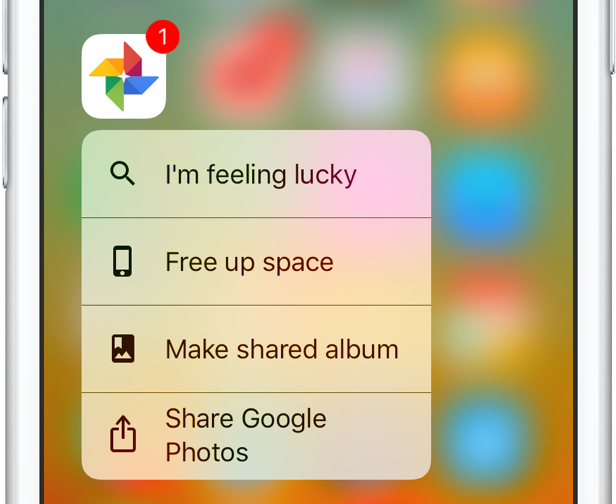
Google today issued a minor refresh to its native Photos app on the App Store, introducing 3D Touch shortcuts for the Home screen and a much-needed new feature designed to optimize storage space on your device. Bumped to version 1.13, Google Photos for iPhone and iPad produces a 3D Touch menu upon pressing its Home screen icon, giving you access to the following shortcuts: I'm Feeling Lucky, Free Up Space and Make Shared Album.

In addition to these 3D Touch shortcuts and the new storage-optimization feature, this edition of the app packs in unspecified performance improvements.

Apple’s free app of the week: hocus

Apple on Thursday updated its App of the Week promotion with the game hocus. This means from now through next Thursday, you’ll be able to pick up the minimal puzzler for both iPhone and iPad for free—saving you $1.

Hocus is described as a perspective illusion puzzle game. Players are tasked with moving a red cube through a maze of gray beams—very similar to Monument Valley. There are 85+ levels, and you can even design your own.