Discover some practical tips to reduce your daily iPhone screen time for a productive yet healthy digital lifestyle.
20 simple yet effective tips to reduce your iPhone usage

Learn how to master your Apple devices with our comprehensive tutorials. From iPhone and iPad to Mac, Apple Watch, AirPods, and more, our expert guides will help you unlock the full potential of your Apple products. Discover new features, tips, and tricks each day to enhance your user experience.
Discover some practical tips to reduce your daily iPhone screen time for a productive yet healthy digital lifestyle.

Learn how to keep your main email address private by using the Hide My Email feature to generate random email addresses for apps, websites, newsletters, and other online services.

Learn how to use the built-in editor in Firefox on your Mac or Windows PC to add text, signature, images, and highlights to a PDF file right from your browser.
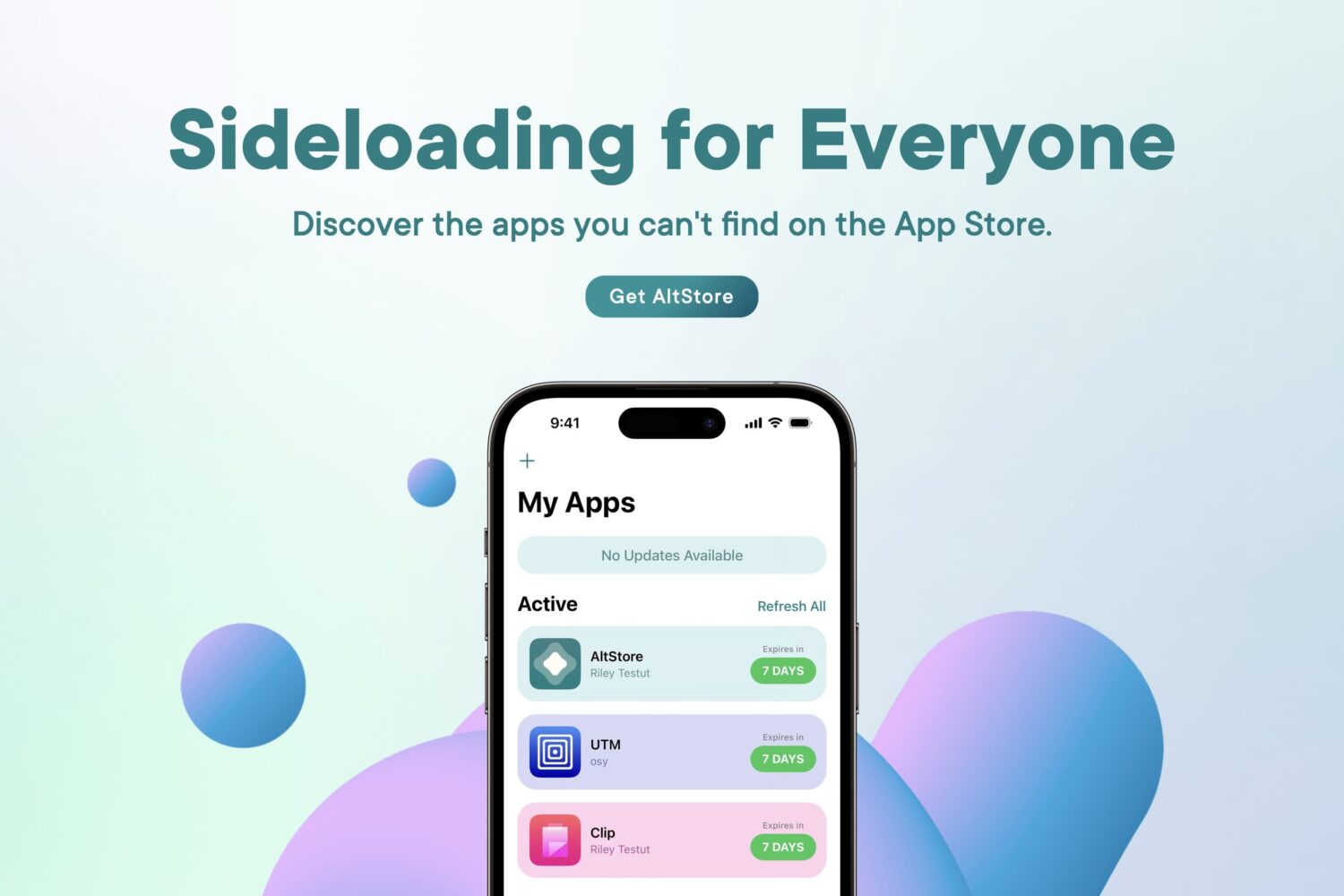
So you’ve decided that you want to learn more about AltStore, a sideloading application for iPhones and iPads that lets you install .ipa files (raw iPhone application files) on your device with your own Apple ID. Well, you’ve come to the right place.
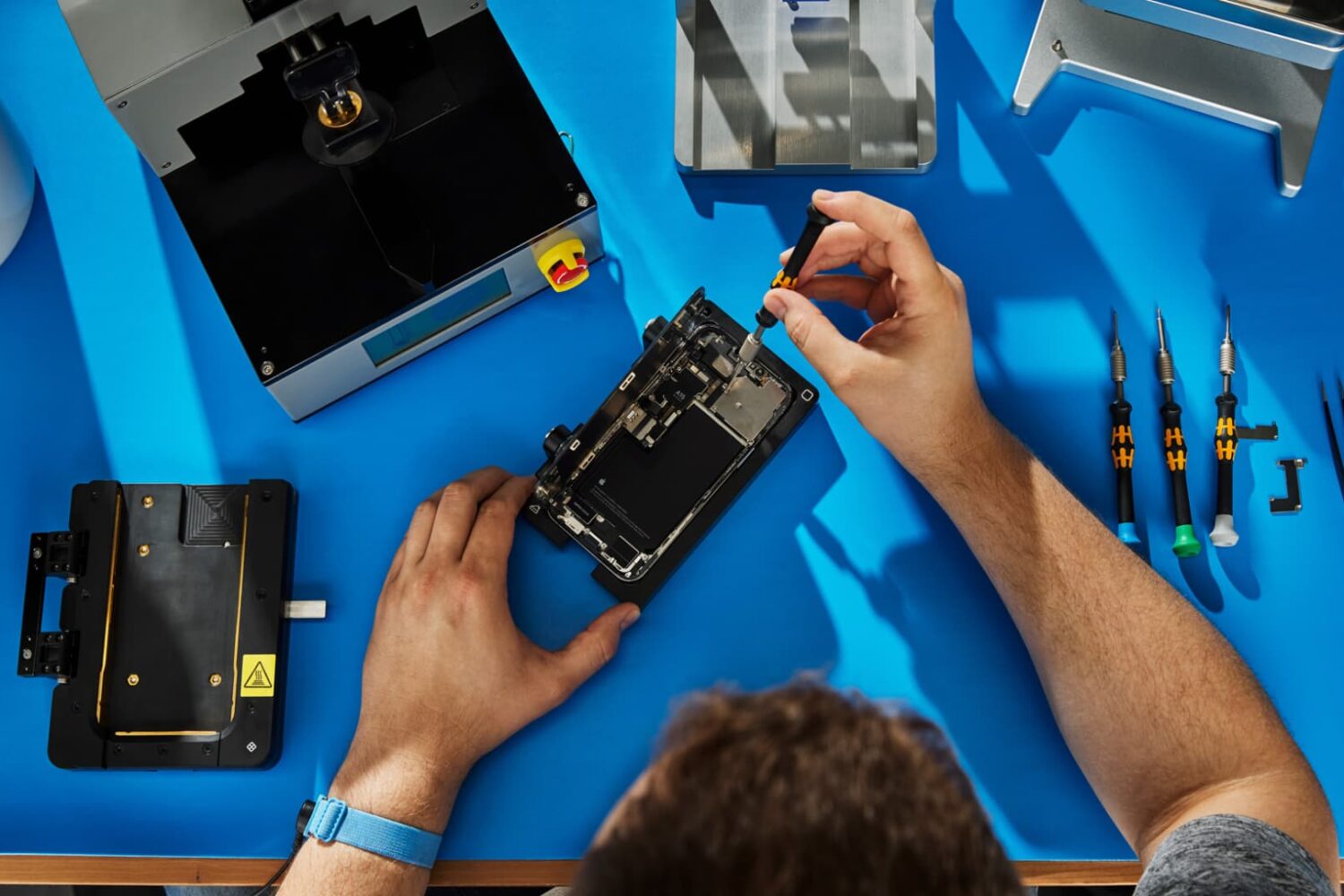
Find out how to check your iPhone repair history to see if genuine Apple parts like battery, camera, or display were used to perform the repair.
Learn how to stop Instagram from limiting political content for you and have it show Reels, posts, and suggestions that relate to politics.
Check out these quick ways to view previously deleted posts and comments on Reddit, directly from your iPhone or computer.

You have several options to watch Apple's May 7 "Let Loose" keynote presentation that will announce new iPad Pro, Air and Pencil models.
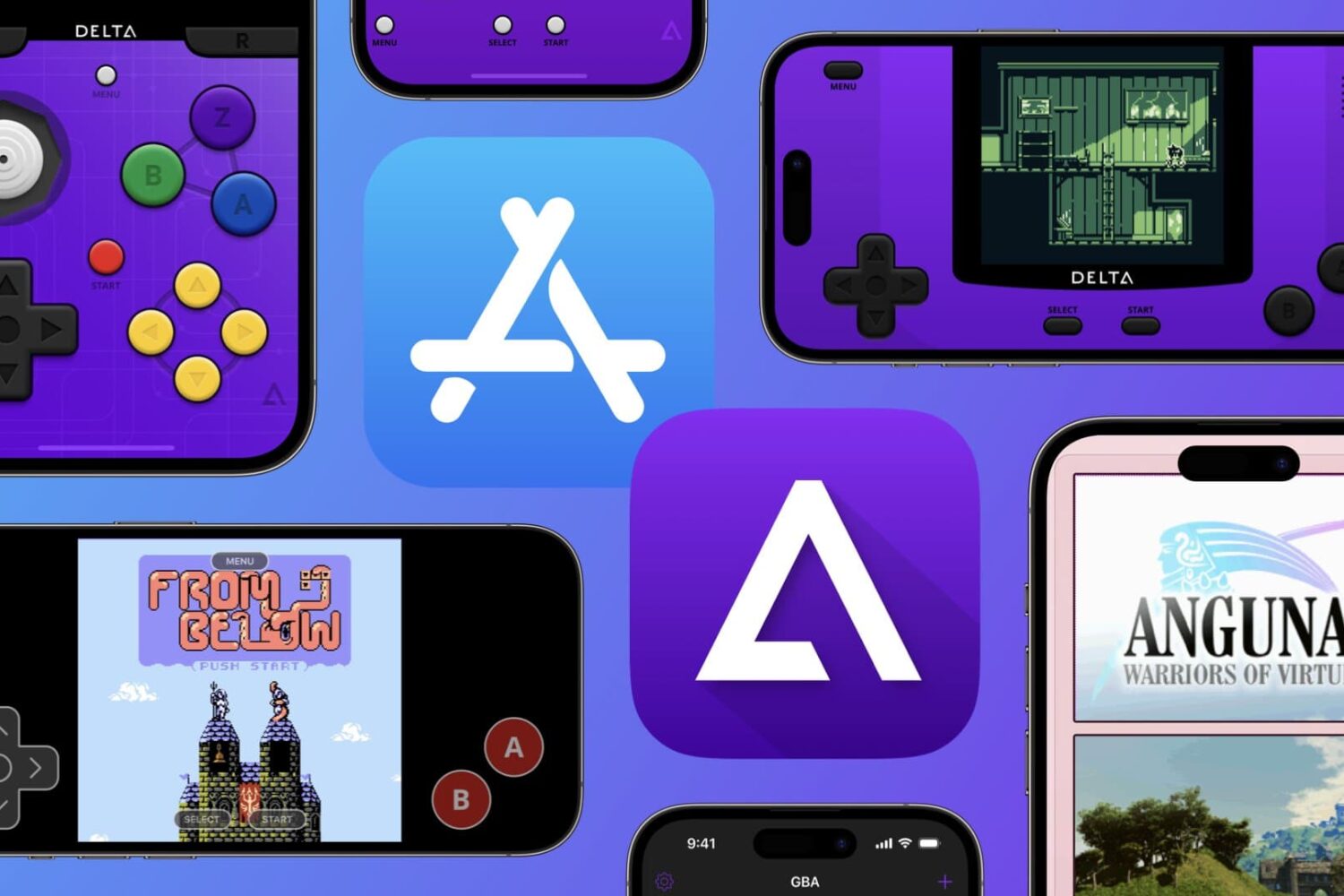
Apple’s recent App Store policy change means that emulator apps like Riley Testut’s popular Delta platform for iPhone and iPad can finally be hosted in the App Store — sans ROM, of course.
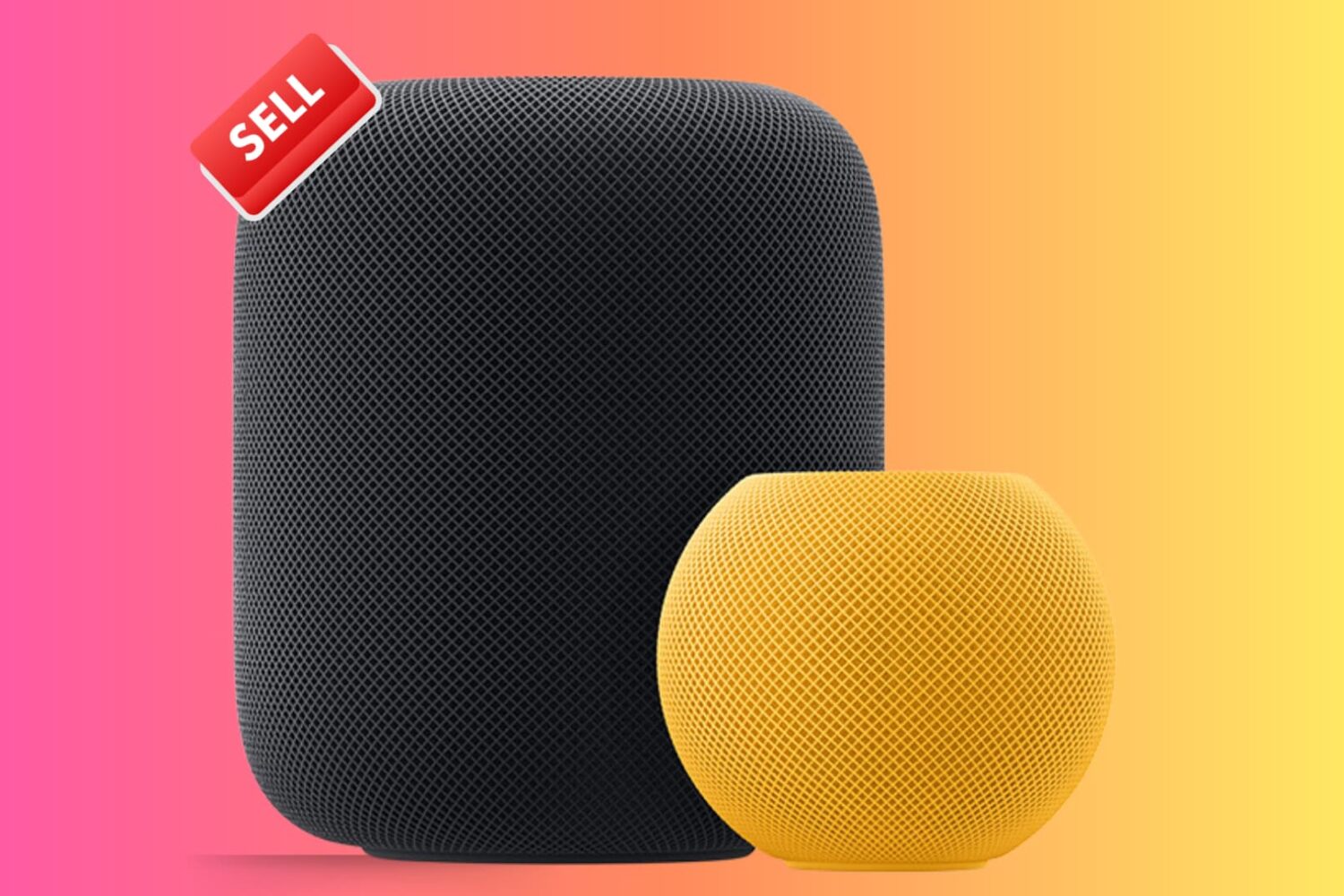
Check out these important tips if you're planning to sell or give away your HomePod or HomePod mini. These will ensure the next user can set up the speaker with their Apple ID and use it to the fullest.
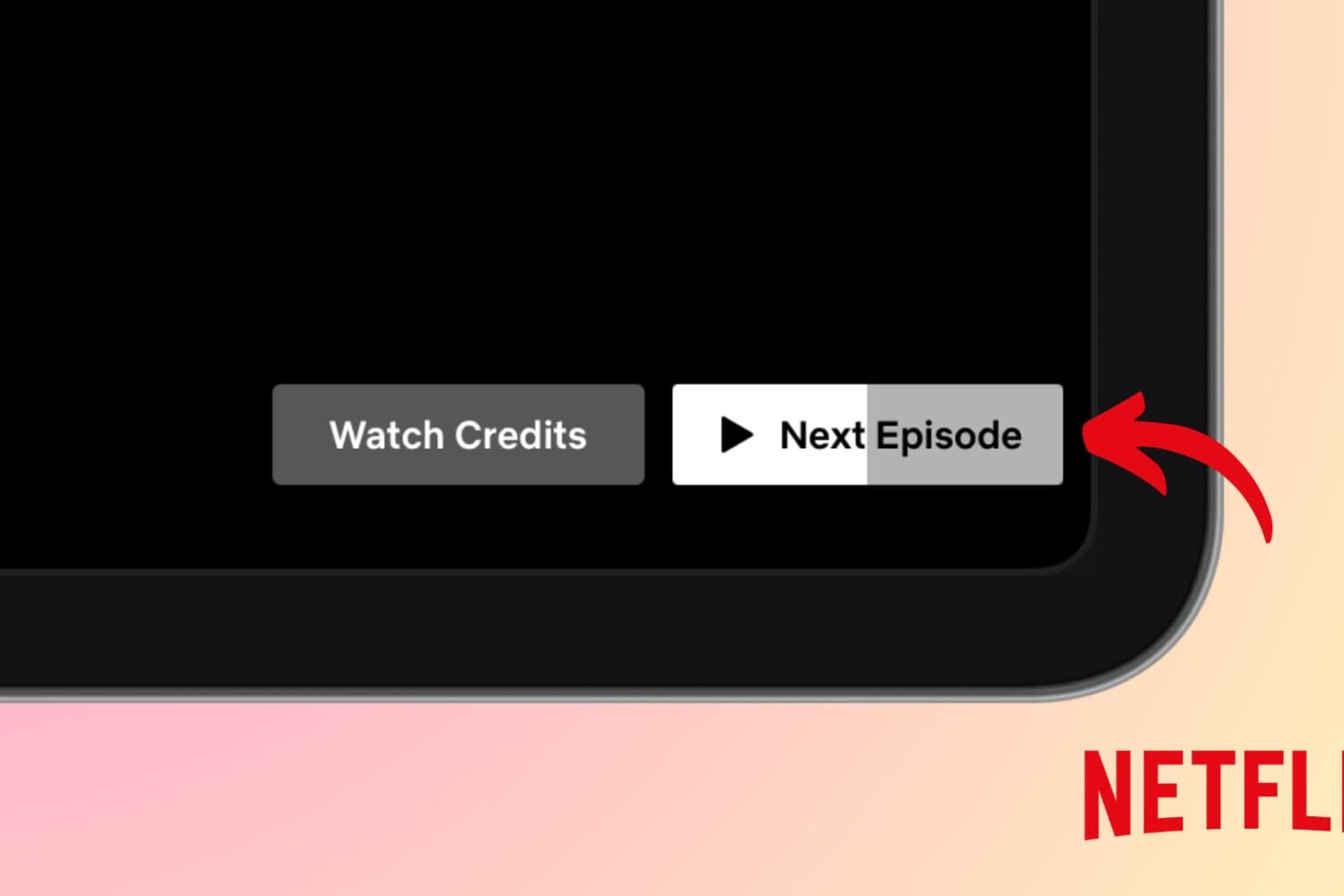
Find out what to do if the next episode of a TV show does not auto-play when the current one ends in the Netflix app or website.
In this guide, we will go over important tips to help secure your Gmail, YouTube, and other Google accounts, keeping your personal data as safe as possible.