Try these troubleshooting tips if your iPhone or iPad won’t join or connect to a Wi-Fi network and you can’t use the Internet on your device.
Fix iPhone or iPad not connecting to Wi-Fi

Learn how to master your Apple devices with our comprehensive tutorials. From iPhone and iPad to Mac, Apple Watch, AirPods, and more, our expert guides will help you unlock the full potential of your Apple products. Discover new features, tips, and tricks each day to enhance your user experience.
Try these troubleshooting tips if your iPhone or iPad won’t join or connect to a Wi-Fi network and you can’t use the Internet on your device.

Check out two free ways to convert images on your iPhone and iPad between JPG, PNG, and other formats without using specialized websites.

I recently talked about sharing Instagram videos on Vine, a multi-step procedure that involves a third-party app to save an Instagram clip to the Camera roll before posting it manually to the Twitter-owned Vine service.
So far so good.
But what about the other way round? Of course that same process applies to posting vine clips on Instagram: save a vine to the device before manually sharing it on Instagram.
As it turns out, there's a bunch of third-party apps in the App Store which can take the pain out of resharing vines on Instagram. With VineGrab, a free iPhone app by Xiaoyu Xia, not only can you watch vines in a more elegant interface than Vine's own, you can also repost your favorite ones to Instagram.
One thing I hate about the Mail app on my Mac is how when I go to enter someone's name to email them, macOS has a nasty habit of picking the wrong email address for that person and I always notice it when it's too late.
I had this happen to me the other day and my email was sent to the wrong inbox of that person – an email address that they don't even use anymore – so they never got the email I sent and I had to resend it.
If you've ever had this happen to you before, then you're reading the right tutorial, because we'll be showing you how to delete email addresses from Mac Mail history so they aren't auto-suggested for you when you start to type someone's name.
This tutorial will guide you through the steps needed to successfully close your account on Skype the right way. As a bonus, we'll show you how you can request a refund for your unused credits and unlink your accounts.

Use Screen Time on your child’s iPhone or iPad to turn off location sharing via iMessage and Find My.
We’ll also guide you on how to restrict location access for third-party apps like WhatsApp, Telegram, Facebook Messenger, and Snapchat to ensure your child’s location can’t be shared through these apps.
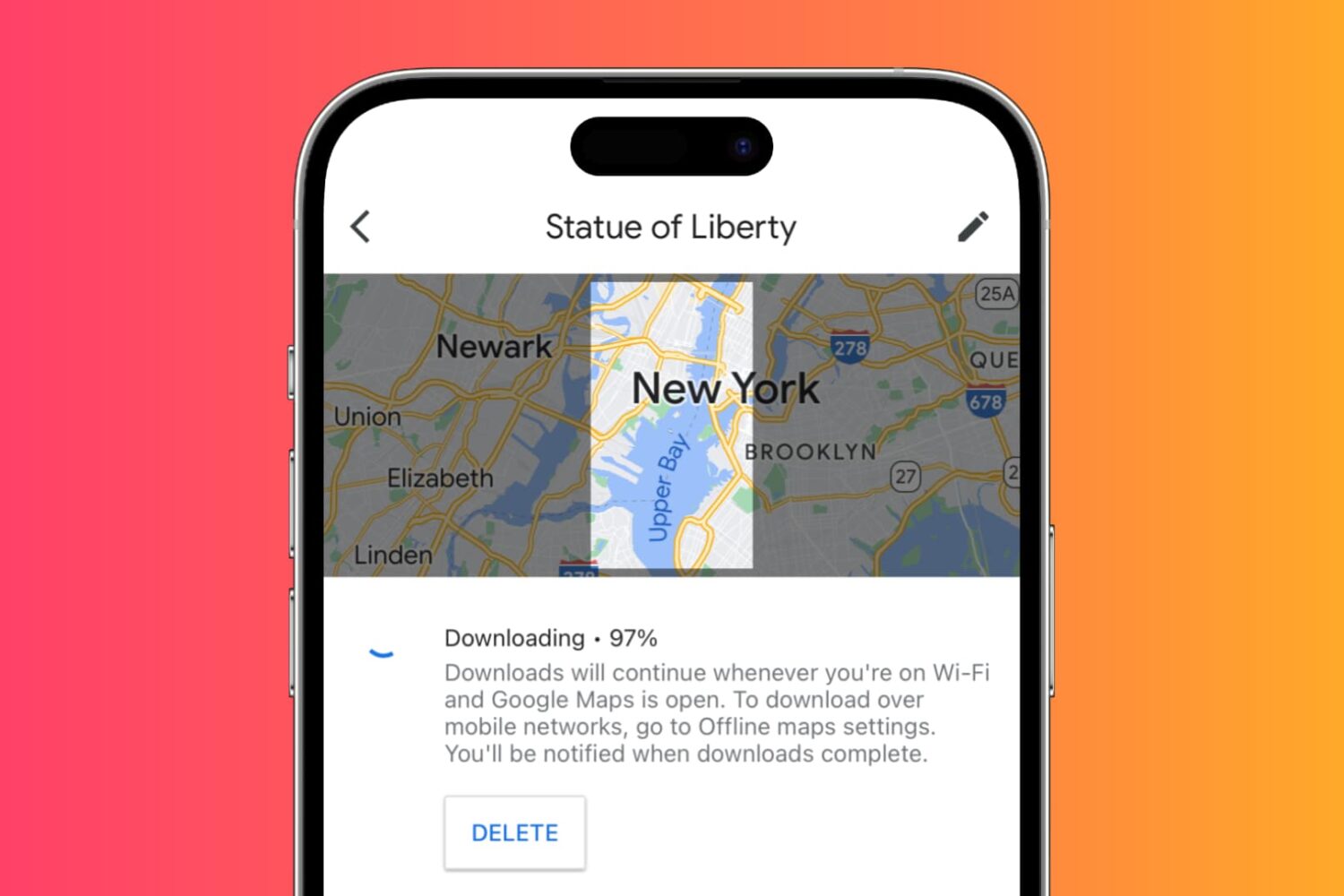
Learn how to download maps for custom areas or specific cities for offline use in the Google Maps app on your iPhone or iPad so you can navigate in those places without cellular coverage and save money on roaming charges when traveling abroad.
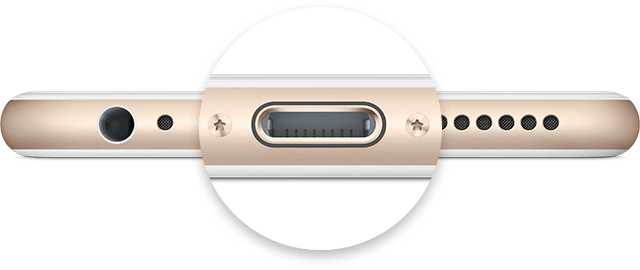
Not only did Apple spend a ton of money and time in the research leading up to its proprietary reversible Lightning cable for charging, but they've also made the software that handles charging your iOS device intelligent too.
Nevertheless, charging your device can sometimes be followed by some frustrating problems, and they're all too common. In this piece, we'll go over some of those problems charging iPhone and iPad, and what you can do to troubleshoot them.
When you create your Apple account, you’re asked to create security questions. Here’s how to reset Apple ID security questions and answers if you forget them.
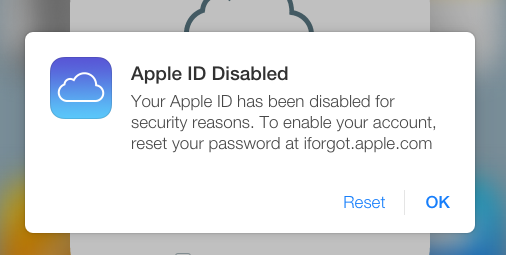
Learn why Apple disabled or locked your Apple account and how to fix this using your iPhone, iPad, Mac, or Windows PC.
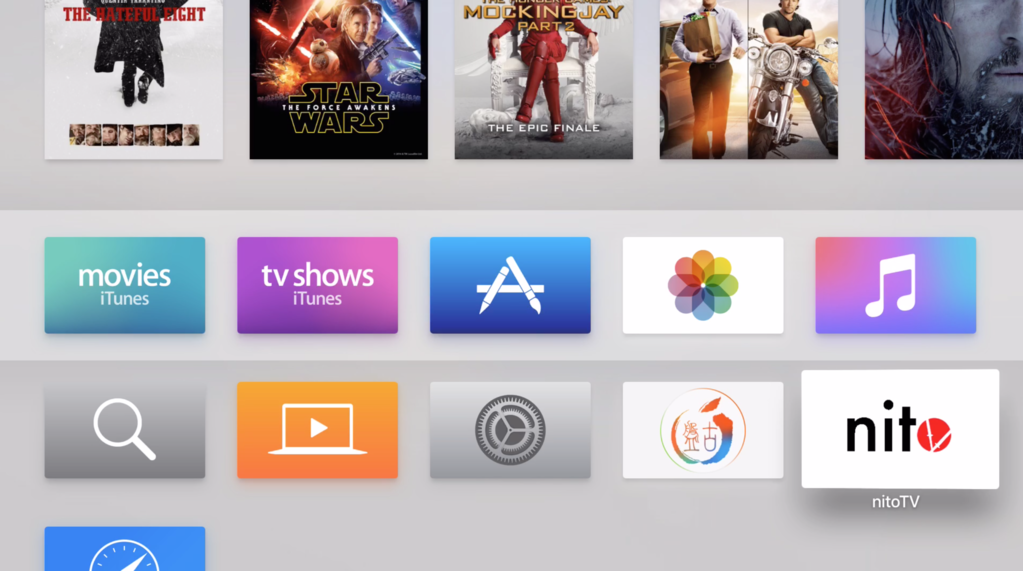
If you've been around the jailbreak community for a few years, you are probably familiar with nitoTV for Apple TV, the installer that gained popularity back in the days of the Apple TV 2. Things had become a little uneventful for a few years due to the lack of a jailbreak for Apple TV, but now that things have changed, nitoTV developer Kevin Bradley is back at it with an updated version of the popular installer.
In this post, we'll show you how to install nitoTV on your jailbroken Apple TV.
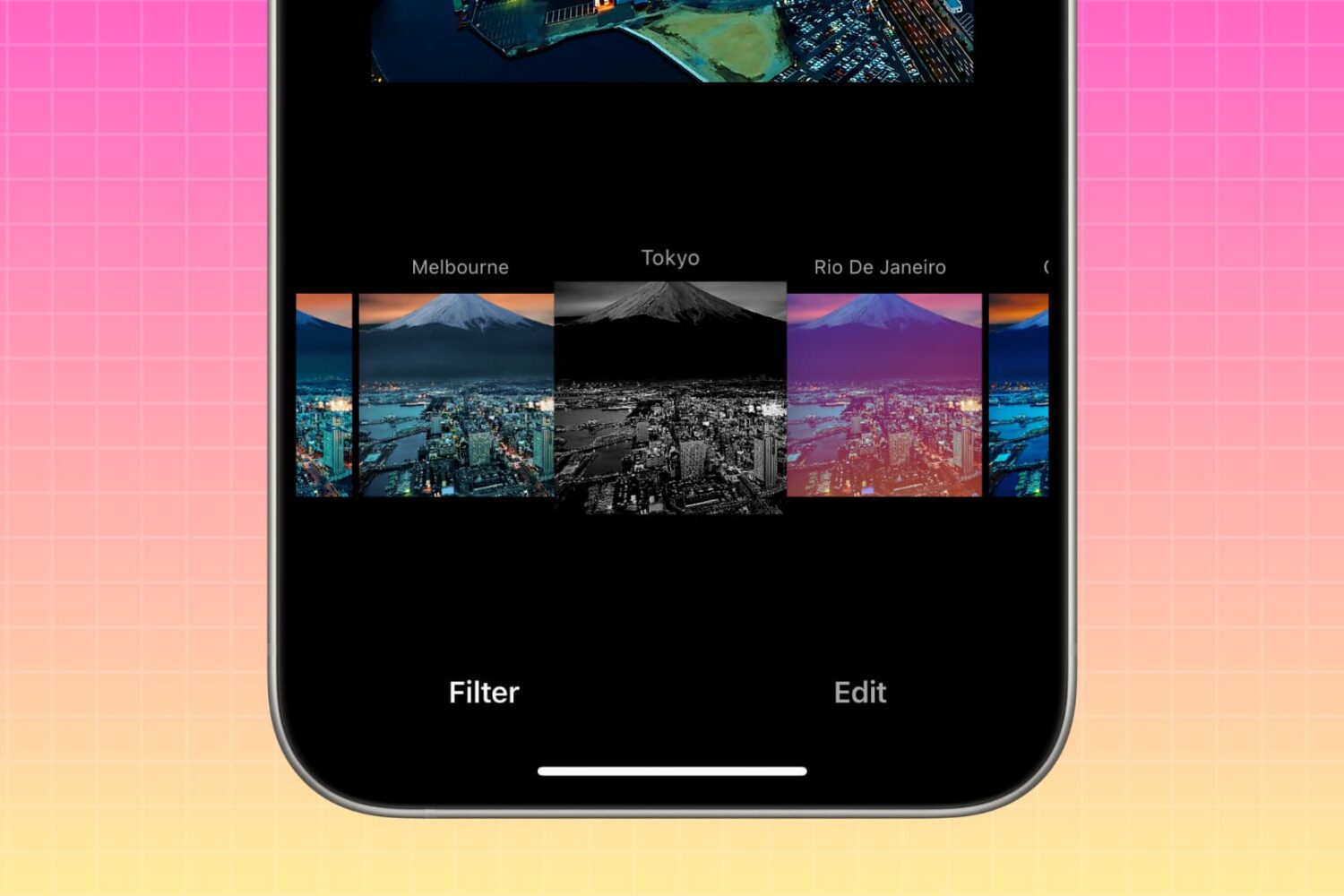
In this brief tutorial, we'll show you how to rearrange photo filters within the Instagram app on your iPhone. This process allows you to place your preferred filters at the beginning, and relegate less frequently used ones to the end of the list.