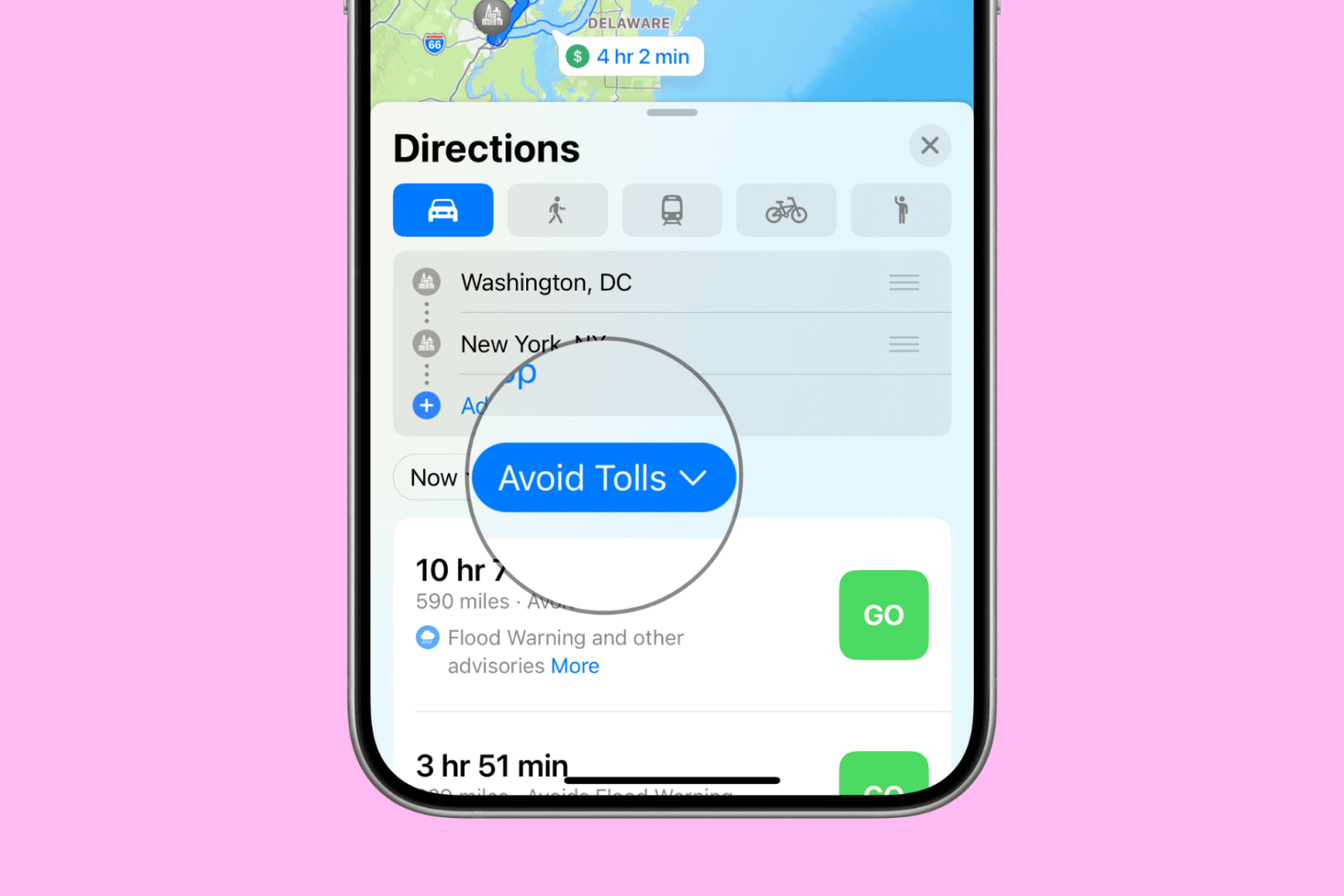
Want to avoid toll roads in Apple Maps on your iPhone, iPad, or Mac? In this tutorial, we’ll share two different methods to do that.
How to avoid toll roads in Apple Maps for one or all journeys
Learn how to master your Apple devices with our comprehensive tutorials. From iPhone and iPad to Mac, Apple Watch, AirPods, and more, our expert guides will help you unlock the full potential of your Apple products. Discover new features, tips, and tricks each day to enhance your user experience.
Want to avoid toll roads in Apple Maps on your iPhone, iPad, or Mac? In this tutorial, we’ll share two different methods to do that.
While lots of people aspire to have a Bluetooth keyboard to use to type on their iPhone or iPad, not everyone has a pocket deep enough to go out and purchase another peripheral.
Fortunately, an app called Typeeto lets you use the keyboard built into your MacBook, MacBook Air, or MacBook Pro to type on your iOS devices.
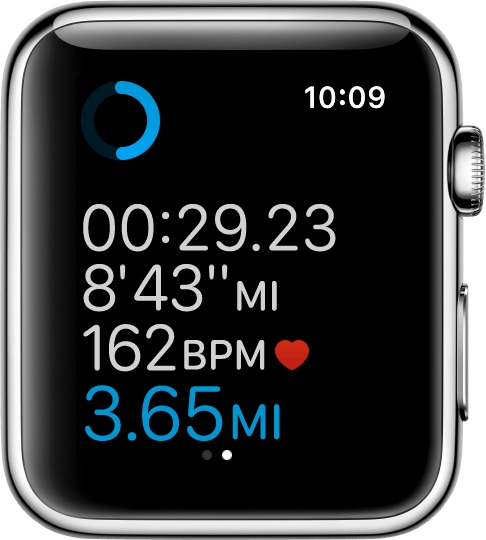
If you'll be using your Apple Watch's fitness features, you'll want to become acquainted with the Workout app, which helps you to keep track of your progress.
Starting with watchOS 3, you can customize your workout metrics, and in this tutorial, we'll talk about all the ways you can do that.

Filter out the contents of your email inbox in the Apple Mail app on your iPhone, iPad, and Mac to quickly find what you’re looking for. This will ensure you no longer have to scroll endlessly through your inbox, which can be a real pain when you receive a ton of emails.
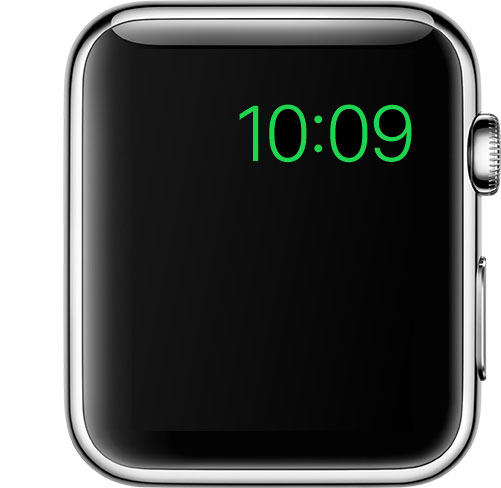
Power Reserve mode is a feature of watchOS that let's you conserve what's left of your battery when you get low on juice by limiting your Apple Watch's functionality to nothing more than a time piece.
Starting with watchOS 3, the steps to enable it has changed, so we'll show you how it's done.
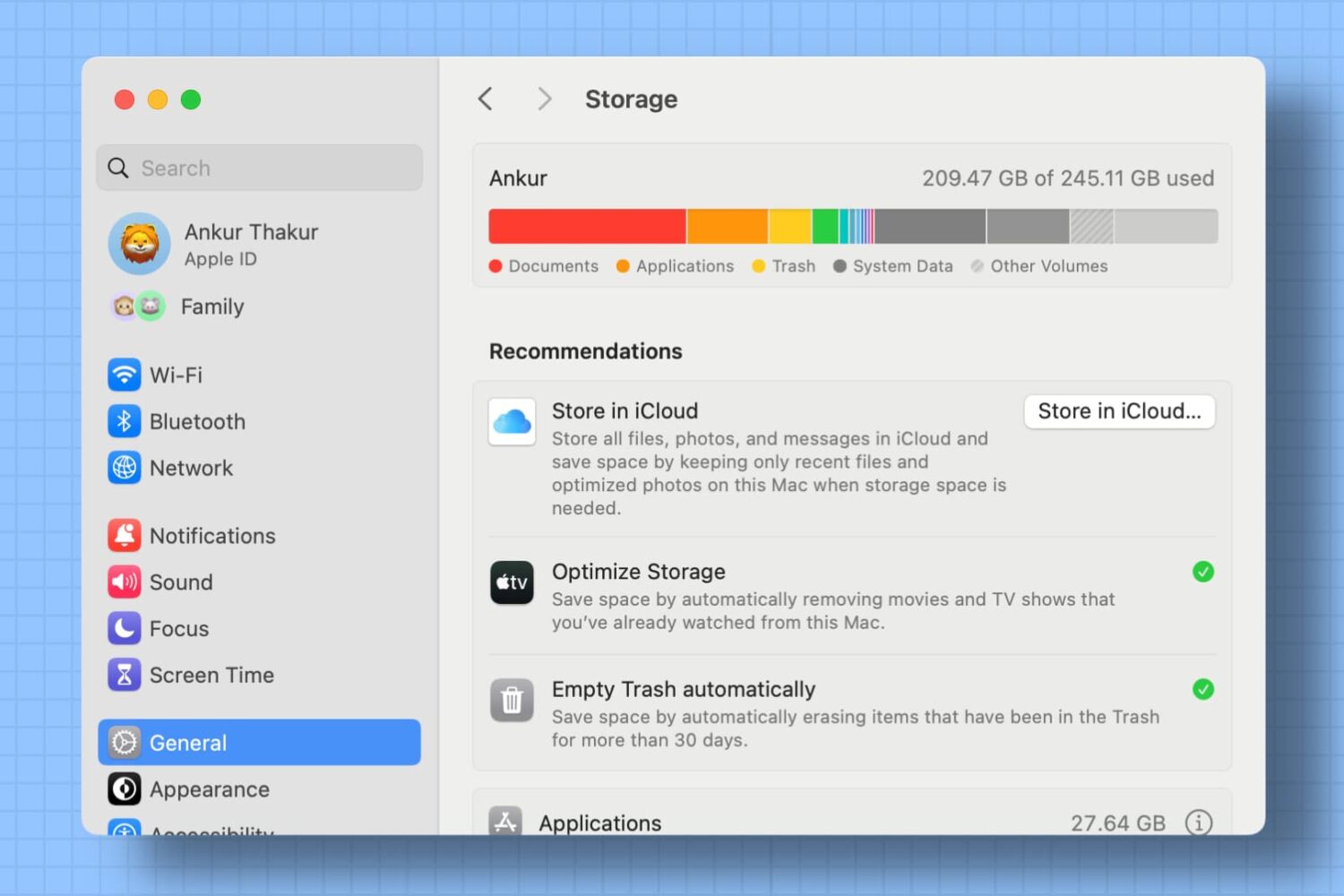
Use the Optimized Storage recommendations on your Mac to free up local space by removing unwanted files or moving infrequently used files to iCloud.
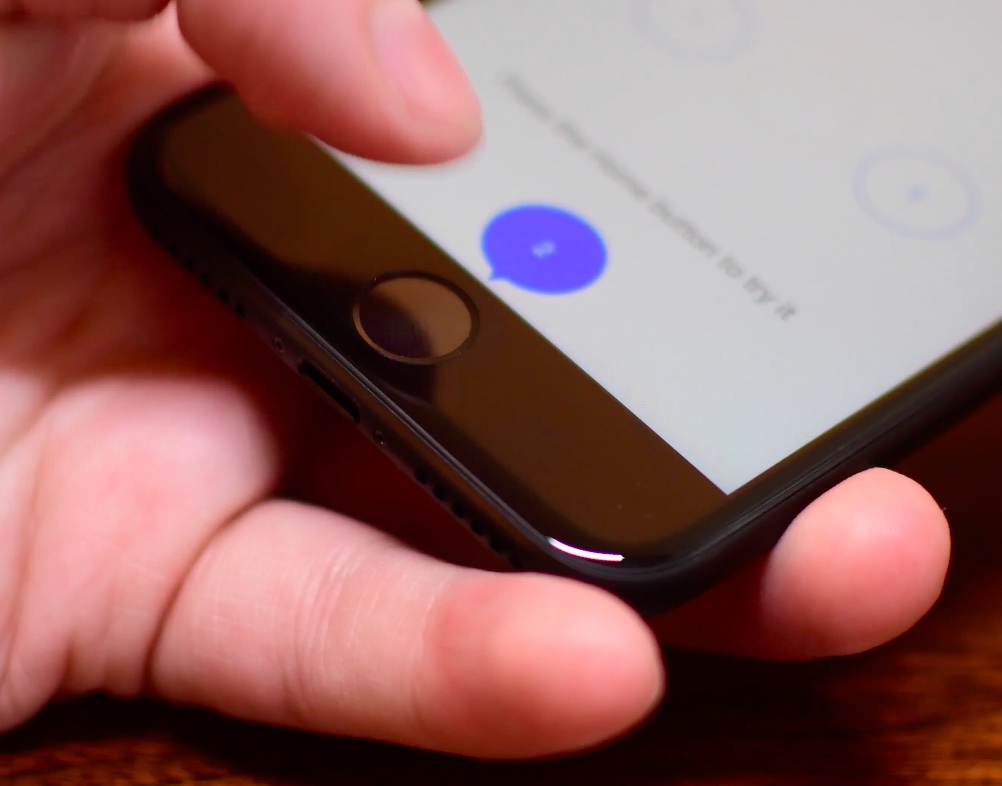
The iPhone 7 came with a shiny new Home button to take advantage of built-in pressure sensors and an enhanced Taptic Engine to detect and simulate clicks. Because the button no longer uses any moving parts, you’re less likely to break it. A new “Meet the new Home button” section in the iOS installer allows you to “make your iPhone experience even more personal by choosing the click that’s right for you”.
Of course, you can select between three degrees of haptic feedback that simulate clicks at any time using the stock Settings app, here's how.

Five years after its introduction in 2011, Siri finally made its debut on Mac with the release of macOS Sierra. Featuring much of the functionality that Siri contains on iOS, such as being able to check the weather forecast or set a reminder, Siri for macOS also has some exclusive abilities, such as handling documents in the file system and being able to pin results to Notification Center.
One feature that macOS's Siri didn't port from its mobile counterpart, however, is the ability to activate Apple's digital assistant hands-free with the "Hey Siri" command. Fortunately, there's a viable workaround available that enables users to invoke Siri in macOS with their voice to give commands from across the room.

Instagram recently unveiled a new feature called Stories which allows you to shoot, annotate, and share photos and short videos outside of your normal feed. By default, all of your followers can see the Stories your post. Likewise, you can see all the Stories the people you follow are posting. This is where it sometimes gets overwhelming.
I follow a lot of random people on Instagram because I appreciate the quality of the photos they share on their feeds. However, I care very little for their Stories, which are typically more about their personal lives than sharing beautiful shots. In this case, I'd rather not see their Stories at all.
There are also some people who follow me with whom I don't want to share my Stories, so I am opting to hide my Stories from these people.
In this post we will learn how you can hide your story from select people, but also how you can prevent other people's stories from filling up your screen.