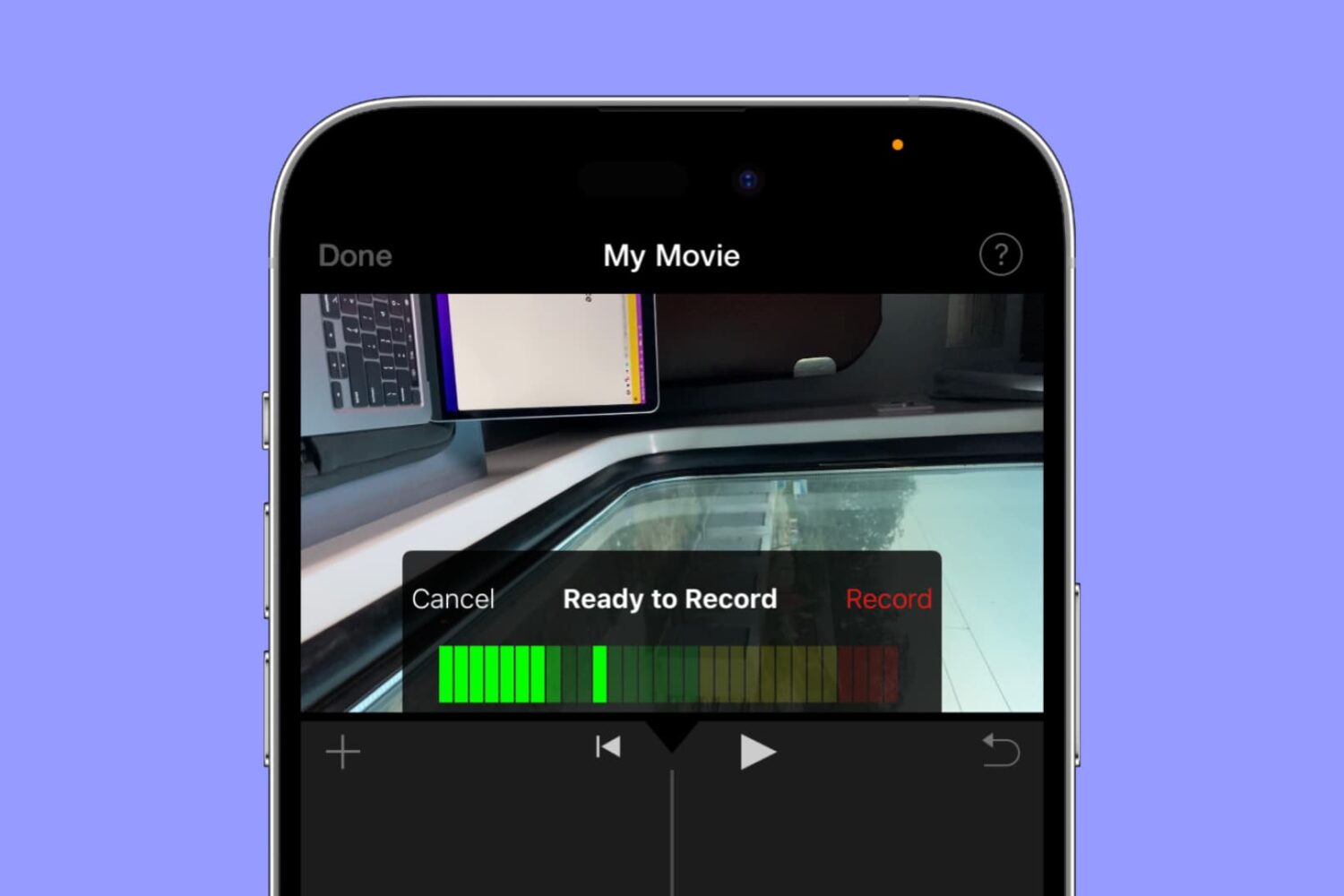
Whether you’re using iMovie on a Mac or an iOS device, you can use its voiceover feature to record your narration or even add a particular sound to the movie.
How to record and add voiceover in iMovie on Mac, iPad, and iPhone
Learn how to master your Apple devices with our comprehensive tutorials. From iPhone and iPad to Mac, Apple Watch, AirPods, and more, our expert guides will help you unlock the full potential of your Apple products. Discover new features, tips, and tricks each day to enhance your user experience.
Whether you’re using iMovie on a Mac or an iOS device, you can use its voiceover feature to record your narration or even add a particular sound to the movie.
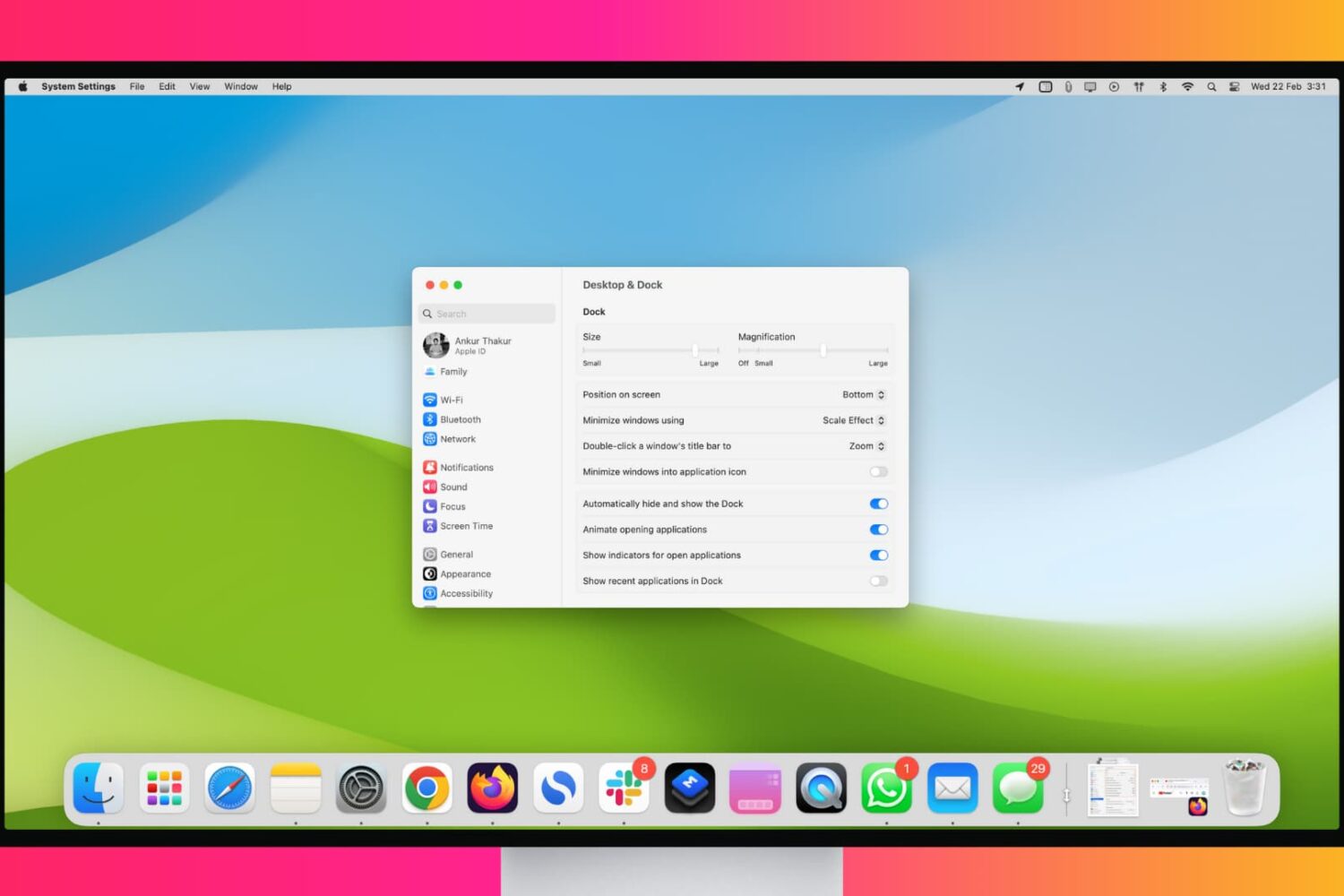
Maximize your workflow with these tips for customizing and using your Mac’s Dock like a pro.

Learn how to resize a video directly on your iPhone or iPad to save space on your device or simply shrink its dimensions.
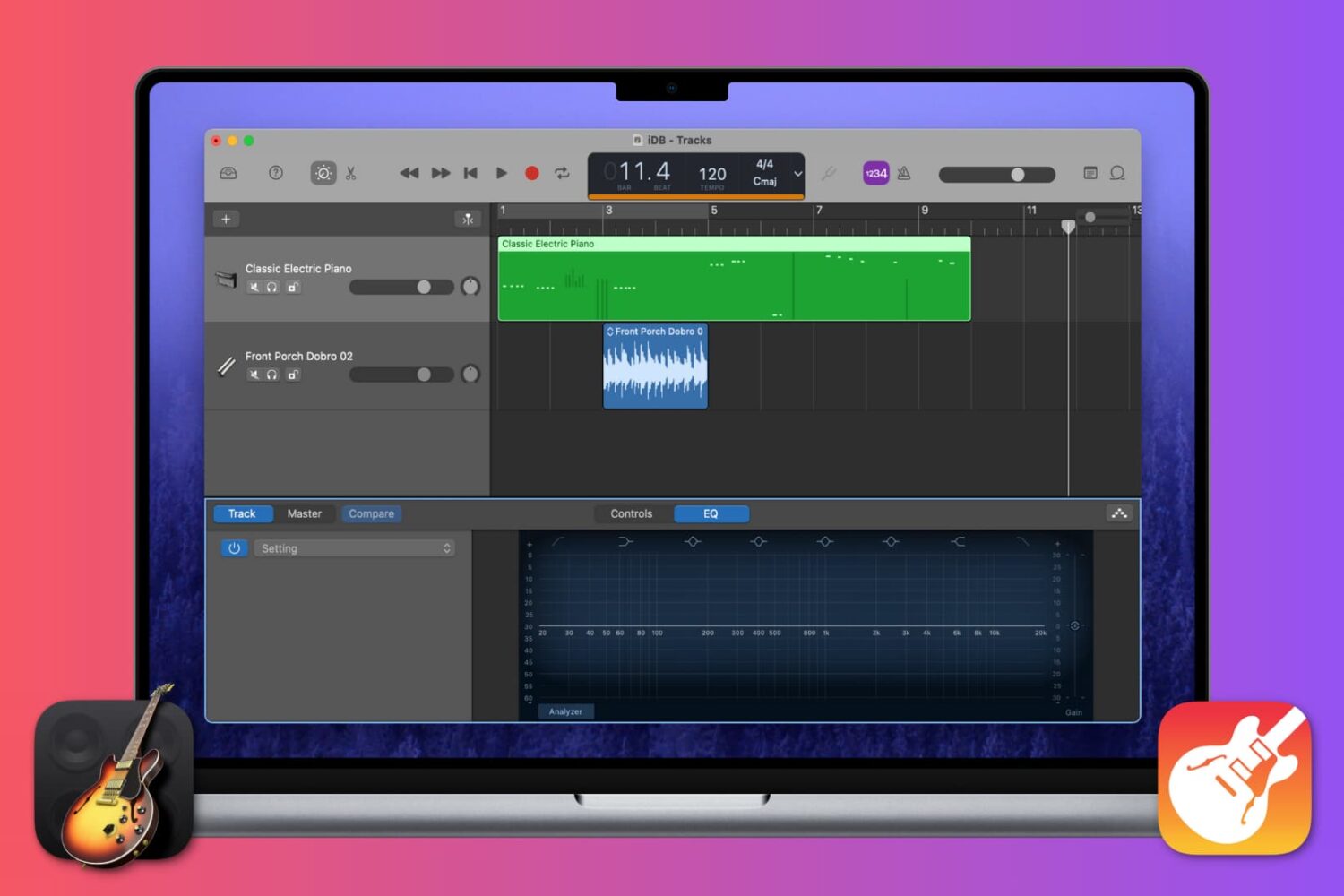
This tutorial walks you will teach you how to work with Regions in GarageBand, including cutting and pasting, joining and splitting, and more.
Find out how to add background music and sound effects to your video projects in iMovie on Mac, iPad, and iPhone to make them sound as great as they look!

If you’re just now receiving your physical Apple Card, then you’re ready to activate it. And Apple couldn’t have made it any simpler to do so.
But for those who need extra help, this short tutorial shows you how to activate your titanium Apple Card.
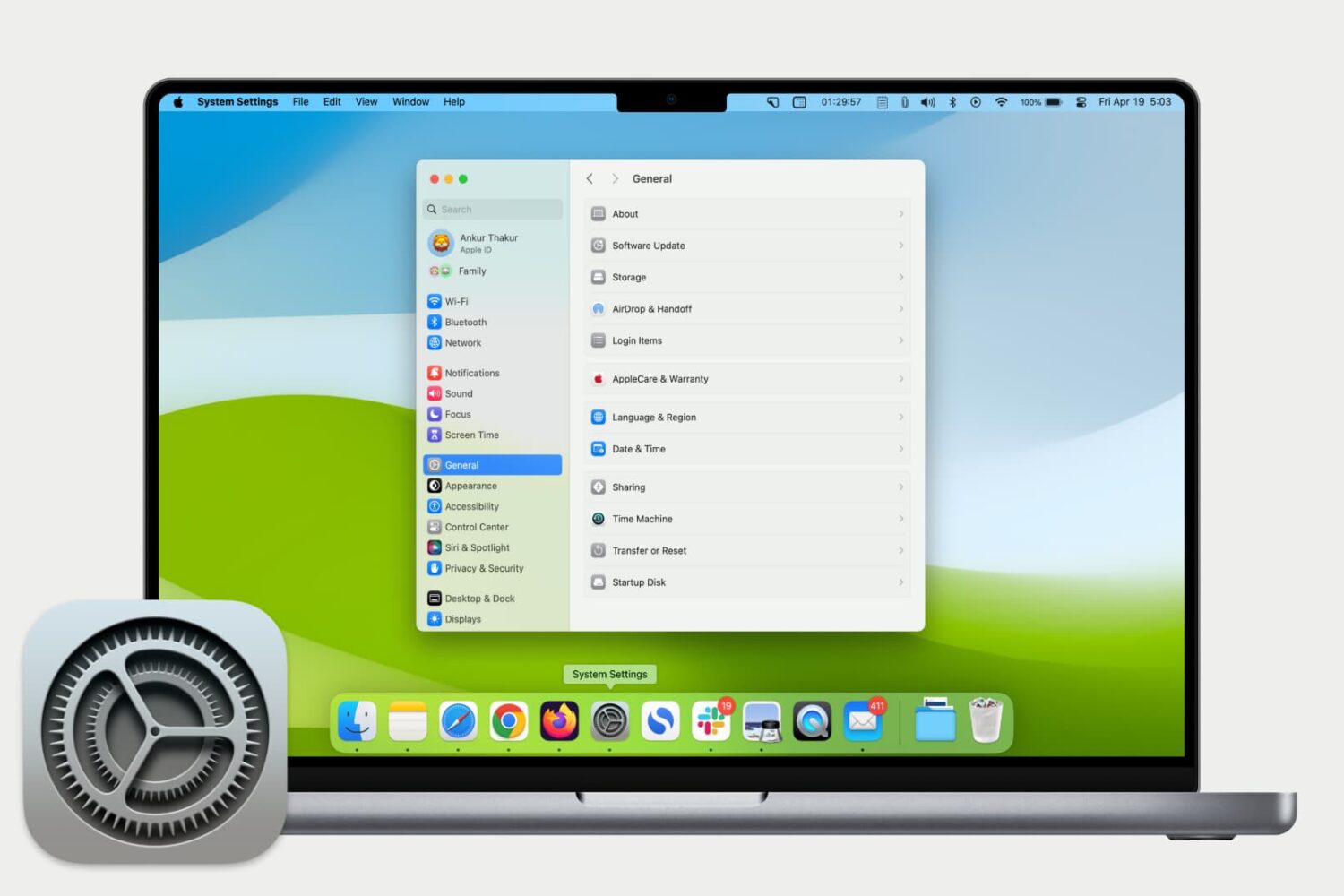
Get used to your Mac System Settings with our helpful guide for accessing, navigating, and finding what you need as a new Mac user.
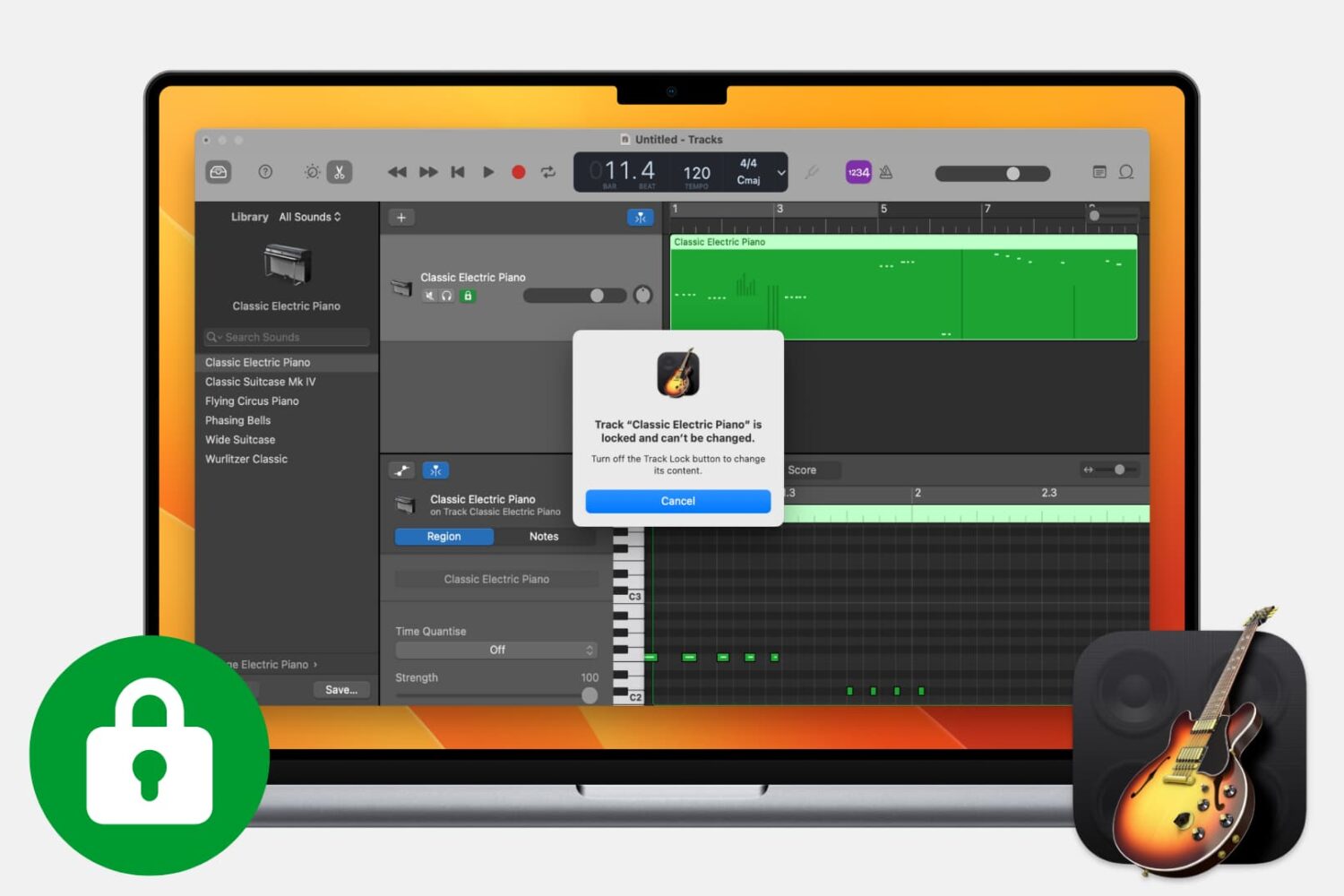
Find out how to lock tracks in GarageBand on Mac to make sure a track is not accidentally changed or deleted.
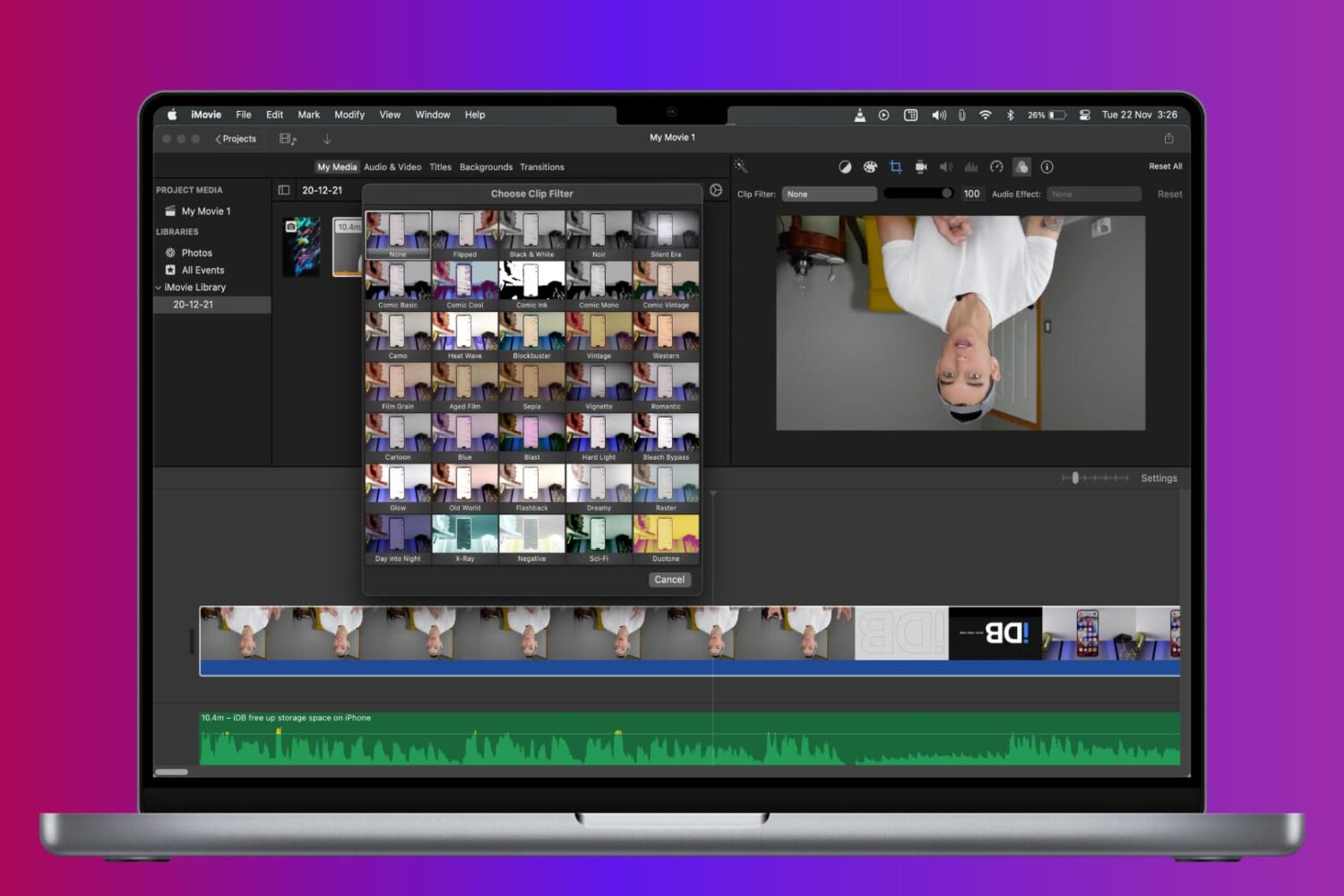
Learn how to rotate, turn, and flip a video in iMovie on Mac, iPad, and iPhone to fix a clip or add cool visual effects to your movie project.
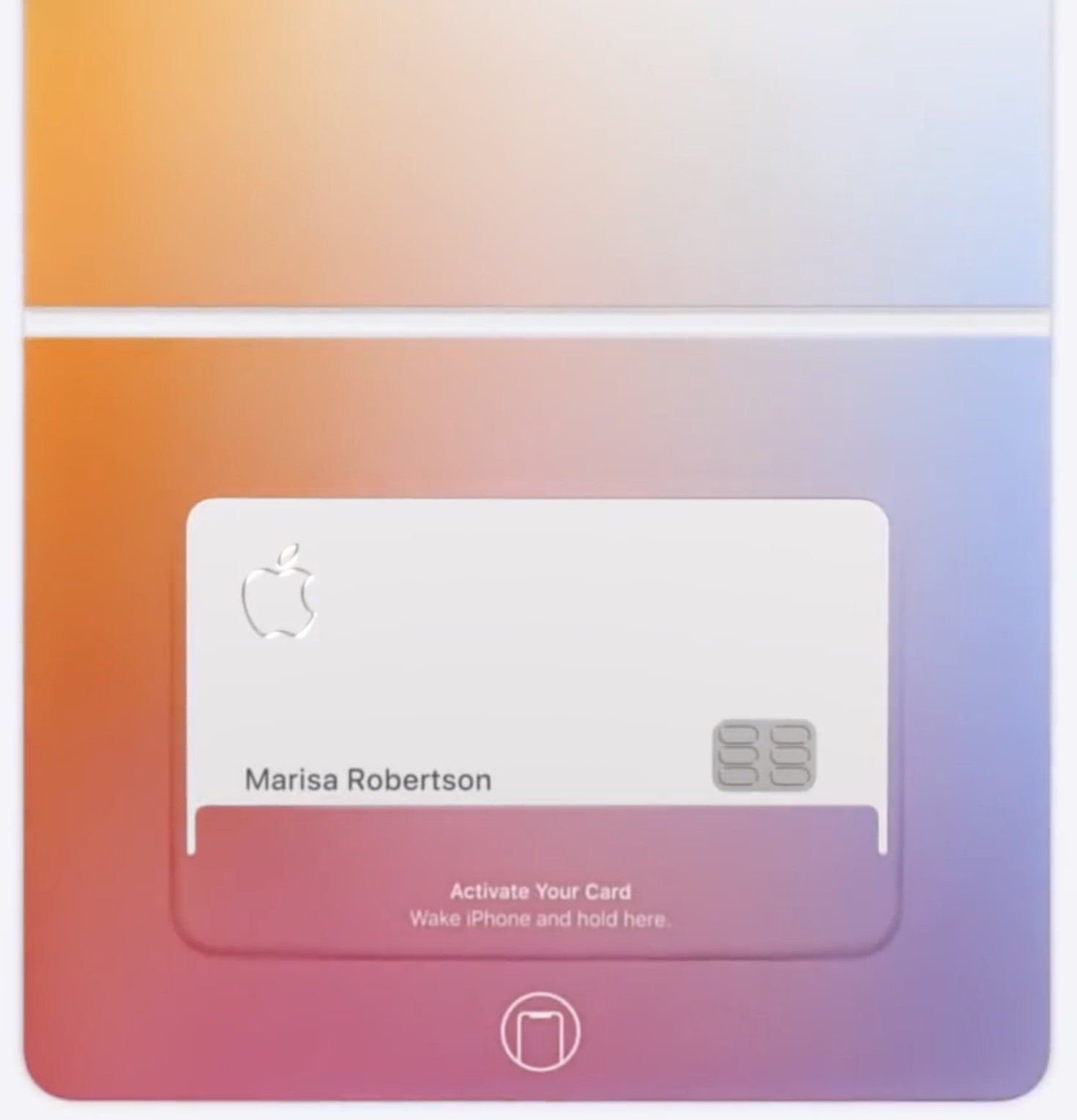
When you sign up for Apple Card, you can optionally order a physical card to make non-Apple Pay purchases on the web. Should your physical Apple Card get damaged, lost or stolen, you can request a replacement titanium Apple Card with just a few taps, and iDB shows you how.

Learn how to unlock the full potential of Siri on your Mac with these tips and tricks to help you work more efficiently.

Apple protects your security by allowing you to regenerate the primary 16-digit number of your Apple Card with just a few taps, providing you with a fresh new credit card number at any time.