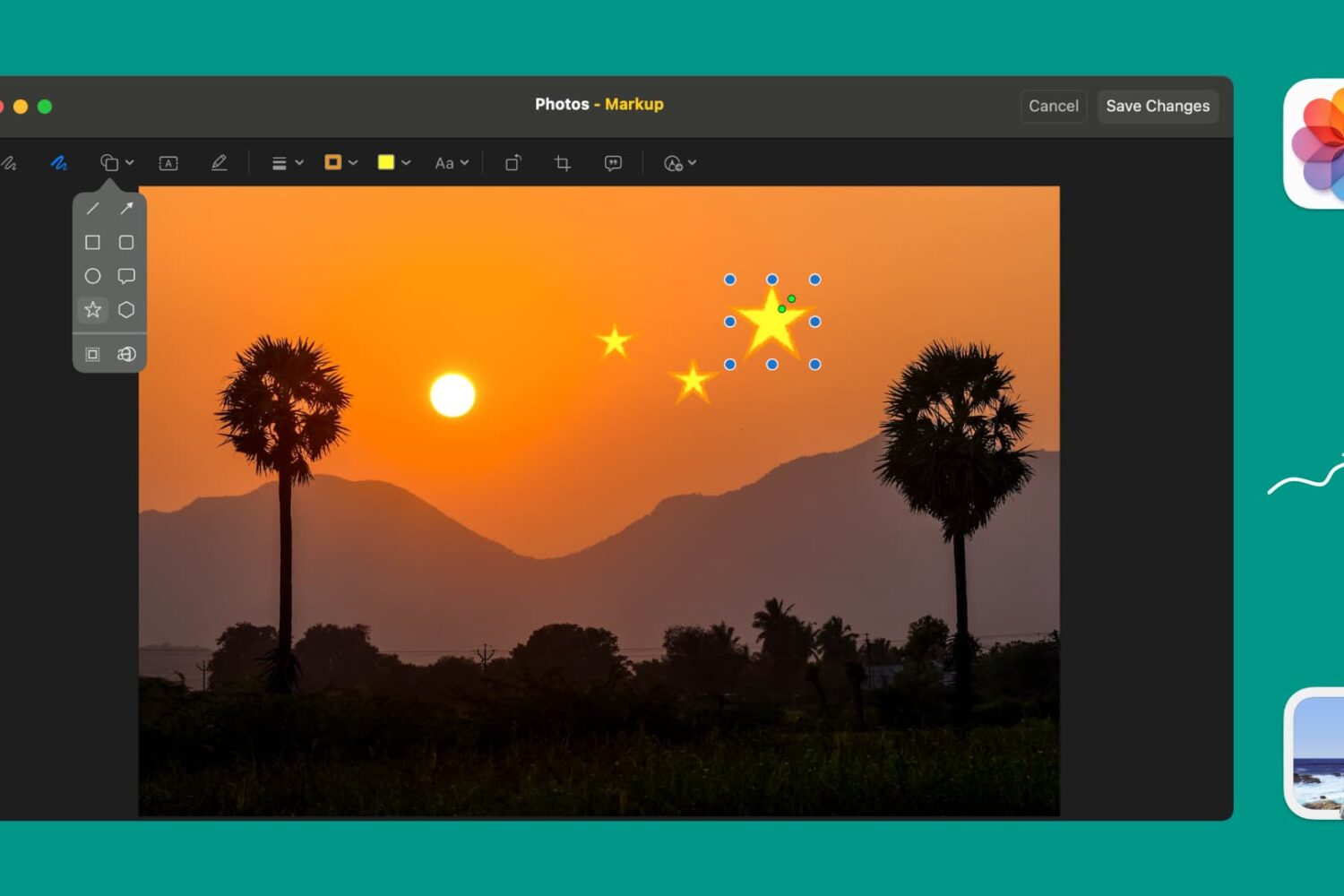
Learn how to use Markup tools in the Preview and Photos apps to annotate, highlight, add shapes, or draw on images without needing third-party apps.
How to mark up and annotate Photos on Mac
Learn how to master your Apple devices with our comprehensive tutorials. From iPhone and iPad to Mac, Apple Watch, AirPods, and more, our expert guides will help you unlock the full potential of your Apple products. Discover new features, tips, and tricks each day to enhance your user experience.
Learn how to use Markup tools in the Preview and Photos apps to annotate, highlight, add shapes, or draw on images without needing third-party apps.

Learn how to customize Apple News on your Mac to make stories easier to read, get more or less suggestions, see only the notifications you want, and more.
Learn how to use a lesser-known setting in the Preview app on your Mac if using the ‘Go to Page’ feature takes you to the wrong page in the PDF.
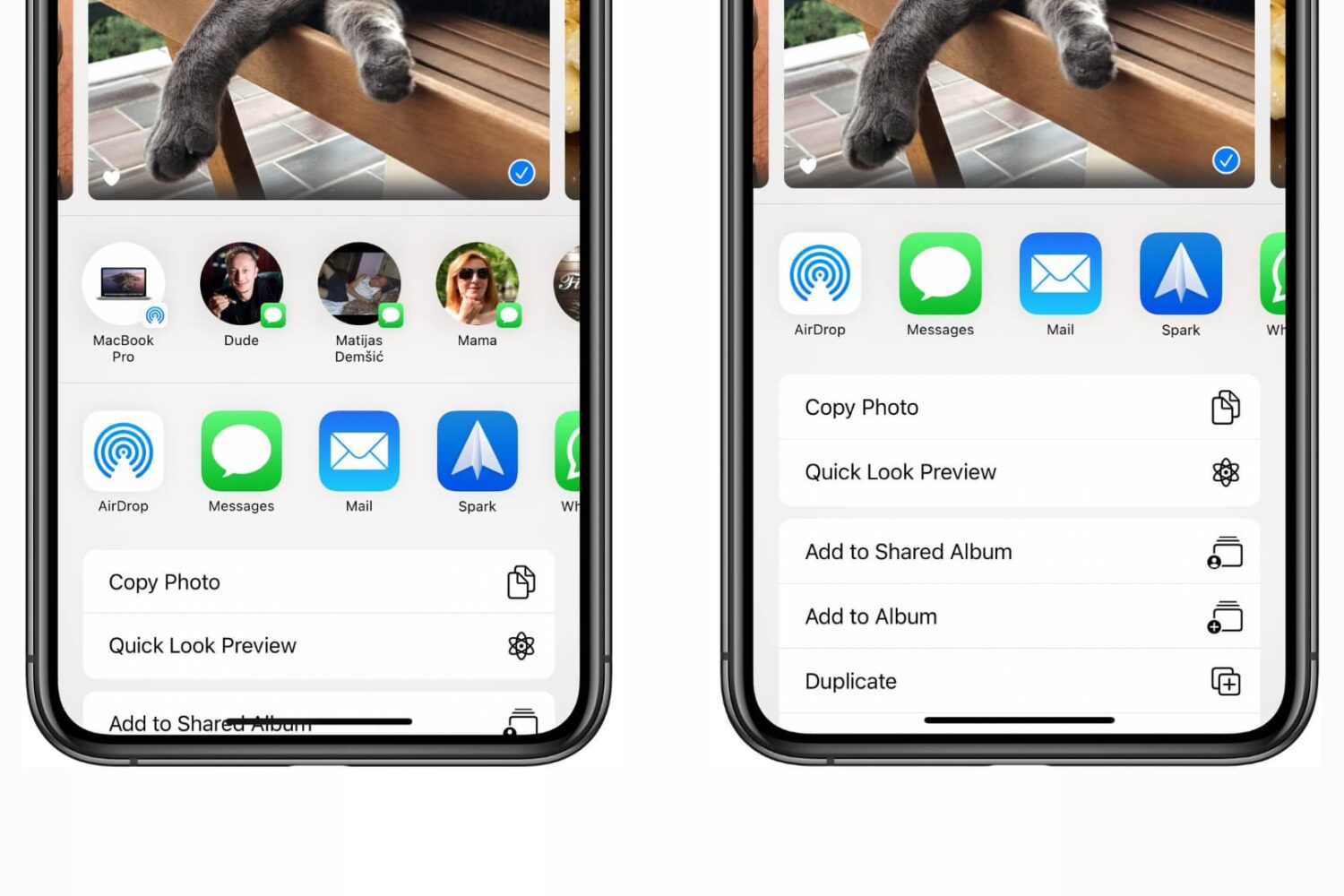
Check out the steps to disable the contacts row from the top of the iOS Share Sheet that appears when sharing items from apps on iPhone and iPad.

Wondering how much storage space you have used and have left for your email account? Find out how to see your Quota Limits in the Mail app on Mac.
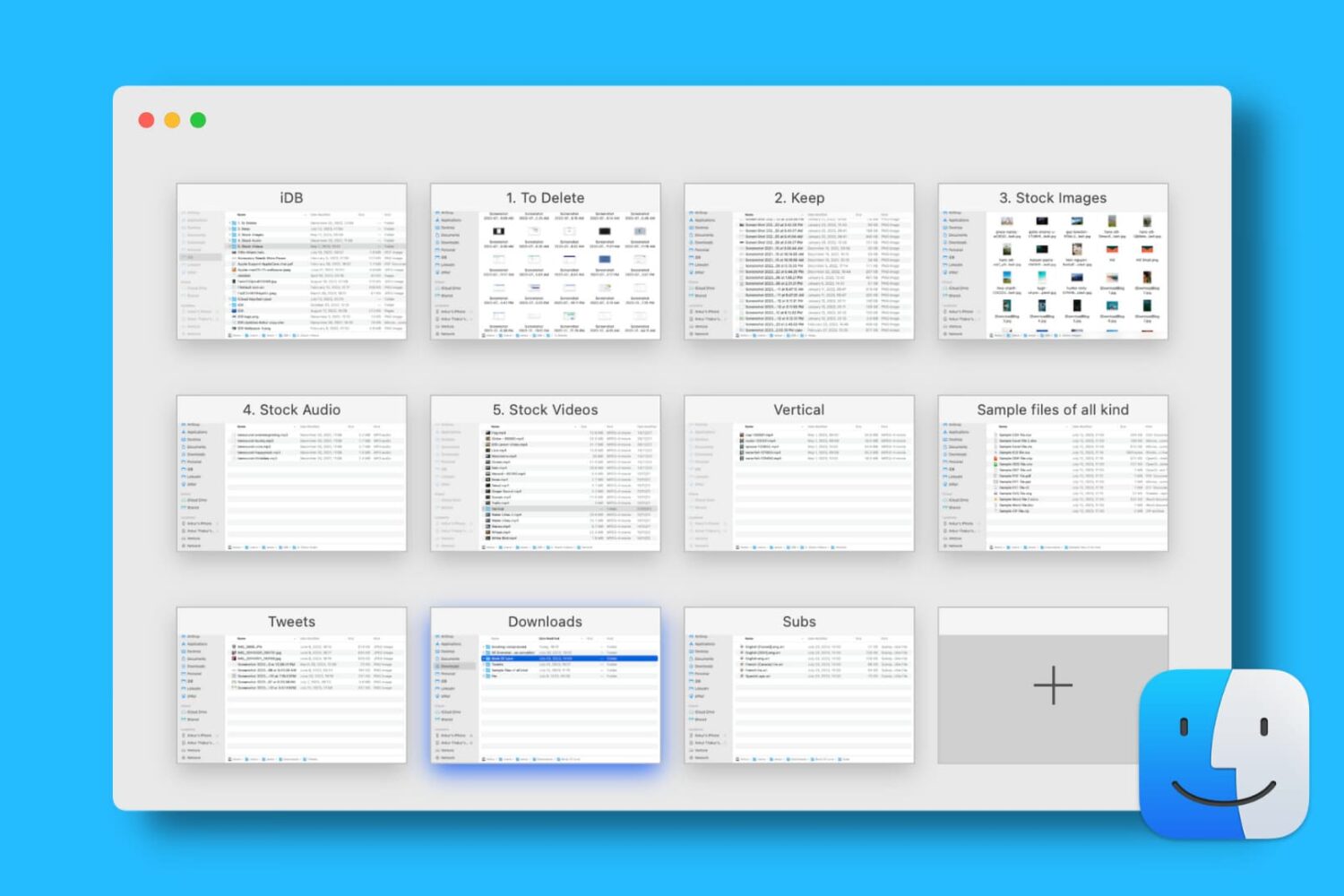
Find out how to open, use, navigate, rearrange, and close tabs in Finder on your Mac so you can work with multiple folders in just one window and keep your desktop uncluttered.
A lot of the keyboard shortcuts available for apps on Mac are the same across those applications. Things like cut, copy, paste, close, or quit are often the same, especially for Apple’s apps like Pages, Numbers, and Keynote.
So in this list of keyboard shortcuts for the Numbers app, we’ve included some that you would only use inside Numbers, like shortcuts for working with tables, basics for controlling the Numbers window, working in spreadsheets, and more.
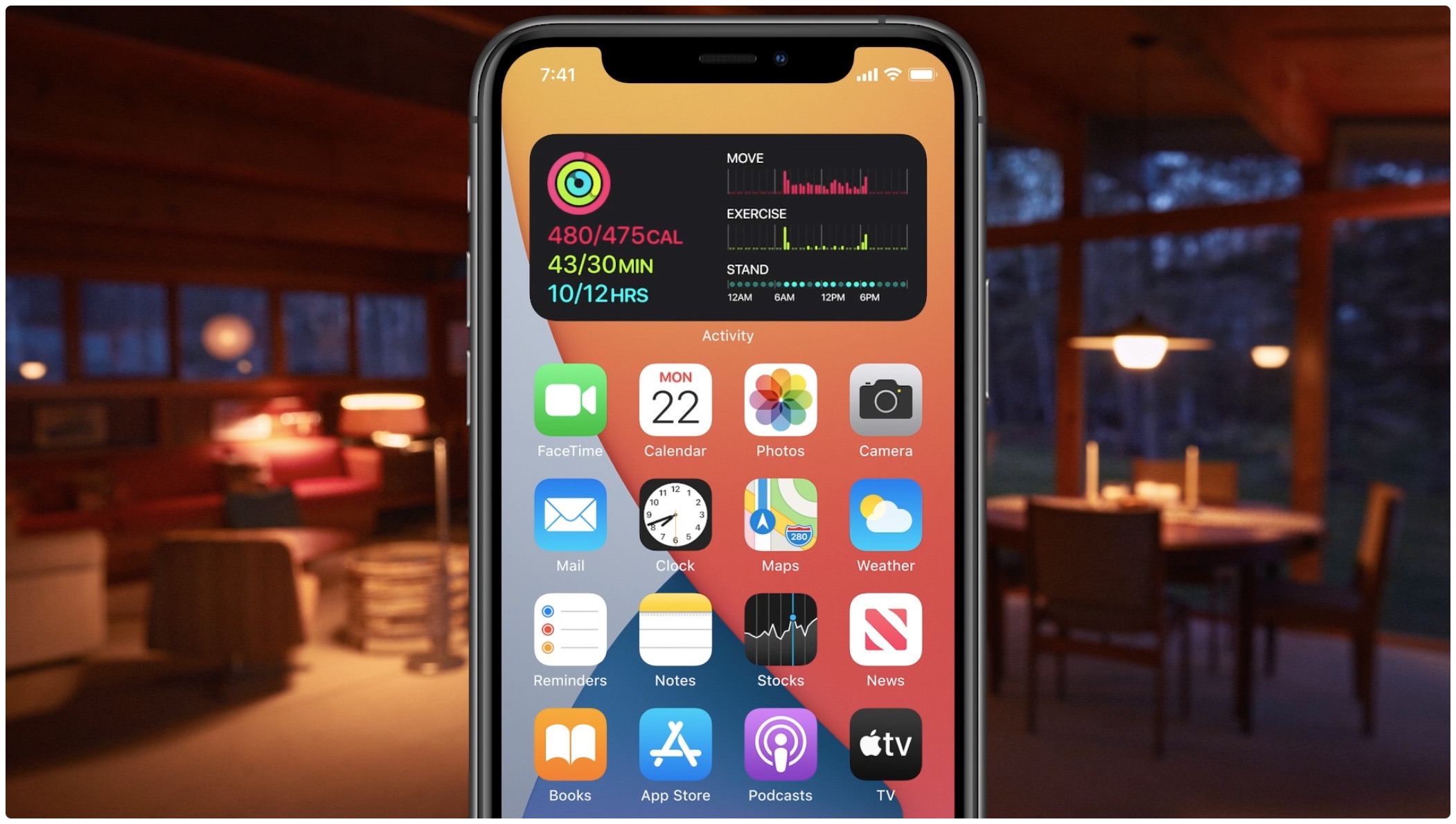
Learn how to quickly create widget stacks on iPhone for better organization and to make the most of the space on your Home Screen.
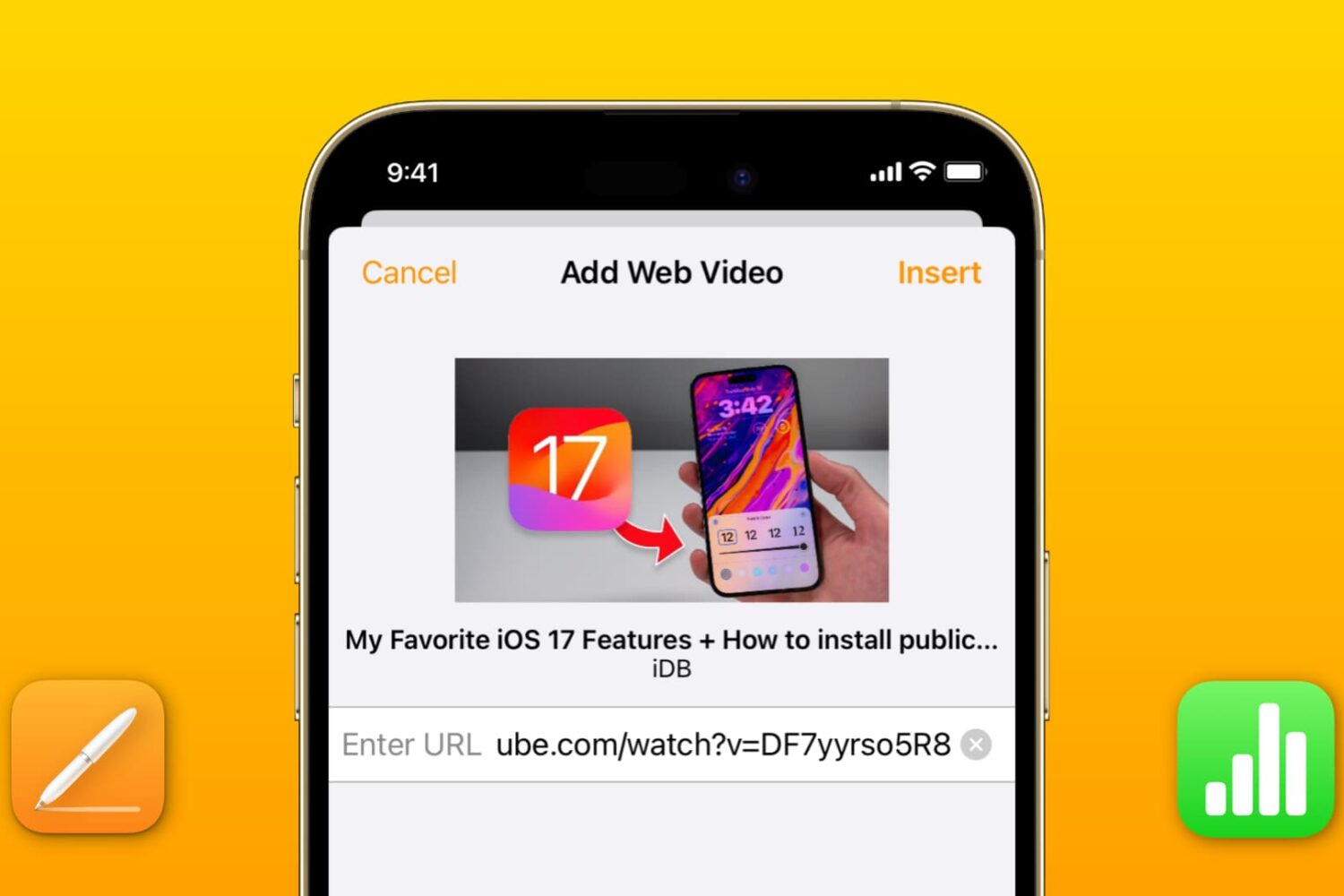
Learn how to add a YouTube or Vimeo video to your Pages or Numbers projects on an iPhone, iPad, and Mac to boost your documents and spreadsheets with media.
Learn how to preview or play Keynote presentations in a smaller window instead of the full screen so you can use other apps simultaneously on the screen.
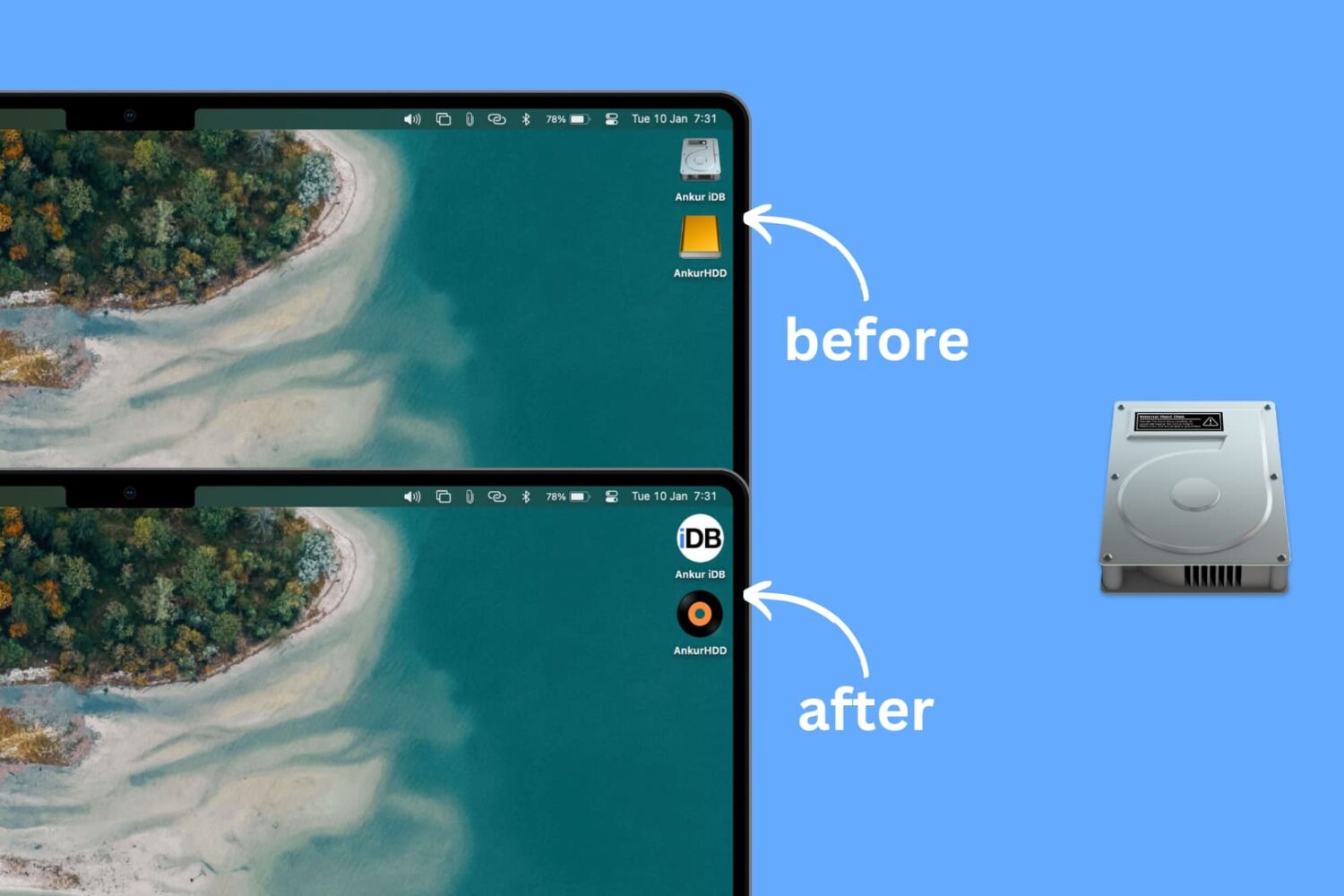
Learn how to personalize your Mac desktop with a custom icon for internal and external hard disks, USB thumb drives, and other attached storage devices.
Explore this handy list of time-saving keyboard shortcuts for the Pages app on your Mac to control the window, open documents, navigate within a document, move through the sidebar, and more.