Find out how to have the red Apple Music icon on your iPhone or iPad Home Screen if you prefer the old icon to the new black-and-white one added in iOS 27.
How to restore the classic red Apple Music icon on iOS 27
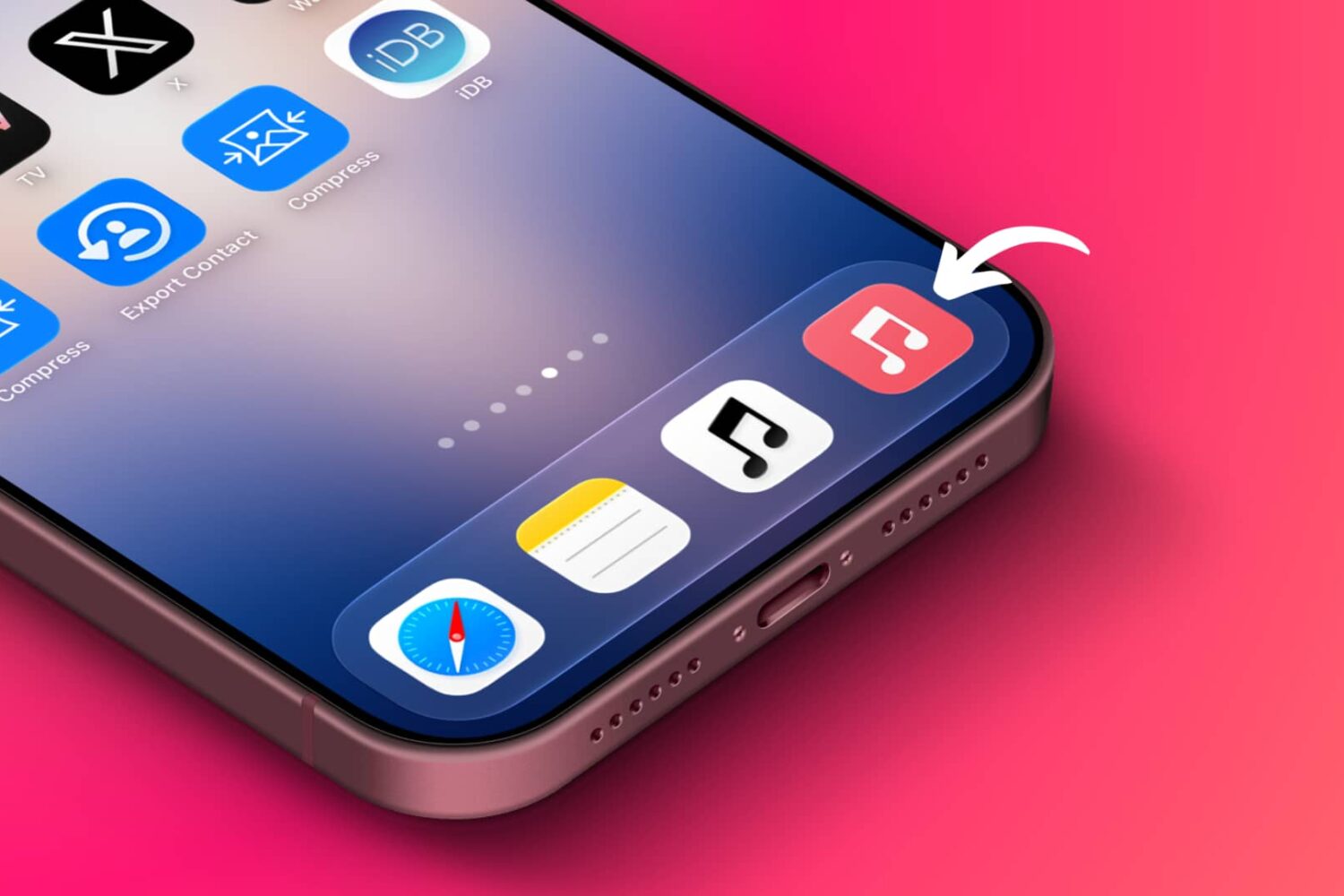
Find out how to have the red Apple Music icon on your iPhone or iPad Home Screen if you prefer the old icon to the new black-and-white one added in iOS 27.

Learn how to set up an automation on your iPhone that turns off Low Power Mode when Adaptive Power Mode automatically enables it.

Turn your ideas and needs into powerful Apple Shortcuts just by describing what you want to do on your iPhone, iPad, and Mac running iOS 27, iPadOS 27, and macOS 27 Golden Gate.

Learn how to have the AssistiveTouch button appear and disappear quickly on your iPhone or iPad screen, without having to toggle it from deep into iOS accessibility settings.

In this brief step-by-step tutorial, we show you how to set your iPhone or iPad to automatically disable Low Power Mode the moment you plug it into charging.

In this step-by-step tutorial, we show you how to set up an automation on Mac that automatically opens a specific app when you connect an external SSD, thumb drive, hard disk, or SD card.

Find out how to quickly change the maximum battery charge limit right from your Home Screen by using a simple iPhone shortcut.

In this quick tutorial, we’ll show you how to reboot your iPhone or iPad with just two taps on your Home Screen or Lock Screen so you can refresh the system quickly.

In this step-by-step tutorial, we’ll explain how to keep your iPhone or iPad display permanently in grayscale color filter mode to reduce usage while ensuring you see full colors when using the Camera and Photos apps.

Use a quick shortcut on your iPhone or iPad to directly jump into a specific app’s settings without having to manually make your way through the Settings app.

Find out how to create a simple automation without using third-party tools that will take a picture of the thief and send their location to you in case you lose your iPhone or iPad.

Find out how to use simple iOS shortcuts to turn on or turn off Wi-Fi and Bluetooth on your iPhone without opening the Settings app or Control Center.