CalDigit TS3 is a solid options for pros looking to expand the functionality of their MacBook Pro or Thunderbolt 3 equipped iMac.
Review: CalDigit Thunderbolt 3 Docking Station
CalDigit TS3 is a solid options for pros looking to expand the functionality of their MacBook Pro or Thunderbolt 3 equipped iMac.
DockCase is an unusual prospect. It takes two useful accessories and makes an attempt to combine them together into a single, indispensable MacBook Pro companion.
MacBook battery packs are a thing now. Since the adoption of USB-C, it has allowed third-party manufacturers to create portable batteries for MacBook and MacBook Pro. There are a few big players on the market, most recently Mophie. Aukey has also released an upgraded version of their massive 30,000mAh battery, so we went hands on to test it out.
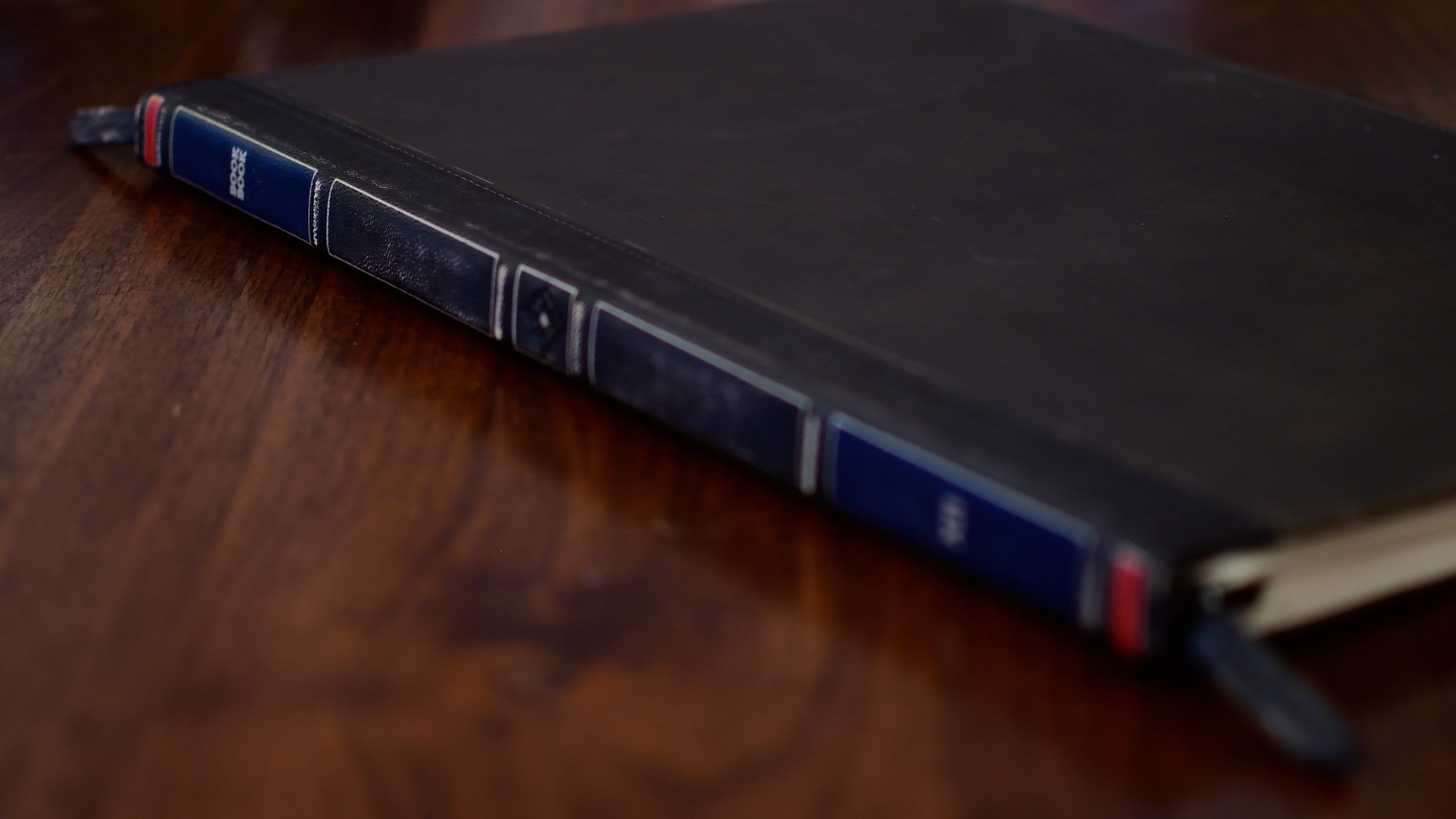
The BookBook case would by all accounts be the flagship product of Twelve South. They continually update it, year after year, for nearly all of Apple's products. This latest iteration has a few design changes that are very much appreciated, as it is modified to work with the new MacBook Pros.
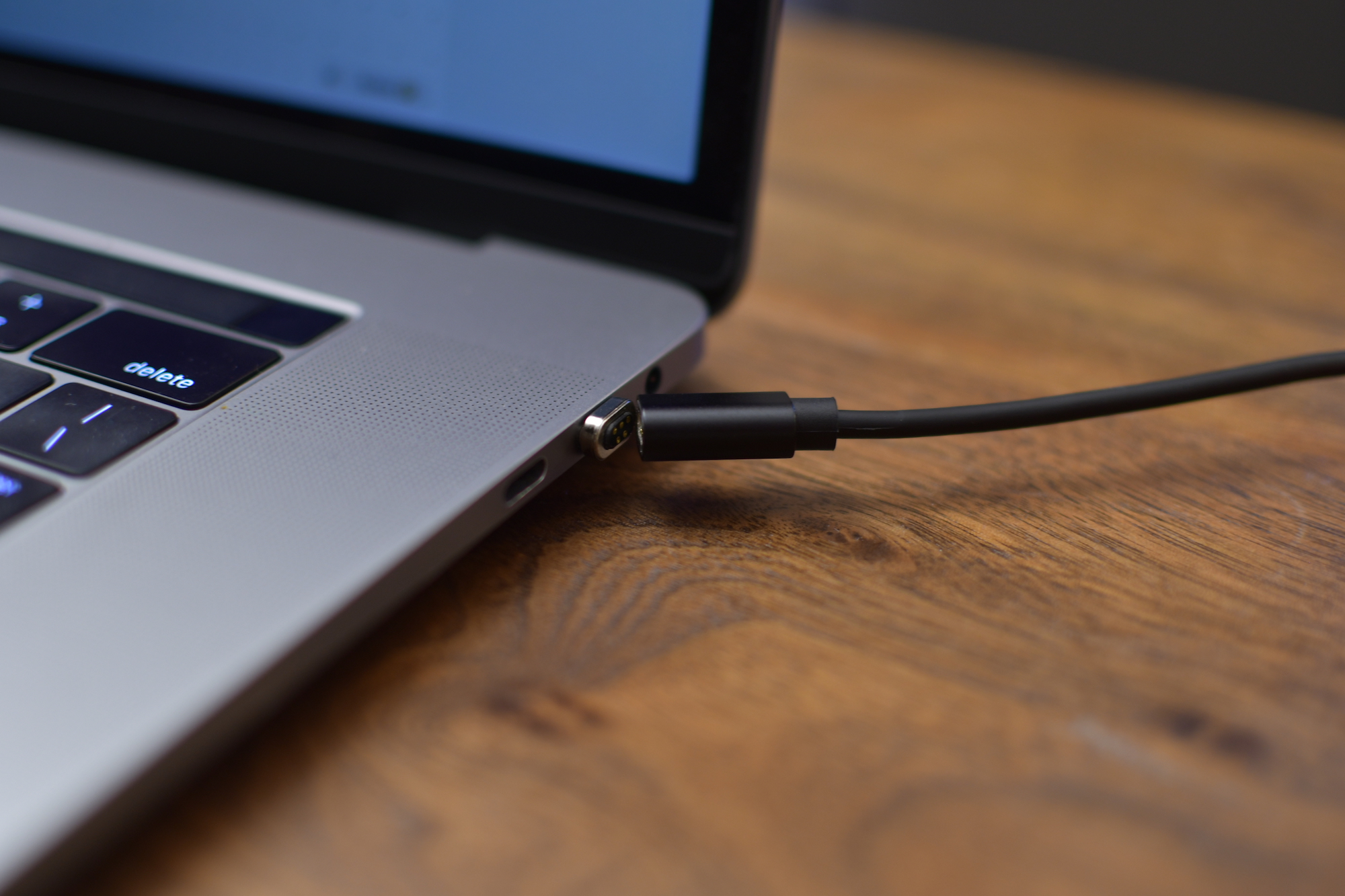
Removal of MagSafe from the latest round of MacBooks and MacBook Pros was one of the most controversial changes. MagSafe was life saving when someone inadvertently tripped over your power cable. Preventing your $1,000+ machine from toppling to the ground.
USB-C has quite its list of advantages, but it was still a difficult design decision that still angers people to this day. Vinpok is looking to remedy that with their launch of the Bolt-S USB-C magnetic cable for MacBook and MacBook Pro.
Since Apple dropped MagSafe in favor of USB-C, one of the big positives was the ability for third-party manufacturers to create external batteries and chargers. There have been a few until now, but recently we've seen several hit the market. Notable entrants from Aukey, RAVPower, Anker, and now Mophie.
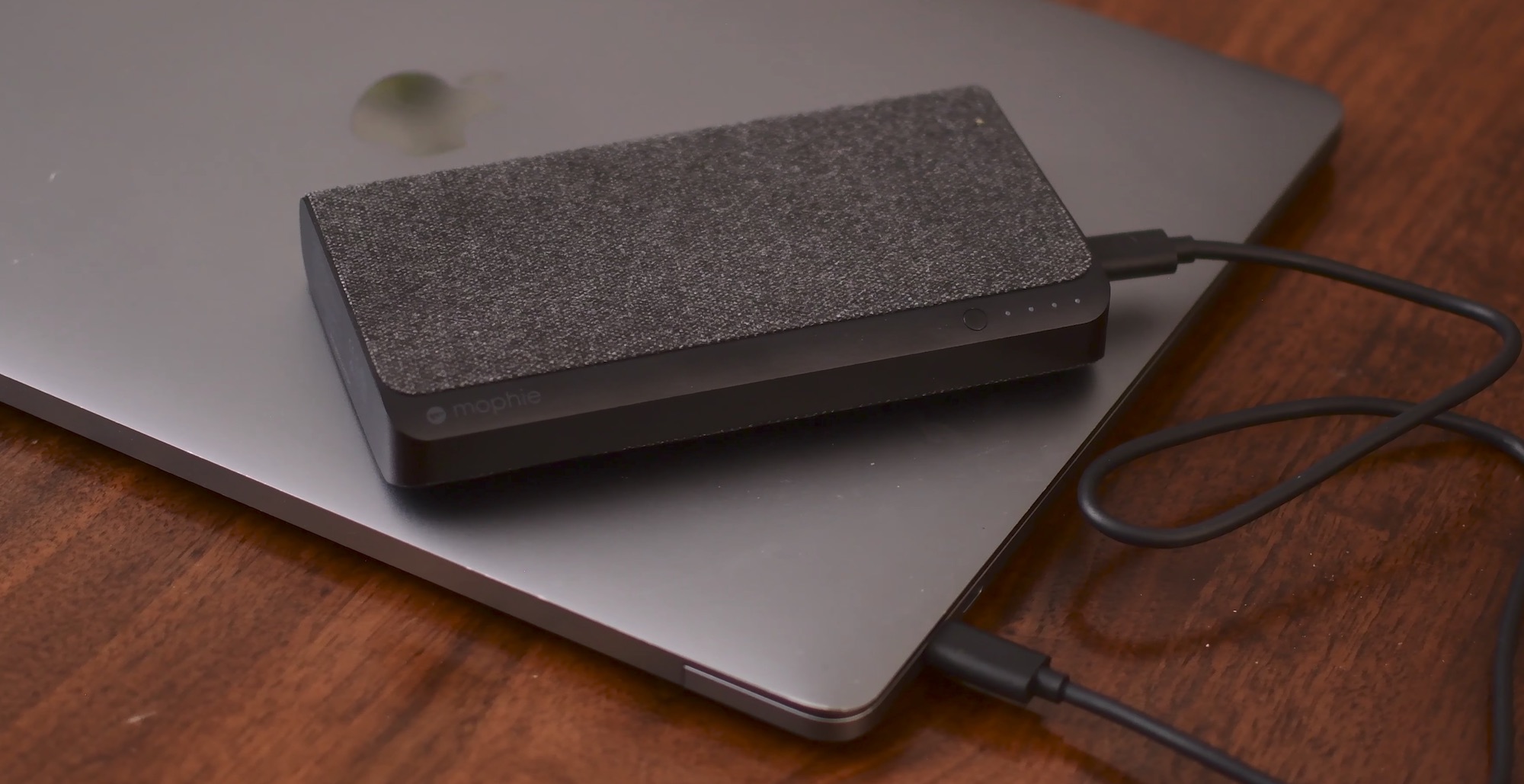
Mophie has just released an updated version of their Powerstation XXL, cleverly named Powerstation USB-C XXL. It doesn't differ greatly from the other batteries we've seen in the past, but it is possibly the most well known.
Without protection for your Apple notebook when you’re traveling, hazards that spell out scratches or dents in the aluminum finish lurk around every corner.
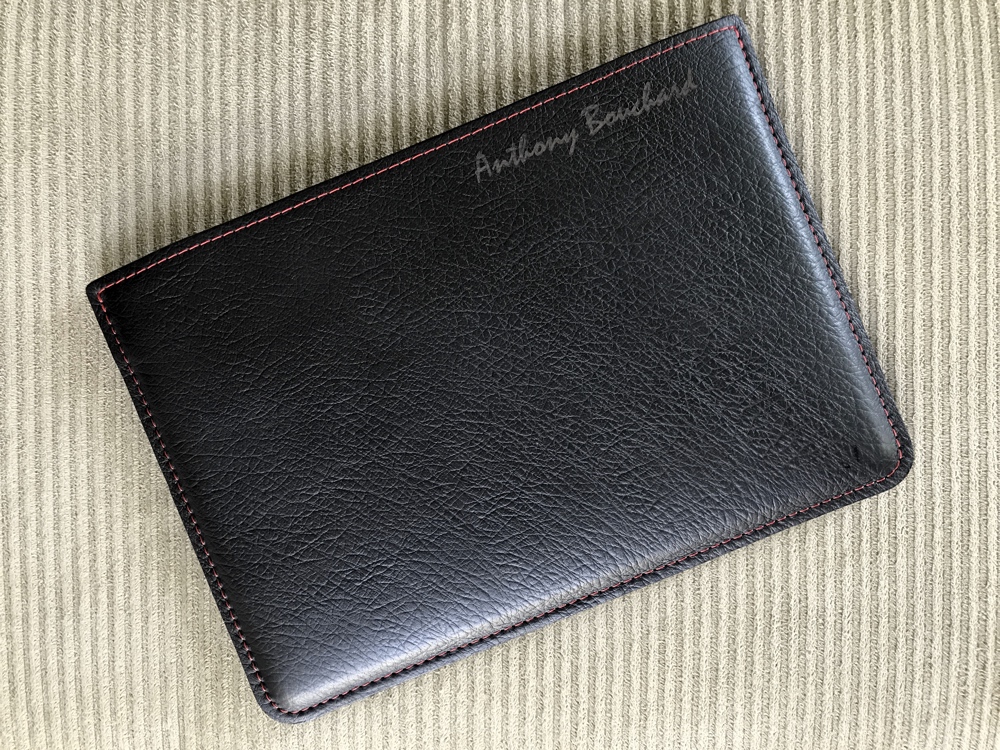
The Picaso Lab classic leather sleeve lets you pack your Apple notebook with confidence. Available in a slew of color choices, I opted for the black and coral red option you see above because it's stunning and really pops. I even had my full name engraved in the leather to give it some ownership.
Last year, I shared a roundup of my favorite accessories for my 2015 15-inch MacBook Pro. Times have since changed, and I was recently convinced to pick up a new 2017 15-inch MacBook Pro.
In this piece, I’ll pick up where I left off in my previous post by going over additional accessories that I consider essentials for my 2017 MacBook Pro. Worthy of note, these should all work with the 2016 MacBook Pro too.
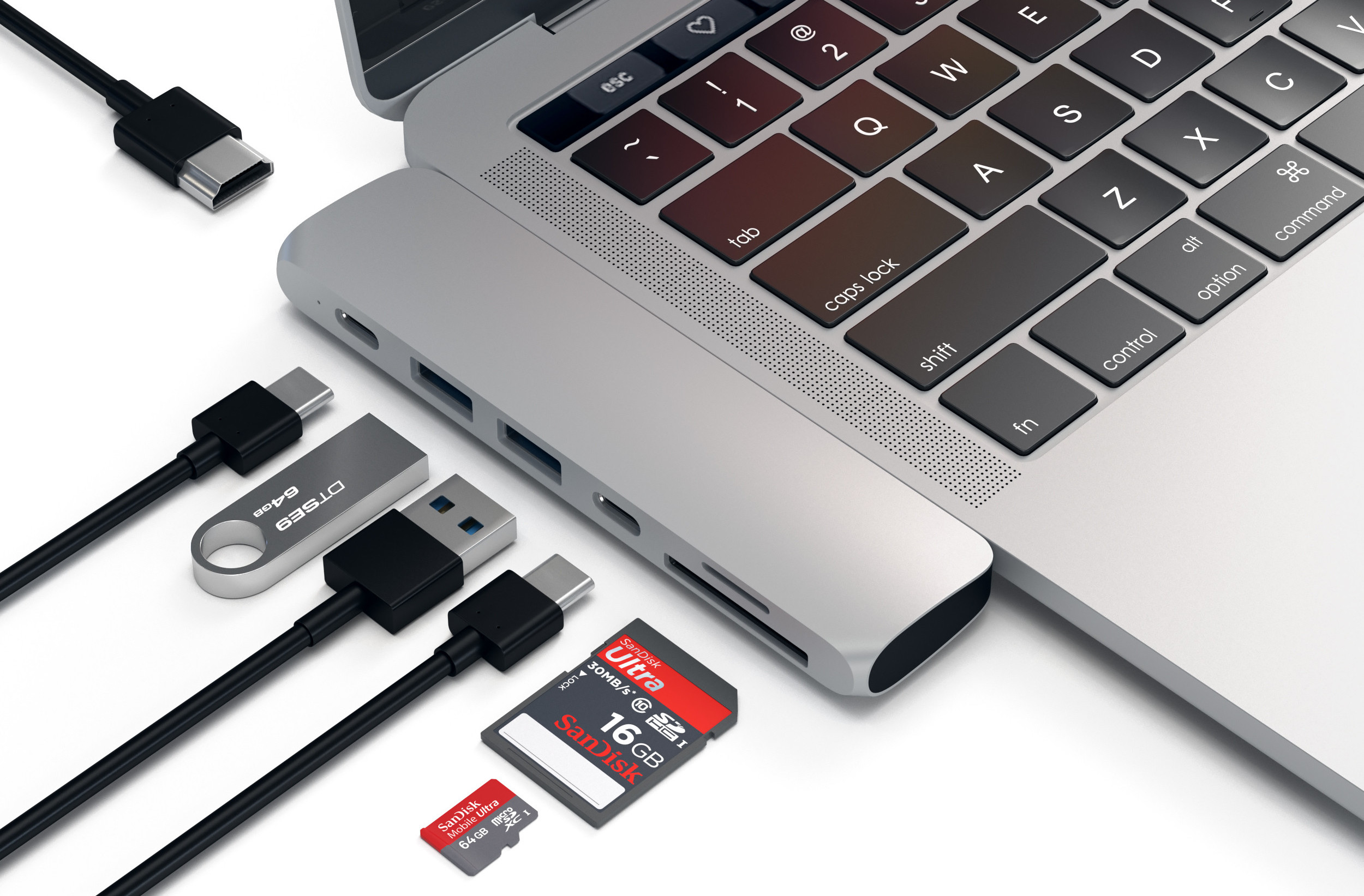
If USB-C is the future, the present still has lots of catching up to do, as we are still reliant on legacy standards such as HDMI, USB 3.0, SD cards, and more. That makes moving to the new MacBook Pro a little less convenient than we were promised, and unless you want to stock up on a set of new cables for all your peripherals, the next smart thing to do is to buy a USB-C hub.
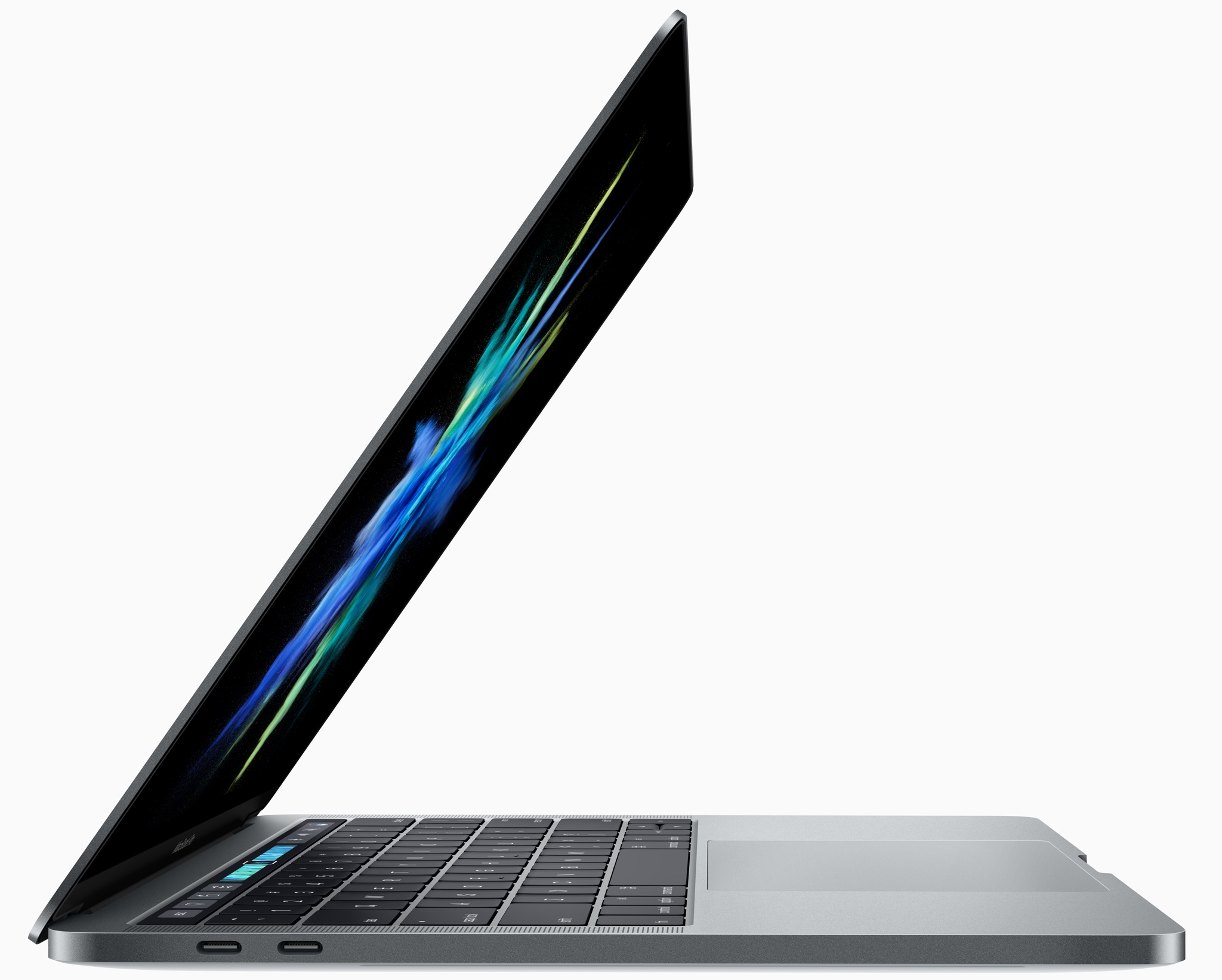
Apple has refreshed its notebook lineup during this morning's keynote presentation at the Worldwide Developers Conference in San Jose. Like its updated 12-inch MacBook, the refreshed MacBook Pro lineup now provides Intel's latest seventh-generation processors, code-named “Kaby Lake”, that were announced in March.
All MacBook Pro models now include enhanced SSDs, up to 50 percent faster than before.
The 13-inch MacBook Pro with Touch Bar starts at $1,799. If you need a notebook with a 15-inch display and Touch Bar, that'll be a cool $2,399, at least.
The 13-inchers have Intel CPUs up to 3.5 GHz Core i7 with Turbo Boost up to 4.0 GHz while their 15-inch counterparts include up to 3.1 GHz Core i7 chips with Turbo Boost up to 4.1 GHz.
In terms of graphics, the baseline non-Touch Bar model uses Intel's Iris Plus Graphics 640. The more powerful Intel Iris Plus Graphics 650 is powering other 13-inchers without Touch Bar.
All models of the 15-inch MacBook Pro have been upgraded to Radeon Pro 555 discrete graphics with 2GB video memory. A Radeon Pro 560 GPU with 4GB memory is available as a build-to-order option on Apple's web store.
Here are the stock MacBook Pro configurations:
$1,299 13-inch MaBook Pro
13.3-inch LED-backlit 2560-by-1600 display with IPS technology at 227PPI, with 200 nits of brightness and wide color (P3) support 2.3GHz dual-core Intel Core i5 processor with Turbo Boost up to 3.6GHz 8GB 2133MHz LPDDR3 memory 128GB SSD storage Integrated Intel Iris Plus Graphics 640 2x USB-C/Thunderbolt 3 ports$1,499 13-inch MaBook Pro
13.3-inch LED-backlit 2560-by-1600 display with IPS technology at 227PPI, with 200 nits of brightness and wide color (P3) support 2.3GHz dual-core Intel Core i5 processor with Turbo Boost up to 3.6GHz 8GB 2133MHz LPDDR3 memory 256GB SSD storage Integrated Intel Iris Plus Graphics 640 2x USB-C/Thunderbolt 3 ports$1,799 13-inch MaBook Pro
13.3-inch LED-backlit 2560-by-1600 display with IPS technology at 227PPI, with 200 nits of brightness and wide color (P3) support 3.1GHz dual-core Intel Core i5 processor with Turbo Boost up to 3.5GHz 8GB 2133MHz LPDDR3 memory 256GB SSD storage Integrated Intel Iris Plus Graphics 650 4x USB-C/Thunderbolt 3 ports Touch Bar and Touch ID$1,999 13-inch MaBook Pro
13.3-inch LED-backlit 2560-by-1600 display with IPS technology at 227PPI, with 200 nits of brightness and wide color (P3) support 3.1GHz dual-core Intel Core i5 processor with Turbo Boost up to 3.5GHz 8GB 2133MHz LPDDR3 memory 512GB SSD storage Integrated Intel Iris Plus Graphics 650 4x USB-C/Thunderbolt 3 ports Touch Bar and Touch ID$2,399 13-inch MaBook Pro
15-inch LED-backlit 2880-by-1800 display with IPS technology at 220PPI, with 200 nits of brightness and wide color (P3) support 2.8GHz quad-core Intel Core i7 processor with Turbo Boost up to 3.8GHz 16GB 2133MHz LPDDR3 memory 256GB SSD storage Discrete Radeon Pro 555 graphics with 2GB video memory 4x USB-C/Thunderbolt 3 ports Touch Bar and Touch ID$2,799 13-inch MaBook Pro
15-inch LED-backlit 2880-by-1800 display with IPS technology at 220PPI, with 200 nits of brightness and wide color (P3) support 2.9GHz quad-core Intel Core i7 processor with Turbo Boost up to 3.9GHz 16GB 2133MHz LPDDR3 memory 512GB SSD storage Discrete Radeon Pro 560 graphics with 4GB video memory 4x USB-C/Thunderbolt 3 ports Touch Bar and Touch IDThe updated machines are available with 1-day shipping, in Silver or Space Gray.
It's worth reiterating that the entry-level 13-inch MacBook Pro model without Touch Bar now costs $1,299 instead of $1,499. Being a cool $200 cheaper actually makes in comparison MacBook Air a tougher sell as it's only gotten a faster 1.8GHz Intel chip today.
Apple also continues to offer the previous-generation MacBook Pro with a 15-inch screen, Intel's 2.2GHz quad-core Core i7 processor with Turbo Boost up to 3.4GHz, 16GB 1600MHz memory, 256GB SSD storage, Intel Iris Pro Graphics and two Thunderbolt 2 ports.
It's available in Silver finish only and costs $1,999 a pop.
These updated MacBook Pro models, plus improved iMacs and the 13-inch MacBook Air models with a faster 1.8GHz CPU, are all available to order today on Apple.com.
You can buy them in Apple Stores starting on Wednesday, June 7.
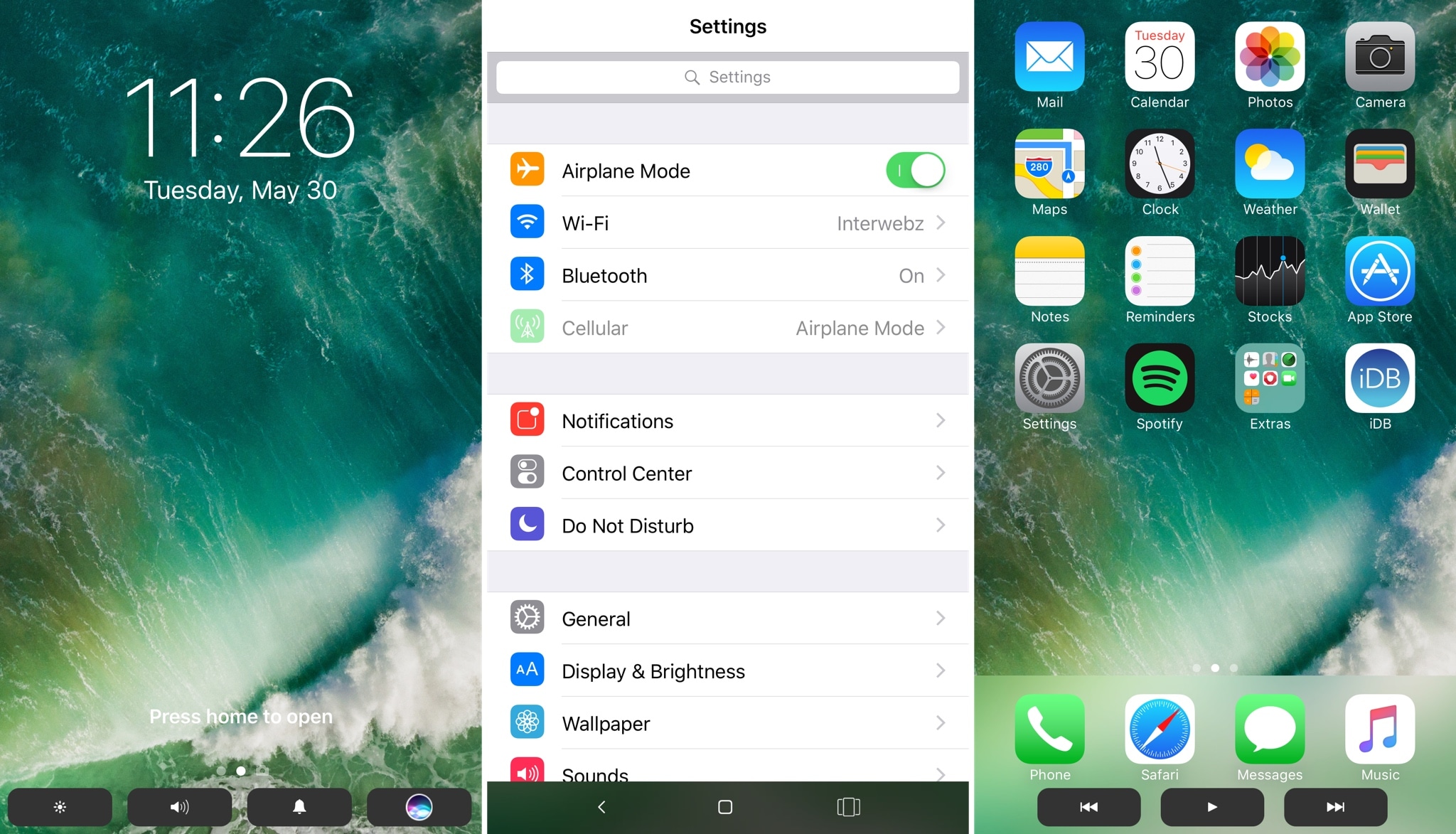
The Touch Bar is perhaps one of the most innovative new features of the latest model of MacBook Pro, but a new jailbreak tweak dubbed TouchBar by iOS developer LaughingQuoll aspires to bring a similar feature to jailbroken iOS devices.
After installation, the tweak essentially hides out at the bottom of your device’s display in all interfaces. This makes it easy to get to, enabling you to access its shortcuts with ease, no matter what you might be doing.
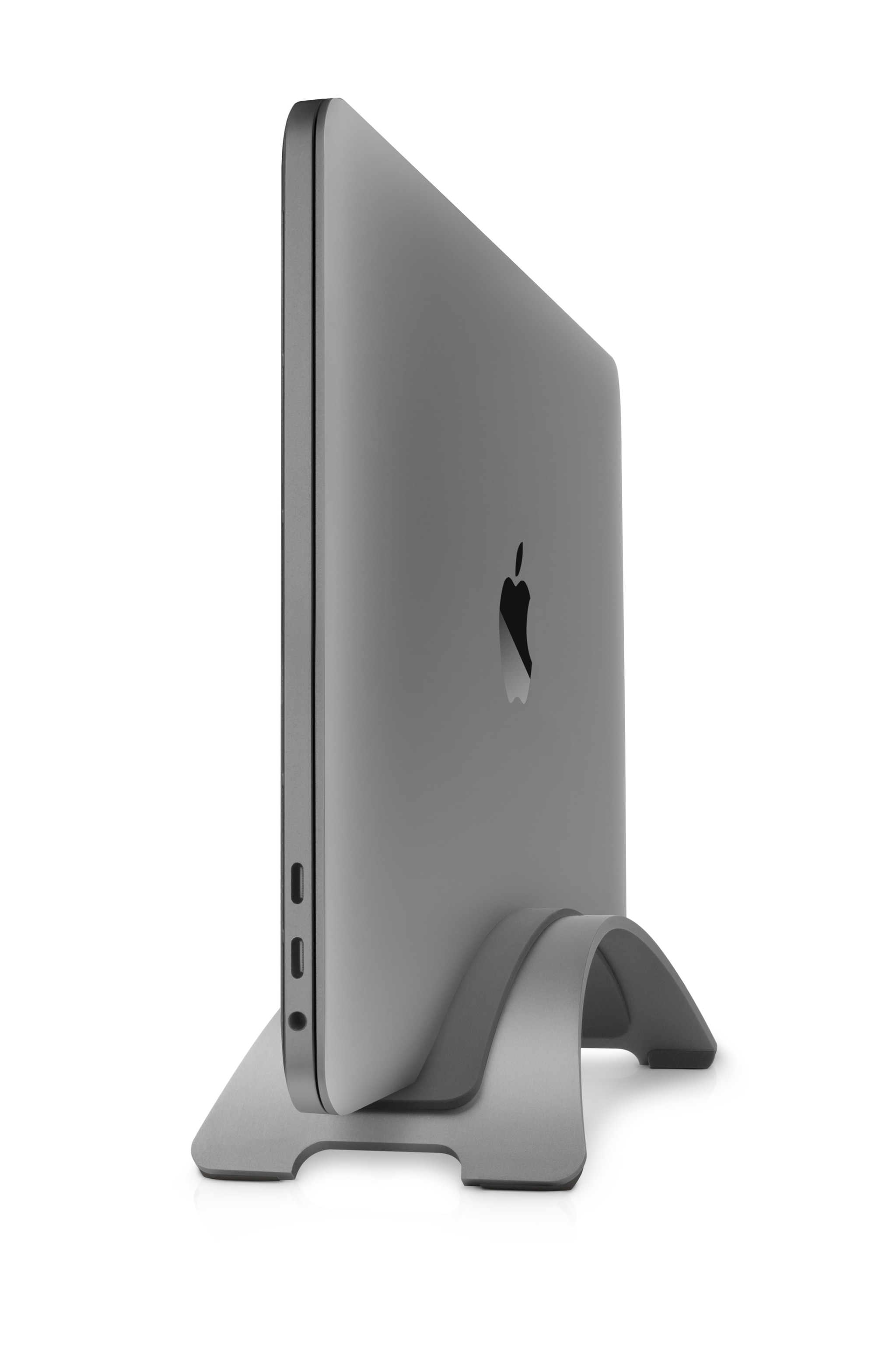
Twelve South just launched a new Space Gray color option for its popular BookArc stand for MacBook, MacBook Air, and MacBook Pro on Thursday.
It's intended to look great with the OEM Space Gray color Apple offers for its MacBook with Retina display and 2016 MacBook Pro (with or without the Touch Bar), and it joins the classic silver finish, made to match the standard aluminum finish of the previous generation MacBook Pro, along with other notebooks in Apple's lineup.