Just ahead of CES, Samsung has announced a new Thunderbolt 3 monitor, perfect for the MacBook Pro. Unlike LG's TB3 monitors, these feature a curved display.
Samsung debuts curved Thunderbolt 3 monitor ahead of CES
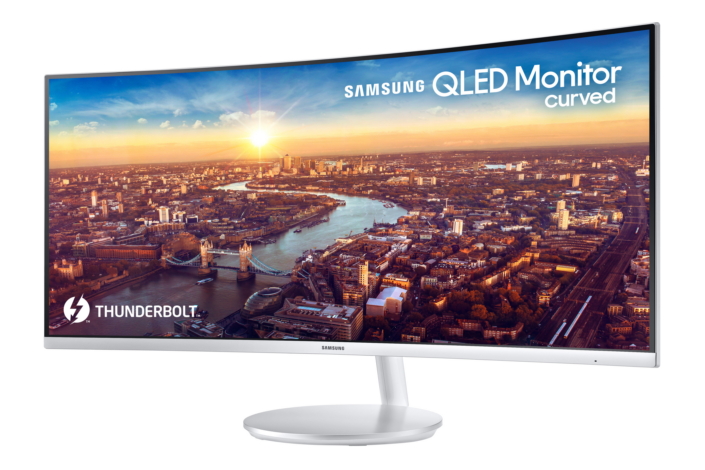
Just ahead of CES, Samsung has announced a new Thunderbolt 3 monitor, perfect for the MacBook Pro. Unlike LG's TB3 monitors, these feature a curved display.

Today's entry into our 2017 Holiday Gift Guide focuses on MacBook accessories. Whether the person you're shopping for has a MacBook Air, Pro or Retina MacBook, you're bound to find something for them in the curated list below. But you better get to shopping, Christmas is less than a week away!
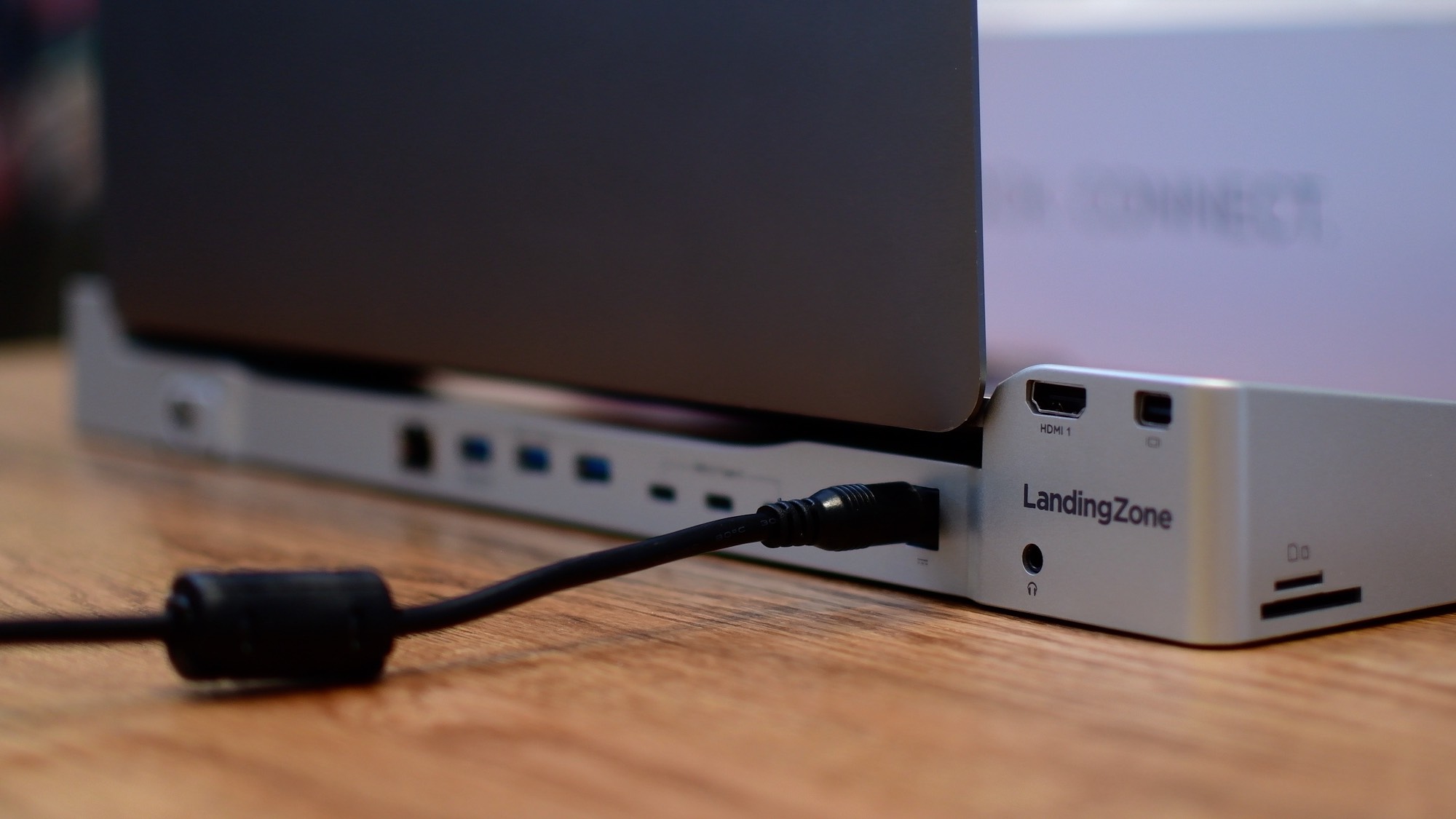
LandingZone is a docking station for MacBook Pro that offers 16 additional ports. Especially since the move to 100% USB-C on the latest MacBook models, the LandingZone is a handy accessory to have around.
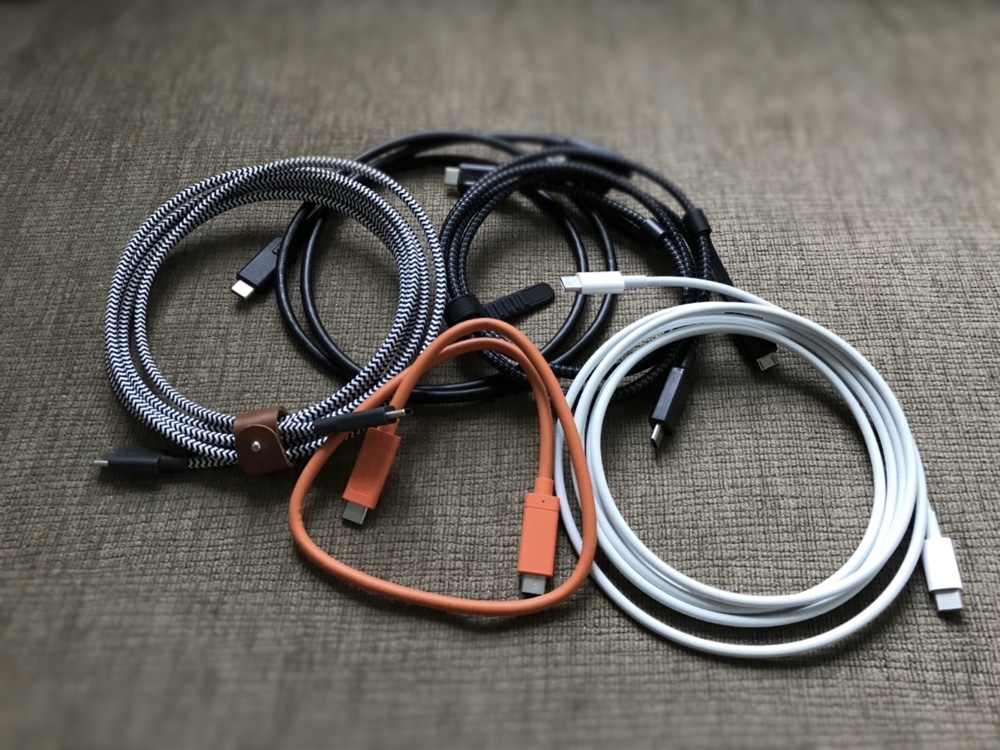
It wasn’t long ago that I shared my thoughts about why the USB Type-C standard wasn’t perfect yet, but some vital, forward-thinking milestones have started trickling their way down the manufacturing lines, and it smells like progress.
While many USB Type-C cables continue to display limitations regarding data speed, power delivery, or both, some brands are making a difference by offering the best of both worlds. Nevertheless, I wouldn’t quite say the standard is perfect yet.
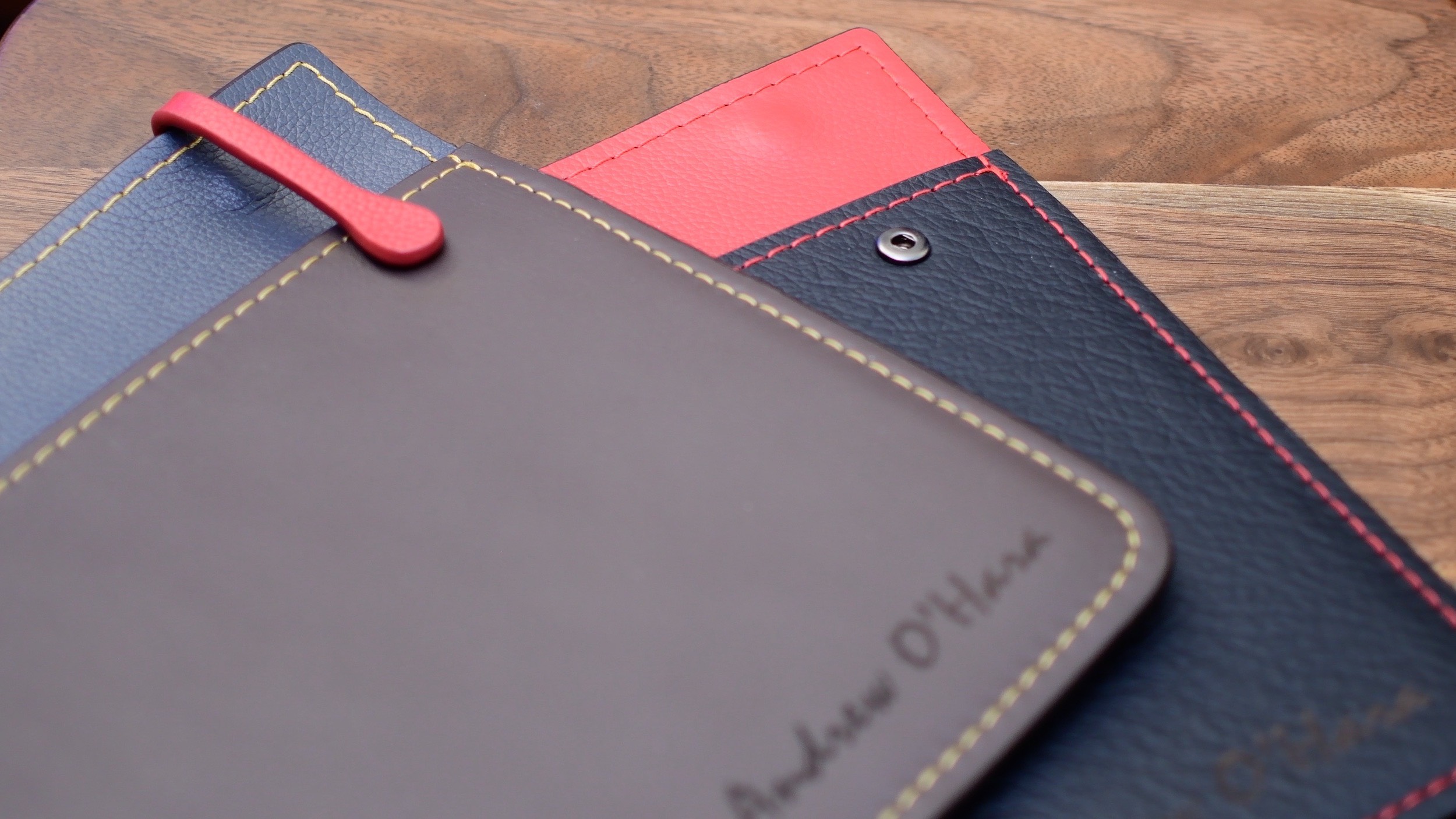
When it comes to protective sleeves for your MacBook, they are generally very similar: some outer material, a soft inner material and your Mac slides in and out.
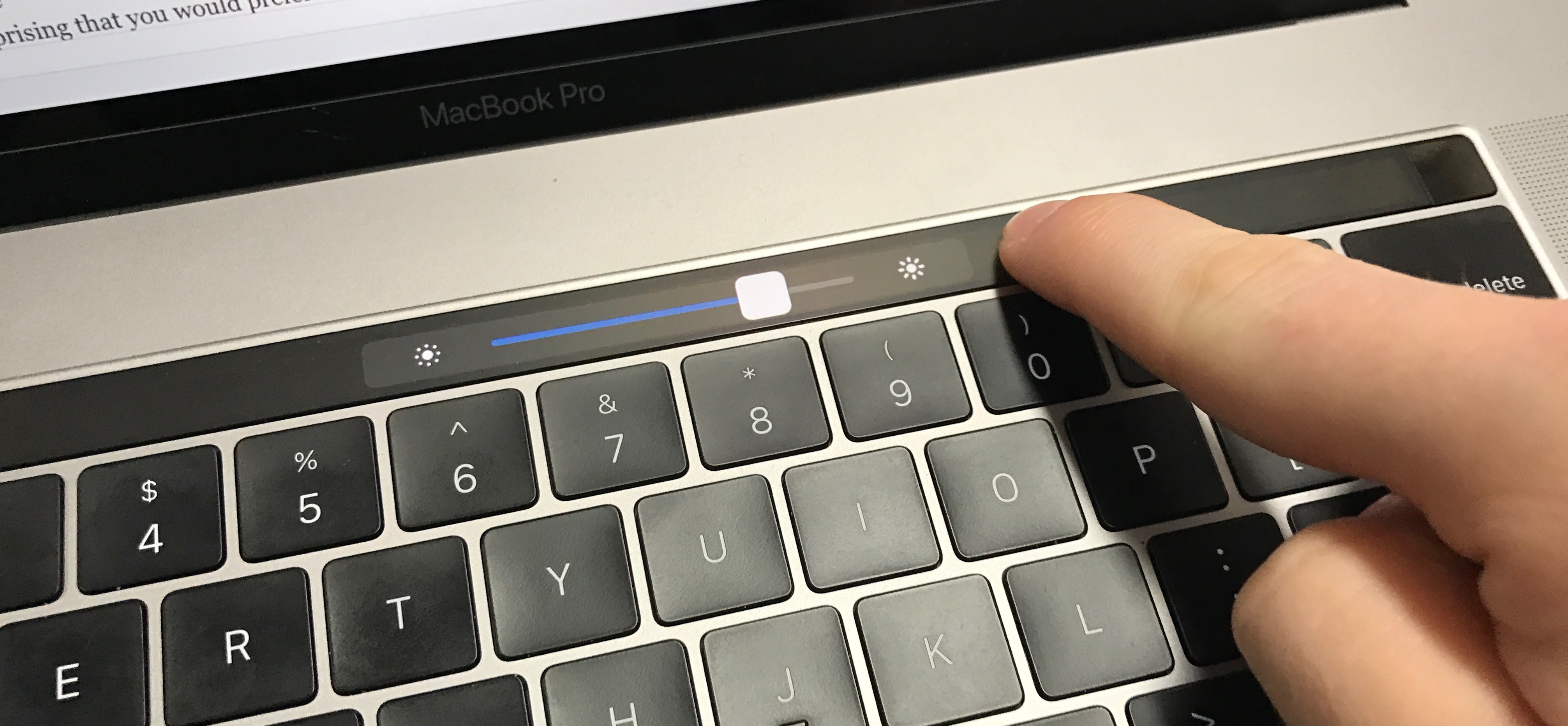
In this quick tutorial, we will show you how to delete the Touch Bar data from your MacBook using a short Terminal command.
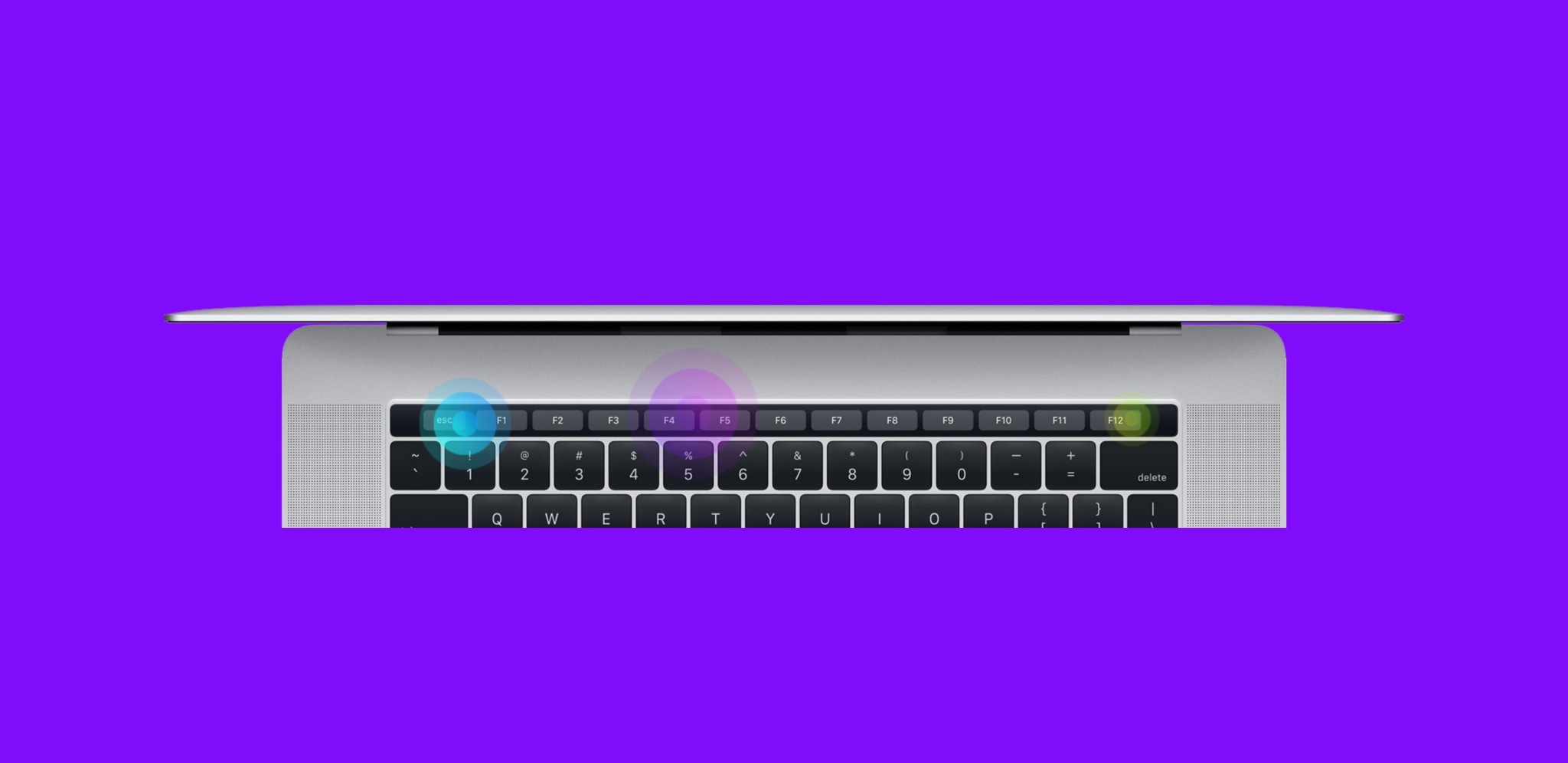
Apple’s latest line of MacBook Pros sports an OLED Touch Bar just above the physical keyboard. The point of the Touch Bar is to offer a dynamic, programmable strip that acts as both an extension of your keyboard and an auxiliary input device for select apps on your Mac.
As incredible as the Touch Bar is, one feature that Apple seemed to skim across when designing it was haptic feedback.
USB Type-C is a forward-thinking I/O standard that aims to bundle both ease of use and versatility in one universal package. Not only is it becoming popular in the mobile device market, but it’s also finding its way to the game console and portable notebook markets among others.
If you own any of Apple’s new MacBooks or MacBook Pros, then you’re likely already accustomed to the USB-C life. While it takes a little bit of getting used to at first, it can be a smooth transition after some time. Nevertheless, I have a beef with the USB-C standard; at least in its current form.
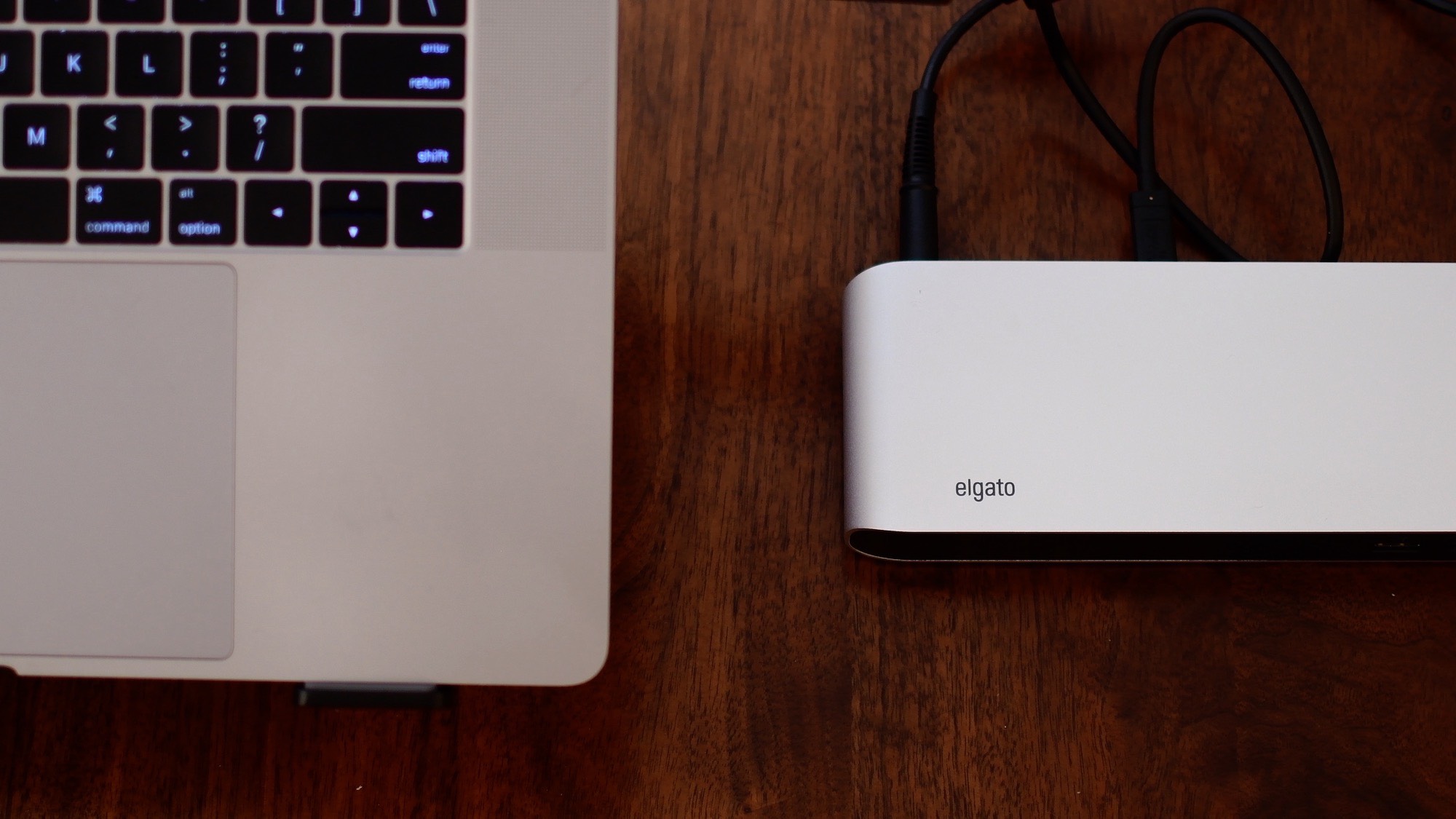
So far, we've taken a look at Thunderbolt 3 docks from CalDigit and OWC. Now we have a solution from Elgato as well. The Elgato offering takes a horizontal orientation, similar to OWC. It offers several ports, in a streamlined and well-designed body.
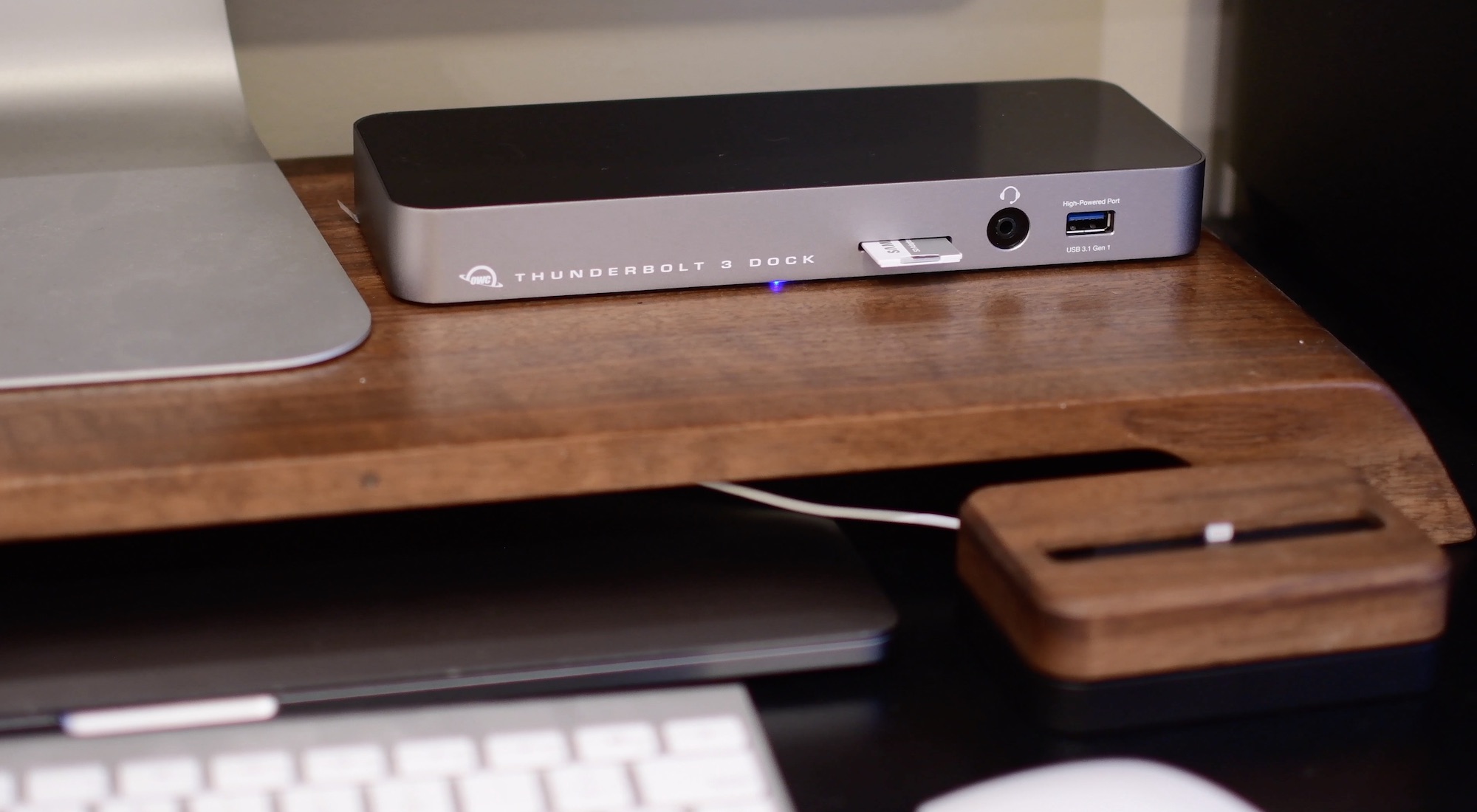
OWC has made a name for itself with high quality accessories and upgrades for your Mac. Their vision of the Thunderbolt 3 docking station is well thought out, making it one of the few to offer an SD card reader, Firewire 800, and a headset jack.
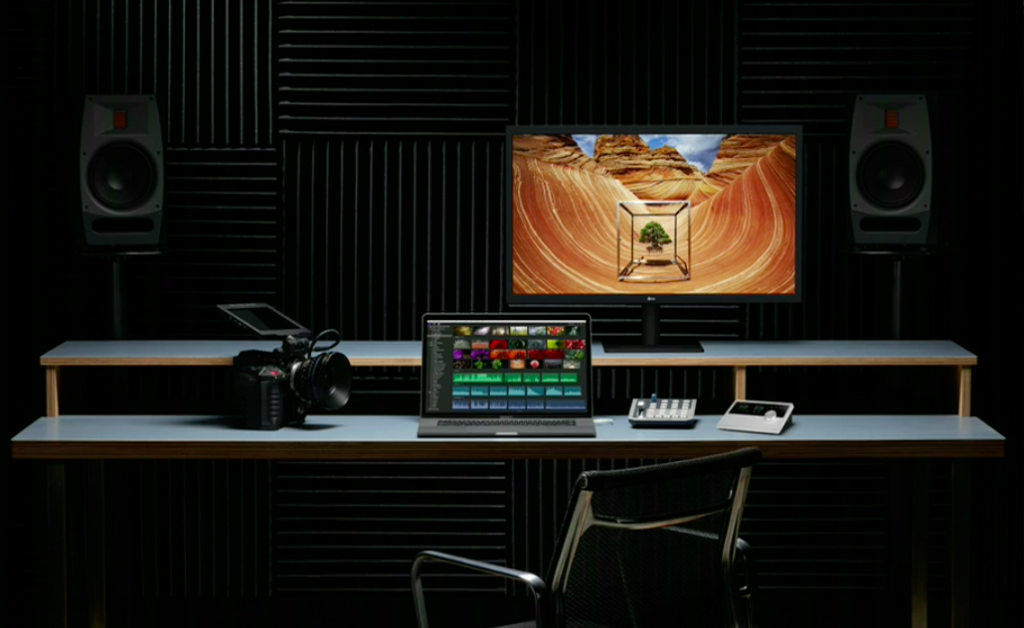
This is an easy-to-follow guide aimed at folks who are in the market for an external display for their MacBook or MacBook Pro. These laptops feature USB-C ports exclusively, so if you want to hook them up to a display without the need for dongles, you'll need to find one that supports the tech.
Since the USB-C port is relatively new, there aren't a ton of monitors out there that are compatible with it just yet. But as usual we've taken the time to track down the best USB-C monitors for MacBook and MacBook Pro available, based on a variety of factors, including price, features, expert and user reviews, and of course our own experiences.
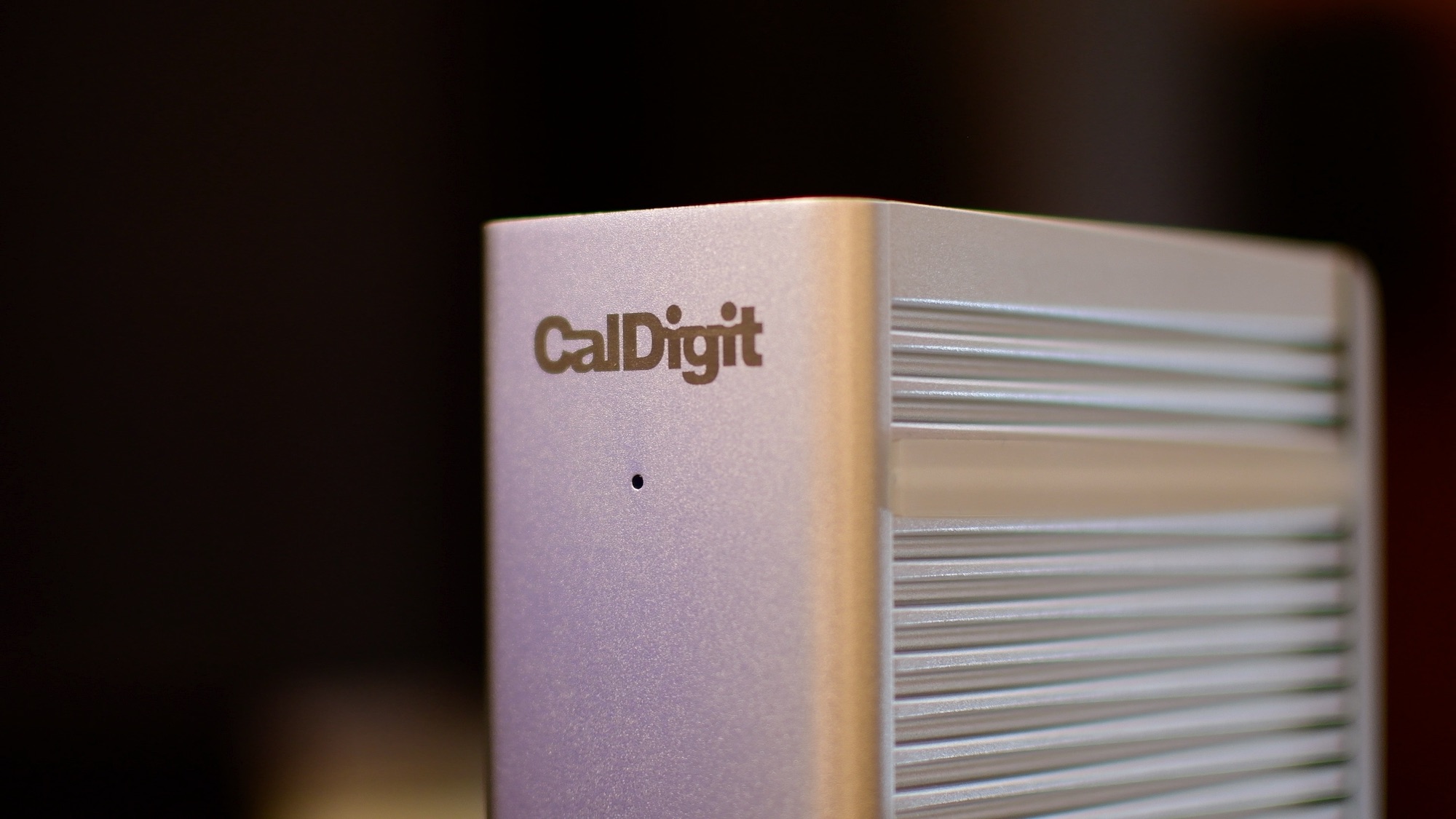
CalDigit TS3 is a solid options for pros looking to expand the functionality of their MacBook Pro or Thunderbolt 3 equipped iMac.