Apple should release the first M3 MacBook Air and MacBook Pro models and some new iPads in October—possibly without a dedicated event.
Rumor: M3 MacBook Air, MacBook Pro and minor iPad updates arriving in October

Apple should release the first M3 MacBook Air and MacBook Pro models and some new iPads in October—possibly without a dedicated event.

Whether you’re a professional pumping out productivity on multiple displays with various types of storage media attached, or you’re an average Joe just trying to have the neatest desk space arrangement that you can, chances are that you could make use of a Thunderbolt 4 Dock to both maximize connectivity to your Mac or PC and minimize the number dongles and adapters you’d otherwise need to connect to your computer’s ports.

Apple's next MacBook Pro models with the M3 Max chip will be its most powerful laptops yet with up to 16 processing and 40 graphics cores.
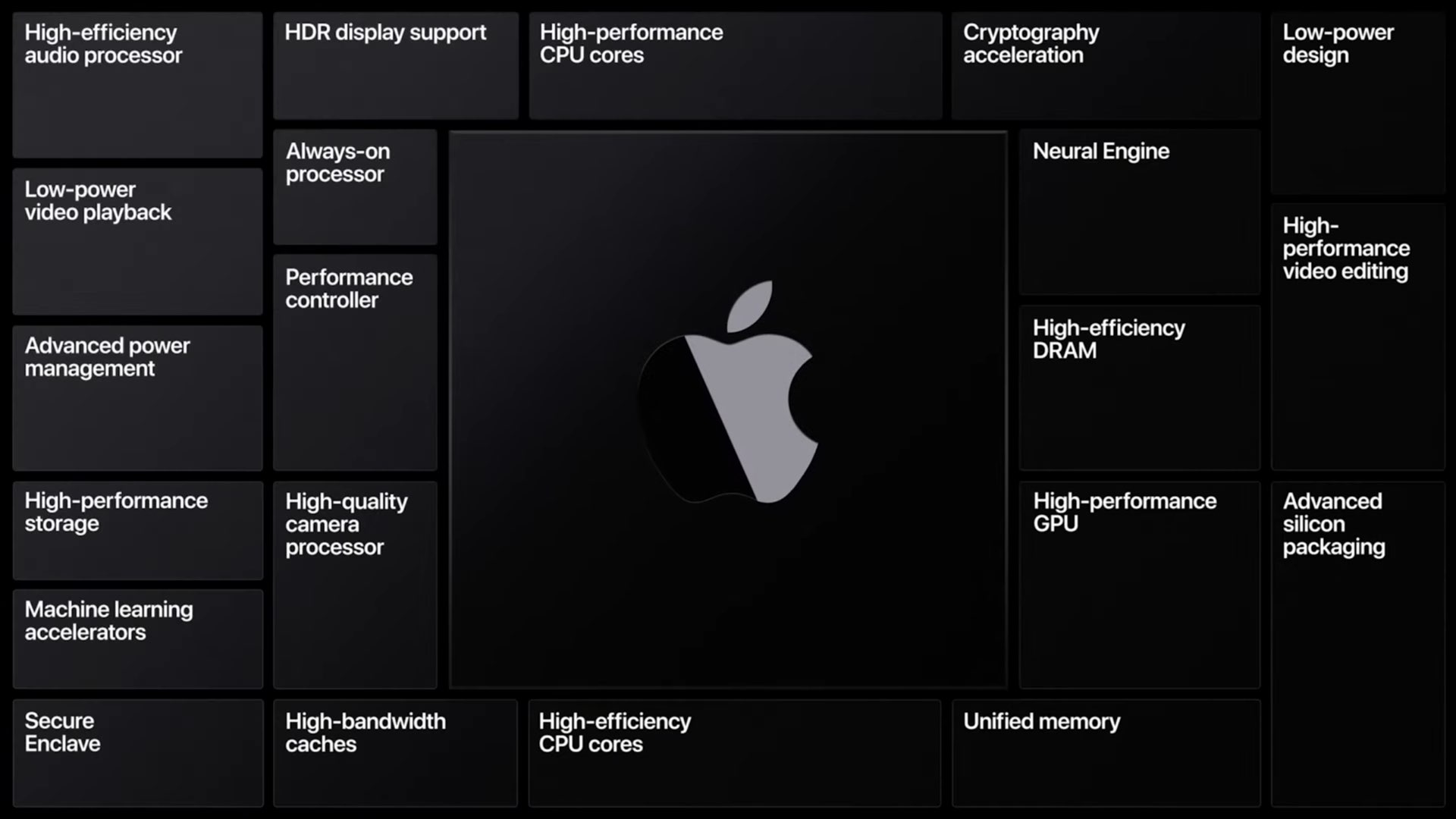
Apple is apparently developing six different computers that'll run its upcoming M3 chip, including new M3 MacBook Pro and MacBook Air laptops.
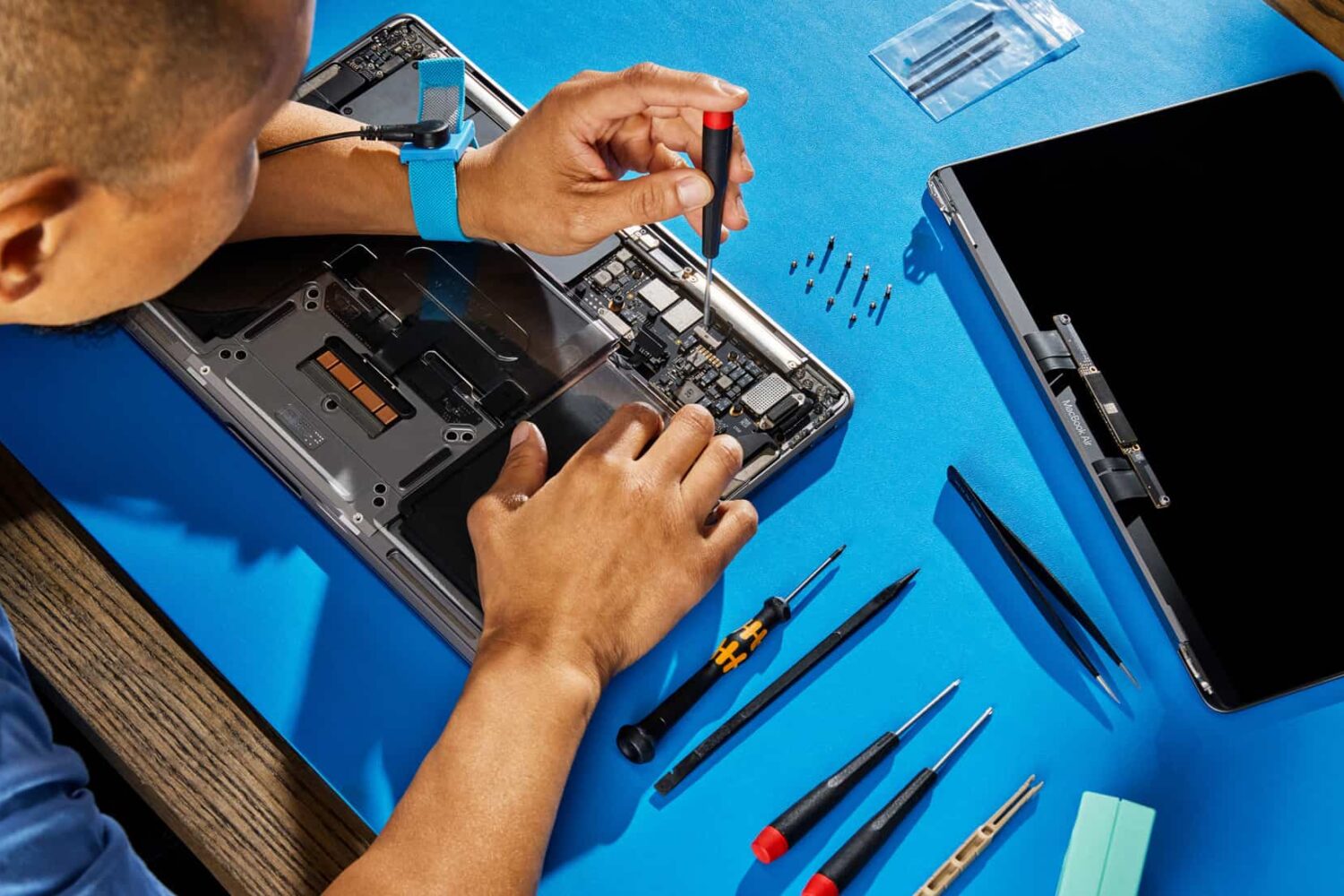
Starting June 21, you can order genuine Apple parts to self-repair any iPhone 14, M2 MacBook Air or MacBook Pro with M2 Max or M2 Pro.
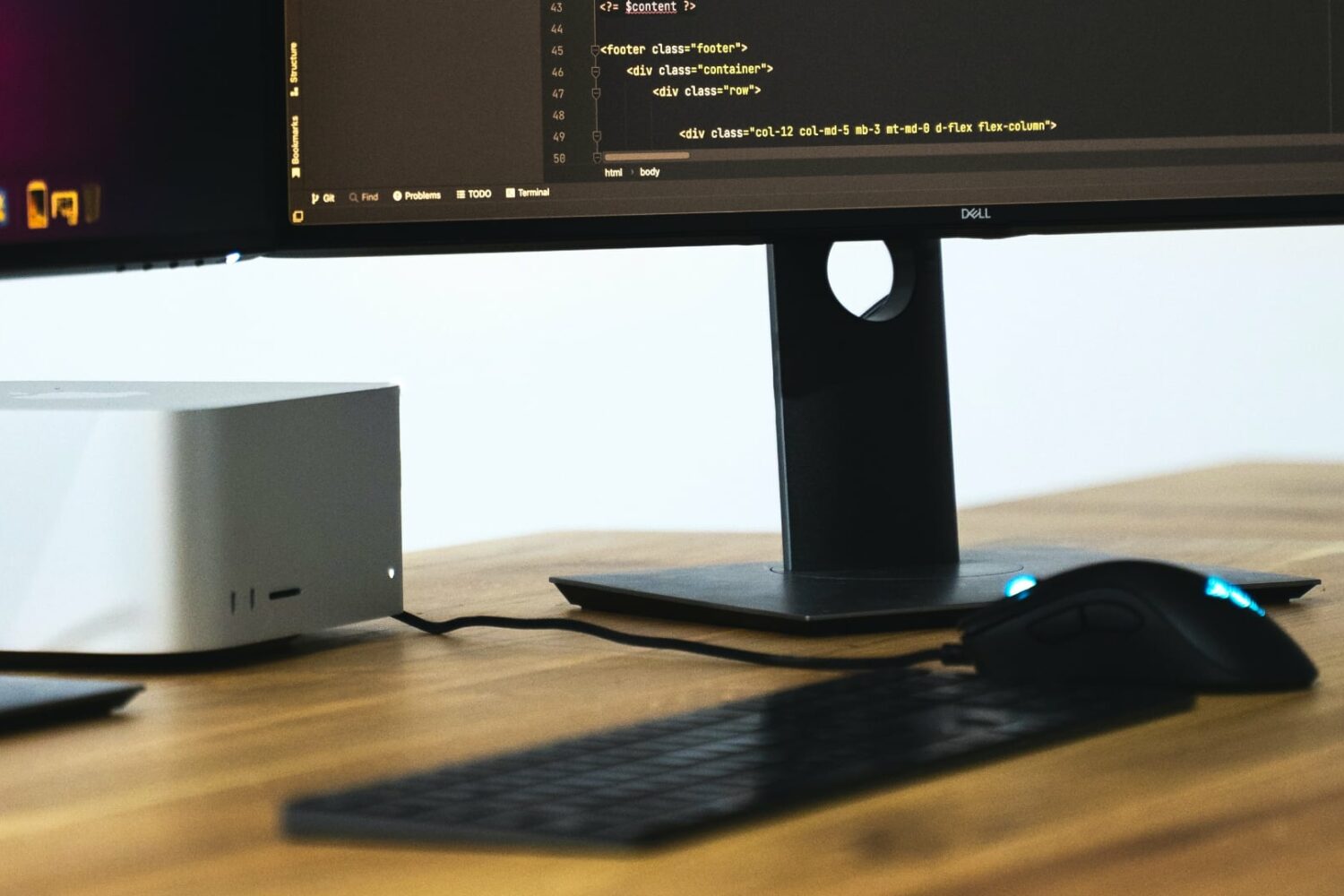
Apple might unveil several new Macs during its upcoming WWDC keynote, in addition to the rumored mixed-reality headset and new operating systems.

If you're in the market for a stylish and protective sleeve for your MacBook Pro, Woolnut's premium leather sleeve is definitely worth considering. Our review covers everything from the quality of the leather to the stitching and overall design, so you can make an informed decision before investing in this high-end accessory.

Aside from a 15-inch MacBook Air, other Mac laptops and desktops are reportedly in development, including updated Mac Studio and iMac models.

Home office setups are popular, namely because they offer a quiet space in your house to be productive with a wide variety of things, be it to study, to work on finances, to work a remote job, or something else. But if you’re anything like me, then you might have a few essential items that make your home office exciting to use.
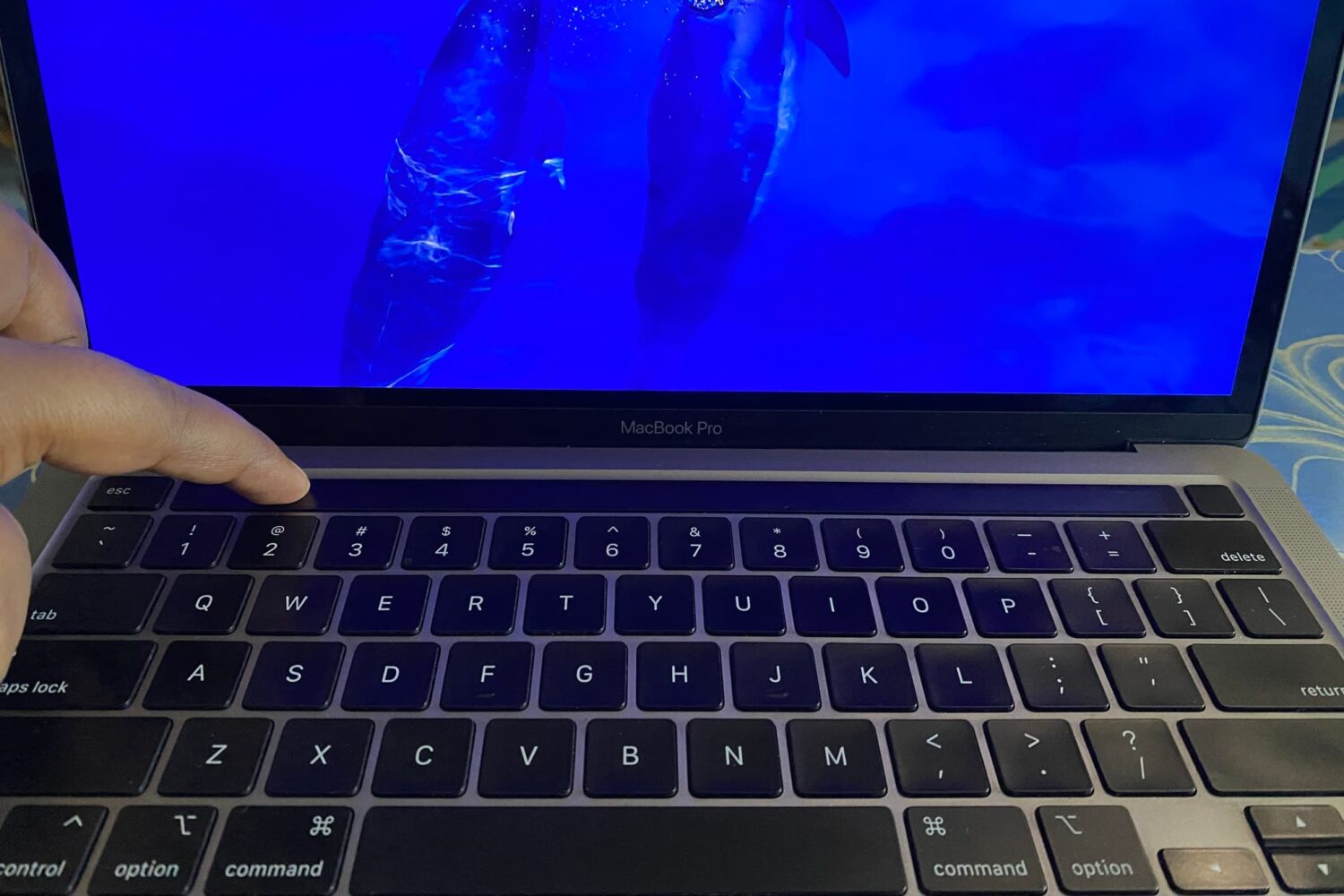
macOS has no option or Terminal command to turn off the Touch Bar. However, with some simple tweaks, you can turn off the Touch Bar's functionality to disable it and have it appear as an empty, non-lit black strip.
In this tutorial, we will show you how to disable your MacBook Touch Bar and make it unresponsive to touch.

With a hidden chamber for a MagSafe disc charger, Twelve South’s refreshed HiRise Pro Stand will elevate your MacBook and charge your iPhone simultaneously.

Watch this quick hands-on video walkthrough comparing Apple's M2 MacBook Air (2022) laptop and the company's new M2 Pro-powered MacBook Pro (2023).