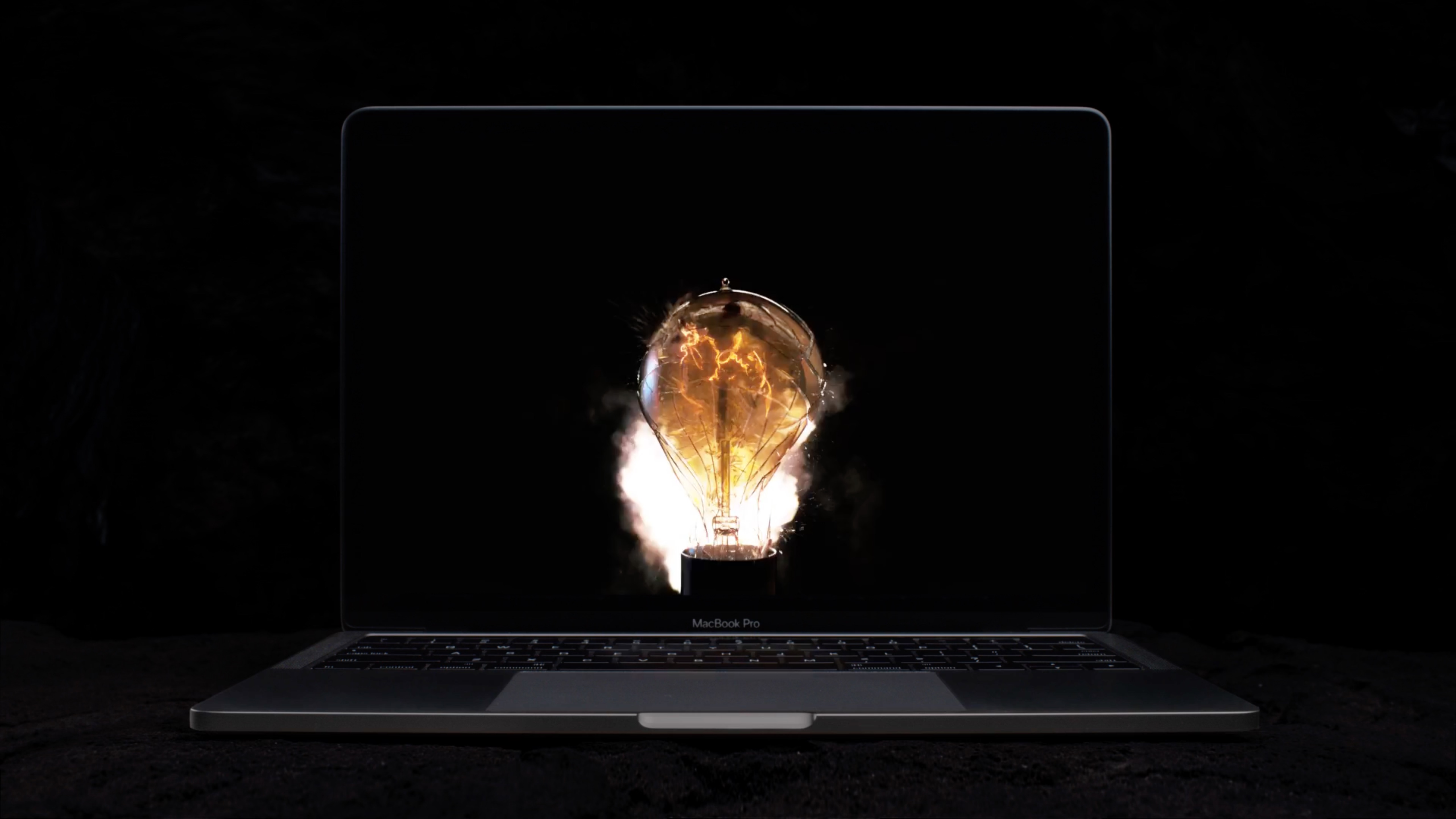
The new MacBook Pro has ditched the iconic boot chime that's been a signature part of the Mac startup process over the last 17 years. Pingie discovered that the sound is not gone entirely. Apple's just disabled it and it's possible to bring it back should you want. In this quick tutorial, we'll show you how to re-enable the boot chime on your late-2016 MacBook Pro with a simple Terminal command.
Mac
Stay up-to-date on the latest Mac news, and tutorials. Get expert tips and tricks to optimize your Mac’s performance and learn about the latest Apple products and software updates. Discover the best Mac apps and accessories to enhance your user experience.
New MacBook Pro doesn’t play classic startup chime when turned on
As spotlighted by French blog MacGeneration.fr based on Pingie's discovery, Apple's latest MacBook Pro no longer plays the classic F-sharp major chime when the computer has been powered on (you can bring it back with a simple Terminal command).
The iconic boot sound's been part of the Mac since 1999, but Apple's apparently decided to break with the tradition beginning with the new MacBook Pro, perhaps because it turns on automatically as soon as you open the lid.
Jony Ive speaks on MacBook Pro’s Touch Bar, touchscreen Macs & more
Jony Ive, Apple's Chief Design Officer, sat for a Q&A with CNET's News Editor in Chief Connie Guglielmo following last week's “Hello again” Mac event. Ive talked about various topics, including design considerations behind the creation of the Touch Bar, a marquee new feature of the new notebook, saying it's “just the beginning of a very interesting direction”. He explained why Apple'd rejected a touchscreen iMac “many, many years ago” and more.
The different kinds of memory states on your Mac and what they mean
I was recently asked about the difference between active, inactive, and wired memory on computers. Many memory measure tools use these terms to describe your memory usage and doesn't really go into much depth about what they mean.
In this piece, I hope to shed some light on this confusion and explain the differences between these memory states the best I can.
1Password confirms that Touch ID support for the MacBook Pro’s Touch Bar is in the works
As we were watching a live-stream of yesterday's “Hello again” Mac event, our own Sébastien told the rest of the team via Slack that, in his mind, the 1Password + Touch ID + MacBook Pro combination would make a lot of sense. And indeed it would.
Less than 24 hours later, 1Password developer AgileBits has officially confirmed in a blog post that they're hard at work implementing support for Touch ID via the new MacBook Pro's Touch Bar to let users protect the app with their fingerprint.
MacBook Pro didn’t double the RAM because 32GB RAM would decrease battery life
I've had a blast configuring the new MacBook Pro in Apple's online store and a lack of 32GB RAM upgrade option immediately jumped out at me. Thirteen-inch Pros include 8GB RAM while the faster and pricier fifteen-inch machines double that to to sixteen gigabytes.
According to Apple, the new MacBook Pro cannot be configured with 32 gigabytes of RAM because doubling the memory would have a negative impact on battery life.
Apple’s new T1 chip that drives MacBook Pro’s Touch Bar runs “eOS”, a variant of watchOS
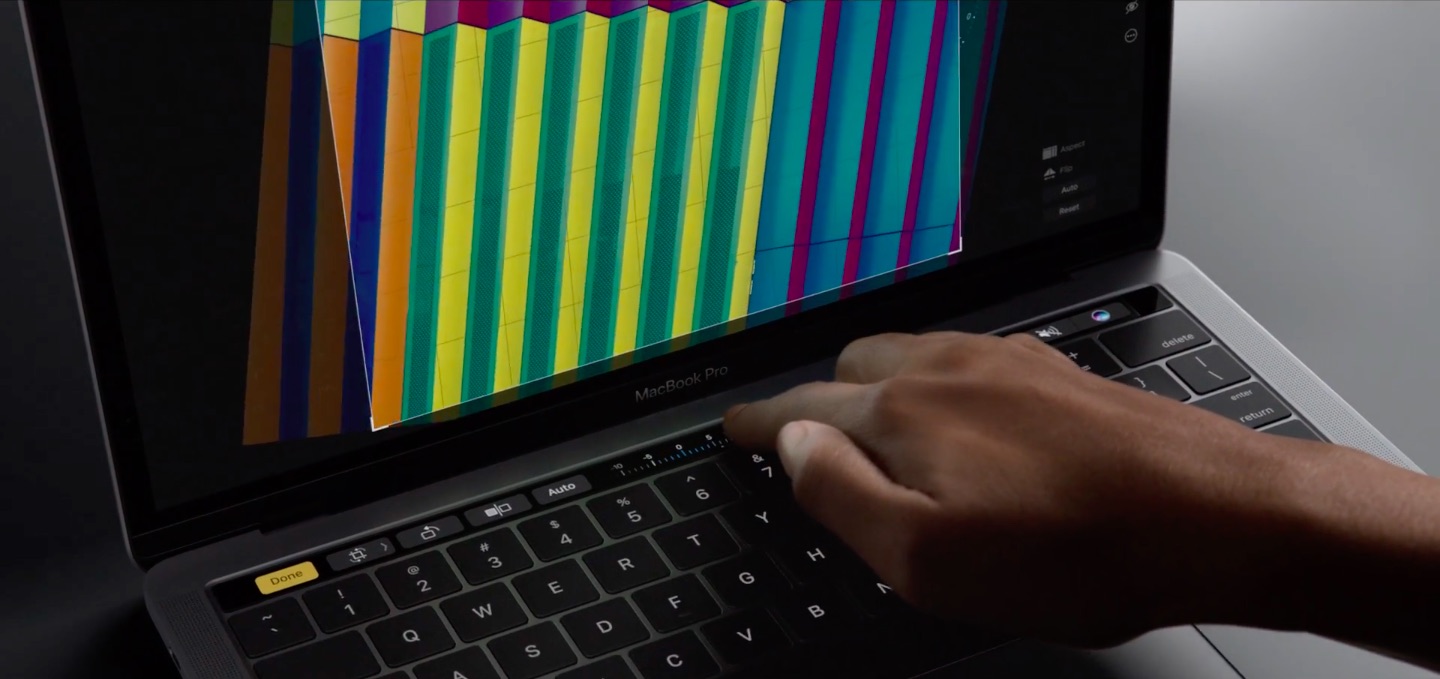
If early impressions are an indication, the Touch Bar on the new MacBook Pro is definitely not a gimmick. The time-saving feature lets you accomplish common tasks faster without needing to memorize a bunch of app-specific keyboard shortcuts.
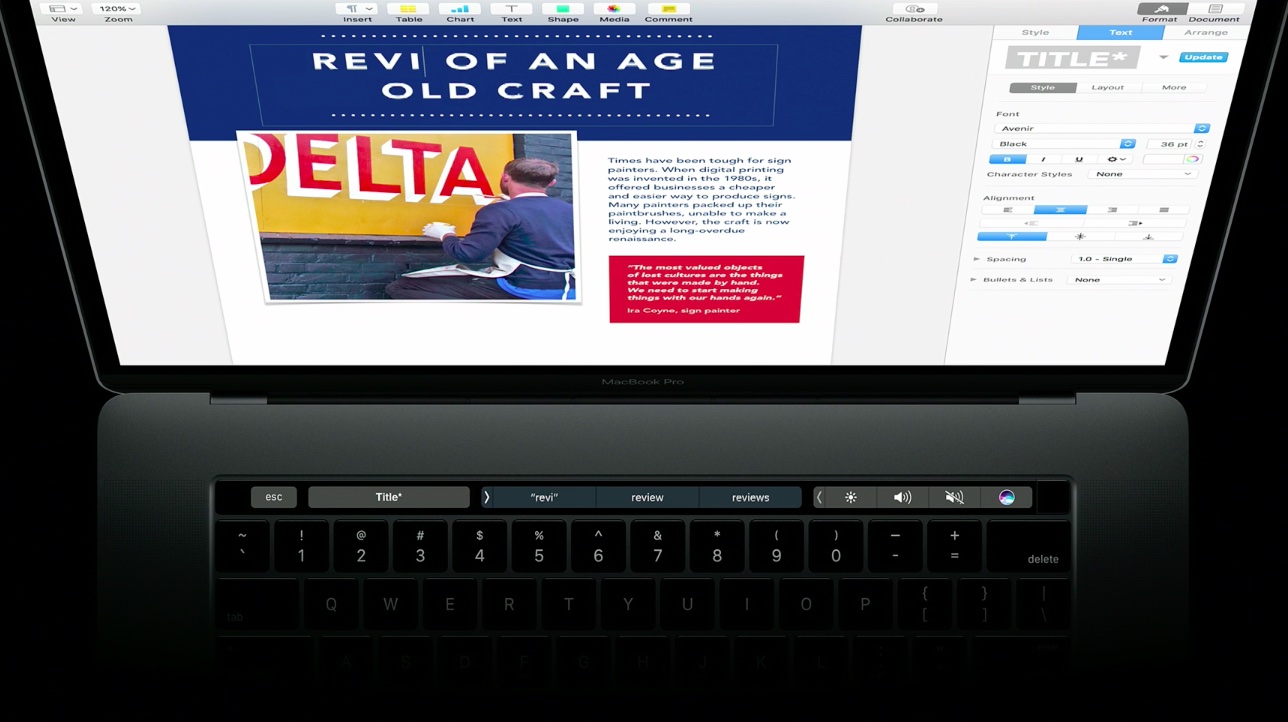
Instead or remembering a shortcut or wasting time finding it in the menus, you just touch one of the system-wide or app-specific icons that are displayed on the Touch Bar.
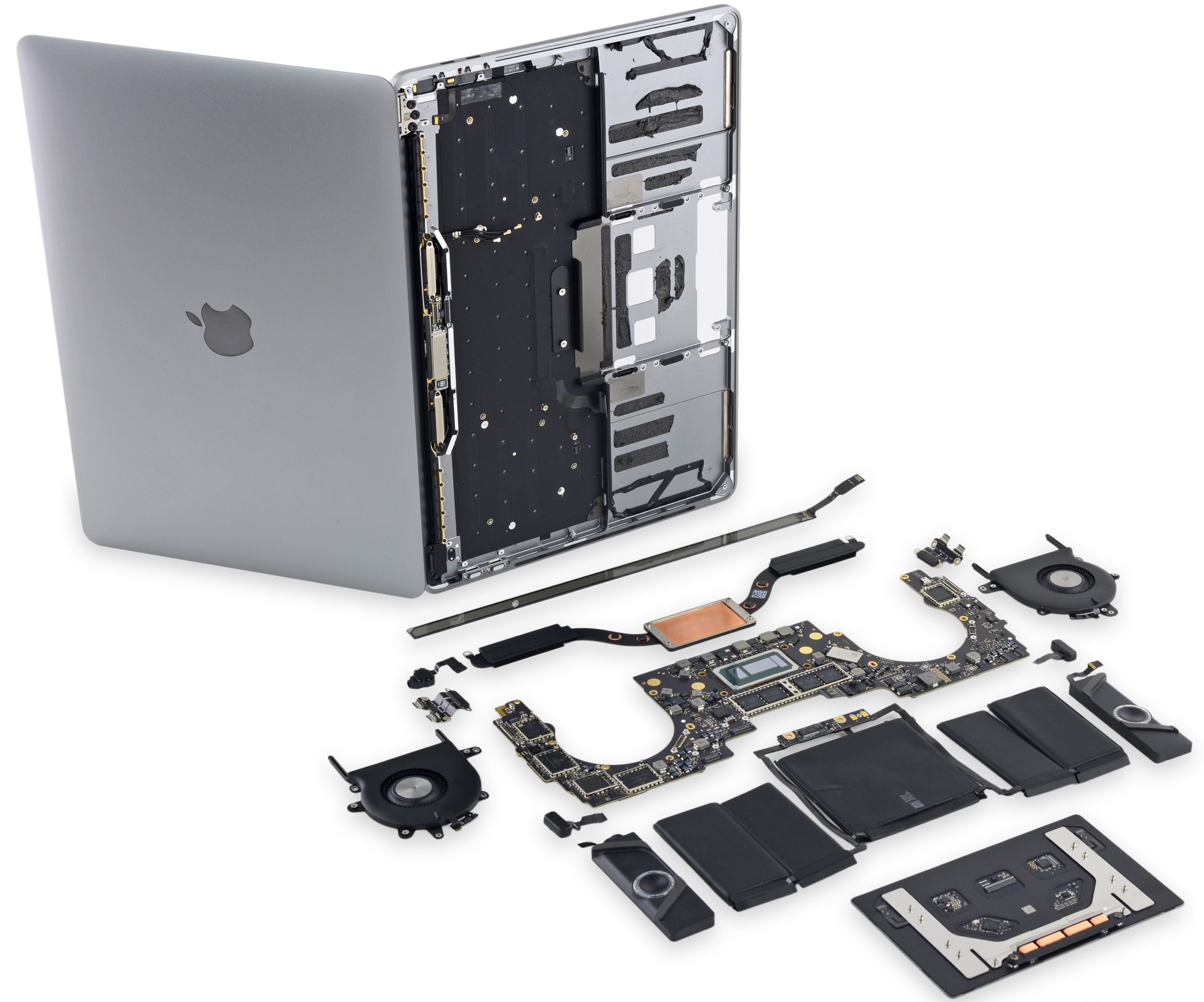
For the hardware geeks among us, the more interesting aspect of the Touch Bar is the Apple-designed silicon behind it, dubbed the T1. As developer Steven Troughton-Smith has discovered, the Touch Bar is actually a mini Apple Watch.
Touch Bar on new MacBook Pro will show function keys when using Windows via Bootcamp
Apple yesterday unveiled the new MacBook Pro with Touch Bar, a completely redesigned, thinner machine that shifts away from traditional computer ports in place of Thunderbolt 3 and replaces the function key row of the keyboard with a new versatile Touch Bar that dynamically changes based on the app you're in.
So that might raise the question: what happens when you boot into Windows on your MacBook Pro with Bootcamp?
This is Apple’s new MacBook Pro with Touch Bar, Touch ID & more
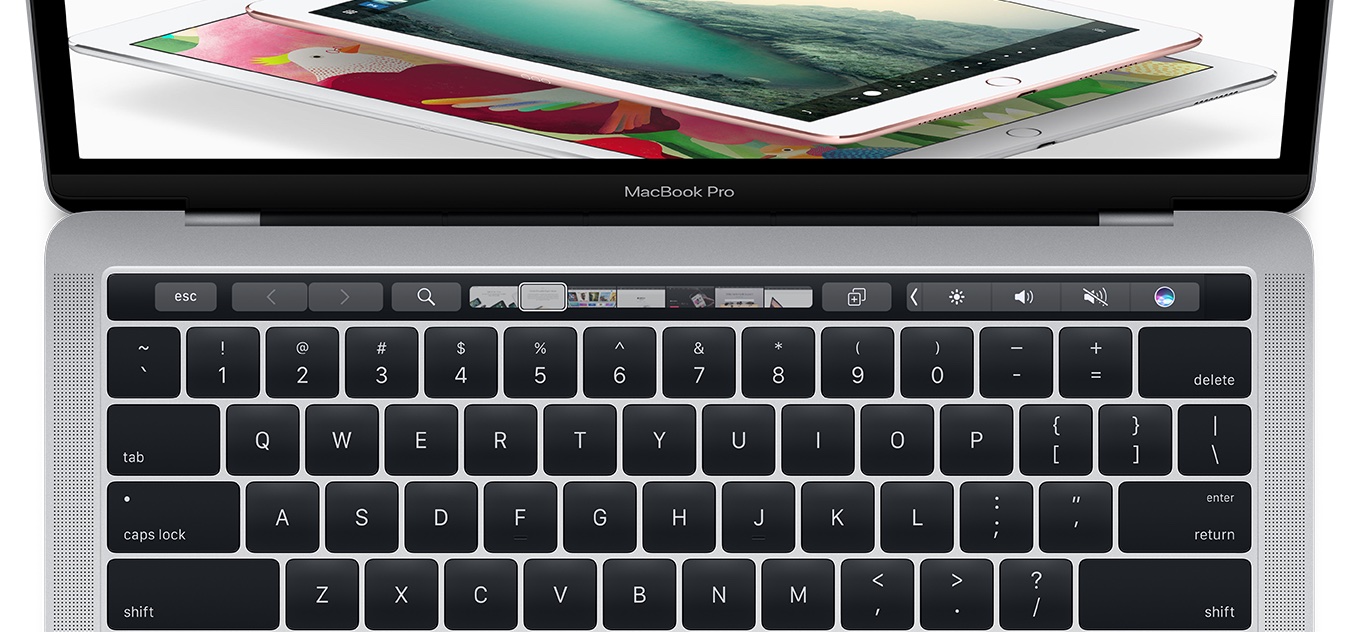
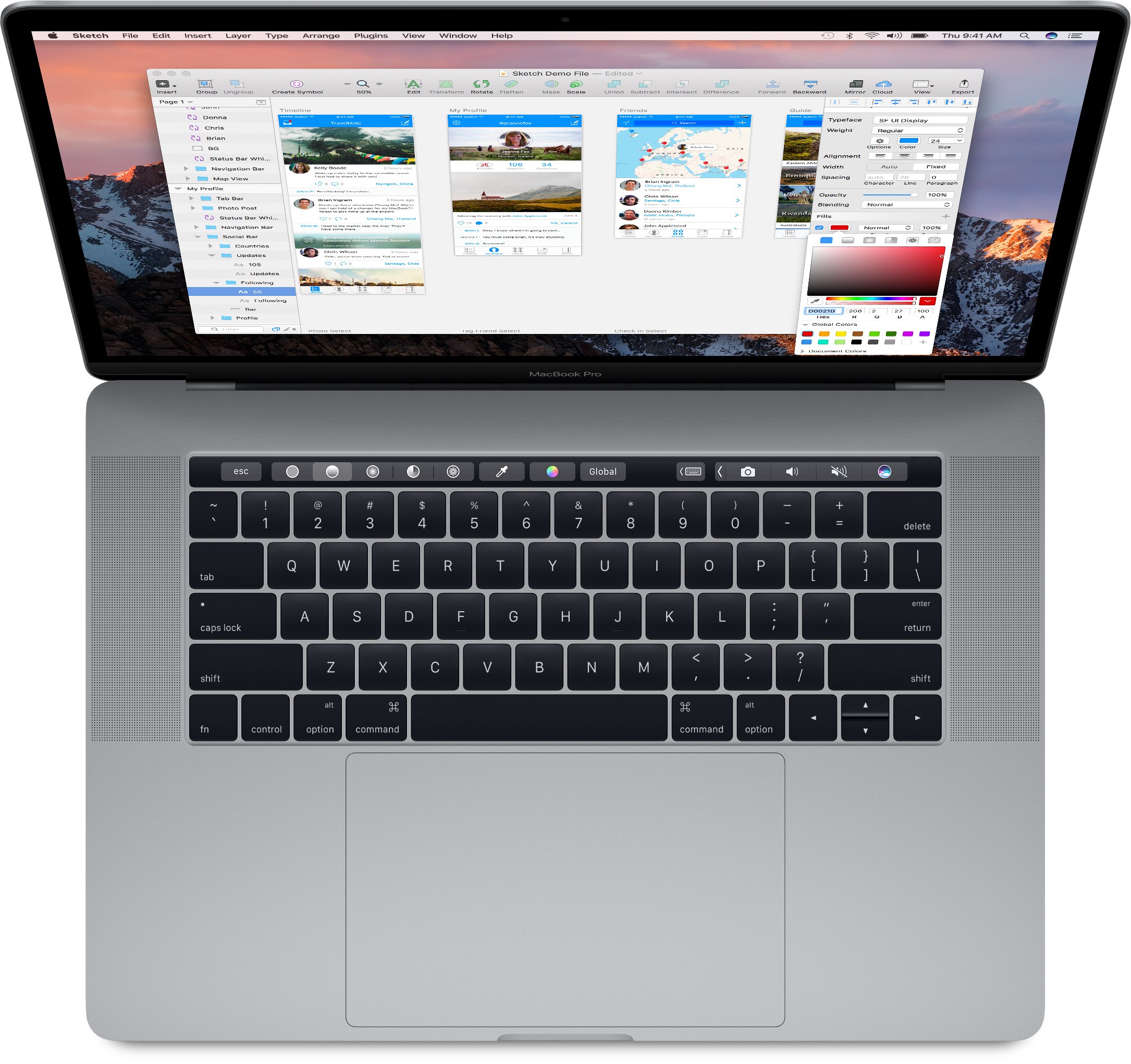
“The Mac is more than a product to us. It's a testament to everything we do and create at Apple,” said Apple CEO Tim Cook at today's “Hello again” Mac event as he unveiled long-expected updates to Pro notebooks. The new MacBook Pro has, as rumored, a programmable OLED touch bar substituting the function key row, called Touch Bar.
There's also a Touch ID sensor powered by a new Apple-designed T1 chip. Like its predecessor, the new MacBook Pro comes in 13 and 15-inch flavors and each is available in Silver or Space Gray finish.
20 cool things you can do with the new MacBook Pro Touch Bar
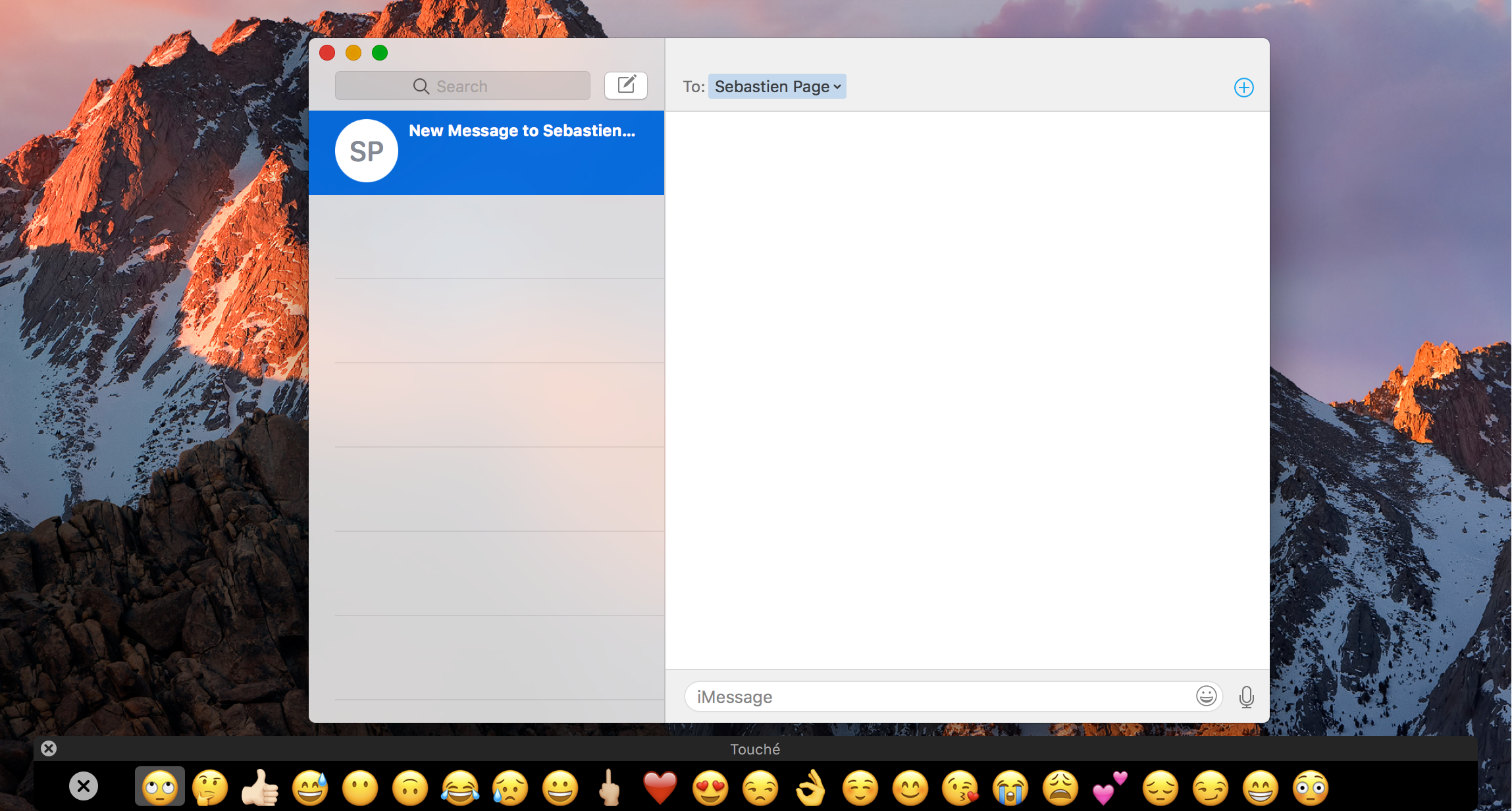
One of the new flagship features on the 2016 MacBook Pro is the new Touch Bar. This is essentially a versatile OLED bar at the top of your keyboard that replaces the function keys with software-based buttons that change based on what app you're in and what you're doing.
In this post, we'll mention 20 awesome things you can do with the Touch Bar on your new MacBook Pro.
Disappointingly, MacBook Pro’s FaceTime camera has not been upgraded to 1080p
If you thought the refreshed innards of the new MacBook Pro would let your friends and family see you in crisp 1080p video resolution via FaceTime, you're in for a major disappointment. Much to my surprise, the built-in FaceTime camera (which, by the way, Apple calls “high definition”) has remained at 720p.
High-end laptops from other vendors are increasingly outfitted with 1080p cameras which provide sharp images during video calls, but not the new MacBook Pros.
15″ MacBook Pro can drive four external 4K displays in addition to built-in Retina screen
If you're a creative type and need a laptop that transforms into a powerful desktop, the new MacBook Pro is for you. Having read Tech Specs page for the 15-inch MacBook Pro, one thing stood out for me—the machine can drive not one, not two, not three, but four high-resolution external displays.
Or, you could run two 5K external displays. What's more, the new notebooks support a smooth refresh rate of 60 Hz across all 4K/5K external displays connected to them.