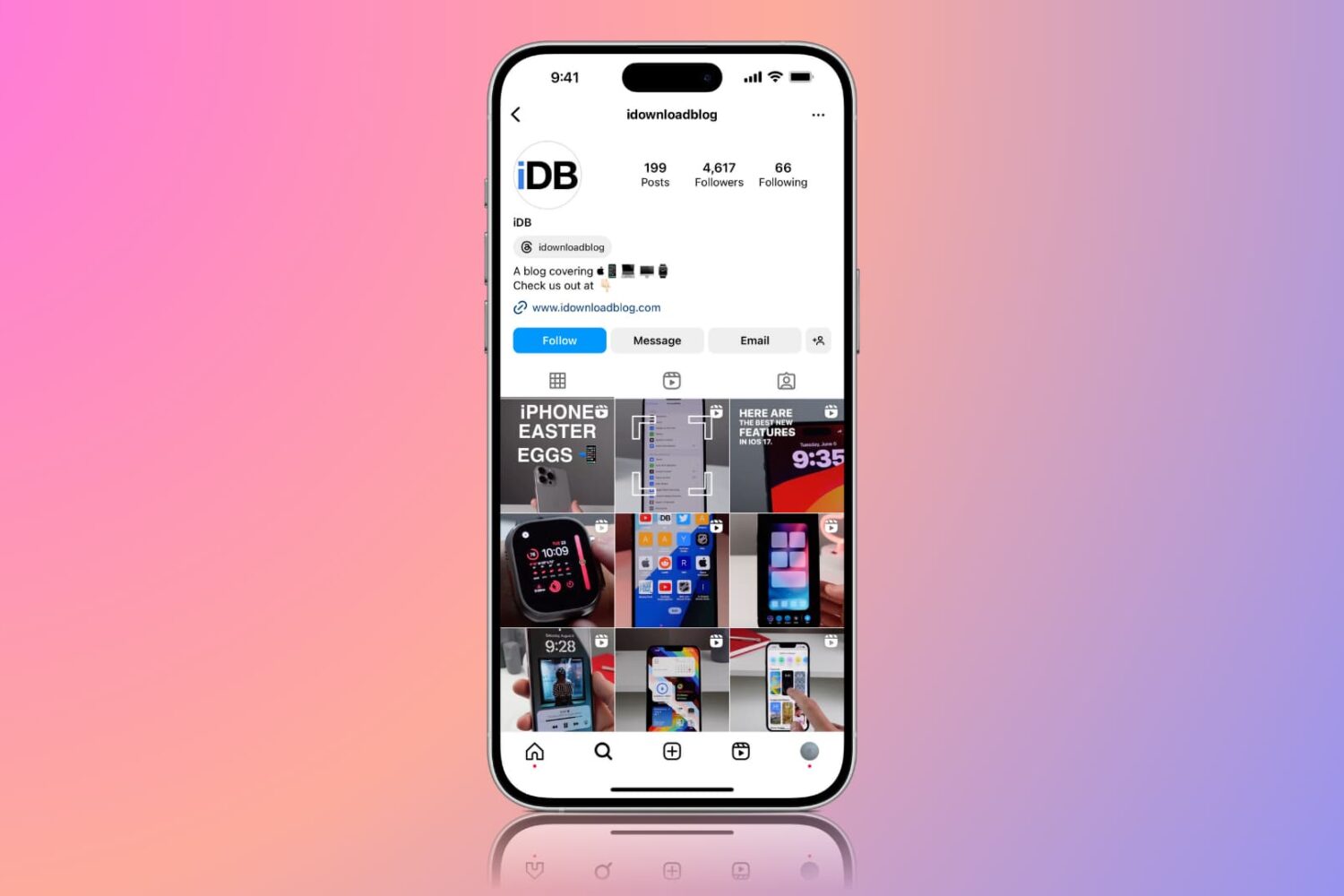
Instagram today announced a new feature in the mobile app for iOS and Android: Saved Posts. As the feature's name suggests, this lets you save posts you’d like to revisit later (don't worry, only you can see what you saved). Simply tap a new bookmark icon underneath a post in your feed to save it to a new, private tab on your profile, labeled Saved. This feature requires Instagram 10.2 for iOS, a free download from the App Store.
Upcoming Instagram update will let you turn off comments on a per-post basis & more
In its never-ending fight to curb abuse on its service, Instagram today said an upcoming new tool will let you completely turn off comments on individual posts.
As reported by The New York Times this morning and confirmed by Instagram itself, in addition to being able to turn off comments on individual posts users will be also permitted to remove followers on private accounts and like other people's comments as well.
Back in September, Instagram launched keyword-based comment moderation as another measure to fight spammers and abusers who have been harassing honest users with unwanted comments and marketing messages.
Instagram unveils live video for Stories, vanishing photos and videos in direct messages
Photo-sharing service Instagram today announced a staggered roll out of a pair of major new features in its mobile apps for iPhone and Android smartphones: one is the previously hinted live video functionality in Stories and the other gives you the ability to send and receive auto-disappearing photos and videos for groups and friends in Direct.
How to mention someone in your Instagram story
If you’re an Instagram user and post often, then you probably enjoy the Story feature. You can use photos in your Instagram stories as well as capture short videos. So if you want to make another user a part of your story, you can “mention” them.
Here we’ll show you two easy ways to mention someone in your next Instagram story.
Instagram confirms live video streaming is coming to its mobile app
According to Instagram co-founder and CEO Kevin Systrom in the Financial Times newspaper this morning, the popular photo-sharing service will be gaining the ability to stream live video. “Live is really exciting for us,” Systrom said without detailing when it'll launch in the mobile app. Russian news outlet Tjournal.ru was first to report that Instagram appears to have been testing the upcoming feature with a subset of its Russian users.
Instagram update brings Boomerang features, mentions and links in Stories
You no longer need to have Instagram's standalone Boomerang app installed on your iOS device to create looping videos: thanks to the latest Instagram update that went live on the App Store today, Boomerang features are now available to you from within Instagram 9.7 for the iPhone, iPad and iPod touch. Instagram for iOS also includes other enhancements, such as support for @mentions and links in Stories.
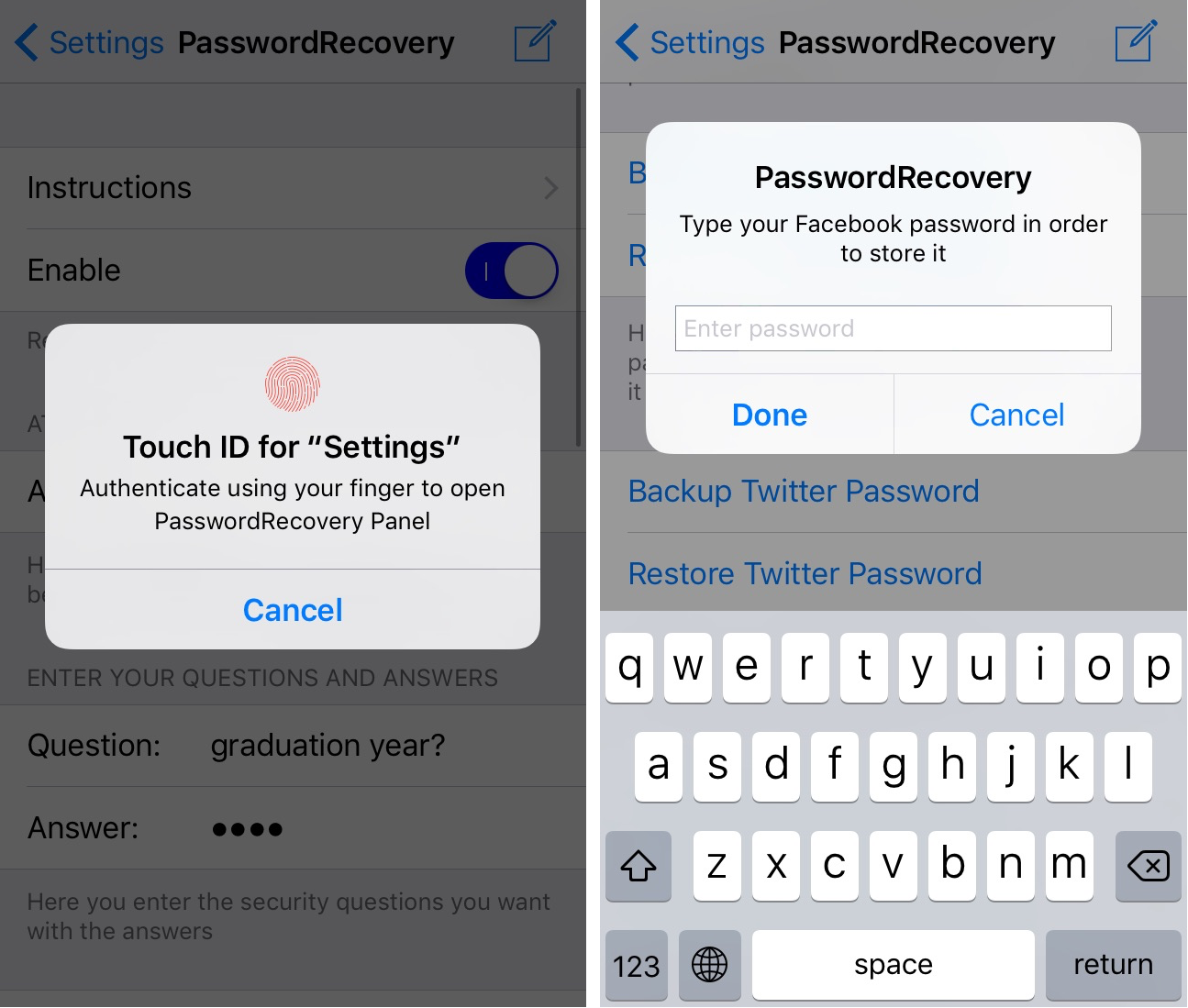
PasswordRecovery stores passwords and recovers them when you forget them
It can be a pain to remember all your passwords, and that's why password manager apps like 1Password exist. But if you don't like the big price tag or the subscription models, then PasswordRecovery is a jailbreak tweak alternative you could check out instead.
This tweak comes with password remembrance and recovery options all in a single package so you'll never forget your passcode or have to reset a password for any of its supported apps ever again.
Instagram is testing live video broadcasts in its Stories feature
According to Russian news outlet Tjournal.ru a few days ago, the popular photo-sharing service Instagram is testing live video functionality in its recently-launched Stories feature which permits users to create slideshows from their photos that automatically disappear after 24 hours.
Facebook added live video to its mobile app in August 2015. Facebook Messenger gained the ability to share live video with contacts while chatting in September 2016.
How to set Instagram to use less cellular data
Learn how to configure the Instagram app on your iPhone or Android phone to use less cellular data if you’re on a capped mobile plan or roaming internationally.
Your Stories to begin appearing in Instagram’s Explore tab beginning today
After launching Snapchat-esque Stories two and a half months ago, Instagram today started promoting these auto-dissapearing slideshows within the app's popular Explore tab.
Instagram's been surfacing recommended Stories in the Explore tab for a subset of its users since August. Today, Recommended Stories in Explore has officially started rolling out to everyone.
“Starting today, you’ll begin to see Instagram Stories on Explore,” announced the Facebook-owned service in a blog post Tuesday.
Instagram now has an app for Windows 10 tablets, but still not for the iPad
Popular photo-sharing service Instagram yesterday catered to the 'Other' category of mobile users by releasing an app for Windows 10 tablets. So what the heck is going on here? Last time I checked, Apple was still king of the hill in terms of tablet shipments and iOS (26 percent) was second only to Android (65 percent) in terms of tablet operating system share, while Windows tablets captured the remaining nine percent share.
How to hide Stories on Instagram
Instagram recently unveiled a new feature called Stories which allows you to shoot, annotate, and share photos and short videos outside of your normal feed. By default, all of your followers can see the Stories your post. Likewise, you can see all the Stories the people you follow are posting. This is where it sometimes gets overwhelming.
I follow a lot of random people on Instagram because I appreciate the quality of the photos they share on their feeds. However, I care very little for their Stories, which are typically more about their personal lives than sharing beautiful shots. In this case, I'd rather not see their Stories at all.
There are also some people who follow me with whom I don't want to share my Stories, so I am opting to hide my Stories from these people.
In this post we will learn how you can hide your story from select people, but also how you can prevent other people's stories from filling up your screen.