Camera

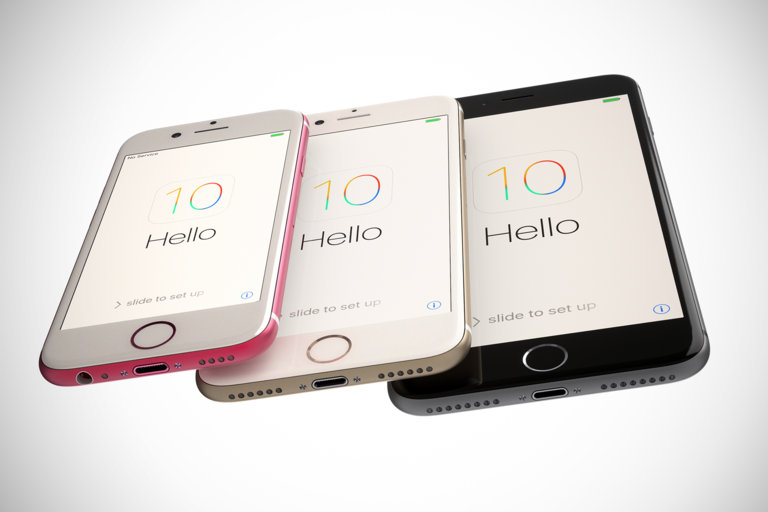
Rumor: iPhone 7 has a thinner Lightning port, flush camera and stereo speakers

The fairly reliable Japanese blog Mac Otakara today shared some new details pertaining to Apple's iPhone 7 refresh, which we're expecting around its usual September timeframe.

Citing sources familiar with the matter, Mac Otakara says that the next iPhone will be 1mm thinner than the current iPhone 6s, which measures 7.1mm in depth, making the new phone the same 6.1mm thickness as the sixth-generation iPod touch.

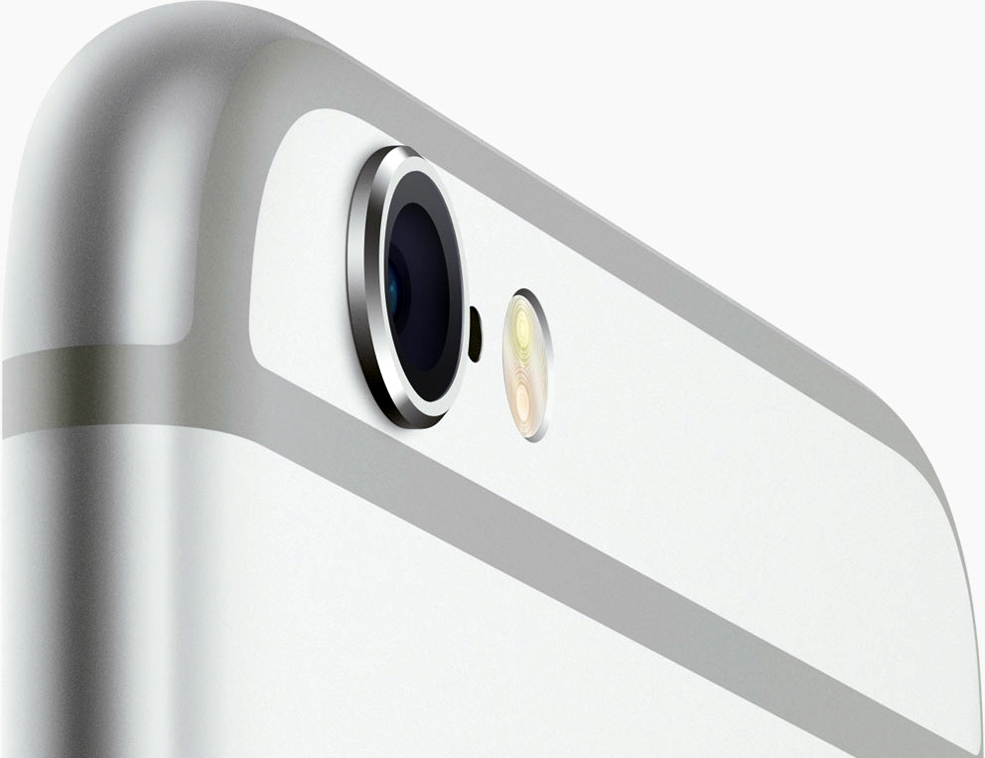
Somewhat surprisingly, the iPhone 7 won't be waterproof after all and should also incorporate a thinner Lightning port. The camera bulge on the back will be gone because the phone's iSight camera is now flush with the chassis. Oh, and the new iPhone will come outfitted with stereo speakers—for the first time in iPhone history.

Upcoming 9.7-inch iPad Pro may feature 12MP camera

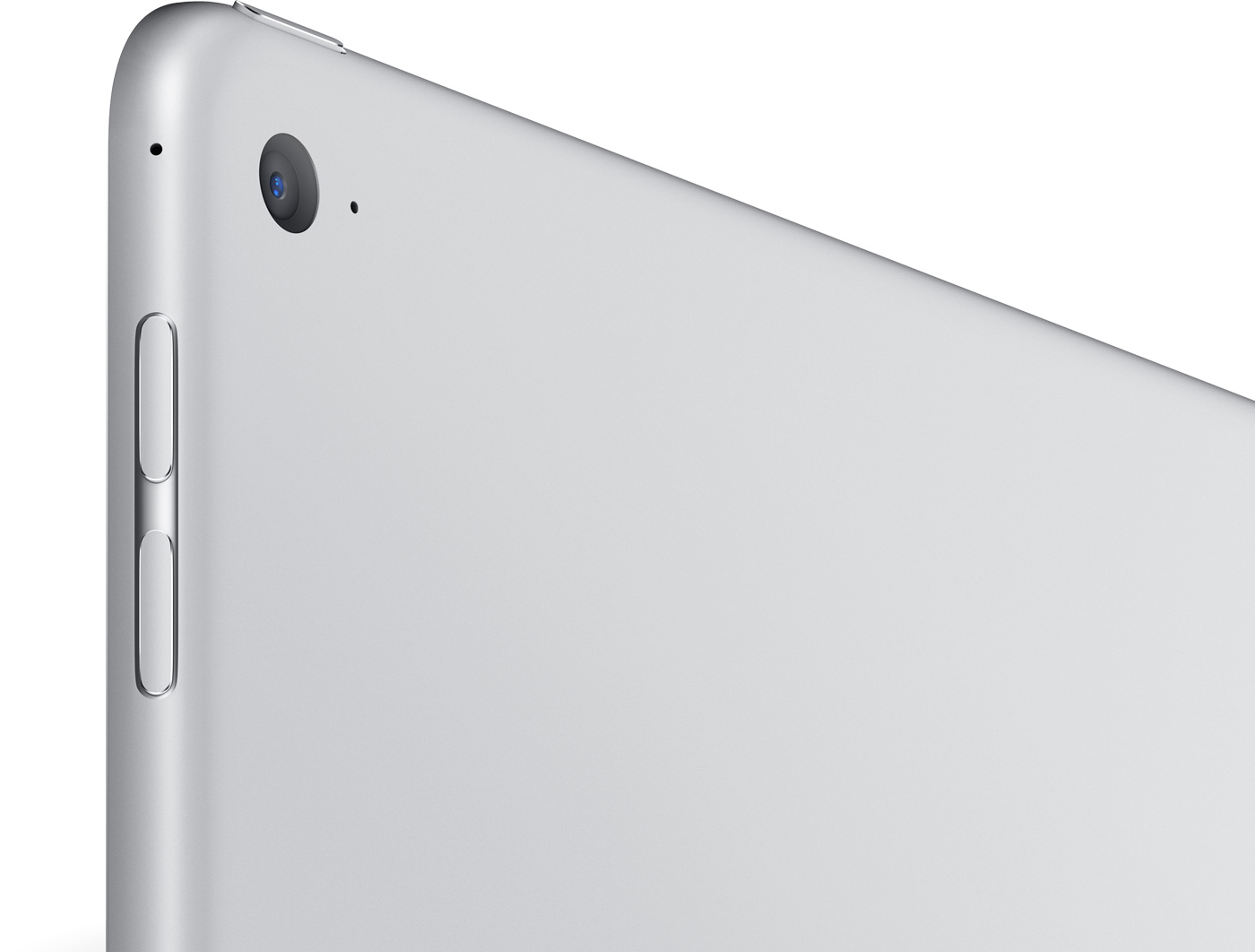
The upcoming 9.7-inch iPad Pro will likely feature a 12-megapixel rear camera, reports 9to5Mac. The site claims that prototypes of the rumored tablet being used inside Apple have a rear camera comparable to the sensor in the iPhone 6s.

This would mark an improvement over the larger 12.9-inch iPad Pro, which debuted in November with an 8MP camera. The reasoning behind the move is the smaller iPad is more portable, thus more folks will likely use it to take photos.

3D Touch shortcuts for the Camera app

Whenever an awesome photo opportunity presents itself, I instinctively grab my iPhone, launch the Camera app and press the shutter button.

But boy, way too many times did I find myself in the wrong camera mode. One time, I would realize I was shooting video instead of taking a great picture. Other times I would snap a selfie, whereas I wanted to take a quick photo of my neighbor's dog jumping in the air catching her frisbee.

3D Touch can help avoid such distractions when you're in the middle of your photography moment. With a little help of 3D Touch shortcuts and gestures, iPhone owners will hopefully never miss that important shot again.

3D Touch lets you take a selfie or start shooting video from the Home screen, review the photos you’ve taken without leaving the Camera app, play Live Photos with a press and more. In this tutorial, we'll take you through every 3D Touch-enhanced feature that's available to iPhone photography fans in Apple's built-in Camera app.

Office Lens converts scanned paper documents to editable Word files

For those of you that still use hard copies for all your important documents, or have physical business cards, photographs, whiteboards, and other important information that are looking for a way to digitize it and even modify it after the fact, Microsoft's Office Lens app will be your best friend.

Office Lens, which is a free download from the App Store, allows you to scan these kinds of information and media and can create software versions of them to make sharing and editing easier so you can get rid of the filing cabinet taking up space in your home or office.

In this tutorial, we'll give you some background on the app and show you how you can use it to scan and then edit documents in Word.

Get the classic iOS camera shutter animation back with this tweak

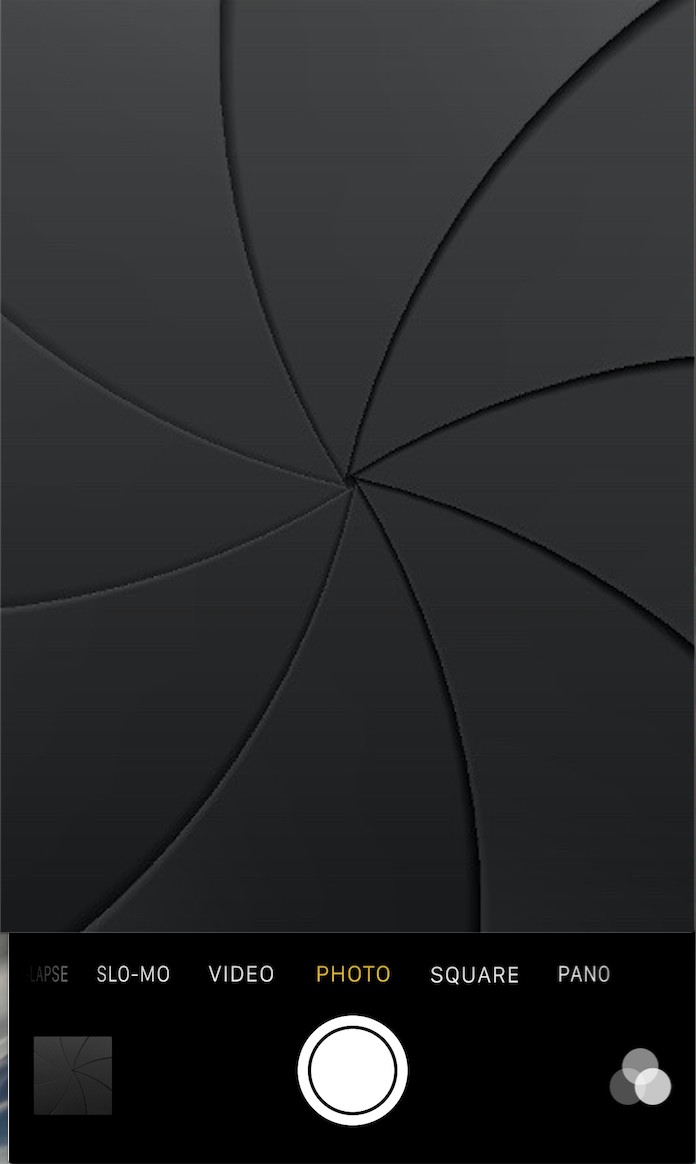
Starting with iOS 7, Apple redesigned the Camera app and it got an all-new shutter animation. Some would argue it's a little bit boring compared to the realistic camera shutter animation we had with iOS 6 and earlier.

Fortunately, anyone who's feeling a little nostalgic now have a way to get it back by way of a new free jailbreak tweak in Cydia's BigBoss repository called ClassicShutterAnimation.

How to turn any photo scene into a snowy one with Snow Daze

Winter may be coming to an end next month, making room for the Spring season, but that doesn't mean you can't keep enjoying the snow!

Snow Daze is a wonderful app that can be had from the App Store for $1.99. The app can turn any photograph scene into a snowy wonderland. With all of the different filters, configurable snow settings, and color options, you can make even the least suspecting photograph look like it was taken in the middle of a blizzard storm.

In this tutorial, we'll be showing you how the app works.

DigiTimes: Apple testing dual-lens cameras for iPhone 7 Plus from three different suppliers

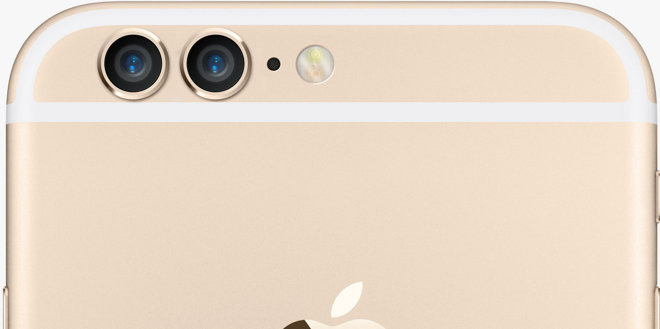
KGI Securities analyst Ming-Chi Kuo is adamant that Apple is working on a premium edition of an 'iPhone 7 Plus' that will come outfitted with dual-lens cameras for telephoto functions and today DigiTimes is reporting that Apple is already testing dual lenses for the handset sourced from three different suppliers.

The hit-and-miss Taiwanese trade publication has it on good authority, citing sources from the upstream supply chain, that Apple supplier Largan Technology and two unnamed Japan and China-based vendors have shipped dual-lens camera samples to 1 Infinite Loop, Cupertino, California, for testing.

Turn off HDR photo duplicates to save storage space

High Dynamic Range (HDR) photography is great for making the most from your iPhone's camera, especially in high-contrast situations.

With this feature, your iPhone takes multiple photos in rapid succession, each at a different exposure, and automatically blends them together. You get an image that has optimized highlights and really brings the shadows out of the noise, with way better detail in the bright and midtown areas.

When you enable HDR photography by tapping the HDR icon in the Camera app, your iPhone will save two copies of the image in your photo library: the “normal” image (without HDR) along with its HDR counterpart.

This can put a strain on your iPhone's storage, especially when taking a lot of HDR photos. If your iPhone's storage is low, or you're the type of person who likes to plan ahead, read this tutorial to learn how to turn off HDR photo duplicates and save significant amounts of storage space on your device.

KGI: iPhone 7 Plus will have dual lenses with optical image stabilization and zoom

Reliable analyst (if there is such a thing) Ming-Chi Kuo of KGI Securities sent an interesting report to clients, a copy of which was obtained by AppleInsider.

In it, he predicts that a new, premium edition of Apple's iPhone 7 Plus will be outfitted with a dual-lens system with optical image stabilization and optical zoom, realized through technology Apple obtained from last year's acquisition of Israeli camera technology company LinX Imaging.

Review: Aukey Optic Pro wide-angle camera lens attachment for iPhone [Video]

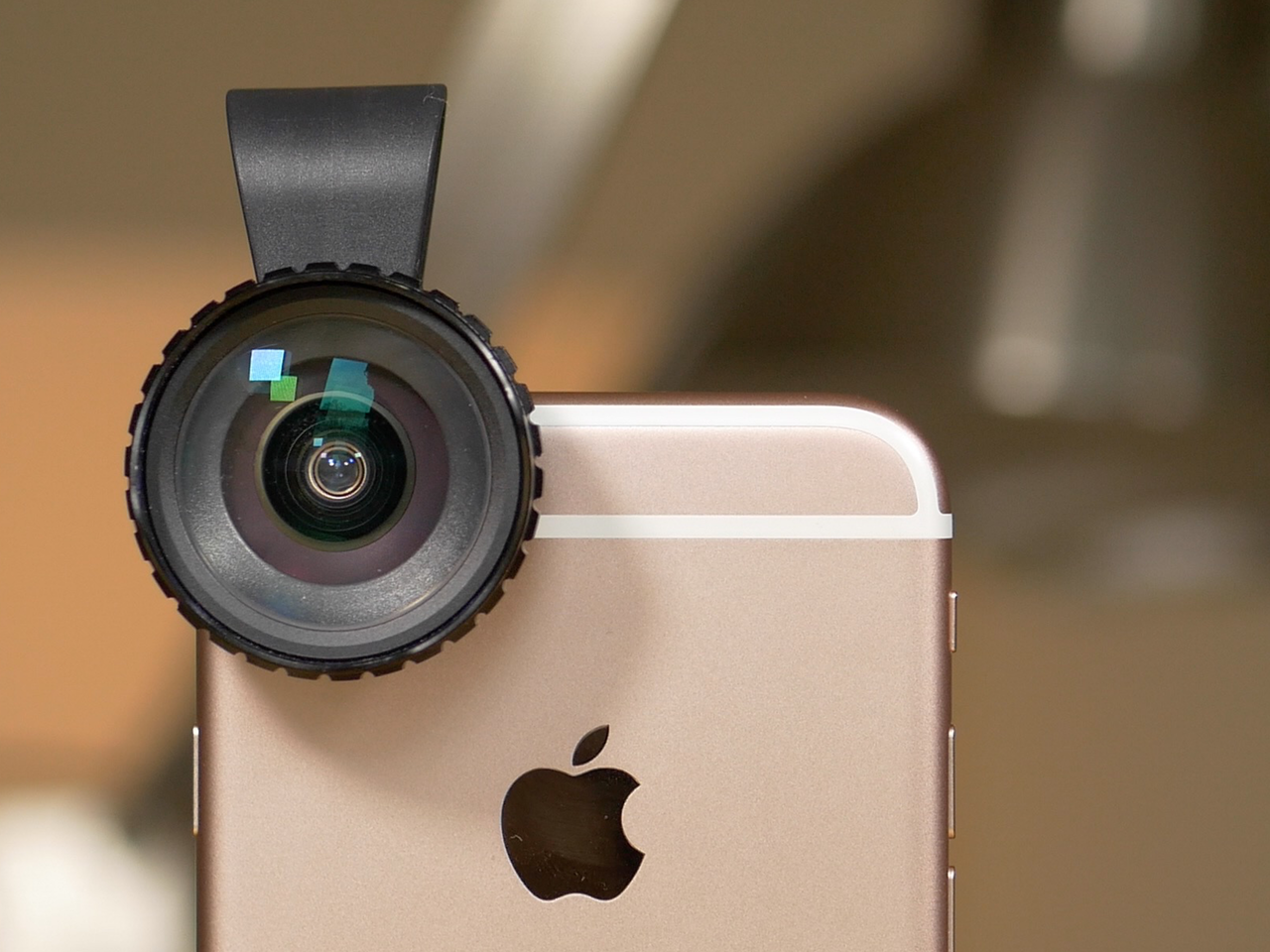
The Aukey Optic Pro is a wide-angle lens attachment that works with the iPhone. Thanks to its clip that can accommodate a wide variety of devices, it also works with many other tablet or phone form factors.

The main benefit to using an attachment like the Optic Pro is that you can gain a wider field of view while shooting photos or videos. This means that you don't have to move further away from your subject to capture more scenery in frame.

If you're an avid iPhone photographer, you can immediately see the benefits that a device like this can bring to the table. Not only does it quickly lend a wider field of view, but it's portable, and can be added and removed in mere seconds.

But the Aukey Optic Pro isn't without its shortcomings. Is the $44.99 device worth it? Check out our full video walkthrough for the answer.

Apple granted a patent which could help get rid of iPhone’s embarrassing camera bulge

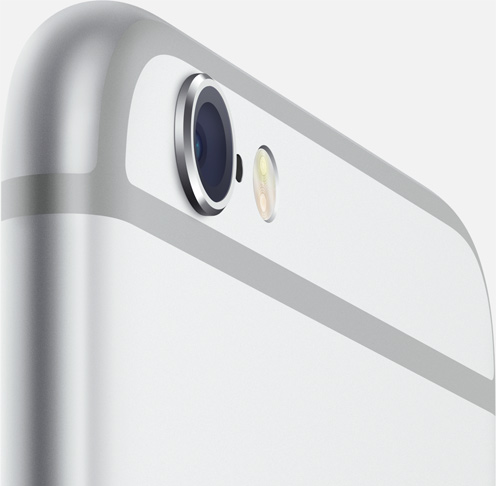
Apple has just been granted a very cool patent that promises to solve the protruding camera lens on the back of the iPhone 6/6s series. The invention basically calls for packing a spherical photosensor and lens array in a tiny package.

The patent No. 9,244,253 for a “Small form factor high-resolution camera,” which was published Tuesday by the United States Patent and Trademark Office (USPTO), reduces the distance between the CMOS sensor and the lens by making the sensor curved, a technique used in astronomical telescopes and instrumentation.

Grab Colorburn camera app, Apple’s latest Free App of the Week

Following iTunes holiday freeze, Apple has now discounted Colorburn camera app to $0 as part of its regular Free App of the Week promotion in the App Store. With more than a thousand filters to choose from, an easy to use interface and advanced features like split photography, this app lets you experiment with different looks for your photos to your heart's desire. Colorburn for iPhone, iPod touch and iPad is available free until next Thursday.