Apple

Apple’s Workflow app gains new Apple Music actions, brings back Chrome and Pocket integrations

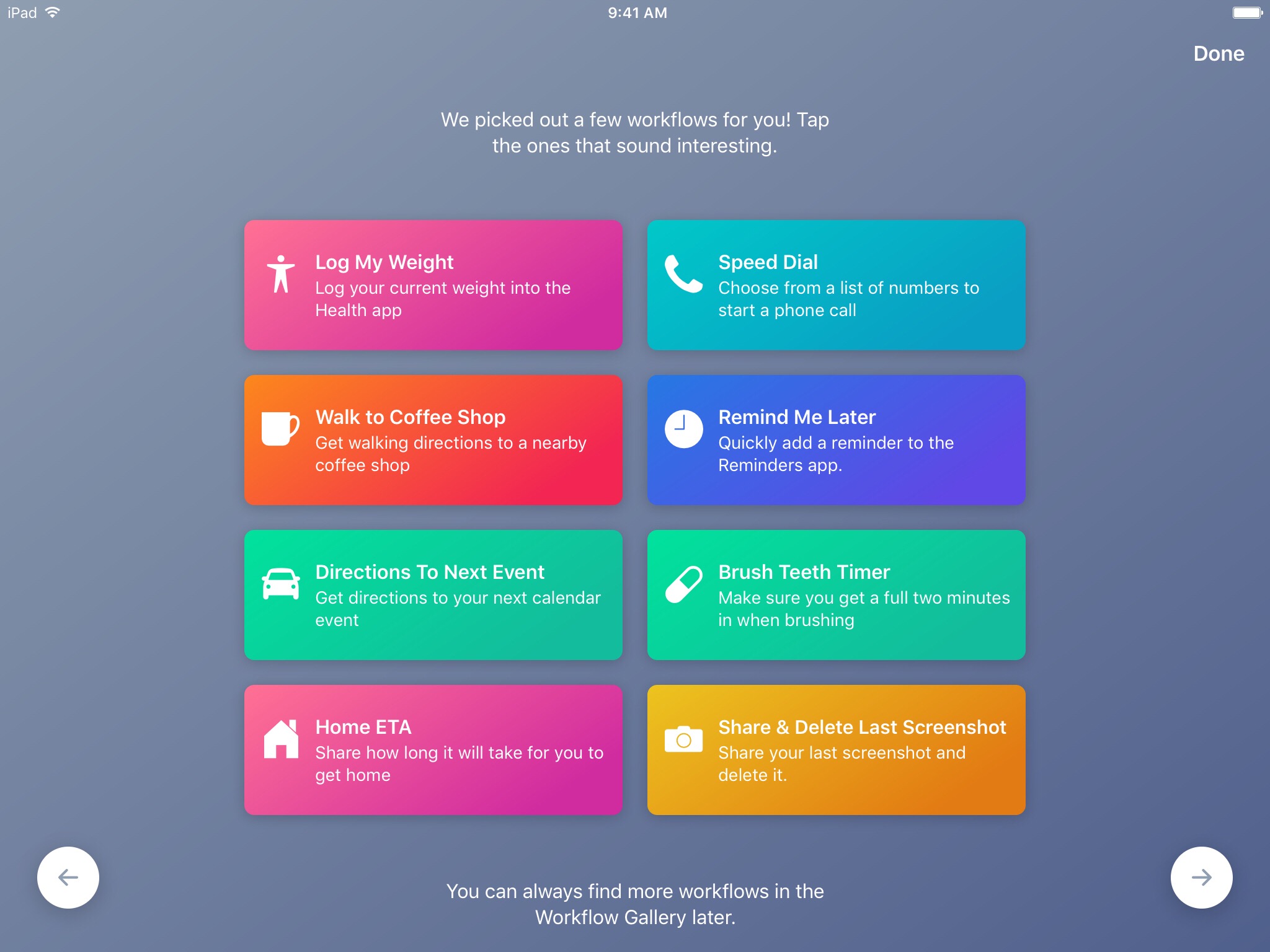
Workflow, the powerful iOS automation app that Apple acquired in March, has brought back a few features that were originally removed from the software following the Apple deal while adding updated Apple Music actions.

In Workflow 1.7.4 for iPhone and iPad, users can now create workflows using actions specifically designed for Google's Chrome browser and the read-later app Pocket, which browser vendor Mozilla acquired in February.

With the updated Apple Music actions, Workflow fans can now add songs to their Up Next queue in the Music app. Another new action lets you clear the songs in the Up Next queue.

Additionally, Workflow's Get Distance actions has been updated with support for getting the distance from a specified location while the order of items passed from a Dictionary action to Choose from List is now preserved.

Here's everything new and fixed in Workflow 1.7.4:

Bug fixes and improvements Restored the Google Chrome and Pocket actions Add music to your Up Next queue with the Add Music to Up Next and Clear Up Next actions Get Distance now supports getting the distance from a specified location The order of items passed from a Dictionary action to Choose from List is now preserved Fixed getting prices for books in Search iTunes Store Fixed making archives with special characters in the filename on iOS 10.3 and later Fixed an issue where workflow glyphs in the Today Widget may be stretched and cut off Fixed an issue where latitude and longitude may be formatted incorrectly in international locales Fixed an issue where .wflow files may fail to open on iOS 10.3 and later Fixed an issue where improperly formatted URLs from Pinboard could cause Workflow to crash Fixed an issue where booleans may not update when their value is changed inside dictionary fields Fixed an issue where handing off clipboard content from the Today Widget or Action Extension may throw a “The file Clipboard could not be opened” error Fixed an issue that could cause Workflow to crash on launch Other bug fixes and minor additions

Apple has said that it will continue to push maintenance updates to Workflow, but no new user features will be added to the software. Today's update makes good on that promise.

https://www.youtube.com/watch?v=7rJXJcn93jU

Subscribe to iDownloadBlog on YouTube

Apple's plans for Workflow are unclear at the moment. For what it's worth, any new features or major changes that could be in the works for the app should be formally announced at the company's annual conference for developers next month.

Workflow is available at no charge via App Store.
Microsoft and Harman Kardon unveil Invoke smart speaker with Cortana, coming this fall

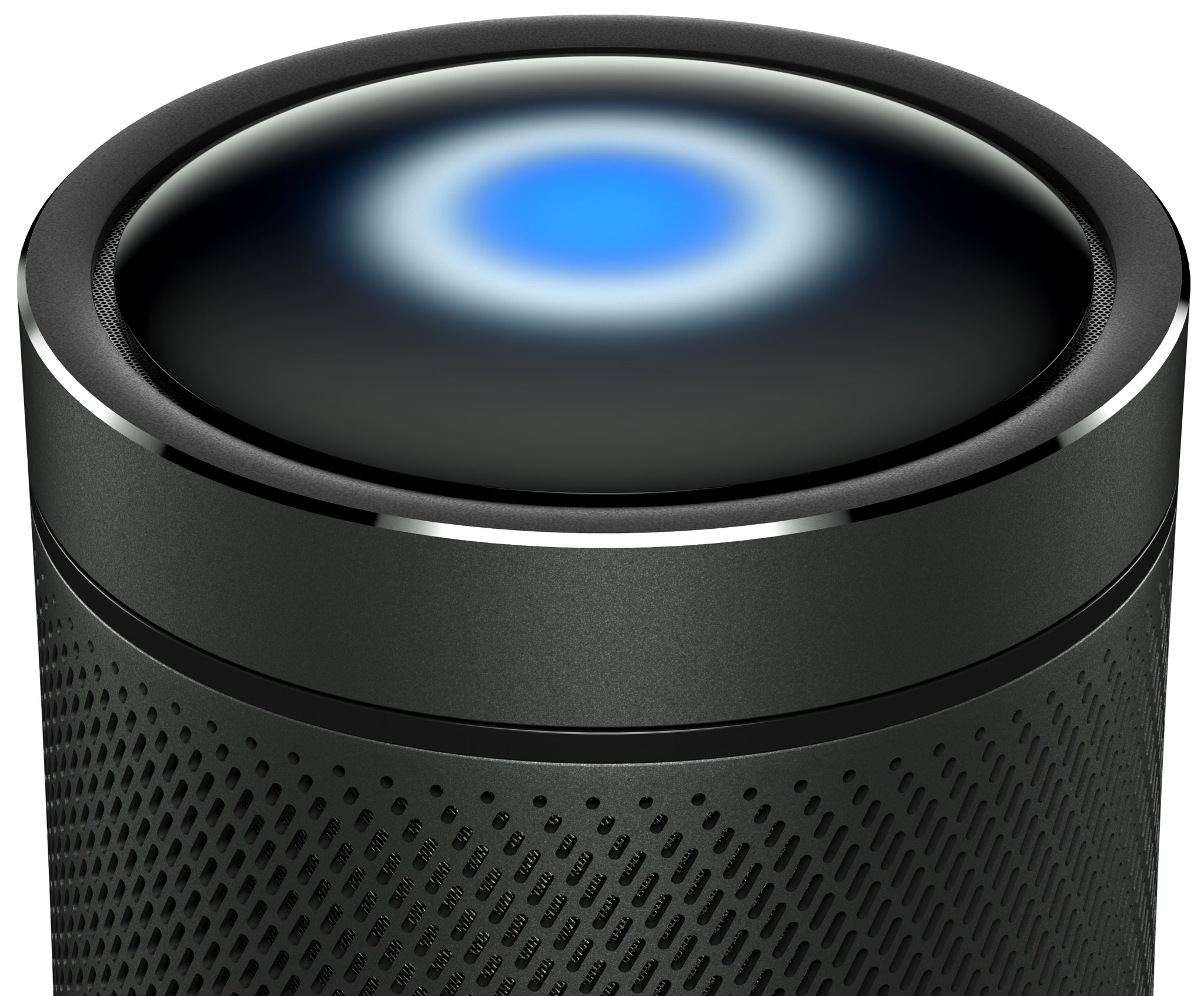
Battle of the smart speakers is intensifying as Microsoft and Harman Kardon announced today a new connected speaker with the Cortana personal assistant built-in and other artificial intelligence features.

Dubbed Invoke, the smart home accessory features premium 360 sound powered by Harman Kardon technology, a “touch to surprise” user interface panel at the top with interactive Cortana lighting and built-in controls, easy setup via Windows 10 or the dedicated Cortana app for iPhone and Android and more.

The metal housing packs in three tweeters, three woofers and and two passive radiators.

With Invoke, Microsoft fans will be able to ask Cortana questions and tell her to play music, as well as check calendar appointments, set reminders, check traffic, get weather, the latest sports scores and news headlines, and much more.

Invoke can be used to control home devices like lights and thermostats using voice. Microsoft says home automation features work with select providers only.

“We are excited to partner with Harman Kardon to create a speaker that combines premium audio and stylish design with the intelligence of Cortana.” said Jordi Ribas, CVP, AI Products at Microsoft. “This is our next step in bringing Cortana to even more devices to help users be more productive wherever they are.”

You'll recall that Samsung acquired Harman International last November.

Microsoft first teased the device in December 2016.

https://www.youtube.com/watch?v=bikRuaJAv5g

One thing that will set Ivoke apart from rivals is integrated hands-free calling to cell phones, landlines and other Skype-enabled devices through Microsoft's Skype app. Not unlike the Echo range of smart speakers from Amazon, Microsoft's device features seven microphones and far-field technology allowing it to pick up voices from across a noisy room.

Far-field audio technology is based on Harman's beam forming, echo cancellation and noise reduction algorithms to ensure Cortana can hear you, “even in challenging environments.”

The key features on Invoke include:

Premium sound—Harman Kardon high-quality sound featuring 3 woofers and 3 tweeters give full range, true 360-degree sound. The 2 passive radiators are tuned to give a solid bass performance from a small enclosure. Cortana—Cortana is your truly personal digital assistant designed to help you be more productive. Cortana can set reminders, make lists, manage calendars, provide answers to questions, and much more. Cortana also works across devices, including PC and mobile, so she’s there whenever you need help. Skype calling—Make and receive hands-free calls to cell phones, landlines, and any Skype-enabled device. Smart home control—Control your smart home devices including lights and thermostat and more. Sonique far-field voice technology—Featuring 7 microphones embedded into the speaker, using Harman’s beam forming, echo cancellation, and noise reduction algorithms to ensure Cortana can hear you, even in challenging environments.

Invoke is scheduled to arrive this fall via select retailers and Microsoft Stores. At launch, the gadget will be offered to customers in the United States, potentially rolling out globally at a later stage. Pricing has yet to be set.

Invoke will be available in Graphite (Black) or Pearl Silver (White).

For additional information, visit harmankardon.com/invoke.

https://www.youtube.com/watch?v=_JX-RawsYlw

Subscribe to iDownloadBlog on YouTube

Apple is thought to have finalized design of its smart speaker that could debut at WWDC.

The device is said to integrate Siri and AirPlay features in a cylindrical form factor akin to Mac Pro sporting a concave top with built-in controls and a speaker mesh portion covering it all.

It will reportedly run a version of iOS and include Beats audio technology with “excellent acoustic performance” powered by seven tweeters, one woofer and possibly the company's W1 wireless chip which debuted in AirPods.

Apple has never been more valuable

Apple just notched a new market cap record. As the company's shares opened at a price of $149.06 per share on Monday, its market capitalization increased to a cool $776.60 billion. In other words, the iPhone maker just broke its own record after setting a market-cap peak in February 2015 at $774.7 billion.

As per The Wall Street Journal, Apple's stock has set record highs 17 times since February.

Shares of Apple rose 3.7 percent last week after the Cupertino firm reported earnings that were in line with Wall Street expectations and company forecasts. The most recent jump in Apple's stock price has pushed the company's valuation on Wall Street to $776.60 billion at Friday’s close, a new record for Tim Cook & Co.

The previous high for Apple’s market value was $774.7 billion in February 2015.

At the time of writing, the company's stock was trading above $150 for the first time ever—that's after factoring in a 7-for-1 split in 2014. At $151.62 per share, the company's market capitalization was about $790.6 billion this morning.

In a note distributed to clients Monday, Drexel Hamilton analyst Brian White set his Apple price target to $202 per share from $185. Were $AAPL to hit $202 per share, its market capitalization would be valued at $1.053 trillion.

Apple's stock is up 29 percent this year. According to public records on the Apple Investor website, the company has 5.213 billion shares outstanding.

Will Apple become the world's first trillion dollar company?

Let us know what you think in comments below.

Apple to issue new Activity challenge for Mother’s Day

Apple is about to issue a new challenge to its users in the United States this Friday ahead of Mother's Day, via a notification on Apple Watch and in the Activity app on iPhone.

As first reported by 9to5Mac, the US-only challenge will invite users to complete a one-mile walk, run or wheelchair workout session on Mother's Day on Sunday, May 14 to win a special rose medal in the Activity app and rose-themed stickers for iMessage.

The workout must be recorded to the Health app using Apple’s stock Workout app on Apple Watch or any other third-party app that integrates with HealthKit. As mentioned, this particular challenge was designed specifically for users in the United States.

https://www.youtube.com/watch?v=nf7CuUMbZKM

Subscribe to iDownloadBlog on YouTube

The challenge won’t be visible in the Activity app on iPhone until Friday.

Past Activity challenges focused on Earth Day 2017, New Year 2017 and Thanksgiving 2016.

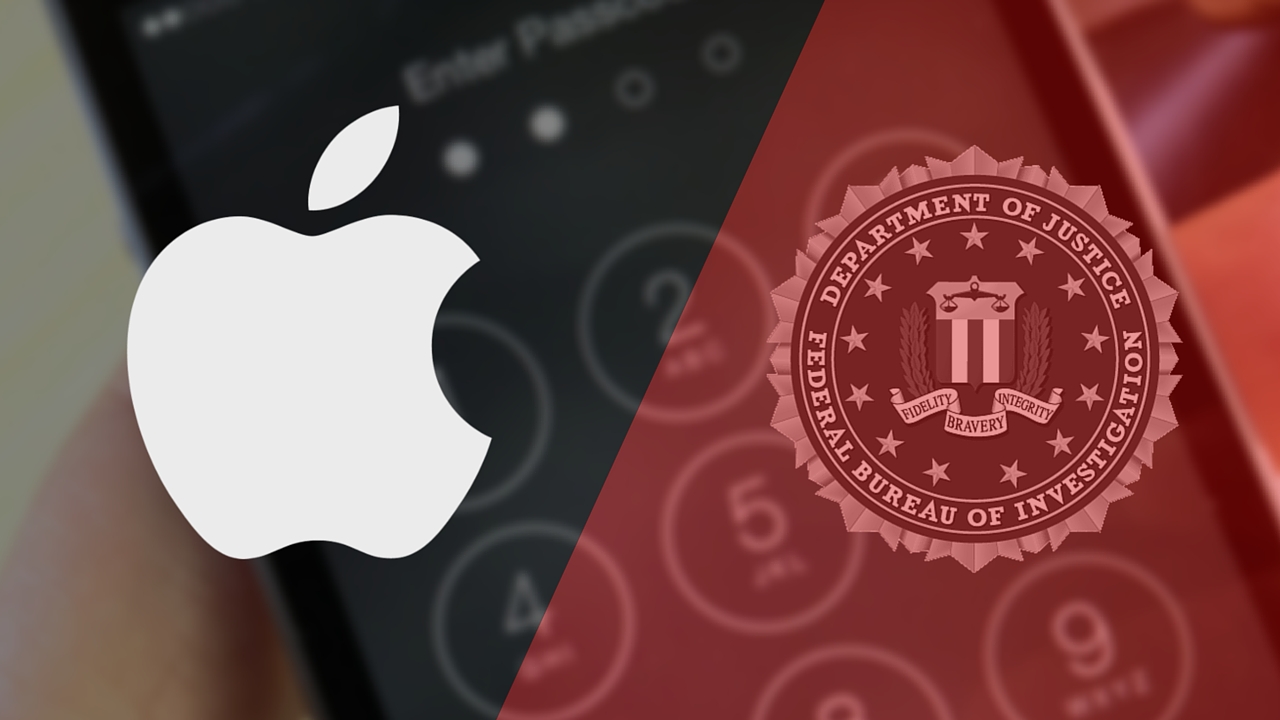
FBI paid $900,000 for the tool to break into San Bernardino shooter’s iPhone 5c

FBI and Apple logos

Just how much did the tool to break into the San Bernardino gunman's locked iPhone 5c cost US taxpayers? According to senator Dianne Feinstein, the Federal Bureau of Investigation coughed up a cool $900,000 to purchase the tool from a third-party.

The Associated Press said Monday that the classified information was revealed during a Senate Judiciary Committee oversight hearing, where senator Feinstein was questioning FBI director James Comey.

“I was so struck when San Bernardino happened and you made overtures to allow that device to be opened, and then the FBI had to spend $900,000 to hack it open,” said Feinstein, D-Calif. “And as I subsequently learned of some of the reason for it, there were good reasons to get into that device.”

While the tool's vendor wasn't named, it's been speculated that the FBI bought the software from Israeli digital forensics firm Cellebrite.

Comey called the sum “worth it” even though the FBI itself said it found “nothing of real significance” after gaining access to the device.

https://www.youtube.com/watch?v=PM7X-EUTowY

Subscribe to iDownloadBlog on YouTube

The FBI sought to protect the identity of the vendor it paid to do the work.

The organization considers the exact sum paid for the tool to be classified information, prompting The Associated Press and a few other news organizations to file a public records lawsuit seeking to force the government to publicly reveal both pieces of information.

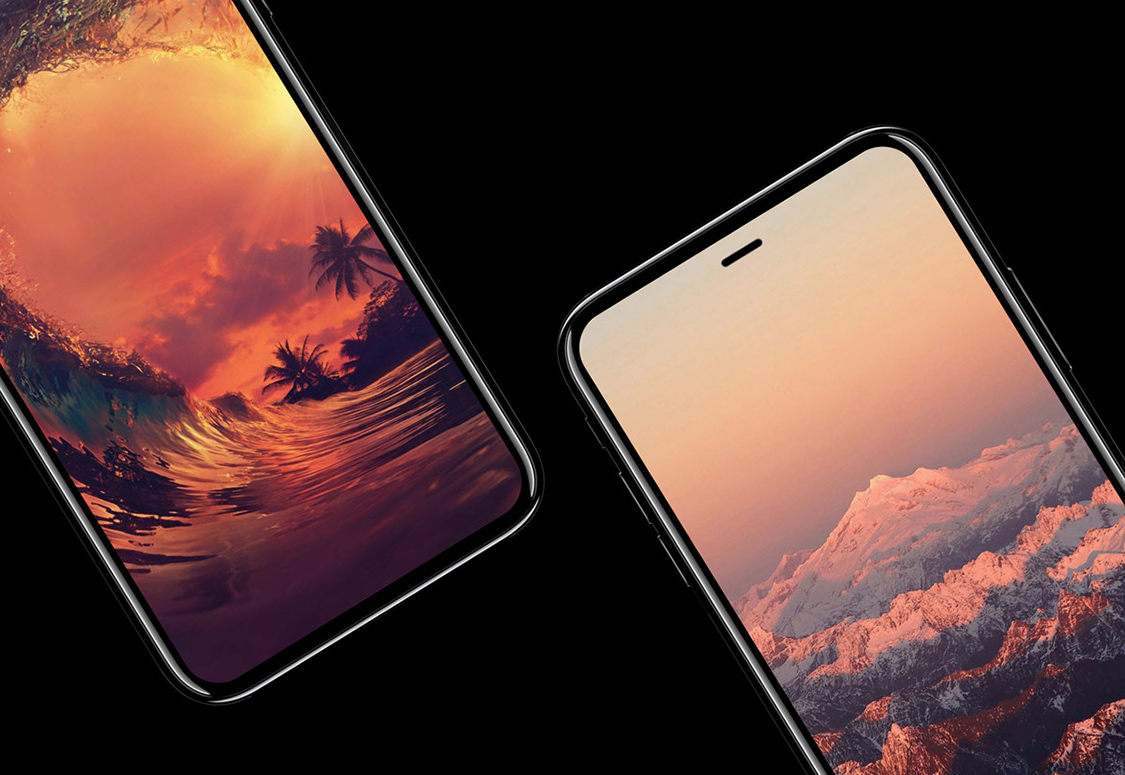
Taiwanese outlet claims there will be no delay for iPhone 8 launch

We still don't know by how long Apple's OLED-based iPhone 8 might be delayed. Be that as it may, a Taiwanese outlet is saying that the flagship handset is on schedule for an announcement in September alongside the iterative LCD-based iPhone 7s and iPhone 7s Plus updates. Apple should begin selling the new iPhone range in October, the Chinese-language Economic Daily News repoted Monday.

An excerpt from the report:

The report defied previous speculations that volume production of new iPhone devices would be delayed to the fourth quarter of 2017 instead of the original schedule in August-September due to yield rate issues on production of some parts.

Contract manufacturers Foxconn Electronics, Winstron and Pegatron are allegedly hiring and training new workers in China in preparation of mass production of 2017 iPhones.

Suppliers should start ramping up production of new iPhone parts in June.

https://www.youtube.com/watch?v=SKqCKdEGEPk

Subscribe to iDownloadBlog on YouTube

Some of the suppliers mentioned in the report include semiconductor maker TSMC, substrate-like printed circuit board makers Zhen Ding Technology and Kinsus Interconnect Technology, as well as battery vendor Simplo Technology.

TSMC is thought to begin producing wafers for Apple-designed A11 chips on June 10 ahead of volume production in the second half of July. Zhen Ding and Kinsus should kick off volume production of related iPhone 8 components in June, added the report.

Older reports have said that the Tenth Anniversary iPhone, as it has been affectionally dubbed by the media, would be delayed because of manufacturing issues related to new components.

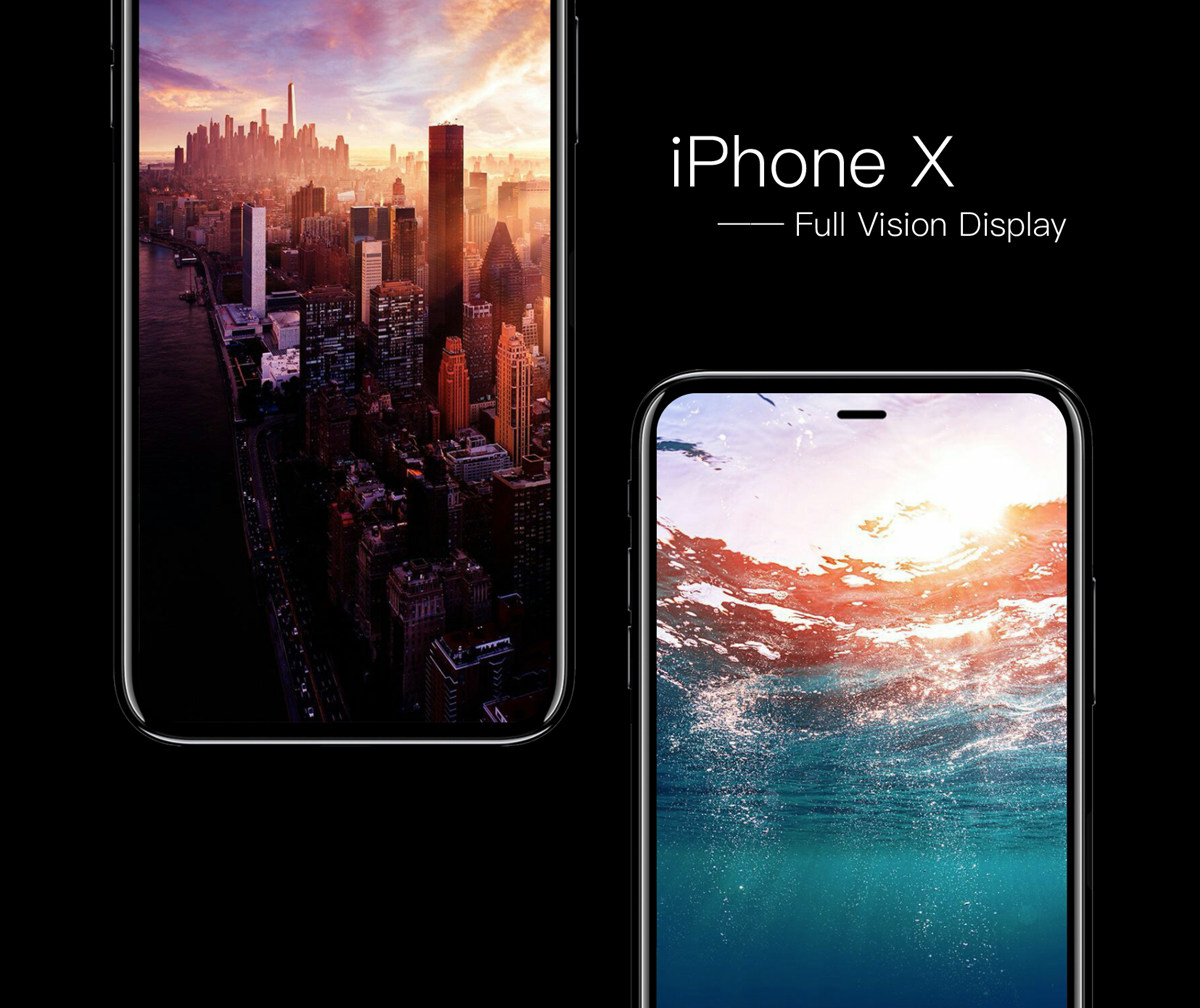
Concept image: iPhone X with Full Vision Display via iFanr

Hey Apple, we need to talk about AirPods (again)!

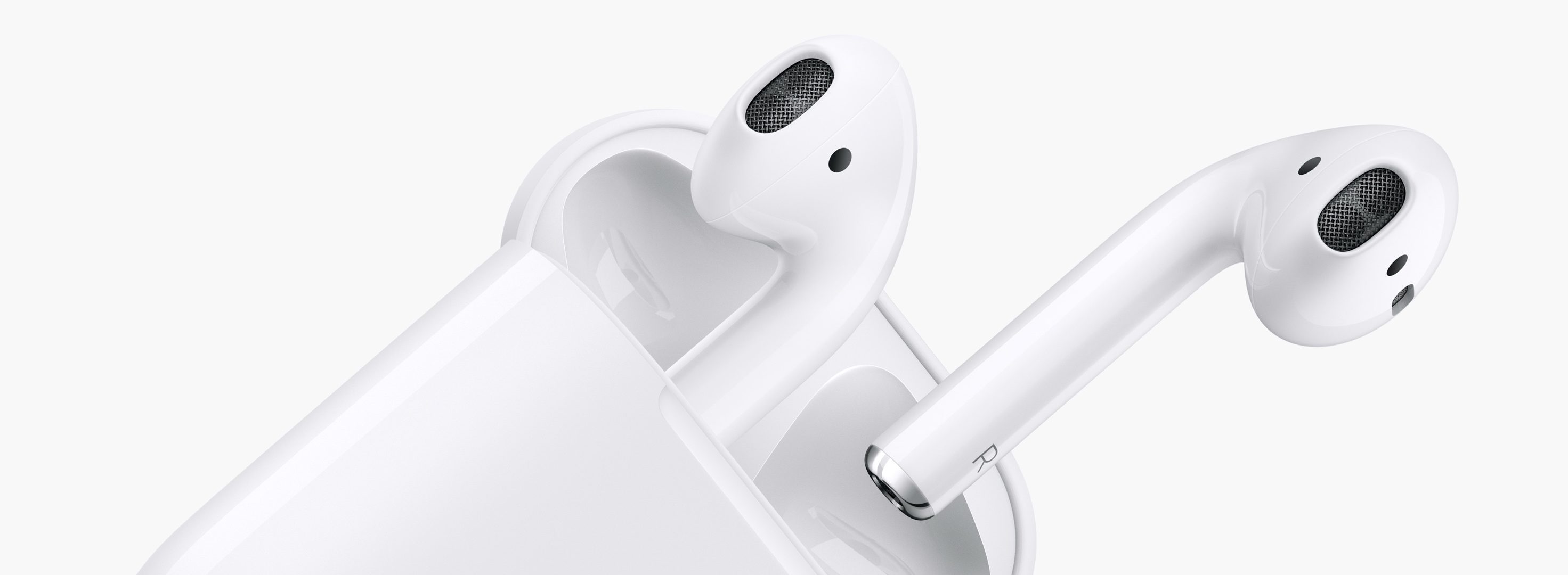
AirPods teaser

On the back of their latest earnings call, a fair bit of renewed attention has been paid to Apple’s prodigious AirPods. In it, we got confirmation of what owners of the cordless headphones likely already knew, and what analysts were anticipating: AirPods crush customer satisfaction surveys and the sales are, to quote Tim Cook, a runaway success. As such, surely the Cupertino head office must feel in a party mood with regard to their EarPods successor?

Put it this way, something tells me the sound and sight of popping bottles and Eddy Cue flailing his arms to the sound of Pharrell’s Happy will have to wait - because for all their success, almost half a year into their lifecycle AirPods remain a problem child. It only takes one metric and four words to back up that not so outlandish case: ships in six weeks.

How to switch between Celsius and Fahrenheit on your iPhone, iPad, and other Apple devices

Two screenshots from the iPhone Weather app with one showing the temperature in Fahrenheit and the other in Celsius

Your Apple devices provide a global setting for representing specific quantities of temperature in apps. You can switch between displaying the temperature in either Celsius or Fahrenheit. Apps that support this feature, including Apple's stock Weather app, honor this setting to display the temperature in your preferred unit regardless of your regional settings.

In this tutorial, you will learn how to easily switch between Celsius and Fahrenheit independently of your other regional settings on your iPhone, iPad, or iPod touch, as well as adjust this setting on other Apple devices, such as your Apple TV, Apple Watch, or Mac.

JPMorgan: iPhone 8 to bring enhanced stereo sound and waterproofing, ship with AirPods

JPMorgan analysts who track Apple's supply chain in the Asia-Pacific region, including Gokul Hariharan, shared a new research note this week. In it, the they predicted that the company's upcoming iPhone 8 will come outfitted with an enhanced earpiece sporting “further improvements” to stereo sound and waterproofing.

The note, obtained by MacRumors, does not specify what acoustical improvements Apple could introduce to iPhone 8's earpiece.

JPMorgan also made the prediction that AirPods could come as a free accessory with iPhone 8. If true, Apple's $159 wireless earbuds could replace the firm's $29 wired EarPods with Lightning connector that come in the box with current iPhone models.

https://www.youtube.com/watch?v=R17WDY3BIfo

Subscribe to iDownloadBlog on YouTube

The research note mentions other previously rumored iPhone 8 features, like an OLED display, a stainless steel and glass design, a faster A11 processor, a larger battery, wireless charging and enhanced cameras with new sensors for 3D mapping, 3D selfies, facial recognition, augmented reality capabilities and more.

The analysts estimate that iPhone 8 will be $75 to $80 more expensive to manufacture.

iPhone 7 became the first iPhone to feature stereo sound.

Rather than use two separate speakers at the bottom of the device, Apple has opted to combine a speaker unit at the bottom with the earpiece at the top to create “immersive stereo sound” delivering two times the audio output of iPhone 6s and increased dynamic range.

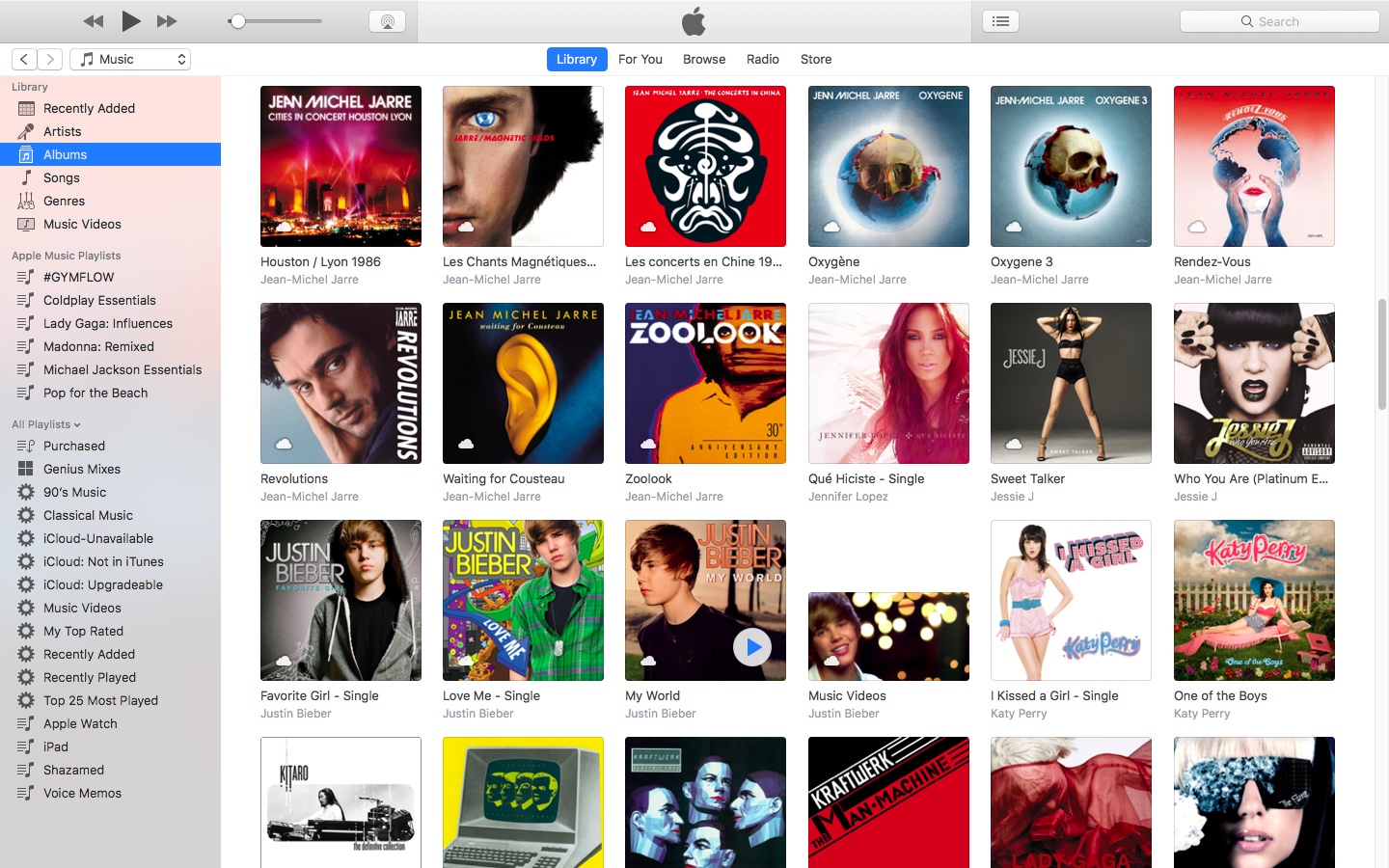
How to open your iTunes playlists in separate windows

In older versions of iTunes, you could easily open a playlist in a separate window. It was both a great time-saver and a boon to your productivity, especially on large screens.

For reasons unknown, Apple has removed that functionality from the iTunes 12 update which was overhauled around a single-window workflow.

Thankfully, the company has reinstated the ability to open playlists in new windows with iTunes 12.6. Here's how to open your playlists in their separate windows using iTunes for Mac.

How to open your playlist in a new iTunes window

1) Launch iTunes on your Mac.

2) Choose Music from the menu near the upper-left corner, then click the Library tab.

3) In the lefthand column, right-click or Control (⌃)-click your playlist underneath the All Playlists heading, then select the option Open In New Window from the popup menu.

This will open a new iTunes window containing the selected playlist, as shown top of post.

You can drag songs at will between the playlist windows and open as many playlists in separate windows as you like. I don't have that many playlists created in iTunes so I was able to open “only” four playlist windows, but it worked like a charm.

How to open an Apple Music playlist in a new window

Playlists on Apple Music cannot be opened in their separate windows unless they're in your iTunes library. To do so, follow the steps below:

1) Launch iTunes on your Mac.

2) Choose Music from the popup menu near the upper-left corner of the window, then click either the Library or the For You tab.

3) Find a playlist on Apple Music and click the three dots in the lower-right corner of playlist graphics to bring up the contextual menu, then choose the option Add to Library.

4) With the selected Apple Music playlist now in your iTunes library, switch to the Library tab, right-click it underneath the Apple Music Playlists heading in the lefthand column, then select the Open in New Window command.

Just like that, the selected Apple Music playlist from your library opens in a new window.

iTunes playlists windows and Split View

Sadly, playlists windows in iTunes don't support macOS's useful Split View feature.

If iTunes supported Split View properly, it could have been a great multitasking feature. In other words, you cannot browse your iTunes library in the main window and have your favorite playlist in its separate window in macOS's Split View mode.

And that's it, boys and girls!

Pass along this article to other Mac users you support and don’t forget we accept your submissions regarding future coverage ideas via tips@iDownloadBlog.com.

If you have any questions, please post a comment below.