Apple Watch

Stay up-to-date on the latest Apple Watch news, and learn how to get the most out of your device with our comprehensive tutorials. From updates to features to troubleshooting tips, we’ve got you covered.

Apple Watch popup store in Paris shuts down

From the onset, Apple was pushing Apple Watch as a fashion device and set up popup stores in high-profile department stores like Galeries Lafayette in Paris, Selfridges in London and Isetan in Tokyo. With the second-generation Apple Watch, fashion was de-emphasized in favor of the fitness and health aspects of the device.

As a result, Apple began shuttering these stores-within-stores which mostly promoted Apple Watch Edition models anyway. After closing the popup shop in London, the Parisian one has now closed due to poor sales. The Galeries Lafayette outlet is no longer listed on Apple's Retail website in France.

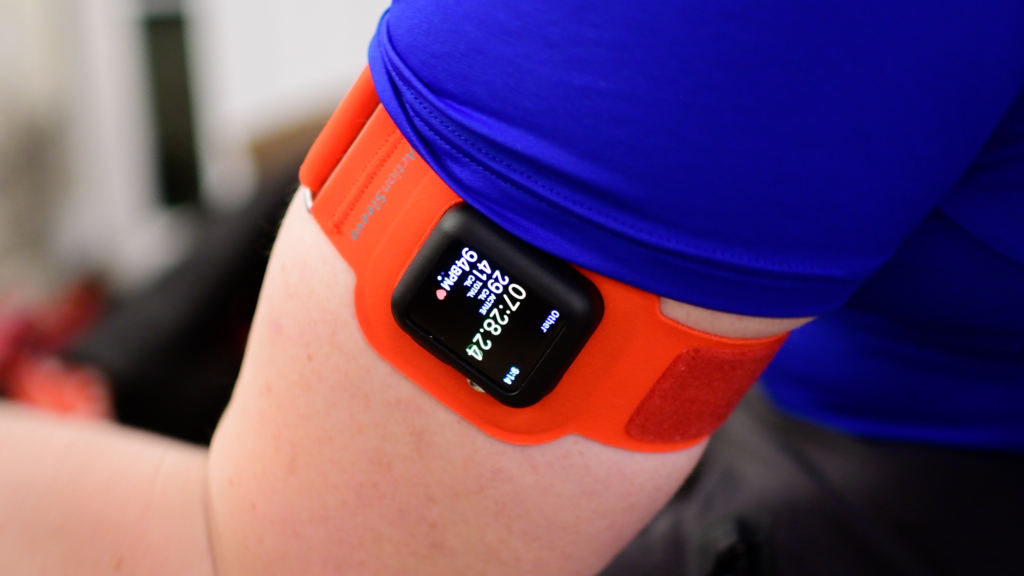
Twelve South’s ActionSleeve puts Apple Watch in a better spot for some sporting activities

Twelve South recently released their new Apple Watch-oriented armband called the ActionSleeve, which relocates the Apple Watch to the upper arm for certain activities, such as rigorous sports, where the wrist isn’t the ideal place to have it.

In this review, we’ll talk about the ActionSleeve’s build quality, comfort, and usability, as well as where you can get your own.

Want podcasts on your Apple Watch? There’s finally an app for that

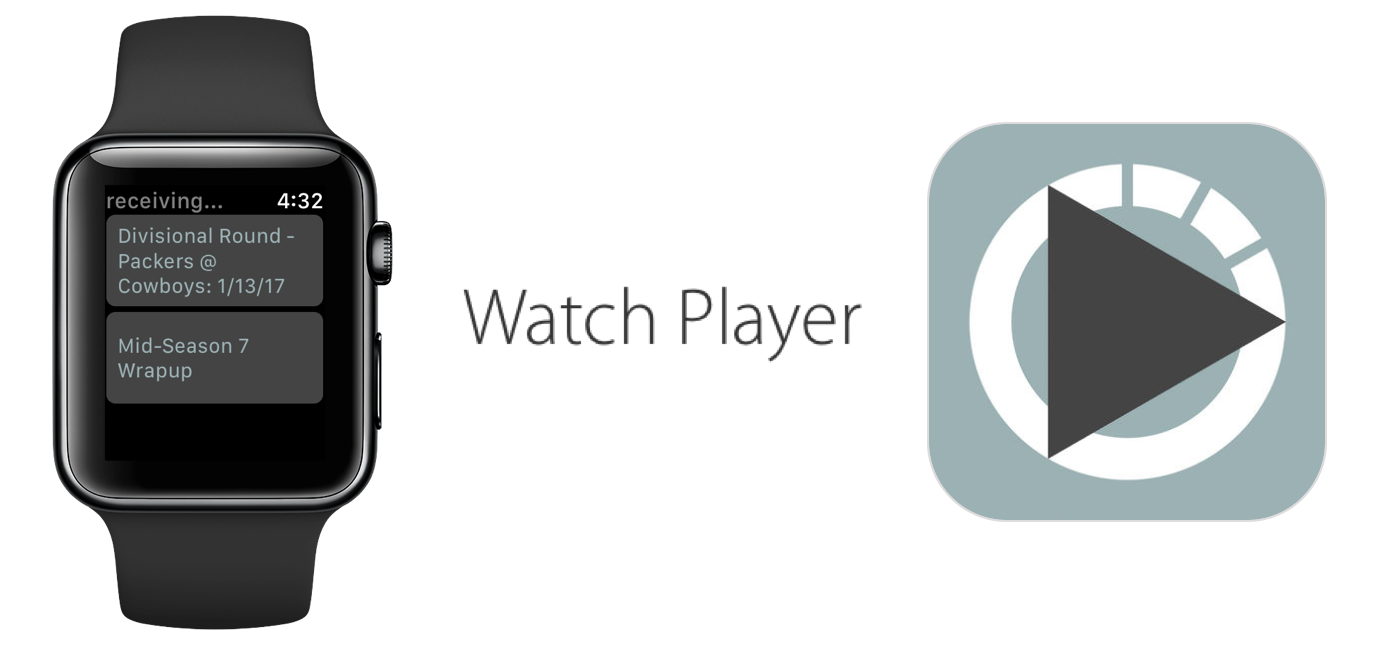
The ability to store and play podcasts on Apple Watch is one of many features advocated for regarding future watchOS updates, but so far it has fallen on deaf ears at Apple. With the cries for podcasts on Watch slowly reaching fever pitch, developers have taken matters into their own hands and released a fully functional podcast app that enables the transfer of your favorite subscriptions from iPhone to Apple Watch.

The app goes by the name WatchPlayer and (while moody at times) gives a solid account of itself, effectively beating Apple to the punch in the podcast race. Find out below how the data transfer is realized, where it trumps Apple's stock apps and what areas of WatchPlayer could do with some attention.

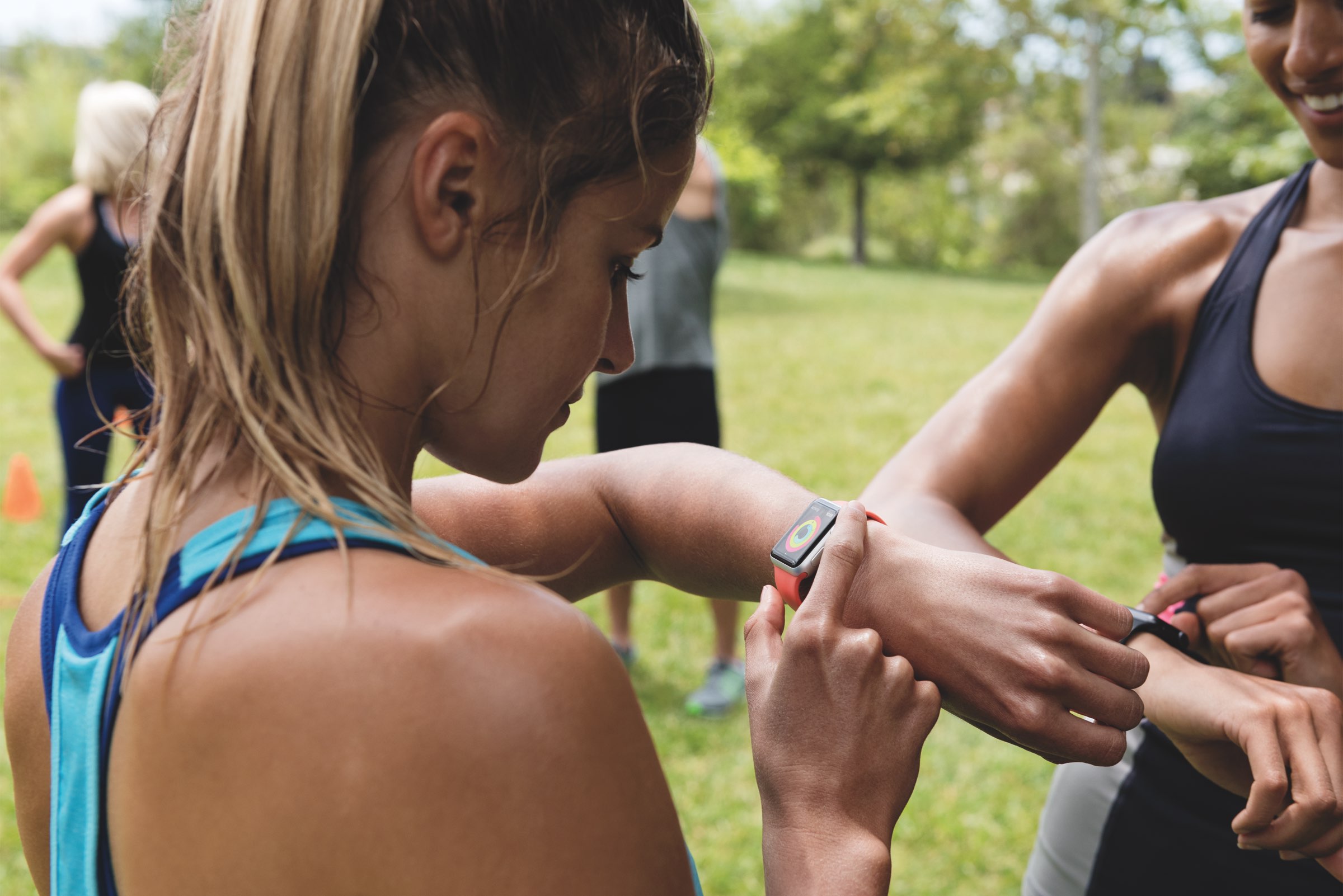
New fitness-focused Apple Watch ad challenges you to close your Activity rings

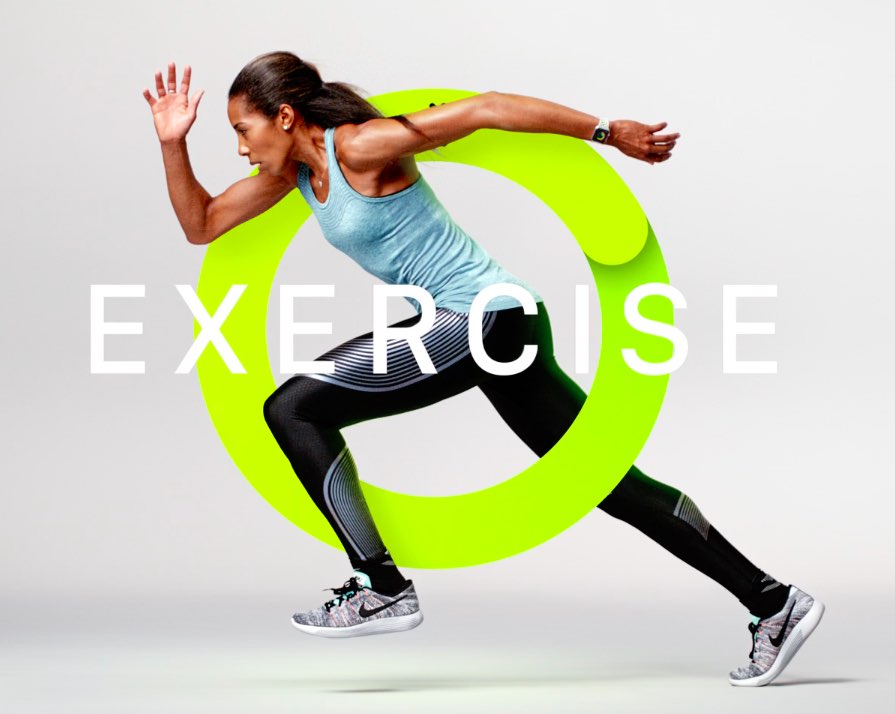
Apple's official YouTube channel was refreshed Saturday with a new advertisement for Apple Watch Series 2, challenging viewers to close their Activity rings by moving more, having some exercise and standing up every 50 minutes for a bit. The firm also shared three new ads for AirPods today, highlighting such features as Siri integration, seamless Bluetooth pairing on Apple gadgets via the W1 chip and more.

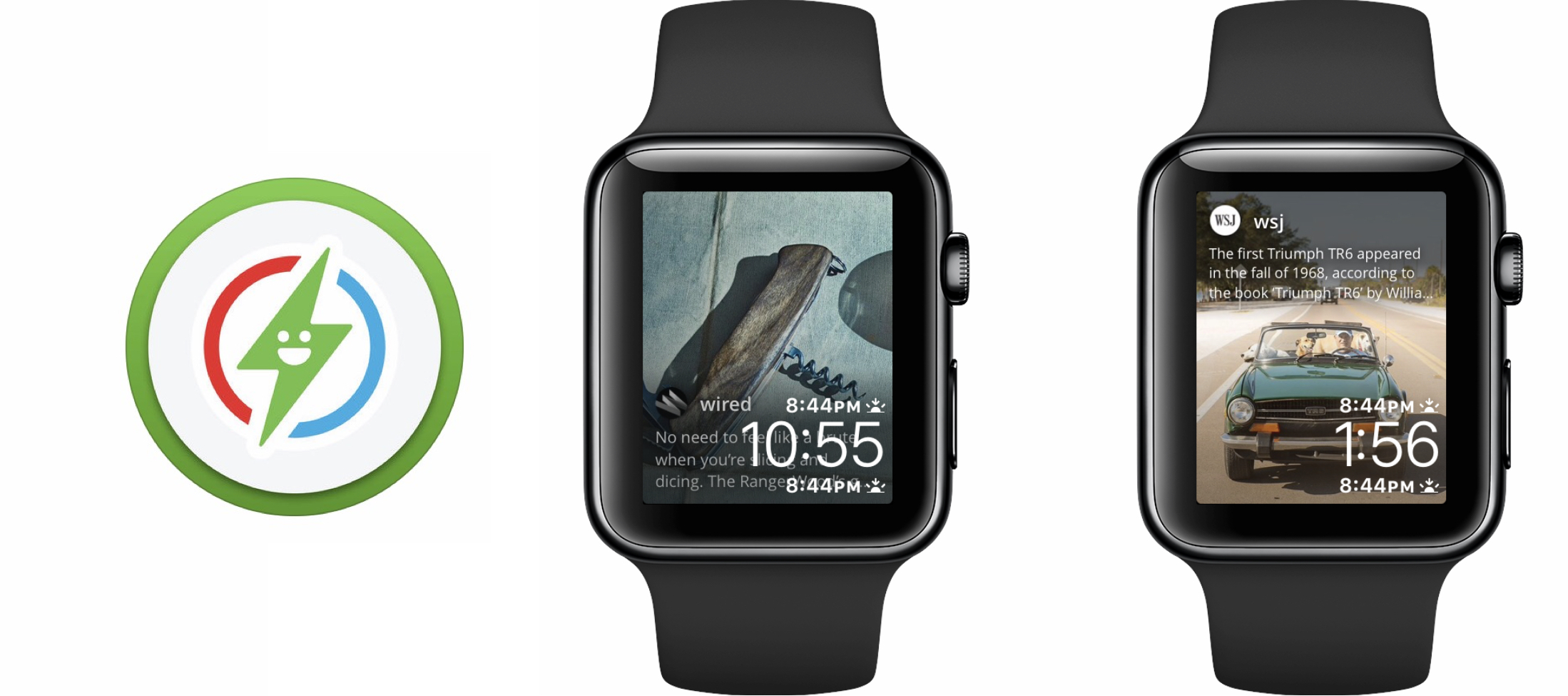
Glimpse is an Apple Watch app news addicts will love (with reservations)

Every once in a while a Watch app comes along that brings something ostensibly new to the table. Glimpse, a project that sets out to relay real-time content from your iPhone straight to your Apple Watch’s watch face, is one of those notable additions. The app is home to a handful of social networks and about twenty prolific news outlets, which subject to your taste can selectively refresh on your iPhone and welcome you with new content every time you glance at your watch face.

The promise and potential of Glimpse is uncontested, but so are the flaws in its execution as of today. So before you speed to the App Store, think over the following items to find out if Glimpse has been tailored to you.

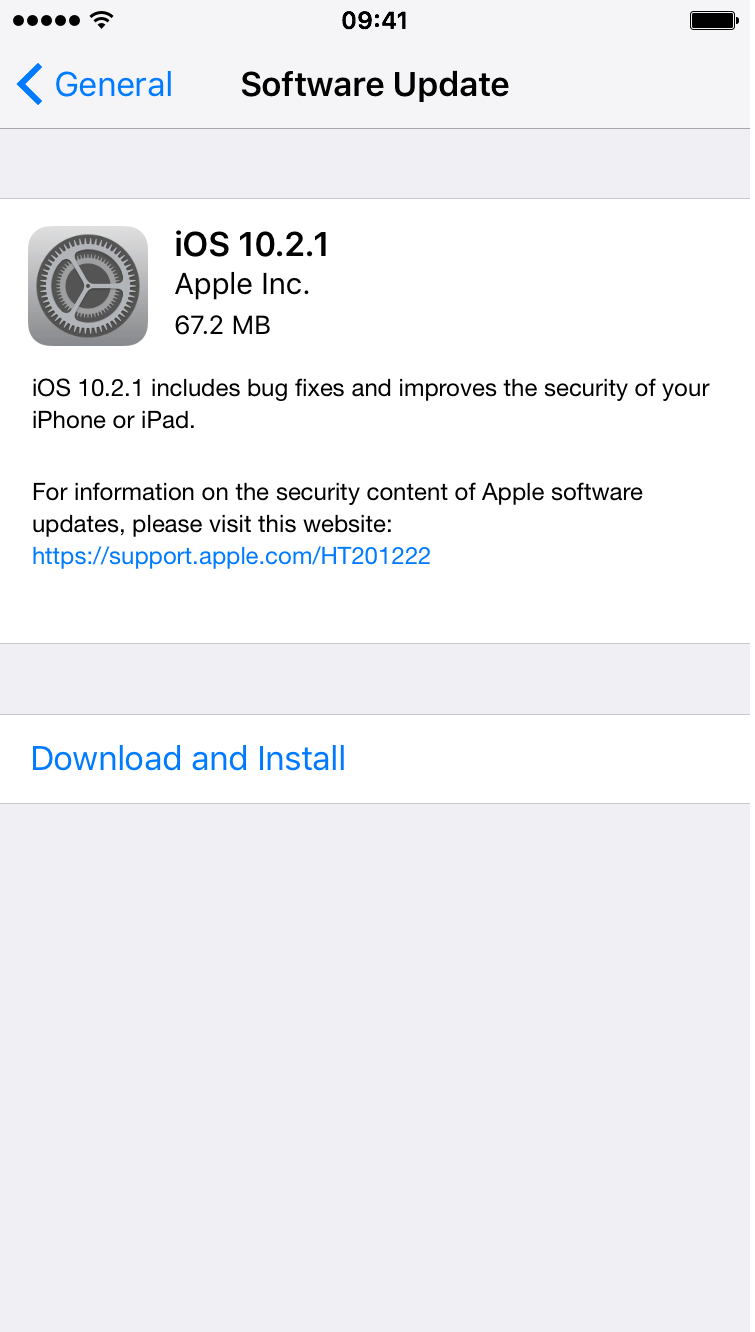
New betas of iOS 10.2.1, macOS Sierra 10.12.3, watchOS 3.1.3 and tvOS 10.1.1 now available

Apple today released new OS betas to its registered developers. iOS 10.2.1 beta 3 (build 14D23), macOS Sierra 10.12.3 beta 3 (build 16D25a), watchOS 3.1.3 beta 2 (build 14S959) and tvOS 10.1.1 beta 2 (build 14U711) are now available for testing to the members of Apple Developer Program.

The latest builds can be installed over-the-air via the Software Update mechanism on devices that have an appropriate configuration profile installed on them.

The new builds have arrived nearly three weeks after a second beta of iOS 10.2.1 and macOS Sierra 10.12.3 released to registered developers.

Testing the operating range of AirPods and Beats Solo3 vs non-W1 Beats headphones

Much has been said about the virtues of the W1 chip Apple started baking into their latest wireless Beats line-up and of course the AirPods. By now we know for sure that W1 facilitates a much faster pairing process, as do we know that the chip significantly amplifies both battery life and conservation techniques. What’s less prominently talked about - at least from official sides - is the operating range of these wireless headphones and the presumed effect the W1 chip addition has had on that benchmark.

For I felt information on the internet was just a bit too murky to count on, I decided to take it upon myself and conduct a little experiment: I packed my rucksack with four headphones (two of which boast the new W1 chip) and headed to a nearby park in order to pit them against each other. Pairing them one after another and then slowly making a bee-line for the opposite direction, one thing quickly became clear: the results for the maximum distance obtainable aren’t surprising in terms of order, but they definitely are in their clarity.

The W3 Stand turns your Apple Watch into a vintage Macintosh

If you have an Apple Watch and an affinity for vintage computer hardware, you're going to love the W3 Stand from Elago. It's a short, stumpy stand that's built to make your Apple Watch look like an old-school Macintosh.

The stand is made of scratch-resistant silicone, and it conveniently holds your Apple Watch horizontally in Nightstand Mode. This allows you to view the current time, date, charging status and Calendar events at a glance.

How to mute progress updates from your friends and hide your own data in Activity sharing

Apple Watch Activity teaser

Activity sharing is a tried and tested way to boost your app engagement by pitting your own fitness data against others that are willing to share theirs. Fitbit and Nike knew for a while of the extra motivation released when someone else monitors your activity, Apple knows full well since iOS 10 and watchOS 3. Agreeing to share and relay your activity on Apple Watch can hence be an inspirational thing, but it also results in a considerable increase of wrist-buzzing every day.

If you have committed to sharing your activity and your patience with the daily activity updates from your friend is starting to wear thin, remember that there is an option to mute those notifications. The tutorial also demonstrates how to hide your own activity from that friend, in case you don’t want them to know about your newest calories crushing workout just yet.