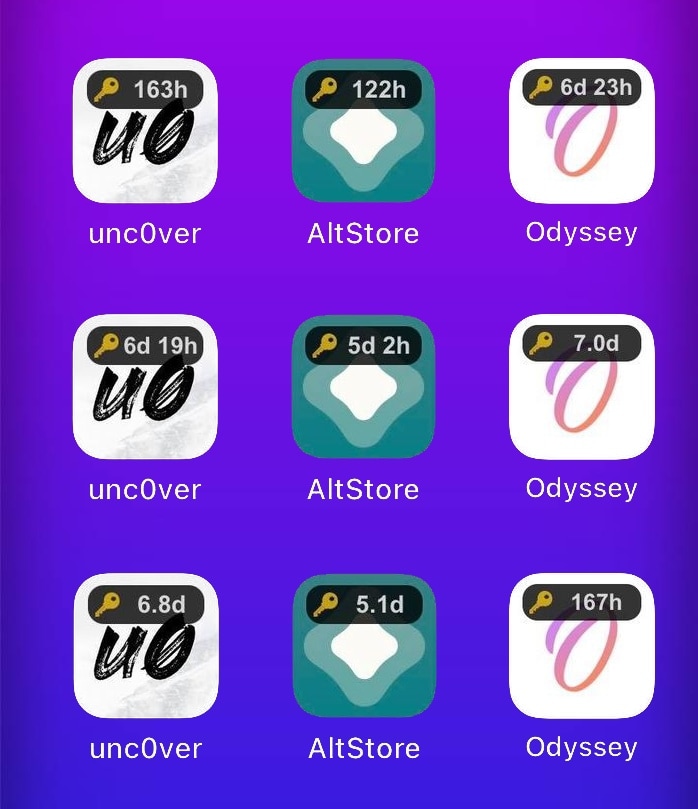
Monitor the certificate time remainders of side-loaded jailbreak apps with IconCert 14

As a jailbreaker, I appreciate just how easy AltServer and AltStore make the process of side-loading semi-untethered jailbreak apps like Odyssey and unc0ver to my iPhones and iPads. On the other hand, it can be burdensome to keep track of how many more days those apps will work before they need to be signed again.

The AltStore app provides a handy native-style widget for iOS & iPadOS 14 devices that can help you keep track, but if you prefer something more conspicuous, then we think there’s a high likelihood that you’ll appreciate a newly released and free jailbreak tweak called IconCert 14 by iOS developer Hao Nguyen (haoict).
Switch between Active Noise Cancellation & Transparency modes more easily with QuickANC

If you have a pair of AirPods Pro or AirPods Max at your disposal, then chances are you’ve become somewhat fond of their Active Noise Cancellation and Transparency modes. The only problem? – Switching between those modes in a pinch, especially in rapid succession, tends to be a cumbersome two-step process.

Recognizing that this process could do with some refinements, iOS developer exodia9610 conceived a new and free jailbreak tweak known as QuickANC.

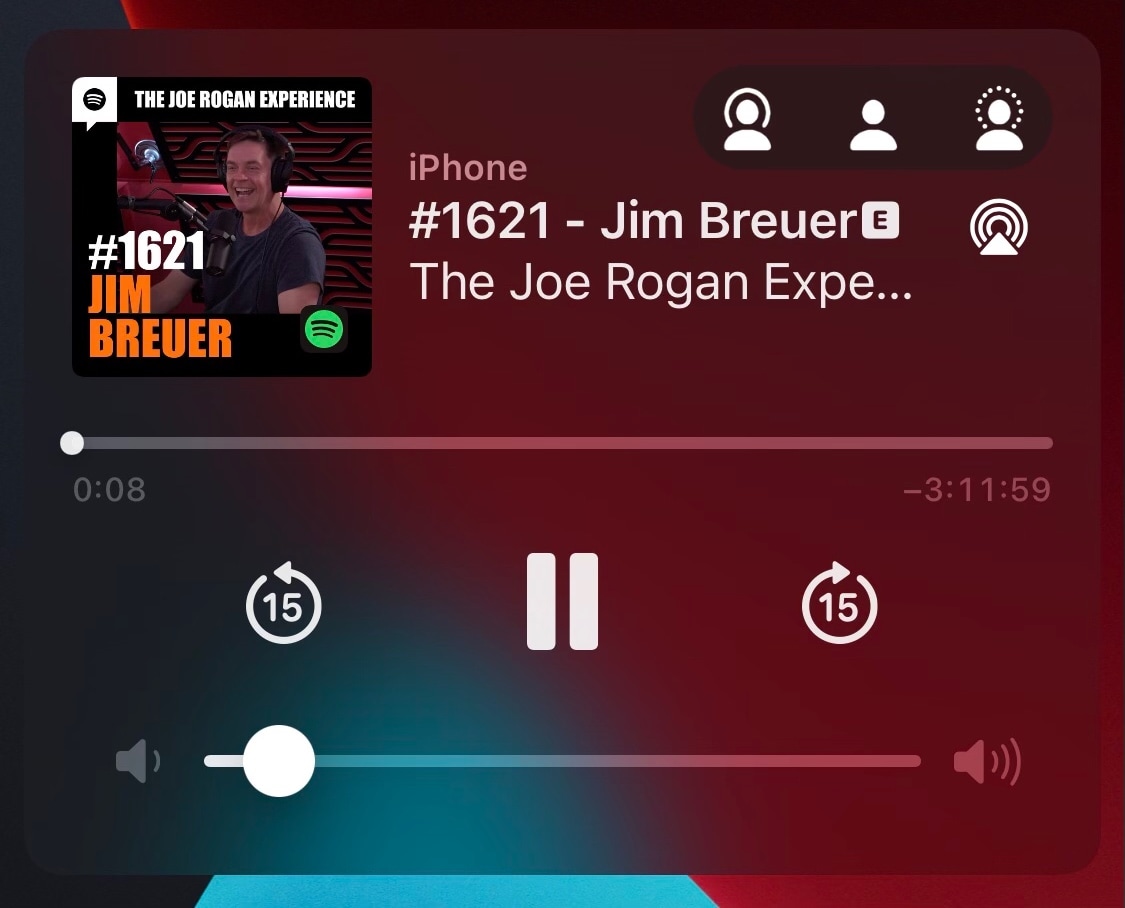
WaggleTunes adds a free-floating music widget to jailbroken iOS & 14 devices

Apple, being a major player in the music streaming service sector with Apple Music, spends a lot of time refining the music consumption experience on its devices. In fact, we’d even go as far as to say that iPhones and iPads have some of the best music consumption interfaces in the industry.

Still, unless you’re physically inside of the Music app or another music apps of your choosing, the only other places you can go to interact with your media playback will be the Lock Screen, Notification Center, or Control Center. These are always a gesture away, and for someone who wants instantaneous access to music playback controls, that’s one gesture too many.

How many subscription services do you pay for?

Is Apple a services company these days? It's certainly possible to make that argument. And being in the Apple ecosystem probably means you pay for at least a couple of different options offered by the company. But with so many other offerings out there, it can be a task simply choosing which ones to keep.

14PiP ports iOS 14’s sleek Picture in Picture interface to jailbroken iOS 13 devices

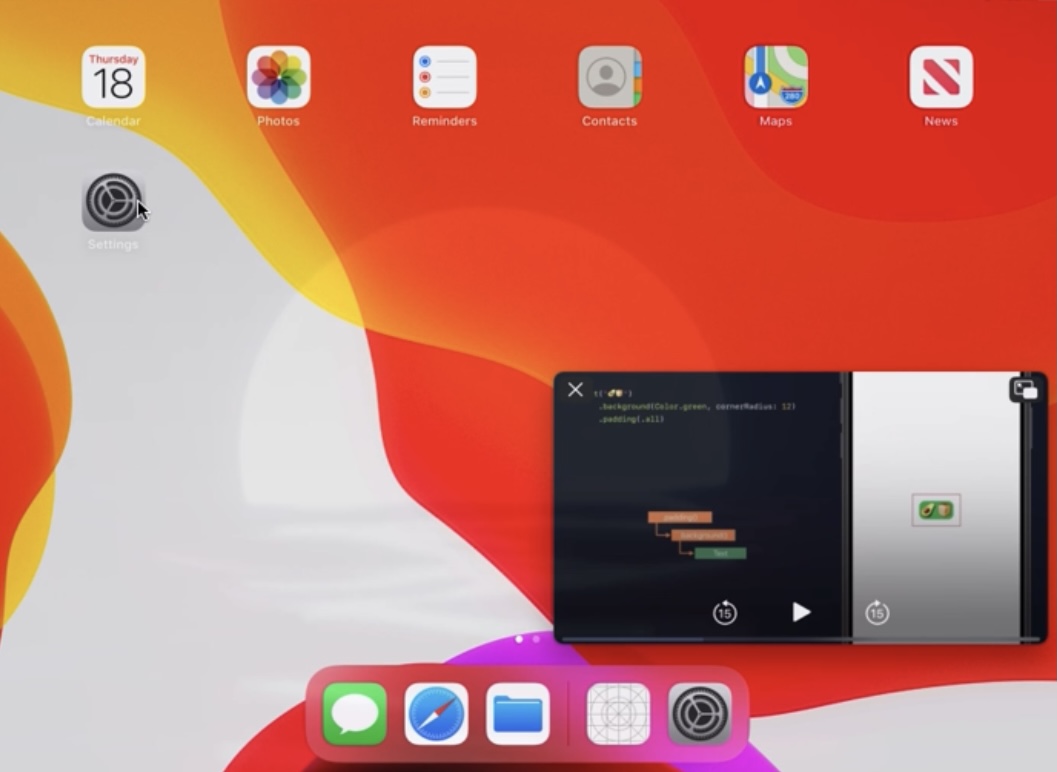
Both iOS & iPadOS 13 and 14 support native picture-in-picture mode — a feature that activates a floating video player so that you can watch a video while continuing to use other apps on your device — but this interface doesn’t look as sleek on iOS & iPadOS 13 devices as it does on iOS & iPadOS 14 devices.

If you’re jailbroken on iOS or iPadOS 13 and you’re interested in having the iOS or iPadOS 14 picture-in-picture interface on your handset without updating to the latest firmware, then we think you’re going to take an interest in a newly released and free jailbreak tweak dubbed 14PiP by iOS developer Galactic Dev.

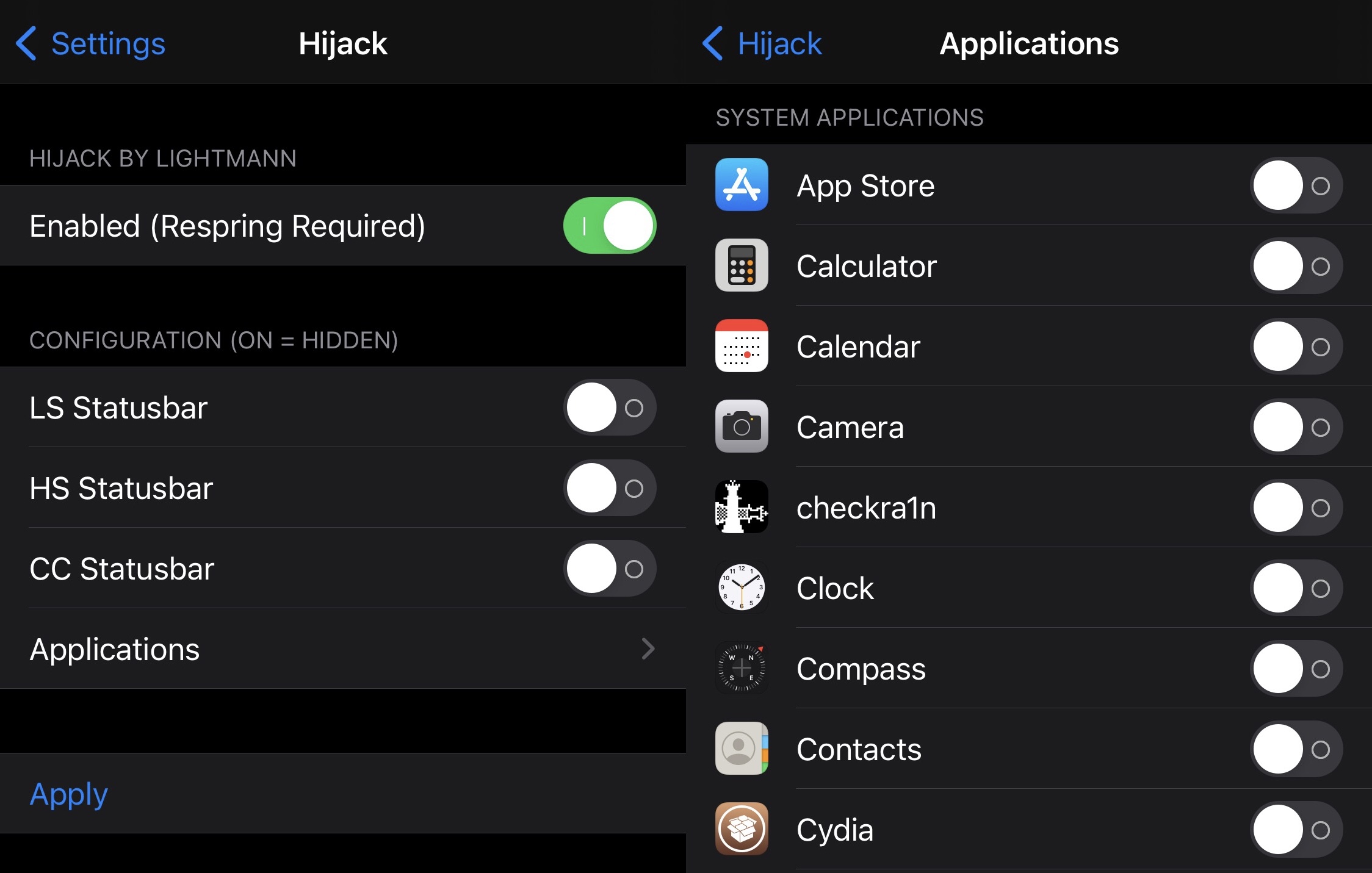
Hijack allows jailbreakers to dictate where and when the Status Bar appears

It was only a couple of days ago that we showed you a free jailbreak tweak dubbed ForceBar, which permitted the end user to hide or show their handset’s Status Bar on a per-app basis.

But a newly released and free jailbreak tweak called Hijack by iOS developer Lightmann one-ups the first release by providing not only app-based controls over when the Status Bar does or doesn’t appear, but also systemwide controls.

Apple halts downgrades to iOS 14.4 after releasing iOS 14.4.1

Apple released iOS & iPadOS 14.4.1 last Monday alongside similar updates for macOS and watchOS with security vulnerability patches. But as many already know with Apple’s rather frequent software updates, it’s never long after a release before the company stops signing the previous version of its mobile operating system(s).

Such is the case with iOS & iPadOS 14.4, which Apple stopped officially signing just this evening. This move on the Cupertino-based tech giant’s part means that iPhone, iPad, and even iPod touch users will no longer be able to downgrade their firmware from iOS or iPadOS 14.4.1 to the older iOS or iPadOS 14.4 release.

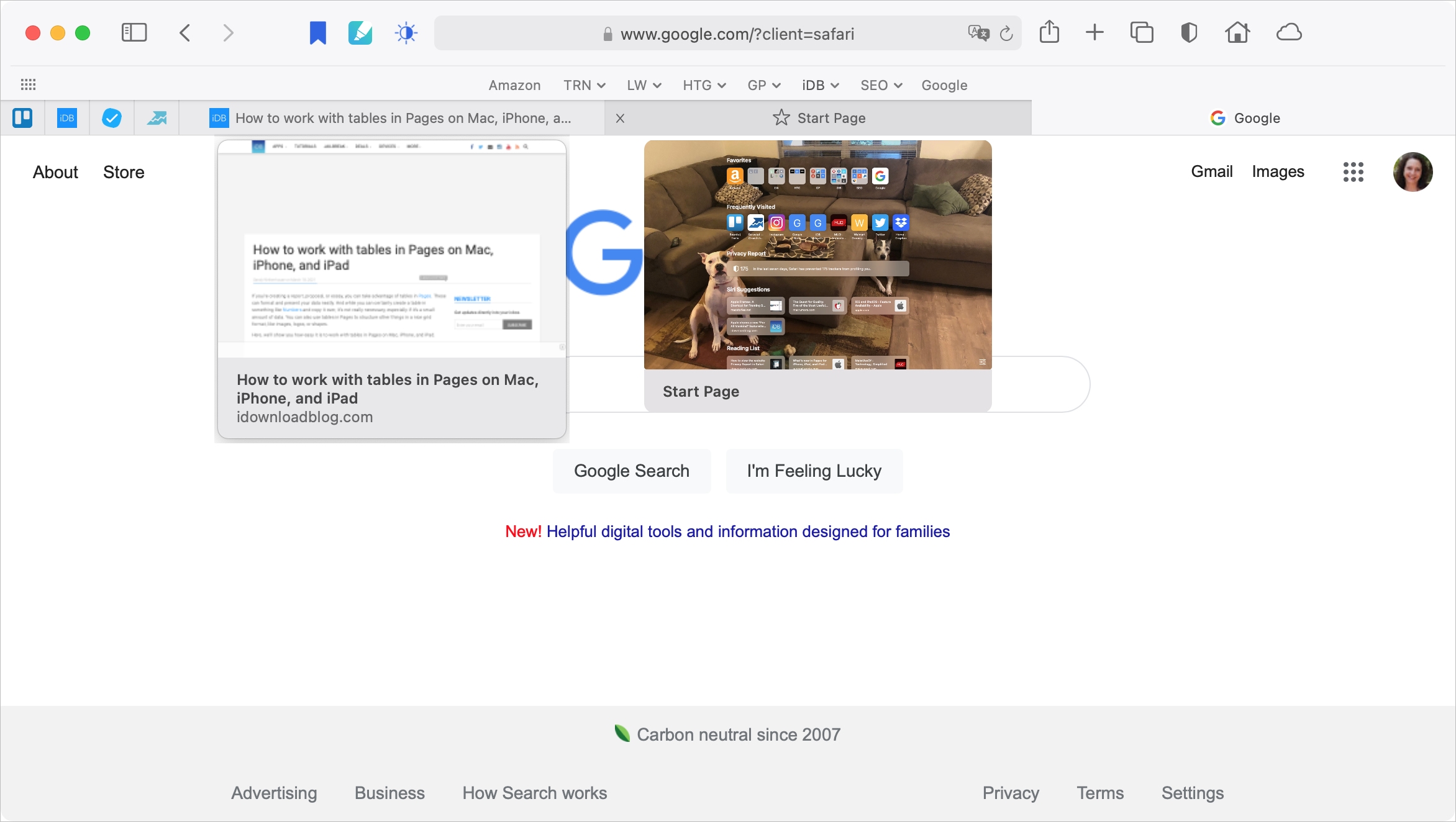
How to turn off the tab previews in Safari on Mac

Safari with Tab Previews on Mac

With Safari 14 on Mac came a cool feature for tab previews. This allows you to see a tiny snapshot of a webpage you have open in another tab when hovering your mouse over this tab. The thing with this feature is, it’s simply not for everyone. Some find it distracting. If you fall into this group, we’re here to help. Here’s how to disable the Safari tab previews on your Mac.